

What is this?
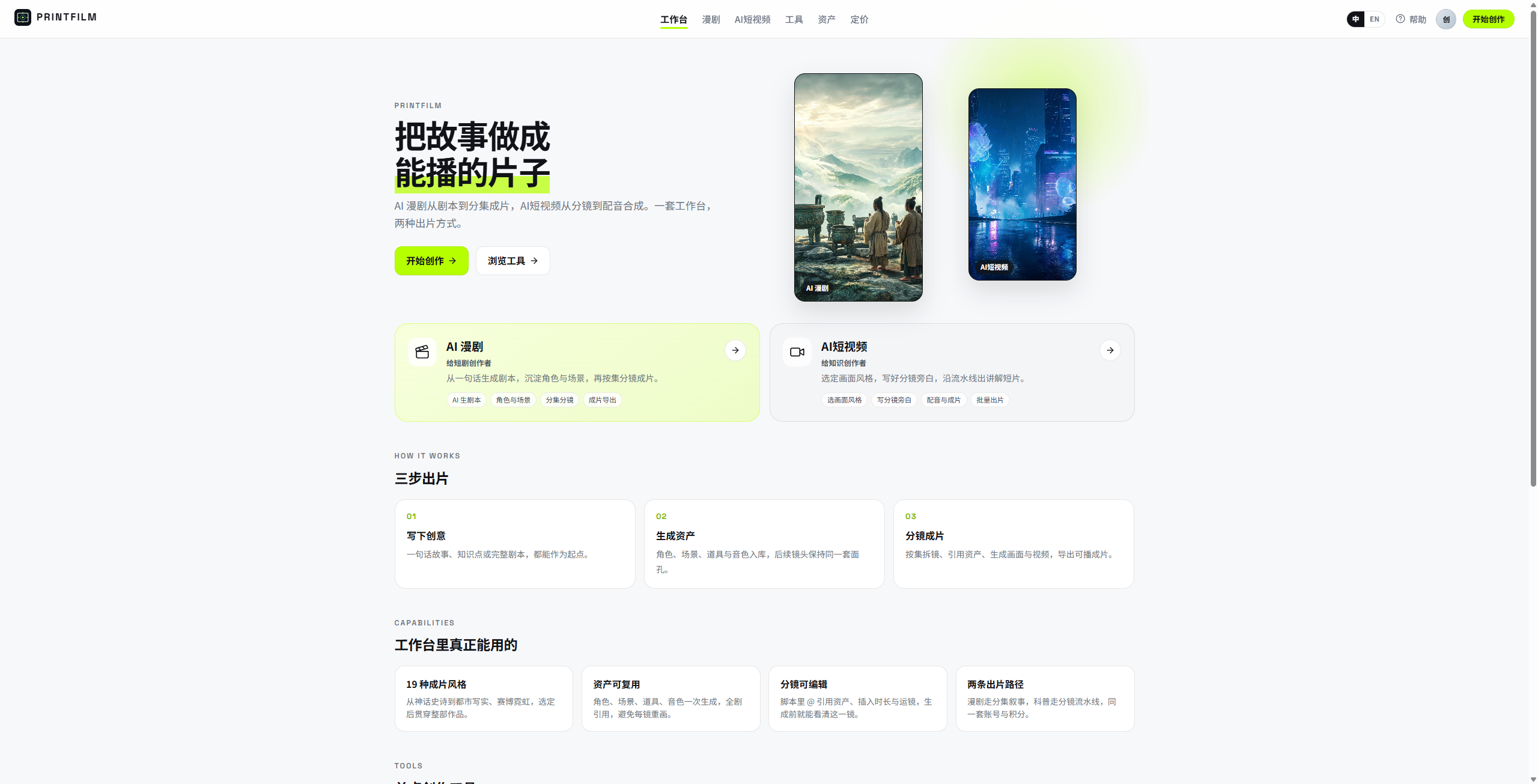
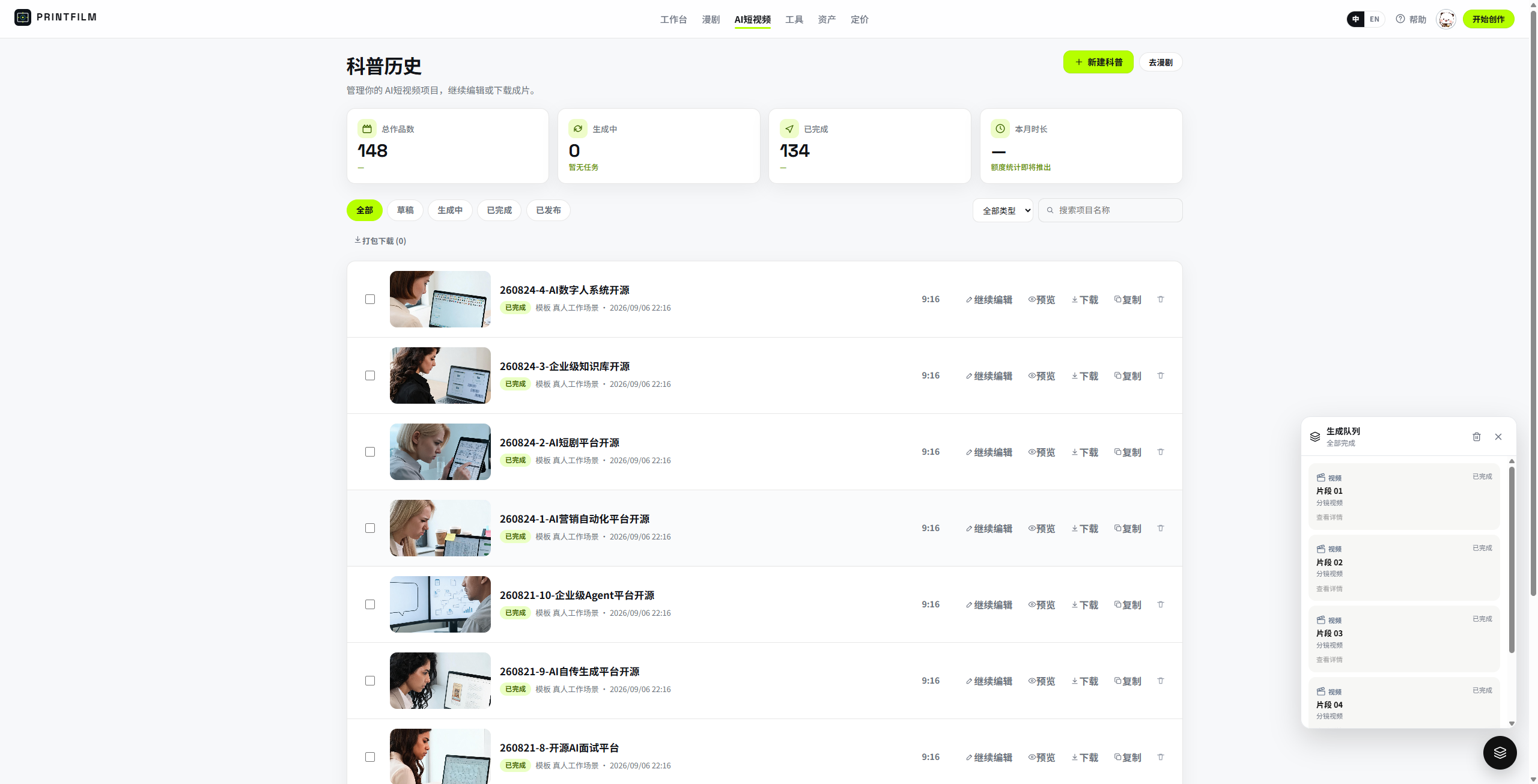
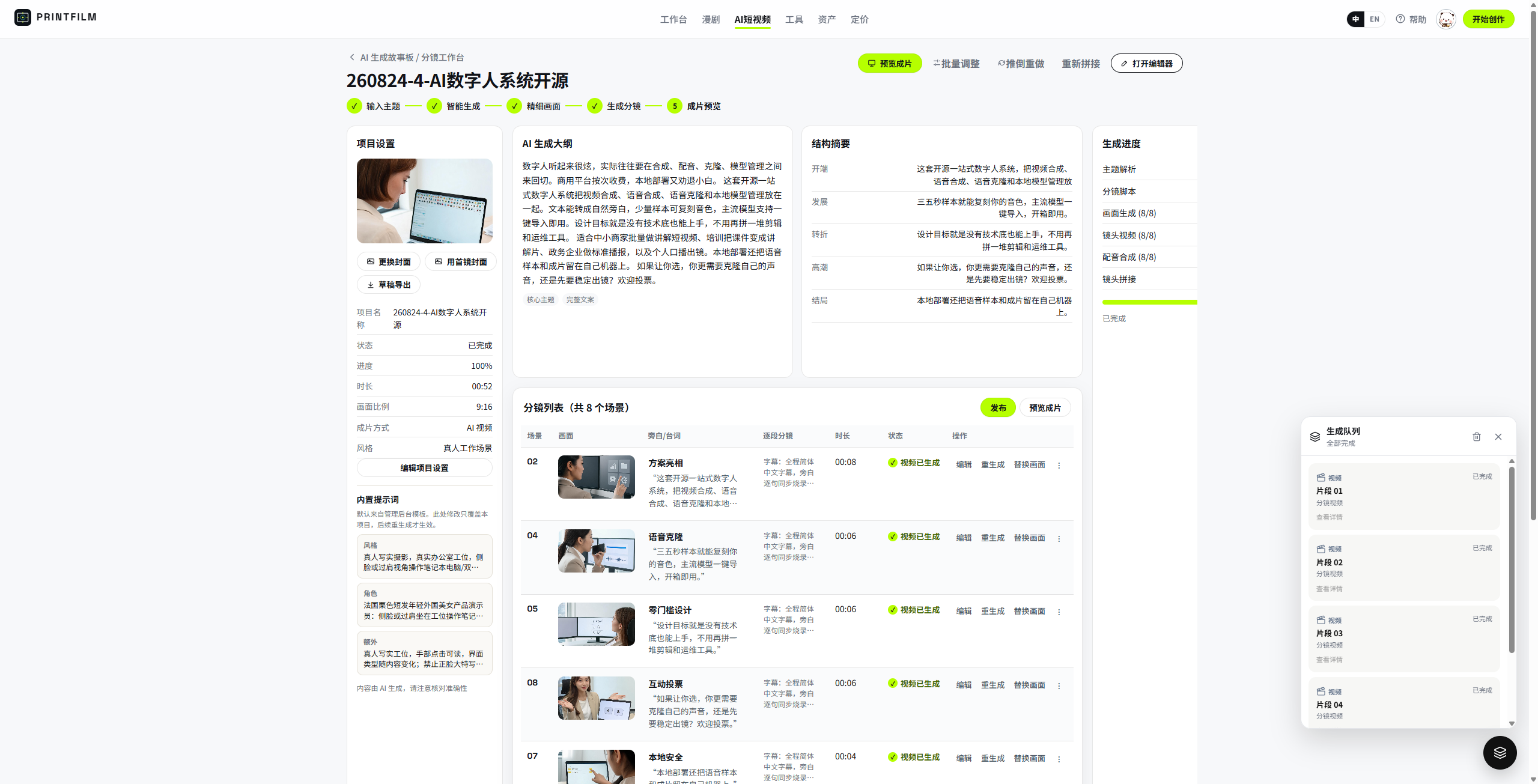
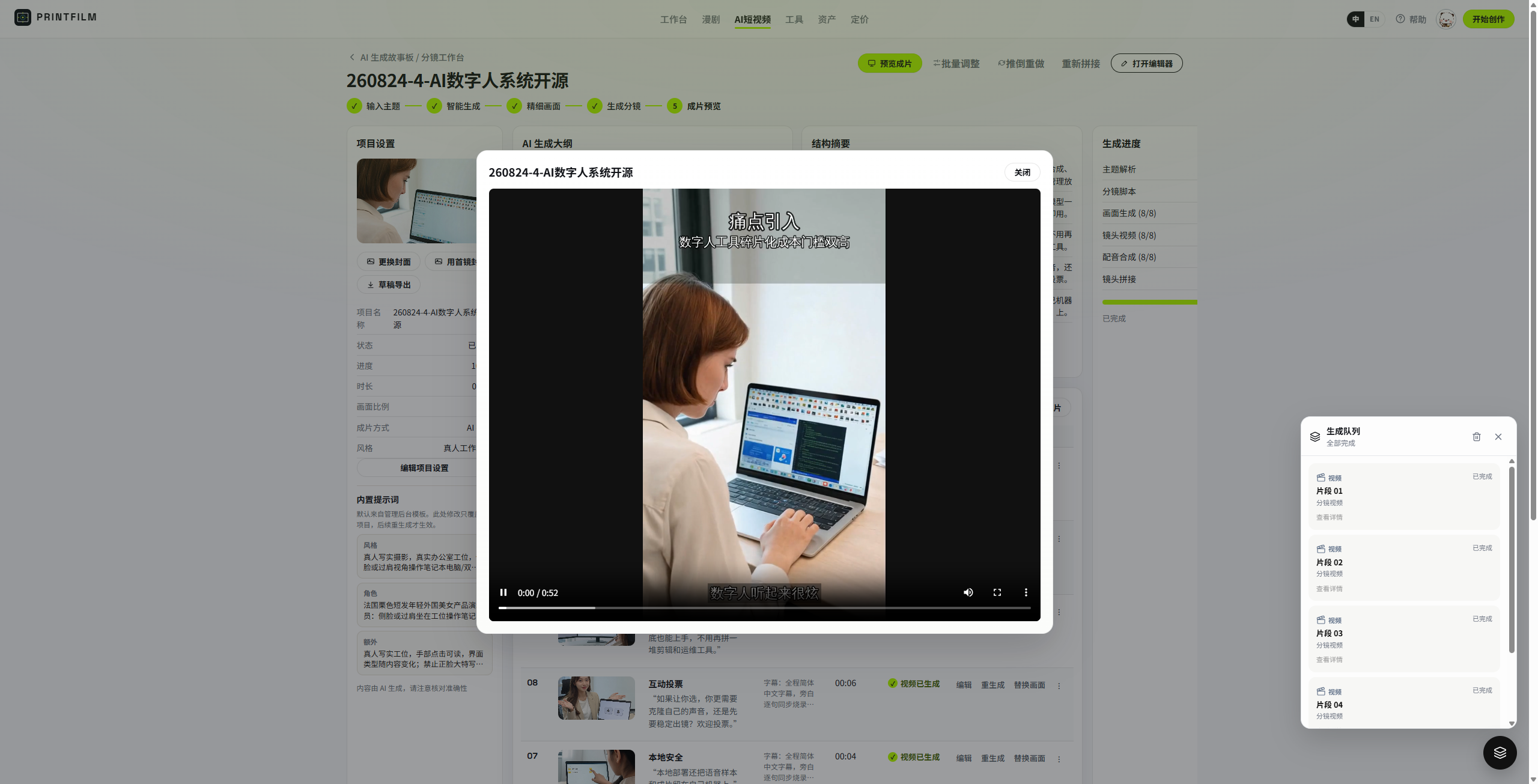
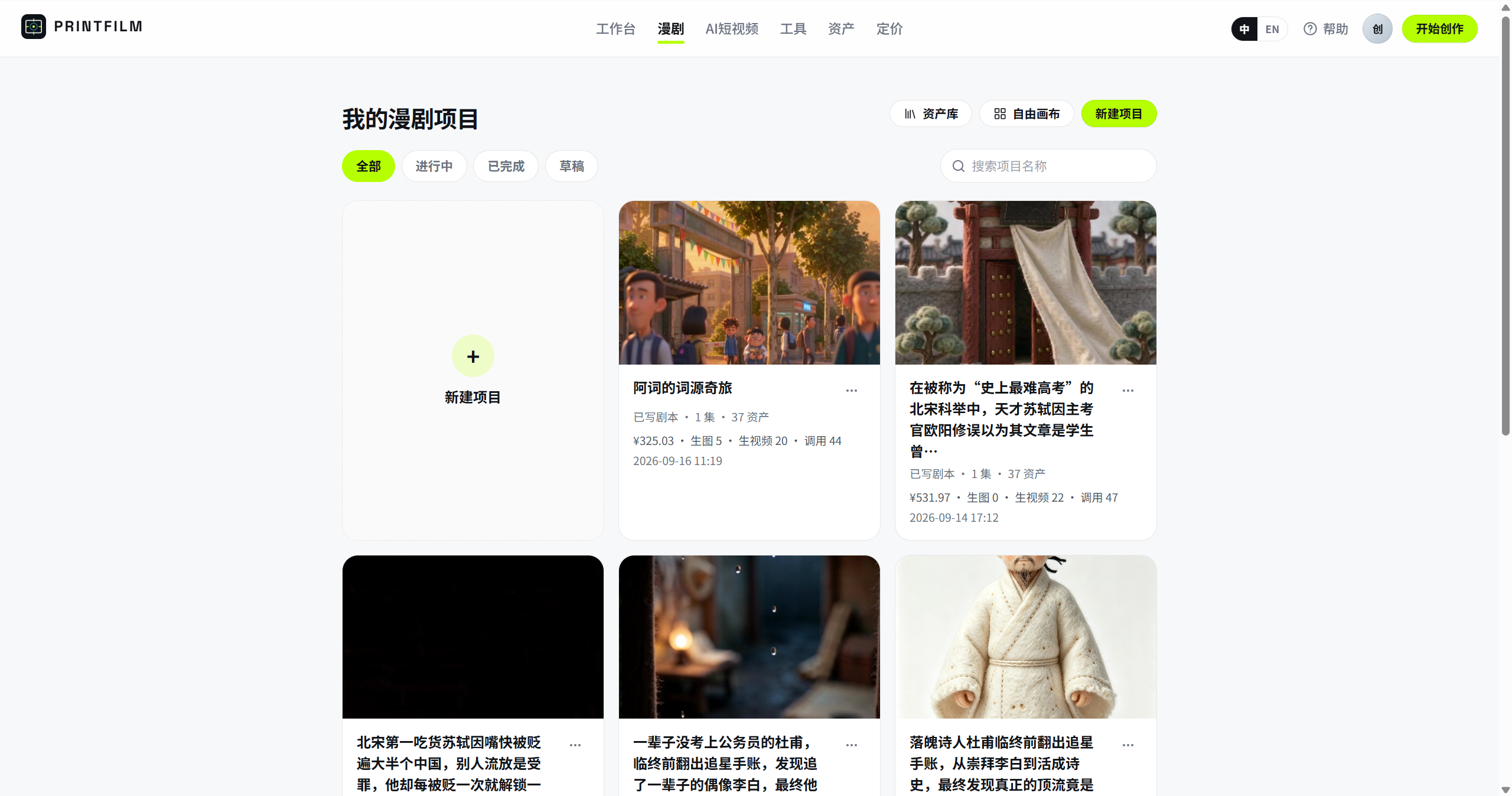
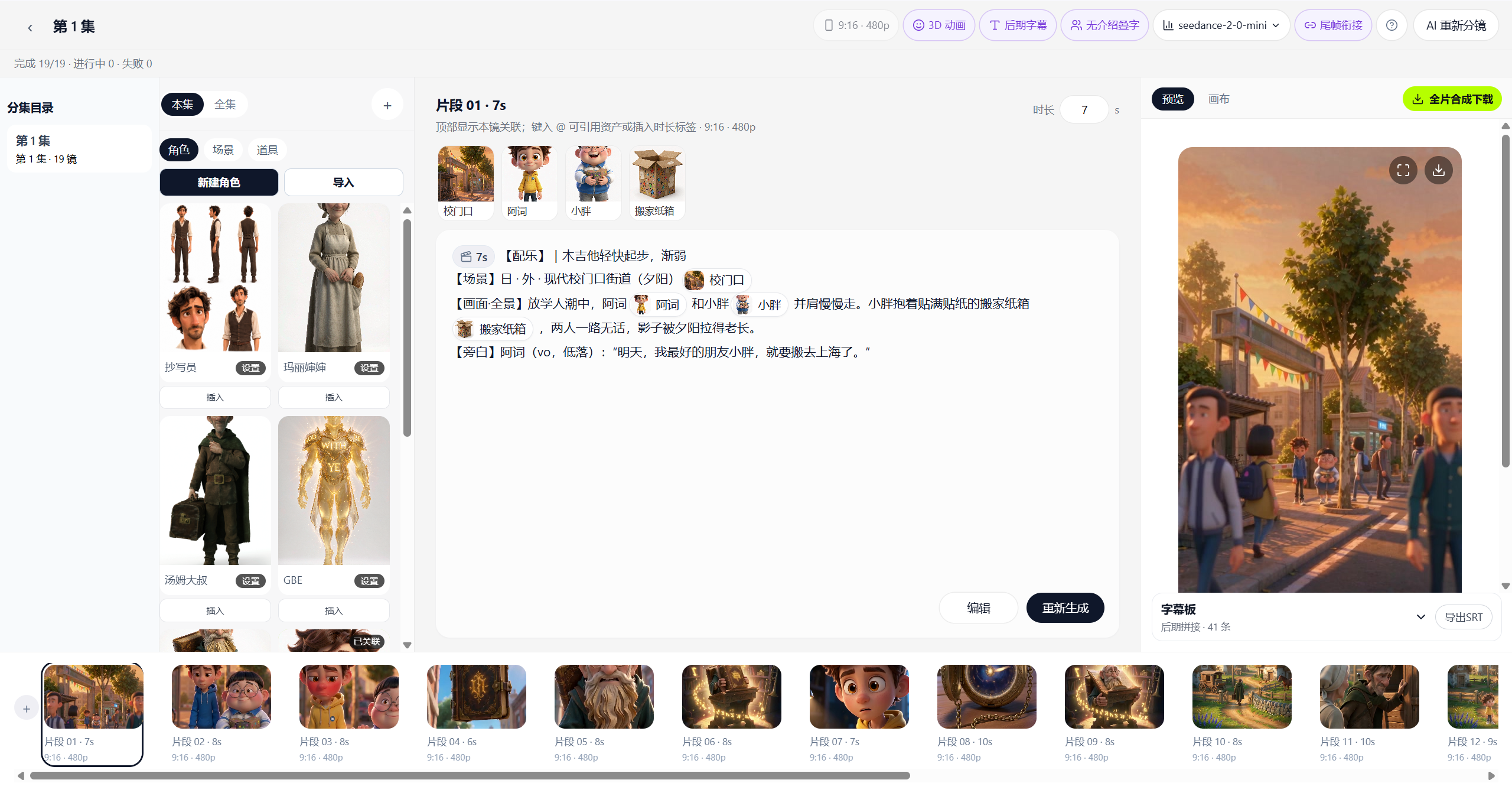
 PRINTFILM is a self-hosted platform that turns a topic or script into a finished short video or episodic AI comic/drama, covering the whole pipeline from script to storyboard to image generation to video generation to final cut.
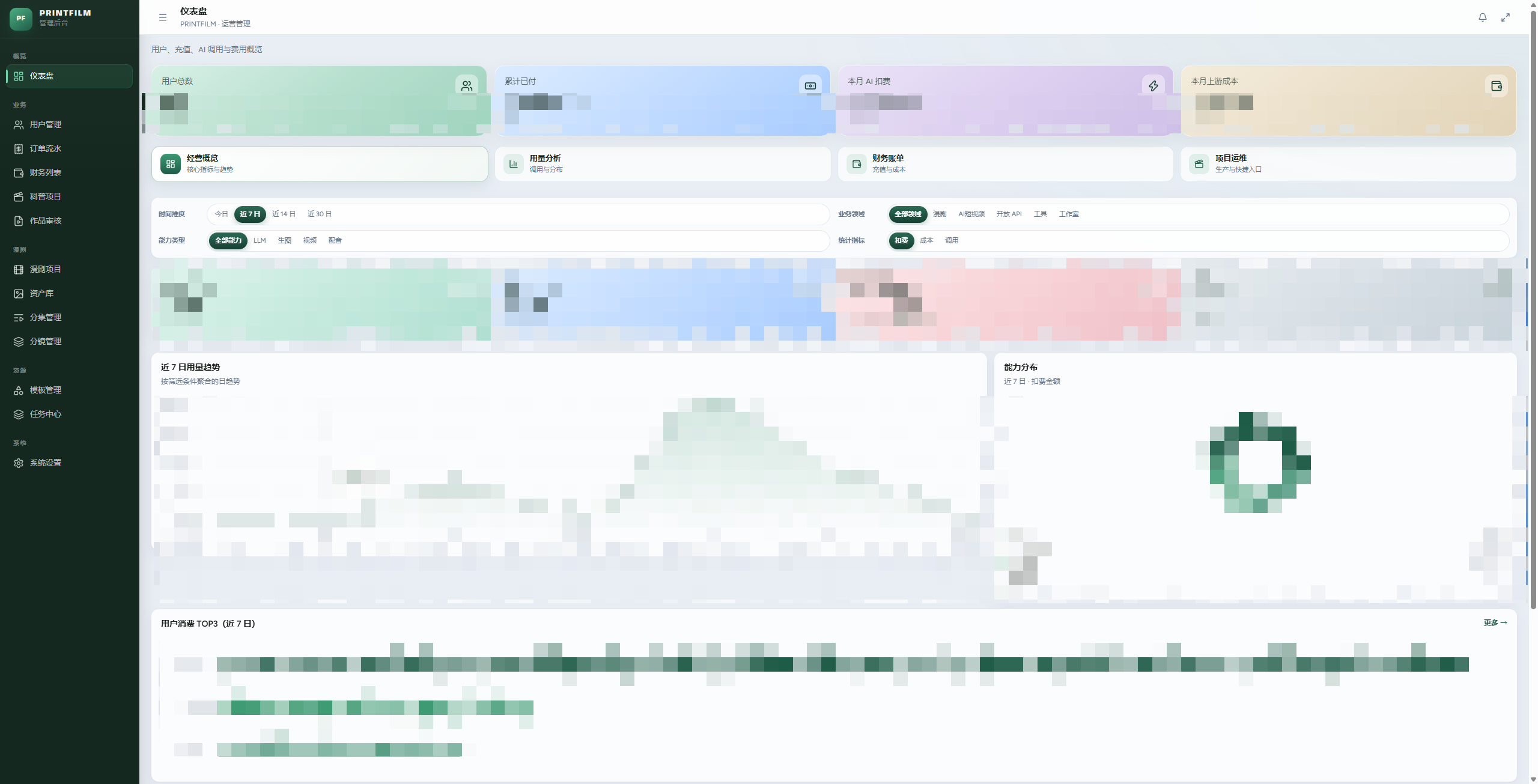
PRINTFILM is a self-hosted platform that turns a topic or script into a finished short video or episodic AI comic/drama, covering the whole pipeline from script to storyboard to image generation to video generation to final cut.Is this a SaaS app or something I self-host?It is a self-hosted web app with a user-facing site, an admin dashboard, and an open REST API, shipped as Docker images you pull and run yourself.
It is a self-hosted web app with a user-facing site, an admin dashboard, and an open REST API, shipped as Docker images you pull and run yourself.How do I get it running?Install Docker Desktop (or Docker Engine + Compose), edit deploy/.env.docker to set the DB password, secret key and API keys, then run docker compose to start the stack; after about 30 seconds the web, admin and API services come up.
Install Docker Desktop (or Docker Engine + Compose), edit deploy/.env.docker to set the DB password, secret key and API keys, then run docker compose to start the stack; after about 30 seconds the web, admin and API services come up.Do I need an API key to actually generate images and video?Yes, you need a TokenFree New API key (OpenAI-compatible) for text/image/video generation; without it you can only browse the UI in mock mode by setting ARKMOCK=true.
Yes, you need a TokenFree New API key (OpenAI-compatible) for text/image/video generation; without it you can only browse the UI in mock mode by setting ARKMOCK=true.What happens if I don't set a real API key?Without a valid TokenFree key you can only view the interface in ARKMOCK mode — real image and video generation won't work, and you'll see errors like 'key not configured' or 401/quota errors if the key is empty, disabled, or out of credit.
Without a valid TokenFree key you can only view the interface in ARKMOCK mode — real image and video generation won't work, and you'll see errors like 'key not configured' or 401/quota errors if the key is empty, disabled, or out of credit.What's included out of the box for short videos?Over 20 built-in style templates, with a choice between 'full' mode (image + video + composite) or a faster, cheaper 'imagetext' mode using static images only; final cuts are assembled with FFmpeg.
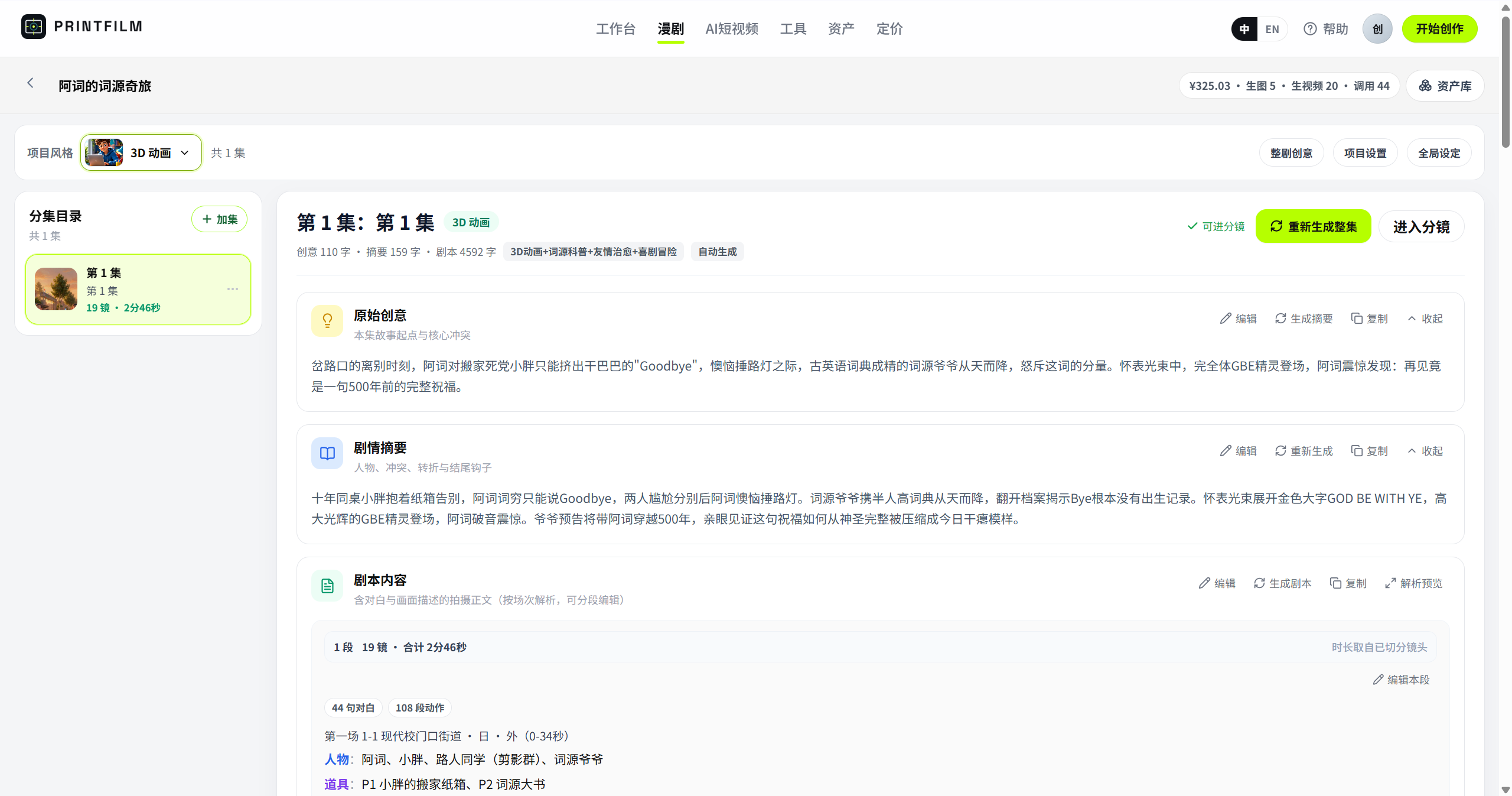
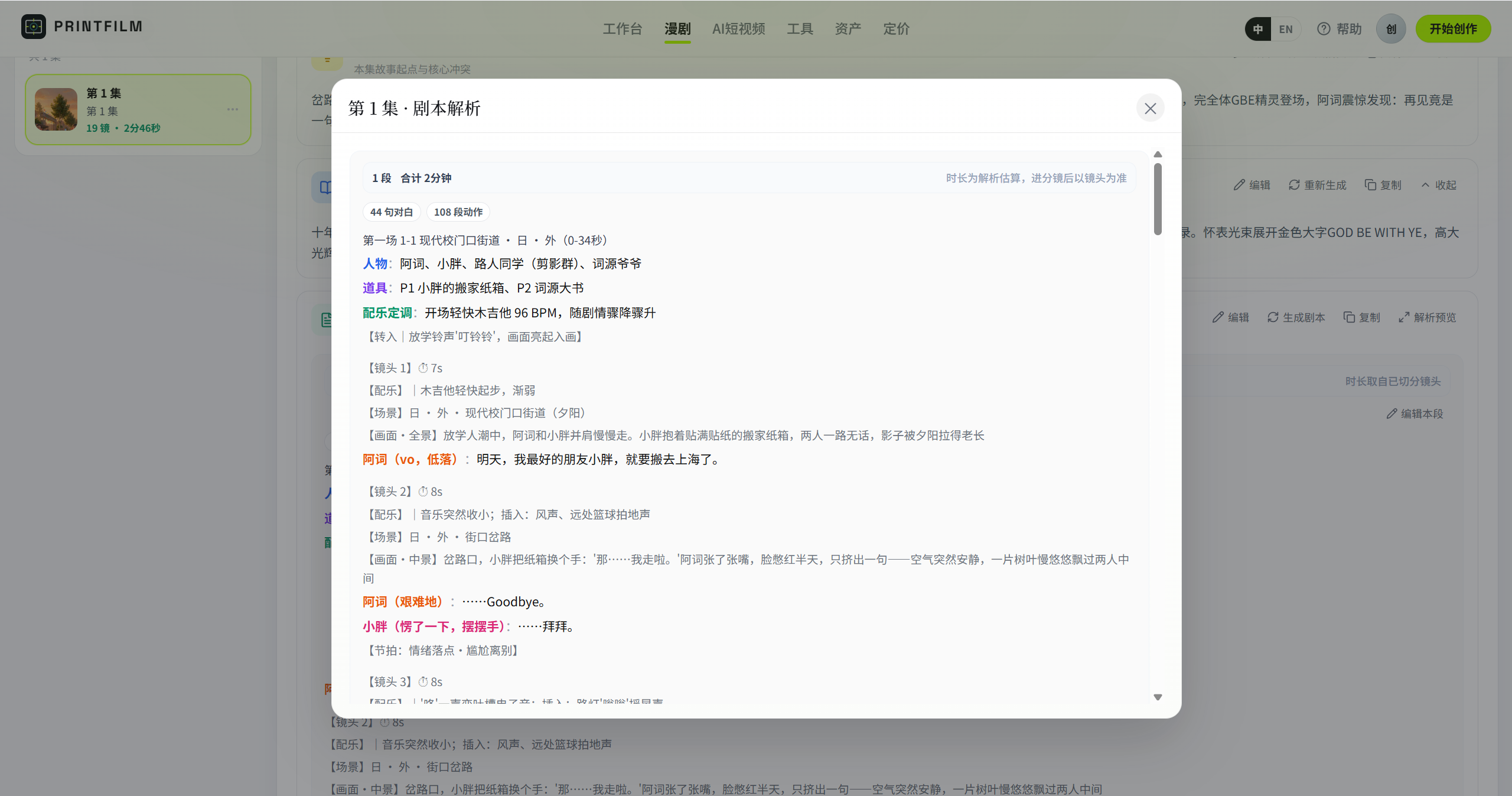
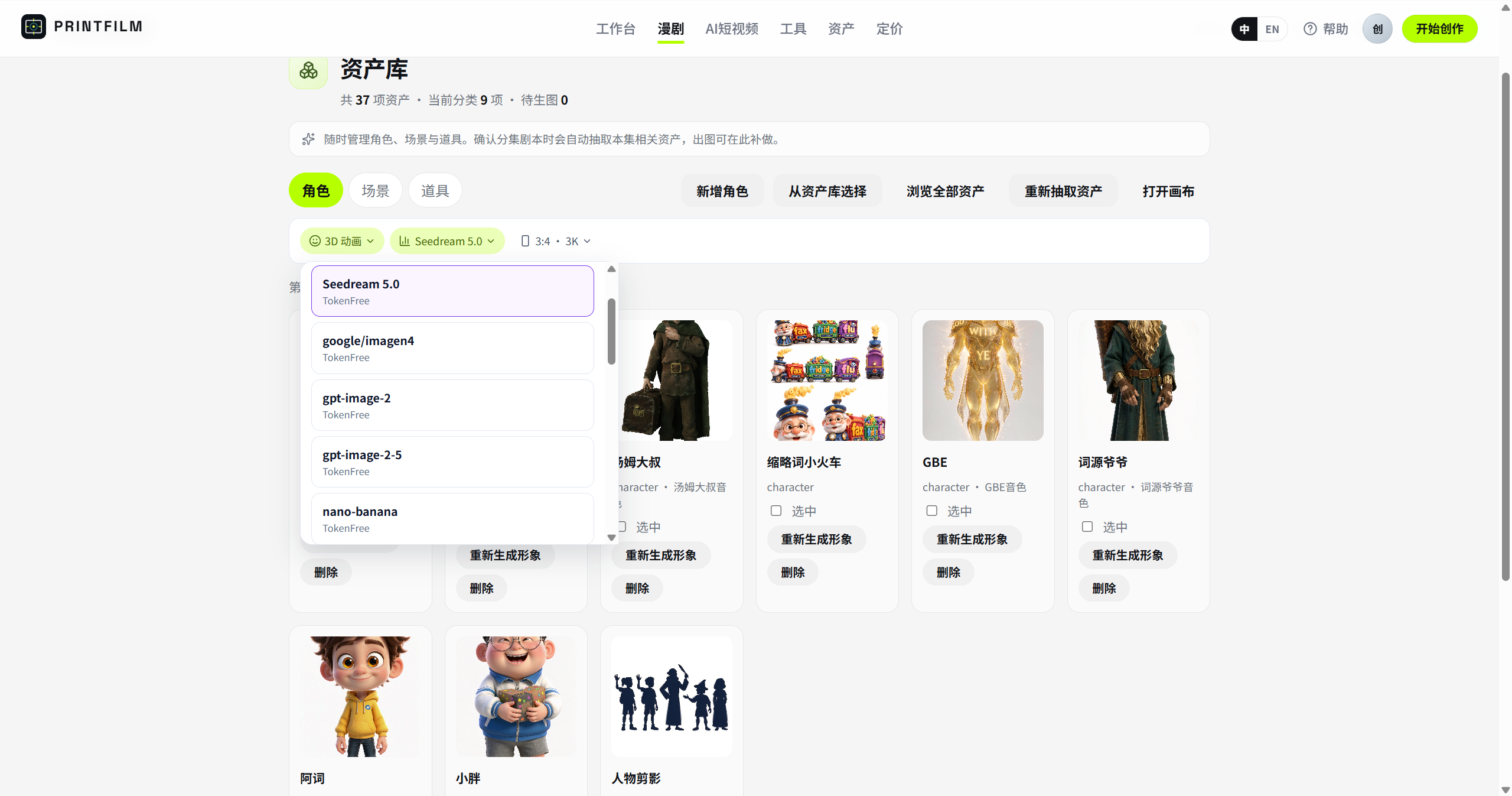
Over 20 built-in style templates, with a choice between 'full' mode (image + video + composite) or a faster, cheaper 'imagetext' mode using static images only; final cuts are assembled with FFmpeg.How is episodic AI comic/drama creation different from the short-video flow?It starts from a one-line premise and builds an outline, script, and asset library (reusable characters, scenes, props) before parsing into storyboards, so characters and settings stay consistent across episodes.
It starts from a one-line premise and builds an outline, script, and asset library (reusable characters, scenes, props) before parsing into storyboards, so characters and settings stay consistent across episodes.Does it need a separate task queue like Celery?No, it uses an in-process task platform with its own scheduler, executor, and poller, so a standalone Celery worker isn't required.
No, it uses an in-process task platform with its own scheduler, executor, and poller, so a standalone Celery worker isn't required.Can I change the underlying AI models without touching code?Yes, models and the TokenFree API key are configured from the admin dashboard under system settings, and changes take effect immediately without editing .env or redeploying.
Yes, models and the TokenFree API key are configured from the admin dashboard under system settings, and changes take effect immediately without editing .env or redeploying.Is there a billing/monetization option?Billing is optional and off by default; when enabled it charges by usage, as documented in docs/BILLING.md.
Billing is optional and off by default; when enabled it charges by usage, as documented in docs/BILLING.md.What are similar projects?dramaclaw, waoowaoo, huobao-drama, OpenReels, ArcReel, rankme.fast, youtubepro, gemini-fullstack-langgraph-quickstart
dramaclaw, waoowaoo, huobao-drama, OpenReels, ArcReel, rankme.fast, youtubepro, gemini-fullstack-langgraph-quickstartWhich topics is it in?short-drama, short-video, ai-video, shadcn-ui, text-to-video, admin-dashboard, saas, fastapi, content-creation, tailwindcss, vite, video-generation
short-drama, short-video, ai-video, shadcn-ui, text-to-video, admin-dashboard, saas, fastapi, content-creation, tailwindcss, vite, video-generation