





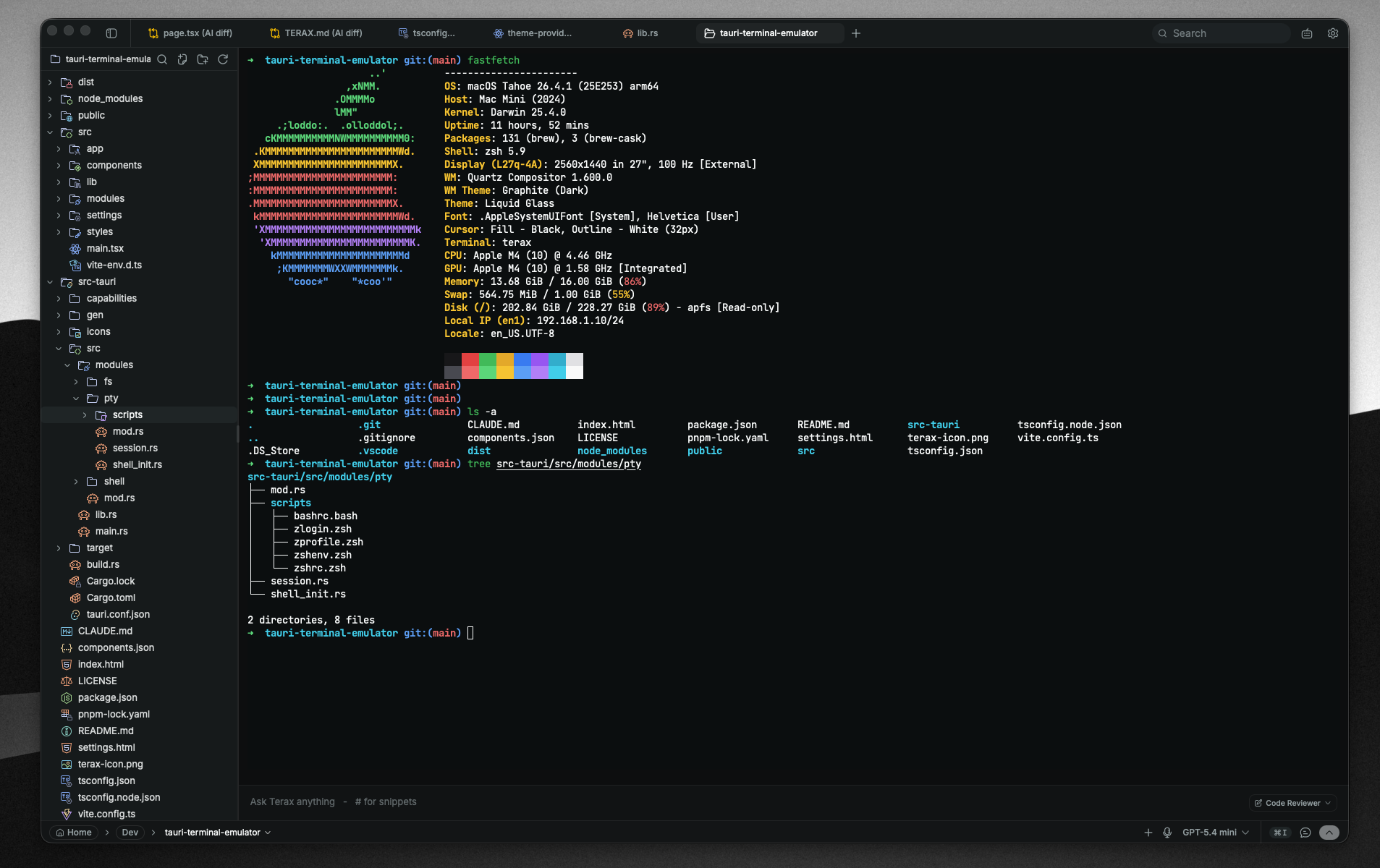

What is this?
 Terax is a lightweight open-source terminal-first AI-native development environment built on Tauri 2, Rust and React 19 — about 7-8 MB on disk, with no telemetry and no account.
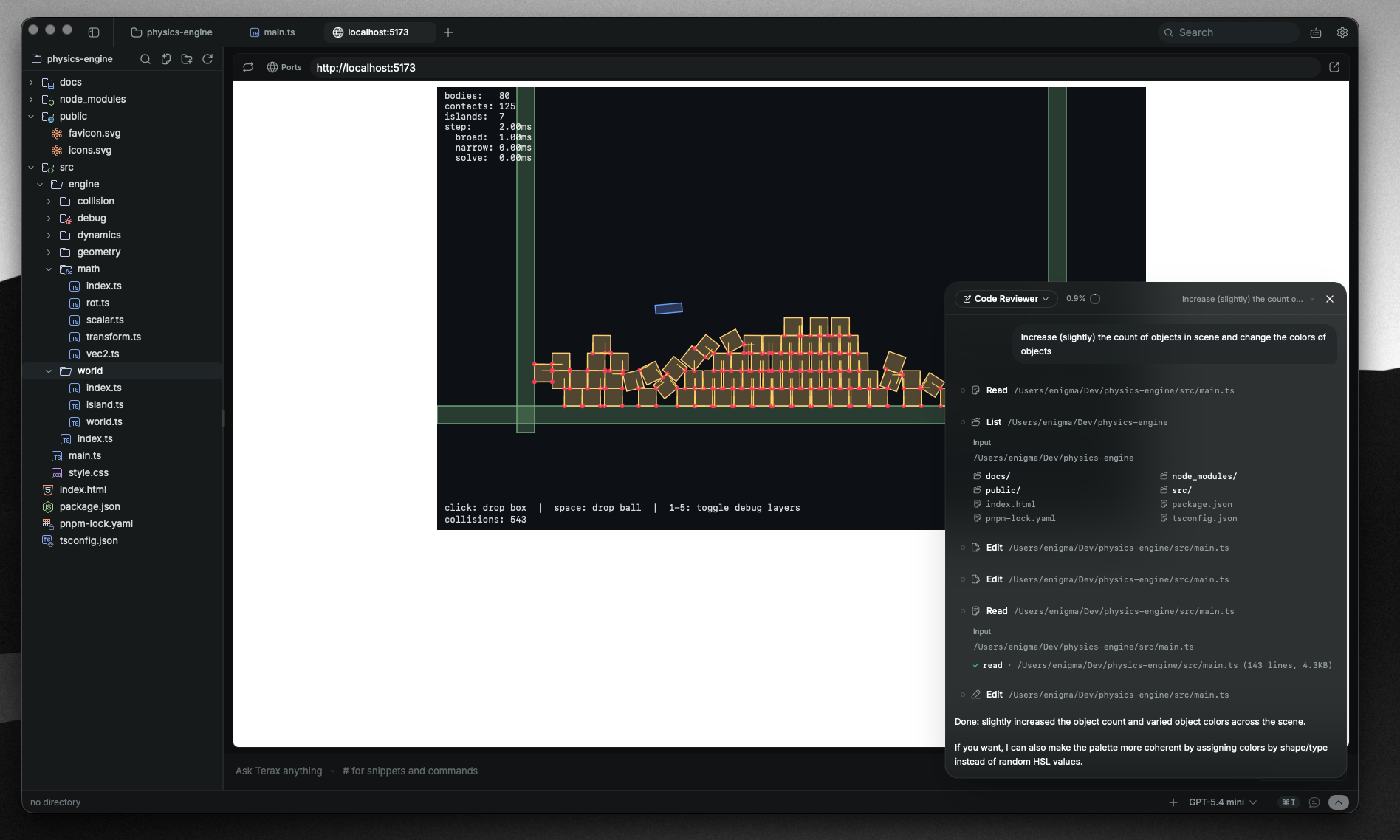
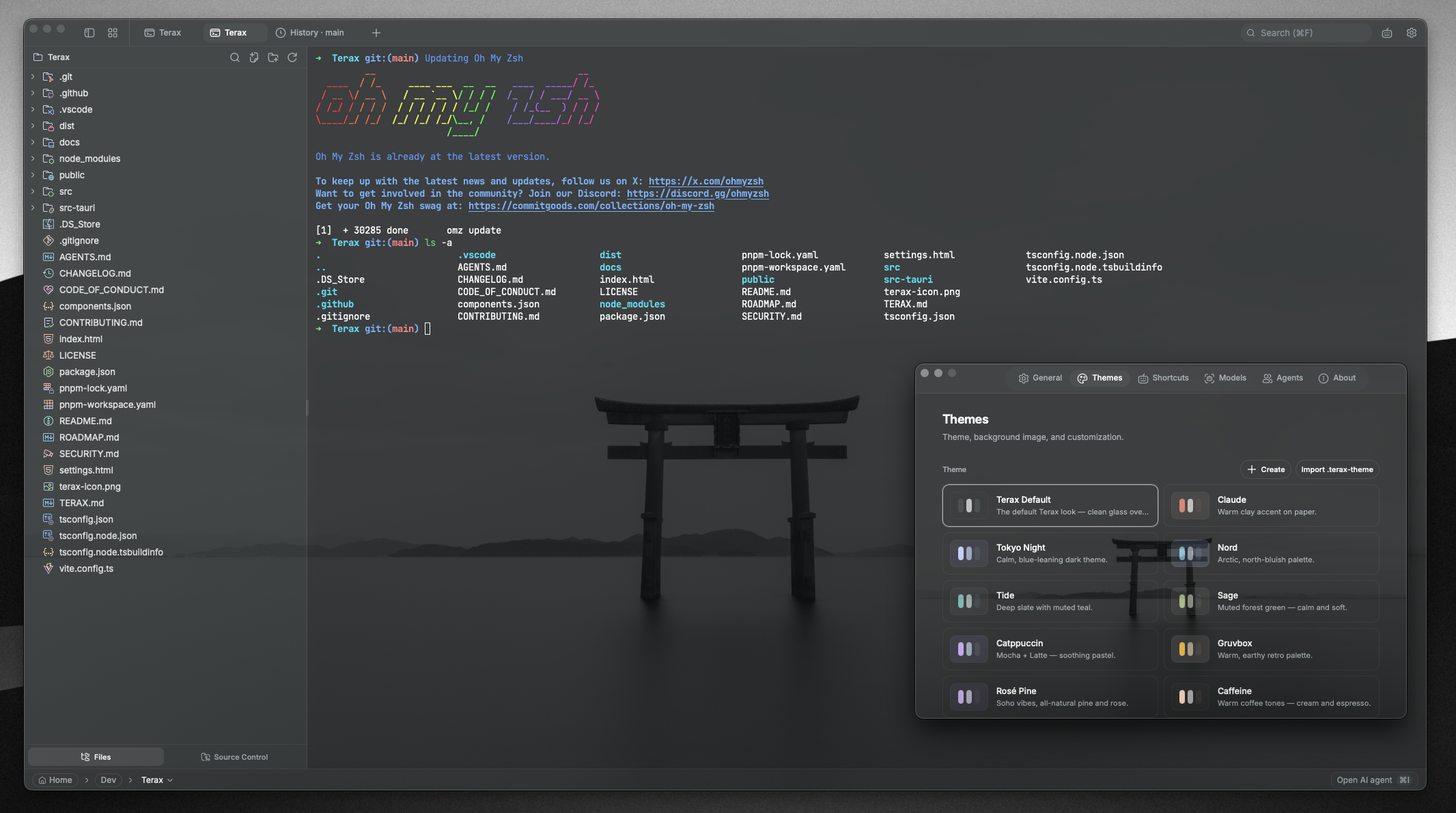
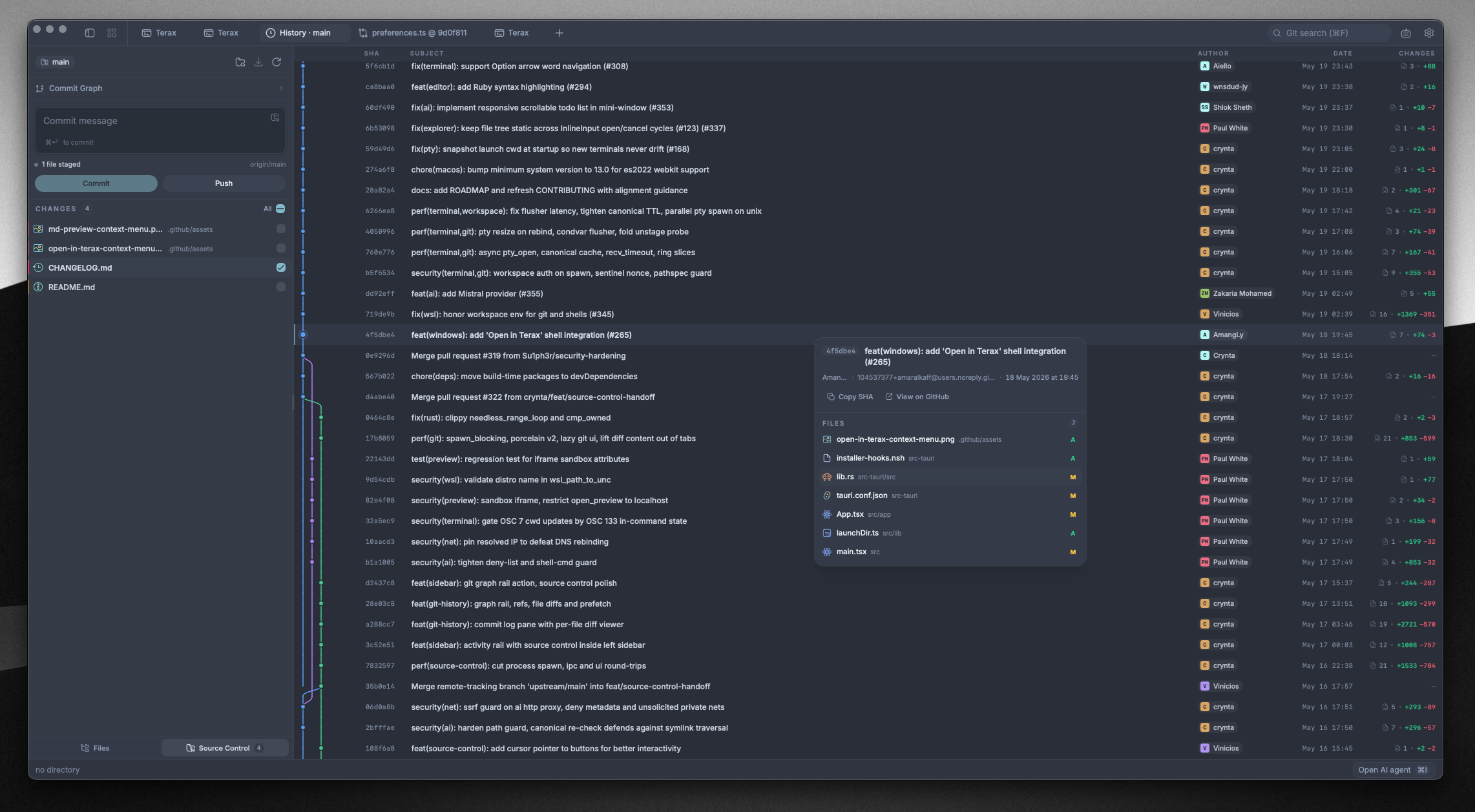
Terax is a lightweight open-source terminal-first AI-native development environment built on Tauri 2, Rust and React 19 — about 7-8 MB on disk, with no telemetry and no account.So is it just a terminal emulator, or a full dev environment?A full desktop app: it bundles a GPU-accelerated terminal, a code editor, a file explorer, source control with a git graph, a web preview pane, and an agentic AI side-panel on top.
A full desktop app: it bundles a GPU-accelerated terminal, a code editor, a file explorer, source control with a git graph, a web preview pane, and an agentic AI side-panel on top.Where do I get it — installer, package manager, or source build?Download an installer from the Releases page; the app auto-updates from there. On Arch use yay -S terax-bin, on Nix nix profile install github:crynta/terax-ai, and .deb/.rpm/AppImage packages ship too. Building from source needs Rust, Node 20+ with pnpm, and Tauri prerequisites.
Download an installer from the Releases page; the app auto-updates from there. On Arch use yay -S terax-bin, on Nix nix profile install github:crynta/terax-ai, and .deb/.rpm/AppImage packages ship too. Building from source needs Rust, Node 20+ with pnpm, and Tauri prerequisites.Do I need my own API keys for the AI, or can it run fully local?Bring your own key: OpenAI, Anthropic, Gemini, Groq, xAI, Cerebras, OpenRouter, DeepSeek, Mistral or any OpenAI-compatible endpoint — or point it at LM Studio, MLX or Ollama for fully local, offline models.
Bring your own key: OpenAI, Anthropic, Gemini, Groq, xAI, Cerebras, OpenRouter, DeepSeek, Mistral or any OpenAI-compatible endpoint — or point it at LM Studio, MLX or Ollama for fully local, offline models.Anything to watch out for when installing on Linux?The AppImage needs FUSE — without it run ./Terax.AppImage --appimage-extract-and-run. On Wayland, rendering glitches are worked around with WEBKITDISABLEDMABUFRENDERER=1, and the .deb/.rpm builds tend to be smoother.
The AppImage needs FUSE — without it run ./Terax.AppImage --appimage-extract-and-run. On Wayland, rendering glitches are worked around with WEBKITDISABLEDMABUFRENDERER=1, and the .deb/.rpm builds tend to be smoother.Does it phone home with my code or my API keys?No telemetry and no account are required. API keys are written to the OS keychain via keyring and never touch disk or localStorage, and local models let you work fully offline.
No telemetry and no account are required. API keys are written to the OS keychain via keyring and never touch disk or localStorage, and local models let you work fully offline.What can the AI agent actually do inside my project?It plans multi-step work, spawns sub-agents, keeps project memory in a TERAX.md file, and gets file read/write/edit/multi-edit/grep/glob tools plus bash with approval gating. Plan mode generates and confirms a plan before doing anything.
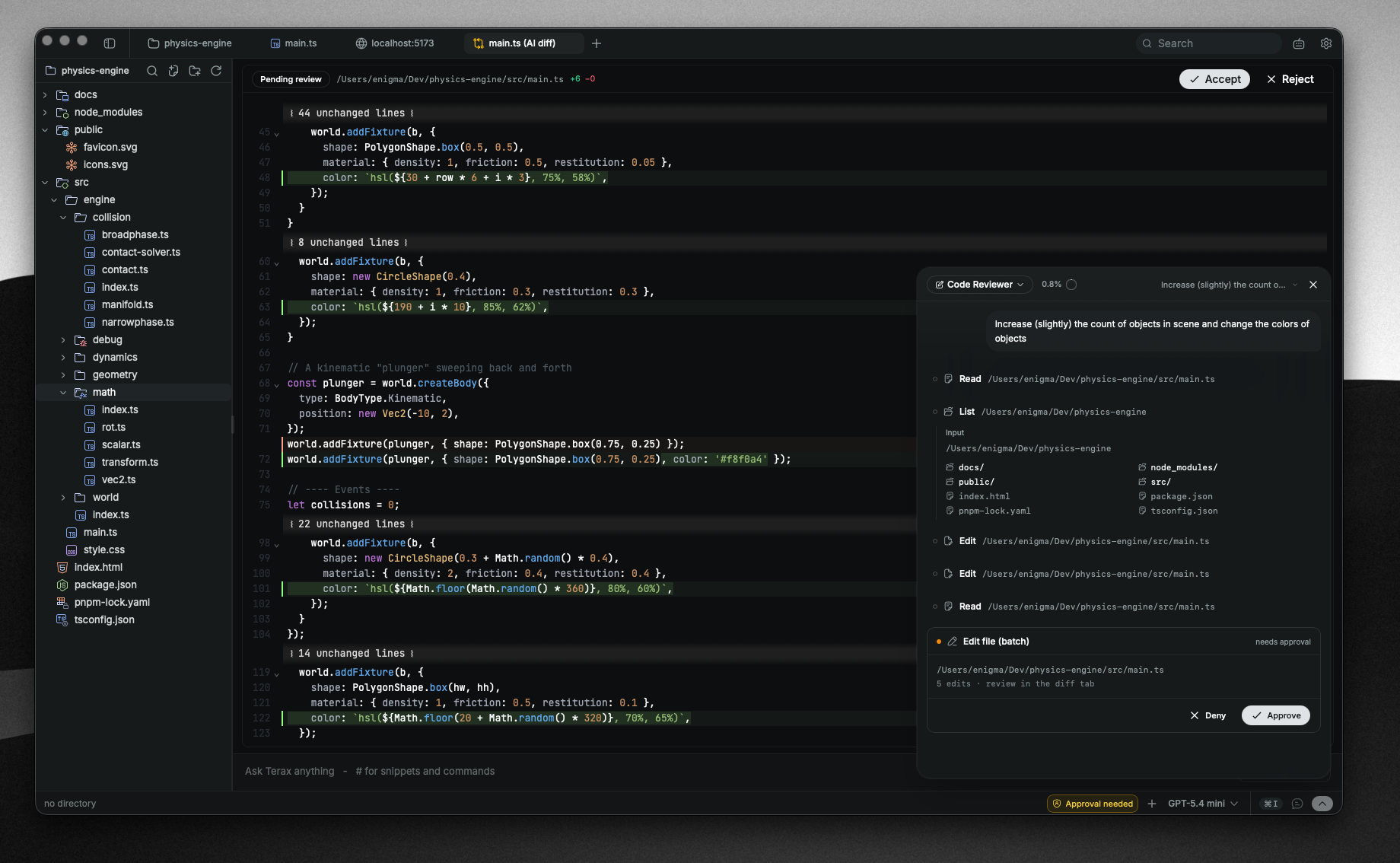
It plans multi-step work, spawns sub-agents, keeps project memory in a TERAX.md file, and gets file read/write/edit/multi-edit/grep/glob tools plus bash with approval gating. Plan mode generates and confirms a plan before doing anything.Can it orchestrate external coding agents like Claude Code?Yes — you can spawn Claude Code in a terminal, inspect its output, and send follow-up work through approval-gated tools.
Yes — you can spawn Claude Code in a terminal, inspect its output, and send follow-up work through approval-gated tools.Which shells does the terminal support?A native PTY backend (portable-pty) supports zsh, bash, pwsh, fish and cmd; on Windows, any installed WSL distro works as a first-class workspace environment. Spaces restore tabs, directories and split layouts across launches.
A native PTY backend (portable-pty) supports zsh, bash, pwsh, fish and cmd; on Windows, any installed WSL distro works as a first-class workspace environment. Spaces restore tabs, directories and split layouts across launches.What can the built-in code editor do?It is CodeMirror 6 with popular languages (TS/JS, Rust, Python, Go, C/C++, Java and more), inline AI autocomplete with local models, hunk-by-hunk accept/reject of AI edit diffs, optional language servers, Vim mode, Markdown and media preview, and themes like Kanagawa, Catppuccin and Dracula.
It is CodeMirror 6 with popular languages (TS/JS, Rust, Python, Go, C/C++, Java and more), inline AI autocomplete with local models, hunk-by-hunk accept/reject of AI edit diffs, optional language servers, Vim mode, Markdown and media preview, and themes like Kanagawa, Catppuccin and Dracula.What are similar projects?laya, lapce, pi-gui, desktop-cc-gui, atlas, skills-manager, open-pencil, EnvoyMesh
laya, lapce, pi-gui, desktop-cc-gui, atlas, skills-manager, open-pencil, EnvoyMesh