



690 ·GitHub
这是什么?
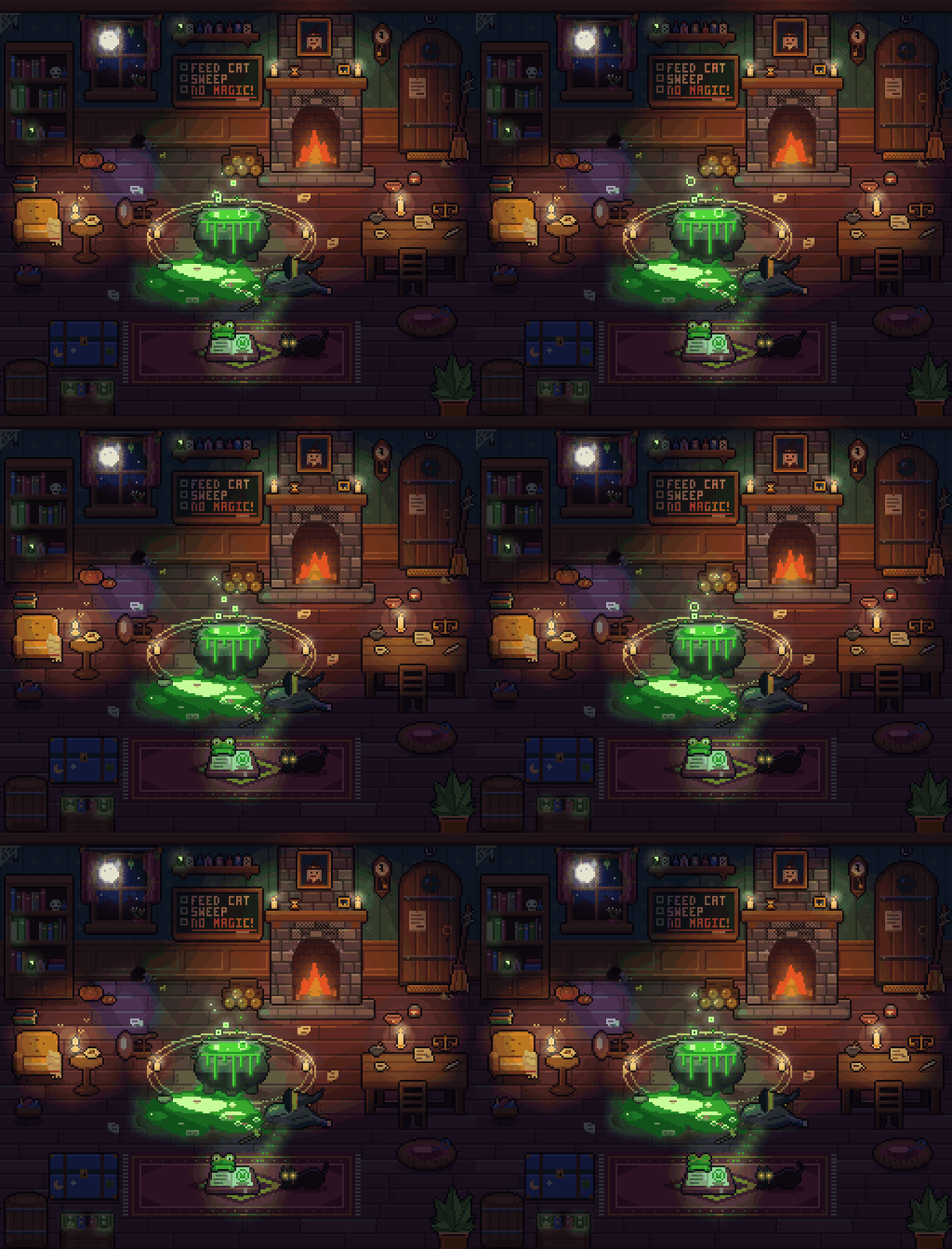
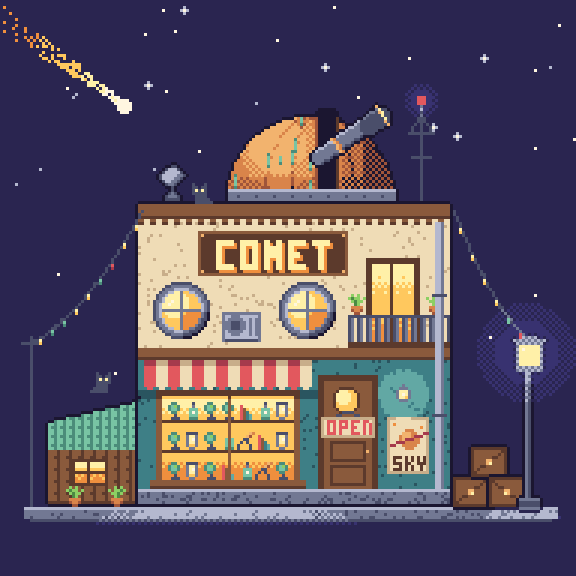
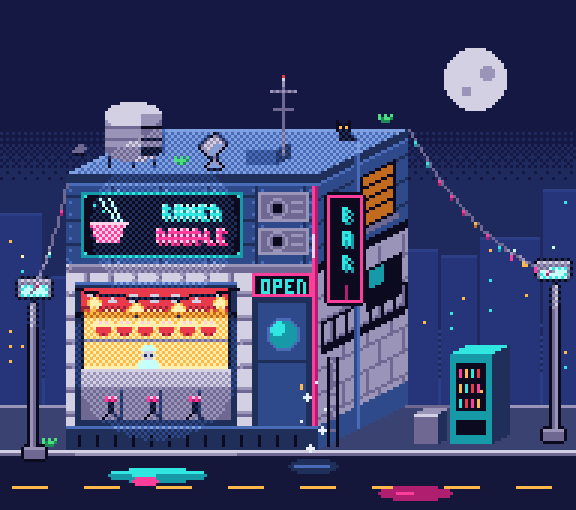
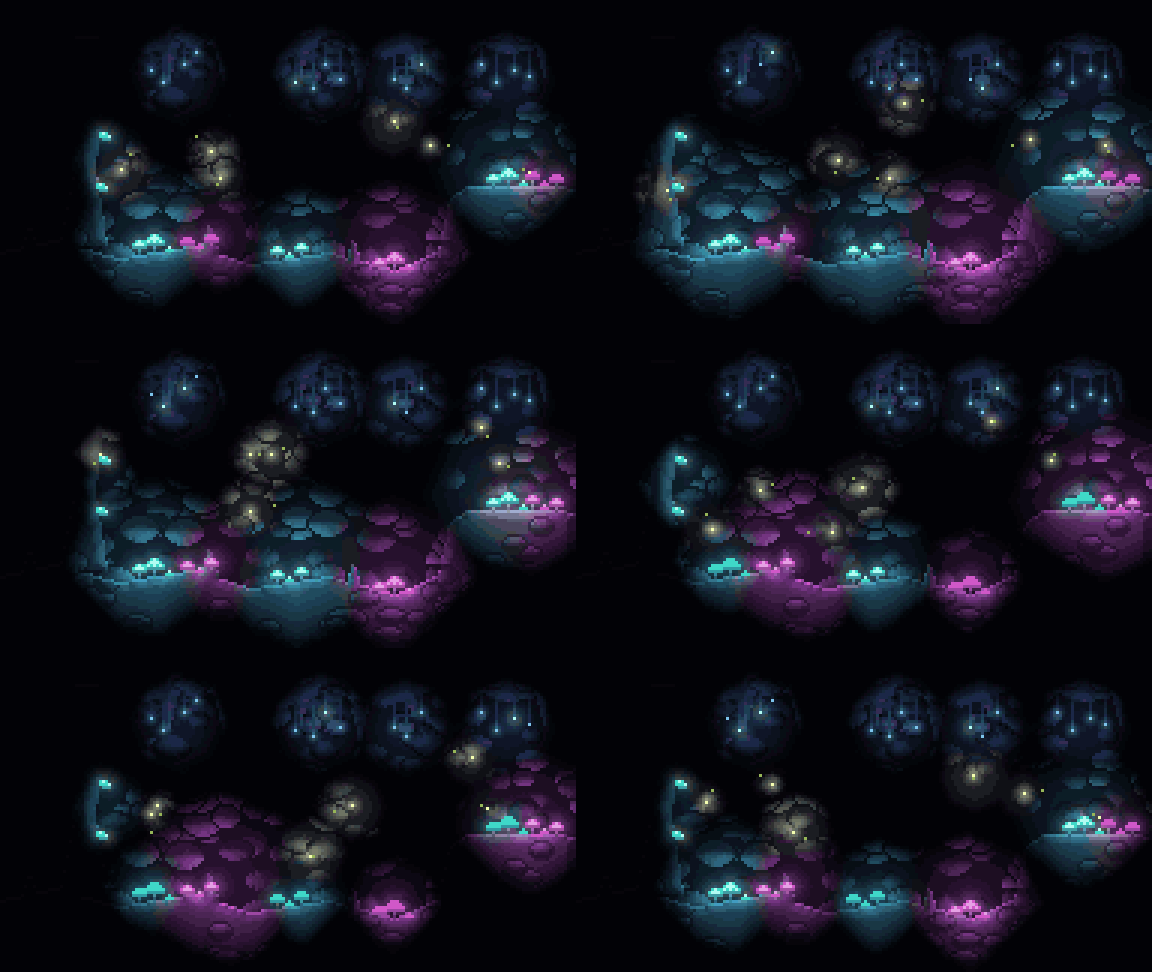
 pxl 让你用代码编写像素画:一个紧凑的 .px.js 文件可以编译成 PNG、带 JSON 的精灵图(sprite sheet)、动画 GIF,以及一个实时浏览器查看器,可以逐步回放绘制过程。
这是一个库还是命令行工具?它是一个命令行工具,围绕用于描述像素画的 JS/TS DSL 构建;同一个仓库还可以直接作为现成的智能体技能(SKILL.md)用于 AI 编程智能体。
它是一个命令行工具,围绕用于描述像素画的 JS/TS DSL 构建;同一个仓库还可以直接作为现成的智能体技能(SKILL.md)用于 AI 编程智能体。我该如何让它运行起来?无需克隆,直接通过 `npx github:crsolver/claude-pxl` 运行;或克隆仓库后运行 `node bin/pxl.js`;编写一个 art.px.js 文件,然后使用 `pxl serve art.px.js` 查看实时查看器。
无需克隆,直接通过 `npx github:crsolver/claude-pxl` 运行;或克隆仓库后运行 `node bin/pxl.js`;编写一个 art.px.js 文件,然后使用 `pxl serve art.px.js` 查看实时查看器。除了安装 Node,还需要别的东西吗?不需要,pxl 没有运行时依赖,也没有构建步骤,只需 Node 22.18 或更高版本。
不需要,pxl 没有运行时依赖,也没有构建步骤,只需 Node 22.18 或更高版本。作为包安装与克隆使用相比,有什么需要注意的地方吗?在克隆的仓库中,CLI 直接运行 TypeScript 源码;作为包安装后,它运行编译生成的 dist/ 目录,该目录由 npm install 或 npm pack 通过 scripts/build.js 生成,因为 Node 无法在 node_modules 中剥离类型。
在克隆的仓库中,CLI 直接运行 TypeScript 源码;作为包安装后,它运行编译生成的 dist/ 目录,该目录由 npm install 或 npm pack 通过 scripts/build.js 生成,因为 Node 无法在 node_modules 中剥离类型。哪些编程智能体可以把它当作技能使用?Claude Code 可以通过将其克隆到 skills 文件夹中来加载;其他智能体(如 Codex 或 Cursor)可以指向 SKILL.md,并告诉它 CLI 为 `node bin/pxl.js`。
Claude Code 可以通过将其克隆到 skills 文件夹中来加载;其他智能体(如 Codex 或 Cursor)可以指向 SKILL.md,并告诉它 CLI 为 `node bin/pxl.js`。.px.js DSL 实际能画什么?它支持调色板和色阶、带镜像、自动描边、调色板替换以及翻转和旋转功能的精灵图;基本图形如矩形、直线、圆形、多边形,渐变、抖动、噪点、内置像素字体、散点画笔和瓦片地图,带阴影和光源的分层场景,以及基于帧的动画,可导出为条带图、JSON 标签和 GIF。
它支持调色板和色阶、带镜像、自动描边、调色板替换以及翻转和旋转功能的精灵图;基本图形如矩形、直线、圆形、多边形,渐变、抖动、噪点、内置像素字体、散点画笔和瓦片地图,带阴影和光源的分层场景,以及基于帧的动画,可导出为条带图、JSON 标签和 GIF。实时查看器到底显示什么?运行 `pxl serve art.px.js` 会打开一个浏览器查看器,每次保存都会重新构建,并逐个操作回放被编辑的素材,因此你可以逐步观看像素画(或 AI 智能体)的绘制过程。
运行 `pxl serve art.px.js` 会打开一个浏览器查看器,每次保存都会重新构建,并逐个操作回放被编辑的素材,因此你可以逐步观看像素画(或 AI 智能体)的绘制过程。SKILL.md 是做什么用的?SKILL.md 教 AI 智能体 pxl 的“编写-构建-预览-修补”工作流程;reference.md 记录完整的 API,lighting.md 介绍可选的光照功能,仅在需要时加载。
SKILL.md 教 AI 智能体 pxl 的“编写-构建-预览-修补”工作流程;reference.md 记录完整的 API,lighting.md 介绍可选的光照功能,仅在需要时加载。我可以用 TypeScript 编写像素画文件吗?可以,像素画文件可以是 .js 或 .ts;types/pxl.d.ts 为 DSL 提供编辑器自动补全。
可以,像素画文件可以是 .js 或 .ts;types/pxl.d.ts 为 DSL 提供编辑器自动补全。有哪些类似的项目?claude-pxl, agent-sprite-forge, anidoodle, git-koi, threejs-architecture-effects, procedural-film, Alvarmethod, huashu-art-motion
claude-pxl, agent-sprite-forge, anidoodle, git-koi, threejs-architecture-effects, procedural-film, Alvarmethod, huashu-art-motion它属于哪些主题?npx, pixel-art, gif, generative-art, zero-dependency, creative-coding, game-development, image-generation, skill, animation, cursor, agents
npx, pixel-art, gif, generative-art, zero-dependency, creative-coding, game-development, image-generation, skill, animation, cursor, agents