

165 ·GitHub
Что это?
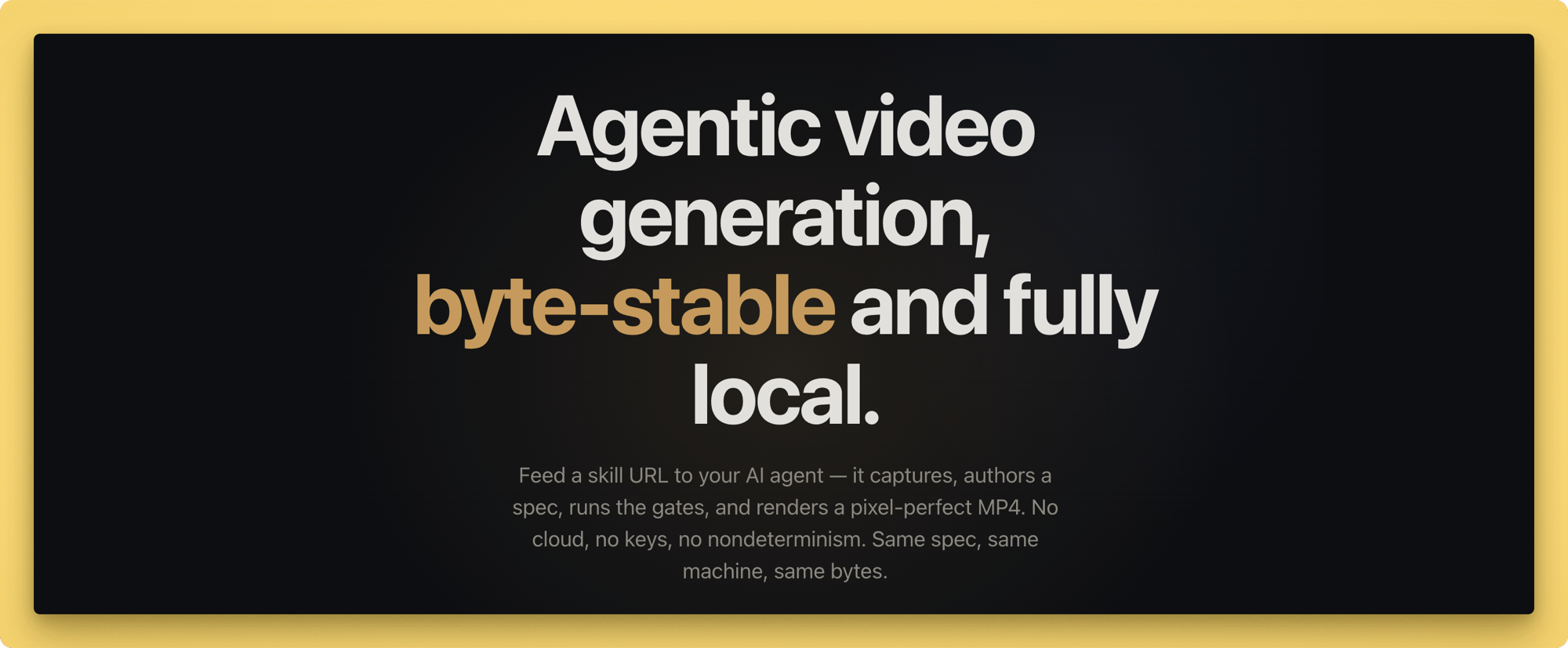
 Lazy Frames — это агентский инструмент генерации видео: вы передаёте своему ИИ-кодинг-агенту URL навыка, он захватывает исходный материал, составляет спецификацию и рендерит её в попиксельно точный, байт-стабильный MP4, причём основной конвейер работает полностью локально и облако не требуется.
Lazy Frames — это агентский инструмент генерации видео: вы передаёте своему ИИ-кодинг-агенту URL навыка, он захватывает исходный материал, составляет спецификацию и рендерит её в попиксельно точный, байт-стабильный MP4, причём основной конвейер работает полностью локально и облако не требуется.Это CLI-инструмент или библиотека для импорта?Это Node.js CLI (команда `lazy`, запускаемая через npx) в паре с файлом агентского навыка, который кодинг-агенты читают, чтобы управлять захватом, написанием, проверкой и рендерингом, — это не библиотека для импорта в свой код.
Это Node.js CLI (команда `lazy`, запускаемая через npx) в паре с файлом агентского навыка, который кодинг-агенты читают, чтобы управлять захватом, написанием, проверкой и рендерингом, — это не библиотека для импорта в свой код.Как его запустить?Установите через `npm install lazy-frames` (или соберите из исходников для разработки) и запускайте команды через npx, например `npx lazy capture`, чтобы снять сайт, или `npx lazy render`, чтобы получить MP4. Сначала выполните `npx lazy doctor`, чтобы проверить окружение.
Установите через `npm install lazy-frames` (или соберите из исходников для разработки) и запускайте команды через npx, например `npx lazy capture`, чтобы снять сайт, или `npx lazy render`, чтобы получить MP4. Сначала выполните `npx lazy doctor`, чтобы проверить окружение.Что нужно установить, кроме npm-пакета?Node.js 20 или новее, ffmpeg + ffprobe для кодирования, Google Chrome для фонового рендеринга и Python 3 для аудио-модуля (музыка, TTS, SFX); озвучка использует macOS say или Windows SAPI, для плагина опционален API-ключ ElevenLabs.
Node.js 20 или новее, ffmpeg + ffprobe для кодирования, Google Chrome для фонового рендеринга и Python 3 для аудио-модуля (музыка, TTS, SFX); озвучка использует macOS say или Windows SAPI, для плагина опционален API-ключ ElevenLabs.Все ли интеграции-плагины в маркетплейсе реально работают?По умолчанию включён только плагин ElevenLabs. Остальные записи маркетплейса — устанавливаемые заготовки: их манифесты и блокировки разрешений уже работают, но выполнение остаётся заблокированным, пока не выйдет проверенный адаптер.
По умолчанию включён только плагин ElevenLabs. Остальные записи маркетплейса — устанавливаемые заготовки: их манифесты и блокировки разрешений уже работают, но выполнение остаётся заблокированным, пока не выйдет проверенный адаптер.Покидают ли мою машину мои данные или API-ключи?Основному движку ключи не нужны, и он работает полностью локально; до внешних сервисов добираются только явно проверенные плагины вроде ElevenLabs, и даже тогда API-ключ никогда не записывается в файлы проекта.
Основному движку ключи не нужны, и он работает полностью локально; до внешних сервисов добираются только явно проверенные плагины вроде ElevenLabs, и даже тогда API-ключ никогда не записывается в файлы проекта.Как гарантируется одинаковый результат при каждом запуске?Рендеринг идёт с флагом V8 --jitless, программным рендерингом через --use-angle=swiftshader, целочисленными CSS-трансформациями, putImageData для canvas-сцен и бит-в-бит точным кодированием ffmpeg, так что одна и та же спецификация на той же машине даёт MP4, идентичный по SHA-256.
Рендеринг идёт с флагом V8 --jitless, программным рендерингом через --use-angle=swiftshader, целочисленными CSS-трансформациями, putImageData для canvas-сцен и бит-в-бит точным кодированием ffmpeg, так что одна и та же спецификация на той же машине даёт MP4, идентичный по SHA-256.Какие сцены можно строить?Восемь встроенных типов сцен: появление типографики, счётчики статистики, макеты в рамке браузера, выноски UI, атмосферные фоны, параллакс/движения глубины, кадры в видеослое и детерминированное 3D из трёх сцен, плюс 7 переходов и пресеты цветокоррекции/LUT.
Восемь встроенных типов сцен: появление типографики, счётчики статистики, макеты в рамке браузера, выноски UI, атмосферные фоны, параллакс/движения глубины, кадры в видеослое и детерминированное 3D из трёх сцен, плюс 7 переходов и пресеты цветокоррекции/LUT.Почему агента направляют на файл навыка, а не на исходный код?skill/SKILL.md кодирует все правила маршрутизации и контракт агента для захвата, написания, проверки, предпросмотра и рендеринга, так что агент следует заданному воркфлоу, а не вынужден реверс-инжинирить кодовую базу.
skill/SKILL.md кодирует все правила маршрутизации и контракт агента для захвата, написания, проверки, предпросмотра и рендеринга, так что агент следует заданному воркфлоу, а не вынужден реверс-инжинирить кодовую базу.Сколько плагинов в маркетплейсе и что они покрывают?16 проверенных плагинов охватывают голос, сторителлинг, визуал, аудио, субтитры и доставку, а искать их можно через `npx lazy plugin search`.
16 проверенных плагинов охватывают голос, сторителлинг, визуал, аудио, субтитры и доставку, а искать их можно через `npx lazy plugin search`.What are similar projects?brag, guizang-product-video-skill, DSH-Plugins-Marketplace, herk-edit-kit, explainroo, leviathan, procedural-film, genex-desktop
brag, guizang-product-video-skill, DSH-Plugins-Marketplace, herk-edit-kit, explainroo, leviathan, procedural-film, genex-desktopWhich topics is it in?music-generation, agent-tools, marketplace, screenshot, privacy-first, tts, video-processing, plugin-system, ffmpeg, video-generation, offline, local-first
music-generation, agent-tools, marketplace, screenshot, privacy-first, tts, video-processing, plugin-system, ffmpeg, video-generation, offline, local-first