

165 ·GitHub
What is this?
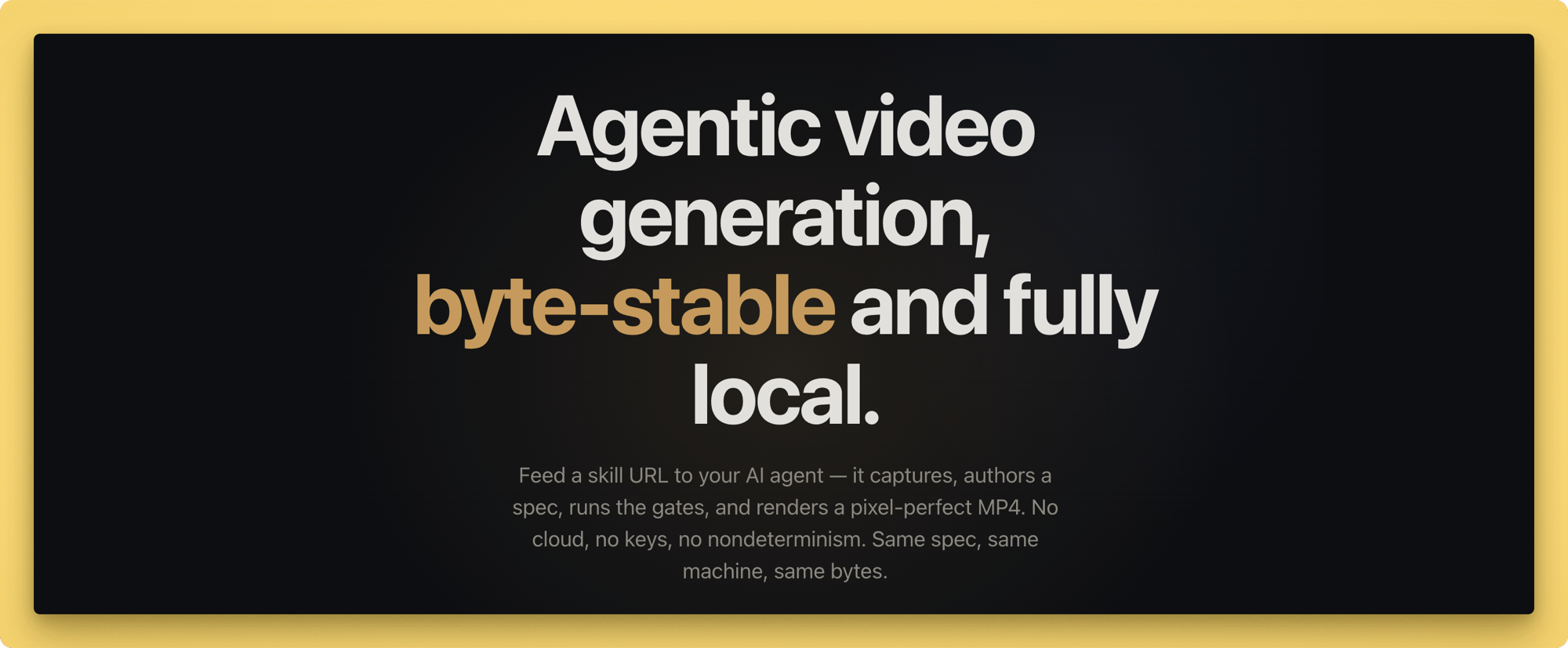
 Lazy Frames is an agentic video generation tool: you feed a skill URL to your AI coding agent, which captures source material, authors a spec, and renders it into a pixel-perfect, byte-stable MP4, with the core pipeline running fully locally and no cloud required.
Lazy Frames is an agentic video generation tool: you feed a skill URL to your AI coding agent, which captures source material, authors a spec, and renders it into a pixel-perfect, byte-stable MP4, with the core pipeline running fully locally and no cloud required.Is this a CLI tool or a library I import?It is a Node.js CLI (the `lazy` command, run via npx) paired with an agent skill file that coding agents read to drive capture, authoring, checking, and rendering — it is not a library you import into your own code.
It is a Node.js CLI (the `lazy` command, run via npx) paired with an agent skill file that coding agents read to drive capture, authoring, checking, and rendering — it is not a library you import into your own code.How do I get it running?Install with `npm install lazy-frames` (or build from source for development) and run commands through npx, e.g. `npx lazy capture` to scrape a site or `npx lazy render` to produce the MP4. Run `npx lazy doctor` first to verify your environment.
Install with `npm install lazy-frames` (or build from source for development) and run commands through npx, e.g. `npx lazy capture` to scrape a site or `npx lazy render` to produce the MP4. Run `npx lazy doctor` first to verify your environment.What do I need installed besides the npm package?Node.js 20 or newer, ffmpeg + ffprobe for encoding, Google Chrome for headless rendering, and Python 3 for the audio sidecar (music, TTS, SFX); narration uses macOS say or Windows SAPI, with an optional ElevenLabs API key for the plugin.
Node.js 20 or newer, ffmpeg + ffprobe for encoding, Google Chrome for headless rendering, and Python 3 for the audio sidecar (music, TTS, SFX); narration uses macOS say or Windows SAPI, with an optional ElevenLabs API key for the plugin.Do all the plugin integrations in the marketplace actually work?Only the ElevenLabs plugin is enabled by default. The rest of the marketplace entries are installable scaffolds whose manifests and permission locks function now, but their execution stays blocked until a reviewed adapter ships.
Only the ElevenLabs plugin is enabled by default. The rest of the marketplace entries are installable scaffolds whose manifests and permission locks function now, but their execution stays blocked until a reviewed adapter ships.Does my data or any API keys leave my machine?The core engine needs no keys and runs entirely locally; only explicitly reviewed plugins like ElevenLabs reach external services, and even then the API key is never written to project files.
The core engine needs no keys and runs entirely locally; only explicitly reviewed plugins like ElevenLabs reach external services, and even then the API key is never written to project files.How does it guarantee the same output every run?It renders with V8's --jitless flag, software rendering via --use-angle=swiftshader, integer-pixel CSS transforms, putImageData for canvas scenes, and bitexact ffmpeg encoding, so the same spec on the same machine yields a SHA-256 identical MP4.
It renders with V8's --jitless flag, software rendering via --use-angle=swiftshader, integer-pixel CSS transforms, putImageData for canvas scenes, and bitexact ffmpeg encoding, so the same spec on the same machine yields a SHA-256 identical MP4.What kinds of scenes can I build?Eight built-in scene types cover typography reveals, stat-hit count-ups, browser-frame mockups, UI callouts, atmosphere backdrops, parallax/depth moves, video-layer footage, and deterministic three-scene 3D, plus 7 transitions and grade/LUT presets.
Eight built-in scene types cover typography reveals, stat-hit count-ups, browser-frame mockups, UI callouts, atmosphere backdrops, parallax/depth moves, video-layer footage, and deterministic three-scene 3D, plus 7 transitions and grade/LUT presets.Why point the agent at a skill file instead of the source code?skill/SKILL.md encodes the full routing rules and agent contract for capturing, authoring, checking, previewing and rendering, so the agent follows a defined workflow instead of having to reverse-engineer the codebase.
skill/SKILL.md encodes the full routing rules and agent contract for capturing, authoring, checking, previewing and rendering, so the agent follows a defined workflow instead of having to reverse-engineer the codebase.How many plugins are in the marketplace and what do they cover?16 reviewed plugins span voice, storytelling, visuals, audio, captions, and delivery, and can be searched with `npx lazy plugin search`.
16 reviewed plugins span voice, storytelling, visuals, audio, captions, and delivery, and can be searched with `npx lazy plugin search`.What are similar projects?brag, guizang-product-video-skill, DSH-Plugins-Marketplace, herk-edit-kit, explainroo, leviathan, procedural-film, genex-desktop
brag, guizang-product-video-skill, DSH-Plugins-Marketplace, herk-edit-kit, explainroo, leviathan, procedural-film, genex-desktopWhich topics is it in?music-generation, agent-tools, marketplace, screenshot, privacy-first, tts, video-processing, plugin-system, ffmpeg, video-generation, offline, local-first
music-generation, agent-tools, marketplace, screenshot, privacy-first, tts, video-processing, plugin-system, ffmpeg, video-generation, offline, local-first