
github1s
One second to read GitHub code with VS Code.
Usage
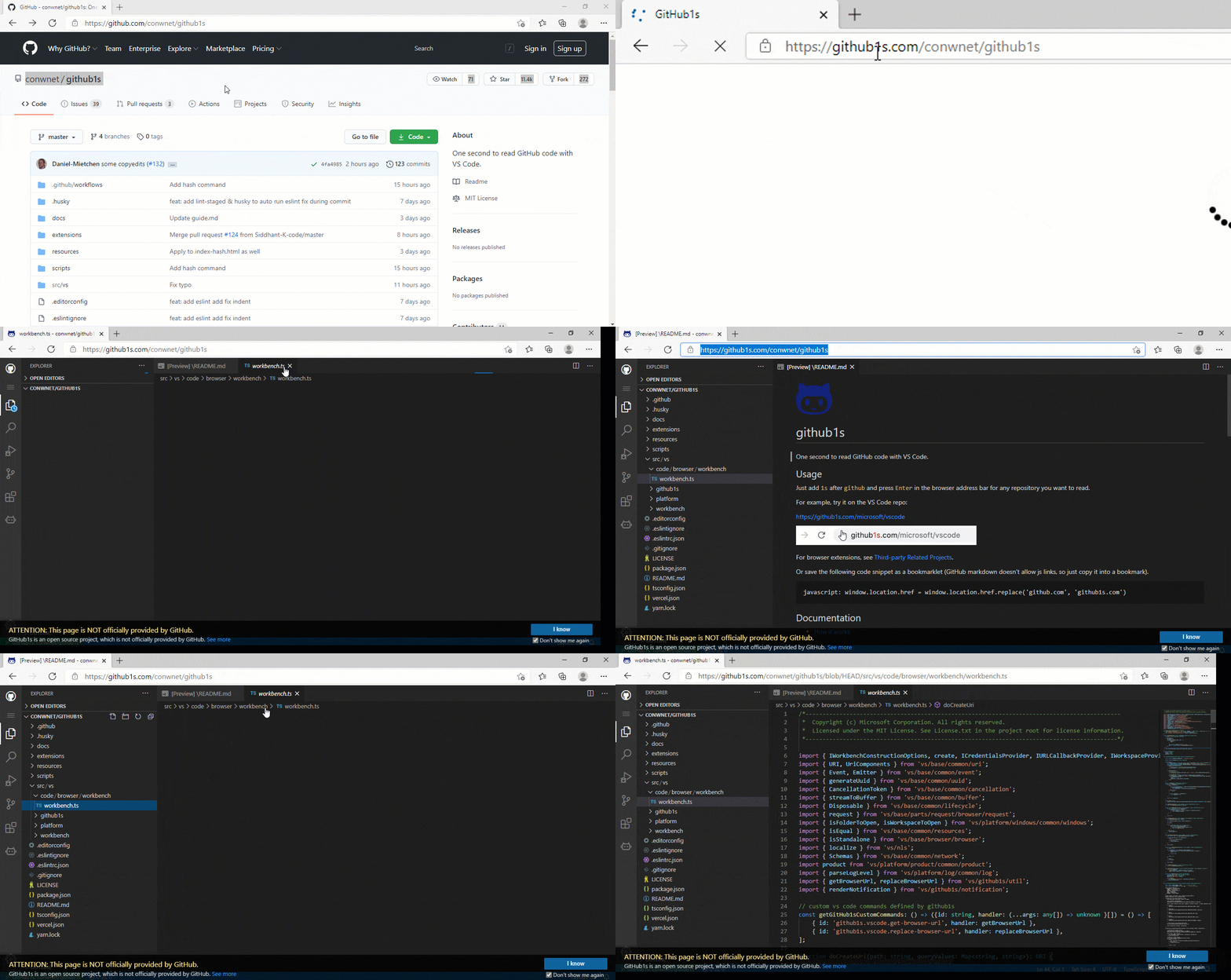
Just add 1s after github and press Enter in the browser address bar for any repository you want to read.
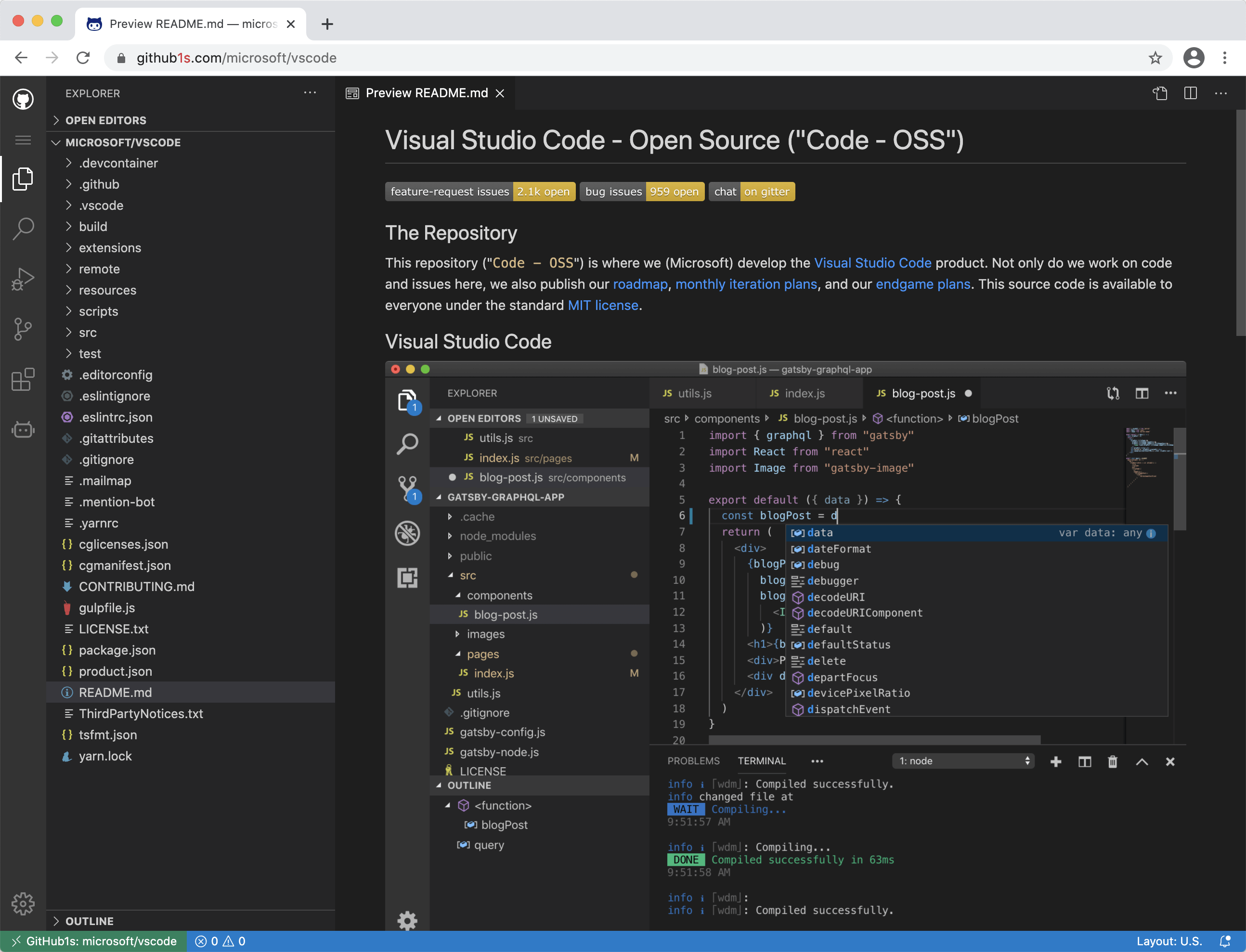
For example, try it on the VS Code repo:
https://github1s.com/microsoft/vscode

You can also use https://gitlab1s.com or https://npmjs1s.com in the same way.
For browser extensions, see Third-party Related Projects.
Or save the following code snippet as a bookmarklet, you can use it to quickly switch between github.com and github1s.com (GitHub markdown doesn't allow js links, so just copy it into a bookmark).
javascript: window.location.href = window.location.href.replace(/github(1s)?.com/, function(match, p1) { return p1 ? 'github.com' : 'github1s.com' })
Develop in the cloud
To edit files, run Docker containers, create pull requests and more, click the "Develop your project on Gitpod" button in the status bar. You can also open the Command Palette (default shortcut Ctrl+Shift+P) and choose GitHub1s: Edit files in Gitpod.

Documentation
Enabling Private Repositories
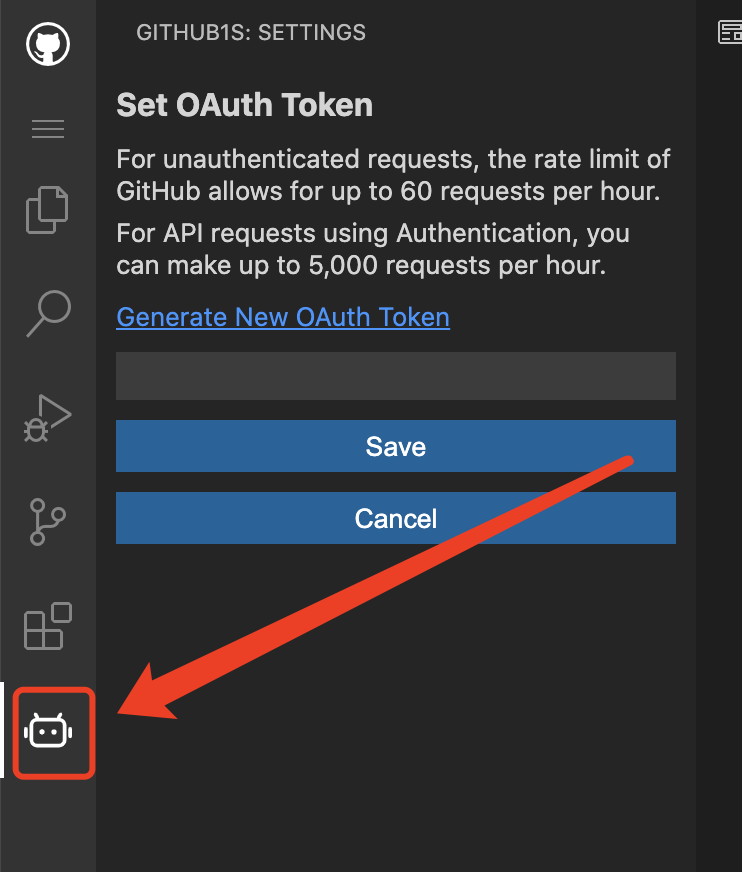
If you want to view non-public repositories, you need to add an OAuth token. The token is stored only in your browser, and only send to GitHub when fetching your repository's files. Click on the icon near the bottom of the left-hand row of icons, and the dialog box will prompt you for it, and even take you to your GitHub settings page to generate one, if needed.
Screenshots
Development
Cloud-based development
You can start an online development environment with Gitpod by clicking the following button:

Local development
git clone [email protected]:conwnet/github1s.git
cd github1s
npm install
npm run watch
# The cli will automatically open http://localhost:8080 once the build is completed.
# You can visit http://localhost:8080/conwnet/github1s if it doesn't.
Local development with full VS Code build
You need these prerequisites (the same ones as for VS Code) for development with full VS Code build.
Please make sure you could build VS Code locally before the watch mode.
To verify the build:
cd github1s
npm run build:vscode
After the initial successful build, you could use the watch mode:
cd github1s
npm install
npm run watch-with-vscode
# The cli will automatically open http://localhost:8080 once the build is completed.
# You can visit http://localhost:8080/conwnet/github1s if it doesn't.
... or ... VS Code + Docker Development
You can use the VS Code plugin Remote-Containers Dev Container to use a Docker container as a development environment.
Install the Remote-Containers plugin in VS Code & Docker
Open the Command Palette (default shortcut Ctrl+Shift+P) and choose Remote-Containers: Clone Repository in Container Volume...
Enter the repo, in this case https://github.com/conwnet/github1s.git or your forked repo
Pick either, Create a unique volume or Create a new volume
- Now VS Code will create the docker container and connect to the new container so you can use this as a fully setup environment!
Open a new VS Code Terminal, then you can run the npm install commands listed above.
npm install
npm run watch
# The cli will automatically open http://localhost:8080 once the build is completed.
# You can visit http://localhost:8080/conwnet/github1s if it doesn't.
npm run format
It uses prettier to format all possible codes.
Build
npm install
npm run build
Feedback
The continued development and maintenance of GitHub1s is made possible by these generous sponsors:
Partners
We are partnered with OSS Insight to get the Trending Repositories & some more Interesting Analytics. OSS Insight provides deep insights into GitHub repos, developers, and curated repo lists from billions of GitHub events. It’s built with TiDB Cloud.
Maintainers! :blush:
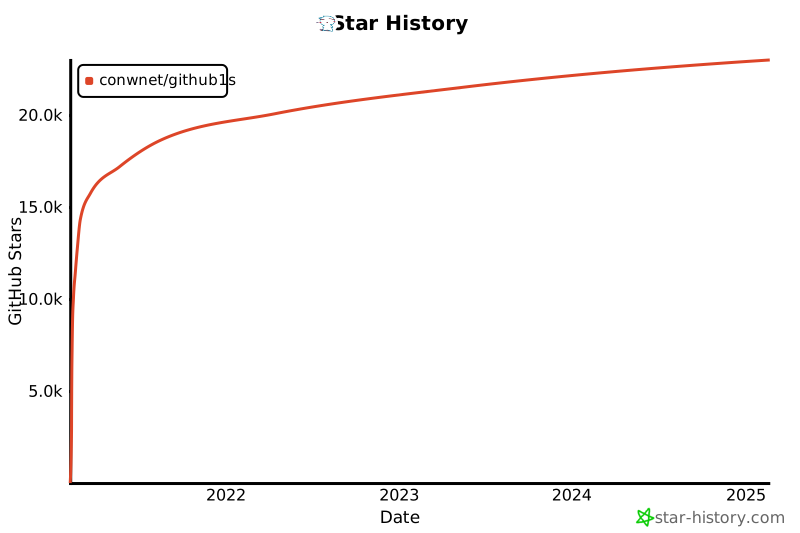
Stargazers over time
Third-party Related Projects
Chrome Extensions
Firefox Extensions
Microsoft Edge Extensions
Safari Extension
Tampermonkey scripts




 github1s 是一个免费的网页应用,可以直接在浏览器里用完整的 VS Code 风格编辑器打开任何 GitHub 仓库。这样你就能带着文件树和编辑器来读代码,而不用在 github.com 上一页一页地点来点去。