







这是做什么用的?
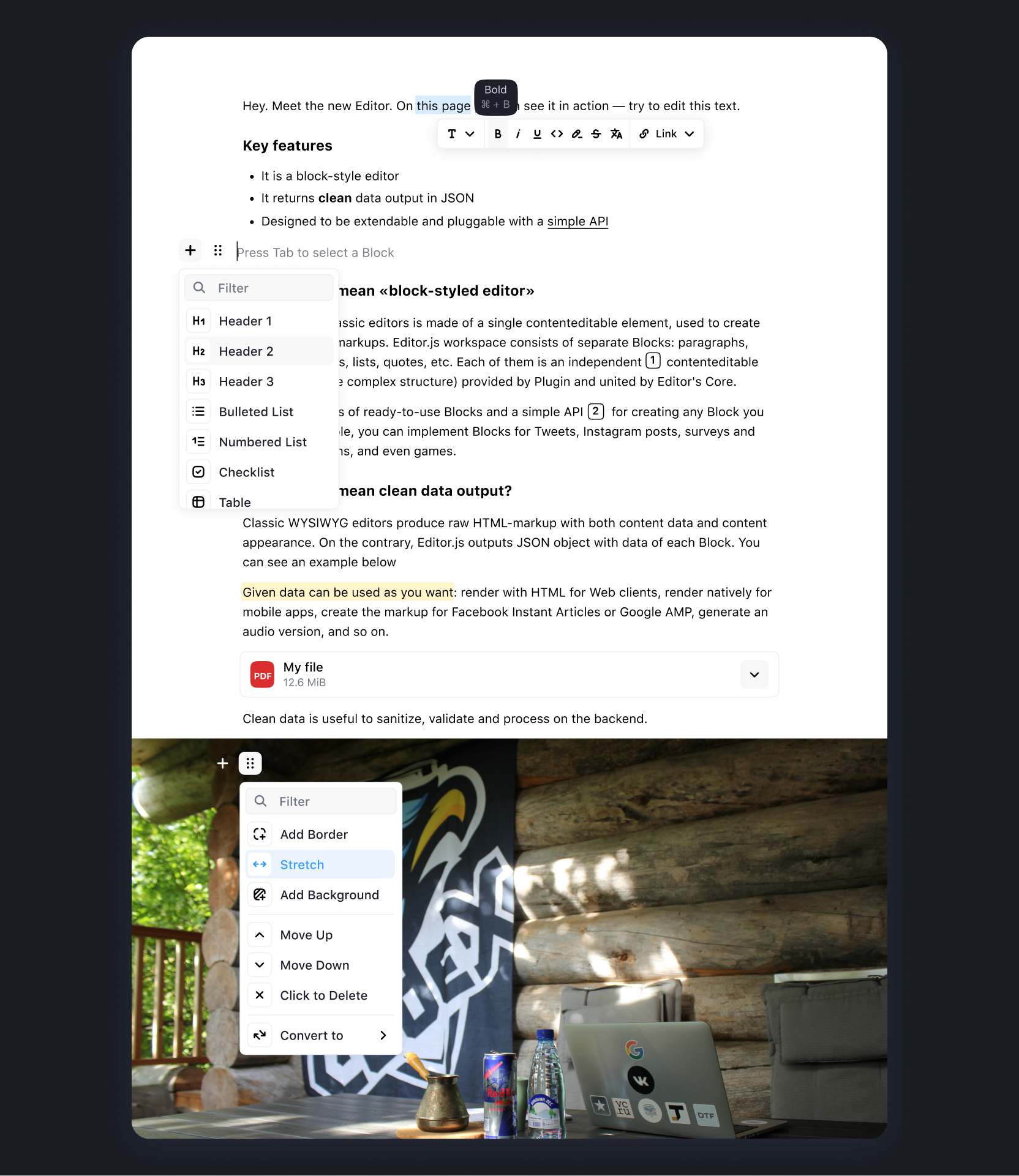
 一个免费开源的网页块式(block)文本编辑器:写作者用文本、图片、列表、引用等区块来组织内容,保存结果是干净的 JSON,而不是臃肿的 HTML 标记。
一个免费开源的网页块式(block)文本编辑器:写作者用文本、图片、列表、引用等区块来组织内容,保存结果是干净的 JSON,而不是臃肿的 HTML 标记。块式编辑器和普通的所见即所得编辑框有什么不一样?内容不是一篇连续的文档,而是一组相互独立的区块(Block),每个区块由单独的插件(工具)提供,所以你可以精确控制有哪些区块类型,还能用自己的插件扩展编辑器。
内容不是一篇连续的文档,而是一组相互独立的区块(Block),每个区块由单独的插件(工具)提供,所以你可以精确控制有哪些区块类型,还能用自己的插件扩展编辑器。怎么把它加到我的网页应用里?通过 NPM、Yarn 或 CDN 安装 Editor.js,装好需要的工具包,然后在页面里初始化一个 Editor 实例;文档里对安装和配置都有详细说明。
通过 NPM、Yarn 或 CDN 安装 Editor.js,装好需要的工具包,然后在页面里初始化一个 Editor 实例;文档里对安装和配置都有详细说明。内容区块是自带的吗?不是——每种区块类型都是一个单独的工具插件,需要和核心库一起安装。官方工具涵盖标题、图片、表格、清单和嵌入内容;社区开发的工具则收录在 Awesome Editor.js 列表里。
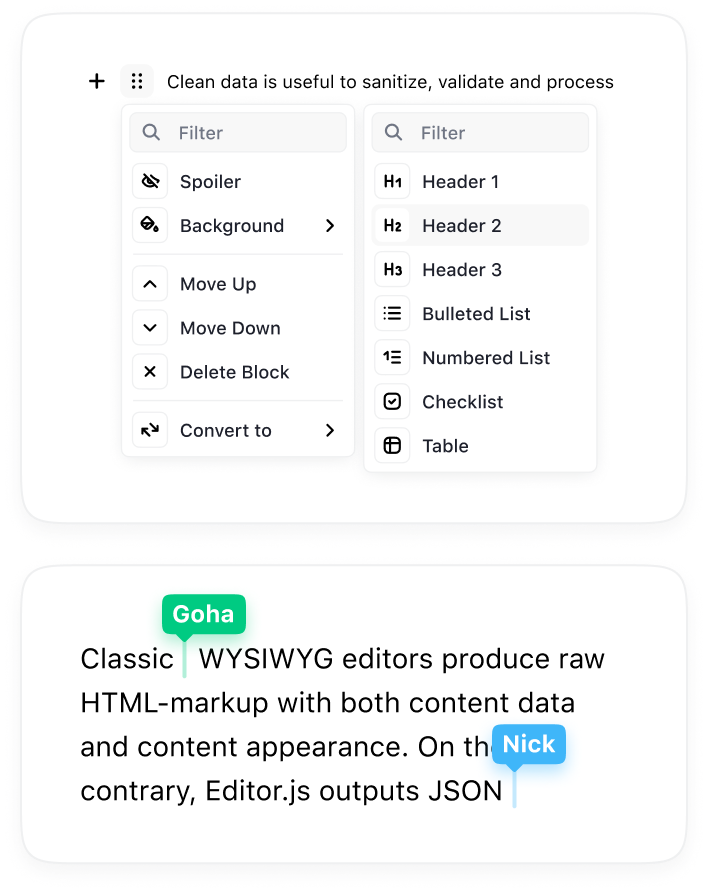
不是——每种区块类型都是一个单独的工具插件,需要和核心库一起安装。官方工具涵盖标题、图片、表格、清单和嵌入内容;社区开发的工具则收录在 Awesome Editor.js 列表里。还有哪些功能缺失或在做?协作编辑、撤销/重做管理器、跨区块的拖拽和选择功能都还在路线图上,尚未发布。
协作编辑、撤销/重做管理器、跨区块的拖拽和选择功能都还在路线图上,尚未发布。它能在哪些地方运行?保存的内容可以用在哪里?它作为网页应用的 JavaScript 组件在浏览器里运行;由于输出的是 JSON,同一份内容可以渲染到 Web、iOS、Android、AMP、Instant Articles、语音朗读工具和 AI 聊天机器人上。
它作为网页应用的 JavaScript 组件在浏览器里运行;由于输出的是 JSON,同一份内容可以渲染到 Web、iOS、Android、AMP、Instant Articles、语音朗读工具和 AI 聊天机器人上。可以免费使用吗,包括商业项目?可以——采用 Apache-2.0 许可证,免费开源;团队靠捐赠和赞助来支撑开发,不向用户收费。
可以——采用 Apache-2.0 许可证,免费开源;团队靠捐赠和赞助来支撑开发,不向用户收费。编辑完成后我怎么把内容取出来?调用 editor.save() —— 它返回一个 Promise,解析后得到 JSON 格式的保存数据,你可以把它存起来或发送到应用需要的任何地方。
调用 editor.save() —— 它返回一个 Promise,解析后得到 JSON 格式的保存数据,你可以把它存起来或发送到应用需要的任何地方。我可以自己写自定义的区块类型吗?可以——每个区块都是基于编辑器 API 构建的插件,仓库还提供 @editorjs/create-tool 来快速搭建新工具,自定义区块是一等公民的用法。
可以——每个区块都是基于编辑器 API 构建的插件,仓库还提供 @editorjs/create-tool 来快速搭建新工具,自定义区块是一等公民的用法。它能嵌入哪些服务?官方的 Embeds 工具支持 YouTube、Twitch、Vimeo、Gfycat、Instagram、Twitter 等平台;另外还有不需要后端的独立 Link embed 和 Simple Image 工具。
官方的 Embeds 工具支持 YouTube、Twitch、Vimeo、Gfycat、Instagram、Twitter 等平台;另外还有不需要后端的独立 Link embed 和 Simple Image 工具。What are similar projects?medium-editor, summernote, pell, plate, lexical, wangEditor, milkdown, BlockNote
medium-editor, summernote, pell, plate, lexical, wangEditor, milkdown, BlockNoteWhich topics is it in?rich-text-editor, wysiwyg, cms, content-creation, plugin-system, editor, javascript-library, json, ui-components, plugin, ui, web-development
rich-text-editor, wysiwyg, cms, content-creation, plugin-system, editor, javascript-library, json, ui-components, plugin, ui, web-development