





79.6K ·GitHub
这是什么?
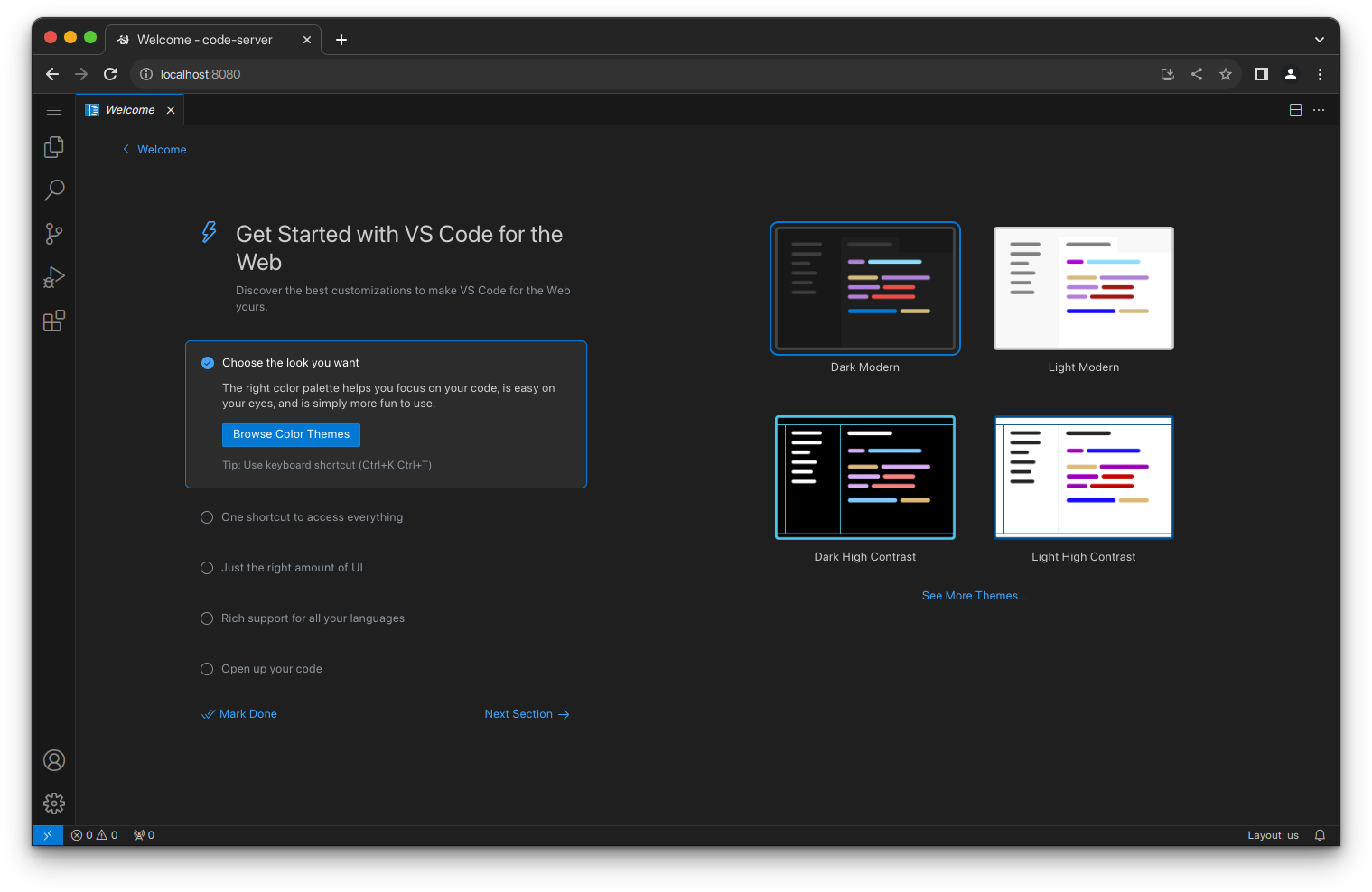
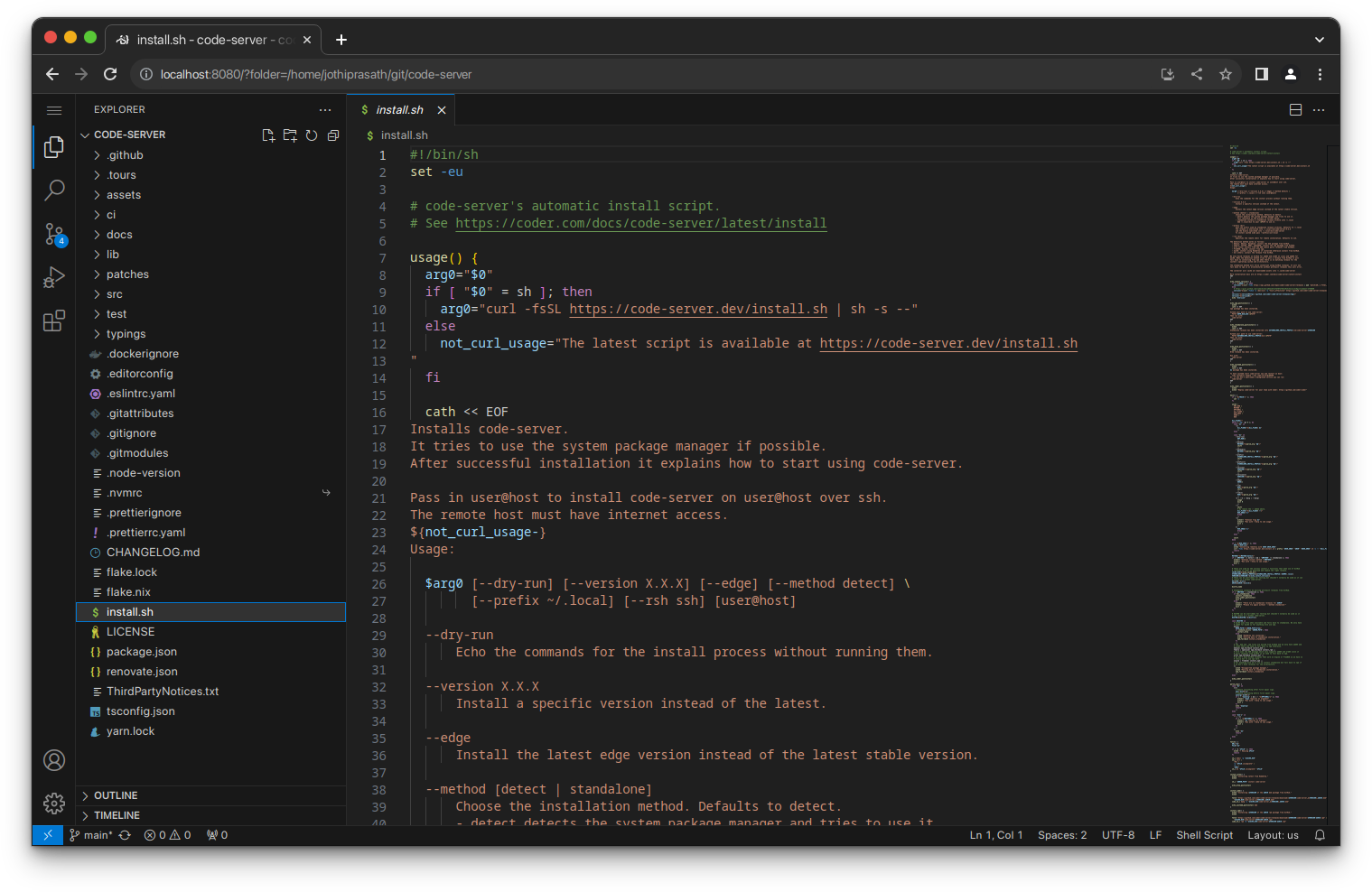
 code-server 可以在远程机器上运行 VS Code,并让你通过网页浏览器使用完整的编辑器,因此任何设备都能写代码。
code-server 可以在远程机器上运行 VS Code,并让你通过网页浏览器使用完整的编辑器,因此任何设备都能写代码。这是我要在本地安装的编辑器,还是需要在服务器上运行的程序?它是一个服务器应用:你需要在 Linux 机器上安装并运行它(可以是云虚拟机、自己的服务器或 devcontainer),然后在任何设备的浏览器中打开 VS Code 界面。
它是一个服务器应用:你需要在 Linux 机器上安装并运行它(可以是云虚拟机、自己的服务器或 devcontainer),然后在任何设备的浏览器中打开 VS Code 界面。我该怎么让它运行起来?最简单的方法是使用安装脚本,它会调用系统的包管理器;你也可以手动安装,团队可以使用 coder/coder 进行部署,还可以使用一键云部署按钮,或者添加 devcontainers 功能。
最简单的方法是使用安装脚本,它会调用系统的包管理器;你也可以手动安装,团队可以使用 coder/coder 进行部署,还可以使用一键云部署按钮,或者添加 devcontainers 功能。运行它需要什么样的机器?需要一台启用了 WebSockets 的 Linux 机器,至少 1 GB 内存和 2 个 vCPU。
需要一台启用了 WebSockets 的 Linux 机器,至少 1 GB 内存和 2 个 vCPU。它能在 Windows 或 macOS 服务器上运行吗?官方说明的要求是 Linux 机器,因此它是为部署在 Linux 上设计的,而不是 Windows 或 macOS 服务器。
官方说明的要求是 Linux 机器,因此它是为部署在 Linux 上设计的,而不是 Windows 或 macOS 服务器。这是给个人开发者用的,还是给整个团队用的?个人开发者可以用它在外出时获得一致的开发环境;团队则可以借助配套项目 coder/coder 进行集中部署。
个人开发者可以用它在外出时获得一致的开发环境;团队则可以借助配套项目 coder/coder 进行集中部署。为什么要远程运行 VS Code,而不是在本地运行?编译、测试、下载等繁重任务可以交给强大的云服务器来完成,而不是占用你的笔记本电脑,既省电,又能让你用任何带浏览器的设备工作。
编译、测试、下载等繁重任务可以交给强大的云服务器来完成,而不是占用你的笔记本电脑,既省电,又能让你用任何带浏览器的设备工作。我能把它用在现有的 devcontainer 环境中吗?可以,如果你的项目已经在使用 devcontainer,code-server 提供了专门的 devcontainer 功能。
可以,如果你的项目已经在使用 devcontainer,code-server 提供了专门的 devcontainer 功能。公司有没有托管或现成的方式来运行它?code-server 背后的公司 Coder 提供了 coder/coder,专门用于在团队的基础设施中部署和管理 code-server。
code-server 背后的公司 Coder 提供了 coder/coder,专门用于在团队的基础设施中部署和管理 code-server。What are similar projects?coder, core, gitpod, devpod, agentbox, rocketride-server, claudecodeui, ruflo
coder, core, gitpod, devpod, agentbox, rocketride-server, claudecodeui, rufloWhich topics is it in?development-environment, remote-development, ide, vscode, cloud, devops, productivity, server, docker, typescript, self-hosted, cli
development-environment, remote-development, ide, vscode, cloud, devops, productivity, server, docker, typescript, self-hosted, cli