Leon Sans
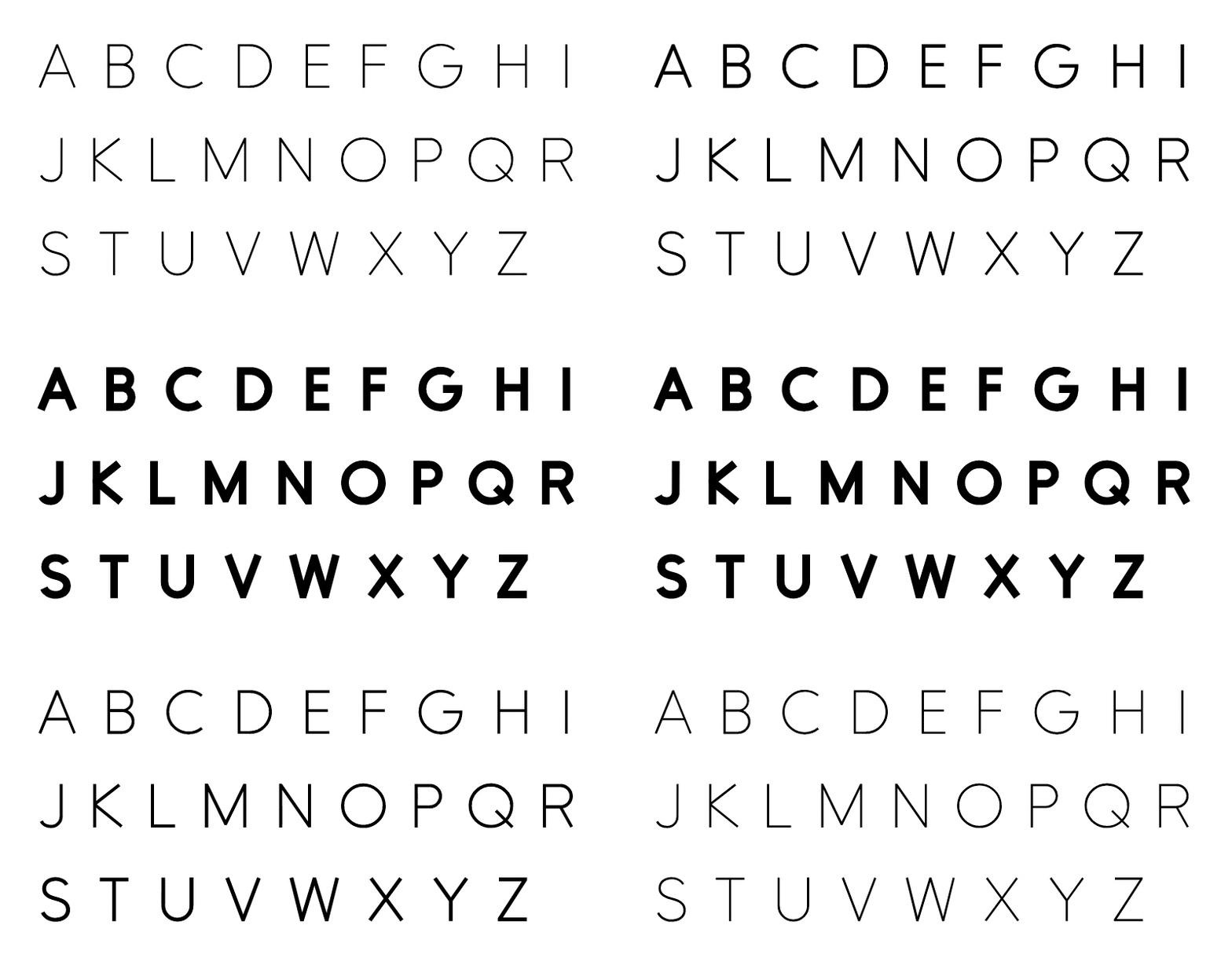
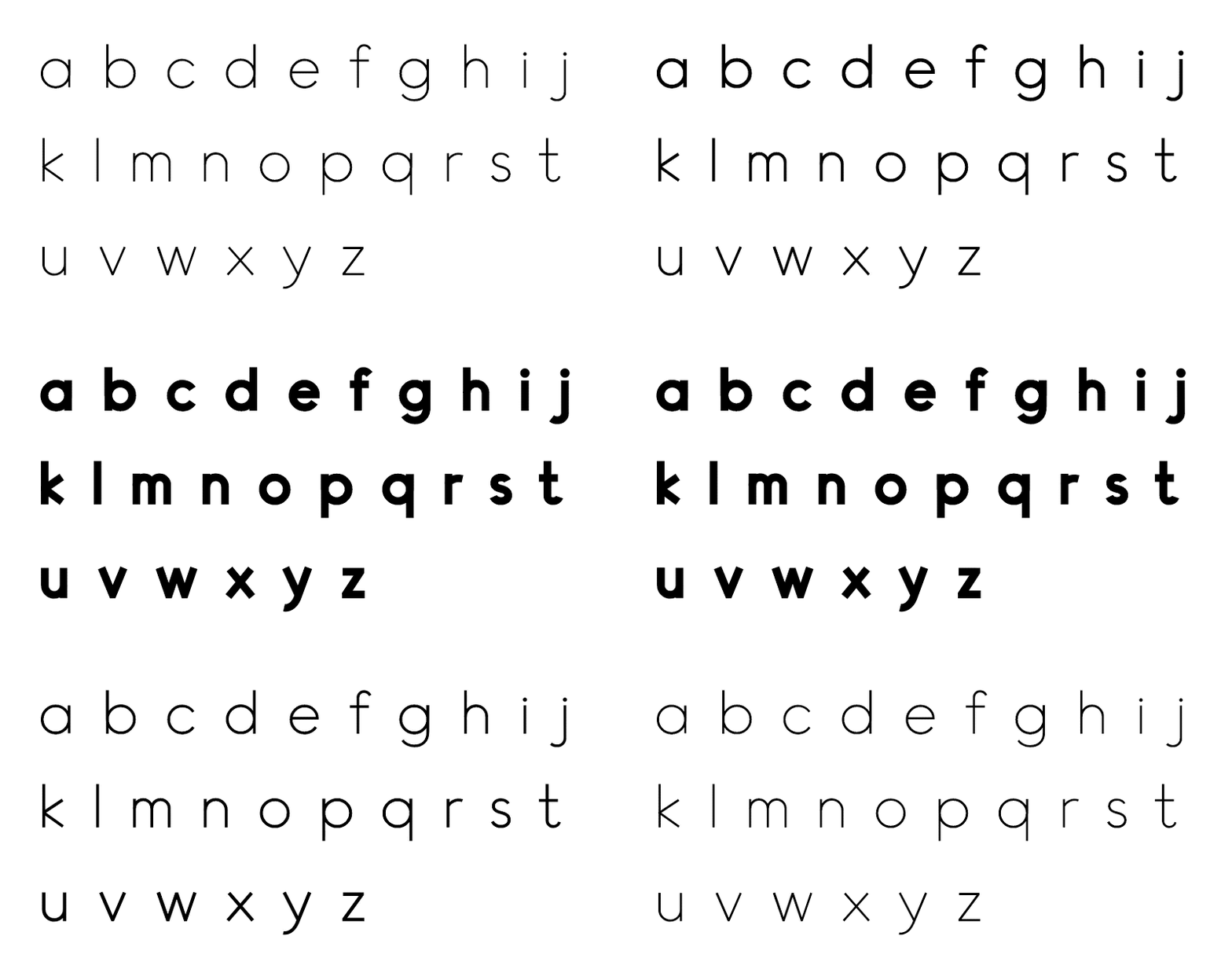
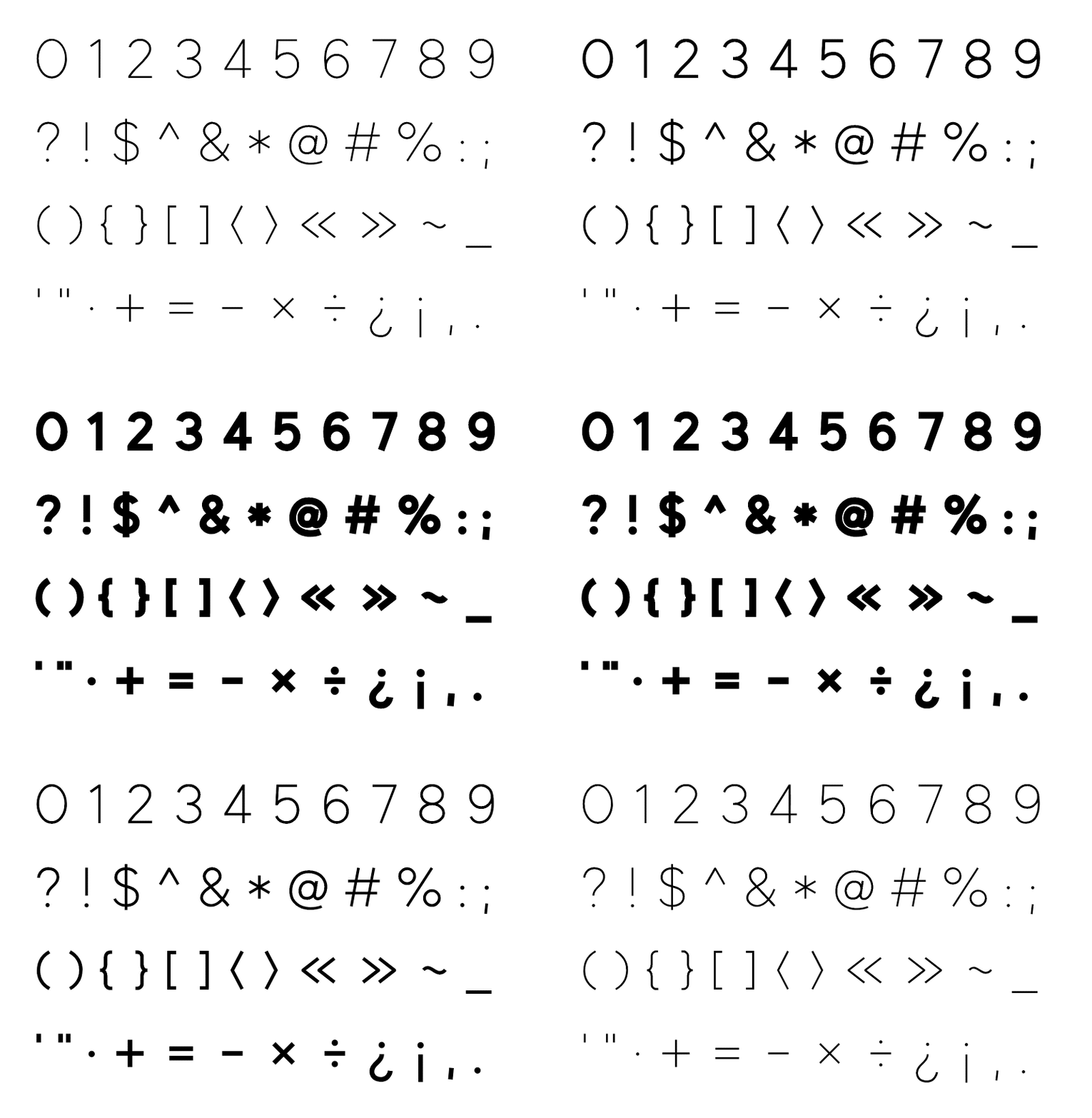
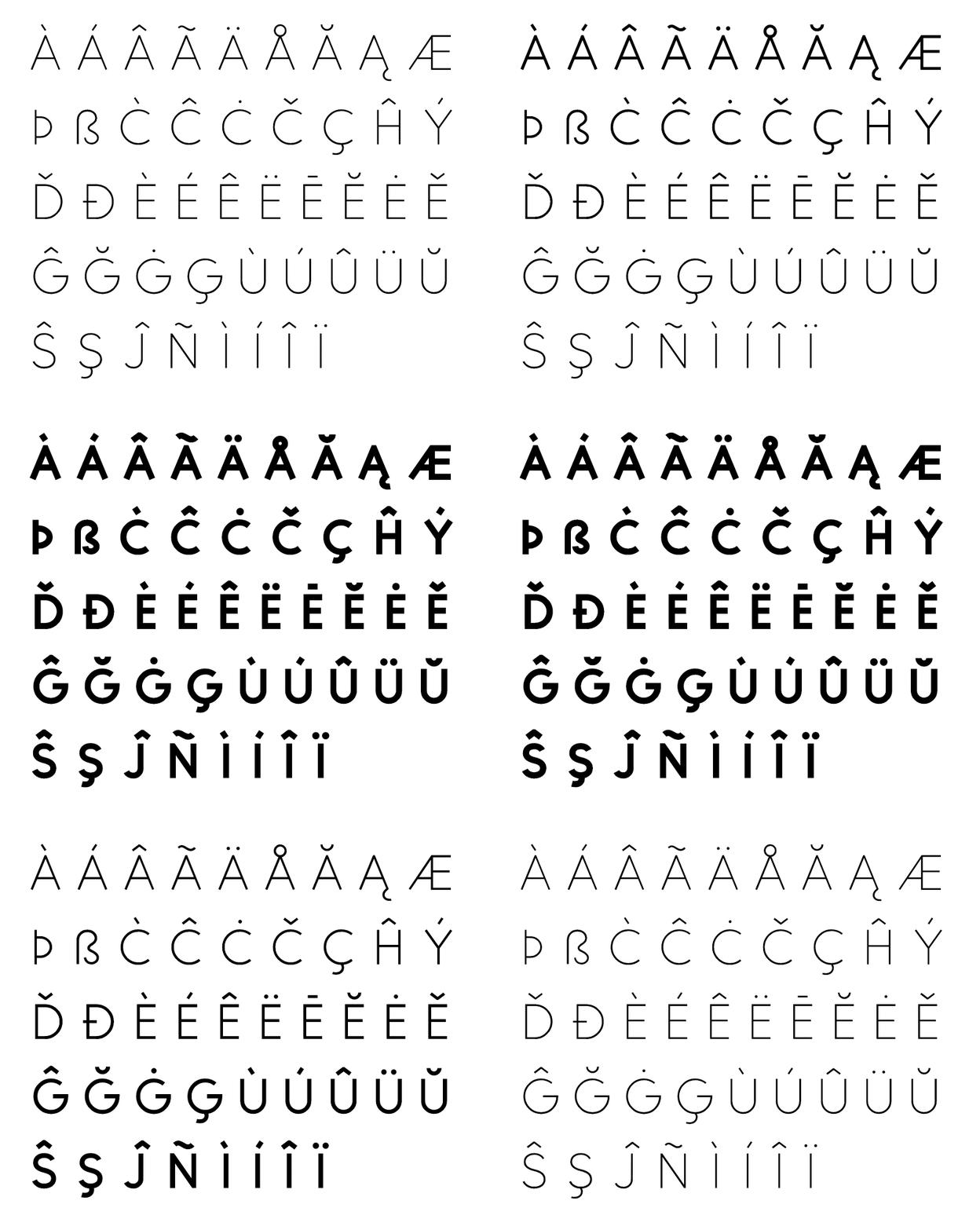
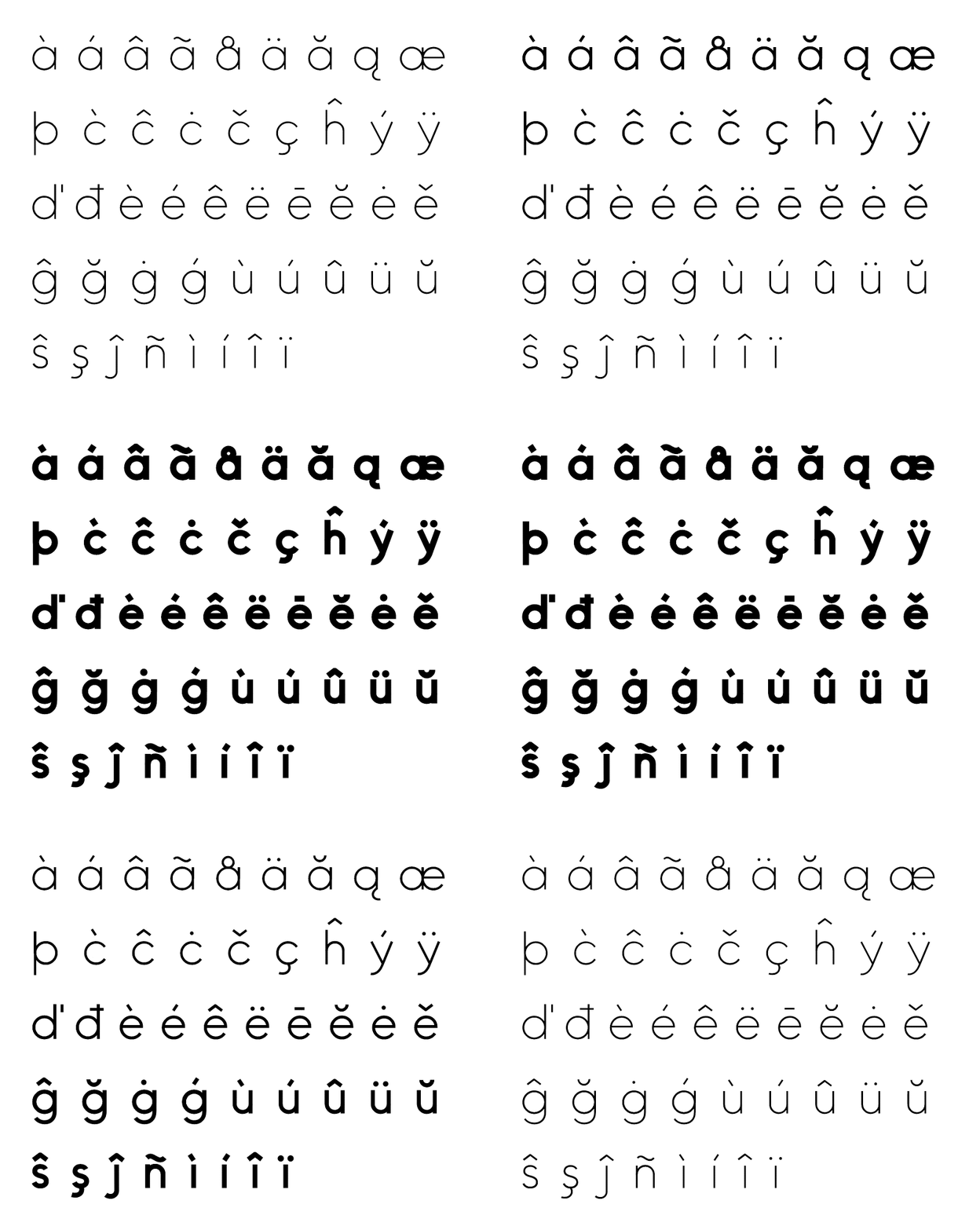
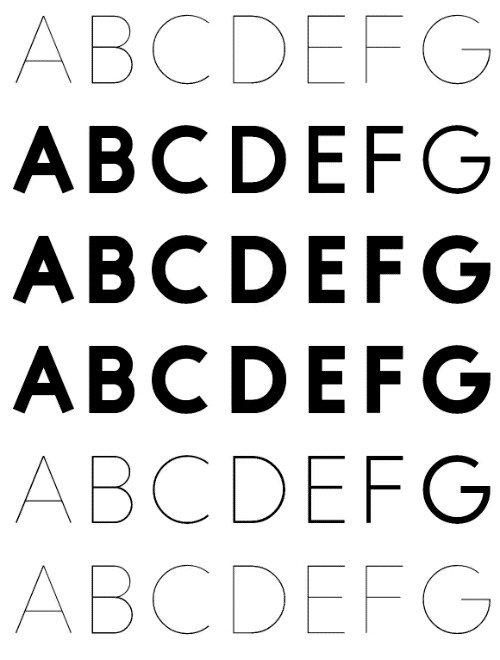
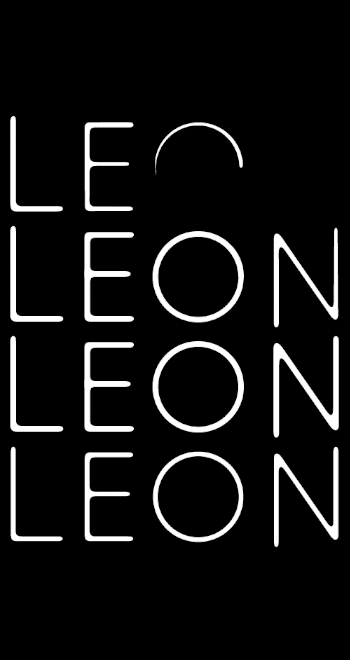
Leon Sans is a geometric sans-serif typeface made with code in 2019 by Jongmin Kim. It allows to change font weight dynamically and to create custom animations, effects or shapes in the Canvas element of HTML5. He designed the font to celebrate his newborn baby Leon.
There are live examples at https://leon-kim.com/examples/
And website at https://leon-kim.com/
What is special?
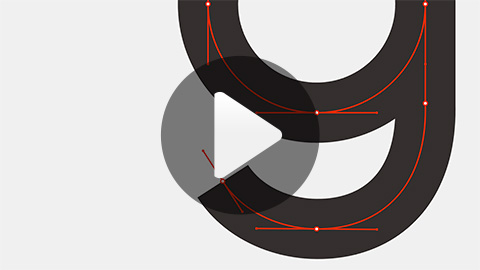
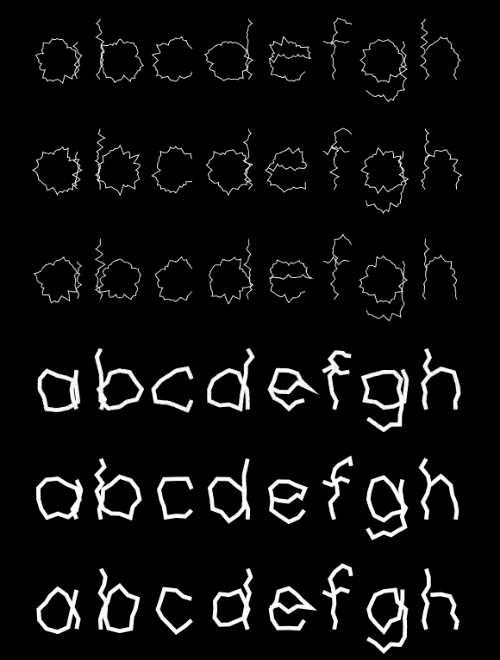
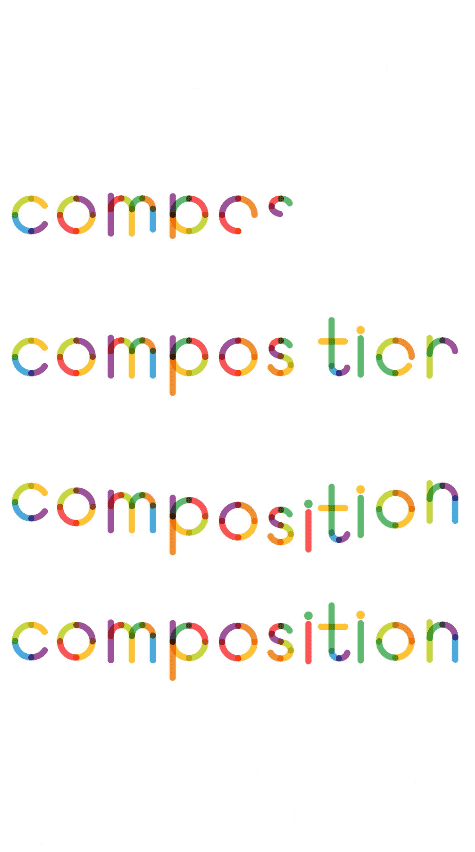
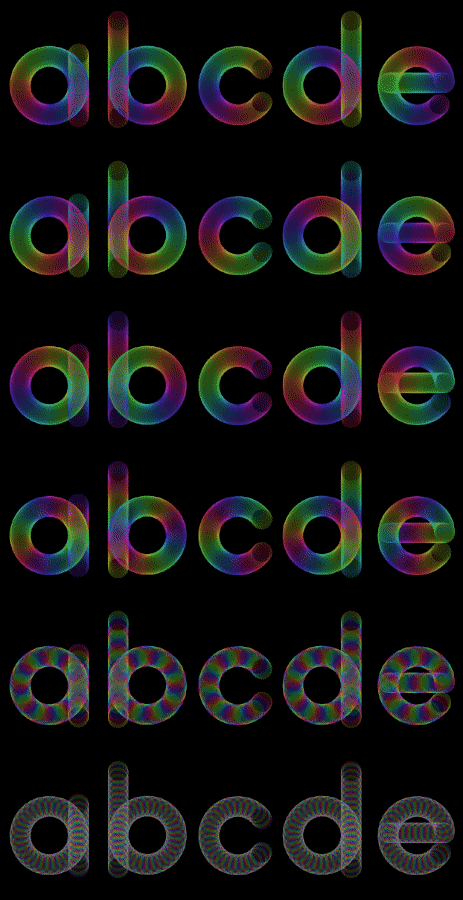
The font is made with code, it has coordinate values of the drawing points for each glyph. With the coordinate values, you can create custom shapes, effects or animations.


Usage
Download the minified js file in dist folder and include it in your html.
<script src="js/leon.js"></script>
Generate LeonSans and draw it in the Canvas element of HTML5.
let leon, canvas, ctx;

const sw = 800;
const sh = 600;
const pixelRatio = 2;

function init() {
    canvas = document.createElement('canvas');
    document.body.appendChild(canvas);
    ctx = canvas.getContext("2d");

    canvas.width = sw * pixelRatio;
    canvas.height = sh * pixelRatio;
    canvas.style.width = sw + 'px';
    canvas.style.height = sh + 'px';
    ctx.scale(pixelRatio, pixelRatio);

    leon = new LeonSans({
        text: 'The quick brown\nfox jumps over\nthe lazy dog',
        color: ['#000000'],
        size: 80,
        weight: 200
    });

    requestAnimationFrame(animate);
}

function animate(t) {
    requestAnimationFrame(animate);

    ctx.clearRect(0, 0, sw, sh);

    const x = (sw - leon.rect.w) / 2;
    const y = (sh - leon.rect.h) / 2;
    leon.position(x, y);

    leon.draw(ctx);
}

window.onload = () => {
    init();
};
For the drawing animation, include TweenMax (JS animation library) in your html.
<script src="https://cdnjs.cloudflare.com/ajax/libs/gsap/2.1.3/TweenMax.min.js"></script>
And update all the drawing values from 0 to 1
let i, total = leon.drawing.length;
for (i = 0; i < total; i++) {
    TweenMax.fromTo(leon.drawing[i], 1.6, {
        value: 0
    }, {
        delay: i * 0.05,
        value: 1,
        ease: Power4.easeOut
    });
}
Option list
| Name |
Type |
Description |
text |
string |
The text that needs to be shown. |
size |
integer |
The size of the text. |
weight |
number |
The weight of the font: 1 - 900. [Default: 1] |
color |
array |
The colors of each characters. [Default: ['#000000']] |
colorful |
array |
The colors for colorful effect. [Default: ['#c5d73f', '#9d529c', '#49a9db', '#fec330', '#5eb96e', '#fc5356', '#f38f31']] |
tracking |
integer |
The spacing between the characters of a block of text. [Default: 0] |
leading |
integer |
The distance between each line of text. [Default: 0] |
align |
string |
How the text content of the element is horizontally aligned: left, center, right. [Default: left] |
pathGap |
number |
The gap between each coordinate of the points on a line of each character: 0 - 1. [Default: 0.5] |
amplitude |
number |
The amplitude of the wave effect: 0 - 1. [Default: 0.5] |
maxWidth |
number |
The width of the text sentence. |
breakWord |
boolean |
Words break when reaching the end of a line. [Default: false] |
fps |
number |
The FPS for the wave effect. [Default: 30] |
isPath |
boolean |
true to get the coordinate values of the points on a line of each character. [Default: false] |
isWave |
boolean |
true for the wave effect. [Default: false] |
Properties
| Name |
Type |
Description |
lineWidth |
number |
The thickness of lines of the character. |
scale |
number |
The scale of the character. scale is 1 when the font size is 500. |
drawing |
array |
The drawing object values for each character. 0 is the beginning of the animation, 1 is the end of the animation state. |
data |
array |
An object of the raw data for the text. |
paths |
array |
The coordinate values of the points on a line of each character. |
drawingPaths |
array |
The coordinate values of the points on a line of each character to draw the drawing animation in WebGL. It has 1px distance of each path. |
wavePaths |
array |
The coordinate values of the points on a line for the wave effect. |
rect |
Object |
The size of the text and its position: {x: x position, y: y position, w: width, h: height}. |
Methods
| Name |
Description |
on() |
Add update event. |
off() |
Remove update event. |
position(x, y) |
Set the position of the text. |
updateDrawingPaths() |
Update paths for drawing in WebGL (PIXI.js). It's very expensive, only call when it needs. |
drawPixi(graphics) |
Draw text in WebGL with PIXI.js. |
draw(ctx) |
Draw text in the Canvas element. |
drawColorful(ctx) |
Draw the colorful effect. |
wave(ctx, t) |
Draw the wave effect. |
pattern(ctx, w, h) |
Draw rectangle shapes at each path point |
grid(ctx) |
Draw grid for each type. |
point(ctx) |
Draw circles at each drawing point and lines for each type. |
box(ctx) |
Draw outline box for the text. |
reset() |
Reset all the values. |
dispose() |
Dispose. |

 Leon Sans 是一款几何无衬线字体,由代码生成而非静态字体文件,让你可以在 HTML5 Canvas 元素中渲染它并为它制作动画。