

Что это?
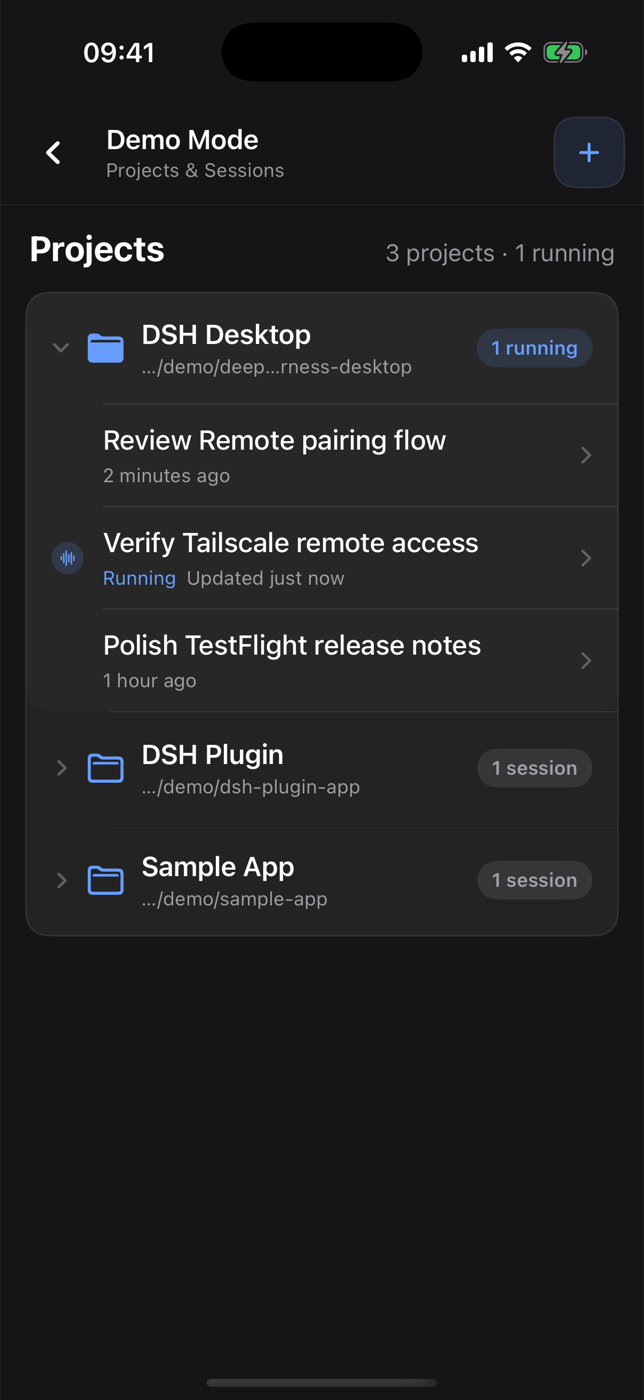
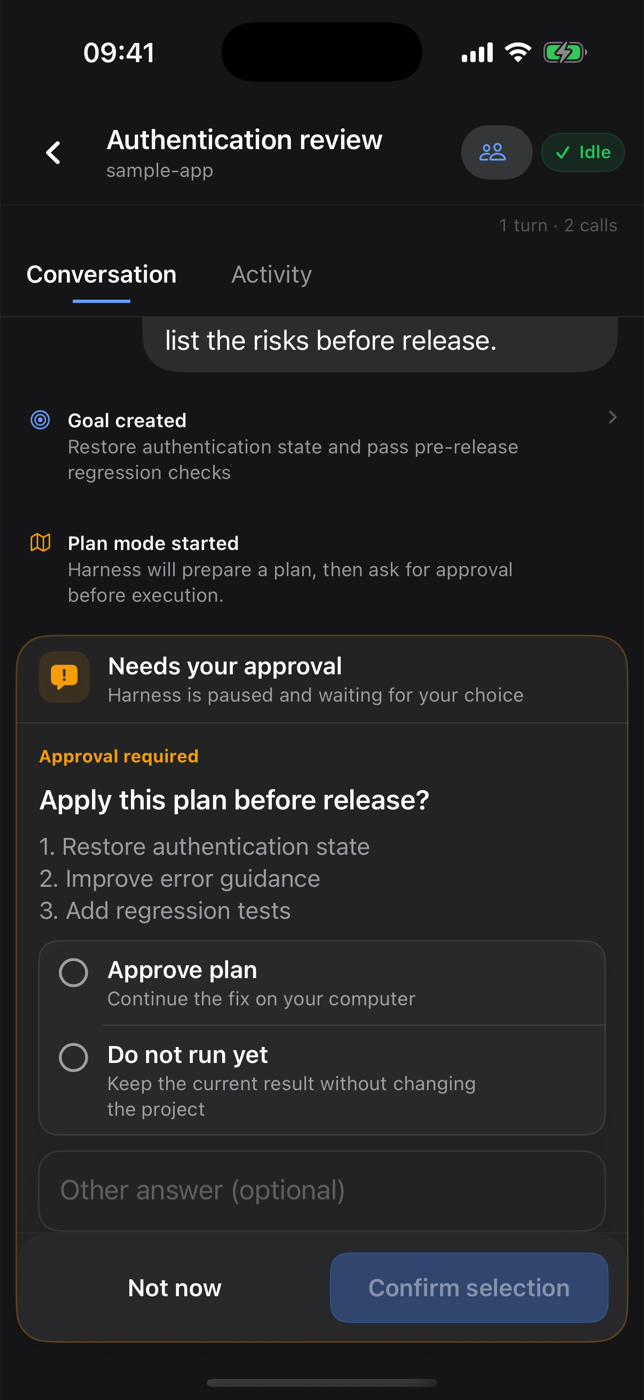
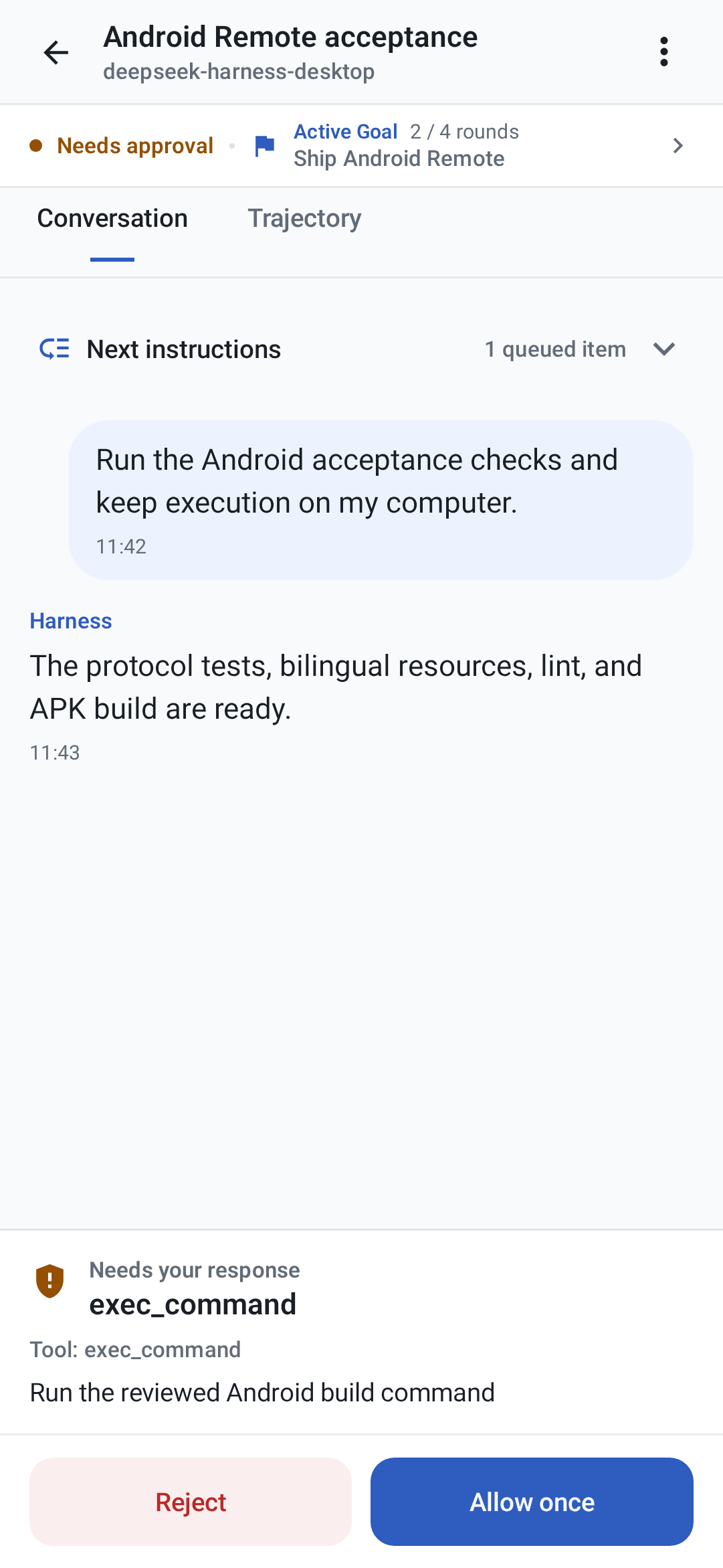
 DSH Desktop — компактное десктопное приложение, которое запускает официальный веб-интерфейс и рантайм кодинг-агента DeepSeek Harness (DSH) внутри нативного окна, а также поставляется с нативными сопутствующими приложениями «Remote» для iPhone и Android, чтобы просматривать и направлять те же сессии с телефона, пока всё исполнение остаётся на компьютере.
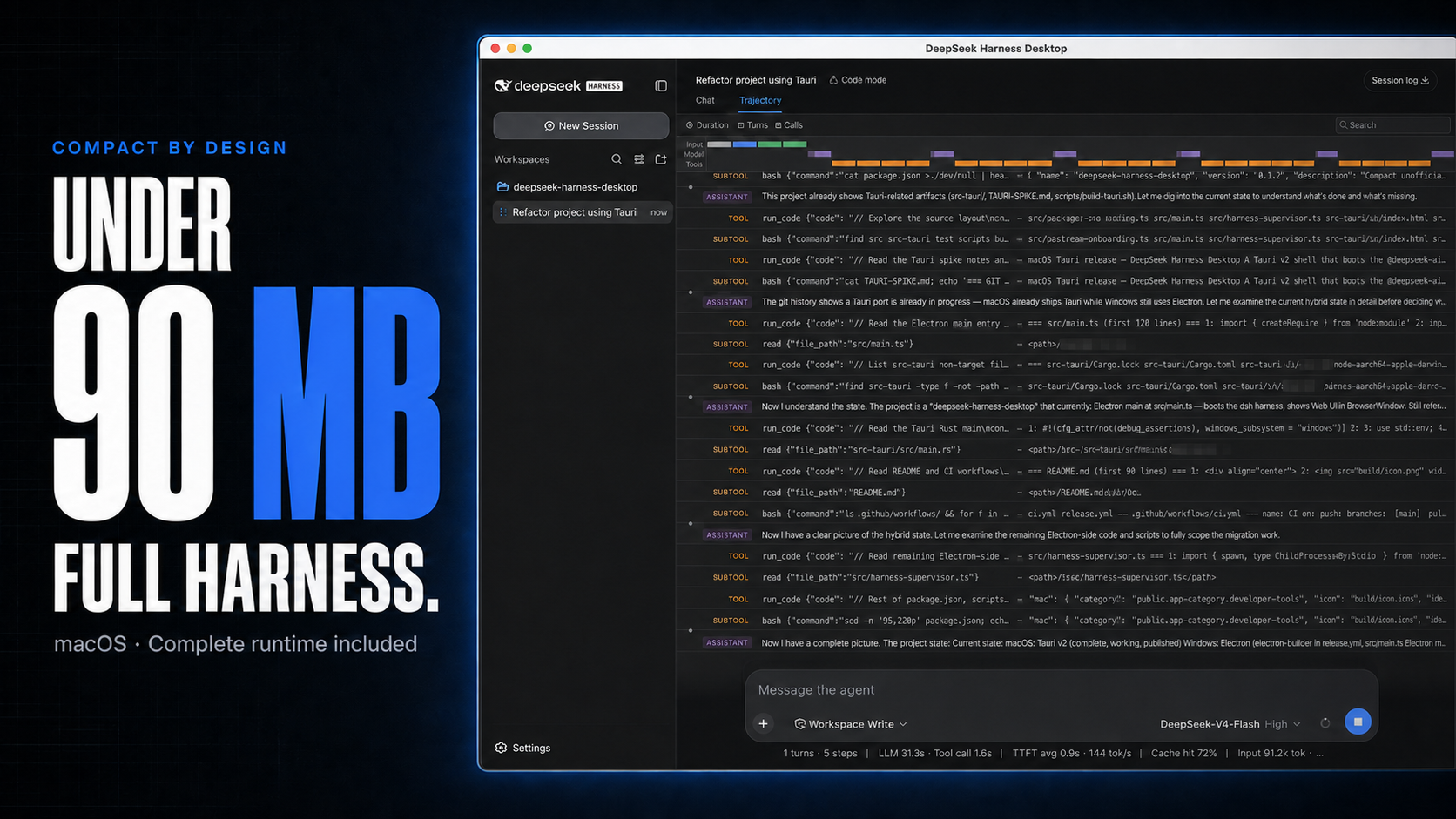
DSH Desktop — компактное десктопное приложение, которое запускает официальный веб-интерфейс и рантайм кодинг-агента DeepSeek Harness (DSH) внутри нативного окна, а также поставляется с нативными сопутствующими приложениями «Remote» для iPhone и Android, чтобы просматривать и направлять те же сессии с телефона, пока всё исполнение остаётся на компьютере.Это построено на Electron или на чём-то полегче?Сборка для macOS использует Tauri с системным WKWebView, чтобы весить меньше 90 МБ вместо комплектования Chromium, а релиз для Windows построен на Electron; приложение для iPhone — нативное SwiftUI, а для Android — Kotlin/Compose.
Сборка для macOS использует Tauri с системным WKWebView, чтобы весить меньше 90 МБ вместо комплектования Chromium, а релиз для Windows построен на Electron; приложение для iPhone — нативное SwiftUI, а для Android — Kotlin/Compose.Как его запустить?Скачайте установщик для своей ОС из последнего стабильного GitHub-релиза (.dmg для macOS, .exe/.zip для Windows), откройте приложение, затем зайдите в Settings → Models, чтобы настроить провайдера и API-ключ, добавьте workspace и запустите сессию Harness.
Скачайте установщик для своей ОС из последнего стабильного GitHub-релиза (.dmg для macOS, .exe/.zip для Windows), откройте приложение, затем зайдите в Settings → Models, чтобы настроить провайдера и API-ключ, добавьте workspace и запустите сессию Harness.Нужно ли самому устанавливать Node.js или Harness CLI?При обычном использовании — нет: приложение само управляет локальным процессом Harness. Node.js 22.19+ нужен только если вы собираете проект из исходников.
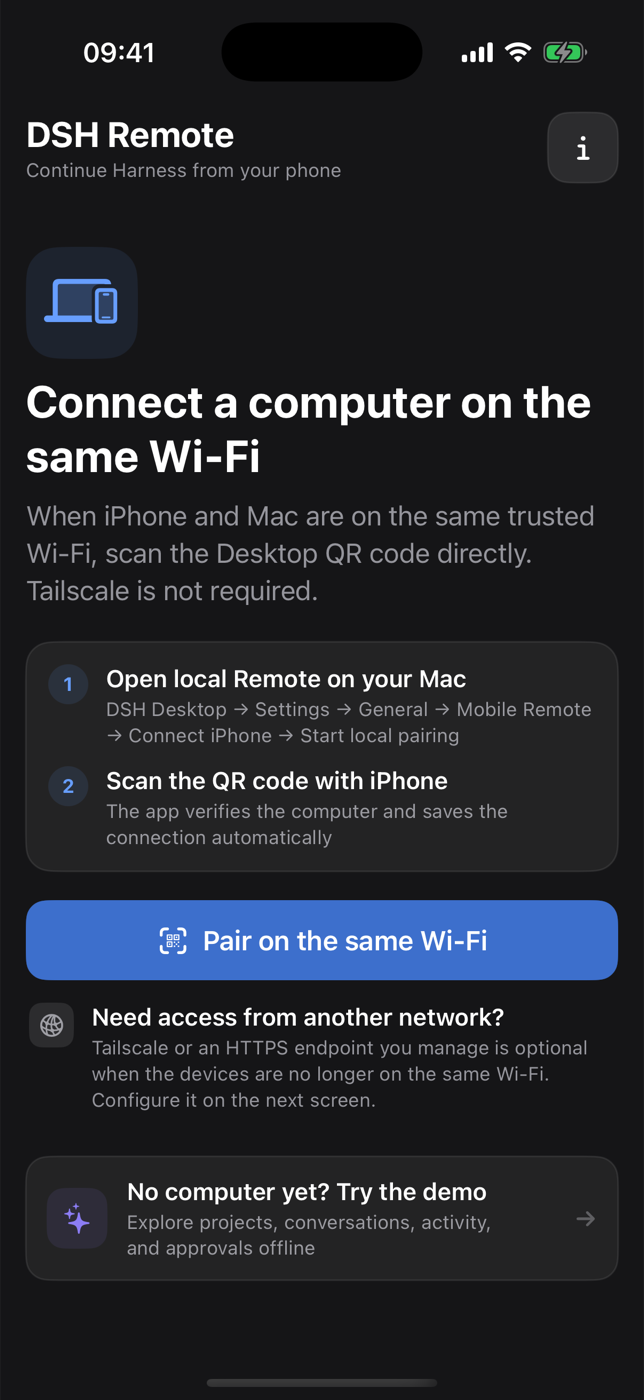
При обычном использовании — нет: приложение само управляет локальным процессом Harness. Node.js 22.19+ нужен только если вы собираете проект из исходников.Пульт для iPhone или Android — это полноценный самостоятельный агент?Нет — на телефоне никогда не запускаются агент, репозиторий, терминал или провайдер моделей; это просто панель управления, пока всё исполнение остаётся на вашем компьютере. Приложение для iPhone — бета в TestFlight, а Android-APK — релиз только на GitHub, пока не в Google Play, требующий совпадающей версии Desktop.
Нет — на телефоне никогда не запускаются агент, репозиторий, терминал или провайдер моделей; это просто панель управления, пока всё исполнение остаётся на вашем компьютере. Приложение для iPhone — бета в TestFlight, а Android-APK — релиз только на GitHub, пока не в Google Play, требующий совпадающей версии Desktop.Работает ли это и на Mac с Intel или только на Apple Silicon?И там и там — есть отдельные сборки .dmg для Mac на Apple Silicon (arm64) и Intel (x64), а также установщик и портативный zip для Windows 10/11 x64.
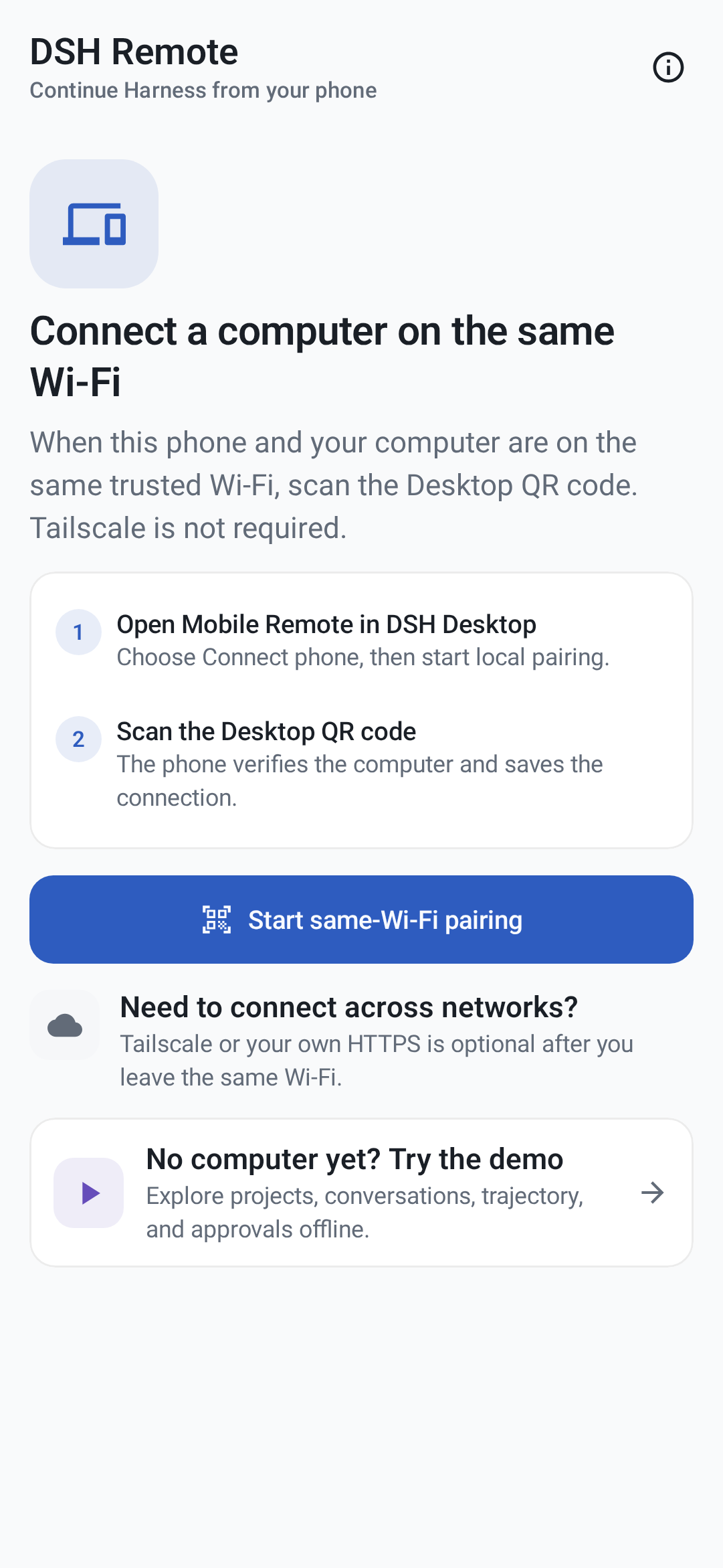
И там и там — есть отдельные сборки .dmg для Mac на Apple Silicon (arm64) и Intel (x64), а также установщик и портативный zip для Windows 10/11 x64.Куда уходят мой код и данные сопряжения?Всё остаётся на вашем собственном компьютере: релея от проекта нет, а телефоны подключаются либо через ваш доверенный локальный Wi-Fi, либо через вашу собственную сеть Tailscale.
Всё остаётся на вашем собственном компьютере: релея от проекта нет, а телефоны подключаются либо через ваш доверенный локальный Wi-Fi, либо через вашу собственную сеть Tailscale.Что такое DSH и это официальный продукт DeepSeek?DSH расшифровывается как DeepSeek Harness — рантайм кодинг-агента DeepSeek в режиме developer preview. Это десктопное приложение — независимый проект сообщества, а не официальный продукт DeepSeek AI.
DSH расшифровывается как DeepSeek Harness — рантайм кодинг-агента DeepSeek в режиме developer preview. Это десктопное приложение — независимый проект сообщества, а не официальный продукт DeepSeek AI.Можно ли устанавливать сторонние плагины?Да, из Settings → Plugins → Install & manage можно установить npm-пакет, ссылку github:owner/repo, GitHub-URL или команду; приложение проверяет, что Harness успешно перезапускается, и автоматически откатывает изменения, если плагин ломает запуск.
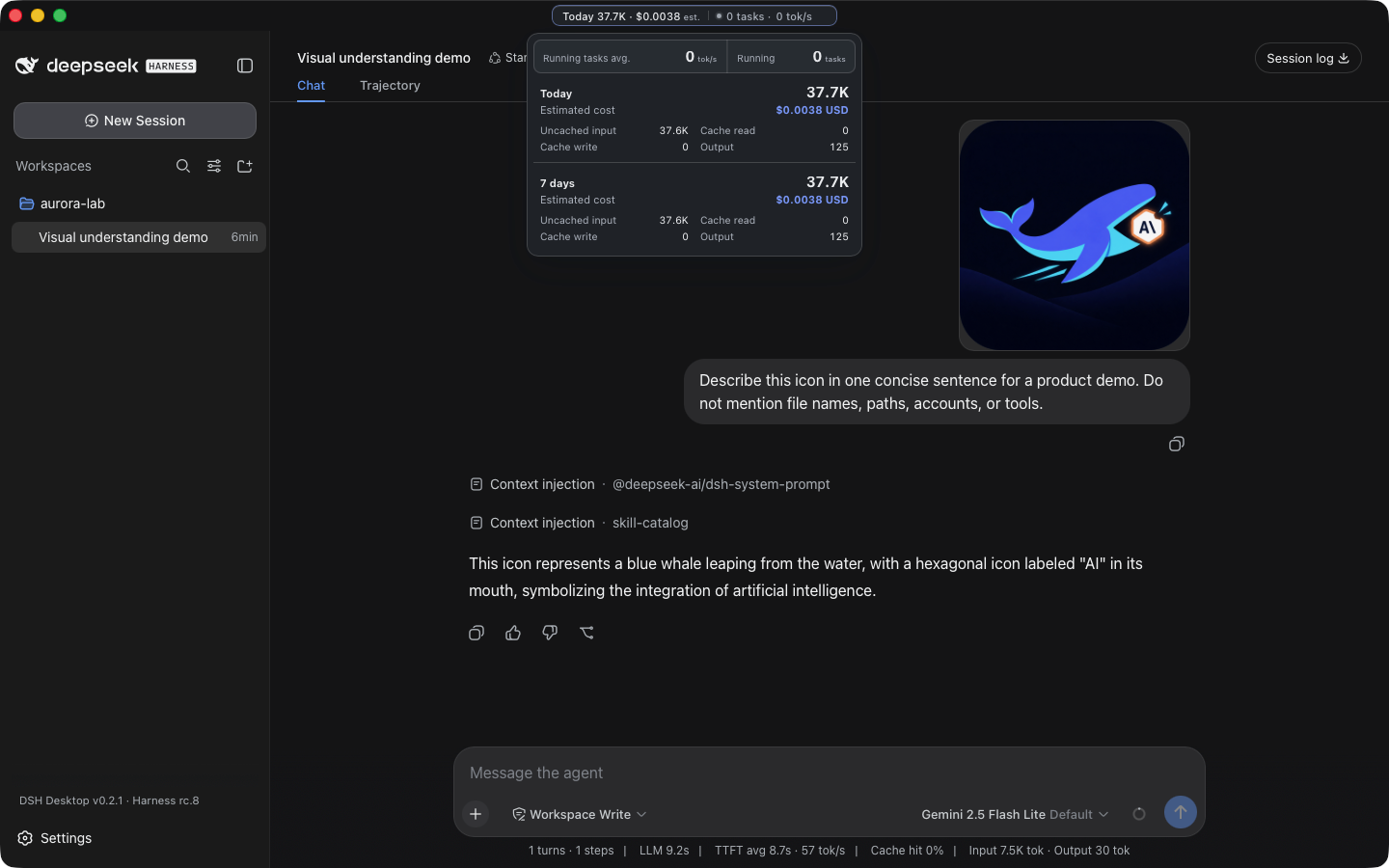
Да, из Settings → Plugins → Install & manage можно установить npm-пакет, ссылку github:owner/repo, GitHub-URL или команду; приложение проверяет, что Harness успешно перезапускается, и автоматически откатывает изменения, если плагин ломает запуск.Отслеживает ли приложение расход токенов и стоимость?На macOS в заголовке окна показываются суточные и недельные итоги по токенам, оценочная стоимость, число активных задач и текущая скорость — всё считается локально из логов сессий Harness по публичным ценам моделей.
На macOS в заголовке окна показываются суточные и недельные итоги по токенам, оценочная стоимость, число активных задач и текущая скорость — всё считается локально из логов сессий Harness по публичным ценам моделей.Можно ли пользоваться Android-пультом, когда компьютер не в сети?Есть офлайн Demo-режим, чтобы изучить интерфейс, но реальные сессии требуют, чтобы сопряжённый компьютер оставался в сети с активно работающими Desktop и Harness.
Есть офлайн Demo-режим, чтобы изучить интерфейс, но реальные сессии требуют, чтобы сопряжённый компьютер оставался в сети с активно работающими Desktop и Harness.What are similar projects?dsh_desktop, deepseek-harness-desktop, dsh-desktop, Minke, dshcode, dsh-mobile, dsh-desktop, DeepSeek-Bot
dsh_desktop, deepseek-harness-desktop, dsh-desktop, Minke, dshcode, dsh-mobile, dsh-desktop, DeepSeek-BotWhich topics is it in?dsh-desktop, remote-development, tailscale, token-usage, qr-code, swiftui, lightweight, tauri, dsh, plugin-system, dsh-plugin, kotlin
dsh-desktop, remote-development, tailscale, token-usage, qr-code, swiftui, lightweight, tauri, dsh, plugin-system, dsh-plugin, kotlin