

What is this?
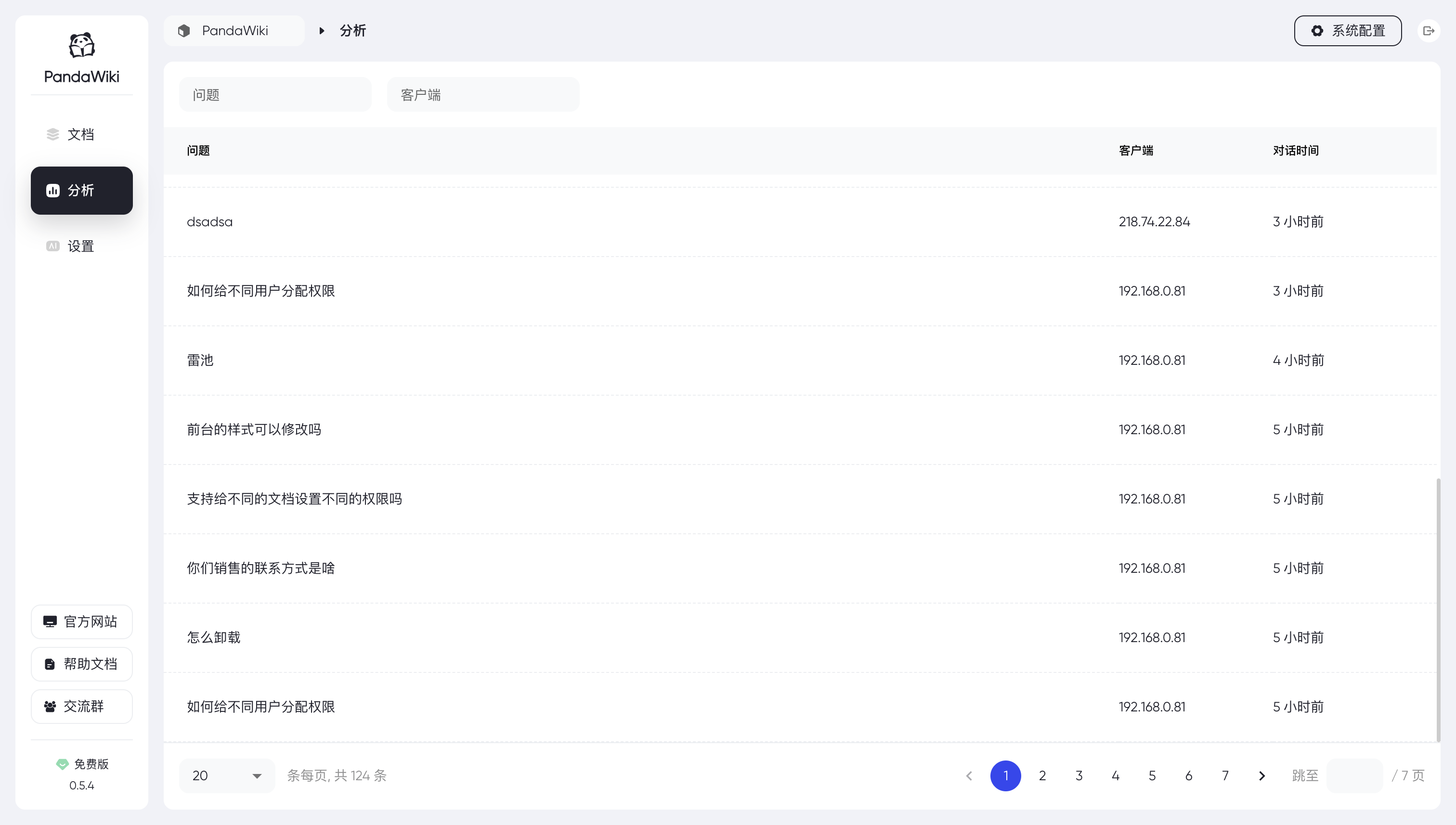
 PandaWiki is an open-source knowledge base system powered by large language models: use it to quickly build product docs, technical docs, FAQs or a blog, with AI-assisted writing, AI Q&A and AI search built in.
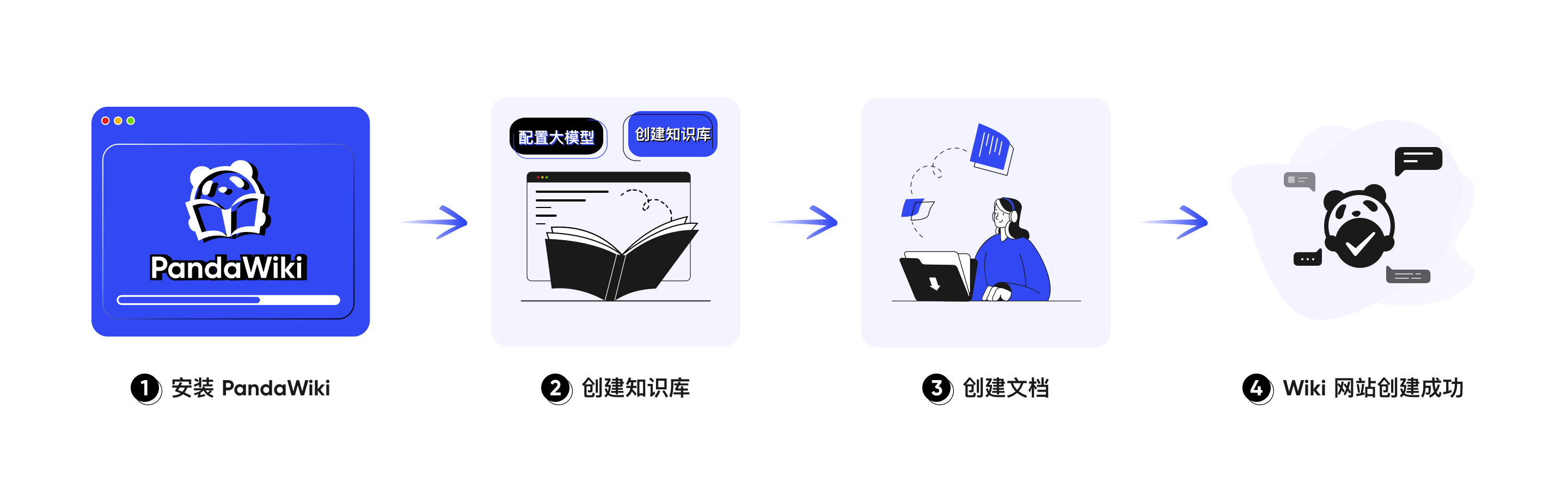
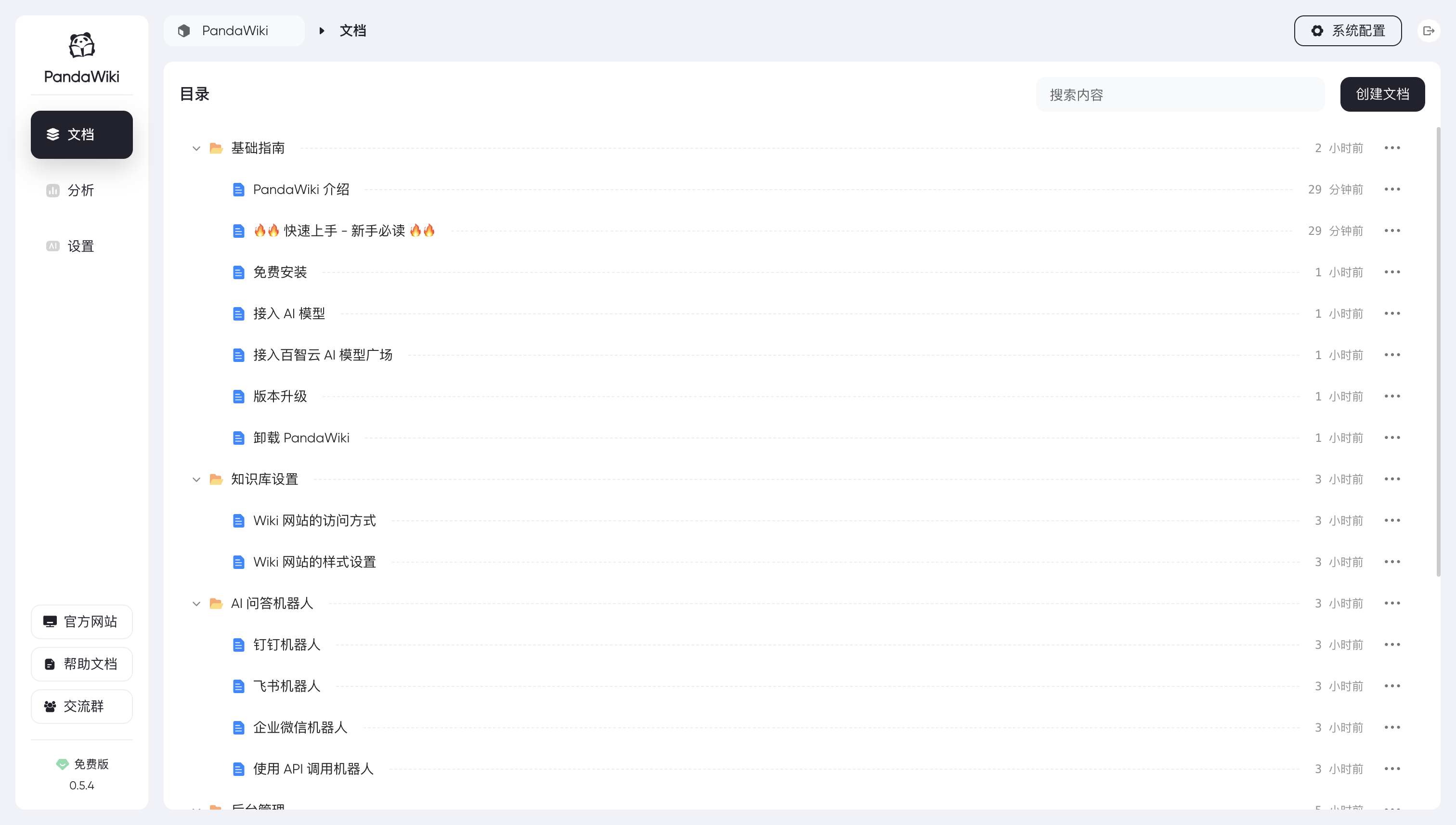
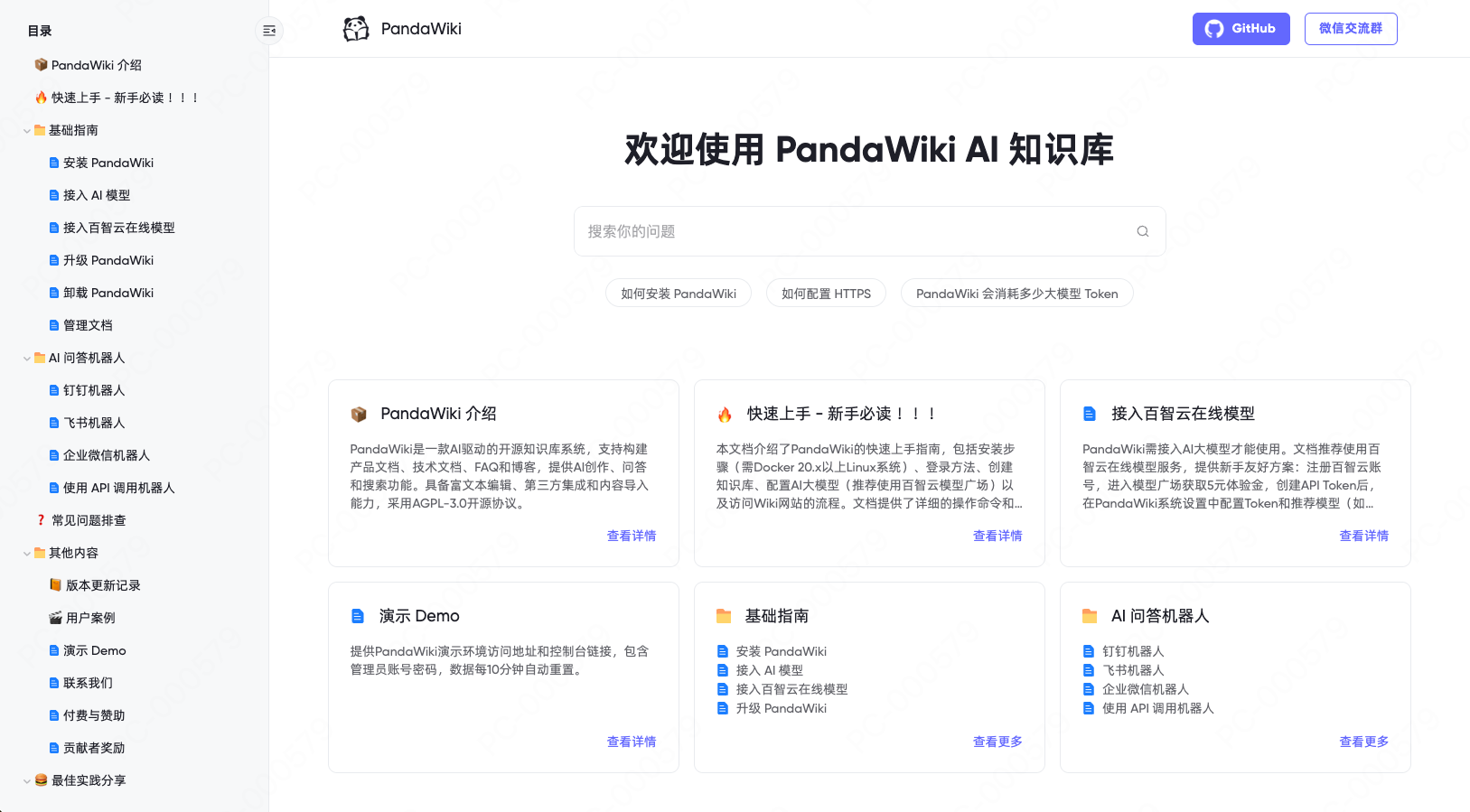
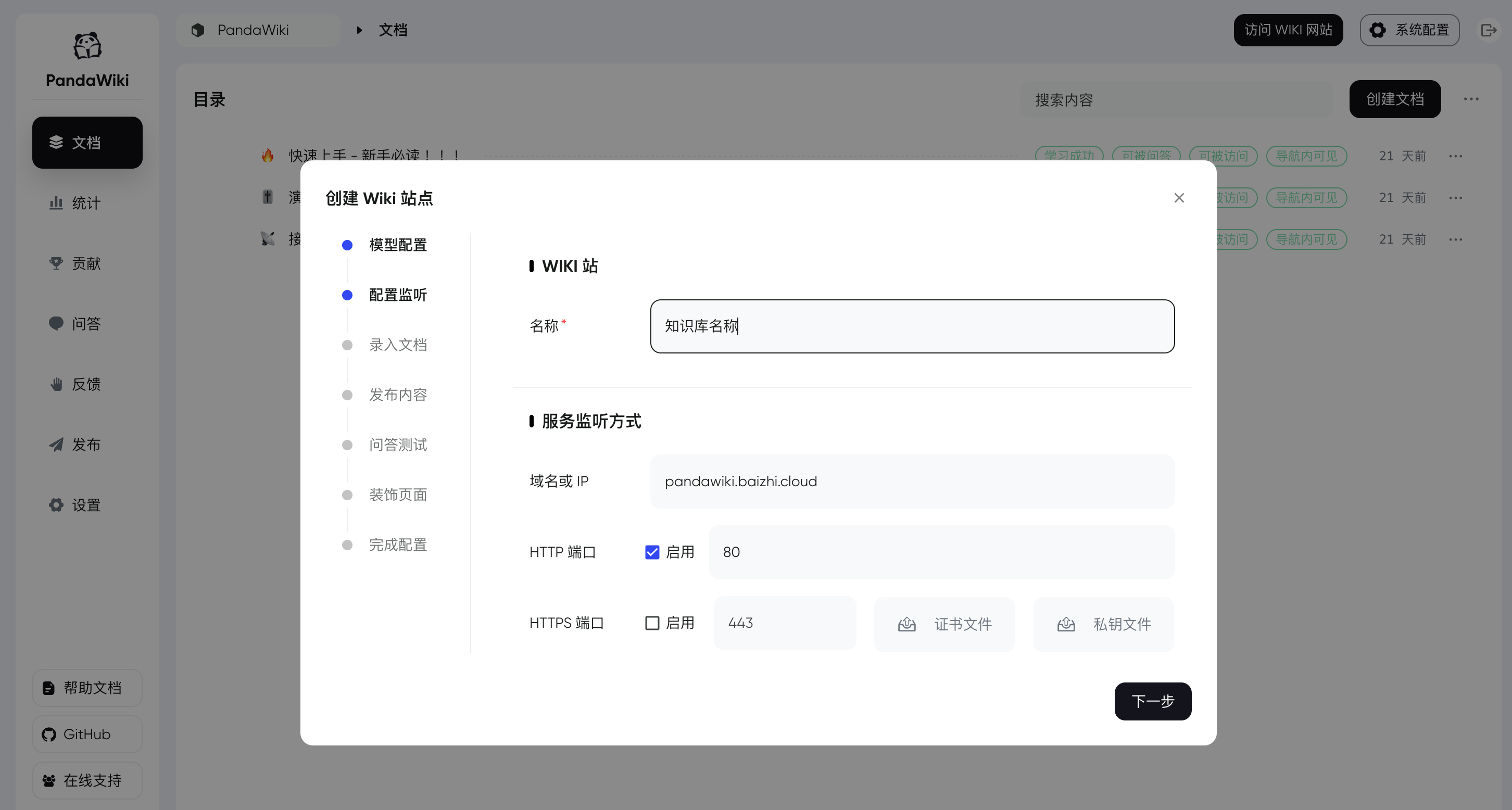
PandaWiki is an open-source knowledge base system powered by large language models: use it to quickly build product docs, technical docs, FAQs or a blog, with AI-assisted writing, AI Q&A and AI search built in.Is this a hosted service I sign up for, or something I run on my own server?You run it yourself: it's a self-hosted web system you deploy on your own Linux server. You manage everything from a browser console, and each knowledge base you create gets its own Wiki website.
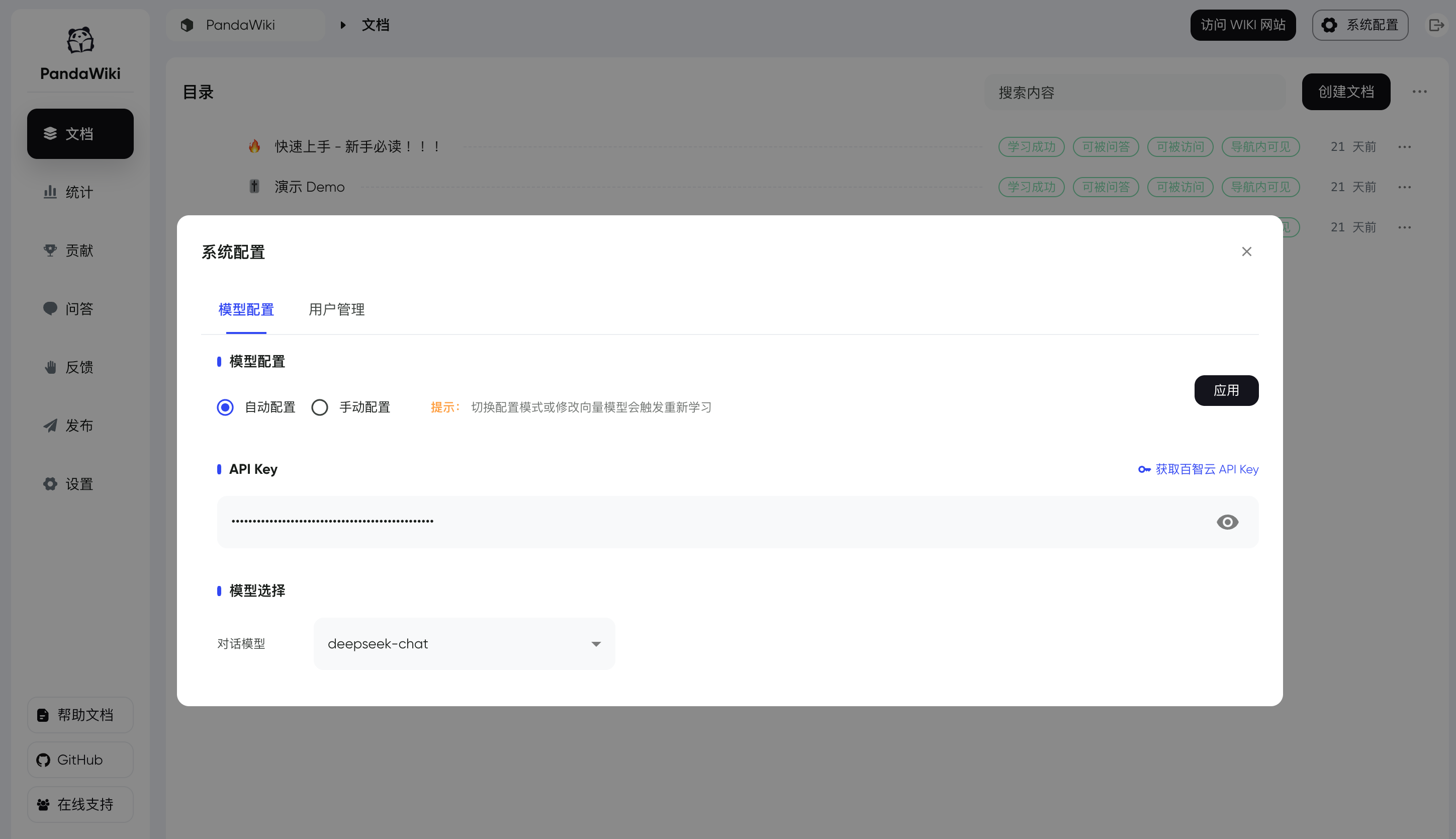
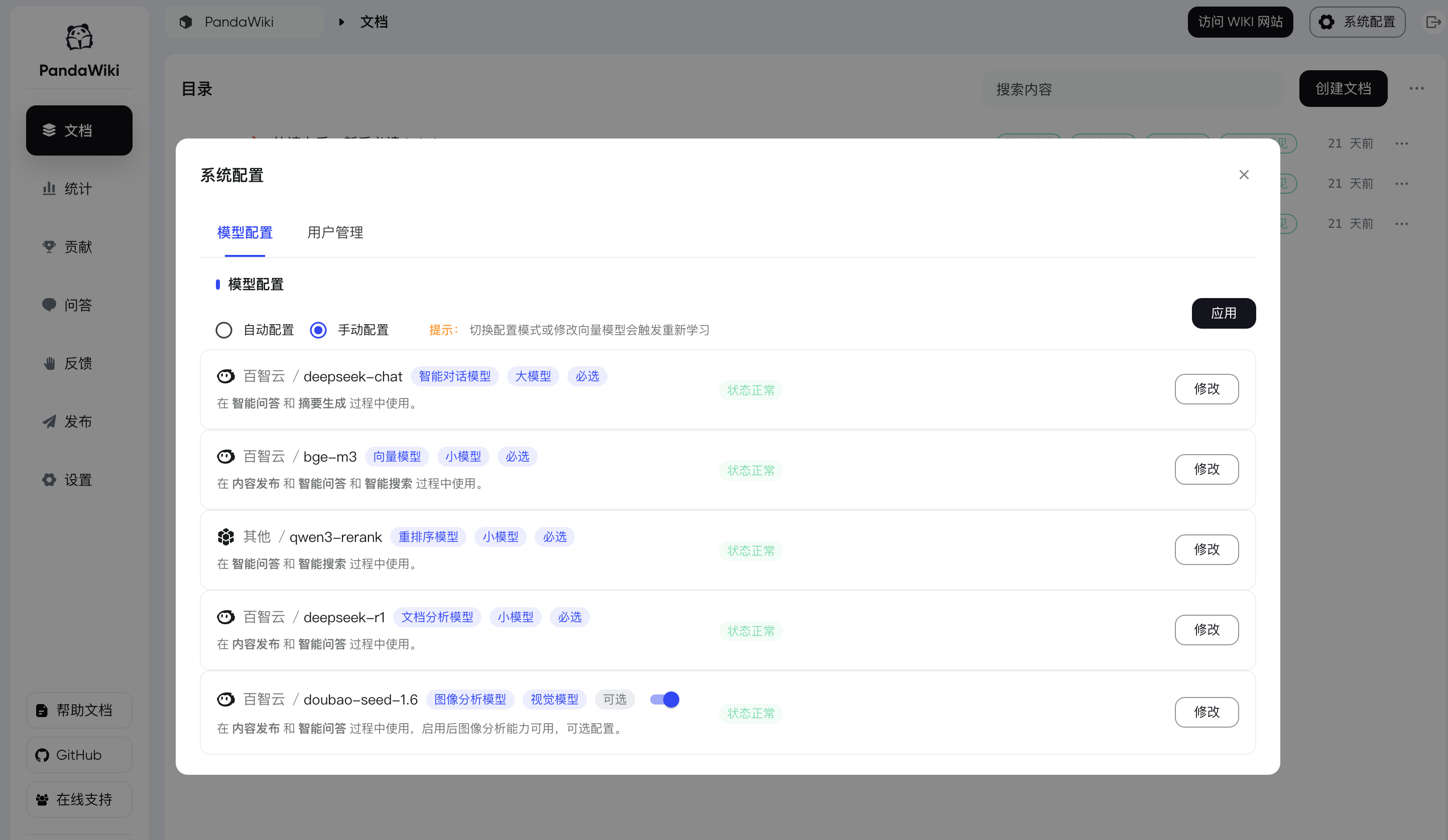
You run it yourself: it's a self-hosted web system you deploy on your own Linux server. You manage everything from a browser console, and each knowledge base you create gets its own Wiki website.Do I need to bring my own AI model?Yes. AI writing, AI Q&A and AI search stay disabled until you configure a model after first login — one-click or manual. The README recommends the Baizhi Cloud (百智云) model marketplace, which grants 5 yuan of credit on sign-up.
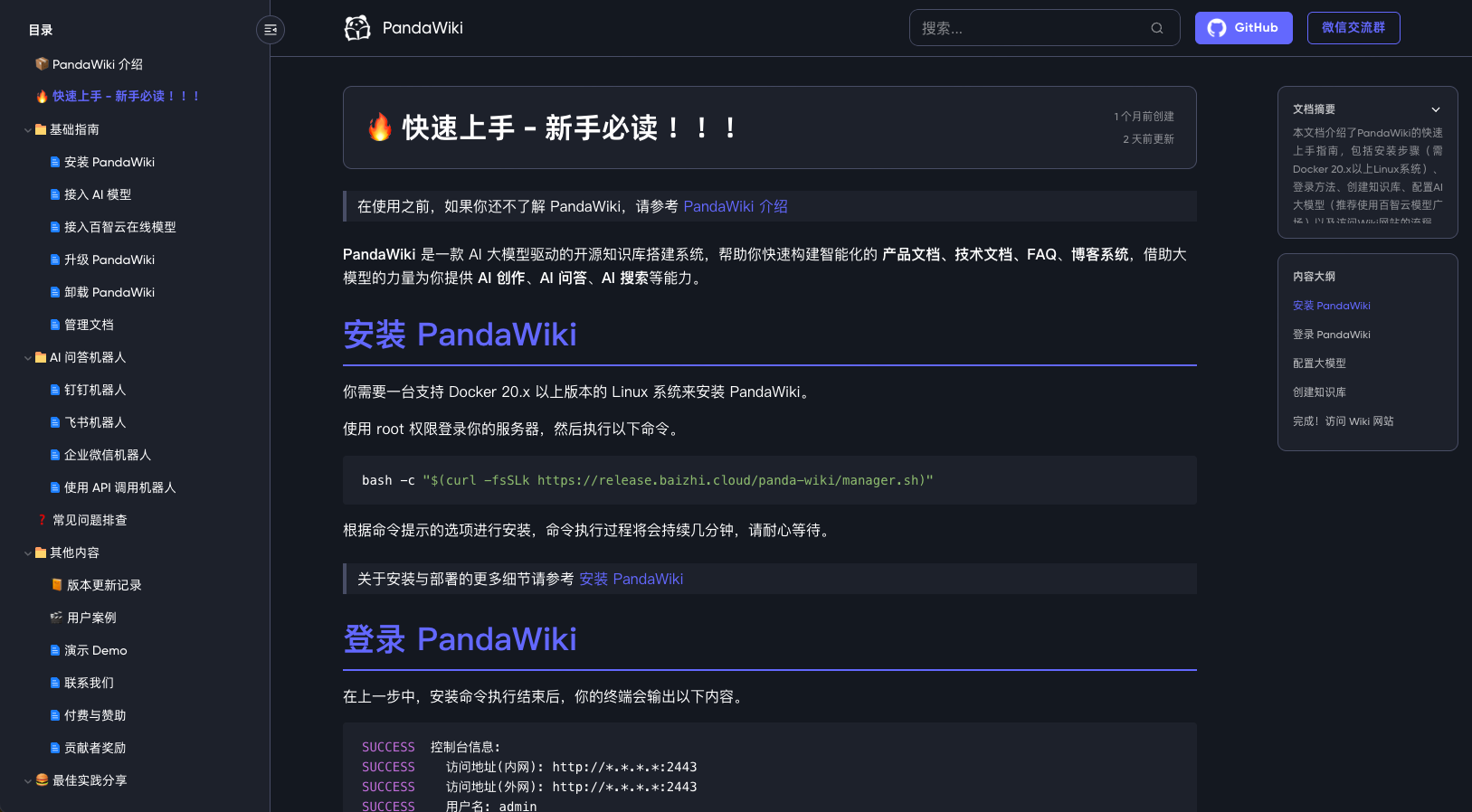
Yes. AI writing, AI Q&A and AI search stay disabled until you configure a model after first login — one-click or manual. The README recommends the Baizhi Cloud (百智云) model marketplace, which grants 5 yuan of credit on sign-up.Are there any requirements or gotchas before installing?It's Linux-only as far as the README goes: you need a machine running Docker 20.x or higher, and the install runs as root. No Windows or macOS install path is mentioned.
It's Linux-only as far as the README goes: you need a machine running Docker 20.x or higher, and the install runs as root. No Windows or macOS install path is mentioned.What can I actually build with it?Product documentation, technical docs, FAQ pages and blogs — any collection of documents that benefits from a public site with AI answers and search on top.
Product documentation, technical docs, FAQ pages and blogs — any collection of documents that benefits from a public site with AI answers and search on top.How do I get content into a knowledge base?Import it: PandaWiki can pull content from web page URLs, a site's sitemap, RSS feeds, or offline files. Once imported, the documents are stored in the knowledge base and the AI learns from them.
Import it: PandaWiki can pull content from web page URLs, a site's sitemap, RSS feeds, or offline files. Once imported, the documents are stored in the knowledge base and the AI learns from them.Can it reach users outside its own wiki site?Yes — you can embed it as a web widget on any other website, or turn a knowledge base into a chatbot for DingTalk, Feishu or WeCom (WeChat Work).
Yes — you can embed it as a web widget on any other website, or turn a knowledge base into a chatbot for DingTalk, Feishu or WeCom (WeChat Work).What formats can I write in and export to?The built-in rich text editor is compatible with Markdown and HTML, and documents can be exported to Word, PDF, Markdown and several other formats.
The built-in rich text editor is compatible with Markdown and HTML, and documents can be exported to Word, PDF, Markdown and several other formats.