











13.4K ·GitHub
Что это такое?
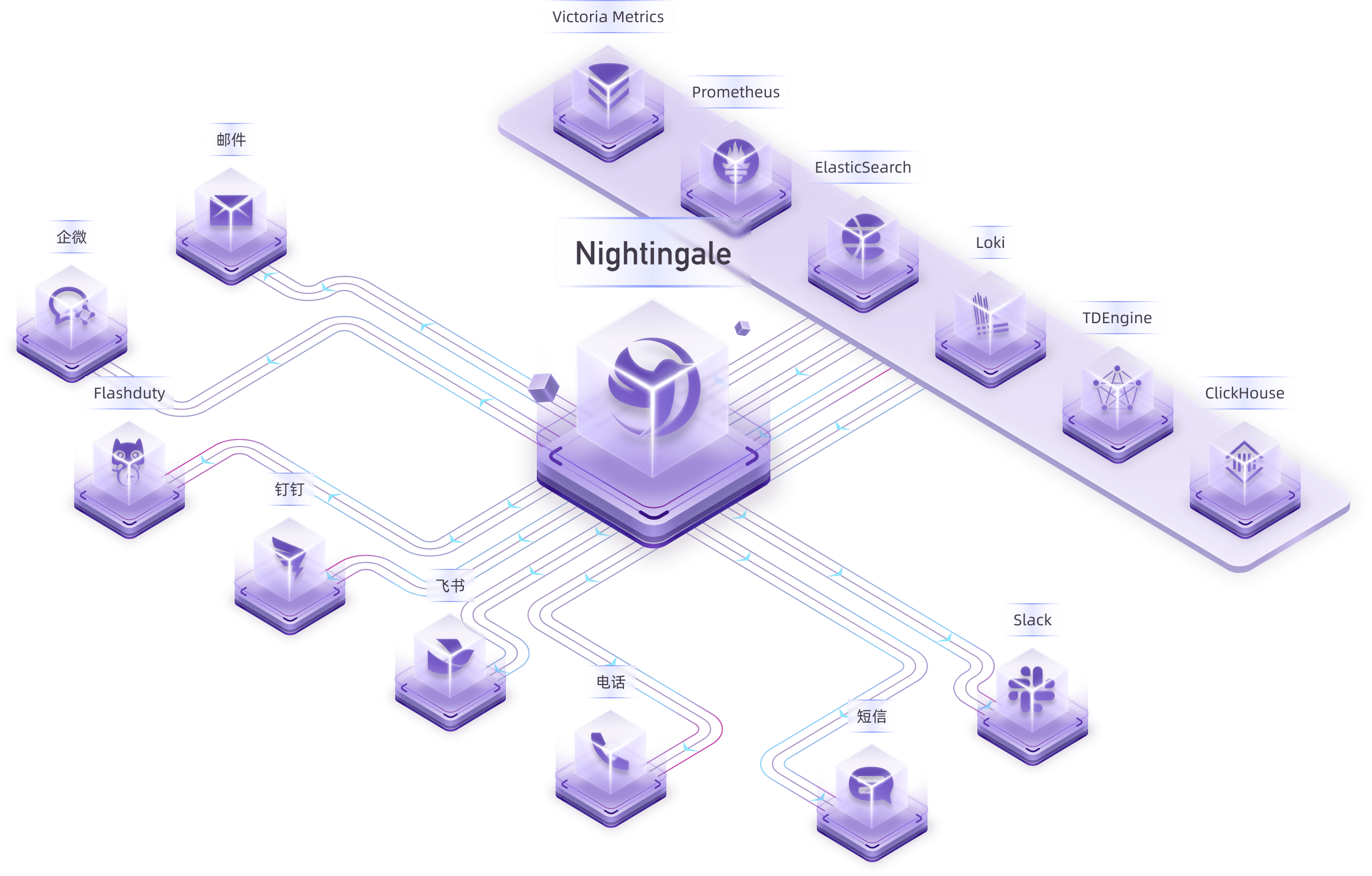
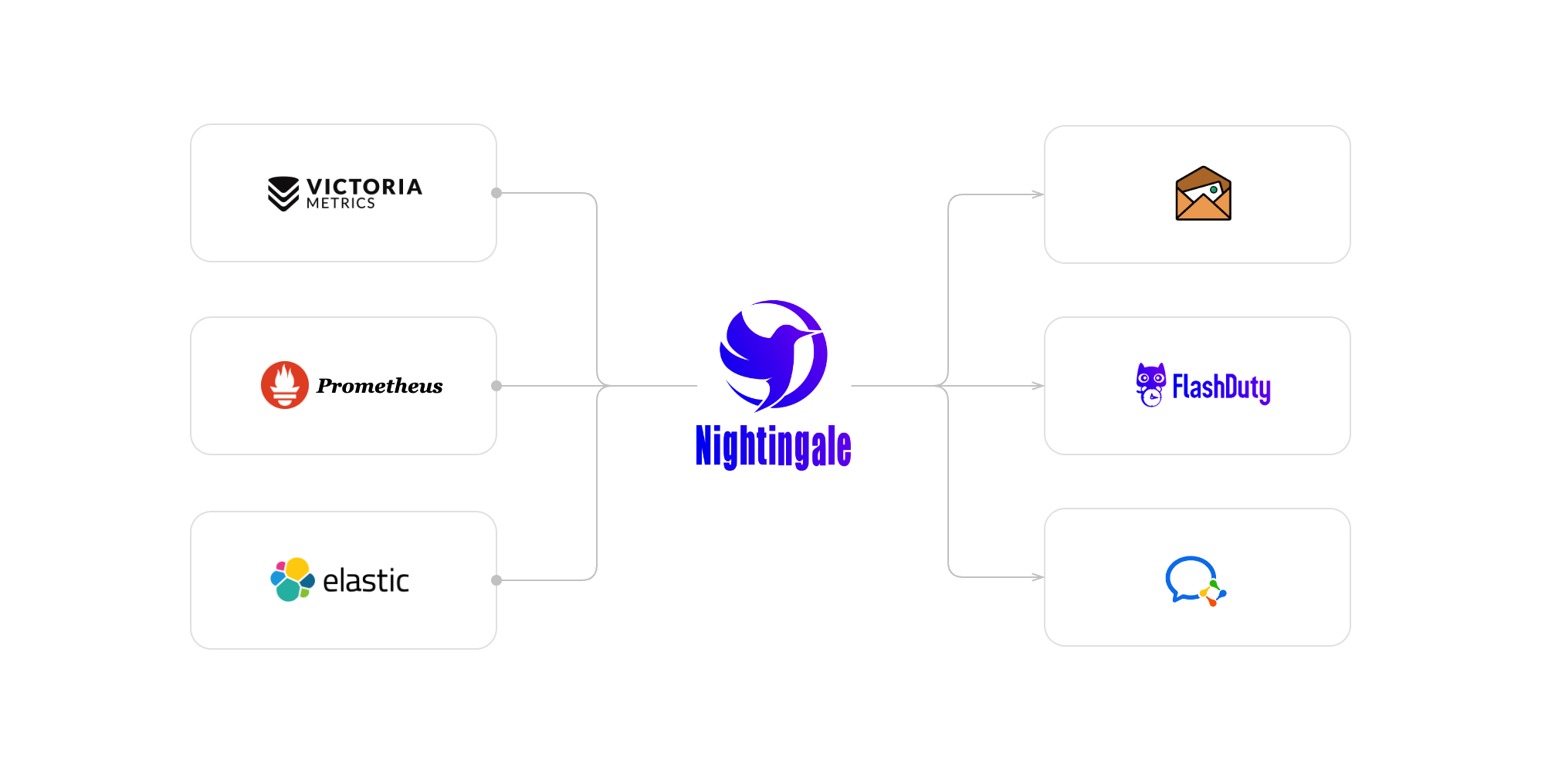
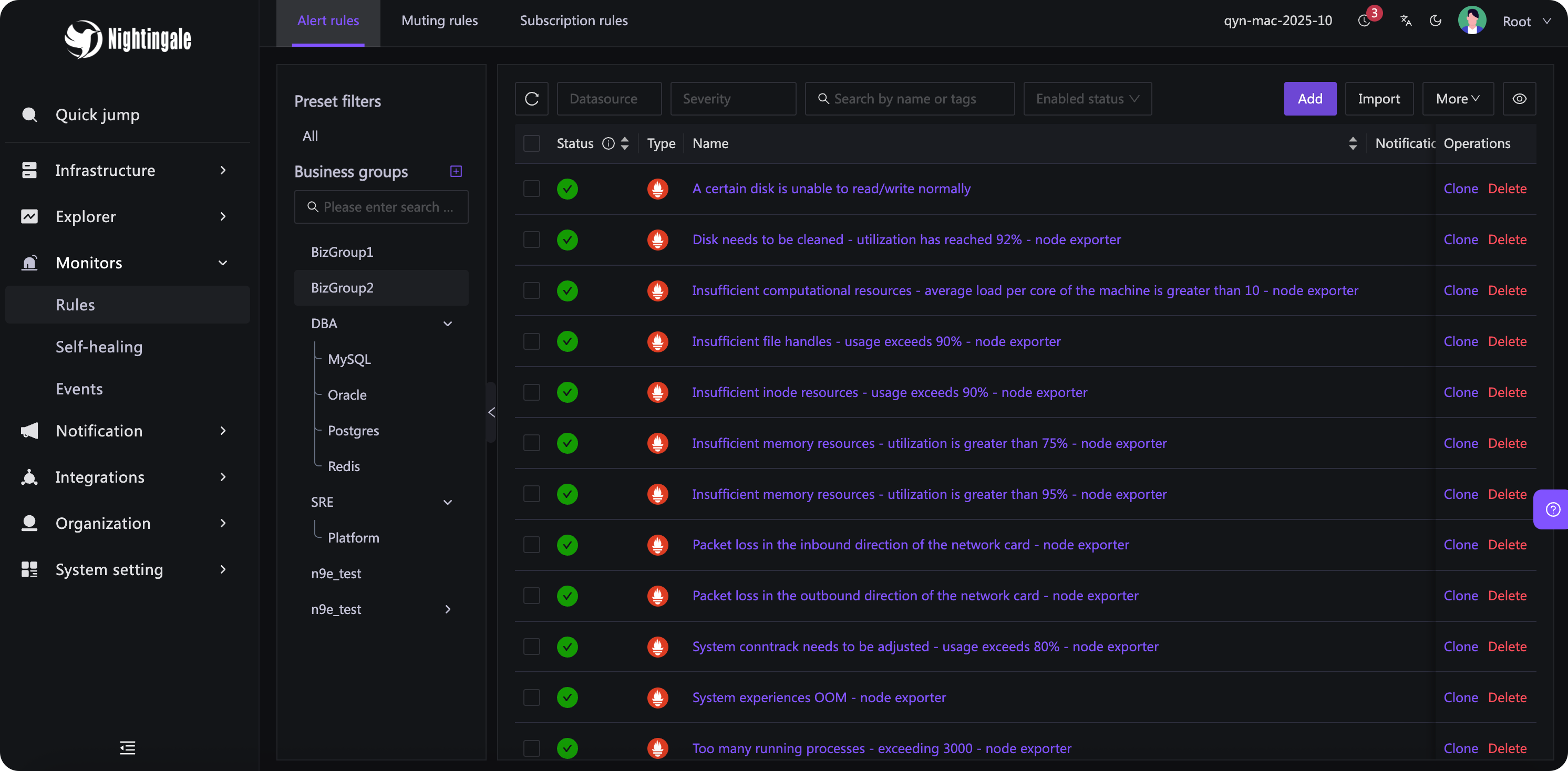
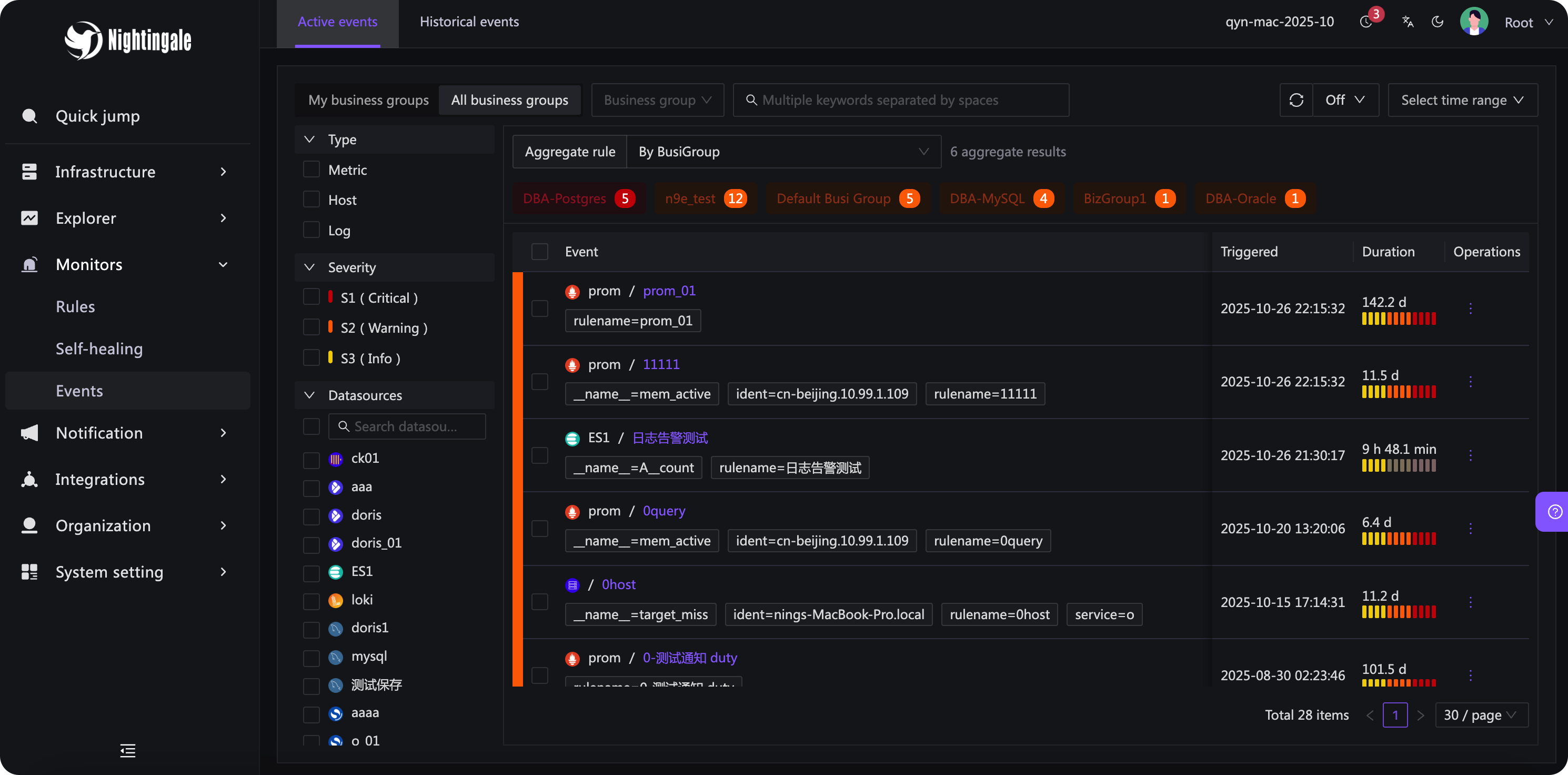
 Nightingale — это платформа мониторинга и оповещений с открытым исходным кодом. Она занимается генерацией, обработкой и рассылкой алертов и подключается к уже существующим источникам данных метрик и логов, а сама данные не собирает.
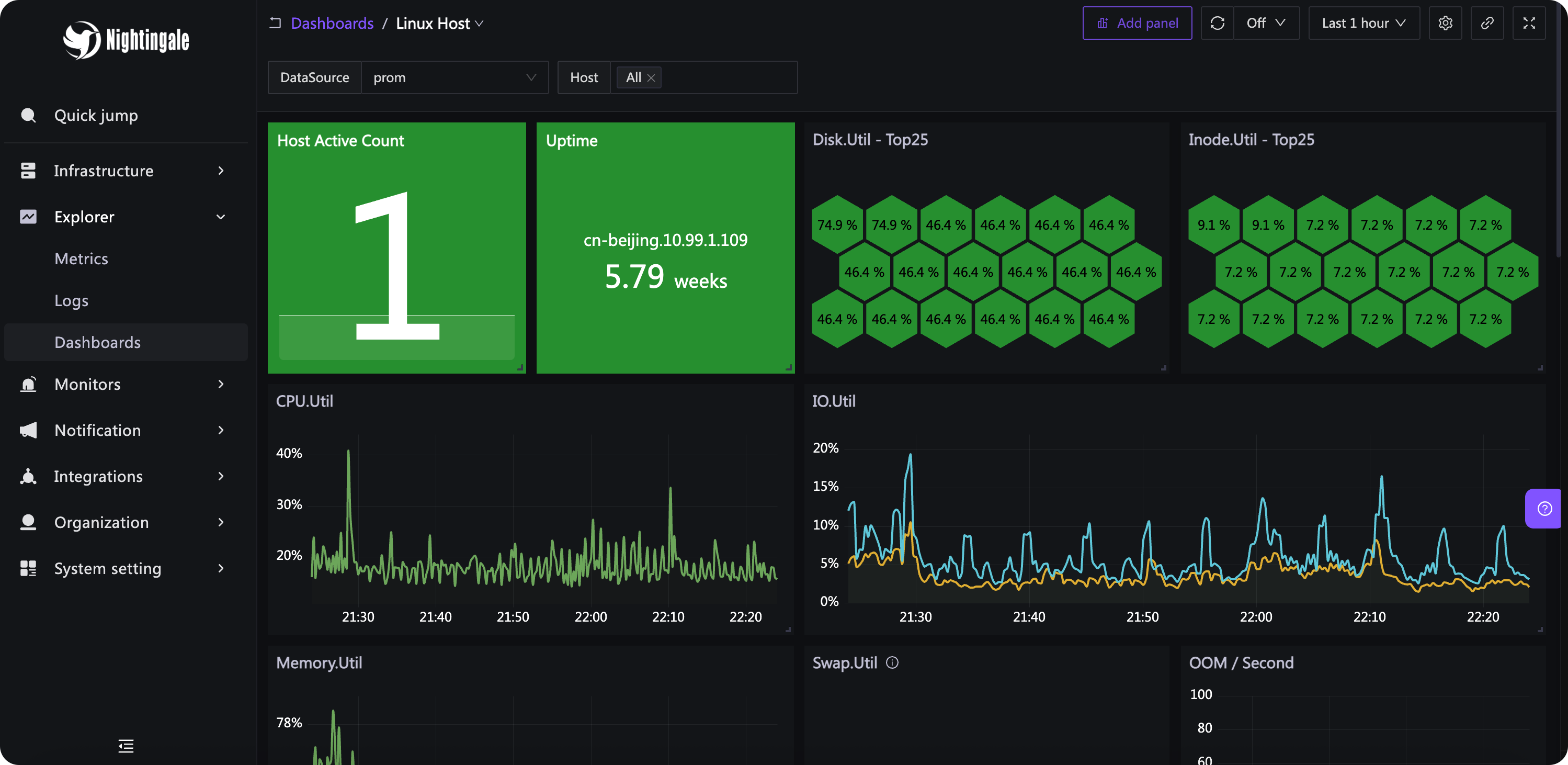
Nightingale — это платформа мониторинга и оповещений с открытым исходным кодом. Она занимается генерацией, обработкой и рассылкой алертов и подключается к уже существующим источникам данных метрик и логов, а сама данные не собирает.Это инструмент визуализации вроде Grafana или что-то другое?В отличие от Grafana, Nightingale сосредоточен на движке оповещений и обработке и рассылке алертов, а не на визуализации, хотя некоторые функции дашбордов в нём тоже есть.
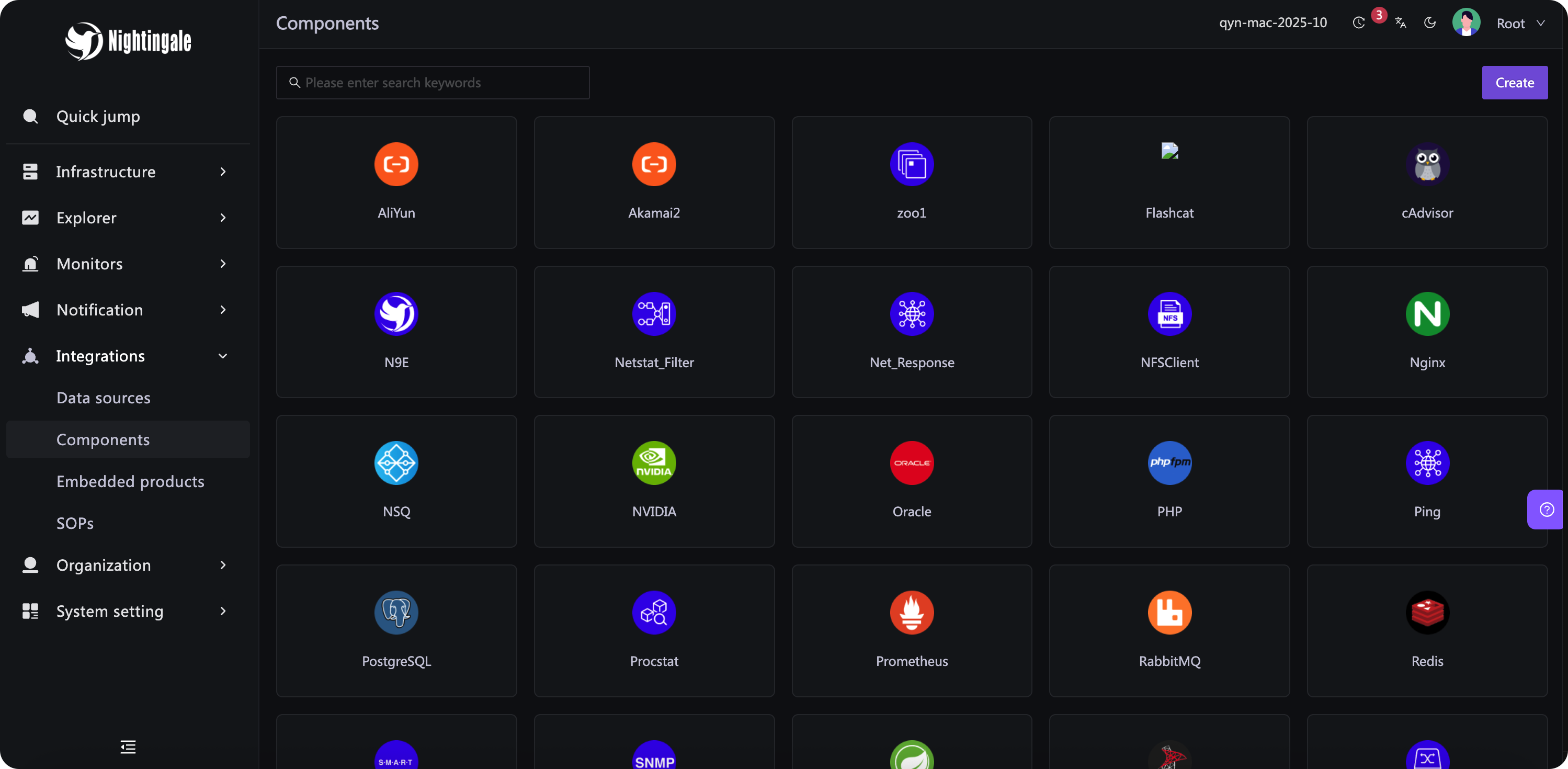
В отличие от Grafana, Nightingale сосредоточен на движке оповещений и обработке и рассылке алертов, а не на визуализации, хотя некоторые функции дашбордов в нём тоже есть.Как это запустить и передавать ему данные?Разверните сервер n9e и подключите существующие хранилища (VictoriaMetrics, Elasticsearch, Prometheus и др.) как источники данных. Рекомендуется использовать в качестве сборщика Categraf, который передаёт данные в Nightingale по протоколу Prometheus Remote Write.
Разверните сервер n9e и подключите существующие хранилища (VictoriaMetrics, Elasticsearch, Prometheus и др.) как источники данных. Рекомендуется использовать в качестве сборщика Categraf, который передаёт данные в Nightingale по протоколу Prometheus Remote Write.Нужны ли мне отдельная база временных рядов и отдельный сборщик?Да. Nightingale сам данные не собирает, поэтому нужна база временных рядов, например Prometheus или VictoriaMetrics, для хранения, и сборщик, такой как Categraf (или другие агенты через протоколы Remote Write, OpenTSDB, Datadog, Falcon), чтобы передавать в неё метрики.
Да. Nightingale сам данные не собирает, поэтому нужна база временных рядов, например Prometheus или VictoriaMetrics, для хранения, и сборщик, такой как Categraf (или другие агенты через протоколы Remote Write, OpenTSDB, Datadog, Falcon), чтобы передавать в неё метрики.Подойдёт ли Nightingale, если мне нужны графики дежурств и эскалация?Нет. В README прямо рекомендуется для графиков дежурств и эскалации алертов выбирать специализированные продукты вроде PagerDuty или FlashDuty, так как Nightingale для этого не подходит.
Нет. В README прямо рекомендуется для графиков дежурств и эскалации алертов выбирать специализированные продукты вроде PagerDuty или FlashDuty, так как Nightingale для этого не подходит.Кто использует Nightingale в продакшене?Изначально его разработала и открыла компания DiDi, а в 2022 году проект передали Комитету по открытой разработке CCF, что говорит о внедрении в масштабах крупных предприятий.
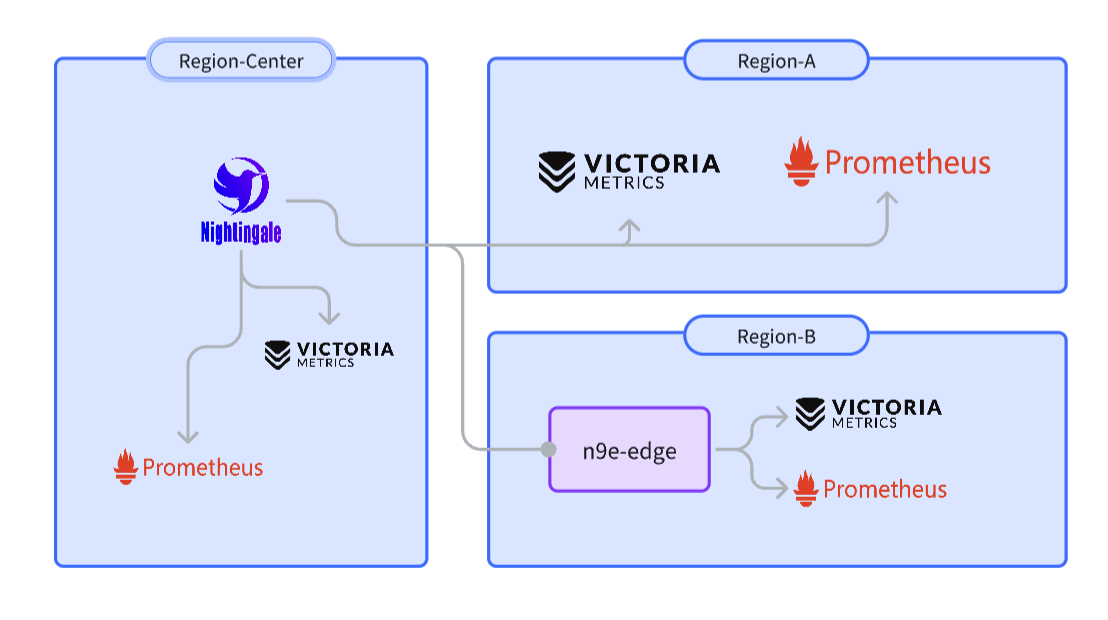
Изначально его разработала и открыла компания DiDi, а в 2022 году проект передали Комитету по открытой разработке CCF, что говорит о внедрении в масштабах крупных предприятий.Работает ли оно в периферийных дата-центрах или там, где нет постоянной связи?Да, есть режим распределённого развёртывания (n9e-edge). Благодаря ему оповещения продолжают работать на периферийных площадках, даже если связь с центральным сервером пропала.
Да, есть режим распределённого развёртывания (n9e-edge). Благодаря ему оповещения продолжают работать на периферийных площадках, даже если связь с центральным сервером пропала.Для чего нужен встроенный сервер MCP?Nightingale открывает встроенную конечную точку MCP по адресу /mcp, чтобы ИИ-ассистенты, например Claude Code, Claude Desktop, Cursor или коннекторы ChatGPT, могли запрашивать и управлять данными оповещений и наблюдаемости на естественном языке без отдельного процесса для развёртывания. Доступно 74 детализированных инструмента (42 на чтение, 32 на запись) в 13 наборах. По умолчанию доступ только на чтение, пока запись явно не включена.
Nightingale открывает встроенную конечную точку MCP по адресу /mcp, чтобы ИИ-ассистенты, например Claude Code, Claude Desktop, Cursor или коннекторы ChatGPT, могли запрашивать и управлять данными оповещений и наблюдаемости на естественном языке без отдельного процесса для развёртывания. Доступно 74 детализированных инструмента (42 на чтение, 32 на запись) в 13 наборах. По умолчанию доступ только на чтение, пока запись явно не включена.Как устроена аутентификация для конечной точки MCP?Вы проходите аутентификацию с помощью персонального токена доступа, созданного в веб-интерфейсе (Профиль → Управление токенами) и передаваемого в заголовке X-User-Token. Также можно использовать OAuth 2.1: тогда Nightingale выступает либо собственным сервером авторизации, либо ресурсным сервером для существующего корпоративного провайдера идентификации, например Keycloak, Entra ID, Okta или Auth0.
Вы проходите аутентификацию с помощью персонального токена доступа, созданного в веб-интерфейсе (Профиль → Управление токенами) и передаваемого в заголовке X-User-Token. Также можно использовать OAuth 2.1: тогда Nightingale выступает либо собственным сервером авторизации, либо ресурсным сервером для существующего корпоративного провайдера идентификации, например Keycloak, Entra ID, Okta или Auth0.Какие каналы уведомлений он поддерживает?Nightingale нативно поддерживает 20 типов средств уведомлений, включая телефонные звонки, SMS, email, DingTalk и Slack, с настраиваемыми шаблонами сообщений.
Nightingale нативно поддерживает 20 типов средств уведомлений, включая телефонные звонки, SMS, email, DingTalk и Slack, с настраиваемыми шаблонами сообщений.Из каких источников данных он может получать данные для оповещений?Поддерживаются источники данных вроде Prometheus, Elasticsearch, Loki, ClickHouse, MySQL и Postgres, а также прямой приём данных по протоколам Remote Write, OpenTSDB, Datadog и Falcon.
Поддерживаются источники данных вроде Prometheus, Elasticsearch, Loki, ClickHouse, MySQL и Postgres, а также прямой приём данных по протоколам Remote Write, OpenTSDB, Datadog и Falcon.What are similar projects?openobserve, signoz, grafana, netdata, oxynote, labtether, VictoriaMetrics, prometheus
openobserve, signoz, grafana, netdata, oxynote, labtether, VictoriaMetrics, prometheusWhich topics is it in?tsdb, logs, sre, alerting, clickhouse, time-series, metrics, elasticsearch, prometheus, rbac, oauth2, oauth
tsdb, logs, sre, alerting, clickhouse, time-series, metrics, elasticsearch, prometheus, rbac, oauth2, oauth