










13.4K ·GitHub
What is this?
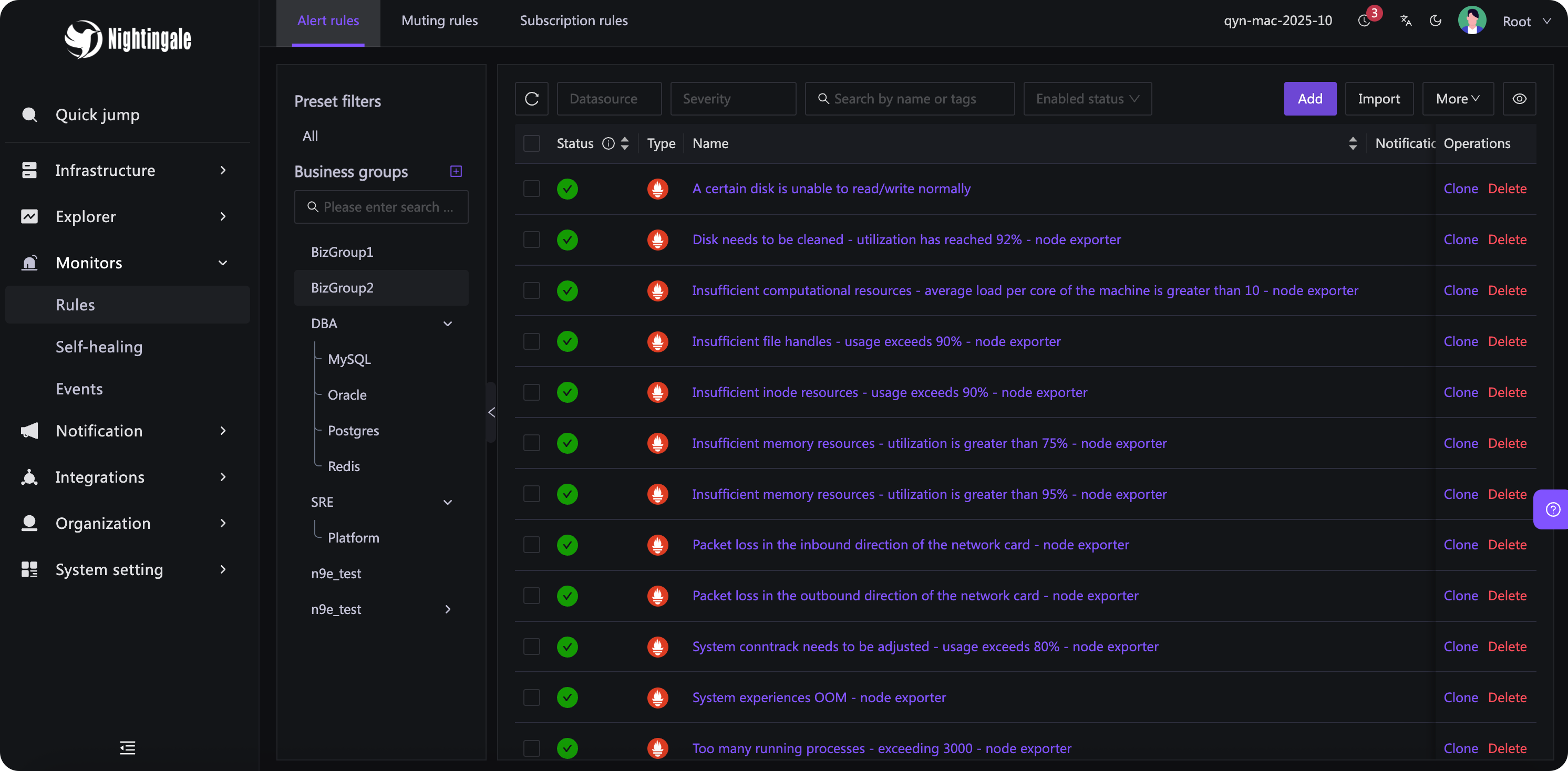
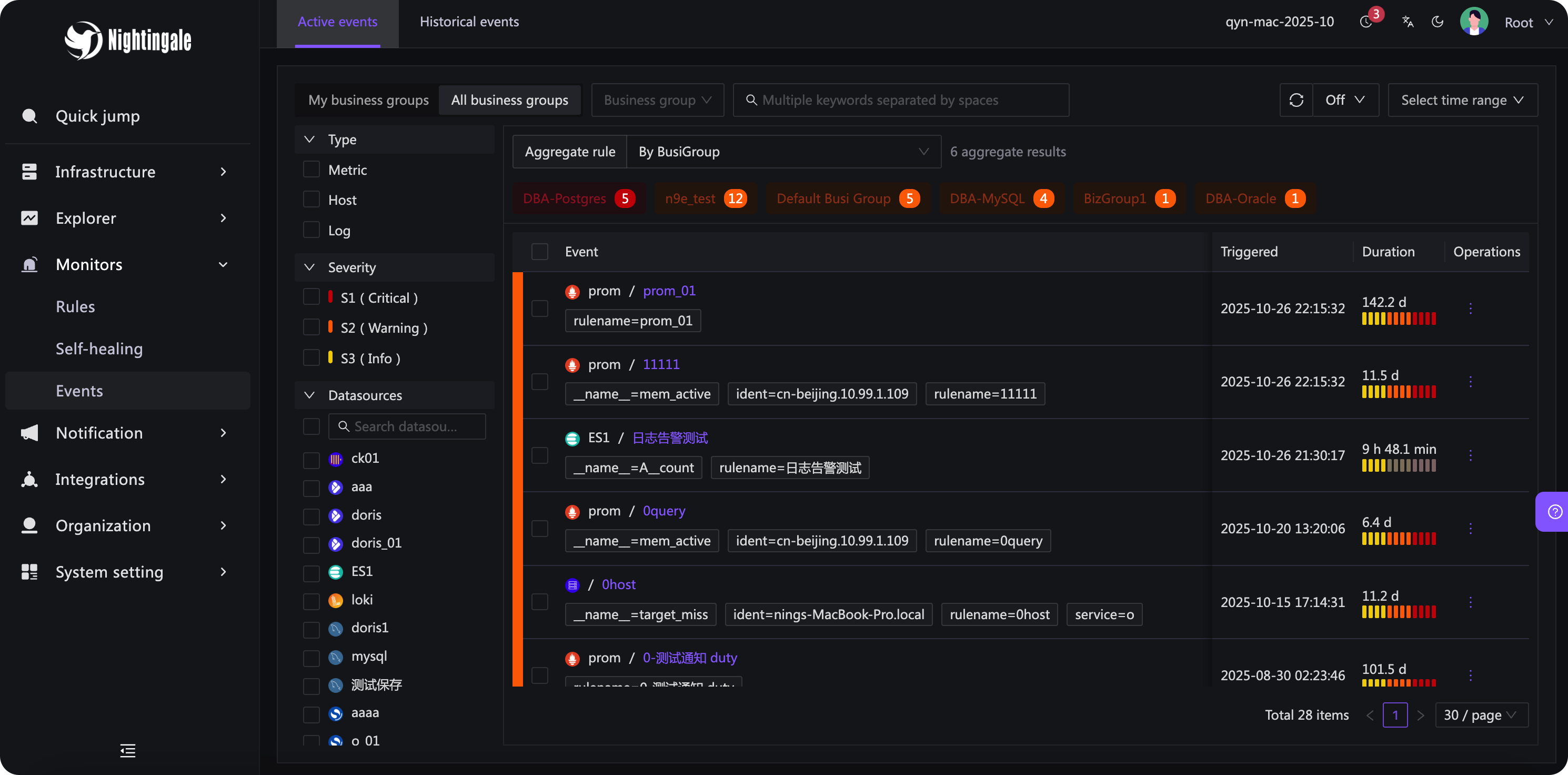
 Nightingale is an open-source monitoring and alerting platform that focuses on generating, processing and distributing alarms, connecting to existing metrics/log data sources rather than collecting data itself.
Nightingale is an open-source monitoring and alerting platform that focuses on generating, processing and distributing alarms, connecting to existing metrics/log data sources rather than collecting data itself.Is this a visualization tool like Grafana, or something else?Unlike Grafana, Nightingale focuses on the alerting engine and alarm processing/distribution rather than visualization, though it does include some dashboard features.
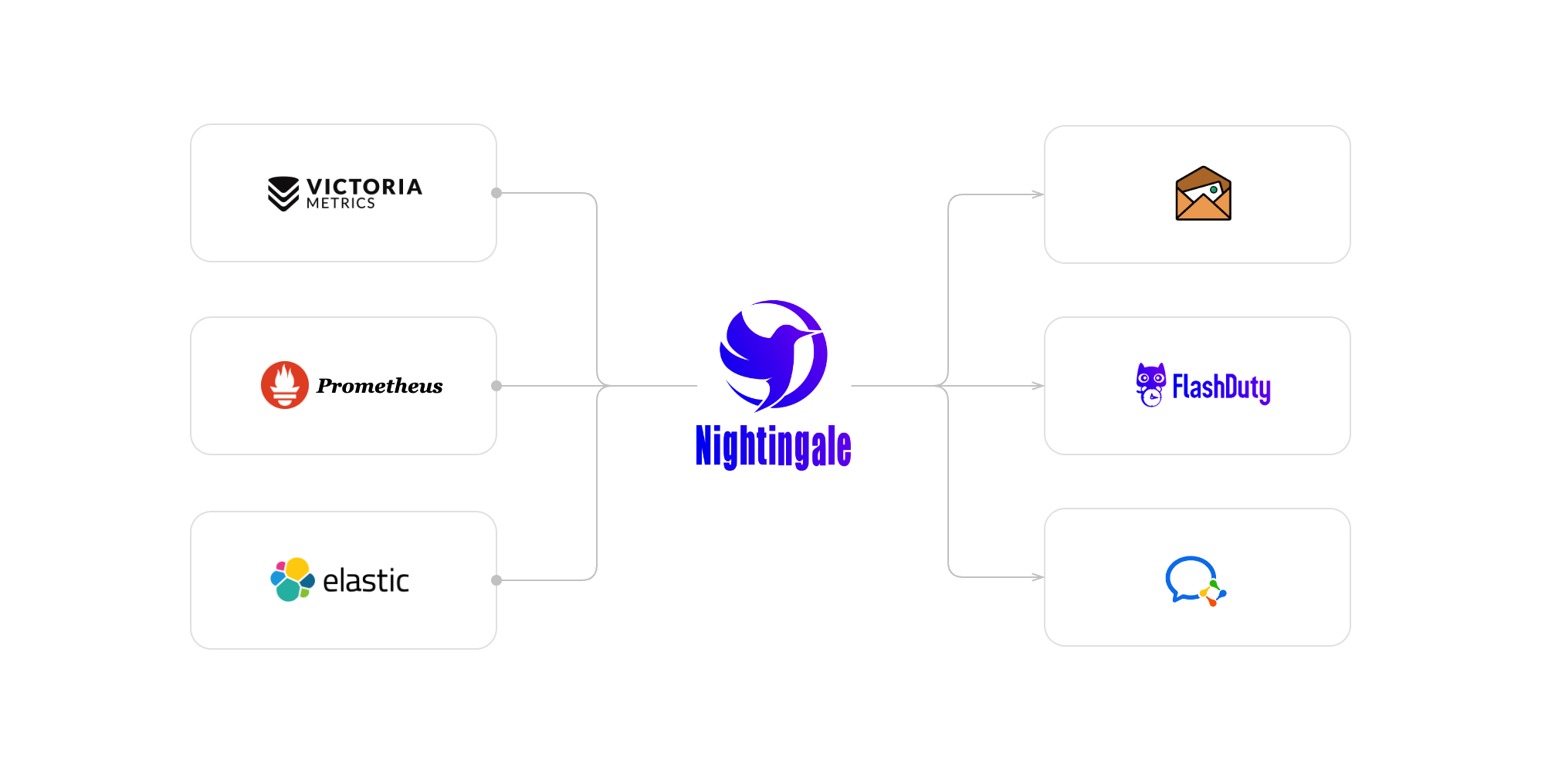
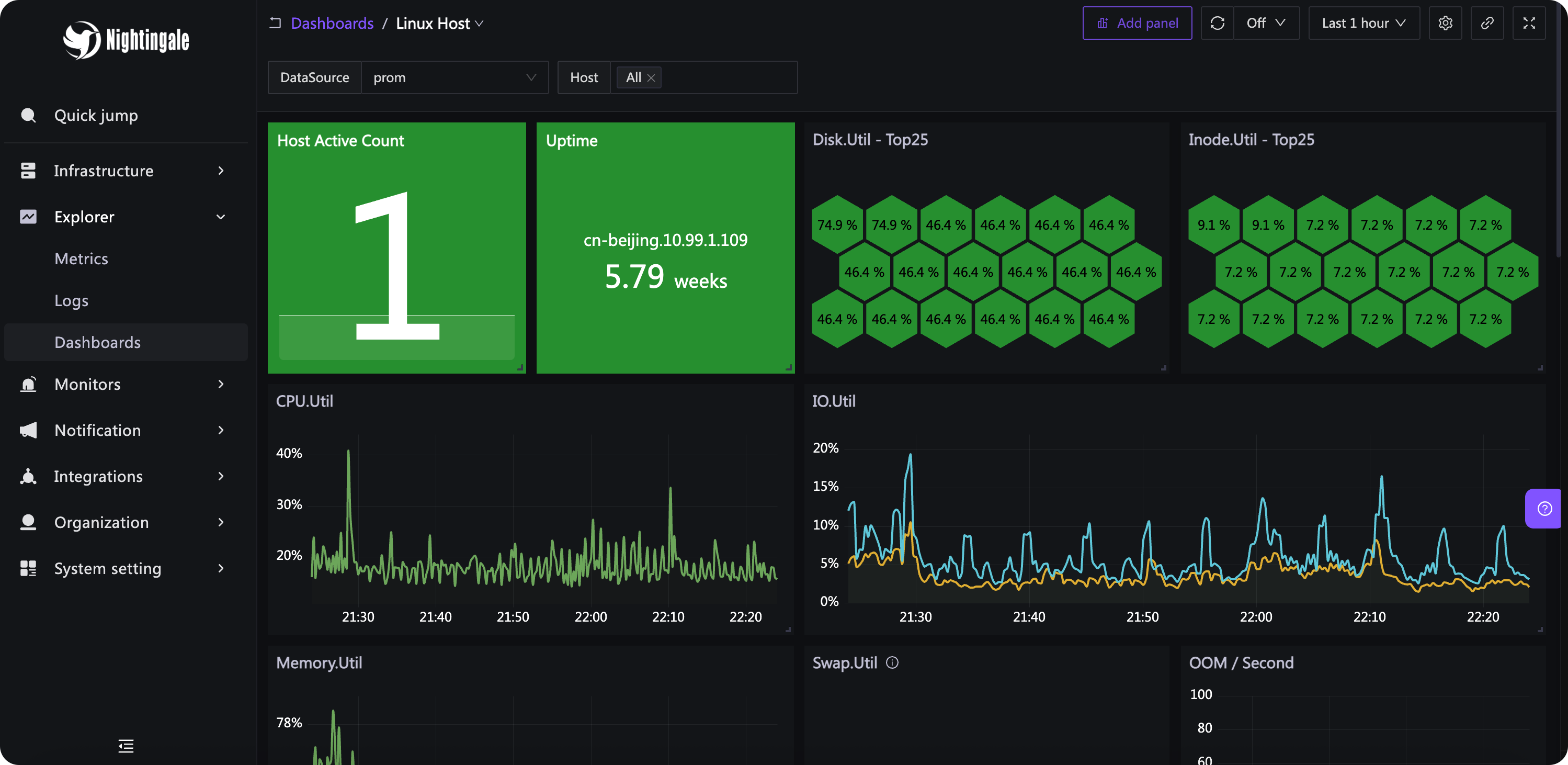
Unlike Grafana, Nightingale focuses on the alerting engine and alarm processing/distribution rather than visualization, though it does include some dashboard features.How do I get it running and feed it data?Deploy the n9e server and connect existing storage backends (VictoriaMetrics, Elasticsearch, Prometheus, etc.) as data sources; it's recommended to use Categraf as the collector, which pushes data to Nightingale via the Prometheus Remote Write protocol.
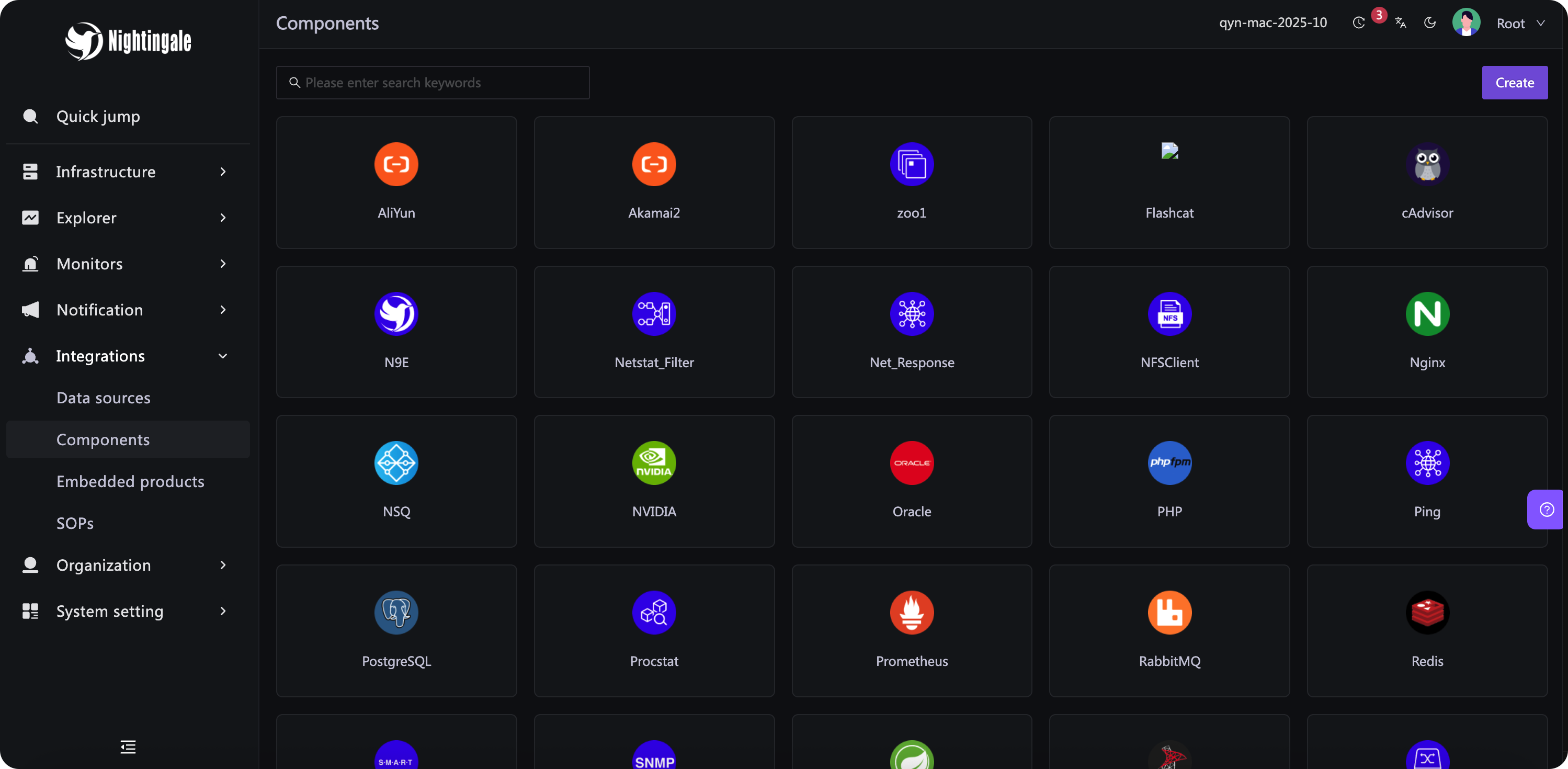
Deploy the n9e server and connect existing storage backends (VictoriaMetrics, Elasticsearch, Prometheus, etc.) as data sources; it's recommended to use Categraf as the collector, which pushes data to Nightingale via the Prometheus Remote Write protocol.Do I need a separate time-series database and collector?Yes — Nightingale doesn't collect data itself; you need a time-series database like Prometheus or VictoriaMetrics for storage and a collector such as Categraf (or other agents via Remote Write, OpenTSDB, Datadog, Falcon protocols) to feed it metrics.
Yes — Nightingale doesn't collect data itself; you need a time-series database like Prometheus or VictoriaMetrics for storage and a collector such as Categraf (or other agents via Remote Write, OpenTSDB, Datadog, Falcon protocols) to feed it metrics.Is Nightingale a good fit if I need on-call scheduling and escalation?No — the README explicitly recommends choosing dedicated on-call products like PagerDuty or FlashDuty for personnel scheduling and alert escalation, as Nightingale is not suitable for that.
No — the README explicitly recommends choosing dedicated on-call products like PagerDuty or FlashDuty for personnel scheduling and alert escalation, as Nightingale is not suitable for that.Who uses Nightingale in production?It was originally developed and open-sourced by DiDi, and in 2022 was donated to the CCF Open Source Development Committee, suggesting enterprise-scale adoption.
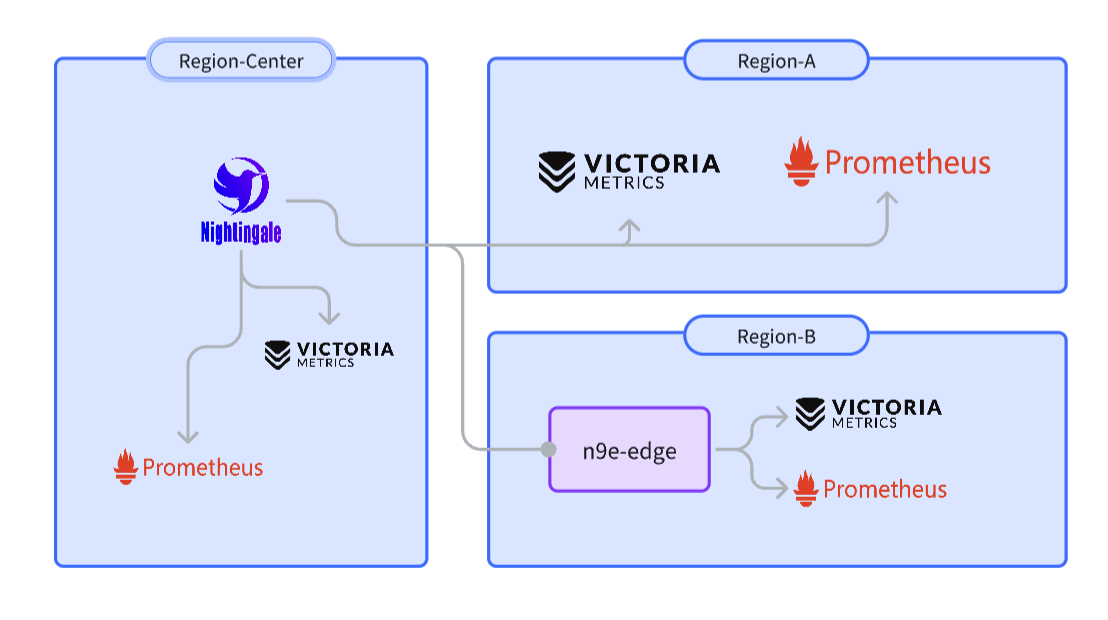
It was originally developed and open-sourced by DiDi, and in 2022 was donated to the CCF Open Source Development Committee, suggesting enterprise-scale adoption.Does it support edge or disconnected data centers?Yes, it offers a distributed deployment mode (n9e-edge) so alerting keeps working at edge sites even if the network link to the central server is down.
Yes, it offers a distributed deployment mode (n9e-edge) so alerting keeps working at edge sites even if the network link to the central server is down.What is the built-in MCP server for?Nightingale exposes a built-in MCP endpoint at /mcp so AI assistants like Claude Code, Claude Desktop, Cursor, or ChatGPT connectors can query and manage alerting and observability data in natural language, with no extra process to deploy. It offers 74 fine-grained tools (42 read, 32 write) across 13 toolsets, and is read-only by default until write access is explicitly enabled.
Nightingale exposes a built-in MCP endpoint at /mcp so AI assistants like Claude Code, Claude Desktop, Cursor, or ChatGPT connectors can query and manage alerting and observability data in natural language, with no extra process to deploy. It offers 74 fine-grained tools (42 read, 32 write) across 13 toolsets, and is read-only by default until write access is explicitly enabled.How does authentication work for the MCP endpoint?You authenticate with a personal access token created in the web UI (Profile to Token Management) sent via the X-User-Token header, or alternatively use OAuth 2.1 with Nightingale as its own authorization server or as a resource server for an existing enterprise IdP like Keycloak, Entra ID, Okta, or Auth0.
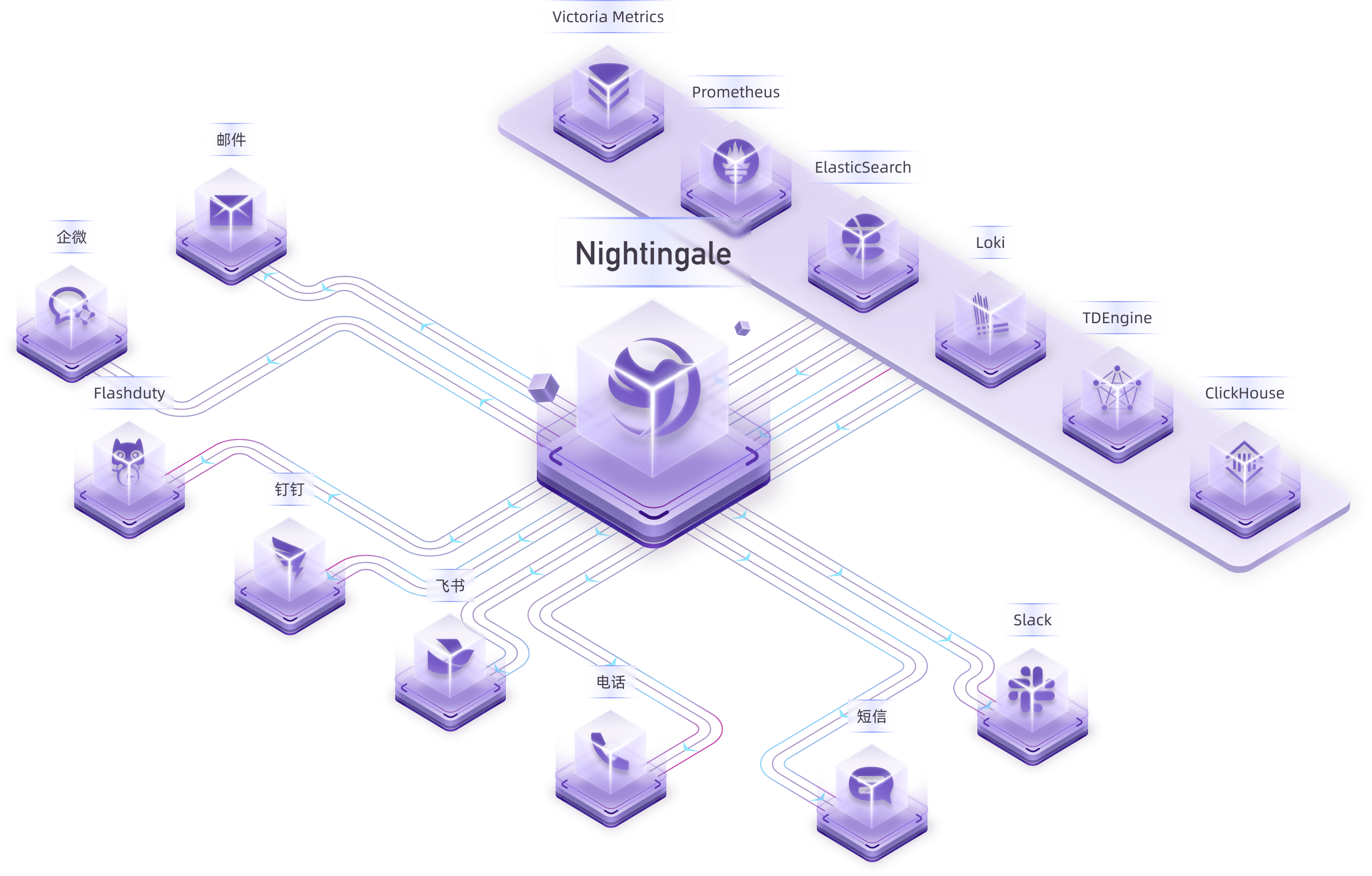
You authenticate with a personal access token created in the web UI (Profile to Token Management) sent via the X-User-Token header, or alternatively use OAuth 2.1 with Nightingale as its own authorization server or as a resource server for an existing enterprise IdP like Keycloak, Entra ID, Okta, or Auth0.What notification channels does it support?Nightingale natively supports 20 types of notification media including phone calls, SMS, email, DingTalk, and Slack, with customizable message templates.
Nightingale natively supports 20 types of notification media including phone calls, SMS, email, DingTalk, and Slack, with customizable message templates.What data sources can it pull alerting data from?It supports data sources like Prometheus, Elasticsearch, Loki, ClickHouse, MySQL, and Postgres, and receives data directly via protocols such as Remote Write, OpenTSDB, Datadog, and Falcon.
It supports data sources like Prometheus, Elasticsearch, Loki, ClickHouse, MySQL, and Postgres, and receives data directly via protocols such as Remote Write, OpenTSDB, Datadog, and Falcon.What are similar projects?openobserve, signoz, grafana, netdata, oxynote, labtether, VictoriaMetrics, prometheus
openobserve, signoz, grafana, netdata, oxynote, labtether, VictoriaMetrics, prometheusWhich topics is it in?tsdb, logs, sre, alerting, clickhouse, time-series, metrics, elasticsearch, prometheus, rbac, oauth2, oauth
tsdb, logs, sre, alerting, clickhouse, time-series, metrics, elasticsearch, prometheus, rbac, oauth2, oauth