We also offer a UI-TARS-desktop version, which can operate on your local personal device. To use it, please visit https://github.com/bytedance/UI-TARS-desktop. To use UI-TARS in web automation, you may refer to the open-source project Midscene.js.
❗Notes: Since Qwen 2.5vl based models ultilizes absolute coordinates to ground objects, please kindly refer to our illustration about how to process coordinates in this guide.
Updates
🌟 2025.09.04: We’re excited to announce the release the UI-TARS-2, which is a major upgrade from UI-TARS-1.5, featuring with enhanced capabilities in GUI, Game, Code and Tool Use. It is an "All In One" Agent model, enabling seamless integration of multiple abilities for complex tasks. Please check our new technical report for more details. Refer to more fantastic showcases at our website.
🌟 2025.04.16: We shared the latest progress of the UI-TARS-1.5 model in our blog, which excels in playing games and performing GUI tasks, and we open-sourced the UI-TARS-1.5-7B.
✨ 2025.03.23: We updated the OSWorld inference scripts from the original official OSWorld repository. Now, you can use the OSWorld official inference scripts to reproduce our results.
Introduction
UI-TARS-1.5, an open-source multimodal agent built upon a powerful vision-language model. It is capable of effectively performing diverse tasks within virtual worlds.
Leveraging the foundational architecture introduced in our recent paper, UI-TARS-1.5 integrates advanced reasoning enabled by reinforcement learning. This allows the model to reason through its thoughts before taking action, significantly enhancing its performance and adaptability, particularly in inference-time scaling. Our new 1.5 version achieves state-of-the-art results across a variety of standard benchmarks, demonstrating strong reasoning capabilities and notable improvements over prior models.
🚀 Quick Start Guide: Deploying and Using Our Model
To help you get started quickly with our model, we recommend following the steps below in order. These steps will guide you through deployment, prediction post-processing to make the model take actions in your environment.
✅ Step 1: Deployment & Inference
👉 Deployment and Inference.
This includes instructions for model deployment using huggingface endpoint, and running your first prediction.
To help you better understand the coordinate processing, we also provide a guide for coordinates processing visualization.
Prompt Usage Guide
To accommodate different device environments and task complexities, the following three prompt templates in codes/ui_tars/prompt.py. are designed to guide GUI agents in generating appropriate actions. Choose the template that best fits your use case:
🖥️ COMPUTER_USE
Recommended for: GUI tasks on desktop environments such as Windows, Linux, or macOS.
Features:
Supports common desktop operations: mouse clicks (single, double, right), drag actions, keyboard shortcuts, text input, scrolling, etc.
Ideal for browser navigation, office software interaction, file management, and other desktop-based tasks.
📱 MOBILE_USE
Recommended for: GUI tasks on mobile devices or Android emulators.
Features:
Includes mobile-specific actions: long_press, open_app, press_home, press_back.
Suitable for launching apps, scrolling views, filling input fields, and navigating within mobile apps.
📌 GROUNDING
Recommended for: Lightweight tasks focused solely on action output, or for use in model training and evaluation.
Features:
Only outputs the Action without any reasoning (Thought).
Useful for evaluating grounding capability.
When developing or evaluating multimodal interaction systems, choose the appropriate prompt template based on your target platform (desktop vs. mobile)
While UI-TARS-1.5 represents a significant advancement in multimodal agent capabilities, we acknowledge several important limitations:
Misuse: Given its enhanced performance in GUI tasks, including successfully navigating authentication challenges like CAPTCHA, UI-TARS-1.5 could potentially be misused for unauthorized access or automation of protected content. To mitigate this risk, extensive internal safety evaluations are underway.
Computation: UI-TARS-1.5 still requires substantial computational resources, particularly for large-scale tasks or extended gameplay scenarios.
Hallucination: UI-TARS-1.5 may occasionally generate inaccurate descriptions, misidentify GUI elements, or take suboptimal actions based on incorrect inferences—especially in ambiguous or unfamiliar environments.
Model scale: The released UI-TARS-1.5-7B focuses primarily on enhancing general computer use capabilities and is not specifically optimized for game-based scenarios, where the UI-TARS-1.5 still holds a significant advantage.
What's next
We are providing early research access to our top-performing UI-TARS-1.5 model to facilitate collaborative research. Interested researchers can contact us at [email protected].
Looking ahead, we envision UI-TARS evolving into increasingly sophisticated agentic experiences capable of performing real-world actions, thereby empowering platforms such as doubao to accomplish more complex tasks for you :)
Star History
Citation
If you find our paper and model useful in your research, feel free to give us a cite.
@article{qin2025ui,
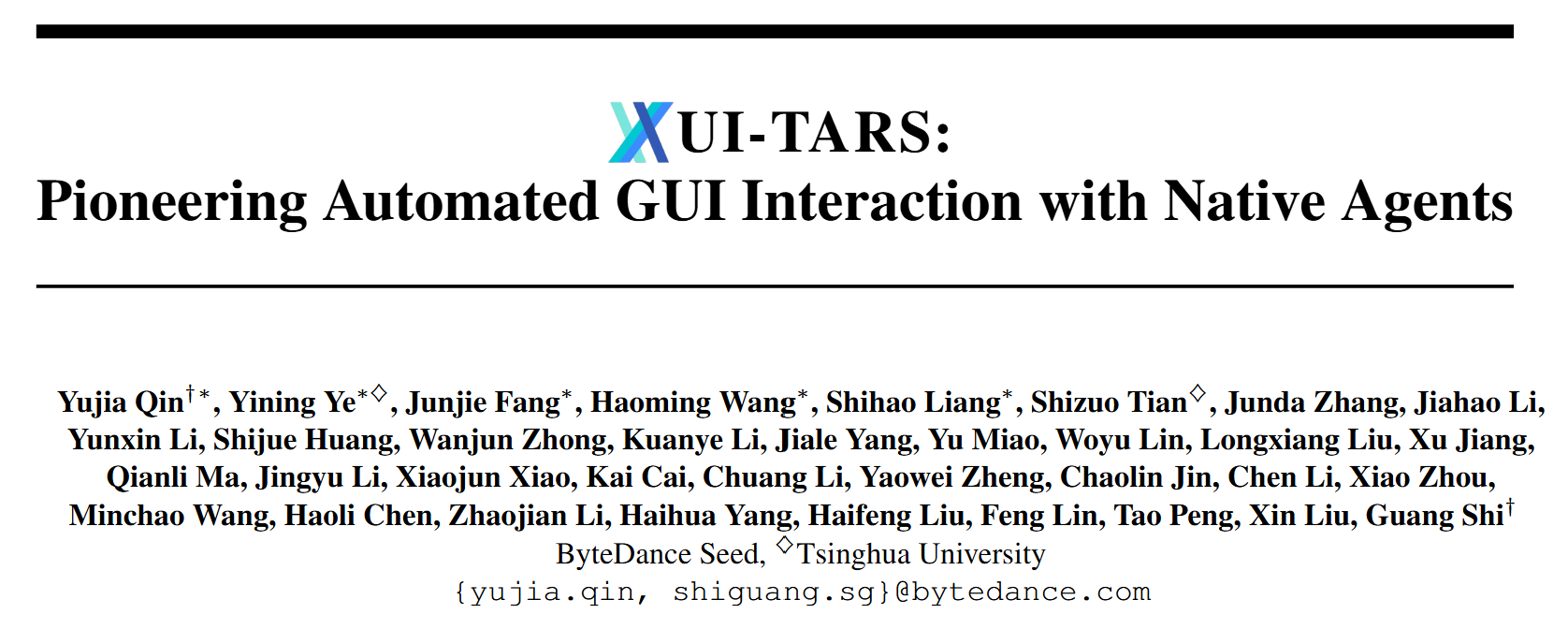
  title={UI-TARS: Pioneering Automated GUI Interaction with Native Agents},
  author={Qin, Yujia and Ye, Yining and Fang, Junjie and Wang, Haoming and Liang, Shihao and Tian, Shizuo and Zhang, Junda and Li, Jiahao and Li, Yunxin and Huang, Shijue and others},
  journal={arXiv preprint arXiv:2501.12326},
  year={2025}
}
UI-TARS (bytedance/UI-TARS)
Choose a tag and it will appear here. With no tags selected, all catalog projects are shown.
Searching Database…
Choose a tag and it will appear here. With no tags selected, all catalog projects are shown.

 UI-TARS 是一个开源的多模态智能体模型,基于视觉语言模型构建,可以直接操作图形界面(GUI),包括点击、输入、滚动、拖拽,适用于桌面应用、手机屏幕、浏览器,甚至 Minecraft 等电子游戏。它在执行操作前会先进行推理。