






What is this?
 BrowserAct Skills is a browser automation CLI/skill set that lets AI agents control a real browser, break through anti-bot protections, hand off to a human when stuck, and run parallel, isolated multi-account sessions.
BrowserAct Skills is a browser automation CLI/skill set that lets AI agents control a real browser, break through anti-bot protections, hand off to a human when stuck, and run parallel, isolated multi-account sessions.Is this a cloud service or something I run locally?Both — BrowserAct offers a fully cloud-managed mode where you describe a scraping task and it runs in BrowserAct's cloud, or a local Skill package that agents like Claude Code or Codex load to drive your own local browser automation.
Both — BrowserAct offers a fully cloud-managed mode where you describe a scraping task and it runs in BrowserAct's cloud, or a local Skill package that agents like Claude Code or Codex load to drive your own local browser automation.Which AI agents or coding tools does it work with?It works with Claude Code, Cursor, VS Code, OpenCode, OpenClaw, Codex, and Gemini CLI — basically any agent that can execute shell commands and load Skills.
It works with Claude Code, Cursor, VS Code, OpenCode, OpenClaw, Codex, and Gemini CLI — basically any agent that can execute shell commands and load Skills.What actually costs money here?Almost everything is free, including basic browser automation and up to 5 stealth browsers; you only pay for managed Dynamic/Static proxies and for stealth browsers beyond the first 5.
Almost everything is free, including basic browser automation and up to 5 stealth browsers; you only pay for managed Dynamic/Static proxies and for stealth browsers beyond the first 5.Which operating systems does it support?It's compatible with Windows, macOS, and Linux.
It's compatible with Windows, macOS, and Linux.How does it get past anti-bot walls?It uses three progressive layers: stealth fingerprint spoofing, TLS rotation and proxy switching to avoid most blocks, auto CAPTCHA solving and protected-page extraction for what gets through, and a remote-assist feature that hands control to a human on any device when the agent is still stuck.
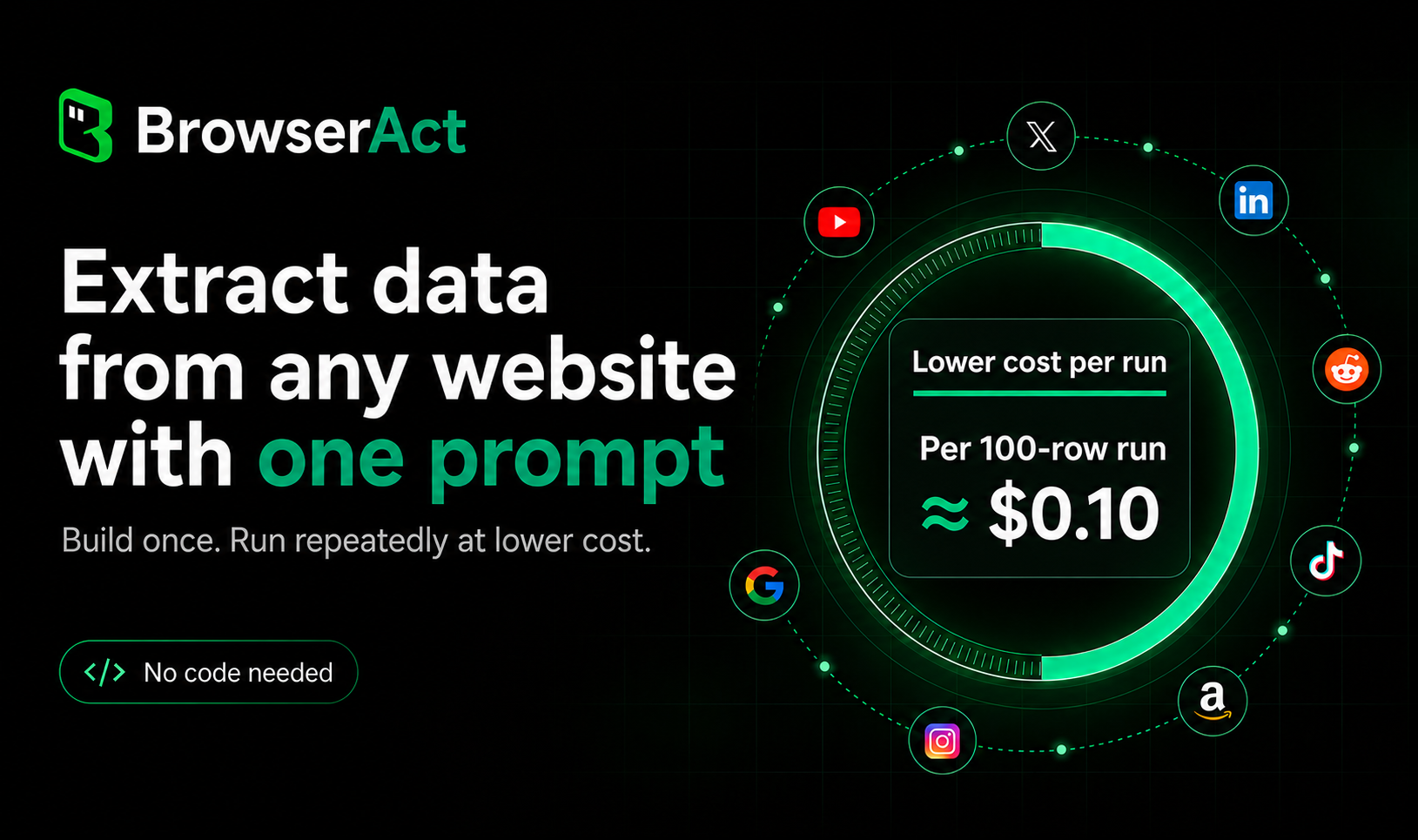
It uses three progressive layers: stealth fingerprint spoofing, TLS rotation and proxy switching to avoid most blocks, auto CAPTCHA solving and protected-page extraction for what gets through, and a remote-assist feature that hands control to a human on any device when the agent is still stuck.What is Skill Forge?Skill Forge is BrowserAct's companion tool that explores a target website once, discovers its APIs and data patterns, and generates a reusable, deploy-ready scraping Skill so you don't have to hand-write scrapers for repeated large-scale extraction.
Skill Forge is BrowserAct's companion tool that explores a target website once, discovers its APIs and data patterns, and generates a reusable, deploy-ready scraping Skill so you don't have to hand-write scrapers for repeated large-scale extraction.Can multiple agents run tasks at the same time without interfering?Yes — cross-browser parallel sessions get independent cookies, fingerprints and proxies so sites can't correlate them, while same-browser multi-session mode shares login state but keeps each task's execution independent.
Yes — cross-browser parallel sessions get independent cookies, fingerprints and proxies so sites can't correlate them, while same-browser multi-session mode shares login state but keeps each task's execution independent.Why isn't the browser output just raw HTML or JSON?BrowserAct returns a compact, indexed text format (e.g. 'click 3 / input 2') instead of DOM/HTML, which is several times more token-efficient for LLM reasoning and avoids manual DOM parsing.
BrowserAct returns a compact, indexed text format (e.g. 'click 3 / input 2') instead of DOM/HTML, which is several times more token-efficient for LLM reasoning and avoids manual DOM parsing.What are similar projects?Agent-Reach, claude-skills, oc, open-steps, qwen21-nsfw-pose-skill, pstack-claude, auto-commenter, skills
Agent-Reach, claude-skills, oc, open-steps, qwen21-nsfw-pose-skill, pstack-claude, auto-commenter, skillsWhich topics is it in?agent-infrastructure, openclaw-skill, captcha-solving, automation-tools, openclaw-skills, web-scraper, claude-code-skills, data-extraction, codex-cli, no-code, codex-skill, openclaw
agent-infrastructure, openclaw-skill, captcha-solving, automation-tools, openclaw-skills, web-scraper, claude-code-skills, data-extraction, codex-cli, no-code, codex-skill, openclaw