Что это?
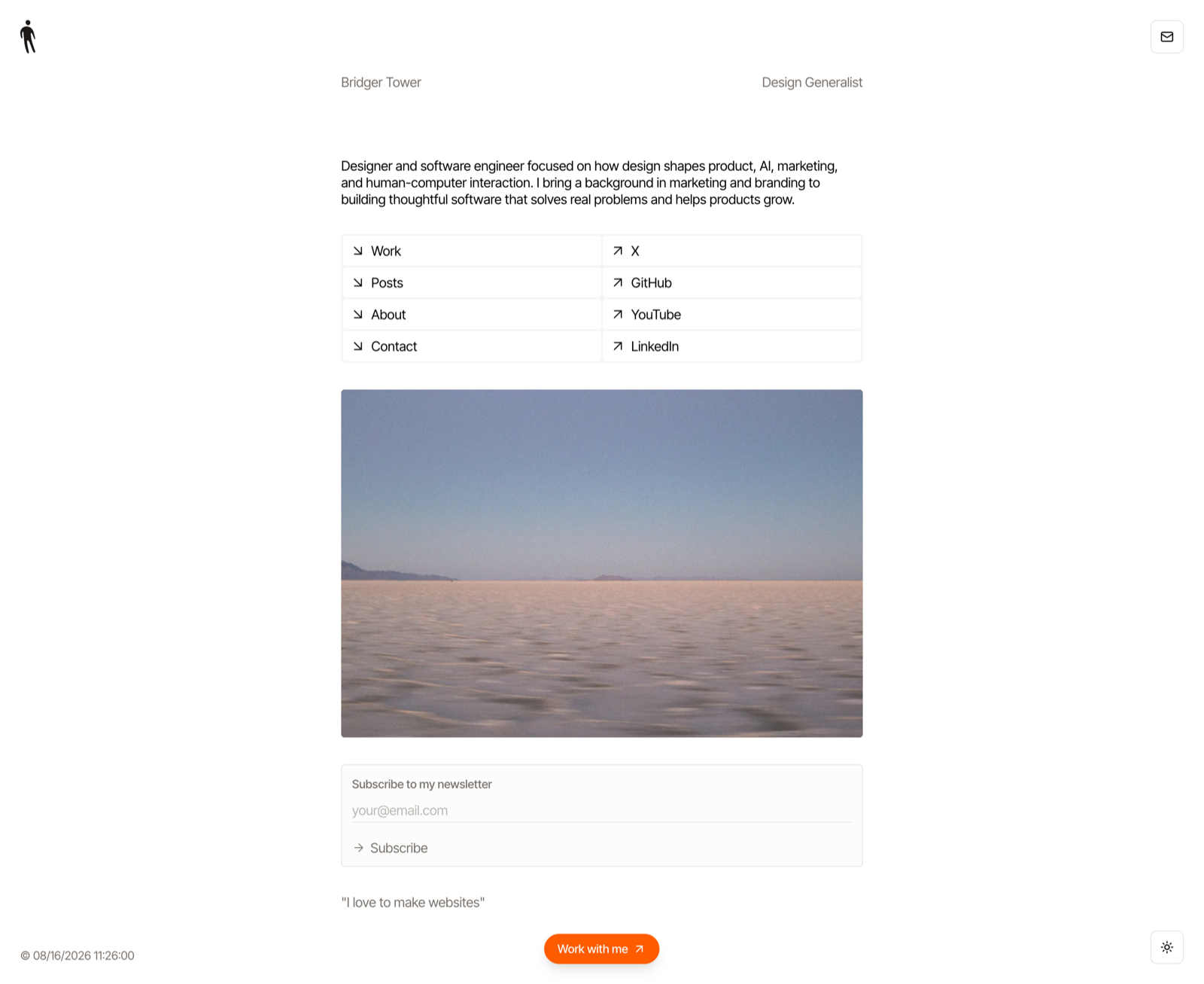
 Iris — консольная утилита и MCP-сервер, которая делает скриншоты живых сайтов, управляя вашим реально установленным Chrome через DevTools Protocol. Она задумана как «камера» для кодинг-агентов: одно надёжное изображение на команду или вызов инструмента.
Iris — консольная утилита и MCP-сервер, которая делает скриншоты живых сайтов, управляя вашим реально установленным Chrome через DevTools Protocol. Она задумана как «камера» для кодинг-агентов: одно надёжное изображение на команду или вызов инструмента.Это CLI-утилита, библиотека или MCP-сервер?И то и другое: один бинарник на Rust, работающий как консольный инструмент (iris --full url), внутри которого есть ещё и локальный stdio MCP-сервер, предоставляющий кодинг-агентам инструмент захвата.
И то и другое: один бинарник на Rust, работающий как консольный инструмент (iris --full url), внутри которого есть ещё и локальный stdio MCP-сервер, предоставляющий кодинг-агентам инструмент захвата.Как её установить и запустить?Установите с crates.io (имя пакета iris-screenshot, после установки команда iris) или соберите из исходников с тулчейном Rust, затем выполняйте команды вроде 'iris --full bridger.to'. Для использования агентом добавьте iris mcp в конфиг вашего MCP-клиента, например Codex.
Установите с crates.io (имя пакета iris-screenshot, после установки команда iris) или соберите из исходников с тулчейном Rust, затем выполняйте команды вроде 'iris --full bridger.to'. Для использования агентом добавьте iris mcp в конфиг вашего MCP-клиента, например Codex.Нужно ли что-то, кроме самой Iris?Нужен установленный браузер семейства Chrome (Chrome, Chromium, Edge или Brave) — единственная рантайм-зависимость; для сборки из исходников требуется Rust 1.88 или новее.
Нужен установленный браузер семейства Chrome (Chrome, Chromium, Edge или Brave) — единственная рантайм-зависимость; для сборки из исходников требуется Rust 1.88 или новее.Чего Iris не умеет?Она не поддерживает содержимое кросс-доменных iframe и захват всех совпадений CSS-селектора (только первое), а --selector конфликтует с --full. Полные страницы выше предела рендеринга Chrome (~16 тыс. px) автоматически откатываются к @1x.
Она не поддерживает содержимое кросс-доменных iframe и захват всех совпадений CSS-селектора (только первое), а --selector конфликтует с --full. Полные страницы выше предела рендеринга Chrome (~16 тыс. px) автоматически откатываются к @1x.Для кого она создана?Она нацелена на кодинг-агентов и разработчиков, которым нужна надёжная визуальная проверка сайтов — через CLI-скрипты или прямым подключением к ИИ-агенту для кодинга через MCP.
Она нацелена на кодинг-агентов и разработчиков, которым нужна надёжная визуальная проверка сайтов — через CLI-скрипты или прямым подключением к ИИ-агенту для кодинга через MCP.Чего Iris на самом деле дожидается перед снимком?Она дожидается загрузки шрифтов, изображений и появляющихся анимаций, а в режиме --full ещё и прокруткой подгружает ленивый контент перед снимком, стремясь к достоверному, а не преждевременному захвату.
Она дожидается загрузки шрифтов, изображений и появляющихся анимаций, а в режиме --full ещё и прокруткой подгружает ленивый контент перед снимком, стремясь к достоверному, а не преждевременному захвату.Какие форматы изображений и разрешения она поддерживает?Формат вывода выбирается по расширению в -o или флагу --format: по умолчанию PNG, ещё JPG или WebP (кодирование с качеством 90). По умолчанию используется масштаб Retina @2x, если страница не слишком высокая для предела рендеринга Chrome.
Формат вывода выбирается по расширению в -o или флагу --format: по умолчанию PNG, ещё JPG или WebP (кодирование с качеством 90). По умолчанию используется масштаб Retina @2x, если страница не слишком высокая для предела рендеринга Chrome.Можно ли снять один элемент вместо всей страницы?Да, --selector захватывает первый подходящий под CSS-селектор элемент в порядке документа, автоматически прокручивая его в зону видимости и давая новому видимому контенту устояться перед кадром.
Да, --selector захватывает первый подходящий под CSS-селектор элемент в порядке документа, автоматически прокручивая его в зону видимости и давая новому видимому контенту устояться перед кадром.Как работает пакетный захват?Iris запускает один процесс браузера с параллельными вкладками; неудачный URL печатает пометку и не прерывает пакет, хотя общий код выхода равен 1, если что-то не удалось. Имена файлов берутся из URL, при коллизиях добавляются суффиксы -2, -3, а --json выводит по одному JSON-объекту на снимок в stdout.
Iris запускает один процесс браузера с параллельными вкладками; неудачный URL печатает пометку и не прерывает пакет, хотя общий код выхода равен 1, если что-то не удалось. Имена файлов берутся из URL, при коллизиях добавляются суффиксы -2, -3, а --json выводит по одному JSON-объекту на снимок в stdout.What are similar projects?bb-browser, oc, agent-browser, leviathan, memex, playwright-cli, dev-browser, mcp-chrome
bb-browser, oc, agent-browser, leviathan, memex, playwright-cli, dev-browser, mcp-chromeWhich topics is it in?screenshots, screenshot, chrome, browser-automation, cli-tool, mcp-server, rust, command-line-tool, mcp, terminal, tool, cli
screenshots, screenshot, chrome, browser-automation, cli-tool, mcp-server, rust, command-line-tool, mcp, terminal, tool, cli