What is this?
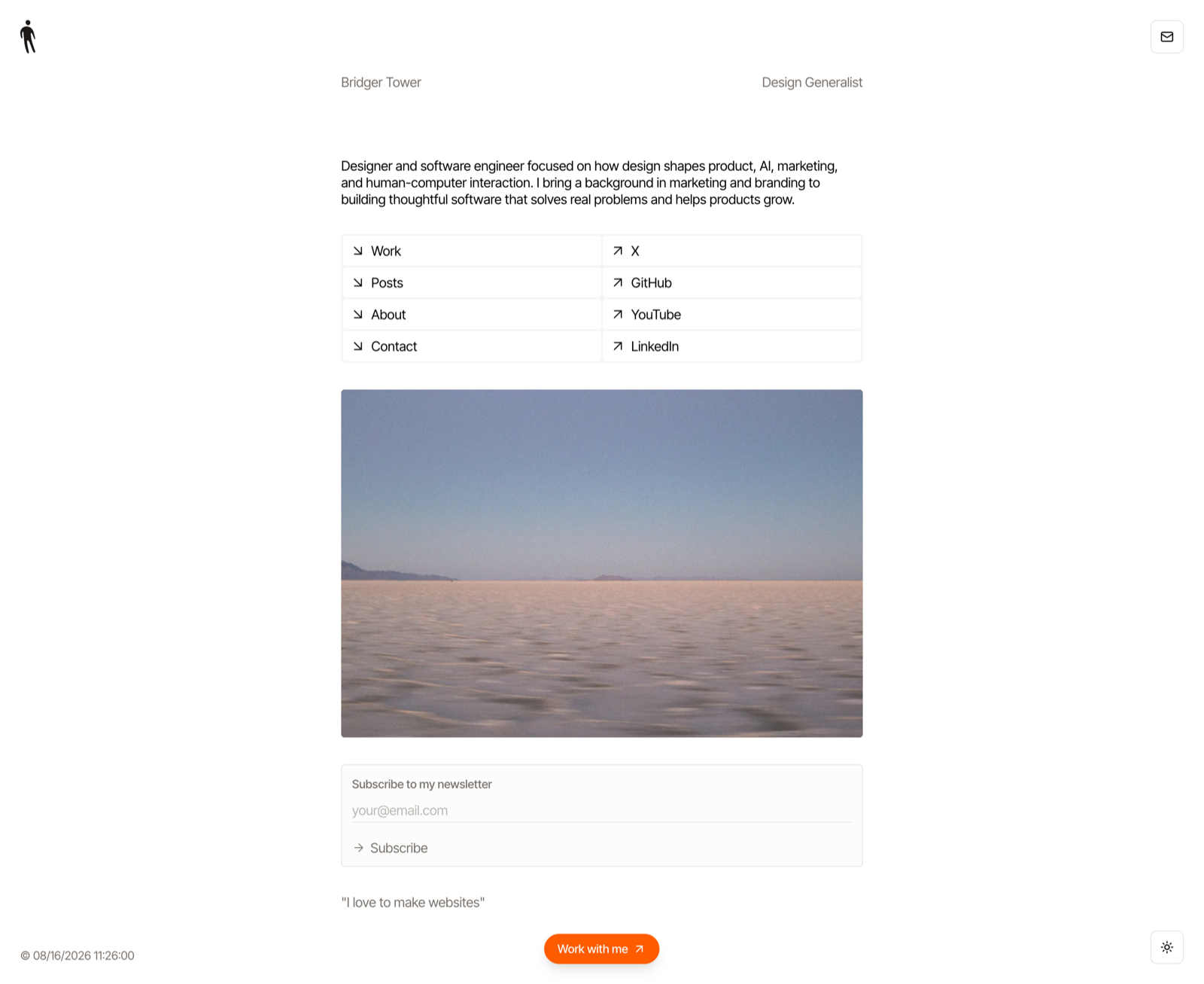
 Iris is a CLI tool and MCP server that takes screenshots of live websites using your real installed Chrome, driven over the DevTools Protocol. It is built as a camera for coding agents, producing one trustworthy image per command or tool call.
Iris is a CLI tool and MCP server that takes screenshots of live websites using your real installed Chrome, driven over the DevTools Protocol. It is built as a camera for coding agents, producing one trustworthy image per command or tool call.Is this a CLI tool, a library, or an MCP server?It is both: a single Rust binary that works as a command-line tool (iris --full url) and also includes a local stdio MCP server in the same binary, exposing a capture tool for coding agents.
It is both: a single Rust binary that works as a command-line tool (iris --full url) and also includes a local stdio MCP server in the same binary, exposing a capture tool for coding agents.How do I install and run it?Install from crates.io (package name iris-screenshot, installed command iris) or build from source with a Rust toolchain, then run commands like 'iris --full bridger.to'. For agent use, add iris mcp to your MCP client config, e.g. Codex.
Install from crates.io (package name iris-screenshot, installed command iris) or build from source with a Rust toolchain, then run commands like 'iris --full bridger.to'. For agent use, add iris mcp to your MCP client config, e.g. Codex.Do I need anything besides Iris itself?You need an installed Chrome-family browser (Chrome, Chromium, Edge, or Brave) as the only runtime dependency; building from source requires Rust 1.88 or newer.
You need an installed Chrome-family browser (Chrome, Chromium, Edge, or Brave) as the only runtime dependency; building from source requires Rust 1.88 or newer.What can't Iris do?It doesn't support cross-origin iframe contents or capturing every CSS-selector match (only the first), and --selector conflicts with --full. Full pages taller than Chrome's ~16k px render limit fall back to @1x automatically.
It doesn't support cross-origin iframe contents or capturing every CSS-selector match (only the first), and --selector conflicts with --full. Full pages taller than Chrome's ~16k px render limit fall back to @1x automatically.Who is this built for?It's aimed at coding agents and developers who need reliable visual verification of websites, either via CLI scripts or wired directly into an AI coding agent through MCP.
It's aimed at coding agents and developers who need reliable visual verification of websites, either via CLI scripts or wired directly into an AI coding agent through MCP.What does Iris actually wait for before capturing?It waits for fonts, image loads, and entrance animations, and on --full mode it also triggers lazy-loaded content by scrolling before taking the shot, aiming for a trustworthy rather than premature capture.
It waits for fonts, image loads, and entrance animations, and on --full mode it also triggers lazy-loaded content by scrolling before taking the shot, aiming for a trustworthy rather than premature capture.What image formats and resolutions does it support?Output format is chosen from the -o extension or --format flag: PNG by default, JPG, or WebP (encoded at quality 90). Retina @2x output is the default scale unless the page is too tall for Chrome's render limit.
Output format is chosen from the -o extension or --format flag: PNG by default, JPG, or WebP (encoded at quality 90). Retina @2x output is the default scale unless the page is too tall for Chrome's render limit.Can I capture a single element instead of the whole page?Yes, --selector captures the first matching CSS-selector element in document order, automatically scrolling it into view and settling newly visible content before framing.
Yes, --selector captures the first matching CSS-selector element in document order, automatically scrolling it into view and settling newly visible content before framing.How does batch capturing work?Iris runs one browser process with concurrent tabs; a failed URL prints a mark and does not kill the batch, though the overall exit code is 1 if anything failed. Filenames derive from the URL, with collisions getting -2, -3 suffixes, and --json emits one JSON object per capture to stdout.
Iris runs one browser process with concurrent tabs; a failed URL prints a mark and does not kill the batch, though the overall exit code is 1 if anything failed. Filenames derive from the URL, with collisions getting -2, -3 suffixes, and --json emits one JSON object per capture to stdout.What are similar projects?bb-browser, oc, agent-browser, leviathan, memex, playwright-cli, dev-browser, mcp-chrome
bb-browser, oc, agent-browser, leviathan, memex, playwright-cli, dev-browser, mcp-chromeWhich topics is it in?screenshots, screenshot, chrome, browser-automation, cli-tool, mcp-server, rust, command-line-tool, mcp, terminal, tool, cli
screenshots, screenshot, chrome, browser-automation, cli-tool, mcp-server, rust, command-line-tool, mcp, terminal, tool, cli