






 icon in the top-right corner of the editor
 button in the toolbar to store your workflow as
  button in the toolbar to open a saved
  button in the toolbar to create a
  button in the toolbar to run your workflow directly in AI coding agents
 button in the toolbar to generate or refine workflows with natural language
5.4K ·GitHub
What is this?
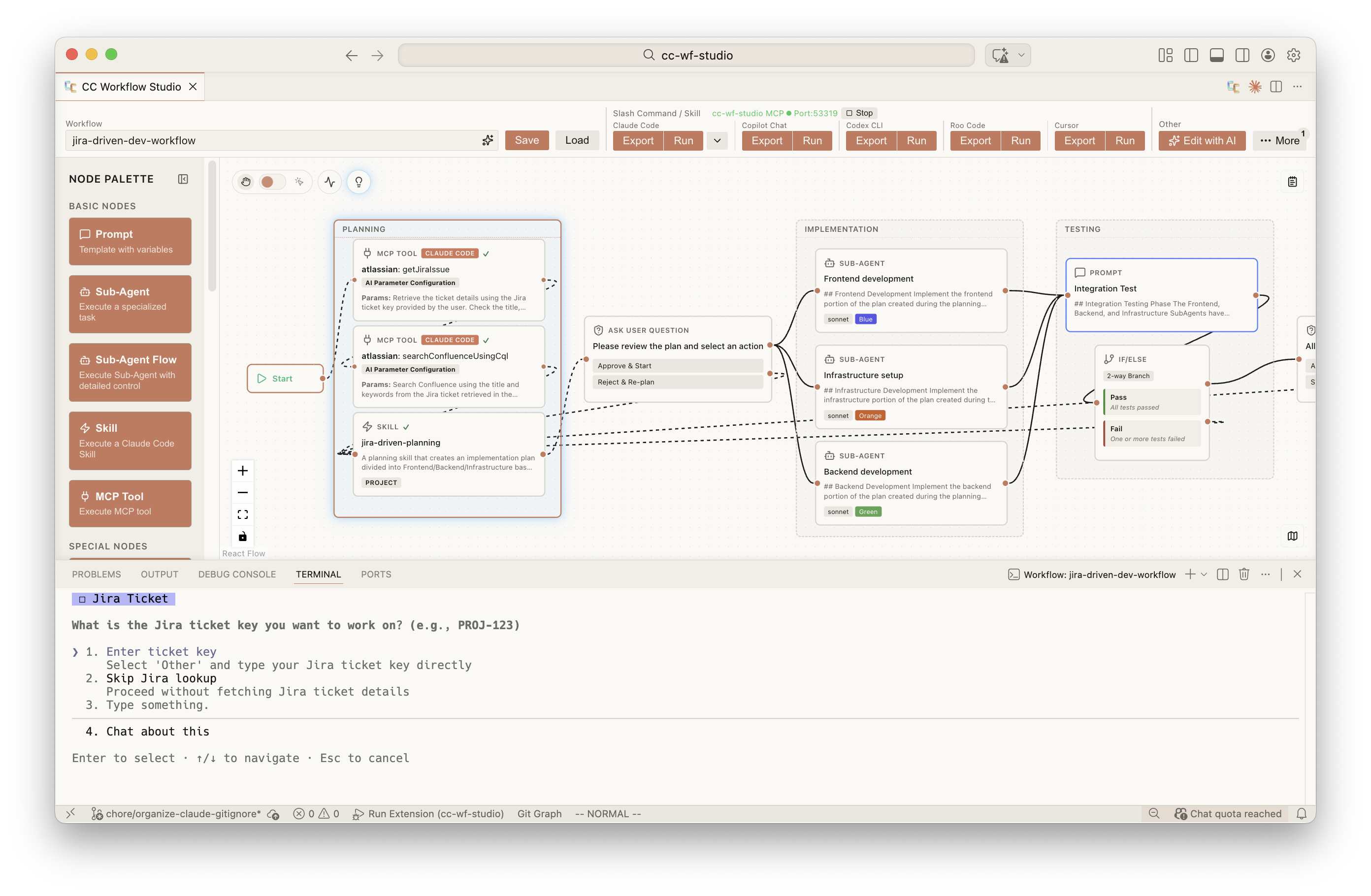
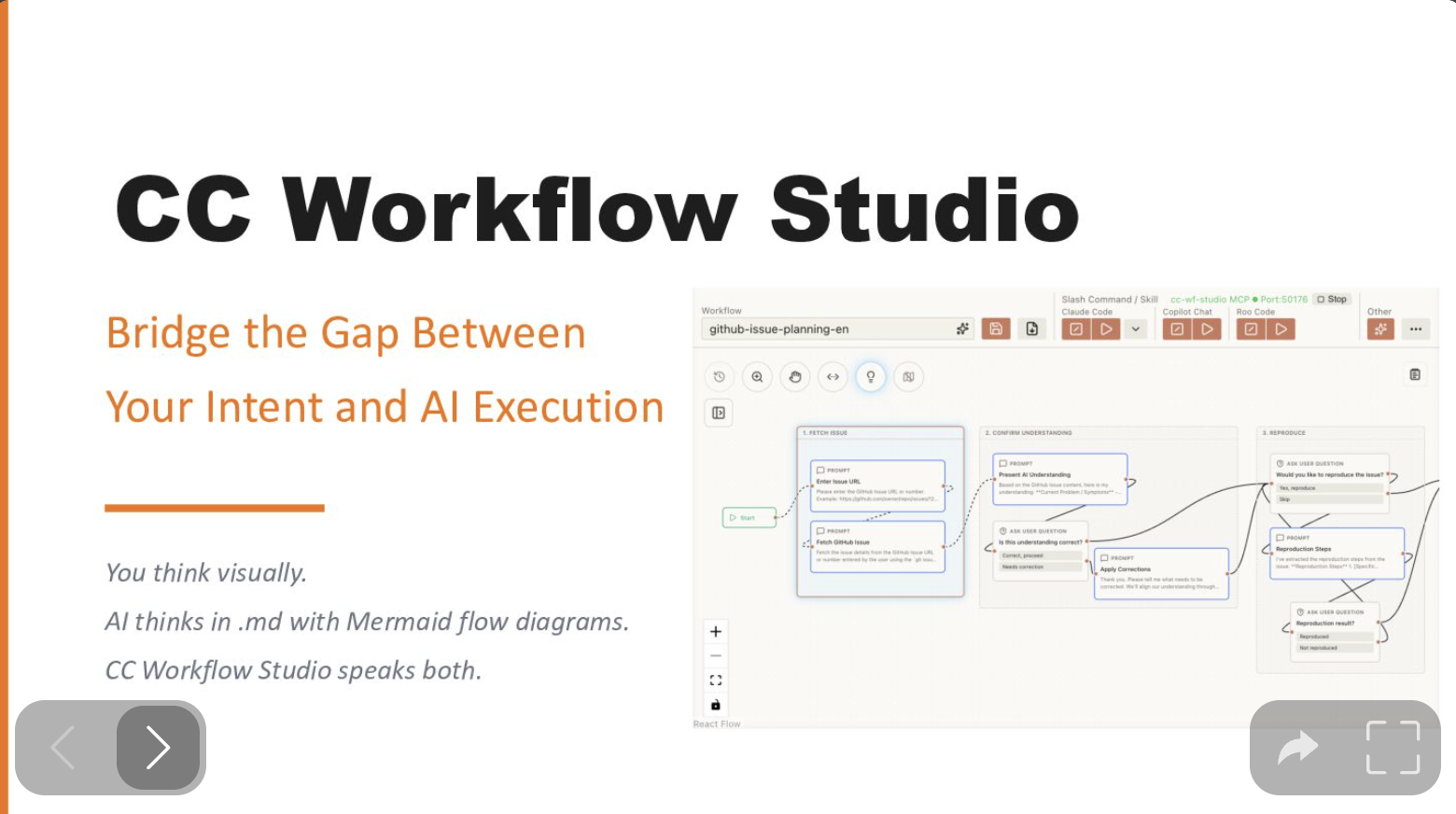
 CC Workflow Studio is a VSCode extension for visually designing AI agent workflows on a drag-and-drop canvas, then exporting them as Markdown that coding agents like Claude Code, GitHub Copilot, and Codex CLI can run directly.
CC Workflow Studio is a VSCode extension for visually designing AI agent workflows on a drag-and-drop canvas, then exporting them as Markdown that coding agents like Claude Code, GitHub Copilot, and Codex CLI can run directly.Is this only a VSCode extension?No — the same workflow.json also works through a standalone CLI (ccwf) for terminal/CI/SSH use and an MCP server (ccwf-mcp) that lets an AI client like Claude Code read and edit the workflow over stdio.
No — the same workflow.json also works through a standalone CLI (ccwf) for terminal/CI/SSH use and an MCP server (ccwf-mcp) that lets an AI client like Claude Code read and edit the workflow over stdio.Which coding agents can I export workflows to?Claude Code, GitHub Copilot Chat/CLI, OpenAI Codex CLI, Zoo Code (formerly Roo Code), Gemini CLI, Antigravity, and Cursor, each with its own export folder (e.g. .claude/agents/, .github/skills/, .codex/skills/).
Claude Code, GitHub Copilot Chat/CLI, OpenAI Codex CLI, Zoo Code (formerly Roo Code), Gemini CLI, Antigravity, and Cursor, each with its own export folder (e.g. .claude/agents/, .github/skills/, .codex/skills/).Are tutorials or example workflows available?Not yet — the README says sample workflows and tutorials are still 'under development', and agents other than Claude Code need to be manually activated from the toolbar's More menu first.
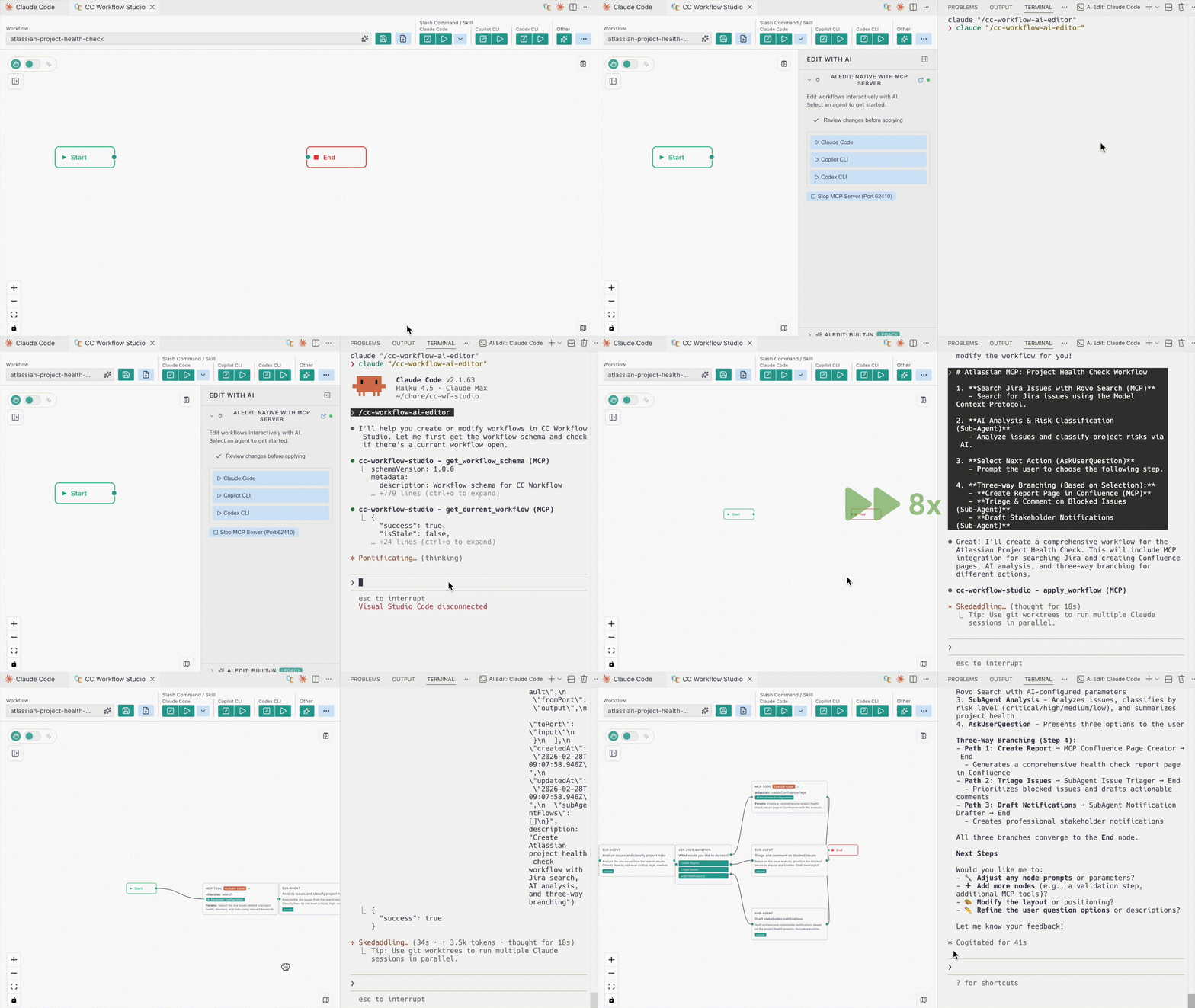
Not yet — the README says sample workflows and tutorials are still 'under development', and agents other than Claude Code need to be manually activated from the toolbar's More menu first.What does the 'Edit with AI' button do?It opens a panel where you can refine a workflow through natural-language conversation; clicking an AI agent button launches native editing, with the MCP server starting automatically in the background.
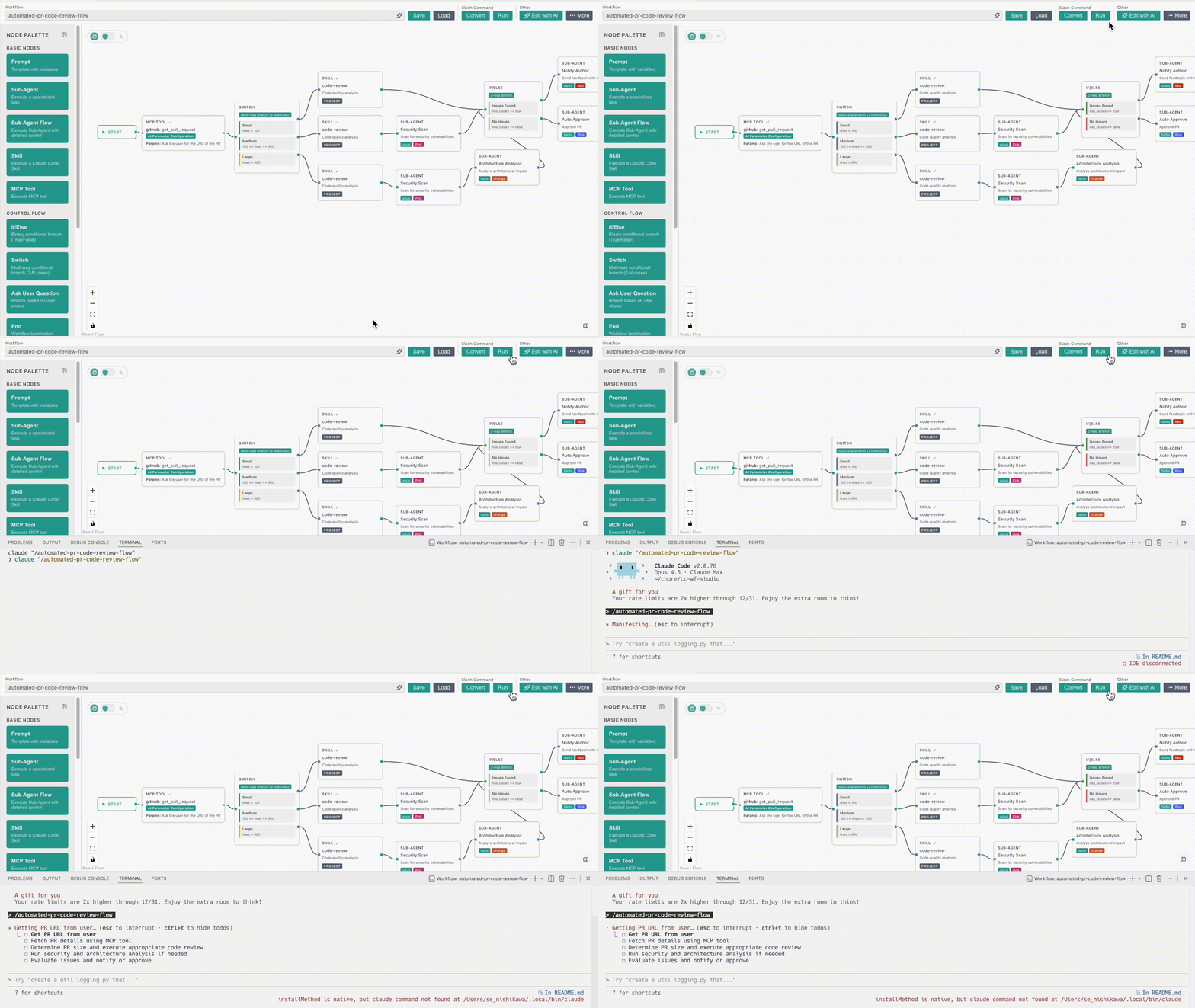
It opens a panel where you can refine a workflow through natural-language conversation; clicking an AI agent button launches native editing, with the MCP server starting automatically in the background.What happens when I click Export?It converts the visual workflow into a ready-to-use .md slash command or agent skill file, which you can then invoke as /workflow-name in your AI coding agent.
It converts the visual workflow into a ready-to-use .md slash command or agent skill file, which you can then invoke as /workflow-name in your AI coding agent.What inspired CC Workflow Studio?The README credits React Flow for the canvas, says it's powered by Claude Code, and notes it was inspired by Dify.
The README credits React Flow for the canvas, says it's powered by Claude Code, and notes it was inspired by Dify.What are similar projects?evenfire, 1code, paperclip, autoprompt-skill, ordewell, ruflo, claude-code, openrig
evenfire, 1code, paperclip, autoprompt-skill, ordewell, ruflo, claude-code, openrigWhich topics is it in?visual-programming, slash-commands, flowchart, mcp-tools, drag-and-drop, low-code, vscode-extension, github-copilot, workflow-automation, model-context-protocol, orchestration, agent-orchestration
visual-programming, slash-commands, flowchart, mcp-tools, drag-and-drop, low-code, vscode-extension, github-copilot, workflow-automation, model-context-protocol, orchestration, agent-orchestration