
Electrobun
Get started with a template
hutch electrobun init
What is Electrobun?
Electrobun aims to be a complete solution-in-a-box for building, updating, and shipping fast, compact, cross-platform desktop applications written in TypeScript.
Hutch is the native build and workspace CLI. Cottontail is Electrobun's JSC-based default JavaScript runtime. Electrobun's platform layer combines Zig, Objective-C, and C++.
Visit https://framework.blackboard.sh/electrobun/ to see api documentation, guides, and more.
Install Hutch globally, then use it to create and build a project. Published
templates include the exact Electrobun release they were tested with. In a
hand-written project that pin is optional; without one, Hutch uses an
npm-supplied paired default or floats on the active release channel. Hutch
verifies and installs the resolved release's platform archive under
~/.hutch/releases/electrobun and copies its SDKs into the project's generated
.hutch/devkit sysroot:
curl -fsSL https://hutch.blackboard.sh/hutch/install.sh | sh
hutch electrobun init
Initialization requires network access to fetch the current template catalog
and selected template. Later builds can reuse exact releases and managed
toolchains that are already installed.
Or bootstrap the same interactive initializer from npm or Bun. The single,
dependency-free npm package downloads the exact paired Hutch archive from that
version's Electrobun GitHub Release when needed, verifies and caches it, and
forwards the command. The initializer also ensures a compatible global launcher
for the generated project's hutch tasks. It does not carry or own the
Electrobun runtime or SDKs:
npx electrobun init
# or
bunx electrobun init
Hutch's built-in npm-compatible resolver installs JavaScript dependencies by
default and writes hutch.lock; hutch pm exec runs project-local package
binaries. A project's hutch.config.ts may instead select npm, Bun, pnpm, Yarn,
or a custom executable, and Hutch delegates package operations to that explicit
choice. Package management is independent of whether the app's main process
runs on Cottontail or Bun.
Don't miss our:
- self-extracting bundles that use Zstandard compression for compact distributables
- a Zig-optimized BSDIFF implementation that can produce kilobyte-scale updates
bundleCEF flag to bundle and pin Chromium for those that want that tradeoff of consistency over file sizebundleWGPU that lets you use Bun Typescript -> WGPU to control a native GPU surface without a webview- Our Three.js and Babylon.js adapters that work directly in the Cottontail main process
- Our
<electrobun-webview> and <electrobun-wgpu> HTML elements that let you composite isolated webviews and native GPU surfaces into your UIs
- so much more.
Project Goals
- Write typescript for the main process and webviews without having to think about it.
- Isolation between main and webview processes with fast, typed, easy to implement RPC between them.
- Small self-extracting app bundles when using the system webview
- Small updates that use binary patches before falling back to a compressed full download
- Provide everything you need in one tightly integrated workflow to start writing code in 5 minutes and distribute in 10.
Apps Built with Electrobun
- 24agents - Hyperprompter
- act-track-ai - personal desktop productivity tracker
- Agents Council - agent-to-agent MCP communication tool for feedback requests
- ai-wrapped - Wrapped-style desktop dashboard for your AI coding agent activity
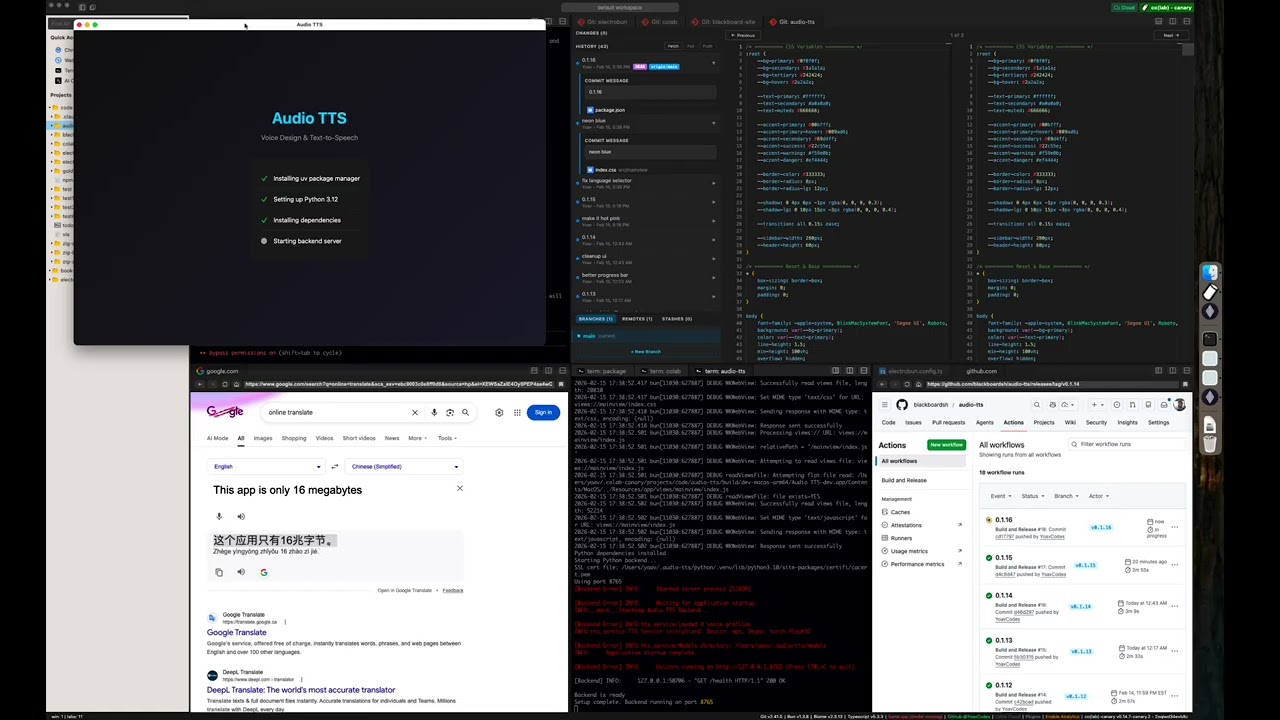
- Audio TTS - desktop text-to-speech app using Qwen3-TTS for voice design, cloning, and generation
- aueio-player-desktop - beautiful, minimal cross-platform audio player
- bestdiff - a git diff checker with curved connectors
- BuddyWriter - BuddyWriter desktop and mobile apps
- burns - a Smithers manager
- cbx-tool - desktop app for reading and editing comic book archives (.cbz/.cbr)
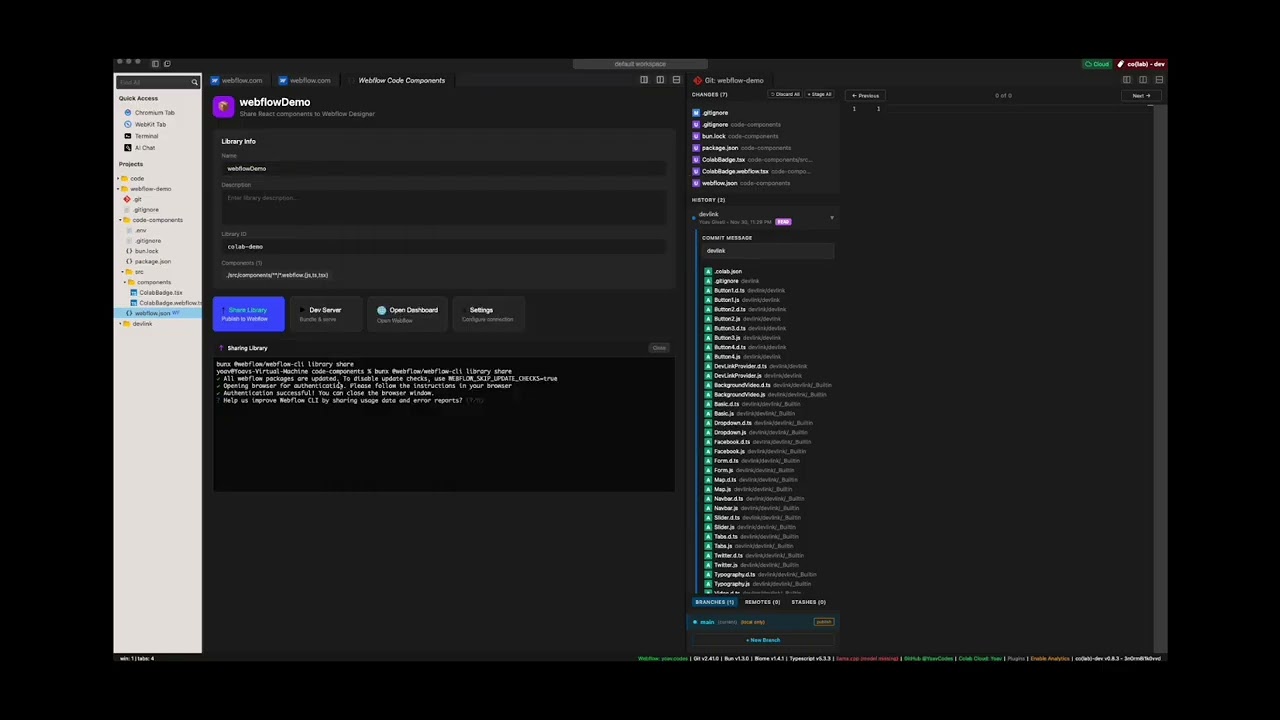
- Co(lab) - a hybrid web browser + code editor for deep work
- codlogs - search and export local Codex sessions via CLI or desktop app
- Codex Agents Composer - desktop app for managing your Codex agents and their skills
- codex-devtools - desktop inspector for Codex session data; browse conversations, search messages, and analyze agent activity
- Deskdown - transform any web address into a desktop app in under 20 seconds
- Dictate - Windows dictation app with local and BYOK cloud transcription
- dev-3.0 - helps you not get lost while managing multiple AI agents across projects
- DOOM - DOOM implemented in 2 ways: bun -> (c doom -> bundled wgpu) and (full ts port bun -> bundled wgpu)
- dotlock - macOS desktop app for managing
.env files across your projects
- electrobun-pdf - local-first PDF & DOCX editor for opening, annotating, and exporting documents without leaving your machine
- electrobun-rms - fast Electrobun desktop app template with React, Tailwind CSS, and Vite
- FLACK - local audio player for Windows
- gloomberb - financial terminal for the rest of us
- golb - desktop AI coding workspace built with React, Vite, and Tailwind
- GOG Achievements GUI - desktop app for managing GOG achievements
- groov - desktop audio deck monitor
- Guerilla Glass - open-source cross-platform creator studio for fast Record -> Edit -> Deliver workflows
- Invoke - macOS UI automation & shortcut platform
- Marginalia - a simple note taking app
- MarkBun - fast, beautiful, Typora-like markdown desktop editor
- md-browse - a markdown-first browser that converts web pages to clean markdown
- moop - desktop app for batch image optimization for the web
- Oursum - private, offline-first personal expense tracker for importing, categorizing, and splitting transactions
- Patchline - lightweight desktop Git client for reading patches and line diffs, then staging and committing changes
- peekachu - password manager for AIs; store secrets in your OS keychain and scrub output so AI assistants never see actual values
- PiBun - desktop GUI for the Pi coding agent with chat, terminal, git integration, and plugin system
- PLEXI - a multi-dimensional terminal multiplexer for the agentic era
- Prometheus - desktop utility toolbox for file cleanup, document manipulation, and image processing
- qCodelicious - a simple code editor
- Quiver - desktop app for GitHub PR reviews, merge conflict resolution, and AI commit messages
- remotecode.io - continue local AI coding sessions (Claude Code or Codex) from your mobile device
- sirene - self-hosted multi-backend text-to-speech platform with voice cloning
- Sideleaf - simple Markdown and text editor with previews and notes
- StoryForge - desktop app for Vintage Story players to switch between game versions, modpacks, servers, and accounts
- Tensamin Client - web, desktop, and mobile app for accessing Tensamin
- tokenpass-desktop - desktop app that runs the Sigma Identity stack locally for Bitcoin-backed authentication
- typsmthng-desktop - experimental desktop typing application
- VibesOS - A GUI for Claude Code that makes it easy to vibe code simple, un-hackable apps
- VoiceVault - AI-powered voice recorder with transcription, summarization, and RAG search
- warren - open-source, peer-to-peer terminal mesh for accessing your machines from any device without SSH keys or config files
- whatsapp-reminder - managed scheduled WhatsApp messages
Video Demos

Star History
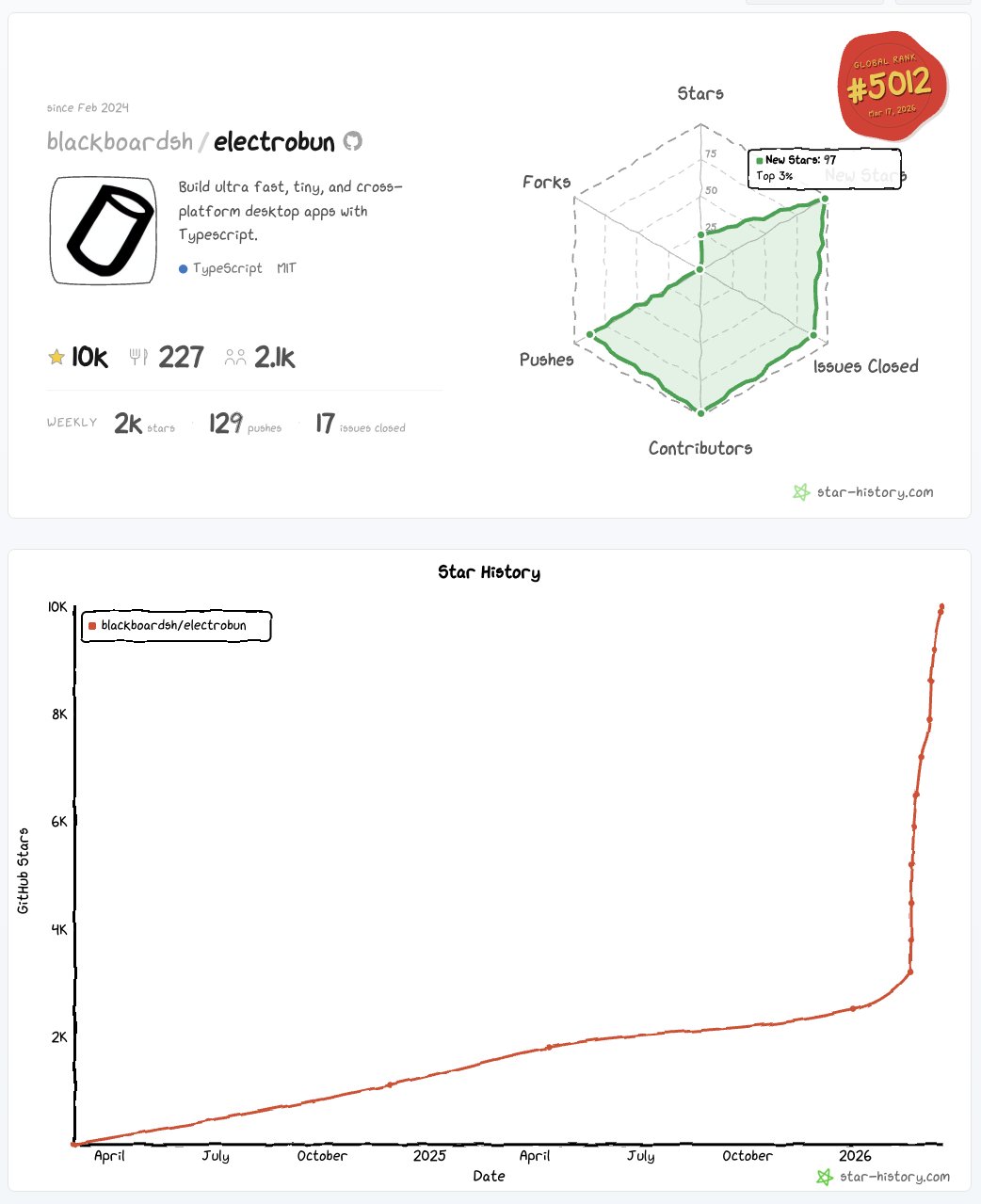
star history 4 weeks after v1 launch
Contributing
Electrobun is one piece of a vision I'm building. I'm optimizing for focus and execution. Issues and PRs can be used to share ideas, but there should be no expectation that I will review, respond to, or merge them.
Ways to get involved:
Development Setup
Building apps with Electrobun is as easy as installing Hutch and running hutch electrobun init.
This section is for building Electrobun from source locally in order to contribute fixes to it.
Prerequisites
Install Hutch globally before building Electrobun:
curl -fsSL https://hutch.blackboard.sh/hutch/install.sh | sh
On Windows PowerShell:
& ([scriptblock]::Create((irm https://hutch.blackboard.sh/hutch/install.ps1)))
macOS:
- Xcode command line tools
- cmake (install via homebrew:
brew install cmake)
Windows:
- Visual Studio Build Tools or Visual Studio with C++ development tools
- cmake
Linux:
- build-essential package
- cmake
- webkit2gtk and GTK development packages
On Ubuntu/Debian based distros: sudo apt install build-essential cmake pkg-config libgtk-3-dev libwebkit2gtk-4.1-dev libayatana-appindicator3-dev libpipewire-0.3-dev librsvg2-dev
Linux applications also require the corresponding GTK 3, WebKitGTK 4.1,
Ayatana AppIndicator, and librsvg runtime packages on end-user systems. See the
cross-platform development guide
for distro-specific install commands. The launcher reports the exact missing
shared library when these dependencies are unavailable.
Wayland screen-region capture additionally requires a working desktop portal,
PipeWire, and the libpipewire-0.3.so.0 runtime library (provided by
libpipewire-0.3-0, or libpipewire-0.3-0t64 on newer Ubuntu/Debian releases).
First-time Setup
git clone --recurse-submodules https://github.com/blackboardsh/electrobun.git
cd electrobun/package
npm ci
hutch dev:clean
Development Workflow
# All commands are run from the /package directory
cd electrobun/package

# After making changes to source code
hutch dev

# Exercise one repository template against the same local package/dist
hutch dev:template hello-world

# If you need a completely fresh start
hutch dev:clean
hutch dev builds package/dist and runs Kitchen against that local
Electrobun devkit. Running hutch dev directly from kitchen/ continues to
use the Electrobun version pinned in kitchen/hutch.config.ts.
hutch dev:template <template-name> builds the same local devkit, runs the
template's configured dependency installation, and starts its dev task against
those local bytes. Repository templates stay unpinned for this workflow; the
release publisher injects the shipped Electrobun version into each staged
template archive.
The native build generates package/src/native/compile_flags.txt from the
compiler flags resolved for the current machine. clangd-compatible editors
discover it automatically; rerun the build after changing native dependencies
or system toolchains.
With sibling jsc, cottontail, dash-cloud, and electrobun checkouts, use
--local to additionally build and select the local JSC, Cottontail, and Hutch
layers:
hutch dev --local
The first Hutch is globally installed. Stack preparation explicitly selects the
completed local Hutch engine and Cottontail build for the remainder of the
command.
Additional Commands
All commands are run from the /package directory:
hutch dev:canary - Build and run kitchen sink in canary modehutch dev:template <template-name> - Build and run one template against the local devkithutch build:dev - Build Electrobun in development modehutch build:release - Build Electrobun in release mode
Debugging
macOS: Use lldb <path-to-bundle>/Contents/MacOS/launcher and then run to debug release builds
| OS |
Status |
| macOS 14+ |
Official |
| Windows 11+ |
Official |
| Ubuntu 24.04+ |
Official |
| Other Linux distros (gtk3, webkit2gtk-4.1) |
Community |
| Raspberry Pi |
Unofficial fork: kortexa-ai/electrobun (linux-wpe) — follow the author @francip |

 Electrobun is a framework for building fast, tiny, cross-platform desktop apps written entirely in TypeScript, with its own bundled build tooling, runtime, and native platform layer.