CodFlow

The open-source, COD-first e-commerce platform for Algeria — built agentic-ready.
Cash on Delivery meets serverless infrastructure. Self-host your entire commerce stack on Cloudflare with zero transaction fees, connect to Algeria's delivery carriers, and optimize Meta ads for real deliveries instead of door refusals.
Get Started
Choose your path:
🎥 See It in Action
Watch the step-by-step setup guide:
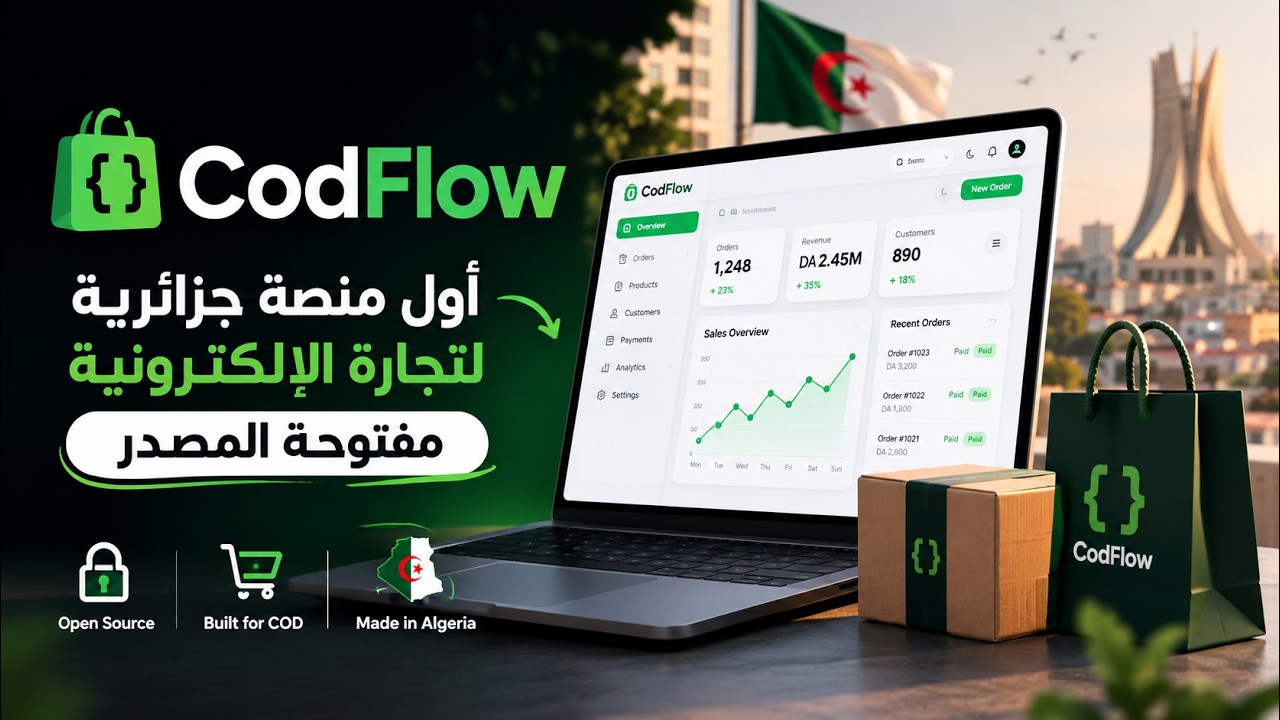
▶️ Watch: CodFlow Setup & Deployment Guide
🎯 The Problem CodFlow Solves
E-commerce in Algeria is 95%+ Cash on Delivery (الدفع عند الاستلام). Western platforms like Shopify and local tools charge per-transaction fees, require expensive VPS hosting, and lock your data in their databases.
CodFlow is the first and only open-source COD e-commerce platform built for Algeria.
| The Reality |
Western/Local Platforms |
CodFlow |
| Transaction fees eat margins |
2–5% per order + monthly SaaS fees |
$0 transaction fees — pay only Cloudflare hosting ($0–$5/mo) |
| Your data locked in their system |
Can't export, can't migrate, vendor lock-in |
You own everything — D1 database, R2 images, full control |
| Expensive hosting |
VPS servers, maintenance, scaling costs |
Serverless Cloudflare — auto-scales, zero maintenance |
| 4+ carrier portals |
Juggle Yalidine, ZR, NOEST, EcoTrack separately |
Unified carrier API — one integration for all carriers |
| In-house drivers ignored |
No native driver dispatch or per-wilaya pay |
Built-in driver management with compensation and cash settlement |
| Ads optimize for form fills, not deliveries |
Meta Pixel fires on checkout submit (30–50% refuse at door) |
Meta CAPI fires at actual delivery — optimize ads for real buyers |
Deploy CodFlow to your own Cloudflare account in minutes. No monthly fees. No transaction cuts. 100% open-source (Apache 2.0).
✅ What's Included
CodFlow v1.1.0 — here's what works today:
Storefront (cod-astro/theme01)
- ✅ Landing pages (
/lp/[slug]) — one-product marketing pages: stacked image story + COD form, no nav chrome
- ✅ Single-page COD checkout with live shipping calculation
- ✅ Home delivery or carrier stop-desk pickup selection
- ✅ Quantity-tier offers ("Buy 2 get 10% off", "Buy 3 free shipping")
- ✅ Order-verified product reviews (star ratings + Arabic/French text)
- ✅ Trilingual: Arabic (RTL), French, English
- ✅ Abandoned cart telemetry for recovery campaigns
- ✅ Optional WhatsApp phone verification at checkout (DZVerify, off by default)
- ✅ Optional Cloudflare Turnstile bot protection on the checkout form (Turnstile, off by default)
Merchant Dashboard (cod-client-astro)
- ✅ Order management with full COD lifecycle tracking
- ✅ Product catalog with multi-attribute variants (size, color, SKU) and image uploads
- ✅ Inventory tracking with low-stock alerts and adjustment history
- ✅ Promotion engine (Buy X Get Y, free shipping rules)
- ✅ Landing page studio — two-sidebar builder (image stack + spacing), product-picker-first creation, publish flow, live link copy
- ✅ Landing page comparison — per-product A/B table (views, orders, CVR, revenue) to pick winning creatives
- ✅ Review moderation (approve, reject, delete)
- ✅ Customer CRM with profiles, order history, groups, and tags
- ✅ Delivery: in-house drivers, per-wilaya compensation, cash settlement
- ✅ Carrier company management (credentials, stop-desk sync, reconciliation)
- ✅ Team RBAC with granular permission scopes and API keys
- ✅ Meta Pixel & CAPI configuration UI
- ✅ Abandoned order recovery
- ✅ MCP agent connection management
- ✅ Trilingual: Arabic (RTL), French, English
Delivery Engine
- ✅ 4 Algerian carriers + EcoTrack (80+ couriers behind one API)
- ✅ One-click shipment creation with printable labels
- ✅ Real-time webhook tracking (Yalidine, ZR Express with HMAC verification)
- ✅ Carrier delivery-zone name sync — dispatches carry the carrier's exact wilaya/commune spellings (Yalidine)
- ✅ Dispatch-time delivery-type switching (home ⇄ stop desk) with wilaya-scoped desk picking
- ✅ Webhook event log with per-event outcomes (applied / ignored / unmapped / error) per carrier
- ✅ Stop-desk catalog syncing across 58 wilayas
- ✅ In-house driver fleet management
- ✅ Per-wilaya driver compensation with cash settlement
- ✅ Partial returns with automatic inventory restock
Growth Engine
- ✅ Meta Pixel (browser) + Conversions API (server) dual setup with event deduplication
- ✅ Merchant-chosen conversion event:
Lead at order placement or Purchase at confirmed delivery
- ✅ Test Mode toggle routes CAPI events to Meta's test stream (
test_event_code)
- ✅ Graph API v26.0 with 7-day attribution window compliance
- ✅ PII hashed per Meta spec (phone, names, city, zip, country, external_id); IP, User-Agent,
fbp, fbc sent unhashed as required
- ✅
fbp and fbc attribution preservation
- ✅ Durable retry with Cloudflare Workflows (network + Meta 5xx, exponential backoff)
- ✅ CAPI event audit log (
capi_event_log) for every send attempt
AI & Agentic (MCP)
- ✅ RFC 9728 OAuth Protected Resource Discovery with dynamic client registration
- ✅ OAuth login relay from the dashboard (login-ticket bridge)
- ✅ 15 RBAC-gated tool sets (orders, products, stock, offers, landing pages, reviews, customers, drivers, etc.)
- ✅ Stateless elicitation with HMAC-sealed confirmation state
- ✅ Compatible with Claude, Cursor, ChatGPT, LibreChat
Backend (cod-server)
- ✅ Hono 4 on Cloudflare Workers (sub-5ms cold starts)
- ✅ Drizzle ORM + D1 (SQLite)
- ✅ D1 scale layer: indexed hot paths, atomic batched order writes, keyset pagination
- ✅ Auto-generated OpenAPI 3.1 spec at
/api/docs
- ✅ Standardized error envelopes with semantic codes
- ✅ R2 image storage with edge caching
- ✅ KV-backed rate limiting
Known Limitations:
See docs/KNOWN_LIMITATIONS.md for honest coverage of incomplete features and platform constraints.
⚡ Quick Setup
Run CodFlow locally in 5 steps:
🤖 Using an AI Coding Assistant? CodFlow includes an autonomous setup skill. Tell your agent: "Set up CodFlow" and it will follow the codflow-setup runbook.
Prerequisites
- Node.js 22.12+ and npm
- Wrangler CLI:
npm install -g wrangler
- Free Cloudflare account
1. Clone & Install
git clone https://github.com/bighadj22/codflow.git
cd codflow
npm ci
2. Create Cloudflare Resources
Names are yours to choose — scripts read them from the root .env
(see step 3), so nothing is hardcoded.
wrangler login
wrangler d1 create my-codflow-db
wrangler r2 bucket create my-codflow-images
wrangler kv namespace create RATE_LIMIT
wrangler kv namespace create OAUTH_KV
# Repo root — resource names for the seeders, the D1 wrapper, the R2 CORS
# setup and the storefront deploy helper. Precedence: process.env > .env > default.
cp .env.example .env
# Set COD_ACCOUNT_ID, COD_DB_NAME, COD_R2_BUCKET_NAME, COD_SERVER_URL, COD_MEDIA_DOMAIN

# Backend
cd cod-server
cp .dev.vars.example .dev.vars
cp wrangler.toml.example wrangler.toml
# Update wrangler.toml with your D1 database_id, R2 bucket_name, KV ids

# Dashboard
cd ../cod-client-astro
cp wrangler.toml.example wrangler.toml   # same D1 database_id as cod-server + your KV id
cp .env.example .env
cp .dev.vars.example .dev.vars
# Set BETTER_AUTH_SECRET (same value as cod-server's, e.g. openssl rand -hex 32)

# Storefront
cd ../cod-astro/theme01
cp .dev.vars.example .dev.vars
4. Setup Database & Admin
cd cod-server
npm run db:setup:local

cd ../cod-client-astro
[email protected] ADMIN_NAME=Admin npm run seed:admin
# ⚠️ Save the generated password and API key
5. Start Dev Servers
Open three terminals:
# Terminal 1: Backend (http://localhost:8787)
cd cod-server && npm run dev

# Terminal 2: Dashboard (http://localhost:4321)
cd cod-client-astro && npm run dev

# Terminal 3: Storefront (http://localhost:4321 → use a different port, see theme README)
cd cod-astro/theme01 && npm run dev
⚠️ The dashboard and storefront both default to port 4321 — run them on
different ports (astro dev --port 4322 for one of them) or run only one
at a time.
6. Enable Image Uploads
Product image uploads require R2 API tokens and CORS configuration. See the R2 setup guide for:
- Creating R2 API tokens
- Setting CORS policy on the bucket
- Adding a custom domain for serving images
Need more detail? See docs/DEPLOYMENT.md for production deployment.
🚢 Production Deployment
Deploy all three apps to Cloudflare Workers:
# 1. Backend
cd cod-server
npm run deploy -- --env production
wrangler secret put BETTER_AUTH_SECRET
wrangler secret put STORE_API_KEY

# 2. Dashboard
cd ../cod-client-astro
npm run build && npm run deploy
wrangler secret put BETTER_AUTH_SECRET         # same value as cod-server's
wrangler secret put MCP_LOGIN_TICKET_SECRET    # same value as cod-server's

# 3. Storefront
cd ../cod-astro/theme01
# Set COD_SERVER_URL in wrangler.jsonc to your deployed backend URL
npm run build && npm run deploy
wrangler secret put STORE_API_KEY
Important: Cloudflare blocks Worker-to-Worker fetch between *.workers.dev hosts. For production, put at least cod-server on a custom domain and point COD_SERVER_URL at it.
R2 Image Uploads: For production image uploads, see R2 setup guide for API tokens, CORS policy, and custom domain configuration.
Full deployment guide: docs/DEPLOYMENT.md
🏗️ Architecture
                          ┌──────────────────────────────────────────┐
                          │              cod-shared                  │
                          │   D1 schema • RBAC scopes • queries      │
                          └───────────────┬──────────────────────────┘
                                          │ relative imports
               ┌──────────────────────────┼──────────────────────────┐
               │                          │                          │
       ┌───────▼───────┐         ┌────────▼────────┐        ┌────────▼────────┐
       │  Storefront   │         │     Backend     │        │   Dashboard     │
       │  cod-astro    │──/store─▶  cod-server     │◀──/api─│ cod-client-astro│
       │  (Astro 7)    │  API    │ (Hono + Workflows) API   │  (Astro 7)      │
       └───────┬───────┘         └───┬─────┬───────┘        └─────────────────┘
               │                     │     │
               │               /webhooks   │ CodCapiWorkflow
               │              carrier calls│
               │                     │     └─────────▶ Meta Conversions API
               │                     │                 (Purchase @ delivered)
               │                     │
               │              ┌──────▼─────┐
               │              │ Carriers    │   Yalidine • ZR Express  (webhooks)
               │              │  APIs       │   NOEST • EcoTrack       (tracking pull)
               │              └─────────────┘
               │
               │        /images (R2)      /mcp (AI agents, OAuth-scoped)
               └──────────────────────────────────────────────────────▶
Tech Stack:
- Storefront: Astro 7, Tailwind CSS v4 → Cloudflare Workers + Static Assets
- Backend: Hono 4, Drizzle ORM, Better Auth, Workflows → Cloudflare Workers + D1 + R2 + KV
- Dashboard: Astro 7 (prerendered static + auth worker) → Cloudflare Workers + D1 + KV
- Shared: Drizzle schema, RBAC scopes, error codes
More detail: docs/ARCHITECTURE.md
🧪 Testing
# Backend tests (handlers, workflows, OpenAPI, MCP)
cd cod-server && npm test

# Dashboard tests (feature models, i18n guards, API seam)
cd cod-client-astro && npm test

# Storefront tests (property-based, cart calculations)
cd cod-astro/theme01 && npm test

# TypeScript verification
cd cod-server && npm run typecheck
cd cod-client-astro && npm run typecheck
CI runs typecheck + tests for cod-server and cod-client-astro, plus
astro check + tests for theme01.
📚 Documentation
🎬 Video Tutorial
▶️ Watch: How to edit your CodFlow theme
🗺️ Roadmap
Planned
- 📈 Deeper dashboard analytics — revenue, delivery-rate, and return-rate trends
- 📦 More Themes — Additional storefront themes beyond
theme01
- 📘 Theme Editing Guides — Comprehensive guides for customizing and creating themes
- ☁️ CodFlow Cloud — One-click deployment from dashboard for agencies to resell CodFlow
- 📧 Email order notifications & admin alerts — extend the Sendili integration beyond transactional mail
Recently Shipped
- ✅ Yalidine Hardening — full 36-status webhook mapping (live-verified return flows), HMAC-SHA256 signature verification, per-carrier delivery-zone name sync, dispatch-time delivery-type switching, and a webhook events log for every webhook-capable carrier
- ✅ Landing Pages — one-product marketing pages (image stack + COD order form) with the Studio builder, per-link stats, A/B comparison, order attribution, and 7 MCP tools
- ✅ Astro Dashboard — the merchant dashboard now runs on Astro (was Next.js)
- ✅ WhatsApp OTP Verification — DZVerify.com phone verification at checkout
- ✅ Cloudflare Turnstile — optional per-store bot protection on the checkout form (off by default)
- ✅ EcoTrack Integration — 80+ Algerian couriers behind one API
- ✅ Transactional Email (Sendili) — Sendili.com powers team-invite emails and password-reset emails; merchants configure their API key and verified sending domain in Settings → Email Sending
🤝 Contributing
We welcome contributions from developers across Algeria and the global open-source community.
- Fork the repo and create a feature branch (
feat/amazing-feature)
- Maintain code-verified claims and test coverage
- Keep credentials and live API keys out of commits
- Submit a PR referencing the related issue
See CONTRIBUTING.md for detailed guidelines.
📄 License
Apache License 2.0 — 100% free and open-source.
See LICENSE and NOTICE for details.
🔗 Resources
Version: v1.1.0 — Self-hostable on Cloudflare.
Built with ❤️ for Algerian e-commerce.

 CodFlow — это опенсорсная платформа электронной коммерции и доставки с оплатой при получении (COD), созданная специально для Алжира, разворачивается в вашем собственном аккаунте Cloudflare с нулевыми комиссиями за транзакции.