



What is this?
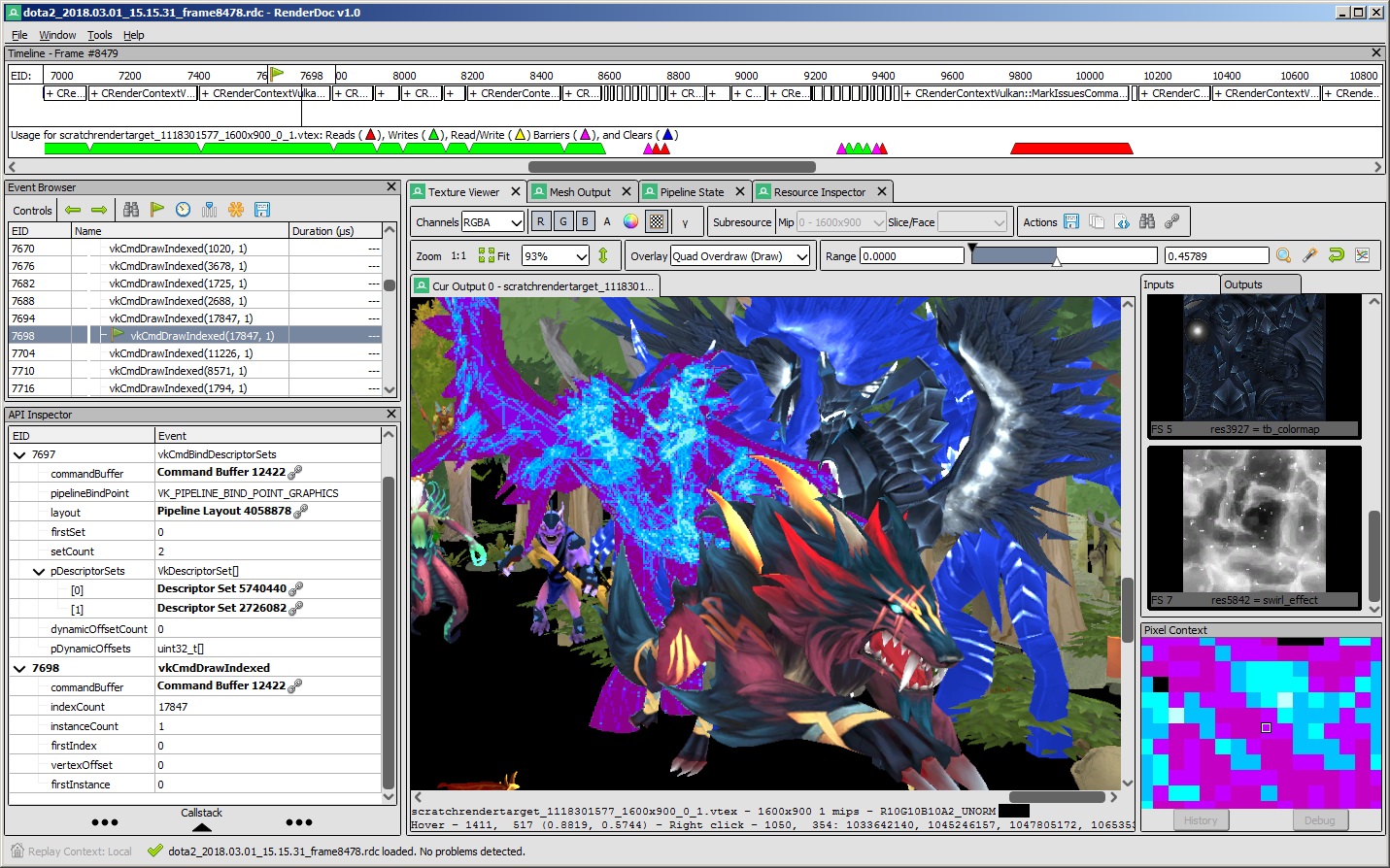
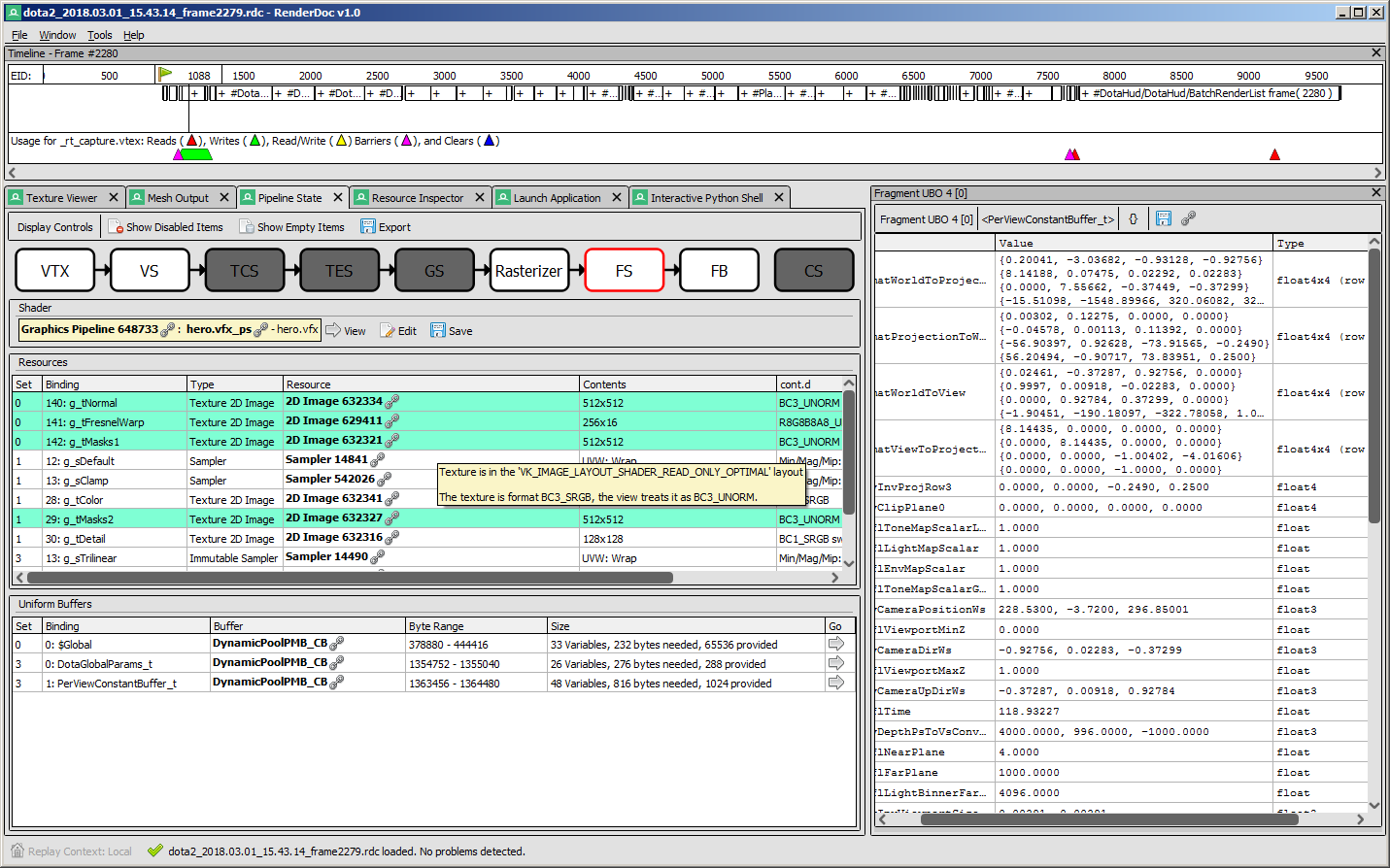
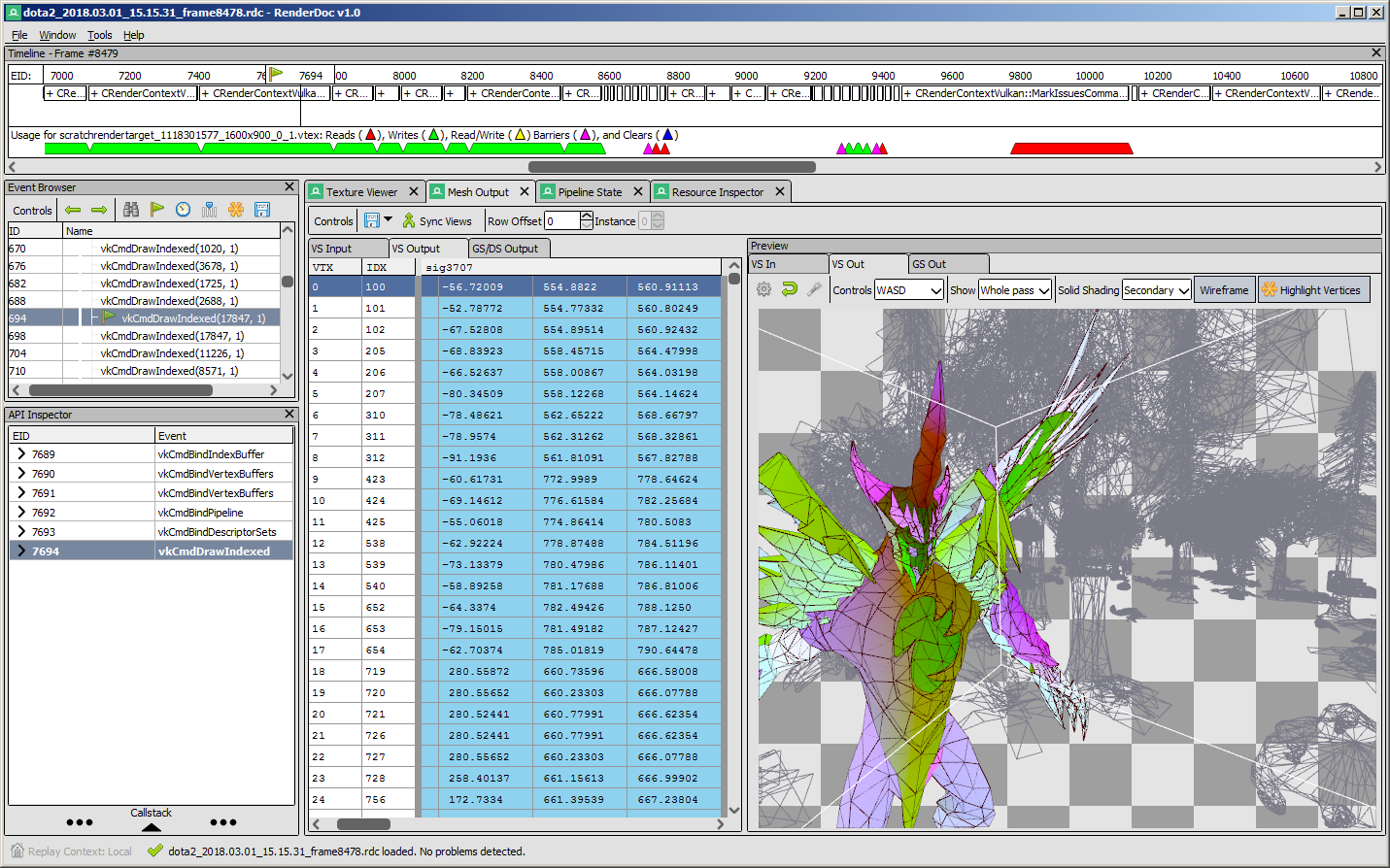
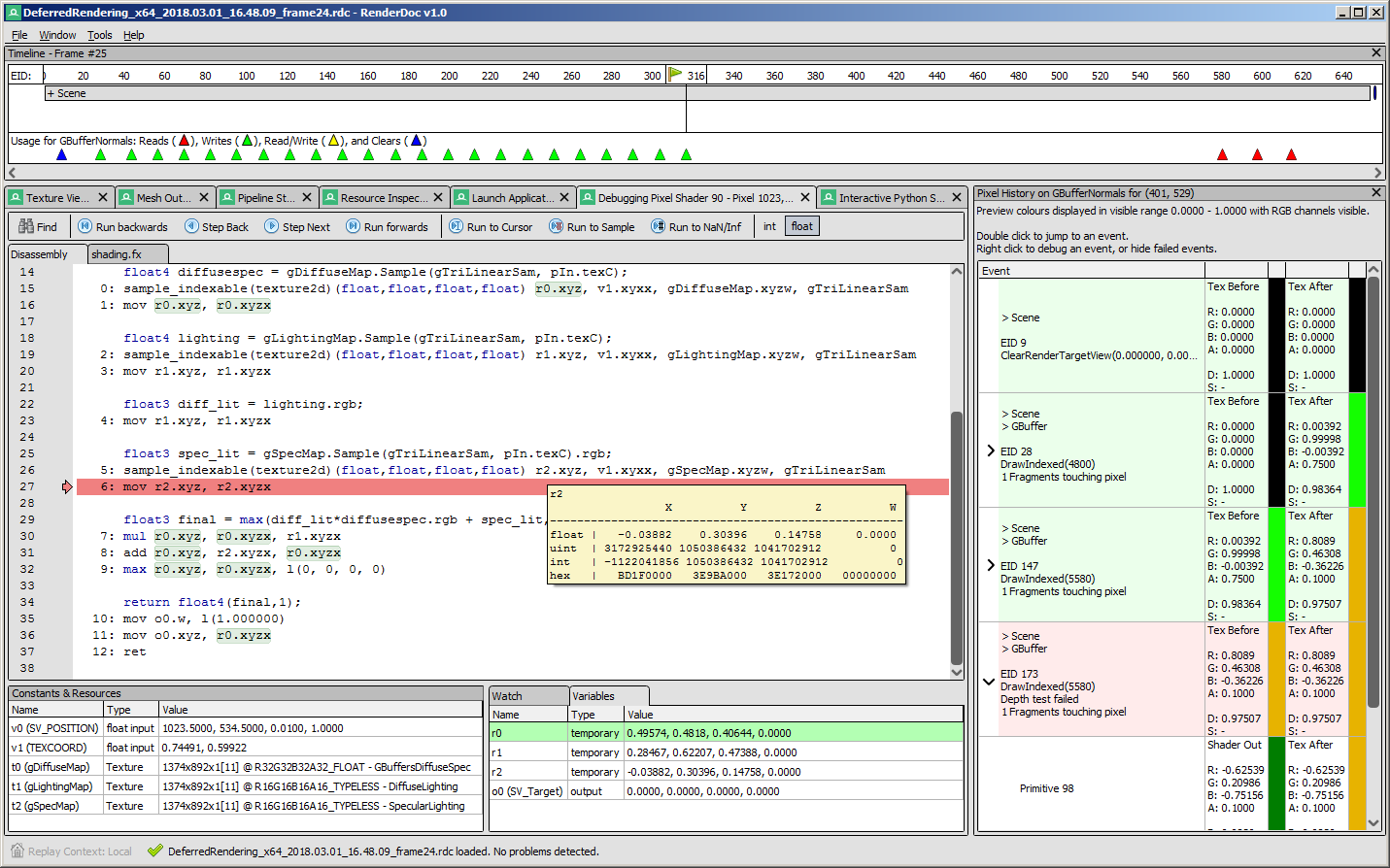
 RenderDoc is a stand-alone, frame-capture based graphics debugger for Vulkan, D3D11, D3D12, OpenGL, and OpenGL ES, used to debug GPU rendering in your own programs.
RenderDoc is a stand-alone, frame-capture based graphics debugger for Vulkan, D3D11, D3D12, OpenGL, and OpenGL ES, used to debug GPU rendering in your own programs.Is this a standalone GUI app or a library I link into my code?It is a standalone desktop application with a UI; you run your target program and capture frames into RenderDoc rather than embedding a library, though it hooks into your graphics API calls to do so.
It is a standalone desktop application with a UI; you run your target program and capture frames into RenderDoc rather than embedding a library, though it hooks into your graphics API calls to do so.Are there any gaps in API or platform support I should know about?D3D9/D3D10, pre-3.2 OpenGL compatibility contexts, and Metal are not supported at all, and Linux only ships 64-bit x86 builds. Nintendo Switch support is separate and only available to authorized Nintendo developers.
D3D9/D3D10, pre-3.2 OpenGL compatibility contexts, and Metal are not supported at all, and Linux only ships 64-bit x86 builds. Nintendo Switch support is separate and only available to authorized Nintendo developers.Who is allowed to use it, and on what kind of programs?It's meant for debugging programs you created yourself; capturing commercial games or software you didn't write (like someone else's engine binary) is explicitly off-topic in official RenderDoc channels, though using it on your own projects built with Unreal/Unity is fine.
It's meant for debugging programs you created yourself; capturing commercial games or software you didn't write (like someone else's engine binary) is explicitly off-topic in official RenderDoc channels, though using it on your own projects built with Unreal/Unity is fine.What can I actually do with a captured frame?You can step through every draw call in the frame and inspect the full pipeline state, textures, buffers, and shaders to figure out why a frame rendered the way it did.
You can step through every draw call in the frame and inspect the full pipeline state, textures, buffers, and shaders to figure out why a frame rendered the way it did.Can RenderDoc debug Android apps?Yes, it supports capturing Vulkan and OpenGL ES content on Android, in addition to Vulkan, D3D11/D3D12, and OpenGL on Windows and Vulkan/OpenGL on Linux.
Yes, it supports capturing Vulkan and OpenGL ES content on Android, in addition to Vulkan, D3D11/D3D12, and OpenGL on Windows and Vulkan/OpenGL on Linux.What are similar projects?bgfx, wgpu, dxvk, filament, Vulkan, crosstl, DLSS5-Feeder, 3d-game-shaders-for-beginners
bgfx, wgpu, dxvk, filament, Vulkan, crosstl, DLSS5-Feeder, 3d-game-shaders-for-beginnersWhich topics is it in?d3d11, d3d12, directx, graphics-programming, vulkan-api, debugger, shaders, opengl, computer-graphics, vulkan, native, debugging
d3d11, d3d12, directx, graphics-programming, vulkan-api, debugger, shaders, opengl, computer-graphics, vulkan, native, debugging