
atom README

The project's README from github.com/atom/atom. As one markdown file: README.md.

Atom

Build status

Atom and all repositories under Atom will be archived on December 15, 2022. Learn more in our official announcement

Atom is a hackable text editor for the 21st century, built on Electron, and based on everything we love about our favorite editors. We designed it to be deeply customizable, but still approachable using the default configuration.

Atom

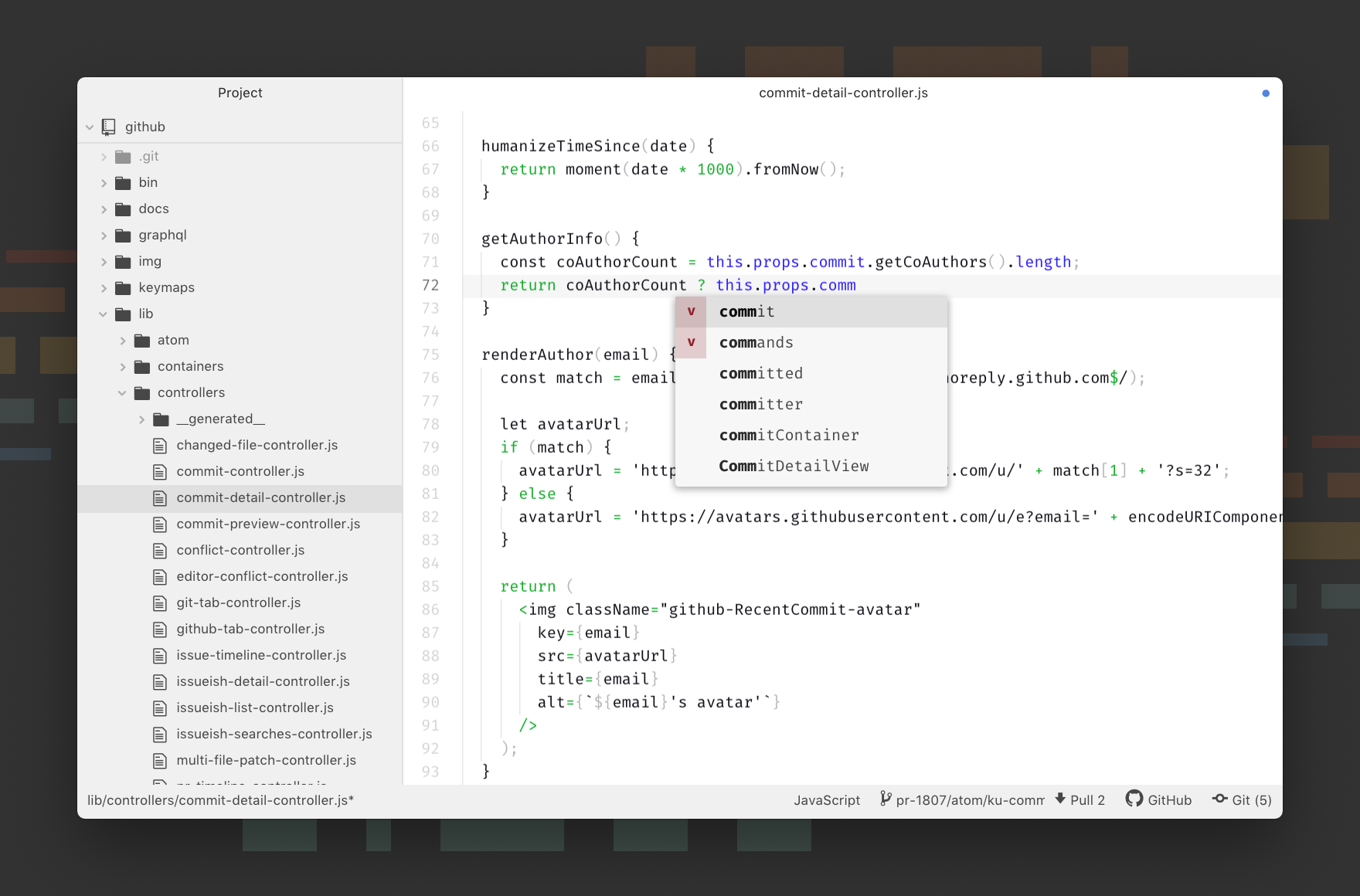
Atom Screenshot

Visit atom.io to learn more or visit the Atom forum.

Follow @AtomEditor on Twitter for important announcements.

This project adheres to the Contributor Covenant code of conduct. By participating, you are expected to uphold this code. Please report unacceptable behavior to [email protected].

Documentation

If you want to read about using Atom or developing packages in Atom, the Atom Flight Manual is free and available online. You can find the source to the manual in atom/flight-manual.atom.io.

The API reference for developing packages is also documented on Atom.io.

Installing

Prerequisites

macOS

Download the latest Atom release.

Atom will automatically update when a new release is available.

Windows

Download the latest Atom installer. AtomSetup.exe is 32-bit. For 64-bit systems, download AtomSetup-x64.exe.

Atom will automatically update when a new release is available.

You can also download atom-windows.zip (32-bit) or atom-x64-windows.zip (64-bit) from the releases page. The .zip version will not automatically update.

Using Chocolatey? Run cinst Atom to install the latest version of Atom.

Linux

Atom is only available for 64-bit Linux systems.

Configure your distribution's package manager to install and update Atom by following the Linux installation instructions in the Flight Manual. You will also find instructions on how to install Atom's official Linux packages without using a package repository, though you will not get automatic updates after installing Atom this way.

Archive extraction

An archive is available for people who don't want to install atom as root.

This version enables you to install multiple Atom versions in parallel. It has been built on Ubuntu 64-bit, but should be compatible with other Linux distributions.

  1. Install dependencies (on Ubuntu):
sudo apt install git libasound2 libcurl4 libgbm1 libgcrypt20 libgtk-3-0 libnotify4 libnss3 libglib2.0-bin xdg-utils libx11-xcb1 libxcb-dri3-0 libxss1 libxtst6 libxkbfile1
  1. Download atom-amd64.tar.gz from the Atom releases page.
  2. Run tar xf atom-amd64.tar.gz in the directory where you want to extract the Atom folder.
  3. Launch Atom using the installed atom command from the newly extracted directory.

The Linux version does not currently automatically update so you will need to repeat these steps to upgrade to future releases.

Building

Discussion

License

MIT

When using the Atom or other GitHub logos, be sure to follow the GitHub logo guidelines.

atom (atom/atom)

Searching Database…

60.7K ·GitHub
archived
这是什么?Atom 是一款基于 Electron 构建的可深度自定义的 21 世纪文本编辑器。
它是装好就能用的应用,还是需要自己搭建的东西?它是一款开箱即用的桌面应用,默认配置就很容易上手,同时又支持深度定制。
我怎么把 Atom 装到电脑上?从 releases 页面下载适合你操作系统的安装包;在 Windows 上也可以用 Chocolatey 安装,运行 cinst Atom 即可。
运行之前我还需要装别的东西吗?前提条件里只列了 Git。
Atom 还在维护吗,还是已经停止开发了?开发已经停止:Atom 及其所有仓库已于 2022 年 12 月 15 日归档。
它在 Windows、macOS 和 Linux 上都能运行吗?macOS 和 Windows 都提供 32 位和 64 位版本,但 Linux 用户需要 64 位系统——没有 32 位的 Linux 版本。
代码是开源的吗?有什么附加条件吗?Atom 采用 MIT 许可证;唯一的条件是使用 Atom 或 GitHub 的标志时必须遵守 GitHub 的标志使用规范。
Atom 会自动更新自己吗?在 macOS 和 Windows 上,只要有新版本发布,应用就会自动更新。Windows 的便携版 .zip 包和 Linux 版本不会自动更新,需要手动升级。
Linux 上怎么安装——我可以同时保留多个版本吗?可以按照 Flight Manual 配置你所用发行版的包管理器,或者从 releases 页面解压 atom-amd64.tar.gz。这个压缩包无需 root 权限安装,可以并行运行多个 Atom 版本。
我在哪里可以学习为 Atom 编写插件?《Atom Flight Manual》可以免费在线阅读,开发插件所用的 API 参考文档也发布在 Atom.io 上。
Creator
atom
Size
322.8 MB
Stars
60.7K
Age
14y
Commits · 90 Days