




3.8K ·GitHub
Что это такое?
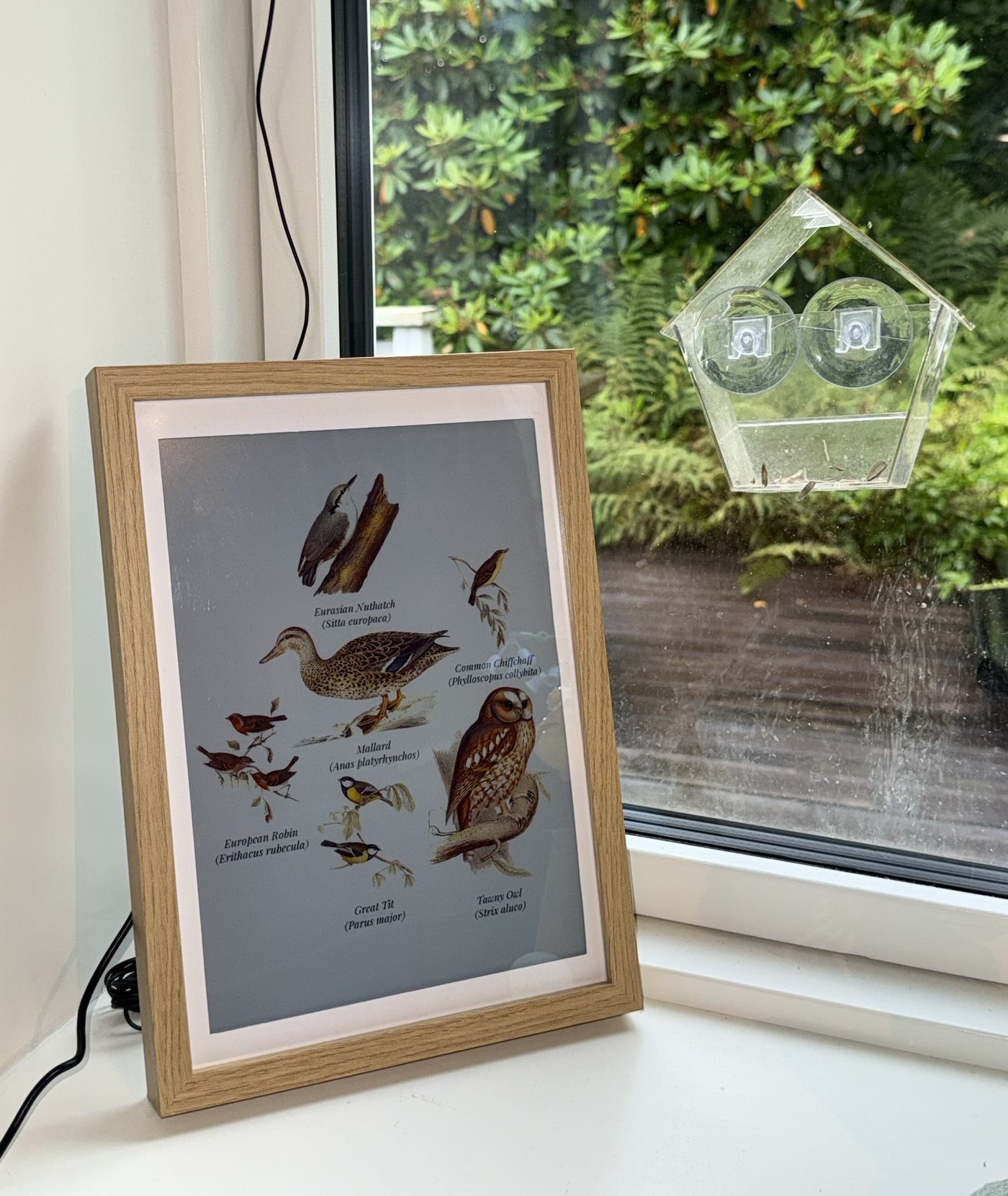
 Рамка для фотографий с e-ink дисплеем для Raspberry Pi, показывающая птиц: она в реальном времени определяет птиц по их голосам с помощью полностью локального ИИ и показывает вырезанные вручную иллюстрации XIX века тех птиц, что поют вокруг. Веб-киоск показывает то же самое на любом экране.
Рамка для фотографий с e-ink дисплеем для Raspberry Pi, показывающая птиц: она в реальном времени определяет птиц по их голосам с помощью полностью локального ИИ и показывает вырезанные вручную иллюстрации XIX века тех птиц, что поют вокруг. Веб-киоск показывает то же самое на любом экране.То есть картинка сама меняется, когда птицы прилетают и улетают - как это работает?BirdNET-Go слушает микрофон и определяет, какие птицы поют. Fugleramme опрашивает его API, сопоставляет каждый обнаруженный вид с иллюстрацией, собирает их на одну страницу и перерисовывает её только когда набор птиц меняется.
BirdNET-Go слушает микрофон и определяет, какие птицы поют. Fugleramme опрашивает его API, сопоставляет каждый обнаруженный вид с иллюстрацией, собирает их на одну страницу и перерисовывает её только когда набор птиц меняется.Как установить её на Raspberry Pi?Запустите на Raspberry Pi установочный скрипт: он спросит, где разместить BirdNET-Go и какие порты использовать, склонирует репозиторий, установит зависимости и запустит рамку как systemd-сервис - на чистой системе ожидайте перезагрузки. Можно также запустить как Docker-контейнер.
Запустите на Raspberry Pi установочный скрипт: он спросит, где разместить BirdNET-Go и какие порты использовать, склонирует репозиторий, установит зависимости и запустит рамку как systemd-сервис - на чистой системе ожидайте перезагрузки. Можно также запустить как Docker-контейнер.Какое железо нужно, чтобы собрать такую?Raspberry Pi 5, e-ink панель Inky Impression 13,3 дюйма (Spectra 6), микрофон и рамка формата A4. На сайте документации есть полный список комплектующих с рекомендациями и альтернативами.
Raspberry Pi 5, e-ink панель Inky Impression 13,3 дюйма (Spectra 6), микрофон и рамка формата A4. На сайте документации есть полный список комплектующих с рекомендациями и альтернативами.А она будет работать с птицами моего региона?Лучше всего покрытие для Скандинавии, Британских островов и Германии, поскольку таблички скандинавские, британские и из Центральной Европы. Иллюстрации для остальной Европы и Северной Америки в работе, а список уже поддерживаемых видов можно посмотреть в поиске.
Лучше всего покрытие для Скандинавии, Британских островов и Германии, поскольку таблички скандинавские, британские и из Центральной Европы. Иллюстрации для остальной Европы и Северной Америки в работе, а список уже поддерживаемых видов можно посмотреть в поиске.Обязательно покупать именно ту e-ink панель?Нет. Панель рекомендована для задуманного впечатления, но без неё fugleramme работает только через веб - покажите киоск на экране по HDMI или откройте его с любого устройства в вашей сети.
Нет. Панель рекомендована для задуманного впечатления, но без неё fugleramme работает только через веб - покажите киоск на экране по HDMI или откройте его с любого устройства в вашей сети.Микрофон слушает мой сад круглосуточно - уходит ли куда-то звук из моей сети?Нет. Распознавание - полностью локальный ИИ: BirdNET-Go обрабатывает звук с микрофона на вашем собственном железе, а fugleramme лишь опрашивает его API.
Нет. Распознавание - полностью локальный ИИ: BirdNET-Go обрабатывает звук с микрофона на вашем собственном железе, а fugleramme лишь опрашивает его API.Есть ли подводные камни с лицензиями?Код - под MIT, но распознаванием занимается BirdNET-Go под лицензией CC BY-NC-SA 4.0 - только некоммерческое использование. У каждой папки с иллюстрациями свои условия, а классический стиль - CC BY-SA 4.0.
Код - под MIT, но распознаванием занимается BirdNET-Go под лицензией CC BY-NC-SA 4.0 - только некоммерческое использование. У каждой папки с иллюстрациями свои условия, а классический стиль - CC BY-SA 4.0.А что такое BirdNET-Go во всей этой истории?Это open-source приложение, которое непосредственно распознаёт пение птиц; оно устанавливается отдельно (обычно как контейнер) рядом с fugleramme. Его модель BirdNET создана Корнеллской лабораторией орнитологии и Хемницким техническим университетом.
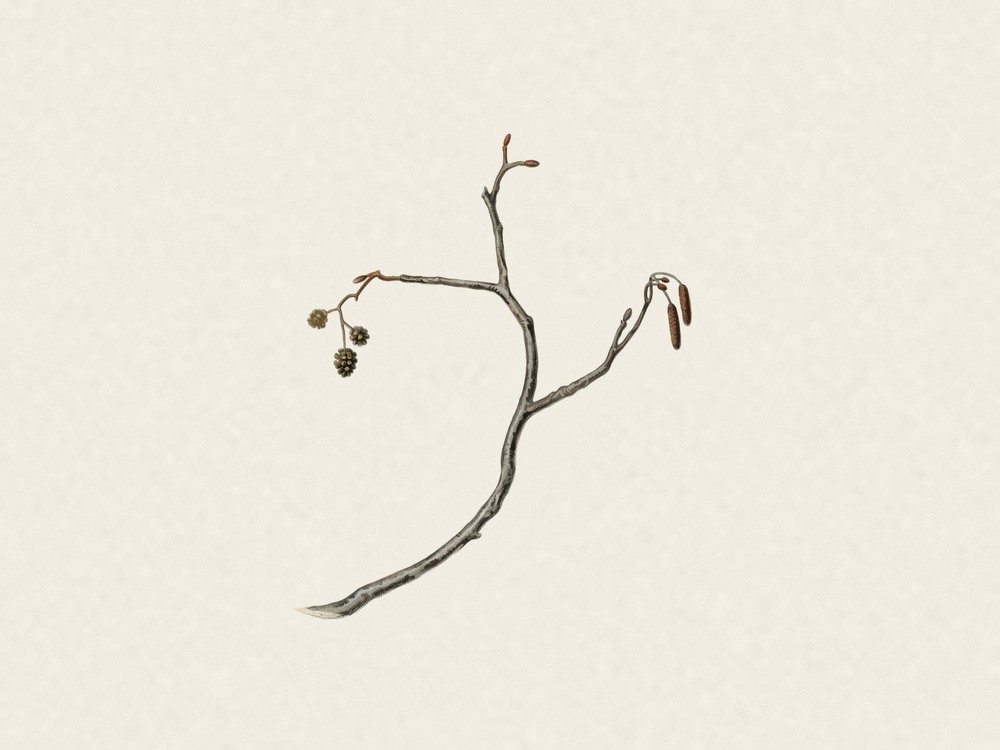
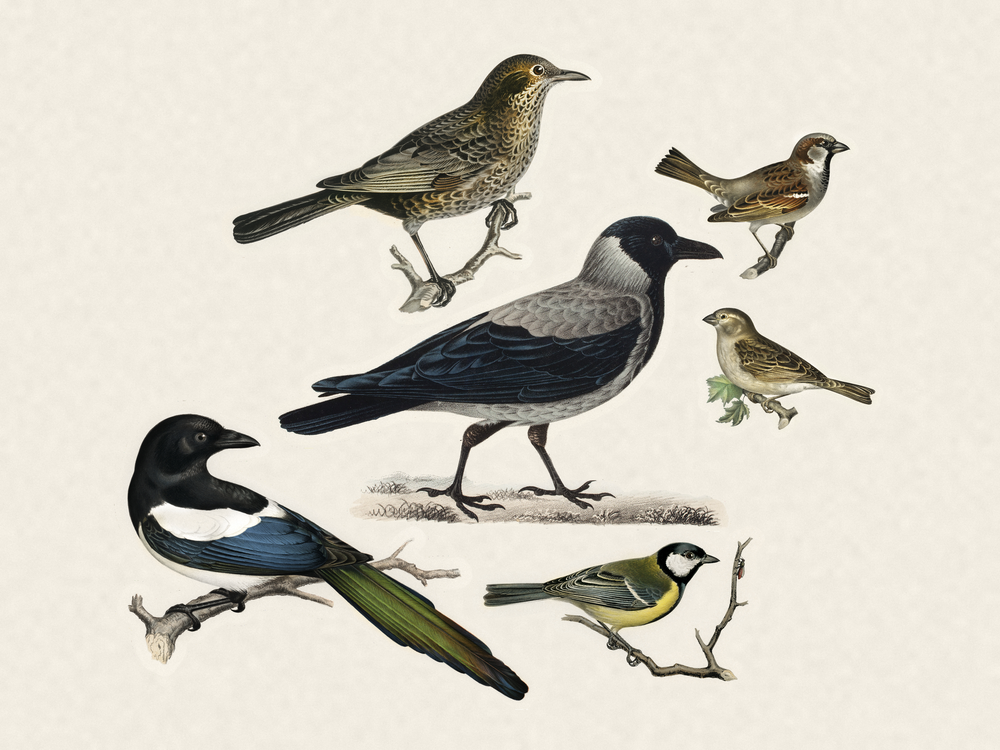
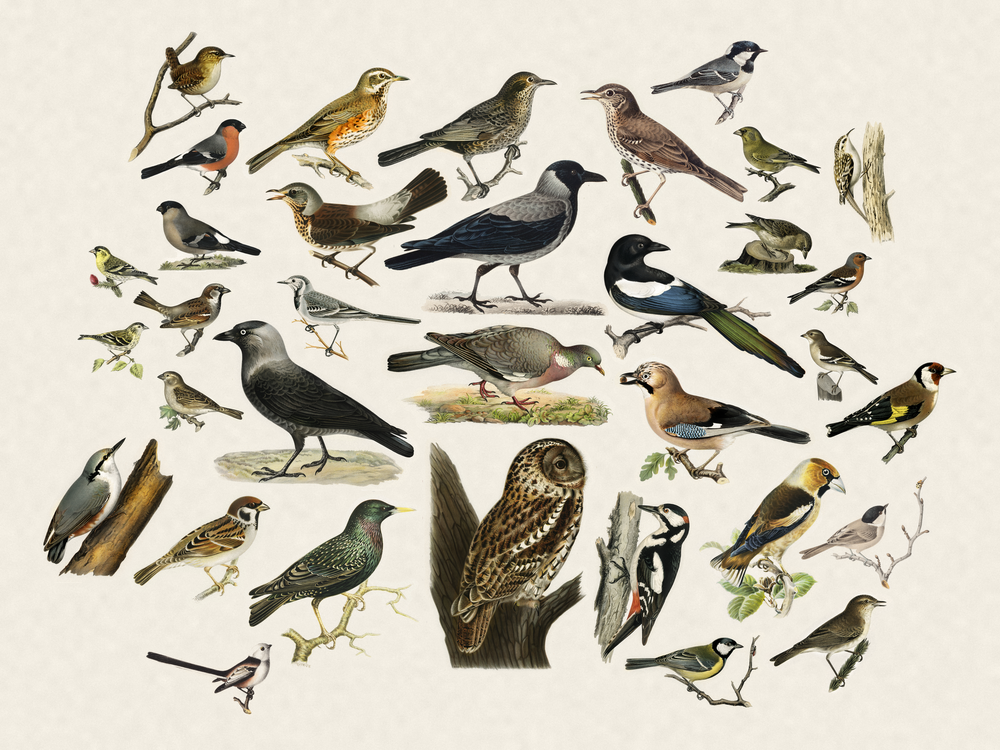
Это open-source приложение, которое непосредственно распознаёт пение птиц; оно устанавливается отдельно (обычно как контейнер) рядом с fugleramme. Его модель BirdNET создана Корнеллской лабораторией орнитологии и Хемницким техническим университетом.Откуда взяты иллюстрации птиц?Более 800 вырезанных изображений, покрывающих свыше 400 видов; каждое вырезано из настоящей естественно-научной таблички XIX века и отобрано вручную - никакого ИИ-арта, хотя часть изображений была подправлена с помощью ИИ.
Более 800 вырезанных изображений, покрывающих свыше 400 видов; каждое вырезано из настоящей естественно-научной таблички XIX века и отобрано вручную - никакого ИИ-арта, хотя часть изображений была подправлена с помощью ИИ.У меня уже стоит BirdNET-Go - устанавливать его заново не нужно?Нет, просто укажите рамке на ваш существующий экземпляр - работает ли он на той же машине или где-то ещё в вашей сети.
Нет, просто укажите рамке на ваш существующий экземпляр - работает ли он на той же машине или где-то ещё в вашей сети.Можно посмотреть, как она работает, до покупки железа?Да - рамка самого автора работает вживую на fugleramme.arnegiacomo.dev и показывает птиц, которых сейчас слышно за его кухонным окном в Бергене, а в README есть ссылки на рамки, собранные по всему миру.
Да - рамка самого автора работает вживую на fugleramme.arnegiacomo.dev и показывает птиц, которых сейчас слышно за его кухонным окном в Бергене, а в README есть ссылки на рамки, собранные по всему миру.What are similar projects?core, DocsGPT, EchoMuse, RuView, reticle, techo5, local_roborock_server, CasaOS
core, DocsGPT, EchoMuse, RuView, reticle, techo5, local_roborock_server, CasaOSWhich topics is it in?art, homelab, iot, raspberry-pi, local-first, hacktoberfest, privacy, machine-learning, docker, self-hosted, ai, python
art, homelab, iot, raspberry-pi, local-first, hacktoberfest, privacy, machine-learning, docker, self-hosted, ai, python