




3.8K ·GitHub
What is this?
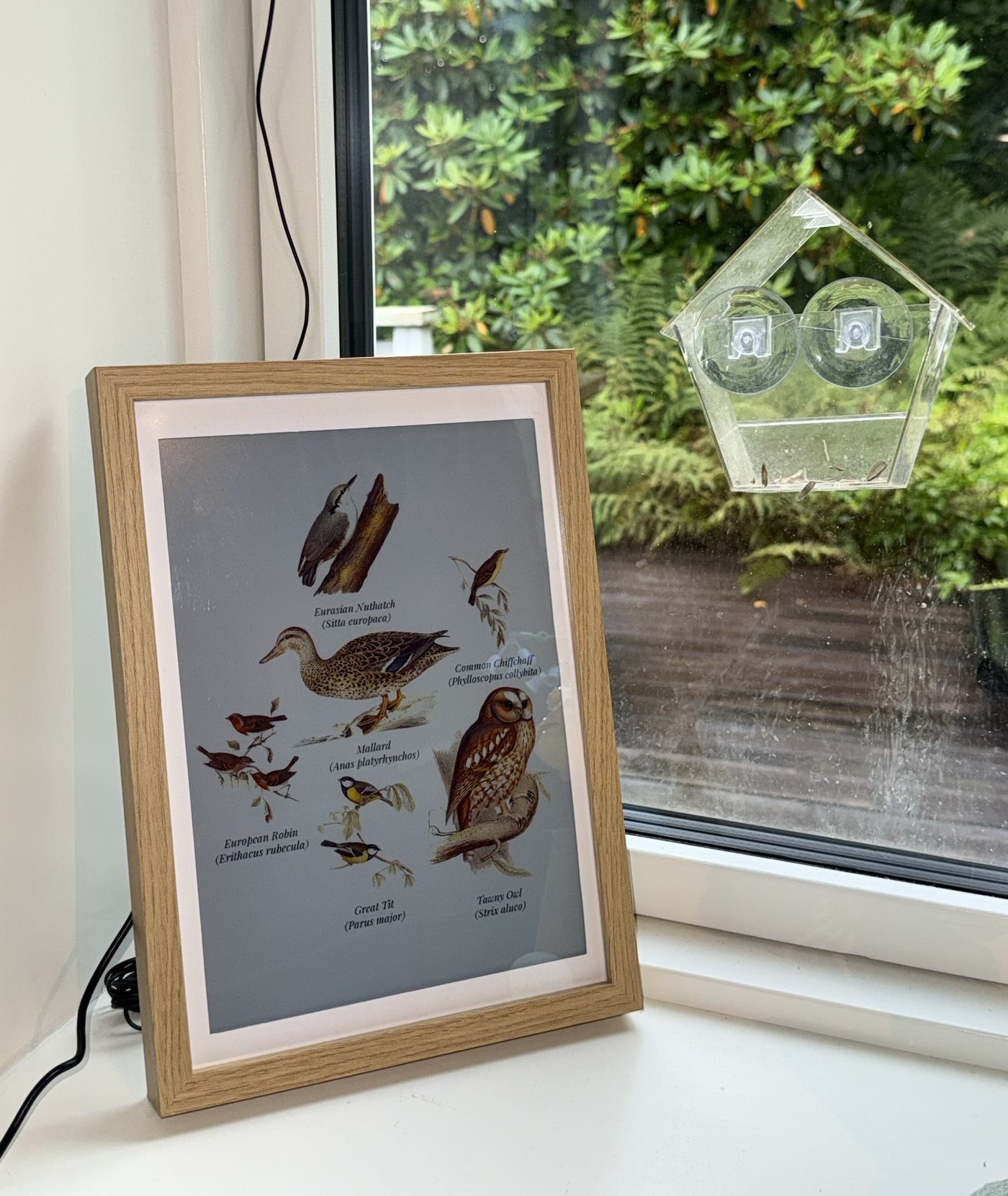
 An e-ink bird picture frame for the Raspberry Pi: it detects birds by their sounds in real time with fully local AI and shows hand-cut 1800s illustrations of what is singing around it. A web kiosk serves the same view on any screen.
An e-ink bird picture frame for the Raspberry Pi: it detects birds by their sounds in real time with fully local AI and shows hand-cut 1800s illustrations of what is singing around it. A web kiosk serves the same view on any screen.So it repaints itself as birds come and go - how does that actually work?BirdNET-Go listens on a microphone and classifies the birds. Fugleramme polls its API, matches each detected species to an illustration, packs them onto a page and redraws only when the birds change.
BirdNET-Go listens on a microphone and classifies the birds. Fugleramme polls its API, matches each detected species to an illustration, packs them onto a page and redraws only when the birds change.How do I install it on the Pi?Run the install script on the Pi: it asks where BirdNET-Go should live and which ports to use, clones the repo, installs the dependencies and starts the frame as a systemd service - expect a reboot on a fresh system. It also runs as a Docker container.
Run the install script on the Pi: it asks where BirdNET-Go should live and which ports to use, clones the repo, installs the dependencies and starts the frame as a systemd service - expect a reboot on a fresh system. It also runs as a Docker container.What hardware do I need to build one?A Raspberry Pi 5, an Inky Impression 13.3-inch e-ink panel (Spectra 6), a microphone and an A4 frame. The docs site has a full parts list with recommendations and alternatives.
A Raspberry Pi 5, an Inky Impression 13.3-inch e-ink panel (Spectra 6), a microphone and an A4 frame. The docs site has a full parts list with recommendations and alternatives.Will it actually work for the birds in my region?Coverage is best for the Nordics, the British Isles and Germany, since the plates are Scandinavian, British and central European. Broader European and North American art is in the works, and there is a searchable list of currently supported species.
Coverage is best for the Nordics, the British Isles and Germany, since the plates are Scandinavian, British and central European. Broader European and North American art is in the works, and there is a searchable list of currently supported species.Do I have to buy that specific e-ink panel?No. The panel is recommended for the intended experience, but without one fugleramme runs web-only - show the kiosk on a display over HDMI or open it from any device on the network.
No. The panel is recommended for the intended experience, but without one fugleramme runs web-only - show the kiosk on a display over HDMI or open it from any device on the network.A mic listening to my garden round the clock - does any audio leave my network?No. Detection is fully local AI - BirdNET-Go processes the microphone feed on your own hardware and fugleramme just polls its API.
No. Detection is fully local AI - BirdNET-Go processes the microphone feed on your own hardware and fugleramme just polls its API.Anything tricky about the licensing?The code is MIT, but detection is done by BirdNET-Go, licensed CC BY-NC-SA 4.0 - non-commercial only. Each art folder carries its own terms, and the classic style is CC BY-SA 4.0.
The code is MIT, but detection is done by BirdNET-Go, licensed CC BY-NC-SA 4.0 - non-commercial only. Each art folder carries its own terms, and the classic style is CC BY-SA 4.0.What exactly is BirdNET-Go in all this?The open-source app that does the actual birdsong detection, installed separately (typically as a container) alongside fugleramme. Its BirdNET model comes from the Cornell Lab of Ornithology and Chemnitz University of Technology.
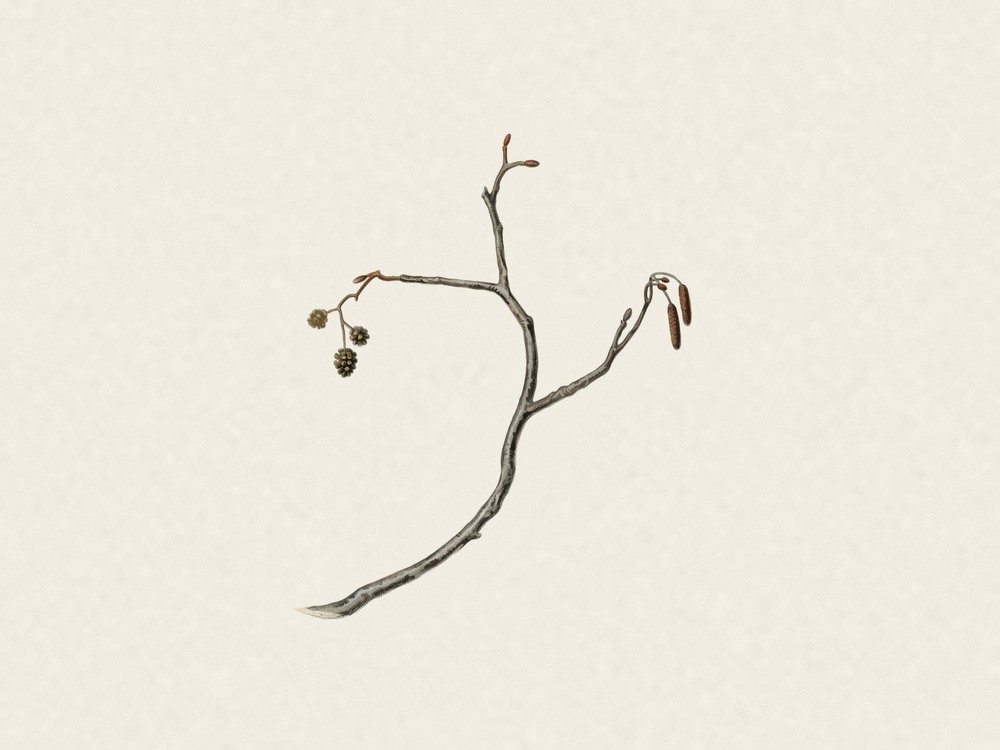
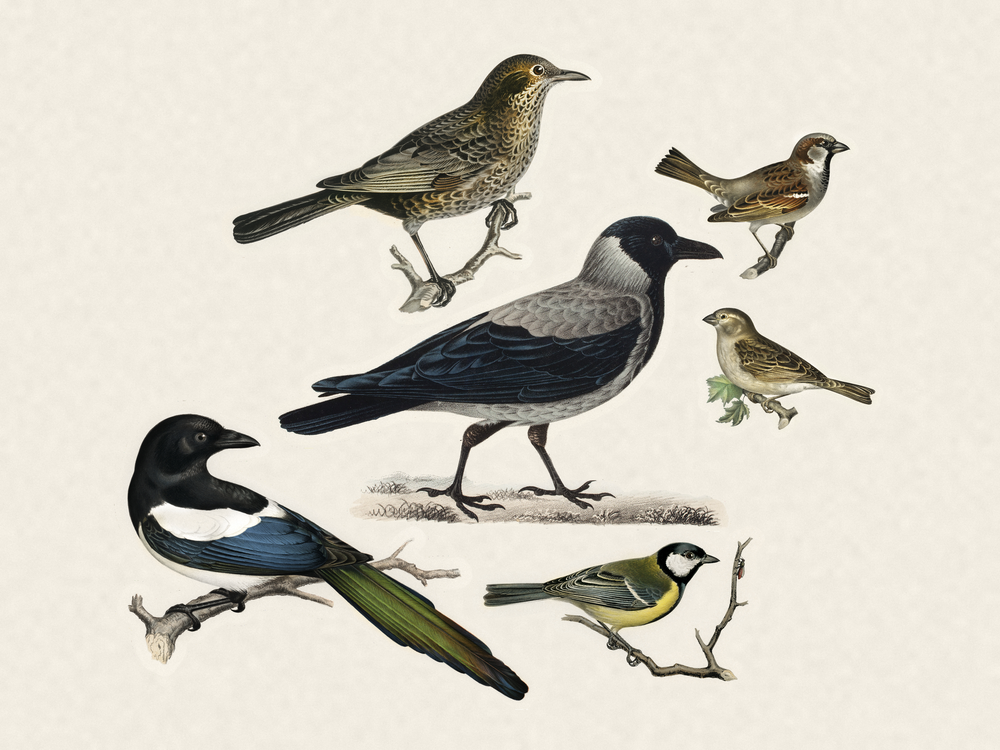
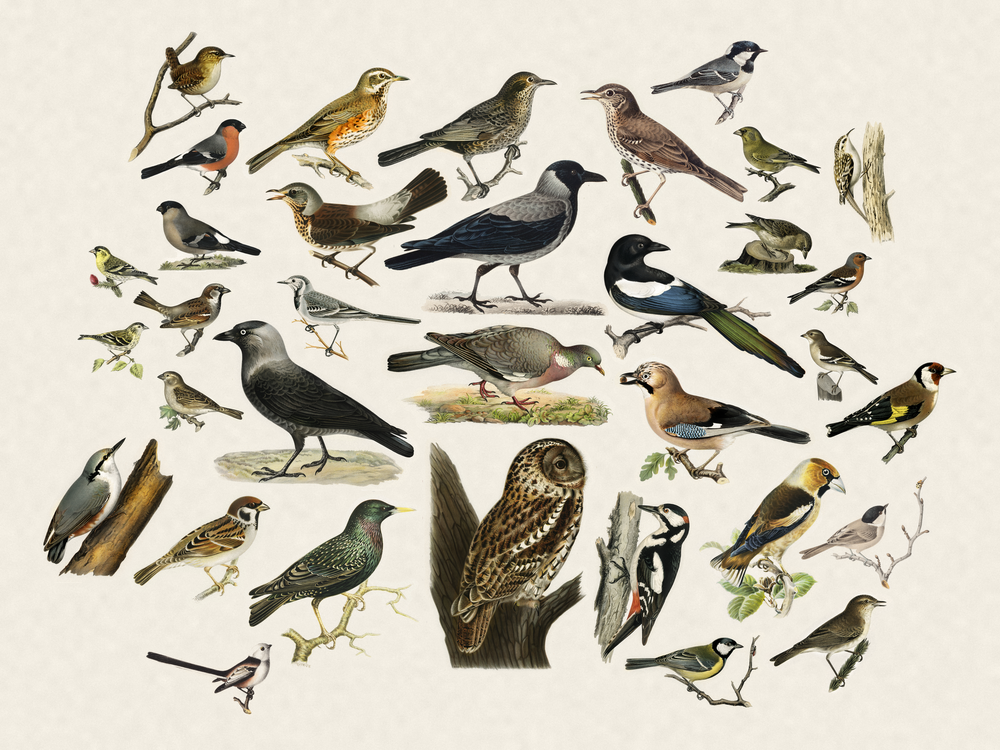
The open-source app that does the actual birdsong detection, installed separately (typically as a container) alongside fugleramme. Its BirdNET model comes from the Cornell Lab of Ornithology and Chemnitz University of Technology.Where do the bird illustrations come from?Over 800 cut-outs covering more than 400 species, each cut from a real 1800s natural-history plate and hand-curated - no AI-generated art, though some was retouched with AI.
Over 800 cut-outs covering more than 400 species, each cut from a real 1800s natural-history plate and hand-curated - no AI-generated art, though some was retouched with AI.I already run BirdNET-Go - do I have to install it again?No, just point the frame at your existing instance, whether it runs on the same machine or anywhere else reachable from your network.
No, just point the frame at your existing instance, whether it runs on the same machine or anywhere else reachable from your network.Can I see one running before buying the hardware?Yes - the author's own frame is live at fugleramme.arnegiacomo.dev, showing the birds currently heard outside his kitchen window in Bergen, and the README links to frames built around the world.
Yes - the author's own frame is live at fugleramme.arnegiacomo.dev, showing the birds currently heard outside his kitchen window in Bergen, and the README links to frames built around the world.What are similar projects?core, DocsGPT, EchoMuse, RuView, reticle, techo5, local_roborock_server, CasaOS
core, DocsGPT, EchoMuse, RuView, reticle, techo5, local_roborock_server, CasaOSWhich topics is it in?art, homelab, iot, raspberry-pi, local-first, hacktoberfest, privacy, machine-learning, docker, self-hosted, ai, python
art, homelab, iot, raspberry-pi, local-first, hacktoberfest, privacy, machine-learning, docker, self-hosted, ai, python