











18.6K ·GitHub
What is this?
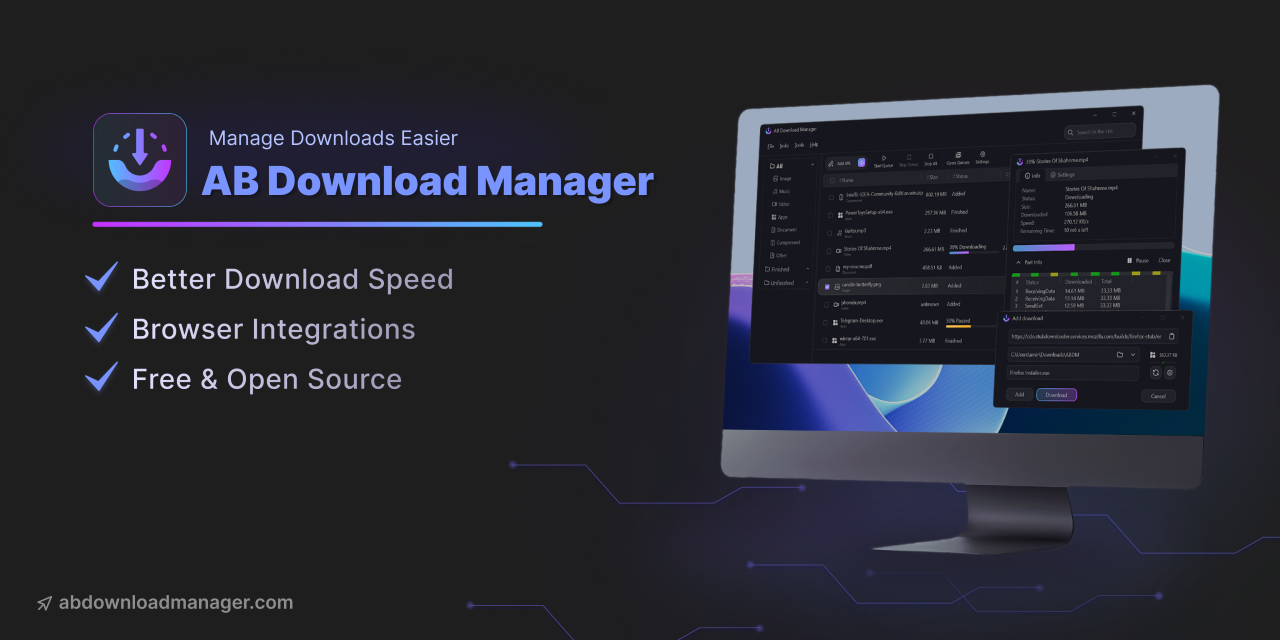
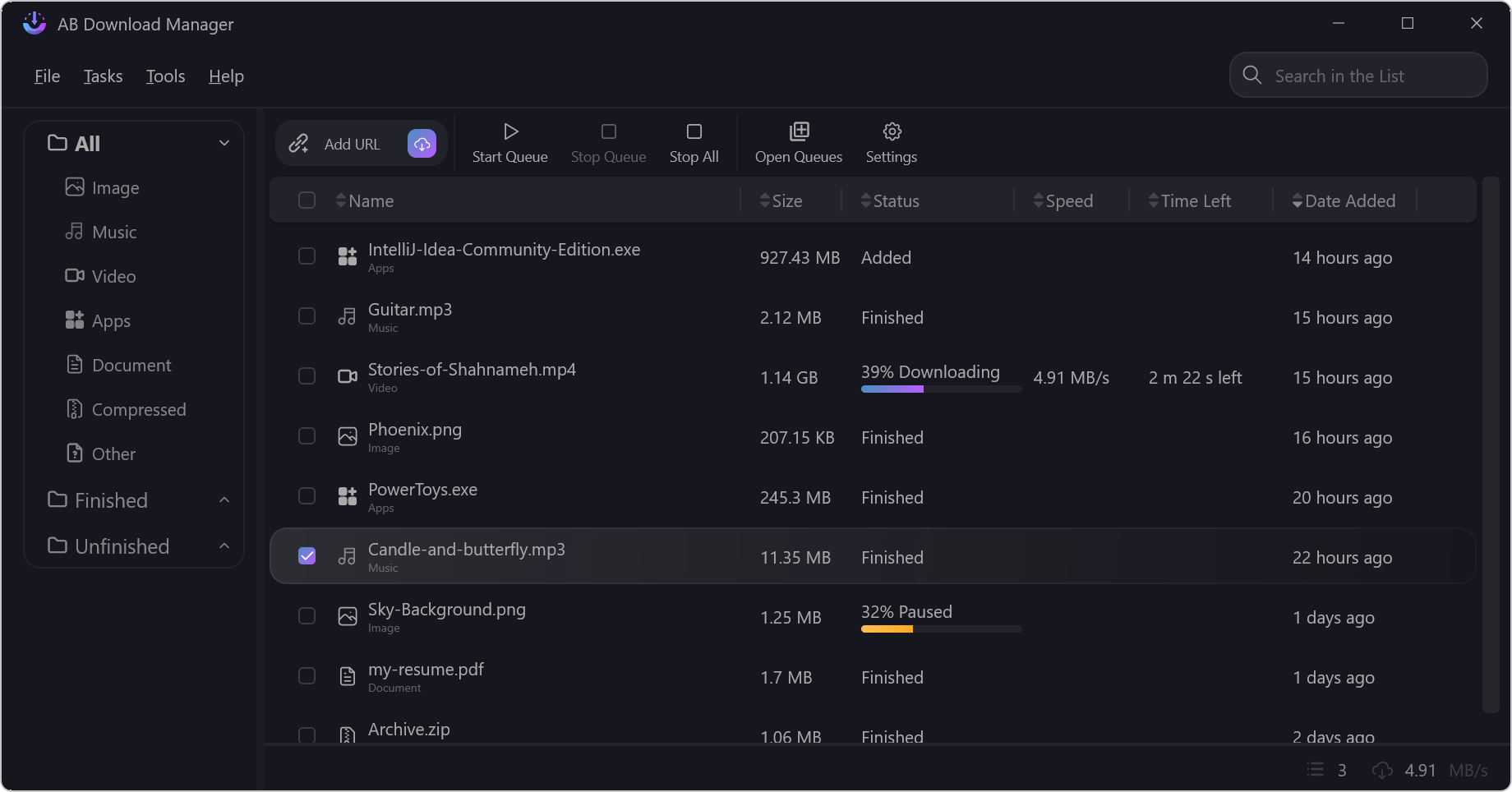
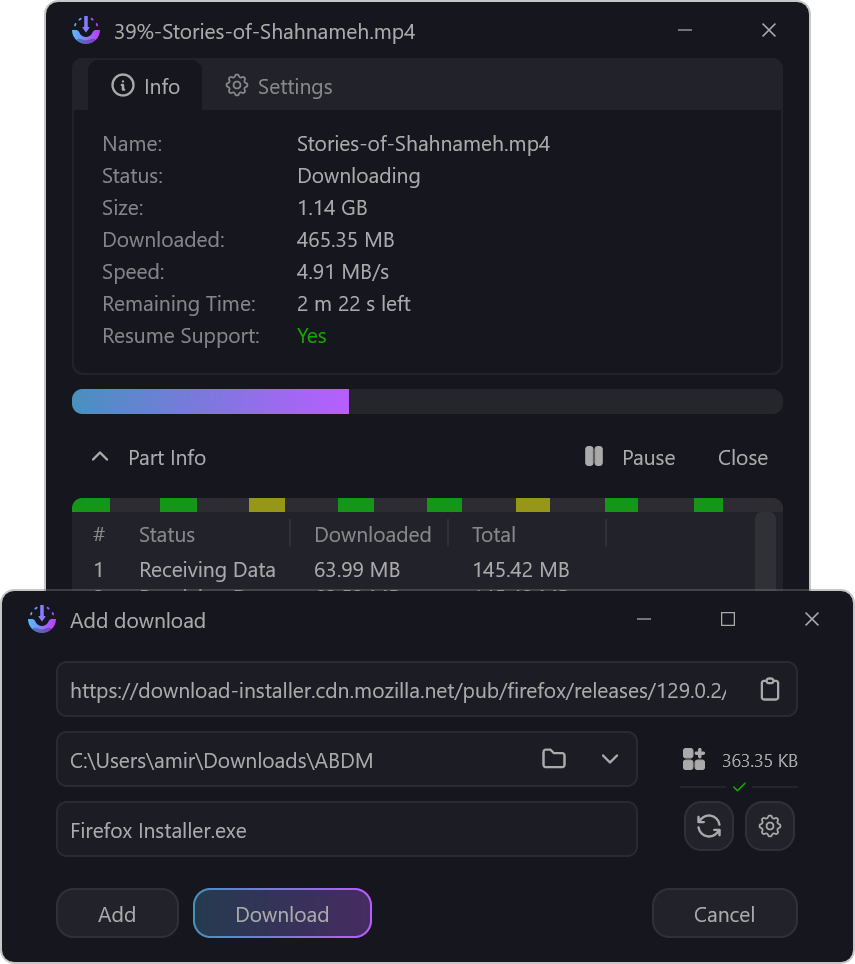
 AB Download Manager is a free, open-source desktop app that manages and organizes your downloads, with faster download speed as its headline feature.
AB Download Manager is a free, open-source desktop app that manages and organizes your downloads, with faster download speed as its headline feature.Is it a desktop app or a browser extension?It's a desktop app that runs on your device; a separate browser extension integrates it with your browser and hands downloads over to the app.
It's a desktop app that runs on your device; a separate browser extension integrates it with your browser and hands downloads over to the app.Is the Android version on Google Play?No. The README warns the app is not on Google Play or other app stores unless listed by the project itself, and any store version claiming to be this project is a scam and unsafe.
No. The README warns the app is not on Google Play or other app stores unless listed by the project itself, and any store version claiming to be this project is a scam and unsafe.Which platforms does it run on?Windows, Linux, macOS and Android — the app is written in Kotlin with Compose Multiplatform, so one codebase covers desktop and mobile.
Windows, Linux, macOS and Android — the app is written in Kotlin with Compose Multiplatform, so one codebase covers desktop and mobile.How do I get the browser extension?It's a separate repository — Browser Integration hosts the extension you install in your browser, linked from the main README. Chrome and Firefox are supported.
It's a separate repository — Browser Integration hosts the extension you install in your browser, linked from the main README. Chrome and Firefox are supported.Can I customize how the app looks?Yes — it ships multiple themes (Dark, Light, Black and more) built on a modern UI.
Yes — it ships multiple themes (Dark, Light, Black and more) built on a modern UI.Is it completely free?Yes — it's free and open source under the Apache-2.0 license. If you like it, the author accepts donations listed in DONATE.md.
Yes — it's free and open source under the Apache-2.0 license. If you like it, the author accepts donations listed in DONATE.md.Can I help translate the app into my language?Yes — translations are managed on Crowdin. The README asks contributors not to submit translations via pull requests.
Yes — translations are managed on Crowdin. The README asks contributors not to submit translations via pull requests.What are similar projects?gkd, Ketch, animeko, SpotiFlyer, AppMarket, proxyee-down, hydra, cat-catch
gkd, Ketch, animeko, SpotiFlyer, AppMarket, proxyee-down, hydra, cat-catchWhich topics is it in?compose-multiplatform, compose, kotlin-multiplatform, download-manager, download, firefox, chrome, themes, downloader, browser-extension, kotlin, mobile-app
compose-multiplatform, compose, kotlin-multiplatform, download-manager, download, firefox, chrome, themes, downloader, browser-extension, kotlin, mobile-app