








26.9K ·GitHub
What is this?
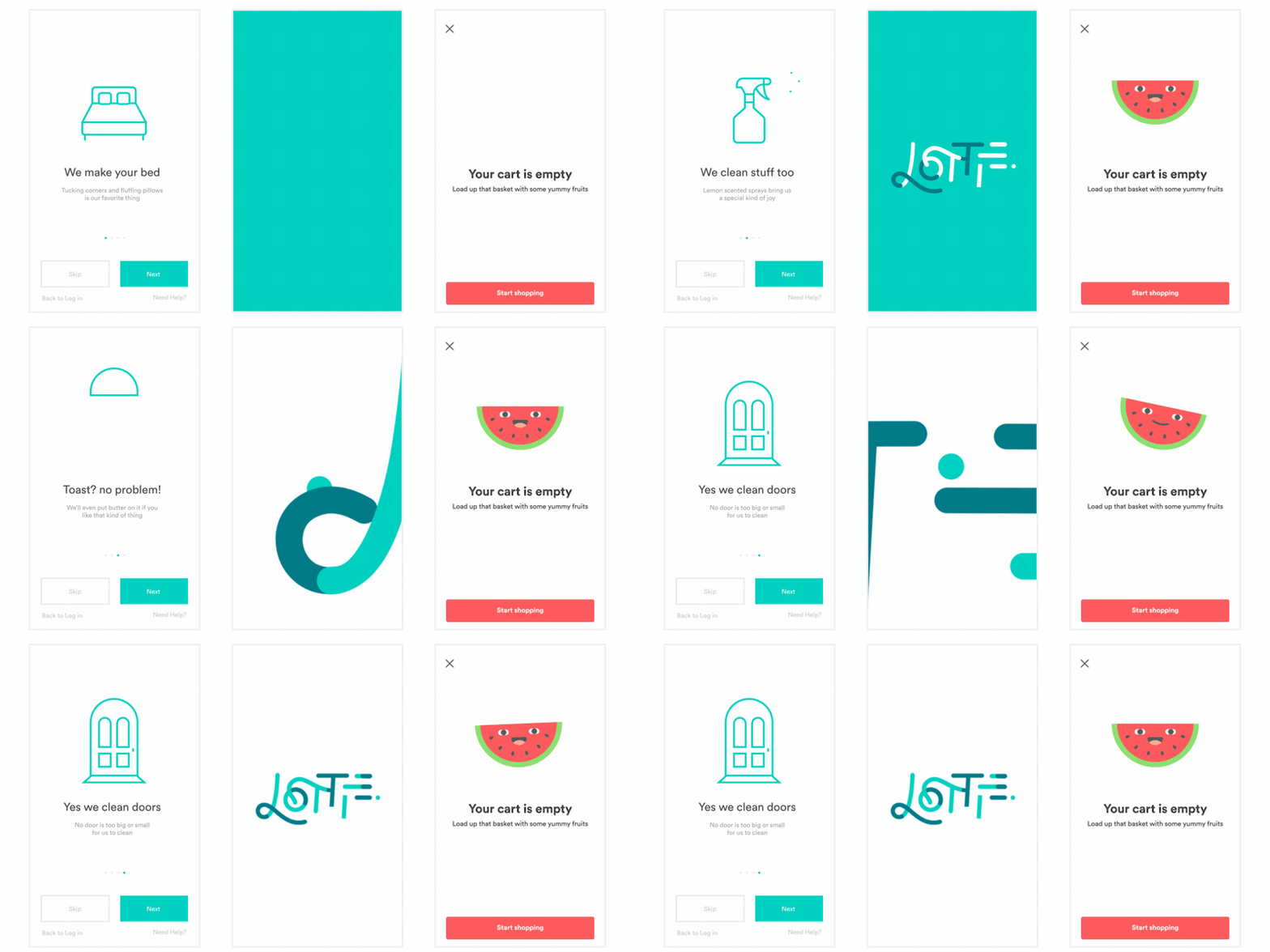
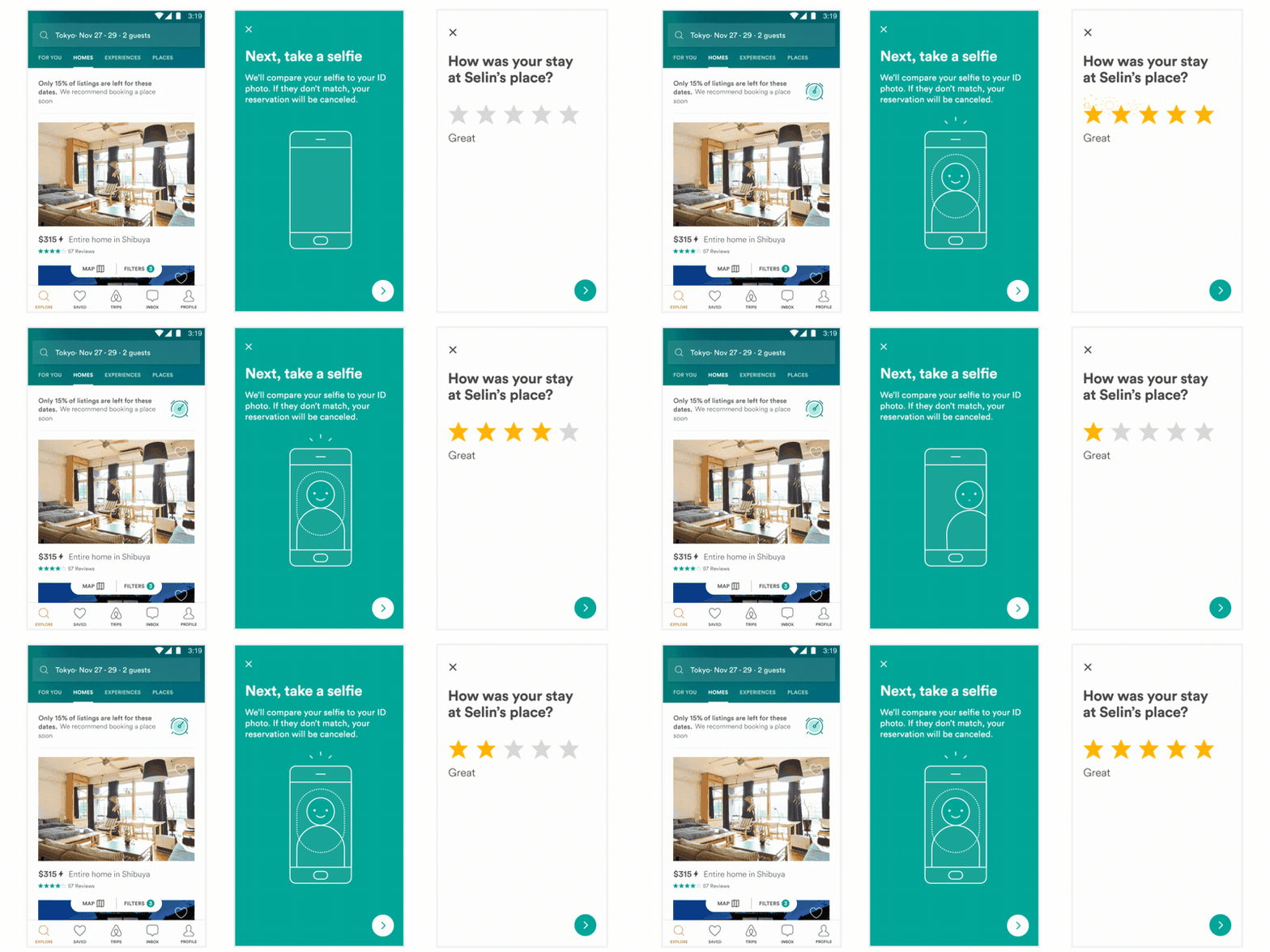
 Lottie for iOS is a Swift library that natively renders vector-based animations and art in realtime with minimal code. Animations come as bodymovin JSON files, typically exported from After Effects.
Lottie for iOS is a Swift library that natively renders vector-based animations and art in realtime with minimal code. Animations come as bodymovin JSON files, typically exported from After Effects.Is this an app I install, or a library I add to my Xcode project?It is a library you add as a dependency to your Xcode project; your app code then loads and displays bodymovin JSON animation files. There is no standalone app here.
It is a library you add as a dependency to your Xcode project; your app code then loads and displays bodymovin JSON animation files. There is no standalone app here.How do I add it to my project?Three supported ways: Swift Package Manager (File → Add Packages... in Xcode), CocoaPods (add the pod to your Podfile and run pod install), or Carthage. For SPM, prefer the lottie-spm repo, then import Lottie in your code.
Three supported ways: Swift Package Manager (File → Add Packages... in Xcode), CocoaPods (add the pod to your Podfile and run pod install), or Carthage. For SPM, prefer the lottie-spm repo, then import Lottie in your code.Where do the animations themselves come from — do I need After Effects?You do not hand-code the animations: designers export bodymovin JSON from After Effects (via the bodymovin plugin), from Sketch with Lottie Sketch Export, or from Haiku, and Lottie just renders that JSON.
You do not hand-code the animations: designers export bodymovin JSON from After Effects (via the bodymovin plugin), from Sketch with Lottie Sketch Export, or from Haiku, and Lottie just renders that JSON.Any gotchas when installing with Swift Package Manager?Yes: the main lottie-ios repo is large (300+ MB) and SPM always downloads the full git history. Use the lottie-spm repo instead — it is under 500 KB and points to a precompiled ~8 MB XCFramework.
Yes: the main lottie-ios repo is large (300+ MB) and SPM always downloads the full git history. Use the lottie-spm repo instead — it is under 500 KB and points to a precompiled ~8 MB XCFramework.Does this package work beyond iPhone — say macOS or tvOS?This repo builds the Apple-side framework: iOS, macOS, tvOS, and visionOS. The broader Lottie family also covers Android and Web through separate libraries.
This repo builds the Apple-side framework: iOS, macOS, tvOS, and visionOS. The broader Lottie family also covers Android and Web through separate libraries.Does the library collect any data my app must disclose?No — Lottie does not collect any data, and the project ships a privacy manifest you can include in your app to help fill out Apple's App Privacy details.
No — Lottie does not collect any data, and the project ships a privacy manifest you can include in your app to help fill out Apple's App Privacy details.What can I do with an animation once it's loaded in my app?Plenty: play, resize, loop, speed up, slow down, reverse, or interactively scrub it, and you can play or loop just a portion. At runtime you can also change the color, position, or any keyframable value.
Plenty: play, resize, loop, speed up, slow down, reverse, or interactively scrub it, and you can play or loop just a portion. At runtime you can also change the color, position, or any keyframable value.Why would a team pick Lottie over hand-coded animations?Designers create and ship animations straight from After Effects without an engineer painstakingly recreating them by hand. And because animations are backed by JSON, the files stay extremely small while the animation itself can be quite complex.
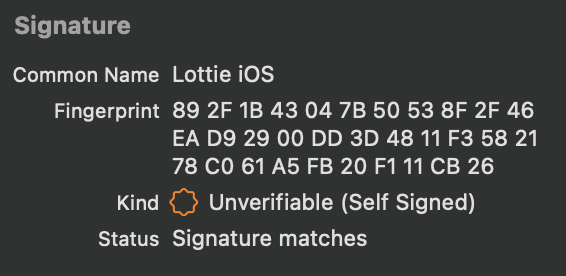
Designers create and ship animations straight from After Effects without an engineer painstakingly recreating them by hand. And because animations are backed by JSON, the files stay extremely small while the animation itself can be quite complex.How can I verify the precompiled framework I download is legit?Since Lottie 4.4.0 the release XCFramework bundles carry a code signature, self-signed under the name 'Lottie iOS' with a published fingerprint. Xcode shows this information when you select Lottie.xcframework.
Since Lottie 4.4.0 the release XCFramework bundles carry a code signature, self-signed under the name 'Lottie iOS' with a published fingerprint. Xcode shows this information when you select Lottie.xcframework.What are similar projects?Hero, SkeletonView, FSCalendar, Alamofire, SVProgressHUD, swiftui-logo-draw, lottie-react-native, SwifterSwift
Hero, SkeletonView, FSCalendar, Alamofire, SVProgressHUD, swiftui-logo-draw, lottie-react-native, SwifterSwiftWhich topics is it in?ios-animation, carthage, swift-package-manager, vector-graphics, cocoapods, xcode, apple, design, swift, animation, ui, ios
ios-animation, carthage, swift-package-manager, vector-graphics, cocoapods, xcode, apple, design, swift, animation, ui, ios