

Что это?
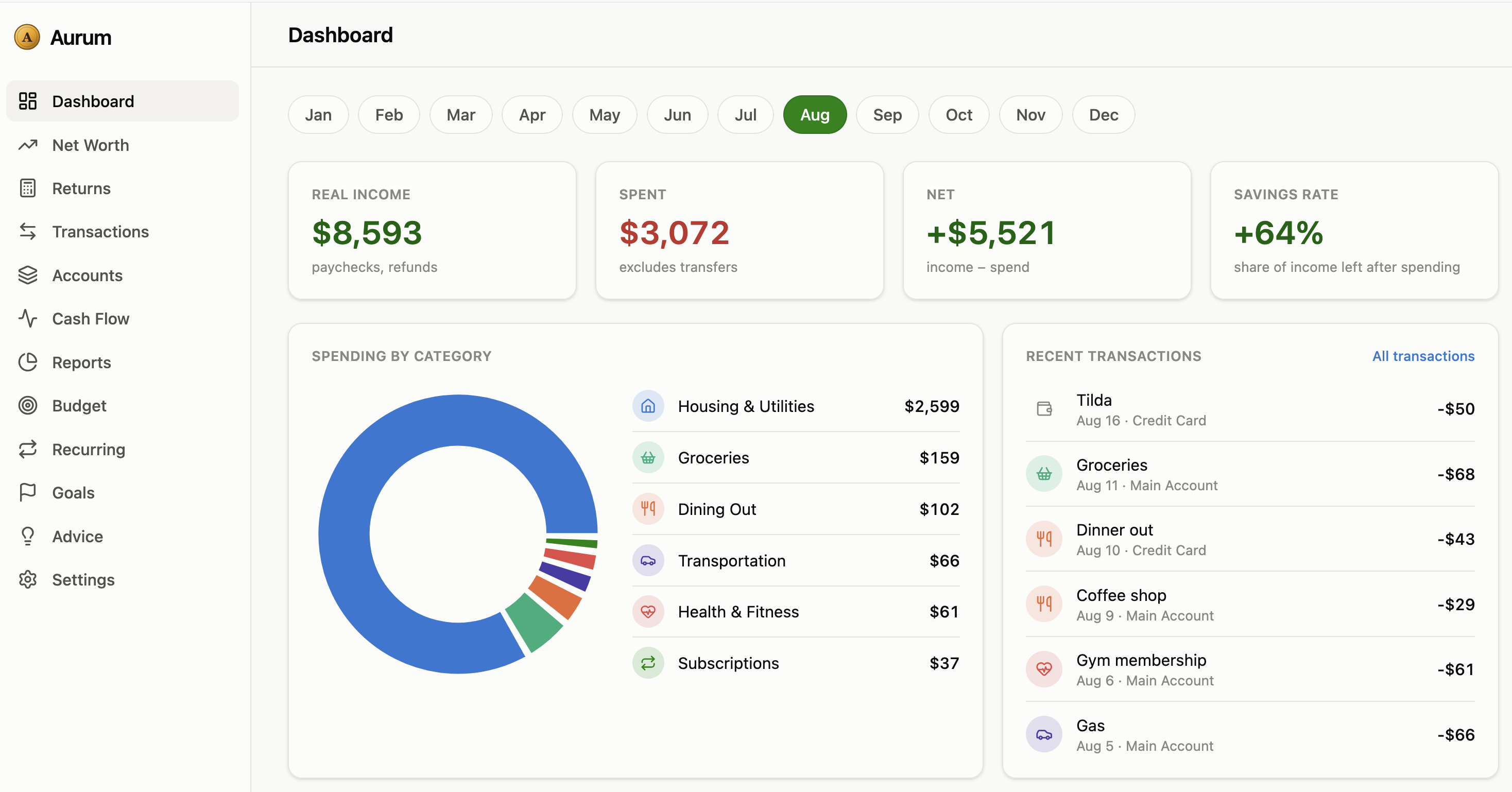
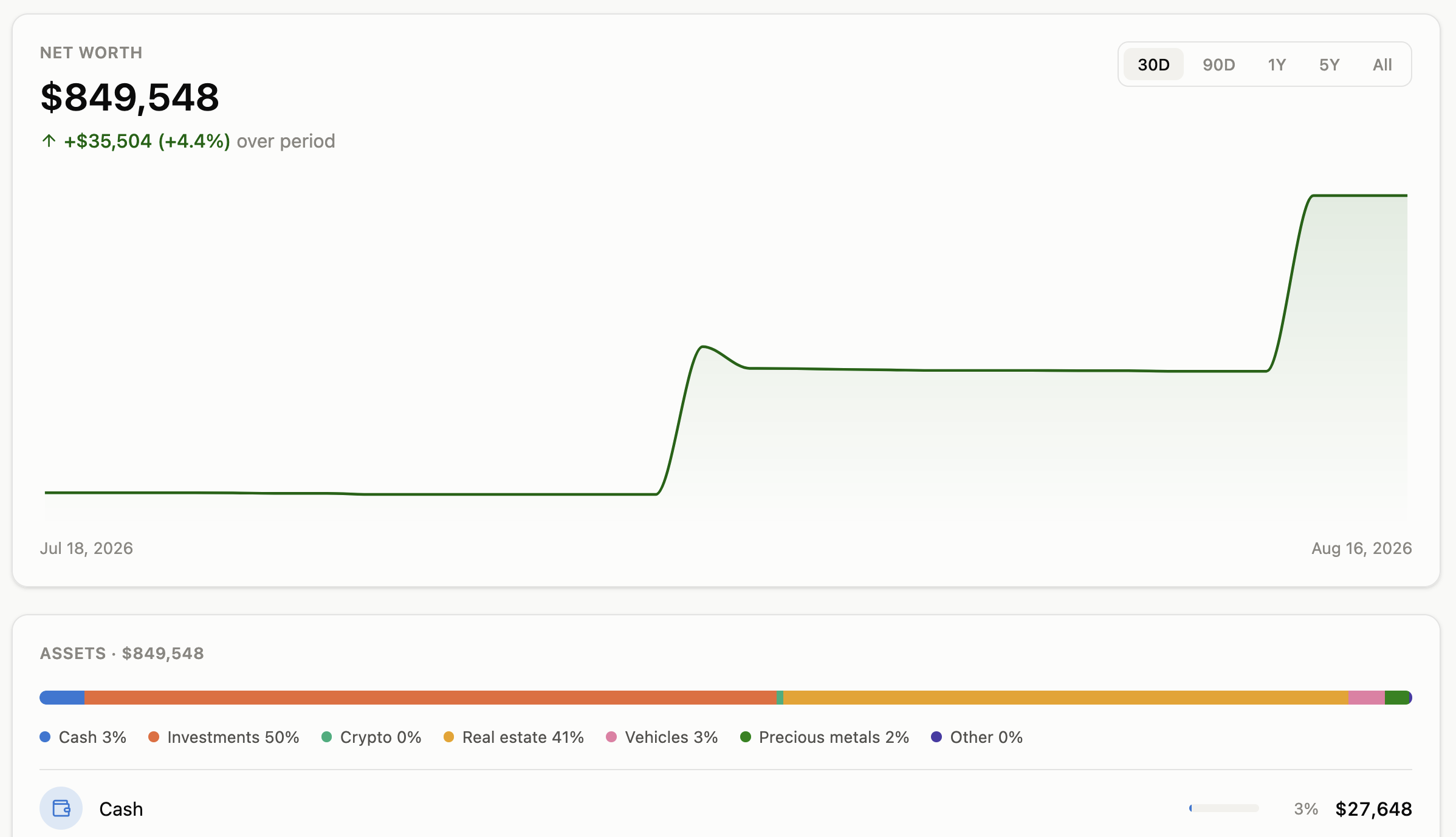
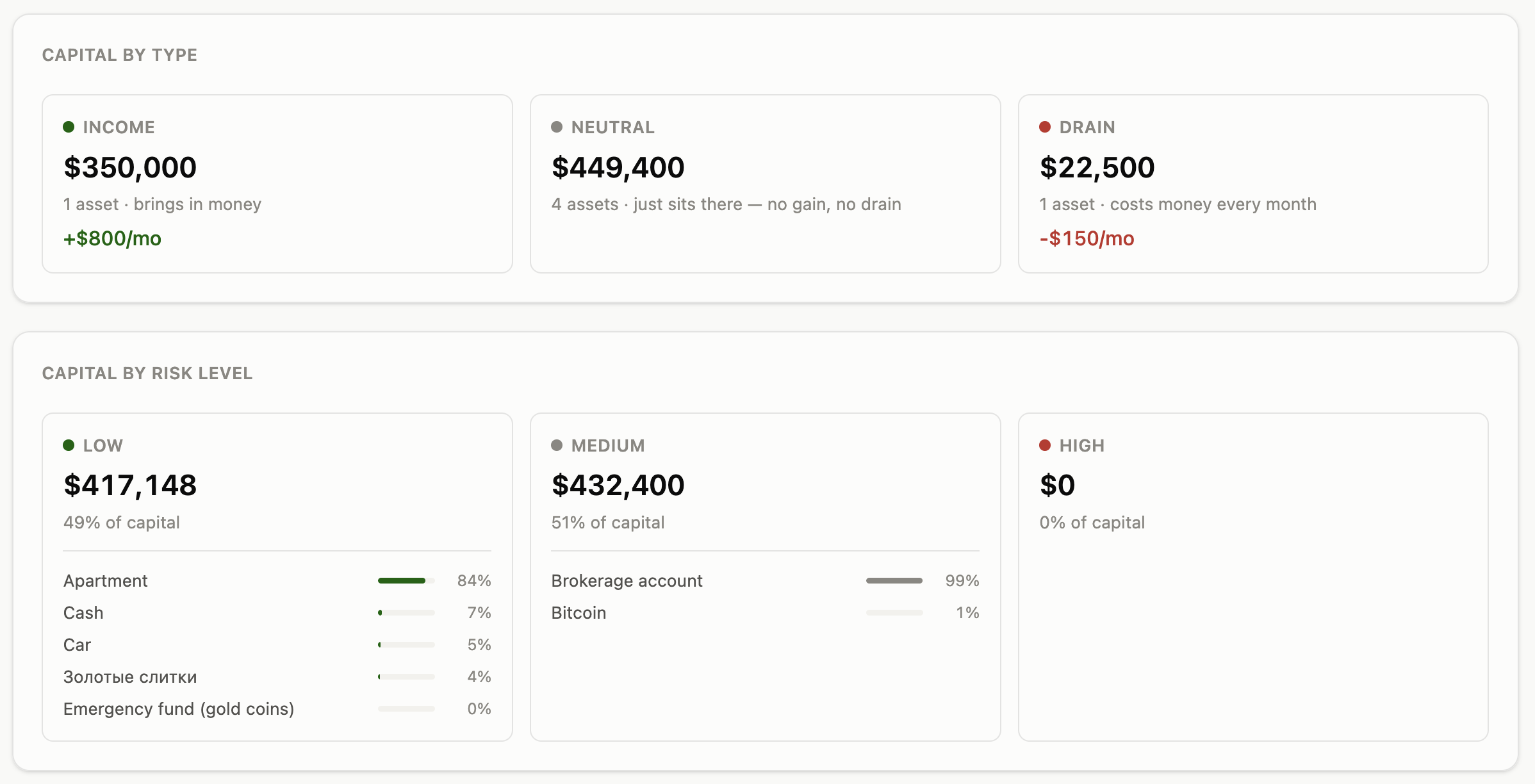
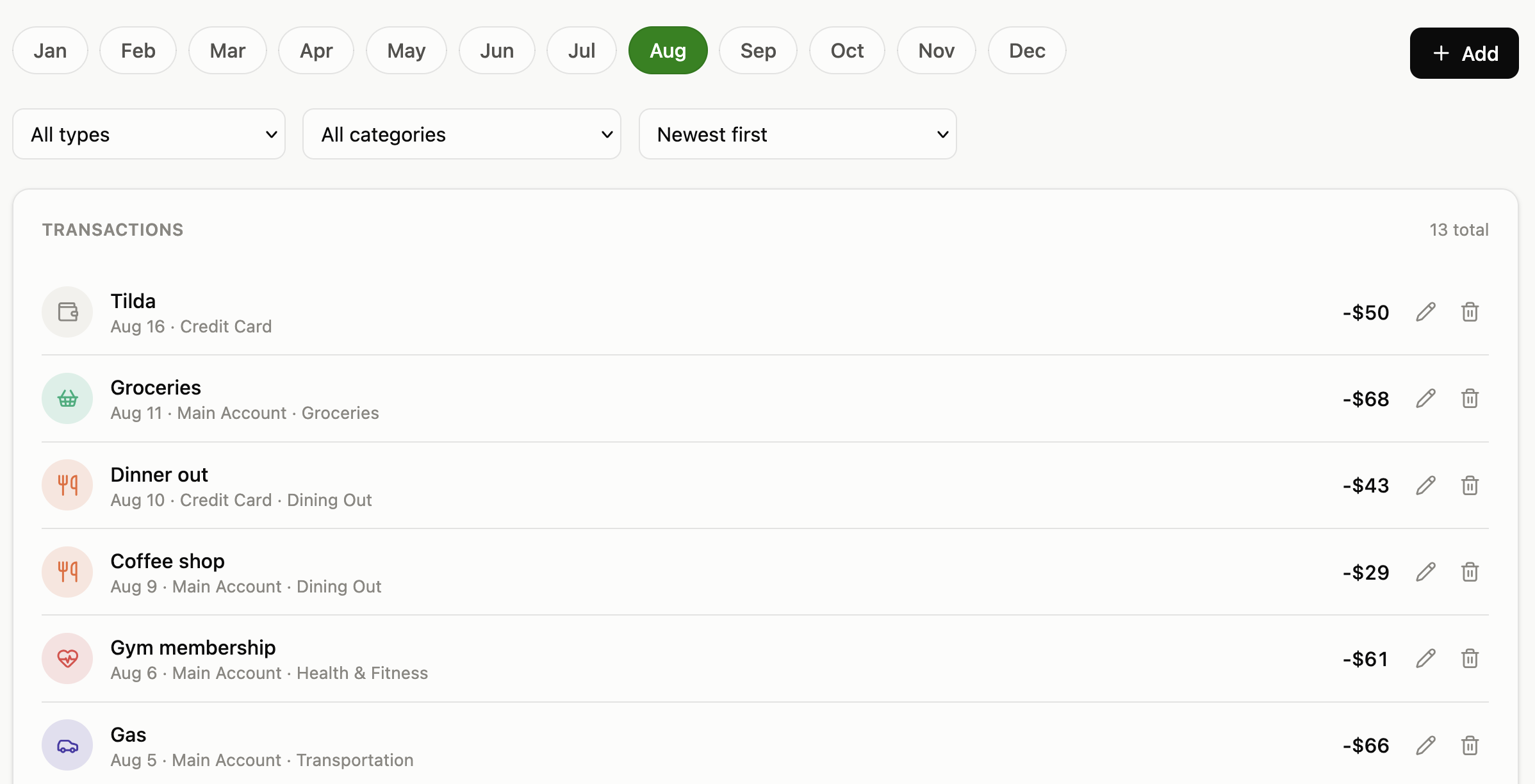
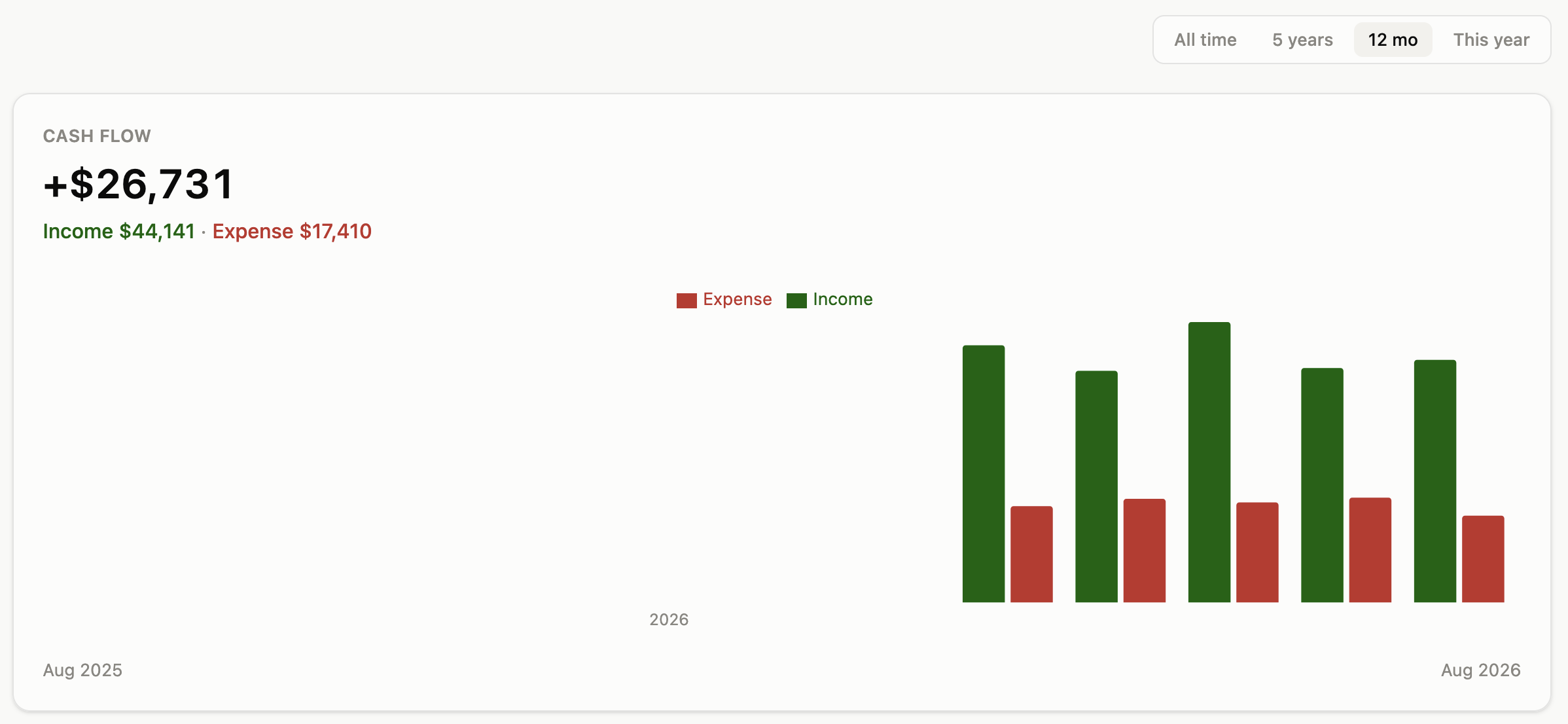
 Aurum — персональная финансовая ОС для размещения на своём сервере (self-hosted): она отслеживает денежный поток, чистый капитал, бюджеты, подписки, активы и криптоактивы на одной панели в реальном времени.
Aurum — персональная финансовая ОС для размещения на своём сервере (self-hosted): она отслеживает денежный поток, чистый капитал, бюджеты, подписки, активы и криптоактивы на одной панели в реальном времени.Это веб-приложение для своего сервера или десктоп-программа?Это self-hosted веб-приложение из трёх Docker-контейнеров (Postgres, бэкенд на FastAPI и React-фронтенд, отдаваемый через nginx), к которому вы обращаетесь через браузер.
Это self-hosted веб-приложение из трёх Docker-контейнеров (Postgres, бэкенд на FastAPI и React-фронтенд, отдаваемый через nginx), к которому вы обращаетесь через браузер.Как его запустить?Установите Docker, получите код, скопируйте шаблон .env и задайте пароль Postgres и (опционально) учётные данные Basic Auth, затем выполните docker compose up — он соберёт образы, сам прогонит миграции и создаст аккаунт по умолчанию, так что сразу можно добавлять транзакции.
Установите Docker, получите код, скопируйте шаблон .env и задайте пароль Postgres и (опционально) учётные данные Basic Auth, затем выполните docker compose up — он соберёт образы, сам прогонит миграции и создаст аккаунт по умолчанию, так что сразу можно добавлять транзакции.Нужны ли заранее установленные Python или Node?Нет — единственное требование это Docker Engine с плагином Compose; локально ставить Python, Node или Postgres не нужно.
Нет — единственное требование это Docker Engine с плагином Compose; локально ставить Python, Node или Postgres не нужно.Безопасно ли выставлять его в интернет сразу после установки?Нет — в Aurum нет встроенной системы входа, поэтому, если не задать переменные Basic Auth, любой, кто достучится до контейнера, сможет читать, менять и удалять всё; обязательно задайте эти переменные (и добавьте свой TLS reverse proxy), прежде чем открывать доступ за пределами localhost.
Нет — в Aurum нет встроенной системы входа, поэтому, если не задать переменные Basic Auth, любой, кто достучится до контейнера, сможет читать, менять и удалять всё; обязательно задайте эти переменные (и добавьте свой TLS reverse proxy), прежде чем открывать доступ за пределами localhost.Куда на самом деле попадают мои финансовые данные?Они не покидают ваш собственный сервер — Aurum рассчитан на то, что один человек держит у себя один приватный экземпляр своих финансовых данных, а не на облачный multi-tenant-сервис.
Они не покидают ваш собственный сервер — Aurum рассчитан на то, что один человек держит у себя один приватный экземпляр своих финансовых данных, а не на облачный multi-tenant-сервис.Можно использовать его коммерчески или перепродавать?Нет — Aurum распространяется как source-available под PolyForm Noncommercial License 1.0.0: бесплатно размещать у себя, изменять и использовать лично можно сколько угодно, но продавать его или хостить как платный сервис для других нельзя.
Нет — Aurum распространяется как source-available под PolyForm Noncommercial License 1.0.0: бесплатно размещать у себя, изменять и использовать лично можно сколько угодно, но продавать его или хостить как платный сервис для других нельзя.Умеет ли он отслеживать крипту вместе с банковскими счетами?Да — вкладка портфеля в стиле CoinMarketCap показывает ваши монеты, цены в реальном времени, среднюю цену покупки и прибыль/убыток по полной истории сделок и напрямую поступает в движок Net Worth как ещё один отслеживаемый актив.
Да — вкладка портфеля в стиле CoinMarketCap показывает ваши монеты, цены в реальном времени, среднюю цену покупки и прибыль/убыток по полной истории сделок и напрямую поступает в движок Net Worth как ещё один отслеживаемый актив.Предупреждает ли он сам о плохих тратах?Да — вкладка Advice на основе правил и система Proactive Alerts помечают растущие категории расходов, траты вне бюджета, снижающуюся норму сбережений, затяжной отрицательный денежный поток и чрезмерную концентрацию риска.
Да — вкладка Advice на основе правил и система Proactive Alerts помечают растущие категории расходов, траты вне бюджета, снижающуюся норму сбережений, затяжной отрицательный денежный поток и чрезмерную концентрацию риска.Можно ли импортировать имеющуюся историю банковских операций?Да — пошаговый мастер из 3 шагов позволяет импортировать CSV-выгрузку банка вместо ручного ввода каждой операции.
Да — пошаговый мастер из 3 шагов позволяет импортировать CSV-выгрузку банка вместо ручного ввода каждой операции.Что будет с данными, если выполнить docker compose down?Всё в безопасности — данные лежат в именованном Docker-томе (aurum_pg_data), который переживает перезапуски контейнеров, пересборки и git pull, и удаляется, только если вы явно удалите том или выполните 'docker compose down -v'.
Всё в безопасности — данные лежат в именованном Docker-томе (aurum_pg_data), который переживает перезапуски контейнеров, пересборки и git pull, и удаляется, только если вы явно удалите том или выполните 'docker compose down -v'.What are similar projects?aurelio-finance, actual, sure, trade-journal, maybe, firefly-iii, OpenTerminal, clevis
aurelio-finance, actual, sure, trade-journal, maybe, firefly-iii, OpenTerminal, clevisWhich topics is it in?budgeting, personal-finance, self-hosting, fastapi, finance, vue, postgresql, dashboard, web-app, react, privacy, server
budgeting, personal-finance, self-hosting, fastapi, finance, vue, postgresql, dashboard, web-app, react, privacy, server