









21.6K ·GitHub
What is this?
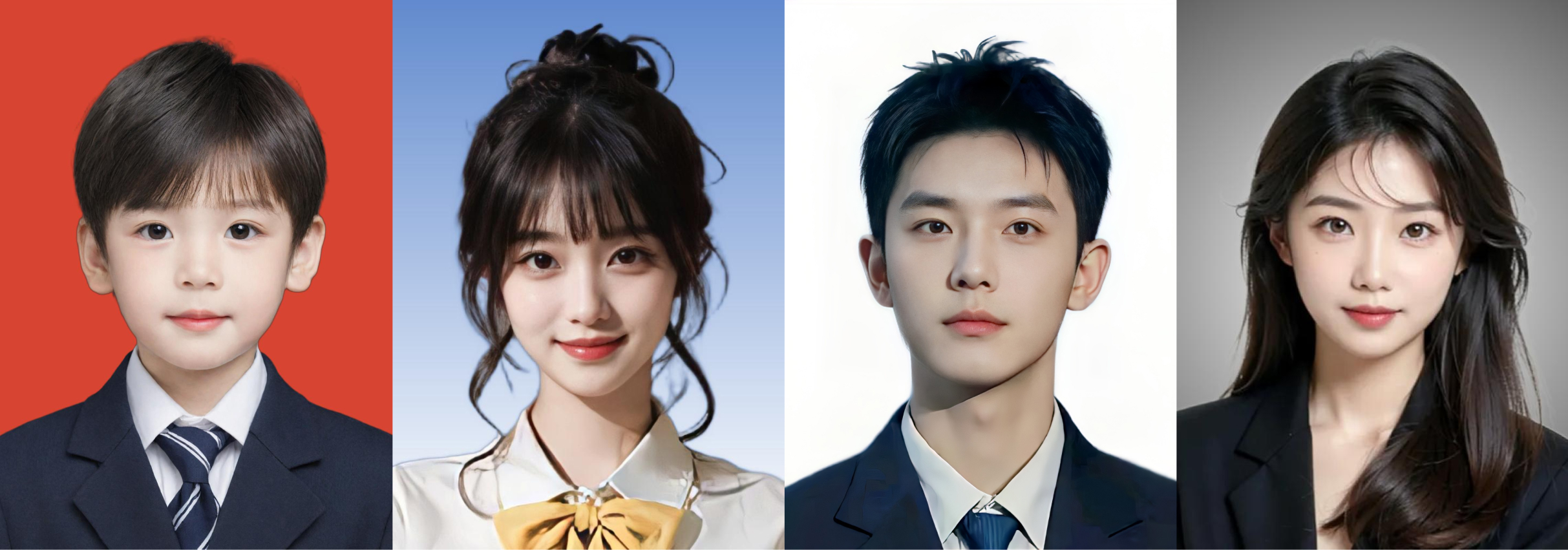
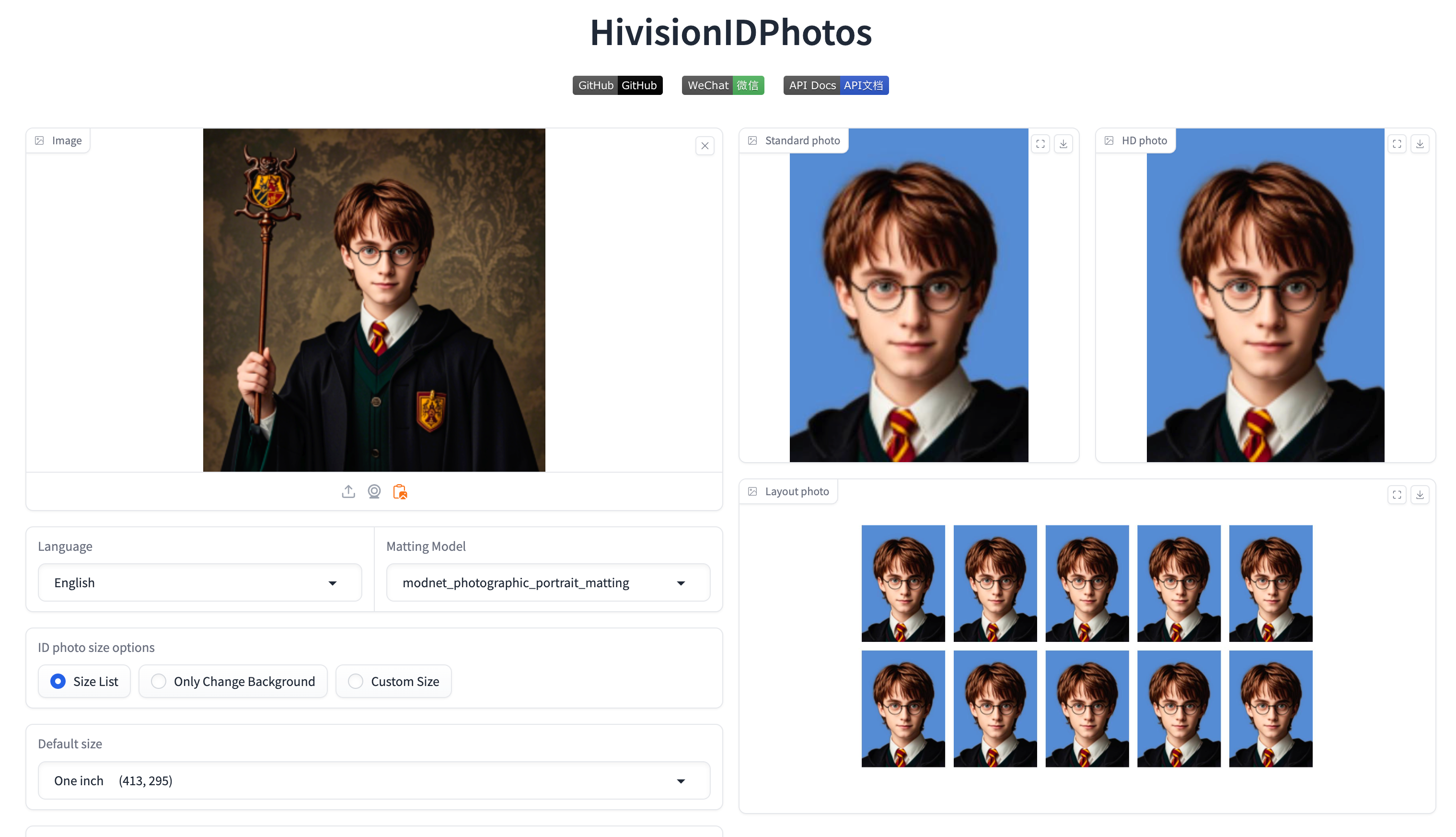
 An open-source AI tool for making ID photos: it cuts the person out of an ordinary snapshot with matting models and generates standard ID photos in various sizes with the right background color.
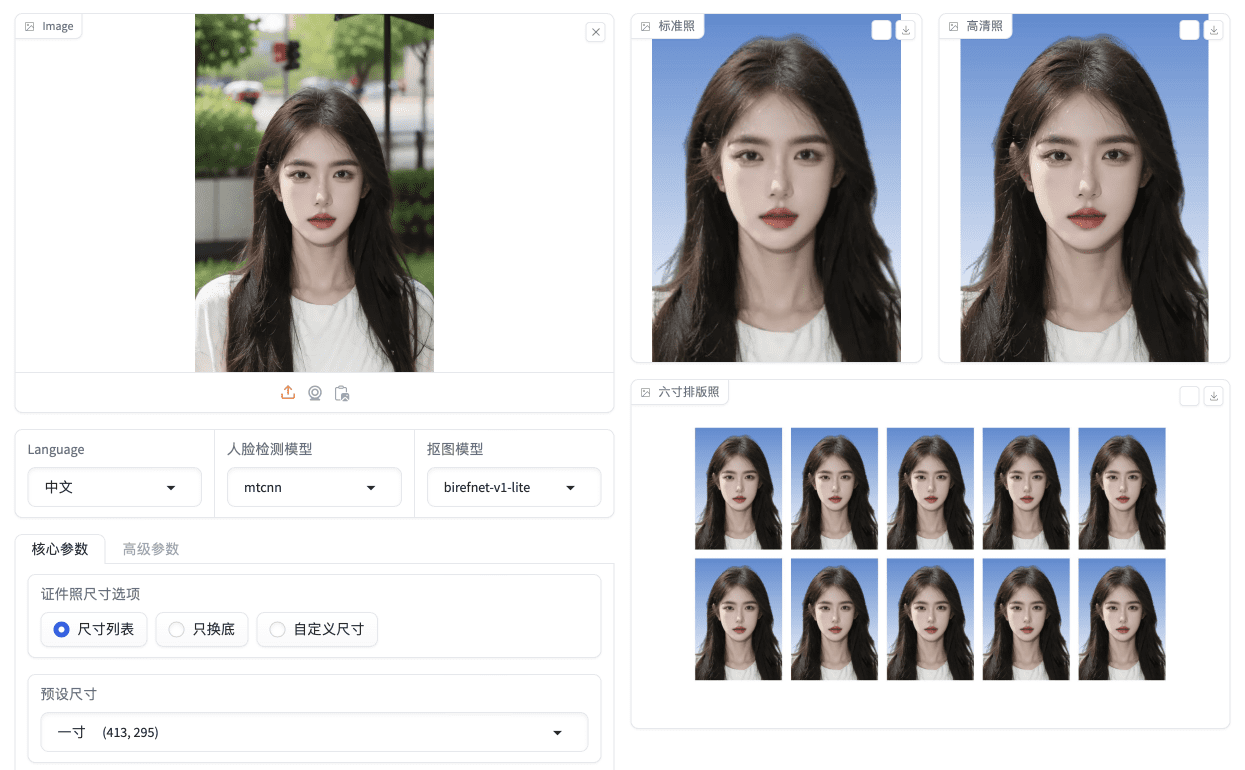
An open-source AI tool for making ID photos: it cuts the person out of an ordinary snapshot with matting models and generates standard ID photos in various sizes with the right background color.Is it an app I install, a library, or a web service?Both a local Gradio web app and a Python CLI (inference.py), plus a FastAPI API service and Docker images; community builds add a Windows GUI client and WeChat mini-programs.
Both a local Gradio web app and a Python CLI (inference.py), plus a FastAPI API service and Docker images; community builds add a Windows GUI client and WeChat mini-programs.How do I get it running?Clone the repo, set up Python 3.7+ (3.10 recommended via conda), install dependencies, drop a matting model weight into hivision/creator/weights, then run app.py — or just pull the Docker image or use docker compose.
Clone the repo, set up Python 3.7+ (3.10 recommended via conda), install dependencies, drop a matting model weight into hivision/creator/weights, then run app.py — or just pull the Docker image or use docker compose.What do I need installed before it will work?Python 3.7+ plus one matting weight (MODNet is 24.7MB; the accuracy-focused birefnet-v1-lite is 224MB). MTCNN face detection works out of the box; RetinaFace and the Face++ API are optional upgrades.
Python 3.7+ plus one matting weight (MODNet is 24.7MB; the accuracy-focused birefnet-v1-lite is 224MB). MTCNN face detection works out of the box; RetinaFace and the Face++ API are optional upgrades.Will it run on a laptop without a GPU?Yes — MODNet + MTCNN ran in ~0.2s per photo using ~410MB of RAM on a Mac M1 Max, CPU only. The sharper birefnet-v1-lite is heavier (~6.2GB RAM, ~7s), and GPU acceleration for it wants ~16GB of VRAM.
Yes — MODNet + MTCNN ran in ~0.2s per photo using ~410MB of RAM on a Mac M1 Max, CPU only. The sharper birefnet-v1-lite is heavier (~6.2GB RAM, ~7s), and GPU acceleration for it wants ~16GB of VRAM.What sizes and layouts can it produce?One input returns a standard and a high-res ID photo as 4-channel transparent PNGs; preset sizes live in an editable CSV, and the print-layout tab arranges shots for 6-inch, 5-inch, A4, 3R and 4R paper, with 300DPI downloads.
One input returns a standard and a high-res ID photo as 4-channel transparent PNGs; preset sizes live in an editable CSV, and the print-layout tab arranges shots for 6-inch, 5-inch, A4, 3R and 4R paper, with 300DPI downloads.What does the API offer for building my own app?A FastAPI backend that runs standalone or in Docker, accepts base64 image input, and takes parameters for DPI, face alignment and beauty retouching; the docs include cURL and Python request examples.
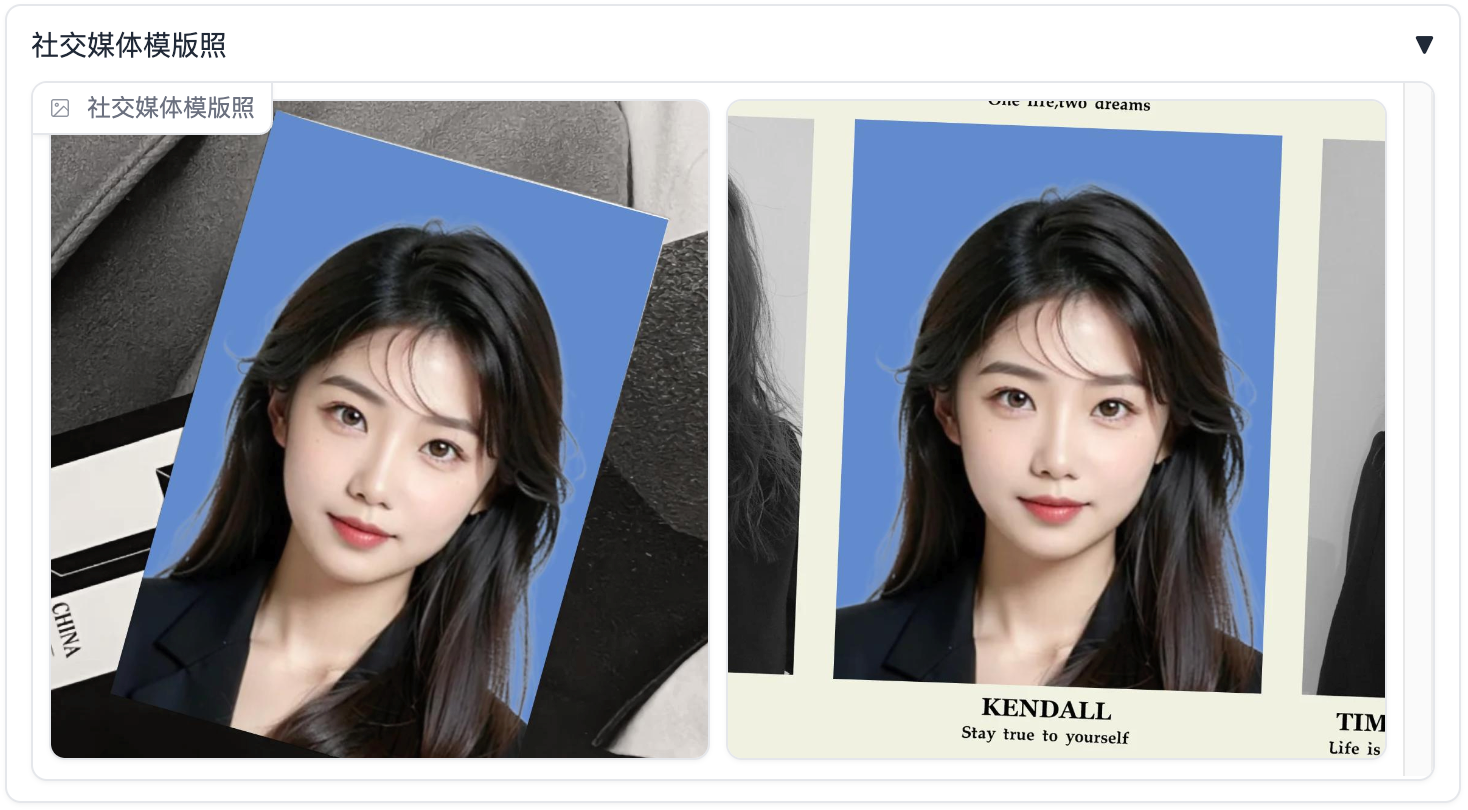
A FastAPI backend that runs standalone or in Docker, accepts base64 image input, and takes parameters for DPI, face alignment and beauty retouching; the docs include cURL and Python request examples.Can it do anything besides cutting out the person?Yes: beauty retouching, face rotation alignment, custom background colors by HEX input, watermarks and social-media template photos; smart clothing swap is announced but still marked as 'waiting'.
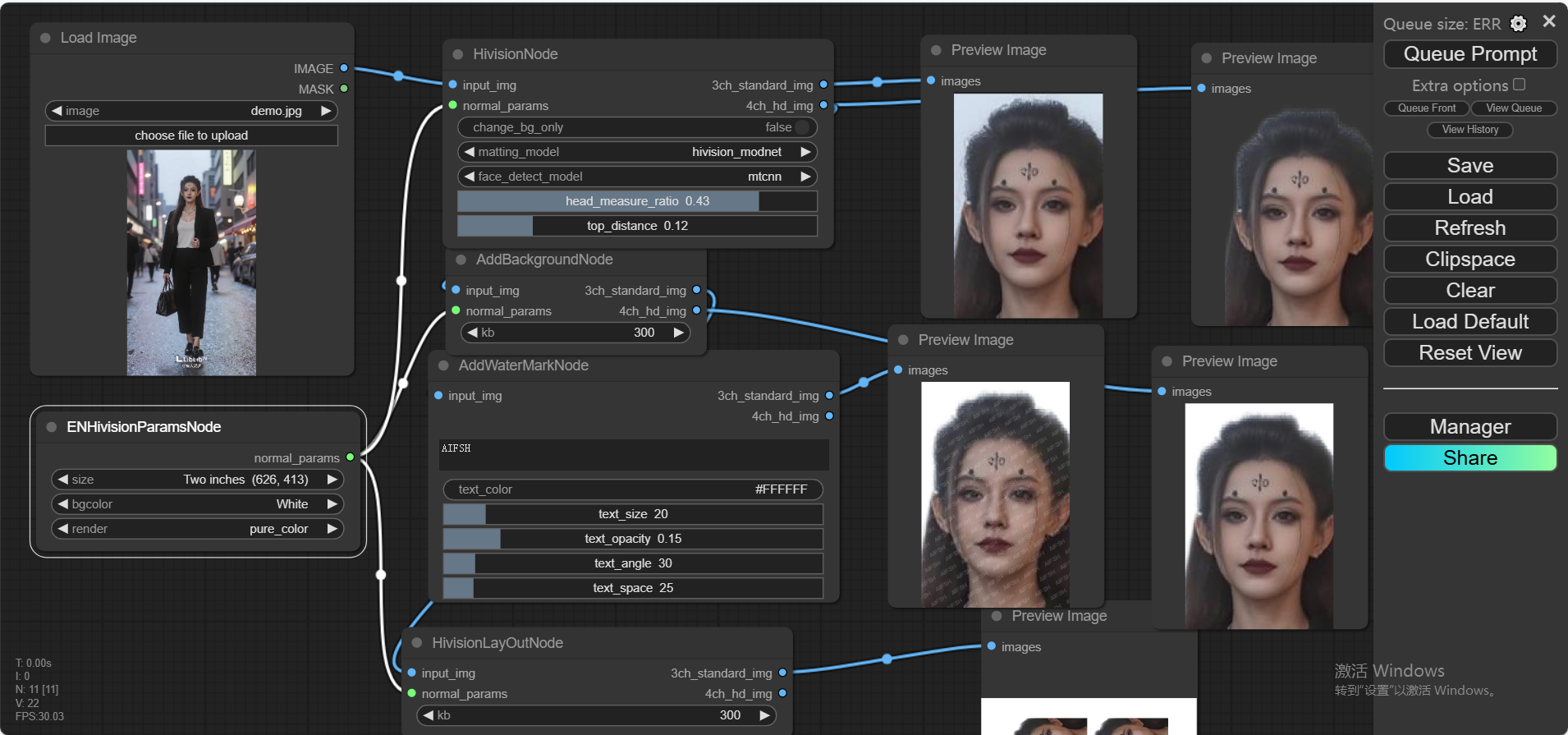
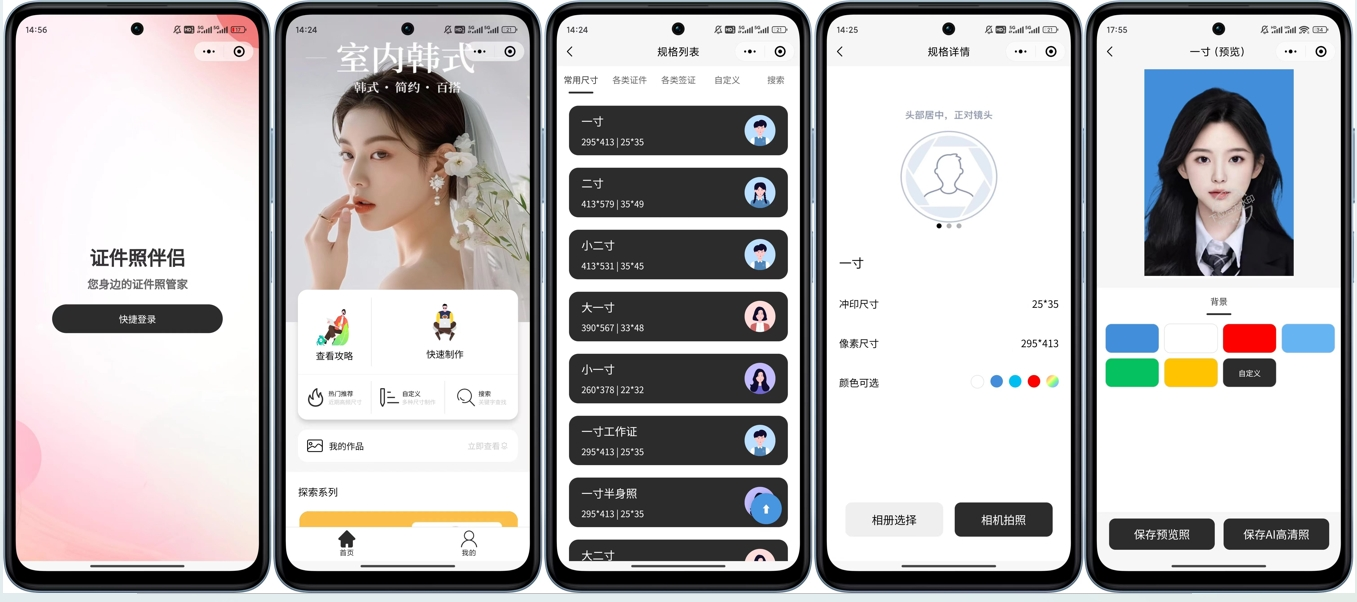
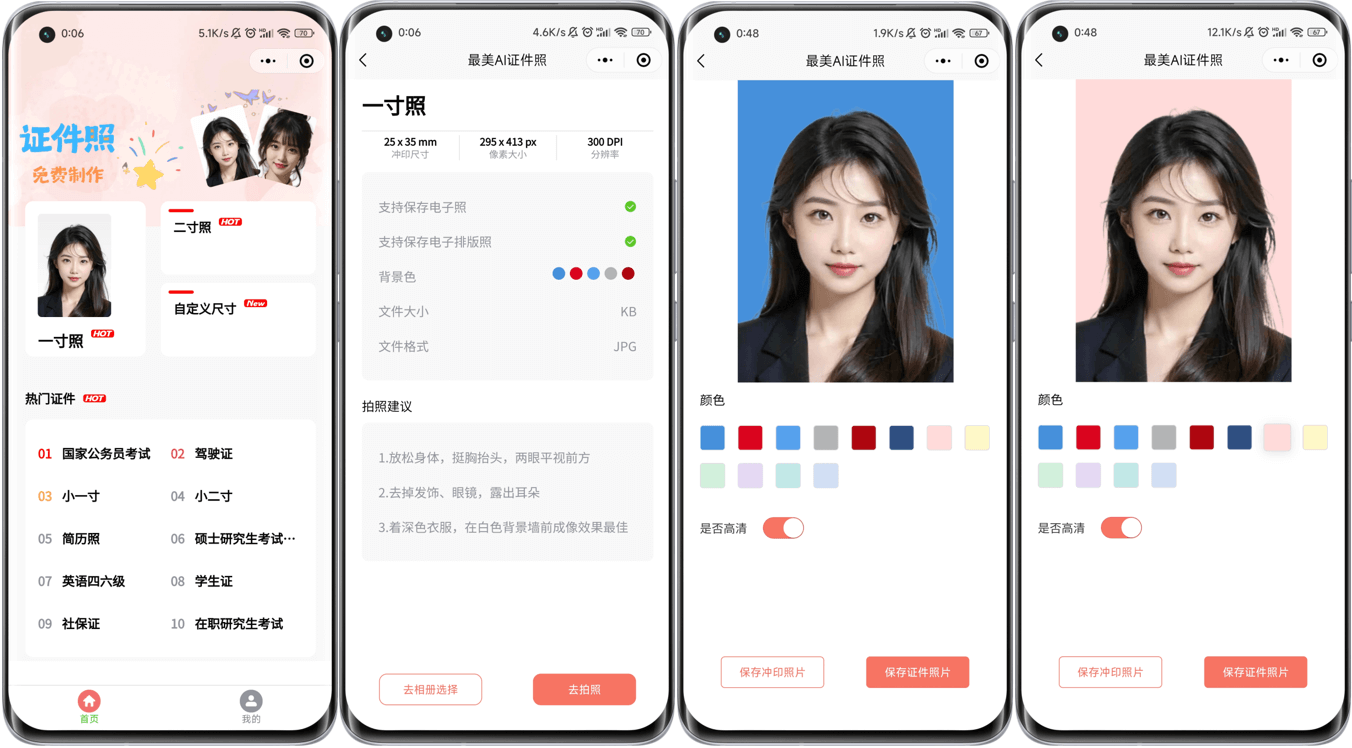
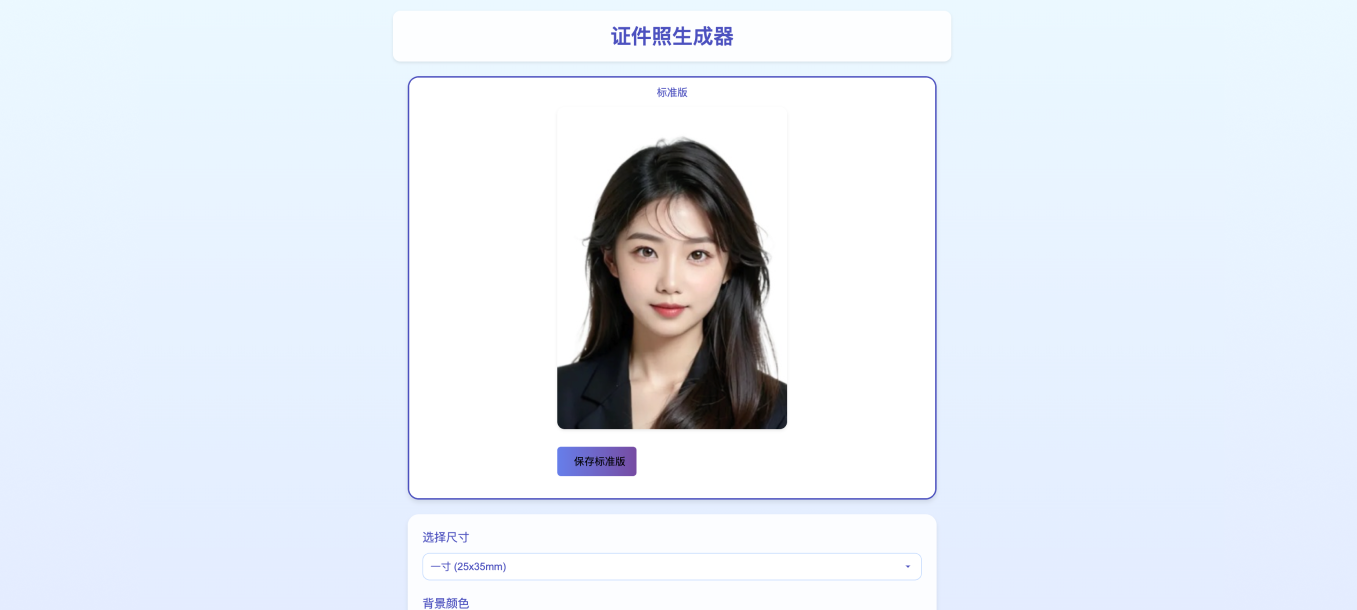
Yes: beauty retouching, face rotation alignment, custom background colors by HEX input, watermarks and social-media template photos; smart clothing swap is announced but still marked as 'waiting'.Are there ready-made apps built on top of it?Several community projects: a ComfyUI workflow, WeChat mini-programs (native and uniapp versions), a web version, a C++ port, a Windows GUI client and a Synology NAS deployment guide — all linked in the README.
Several community projects: a ComfyUI workflow, WeChat mini-programs (native and uniapp versions), a web version, a C++ port, a Windows GUI client and a Synology NAS deployment guide — all linked in the README.What are similar projects?insightface, rembg, face_recognition, AutoFigure-Edit, X-AnyLabeling, facenet, lama, video-subtitle-remover
insightface, rembg, face_recognition, AutoFigure-Edit, X-AnyLabeling, facenet, lama, video-subtitle-removerWhich topics is it in?unet, face-recognition, face-detection, demo, cnn, segmentation, tools, gradio, onnx, lightweight, fastapi, image-processing
unet, face-recognition, face-detection, demo, cnn, segmentation, tools, gradio, onnx, lightweight, fastapi, image-processing