Official YOLOv7
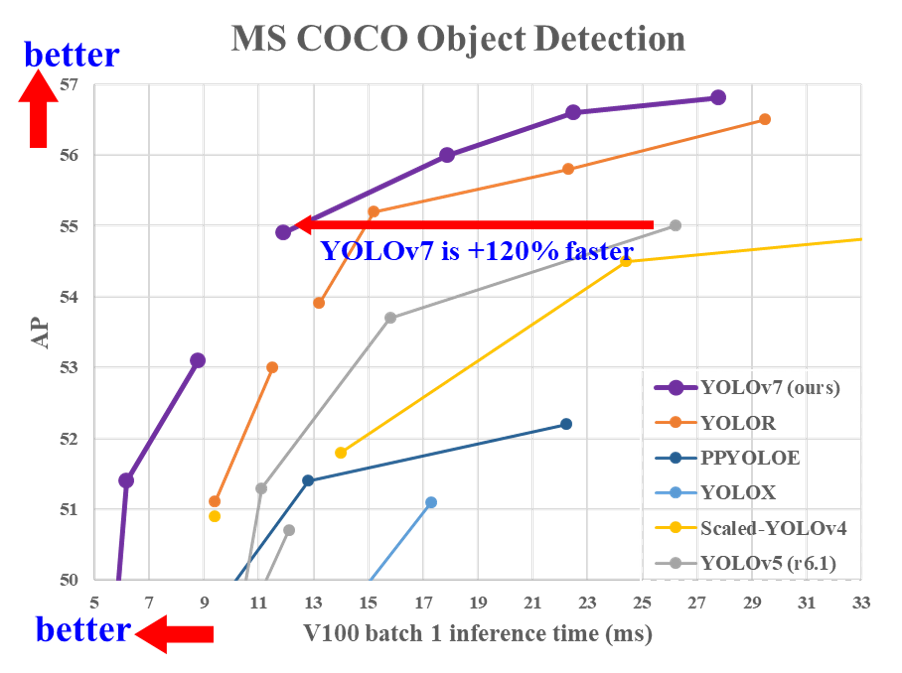
Implementation of paper - YOLOv7: Trainable bag-of-freebies sets new state-of-the-art for real-time object detectors




Web Demo
MS COCO
| Model |
Test Size |
APtest |
AP50test |
AP75test |
batch 1 fps |
batch 32 average time |
| YOLOv7 |
640 |
51.4% |
69.7% |
55.9% |
161 fps |
2.8 ms |
| YOLOv7-X |
640 |
53.1% |
71.2% |
57.8% |
114 fps |
4.3 ms |
|
|
|
|
|
|
|
| YOLOv7-W6 |
1280 |
54.9% |
72.6% |
60.1% |
84 fps |
7.6 ms |
| YOLOv7-E6 |
1280 |
56.0% |
73.5% |
61.2% |
56 fps |
12.3 ms |
| YOLOv7-D6 |
1280 |
56.6% |
74.0% |
61.8% |
44 fps |
15.0 ms |
| YOLOv7-E6E |
1280 |
56.8% |
74.4% |
62.1% |
36 fps |
18.7 ms |
Installation
Docker environment (recommended)
Expand
# create the docker container, you can change the share memory size if you have more.
nvidia-docker run --name yolov7 -it -v your_coco_path/:/coco/ -v your_code_path/:/yolov7 --shm-size=64g nvcr.io/nvidia/pytorch:21.08-py3

# apt install required packages
apt update
apt install -y zip htop screen libgl1-mesa-glx

# pip install required packages
pip install seaborn thop

# go to code folder
cd /yolov7
Testing
yolov7.pt yolov7x.pt yolov7-w6.pt yolov7-e6.pt yolov7-d6.pt yolov7-e6e.pt
python test.py --data data/coco.yaml --img 640 --batch 32 --conf 0.001 --iou 0.65 --device 0 --weights yolov7.pt --name yolov7_640_val
You will get the results:
 Average Precision  (AP) @[ IoU=0.50:0.95 | area=   all | maxDets=100 ] = 0.51206
 Average Precision  (AP) @[ IoU=0.50      | area=   all | maxDets=100 ] = 0.69730
 Average Precision  (AP) @[ IoU=0.75      | area=   all | maxDets=100 ] = 0.55521
 Average Precision  (AP) @[ IoU=0.50:0.95 | area= small | maxDets=100 ] = 0.35247
 Average Precision  (AP) @[ IoU=0.50:0.95 | area=medium | maxDets=100 ] = 0.55937
 Average Precision  (AP) @[ IoU=0.50:0.95 | area= large | maxDets=100 ] = 0.66693
 Average Recall     (AR) @[ IoU=0.50:0.95 | area=   all | maxDets=  1 ] = 0.38453
 Average Recall     (AR) @[ IoU=0.50:0.95 | area=   all | maxDets= 10 ] = 0.63765
 Average Recall     (AR) @[ IoU=0.50:0.95 | area=   all | maxDets=100 ] = 0.68772
 Average Recall     (AR) @[ IoU=0.50:0.95 | area= small | maxDets=100 ] = 0.53766
 Average Recall     (AR) @[ IoU=0.50:0.95 | area=medium | maxDets=100 ] = 0.73549
 Average Recall     (AR) @[ IoU=0.50:0.95 | area= large | maxDets=100 ] = 0.83868
To measure accuracy, download COCO-annotations for Pycocotools to the ./coco/annotations/instances_val2017.json
Training
Data preparation
bash scripts/get_coco.sh
- Download MS COCO dataset images (train, val, test) and labels. If you have previously used a different version of YOLO, we strongly recommend that you delete
train2017.cache and val2017.cache files, and redownload labels
Single GPU training
# train p5 models
python train.py --workers 8 --device 0 --batch-size 32 --data data/coco.yaml --img 640 640 --cfg cfg/training/yolov7.yaml --weights '' --name yolov7 --hyp data/hyp.scratch.p5.yaml

# train p6 models
python train_aux.py --workers 8 --device 0 --batch-size 16 --data data/coco.yaml --img 1280 1280 --cfg cfg/training/yolov7-w6.yaml --weights '' --name yolov7-w6 --hyp data/hyp.scratch.p6.yaml
Multiple GPU training
# train p5 models
python -m torch.distributed.launch --nproc_per_node 4 --master_port 9527 train.py --workers 8 --device 0,1,2,3 --sync-bn --batch-size 128 --data data/coco.yaml --img 640 640 --cfg cfg/training/yolov7.yaml --weights '' --name yolov7 --hyp data/hyp.scratch.p5.yaml

# train p6 models
python -m torch.distributed.launch --nproc_per_node 8 --master_port 9527 train_aux.py --workers 8 --device 0,1,2,3,4,5,6,7 --sync-bn --batch-size 128 --data data/coco.yaml --img 1280 1280 --cfg cfg/training/yolov7-w6.yaml --weights '' --name yolov7-w6 --hyp data/hyp.scratch.p6.yaml
Transfer learning
yolov7_training.pt yolov7x_training.pt yolov7-w6_training.pt yolov7-e6_training.pt yolov7-d6_training.pt yolov7-e6e_training.pt
Single GPU finetuning for custom dataset
# finetune p5 models
python train.py --workers 8 --device 0 --batch-size 32 --data data/custom.yaml --img 640 640 --cfg cfg/training/yolov7-custom.yaml --weights 'yolov7_training.pt' --name yolov7-custom --hyp data/hyp.scratch.custom.yaml

# finetune p6 models
python train_aux.py --workers 8 --device 0 --batch-size 16 --data data/custom.yaml --img 1280 1280 --cfg cfg/training/yolov7-w6-custom.yaml --weights 'yolov7-w6_training.pt' --name yolov7-w6-custom --hyp data/hyp.scratch.custom.yaml
Re-parameterization
See reparameterization.ipynb
Inference
On video:
python detect.py --weights yolov7.pt --conf 0.25 --img-size 640 --source yourvideo.mp4
On image:
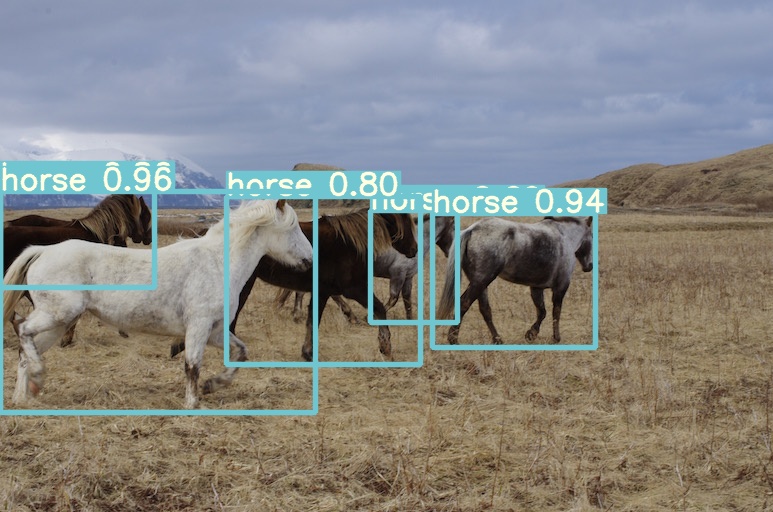
python detect.py --weights yolov7.pt --conf 0.25 --img-size 640 --source inference/images/horses.jpg
Export
Pytorch to CoreML (and inference on MacOS/iOS)
Pytorch to ONNX with NMS (and inference)
python export.py --weights yolov7-tiny.pt --grid --end2end --simplify \
        --topk-all 100 --iou-thres 0.65 --conf-thres 0.35 --img-size 640 640 --max-wh 640
Pytorch to TensorRT with NMS (and inference)
wget https://github.com/WongKinYiu/yolov7/releases/download/v0.1/yolov7-tiny.pt
python export.py --weights ./yolov7-tiny.pt --grid --end2end --simplify --topk-all 100 --iou-thres 0.65 --conf-thres 0.35 --img-size 640 640
git clone https://github.com/Linaom1214/tensorrt-python.git
python ./tensorrt-python/export.py -o yolov7-tiny.onnx -e yolov7-tiny-nms.trt -p fp16
Pytorch to TensorRT another way
Expand
wget https://github.com/WongKinYiu/yolov7/releases/download/v0.1/yolov7-tiny.pt
python export.py --weights yolov7-tiny.pt --grid --include-nms
git clone https://github.com/Linaom1214/tensorrt-python.git
python ./tensorrt-python/export.py -o yolov7-tiny.onnx -e yolov7-tiny-nms.trt -p fp16

# Or use trtexec to convert ONNX to TensorRT engine
/usr/src/tensorrt/bin/trtexec --onnx=yolov7-tiny.onnx --saveEngine=yolov7-tiny-nms.trt --fp16
Tested with: Python 3.7.13, Pytorch 1.12.0+cu113
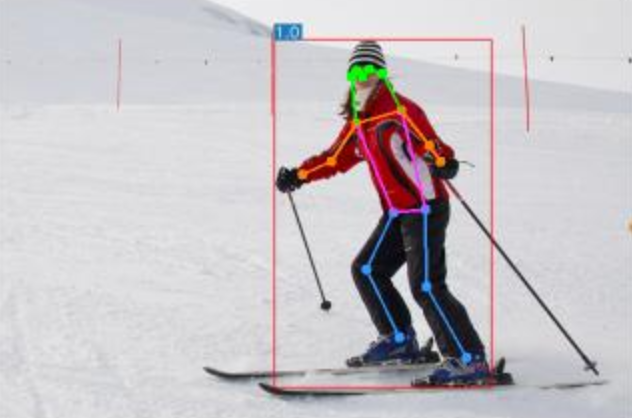
Pose estimation
code yolov7-w6-pose.pt
See keypoint.ipynb.
Instance segmentation (with NTU)
code yolov7-mask.pt
See instance.ipynb.
Instance segmentation
code yolov7-seg.pt
YOLOv7 for instance segmentation (YOLOR + YOLOv5 + YOLACT)
| Model |
Test Size |
APbox |
AP50box |
AP75box |
APmask |
AP50mask |
AP75mask |
| YOLOv7-seg |
640 |
51.4% |
69.4% |
55.8% |
41.5% |
65.5% |
43.7% |
Anchor free detection head
code yolov7-u6.pt
YOLOv7 with decoupled TAL head (YOLOR + YOLOv5 + YOLOv6)
| Model |
Test Size |
APval |
AP50val |
AP75val |
| YOLOv7-u6 |
640 |
52.6% |
69.7% |
57.3% |
Citation
@inproceedings{wang2023yolov7,
  title={{YOLOv7}: Trainable bag-of-freebies sets new state-of-the-art for real-time object detectors},
  author={Wang, Chien-Yao and Bochkovskiy, Alexey and Liao, Hong-Yuan Mark},
  booktitle={Proceedings of the IEEE/CVF Conference on Computer Vision and Pattern Recognition (CVPR)},
  year={2023}
}
@article{wang2023designing,
  title={Designing Network Design Strategies Through Gradient Path Analysis},
  author={Wang, Chien-Yao and Liao, Hong-Yuan Mark and Yeh, I-Hau},
  journal={Journal of Information Science and Engineering},
  year={2023}
}
Teaser
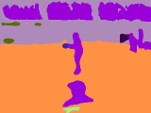
YOLOv7-semantic & YOLOv7-panoptic & YOLOv7-caption
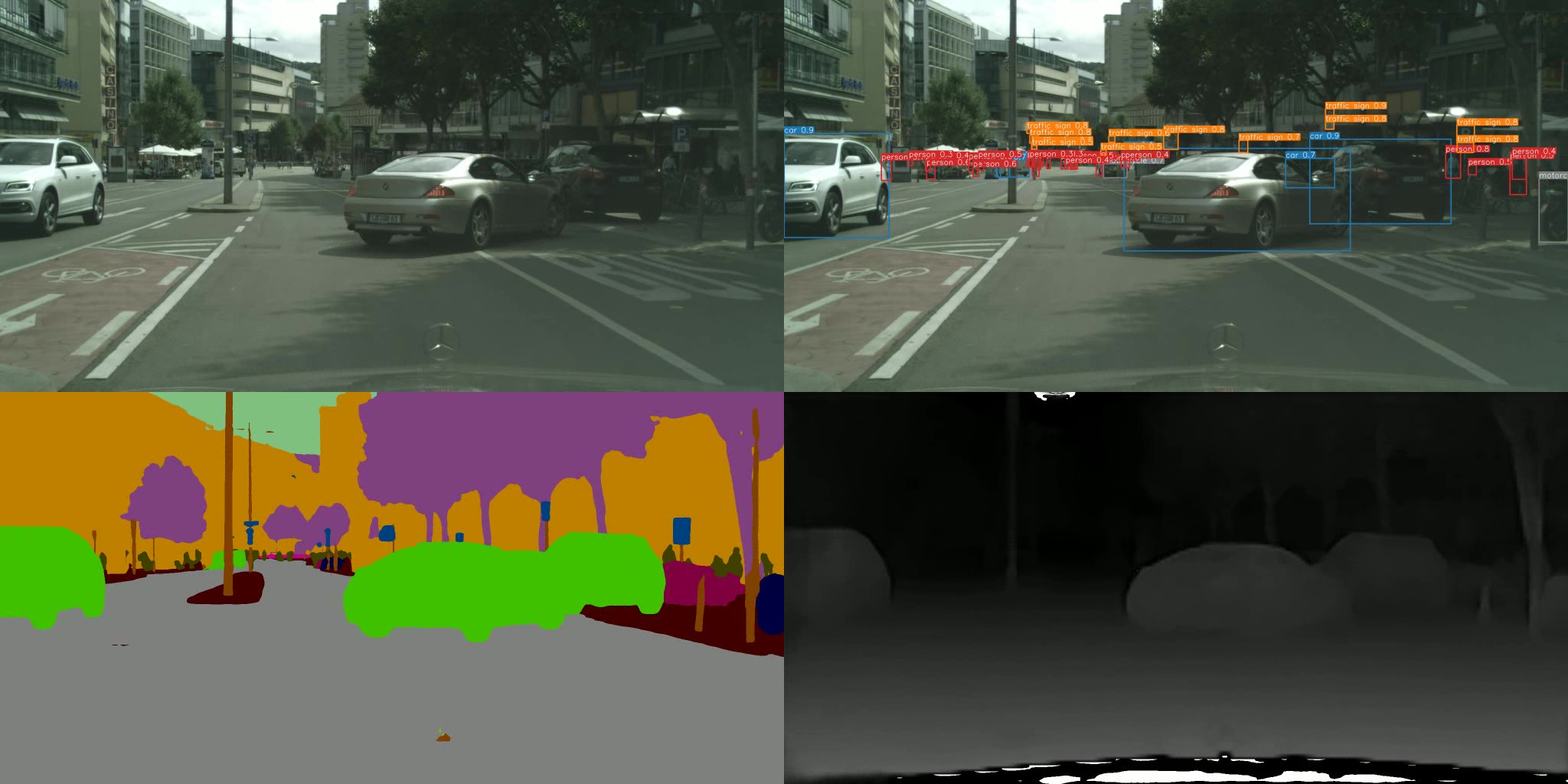
YOLOv7-semantic & YOLOv7-detection & YOLOv7-depth (with NTUT)
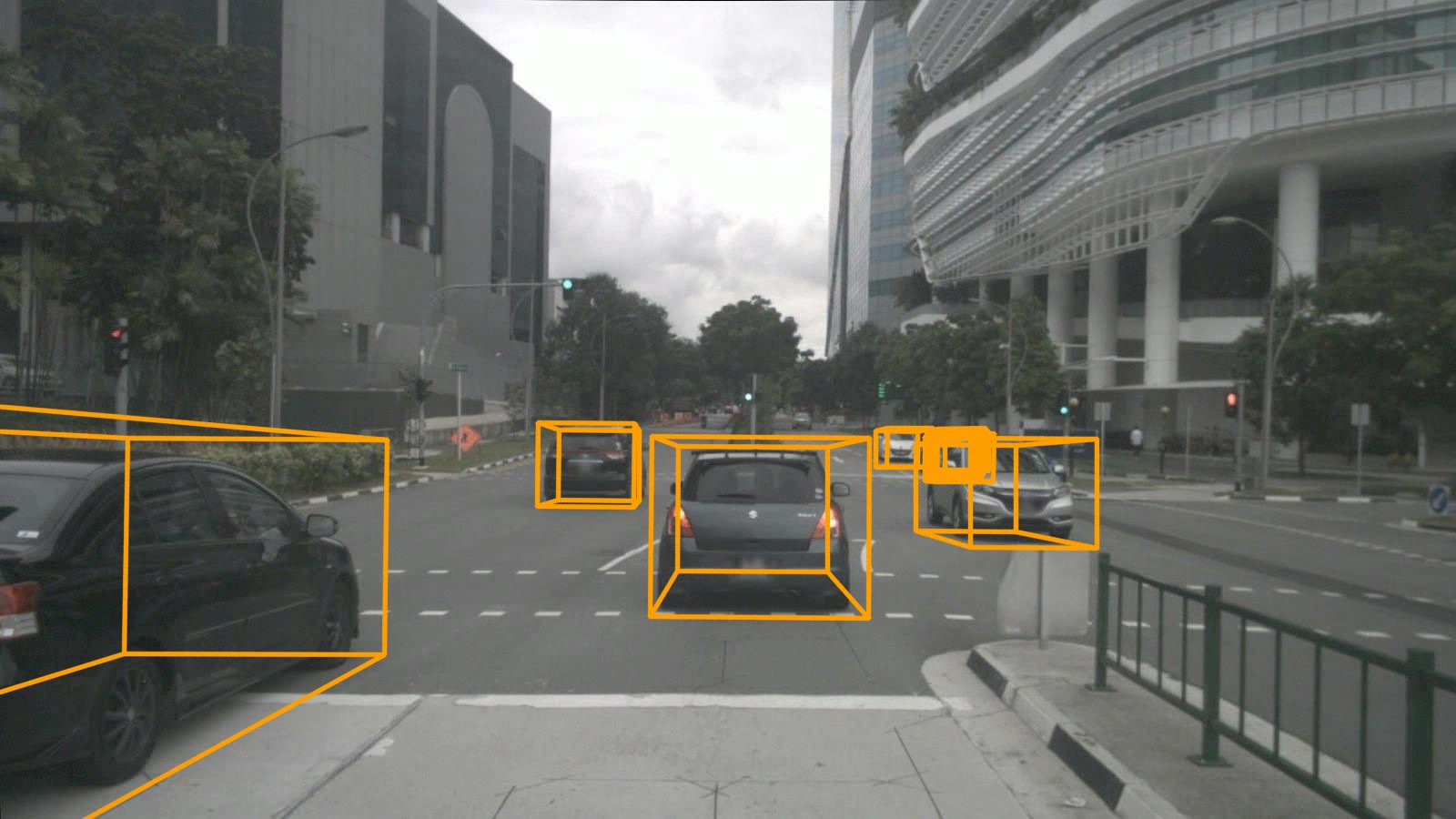
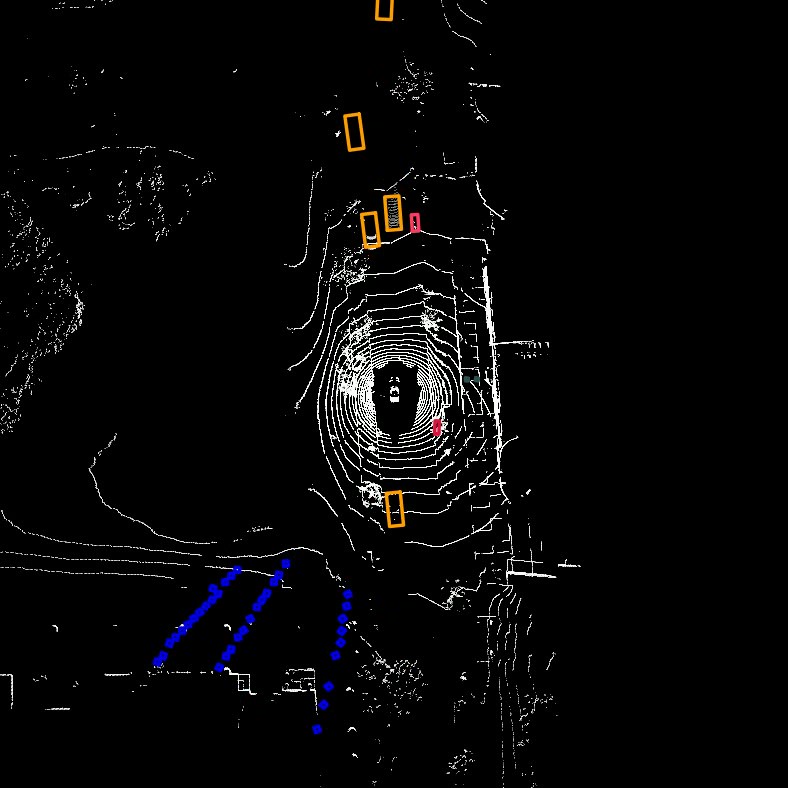
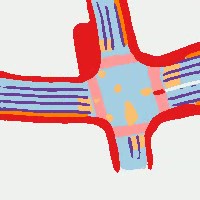
YOLOv7-3d-detection & YOLOv7-lidar & YOLOv7-road (with NTUT)
Acknowledgements
Expand



 这是 YOLOv7 的官方 PyTorch 实现。YOLOv7 是一个实时目标检测模型,作者通过一种他们称为“可训练的免费技巧包”(trainable bag-of-freebies)的技术,在速度与精度的权衡上达到了新的最先进水平。