




What is this?
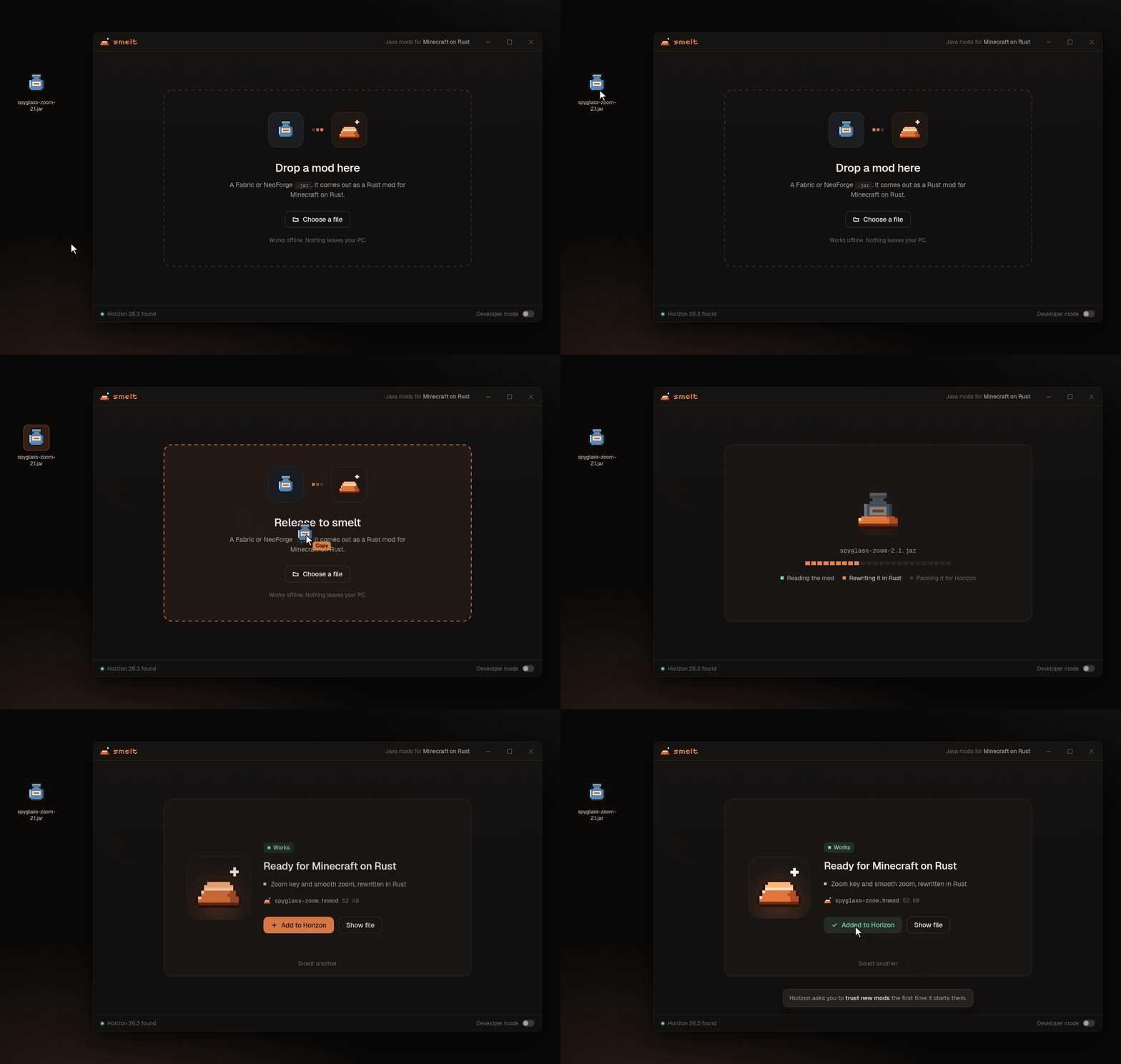
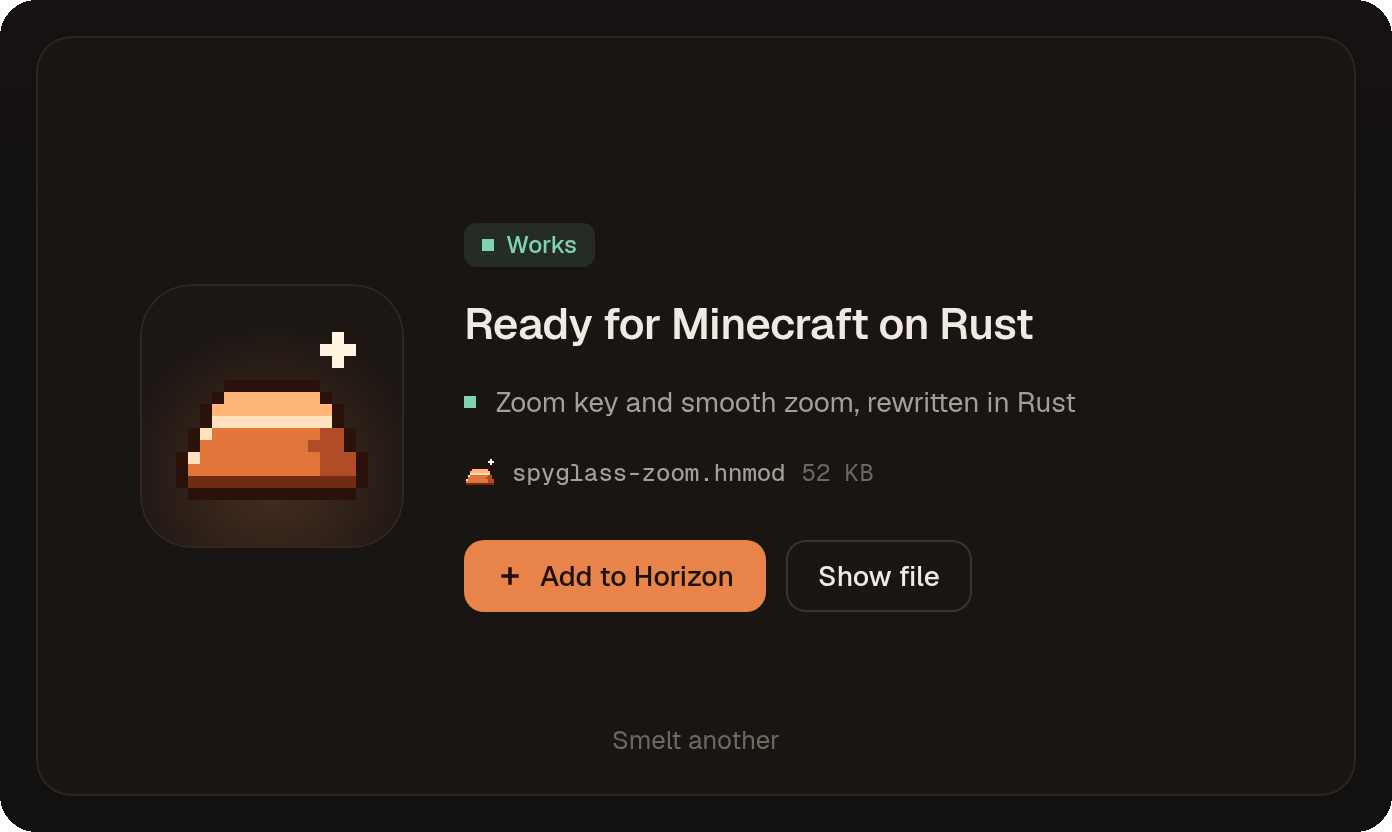
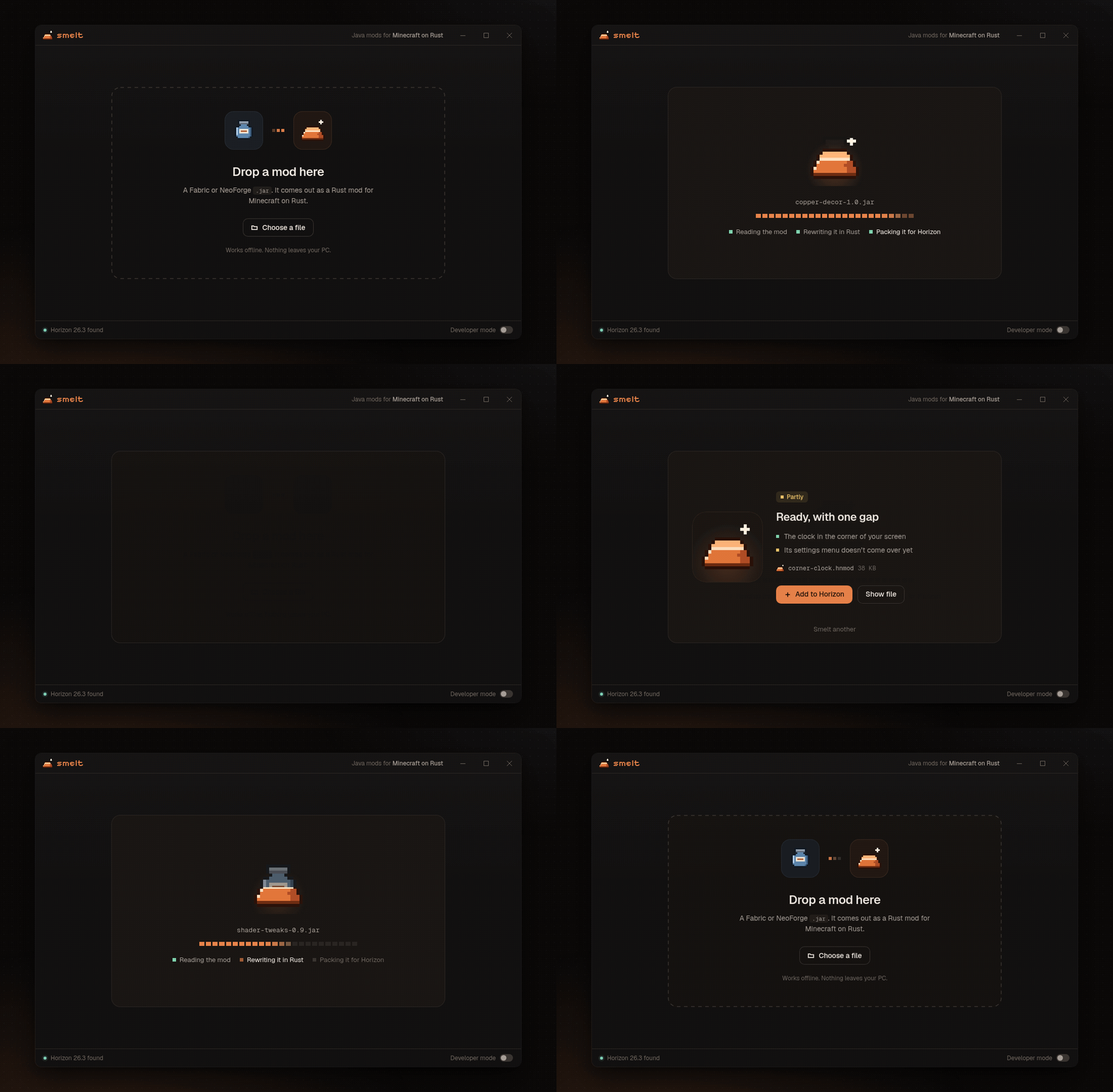
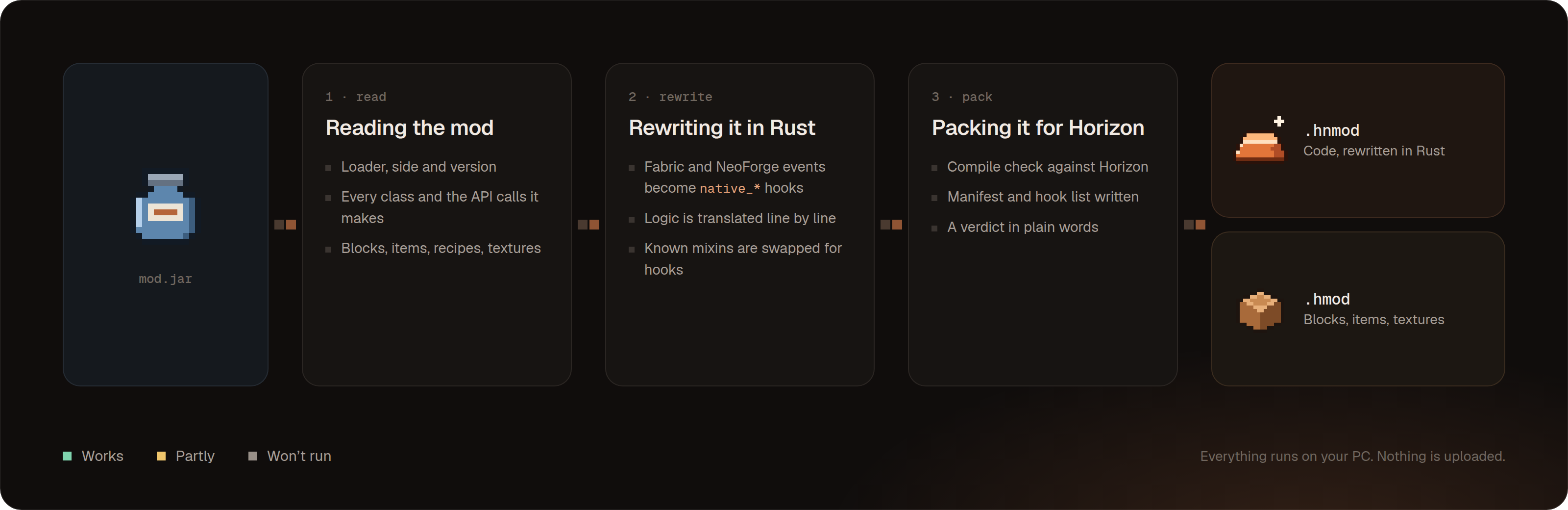
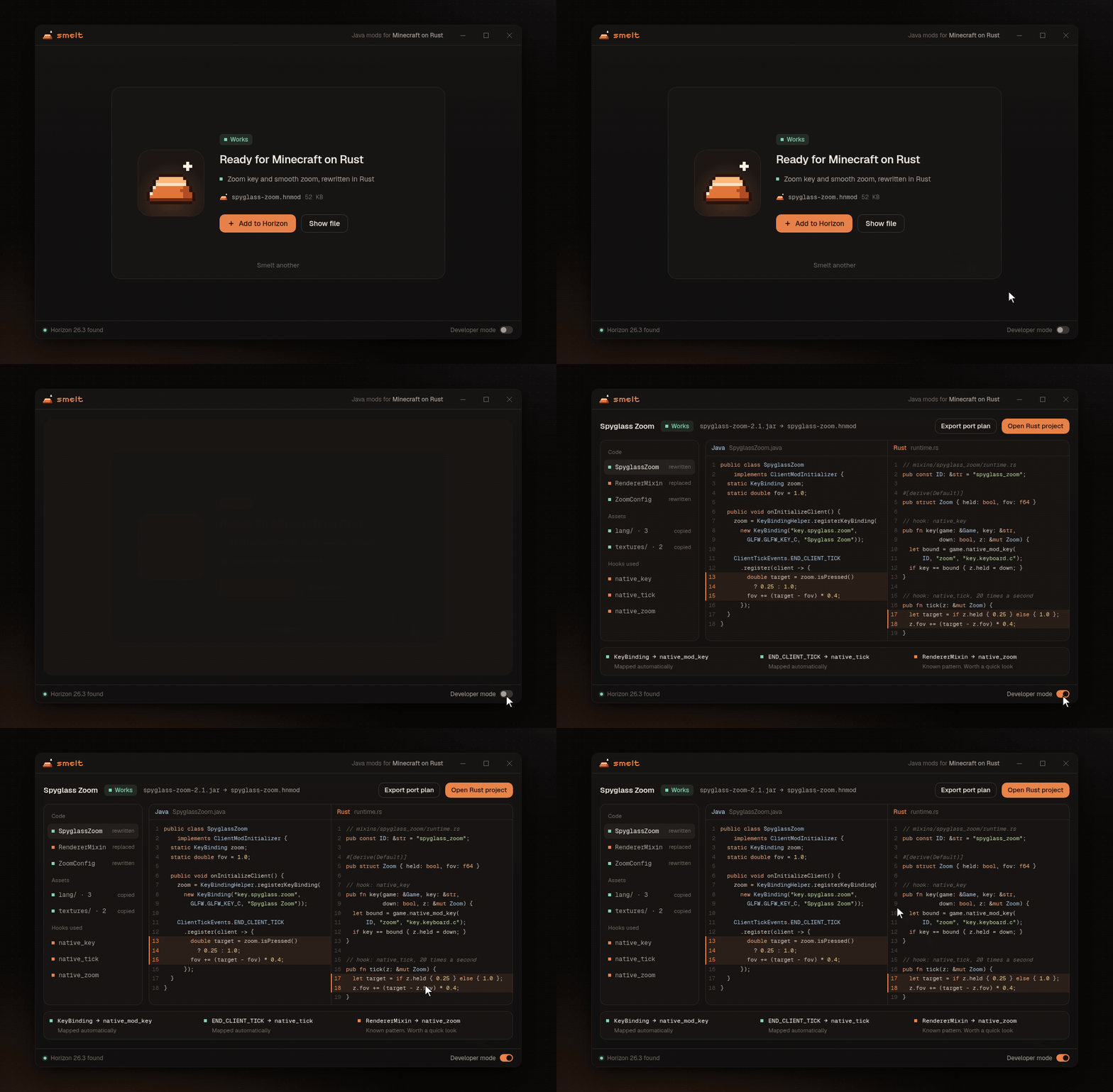
 Smelt converts a Fabric or NeoForge Java mod .jar into a mod for Minecraft on Rust (Horizon). You drop the jar on the window, wait a few seconds, and press Add to Horizon.
Is it a launcher, a mod loader, or a converter?It's a converter. Java mods don't run in Horizon, so Smelt rewrites them into Rust mods that do. It's a Windows desktop app, and a command-line version runs the same engine.
It's a converter. Java mods don't run in Horizon, so Smelt rewrites them into Rust mods that do. It's a Windows desktop app, and a command-line version runs the same engine.How do I convert a mod?Download the zip, unpack the whole folder, and start Main.exe. There's no installer and no admin rights needed. Drop the .jar on the window and press Add to Horizon. The next time Horizon starts, it asks you to trust the new mod if it contains code.
Download the zip, unpack the whole folder, and start Main.exe. There's no installer and no admin rights needed. Drop the .jar on the window and press Add to Horizon. The next time Horizon starts, it asks you to trust the new mod if it contains code.Do I need Horizon or Rust to use it?You need Horizon installed, since converted mods are added to it. Using the app needs no installer. Building from source needs Rust 1.85 or newer, plus the Tauri prerequisites for your system.
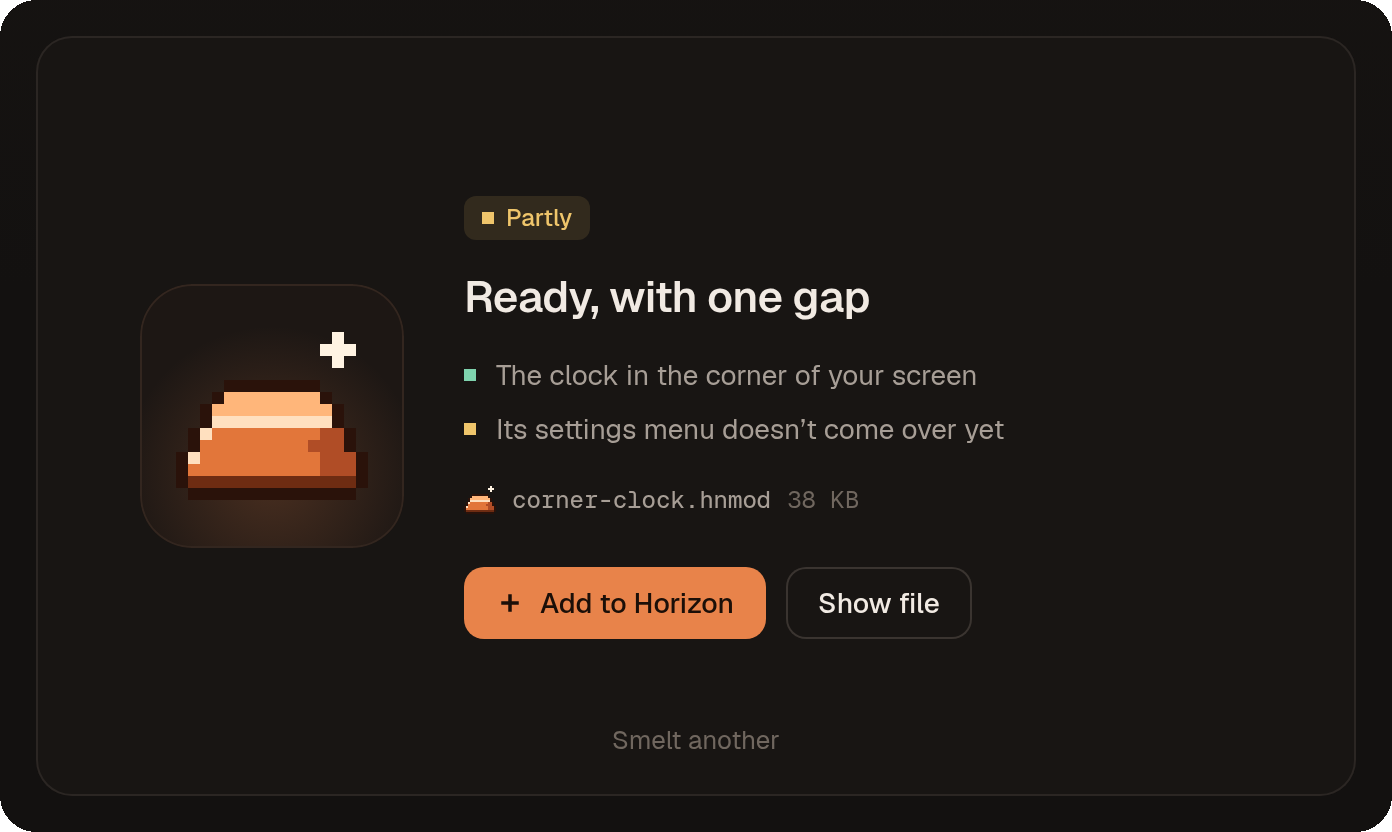
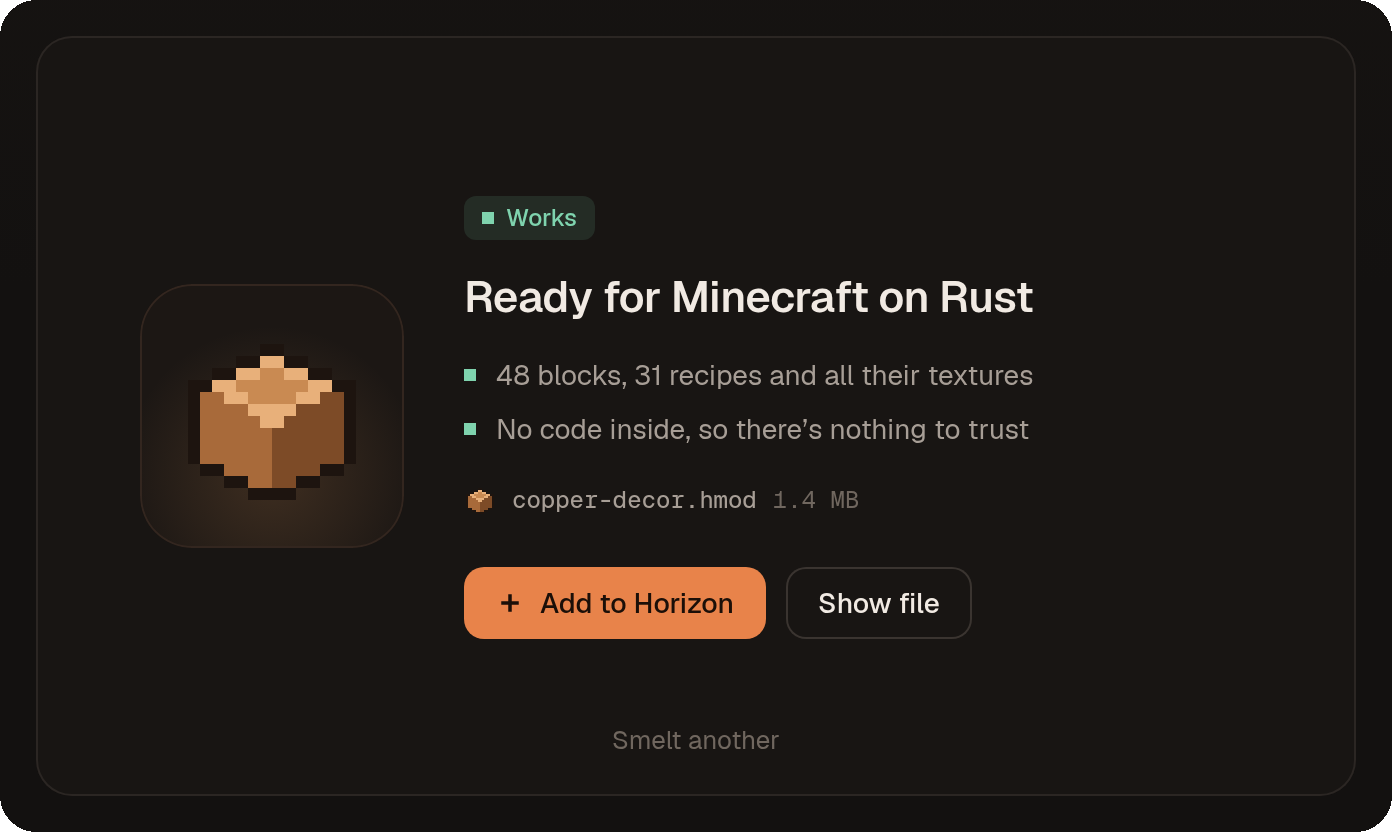
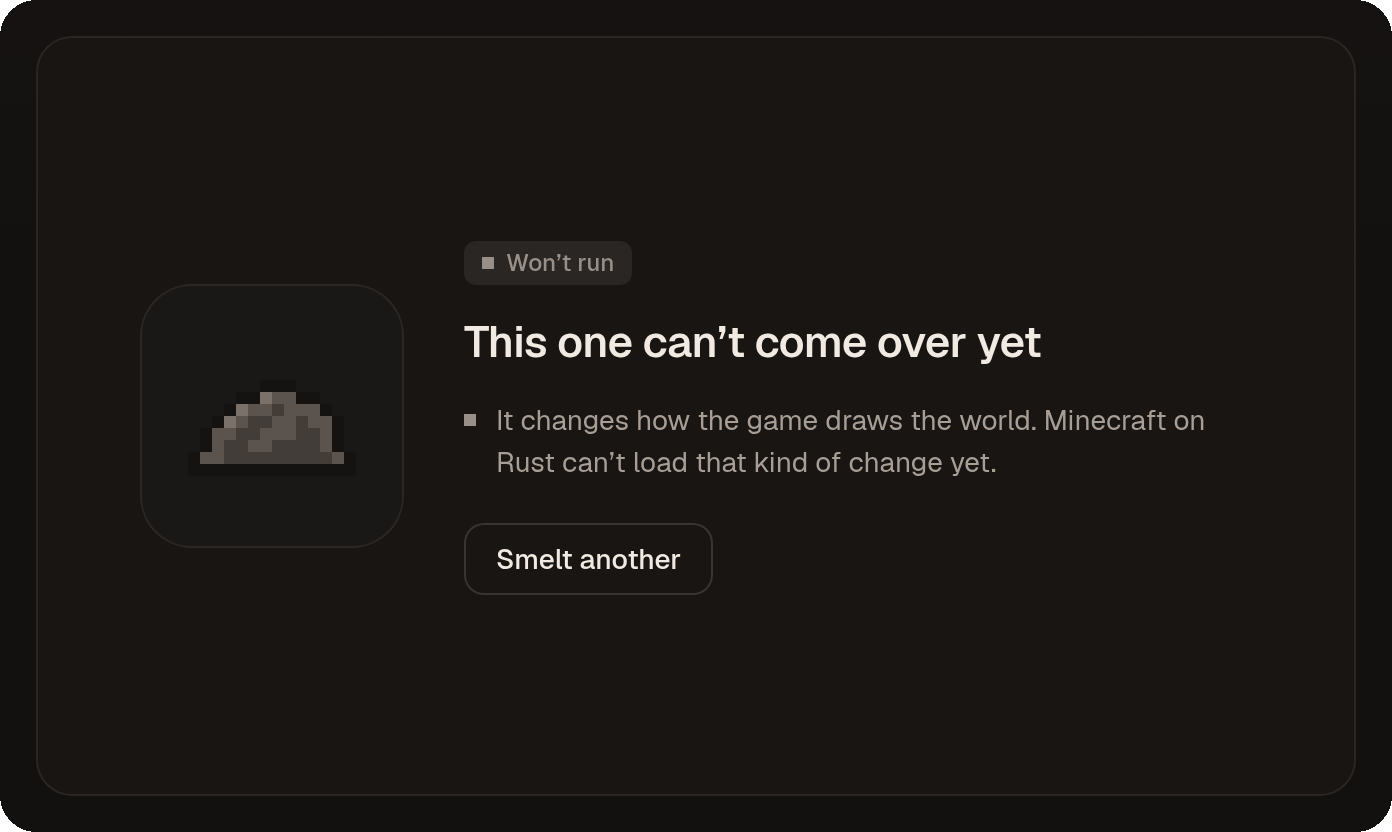
You need Horizon installed, since converted mods are added to it. Using the app needs no installer. Building from source needs Rust 1.85 or newer, plus the Tauri prerequisites for your system.Will every mod convert?No. Each mod gets a verdict of Works, Partly, or Won't run. Rendering mods, shaders and performance mods can't come over yet, and any part that can't be rewritten safely is left out and flagged.
No. Each mod gets a verdict of Works, Partly, or Won't run. Rendering mods, shaders and performance mods can't come over yet, and any part that can't be rewritten safely is left out and flagged.Does it run on Mac or Linux?The published download is for Windows 10 and 11 only. The README doesn't mention a Mac or Linux build.
The published download is for Windows 10 and 11 only. The README doesn't mention a Mac or Linux build.Does it upload my mods anywhere?No. Smelt works offline and never uploads your mods, and all conversion happens on your PC.
No. Smelt works offline and never uploads your mods, and all conversion happens on your PC.What does Developer mode show?It shows the Java and Rust code side by side with matching lines highlighted, lists every Horizon hook a mod uses, and flags lines rewritten from a known pattern. You can export a Markdown port plan or open the generated Rust project.
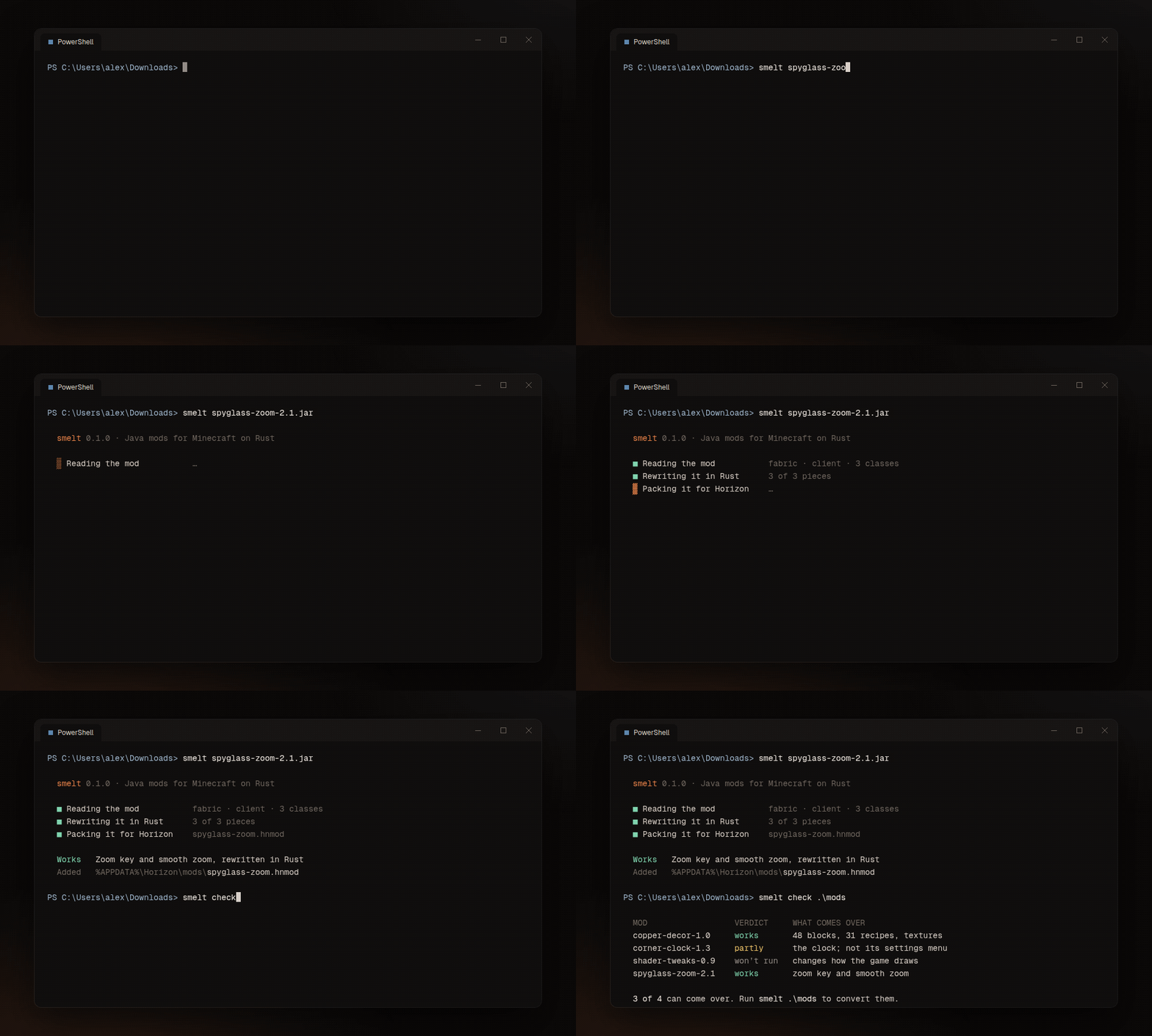
It shows the Java and Rust code side by side with matching lines highlighted, lists every Horizon hook a mod uses, and flags lines rewritten from a known pattern. You can export a Markdown port plan or open the generated Rust project.Can I use it from a terminal or in CI?Yes. The smelt command runs the same engine, with options to choose an output folder, keep the Cargo project, pick a Horizon install, write a port plan, or print machine-readable JSON verdicts for CI.
Yes. The smelt command runs the same engine, with options to choose an output folder, keep the Cargo project, pick a Horizon install, write a port plan, or print machine-readable JSON verdicts for CI.Which mod loaders are supported?NeoForge and Fabric today. Quilt mods that only use the Fabric API usually work, but older Forge mods aren't supported.
NeoForge and Fabric today. Quilt mods that only use the Fabric API usually work, but older Forge mods aren't supported.Is this made by Mojang or the Horizon team?No. Smelt is an independent fan project, not affiliated with Mojang, Microsoft or the Horizon project. Converted mods only work in Minecraft on Rust, so keep the original .jar for Java Edition.
No. Smelt is an independent fan project, not affiliated with Mojang, Microsoft or the Horizon project. Converted mods only work in Minecraft on Rust, so keep the original .jar for Java Edition.What are similar projects?horizon-modpack-compatibility, ai-minecraft-modmaker, horizon-capes-skins-minecraft, minecraft-hack-menu-2026, mcopt, Rise-6.9.5, DLSS5oneclick, CircuitLordVRModInstaller
horizon-modpack-compatibility, ai-minecraft-modmaker, horizon-capes-skins-minecraft, minecraft-hack-menu-2026, mcopt, Rise-6.9.5, DLSS5oneclick, CircuitLordVRModInstallerWhich topics is it in?fabric, minecraft, game-modding, modding, tauri, game, gaming, offline, developers, command-line-tool, rust, desktop-app
fabric, minecraft, game-modding, modding, tauri, game, gaming, offline, developers, command-line-tool, rust, desktop-app