






Что это такое?
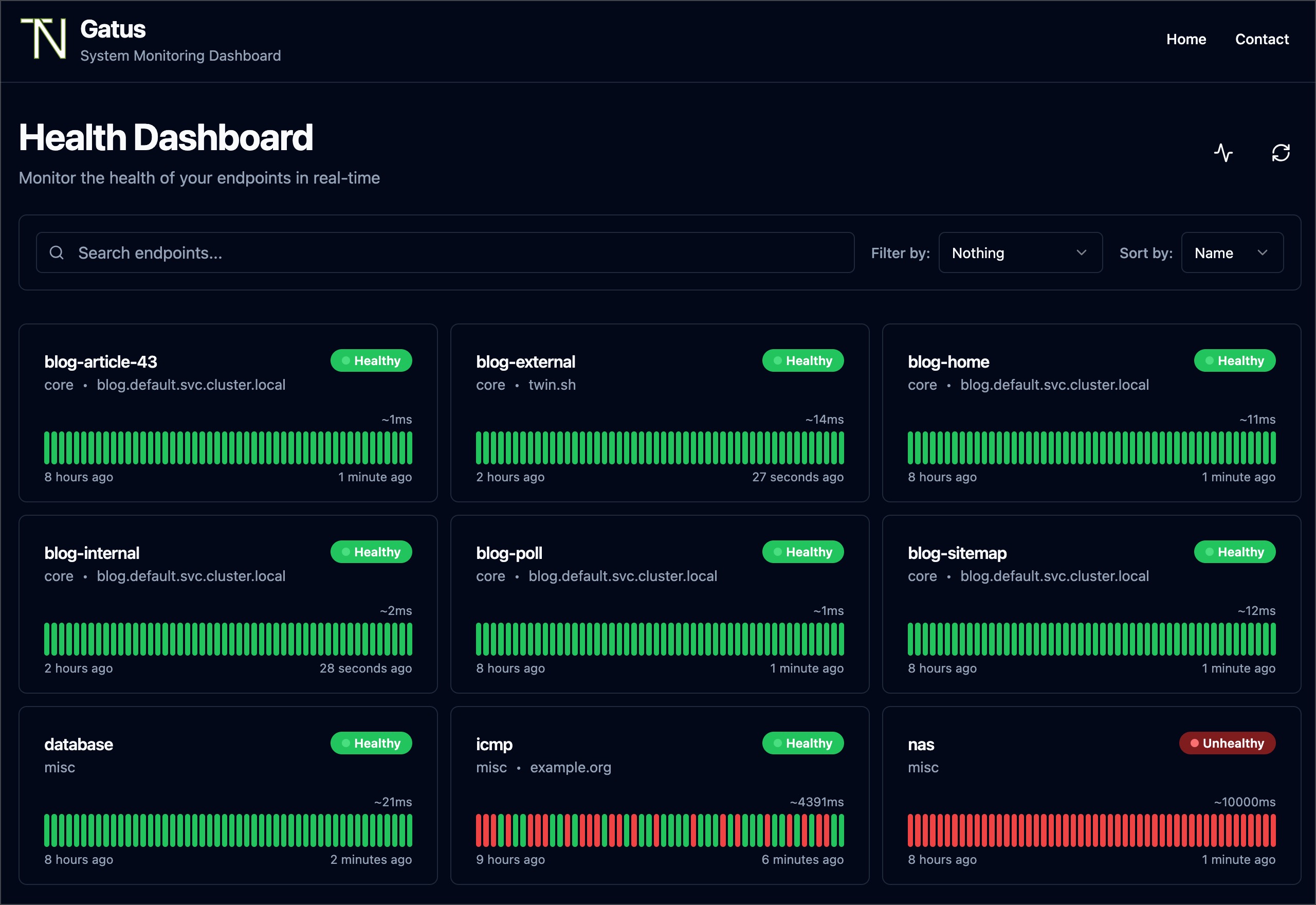
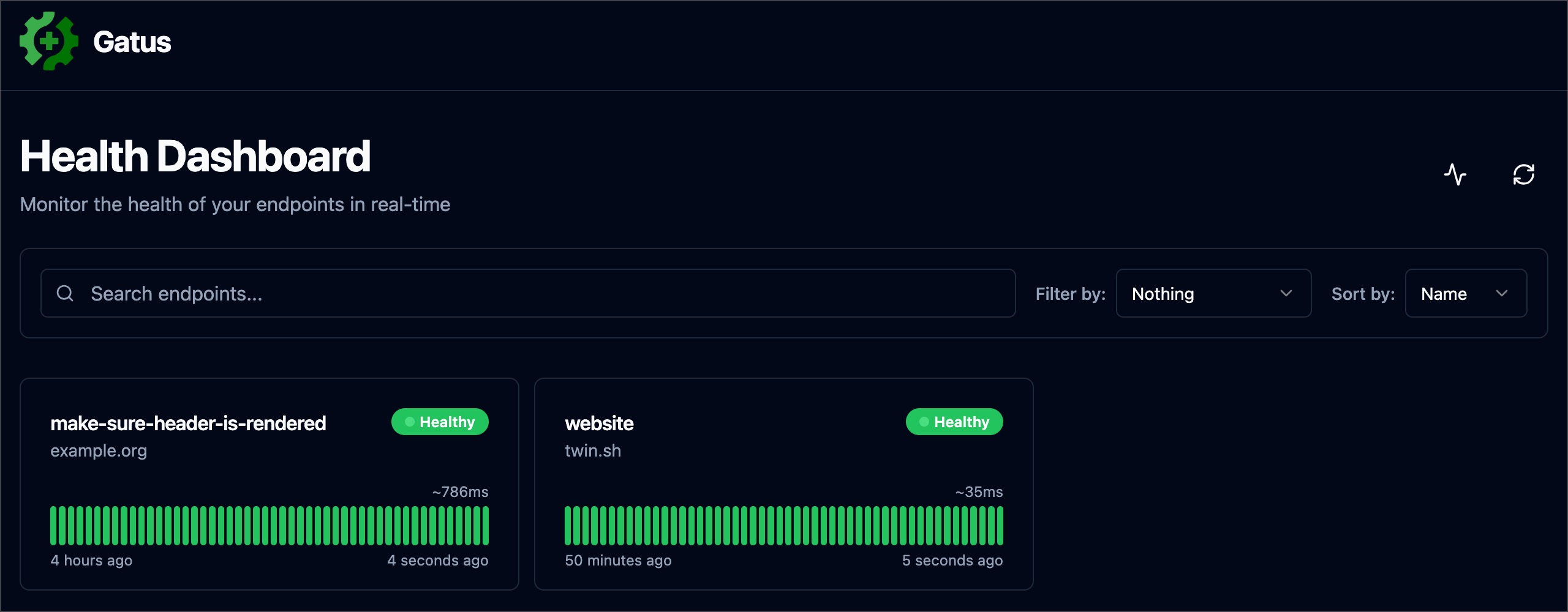
 Gatus — это опенсорсная страница статуса и панель мониторинга здоровья, ориентированная на разработчиков: она активно проверяет ваши сервисы по HTTP, TCP, ICMP или DNS, показывает результаты на веб-панели и умеет отправлять оповещения, когда проверки проваливаются.
Gatus — это опенсорсная страница статуса и панель мониторинга здоровья, ориентированная на разработчиков: она активно проверяет ваши сервисы по HTTP, TCP, ICMP или DNS, показывает результаты на веб-панели и умеет отправлять оповещения, когда проверки проваливаются.Чем это отличается от Prometheus Alertmanager или алертов Cloudwatch?Оповещения на основе метрик зависят от уже идущего трафика, поэтому ничего не сработает, если ни один клиент не обращается к упавшему сервису. Gatus сам запускает проверки по расписанию и может предупредить вас раньше, чем пользователи заметят сбой.
Оповещения на основе метрик зависят от уже идущего трафика, поэтому ничего не сработает, если ни один клиент не обращается к упавшему сервису. Gatus сам запускает проверки по расписанию и может предупредить вас раньше, чем пользователи заметят сбой.Как это запустить?Запустите Docker-образ (docker run -p 8080:8080 twinproduction/gatus) и подключите свой файл конфигурации. В документации также описаны установка через Helm chart, Terraform, манифесты Kubernetes и обычный бинарный файл. По умолчанию конфигурация читается из config/config.yaml.
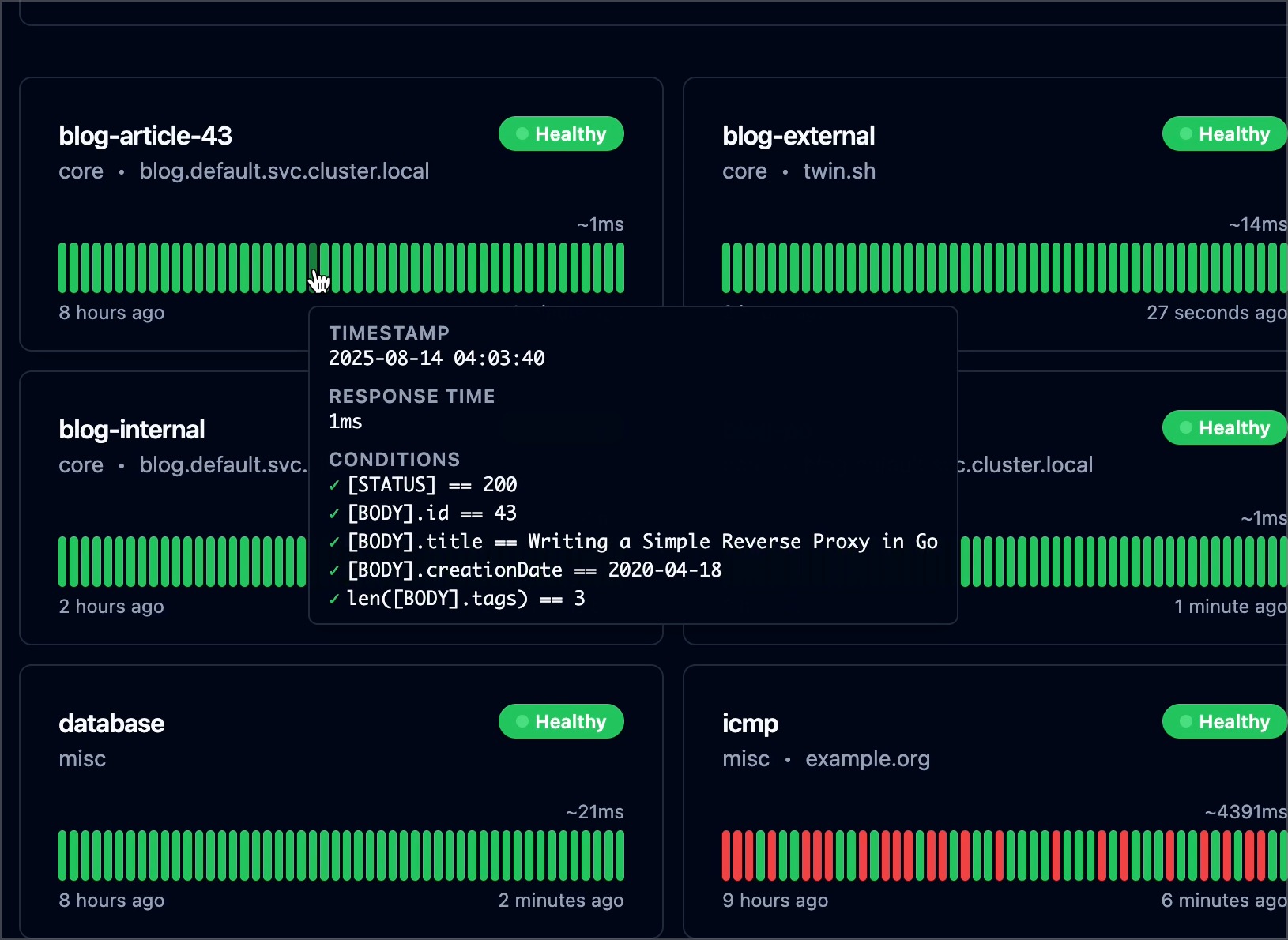
Запустите Docker-образ (docker run -p 8080:8080 twinproduction/gatus) и подключите свой файл конфигурации. В документации также описаны установка через Helm chart, Terraform, манифесты Kubernetes и обычный бинарный файл. По умолчанию конфигурация читается из config/config.yaml.Как выглядит настройка проверки здоровья?Всё в YAML: для каждого эндпоинта указываются имя, URL, метод, интервал и список условий по значениям вроде кода статуса, времени ответа, тела ответа или срока истечения сертификата. На отслеживаемых сервисах ничего не нужно устанавливать.
Всё в YAML: для каждого эндпоинта указываются имя, URL, метод, интервал и список условий по значениям вроде кода статуса, времени ответа, тела ответа или срока истечения сертификата. На отслеживаемых сервисах ничего не нужно устанавливать.Есть ли что-то экспериментальное или устаревшее, что стоит знать?Да — Suites помечены как ALPHA, удалённые инстансы — EXPERIMENTAL, а старые оповещения Teams устарели: вместо них используются Teams Workflow alerts. Конфигурационные файлы также строгие: примитивный параметр, определённый дважды в объединяемых файлах, приведёт к ошибке.
Да — Suites помечены как ALPHA, удалённые инстансы — EXPERIMENTAL, а старые оповещения Teams устарели: вместо них используются Teams Workflow alerts. Конфигурационные файлы также строгие: примитивный параметр, определённый дважды в объединяемых файлах, приведёт к ошибке.Это для ops-команд или для одиночных разработчиков?Проект изначально ориентирован на разработчиков: автор запускает его в собственном Kubernetes-кластере, чтобы следить за ключевыми приложениями, а варианты развёртывания варьируются от одного Docker-контейнера до Helm и Terraform — подойдёт любому, кто самостоятельно хостит свои сервисы.
Проект изначально ориентирован на разработчиков: автор запускает его в собственном Kubernetes-кластере, чтобы следить за ключевыми приложениями, а варианты развёртывания варьируются от одного Docker-контейнера до Helm и Terraform — подойдёт любому, кто самостоятельно хостит свои сервисы.Она отправляет данные куда-то наружу?Полностью self-hosted решение: проверки выполняются там, где вы его развернули, а результаты остаются в вашем собственном хранилище (в комплекте есть пример docker-compose для PostgreSQL). Чувствительные значения конфигурации можно передавать через переменные окружения; есть и управляемый вариант на Gatus.io.
Полностью self-hosted решение: проверки выполняются там, где вы его развернули, а результаты остаются в вашем собственном хранилище (в комплекте есть пример docker-compose для PostgreSQL). Чувствительные значения конфигурации можно передавать через переменные окружения; есть и управляемый вариант на Gatus.io.Что ещё можно проверять, кроме обычных HTTP-адресов?Помимо HTTP/HTTPS она умеет проверять TCP, UDP и SCTP порты, пинговать хосты по ICMP, выполнять DNS-запросы, обращаться к WebSocket и gRPC эндпоинтам, проверять сервисы SSH, STARTTLS и TLS, отправлять GraphQL-запросы и даже следить за сроком истечения домена.
Помимо HTTP/HTTPS она умеет проверять TCP, UDP и SCTP порты, пинговать хосты по ICMP, выполнять DNS-запросы, обращаться к WebSocket и gRPC эндпоинтам, проверять сервисы SSH, STARTTLS и TLS, отправлять GraphQL-запросы и даже следить за сроком истечения домена.Что происходит, когда проверка проваливается?Как только превышен порог сбоев, Gatus отправляет вам оповещение через один из множества встроенных провайдеров — Slack, Teams, PagerDuty, Discord, Telegram, Twilio, email и десятки других — либо через собственный провайдер уведомлений, который вы напишете сами. Можно настроить алерт по умолчанию сразу для всех эндпоинтов.
Как только превышен порог сбоев, Gatus отправляет вам оповещение через один из множества встроенных провайдеров — Slack, Teams, PagerDuty, Discord, Telegram, Twilio, email и десятки других — либо через собственный провайдер уведомлений, который вы напишете сами. Можно настроить алерт по умолчанию сразу для всех эндпоинтов.Можно ли вытащить данные или встроить статус-бейджи на других сайтах?Да. Есть программный API с доступом к сырым данным, аптайму и временным рядам времени ответа, а также готовые бейджи для аптайма, здоровья (совместимые с Shields.io) и времени ответа с настраиваемыми цветовыми порогами.
Да. Есть программный API с доступом к сырым данным, аптайму и временным рядам времени ответа, а также готовые бейджи для аптайма, здоровья (совместимые с Shields.io) и времени ответа с настраиваемыми цветовыми порогами.А можно использовать это как автоматический раннер смоук-тестов?Да, это прямо заявленный сценарий использования: поскольку условия могут проверять коды статусов, тела ответов, время ответа и даже резолвящийся IP, в README предлагается использовать Gatus для создания автоматизированных приёмочных тестов.
Да, это прямо заявленный сценарий использования: поскольку условия могут проверять коды статусов, тела ответов, время ответа и даже резолвящийся IP, в README предлагается использовать Gatus для создания автоматизированных приёмочных тестов.What are similar projects?uptime-kuma, Checkmate, nezha, upptime, keep, healthchecks, labtether, kubeshark
uptime-kuma, Checkmate, nezha, upptime, keep, healthchecks, labtether, kubesharkWhich topics is it in?uptime-monitoring, monitoring-tool, status, monitor, selfhosted, alerting, health, container, helm, prometheus, slack, notifications
uptime-monitoring, monitoring-tool, status, monitor, selfhosted, alerting, health, container, helm, prometheus, slack, notifications