





 |
|  |
| 
 |
|  |
| 13.6K ·GitHub
What is this?
 CustomTkinter is a Python UI library based on Tkinter. It provides modern, fully customizable widgets so desktop apps get a consistent, up-to-date look across Windows, macOS and Linux.
CustomTkinter is a Python UI library based on Tkinter. It provides modern, fully customizable widgets so desktop apps get a consistent, up-to-date look across Windows, macOS and Linux.So is it a replacement for Tkinter or a layer on top of it?A layer on top, not a replacement: you create and use its widgets just like normal Tkinter widgets, and you can freely mix them with regular Tkinter elements in the same app.
A layer on top, not a replacement: you create and use its widgets just like normal Tkinter widgets, and you can freely mix them with regular Tkinter elements in the same app.How do I add it to a project?Install it from PyPI with pip: pip install customtkinter. The README advises updating often (also via pip) because the library is under active development.
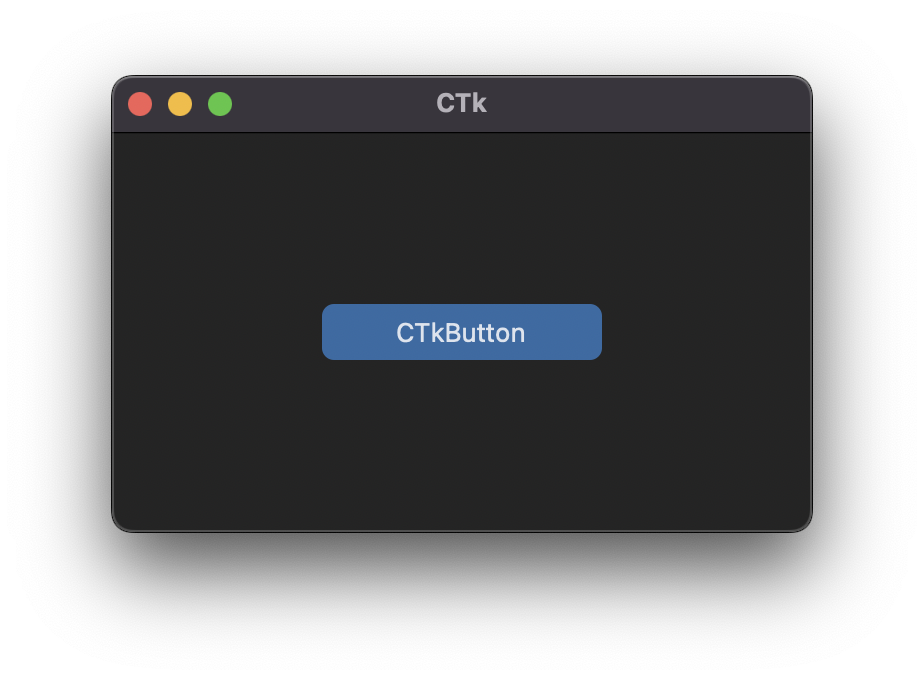
Install it from PyPI with pip: pip install customtkinter. The README advises updating often (also via pip) because the library is under active development.Do I need anything special besides a normal Python install?No, just Python. The only quirk is macOS: to get a dark window header you need Python 3.10 or higher or the Anaconda version, since Tcl/Tk >= 8.6.9 is required.
No, just Python. The only quirk is macOS: to get a dark window header you need Python 3.10 or higher or the Anaconda version, since Tcl/Tk >= 8.6.9 is required.Will apps look sharp on high-DPI displays on every OS?HiDPI scaling is confirmed for Windows and macOS — those are the only two platforms the README names for it. Linux gets the same modern look, but no scaling support is claimed there.
HiDPI scaling is confirmed for Windows and macOS — those are the only two platforms the README names for it. Linux gets the same modern look, but no scaling support is claimed there.Does it follow my system's dark mode?Yes. Widgets and window colors adapt to the system appearance automatically, or you can set the mode manually to 'light' or 'dark' — including Windows 10/11 dark mode.
Yes. Widgets and window colors adapt to the system appearance automatically, or you can set the mode manually to 'light' or 'dark' — including Windows 10/11 dark mode.How customizable is the look beyond dark mode?Widgets are fully customizable and there are themes — the README examples use a standard 'blue' theme, and the documentation covers appearance mode, scaling, themes and every widget.
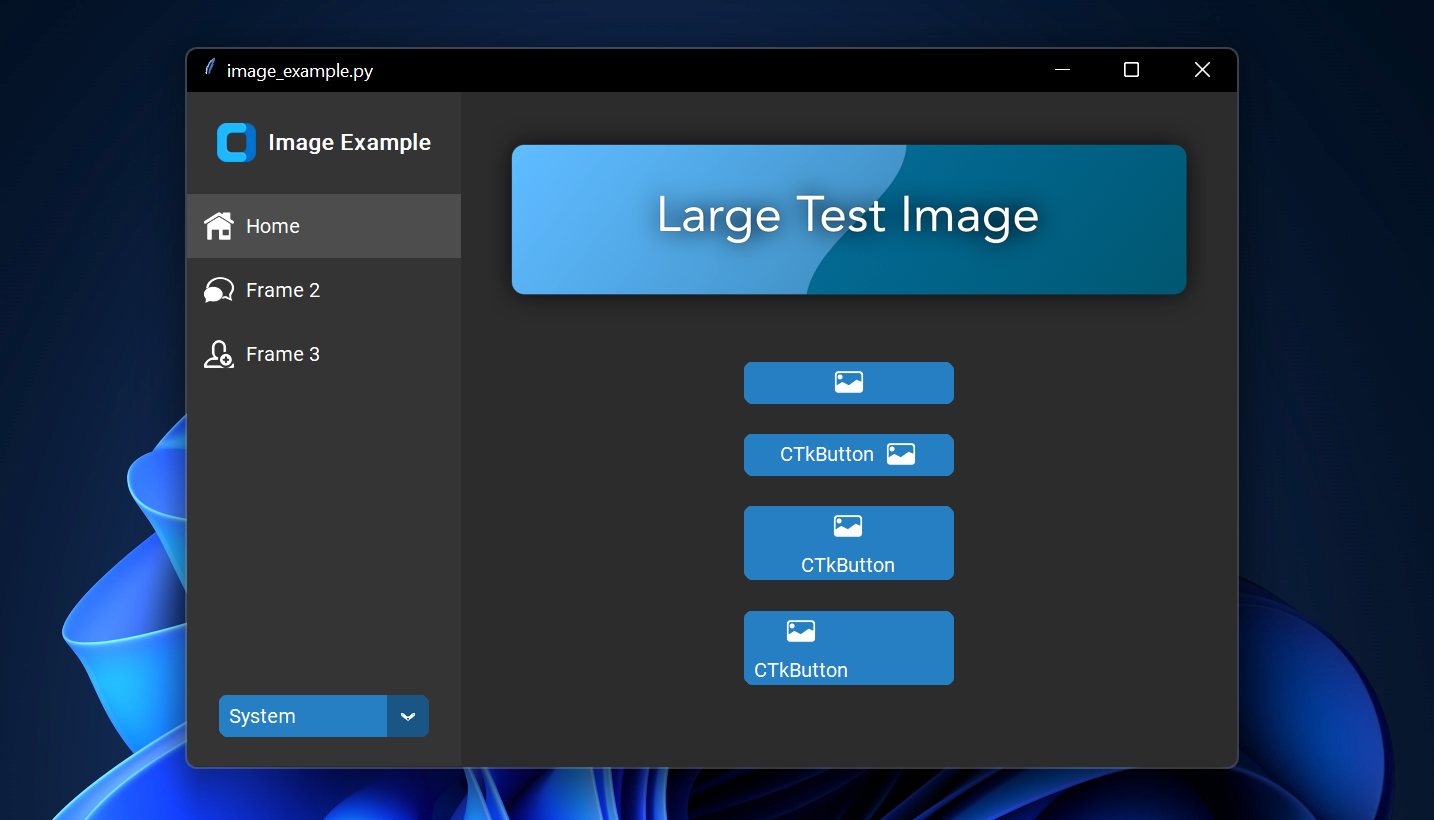
Widgets are fully customizable and there are themes — the README examples use a standard 'blue' theme, and the documentation covers appearance mode, scaling, themes and every widget.Can I put images on buttons?Yes — pass a PhotoImage object to a CTkButton via the image argument. Set text='' for an image-only button, or use the compound option to control how text and image sit together.
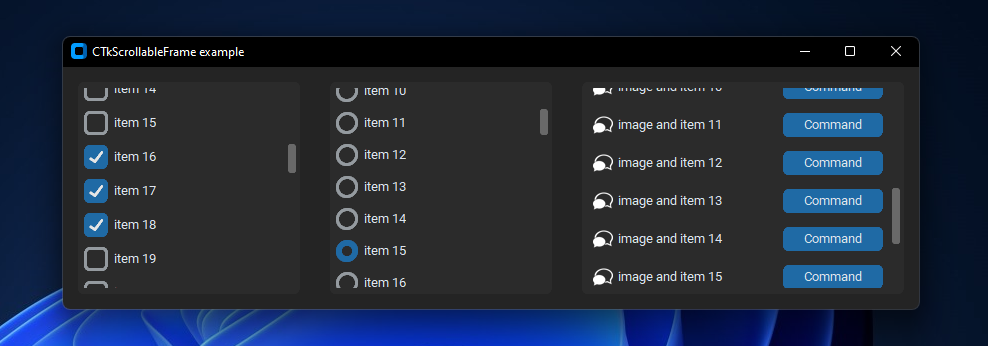
Yes — pass a PhotoImage object to a CTkButton via the image argument. Set text='' for an image-only button, or use the compound option to control how text and image sit together.Does it have scrollable frames?Yes, in both vertical and horizontal orientation, and scrollable frames can be combined with any other widgets.
Yes, in both vertical and horizontal orientation, and scrollable frames can be combined with any other widgets.Can I embed a map in my app?Not built in, but the author's TkinterMapView library integrates well with CustomTkinter — it's a tile-based map widget that displays OpenStreetMap or other tile-based maps.
Not built in, but the author's TkinterMapView library integrates well with CustomTkinter — it's a tile-based map widget that displays OpenStreetMap or other tile-based maps.What are similar projects?PySimpleGUI, Tkinter-Designer, ExplorerPatcher, Seelen-UI, plexo, DevToys, vscode-dark-islands, iced
PySimpleGUI, Tkinter-Designer, ExplorerPatcher, Seelen-UI, plexo, DevToys, vscode-dark-islands, icedWhich topics is it in?modern, dark-theme, user-interface, ui-design, windows-10, windows-11, python3, dark-mode, python-library, theme, ui, desktop
modern, dark-theme, user-interface, ui-design, windows-10, windows-11, python3, dark-mode, python-library, theme, ui, desktop