


What is this?
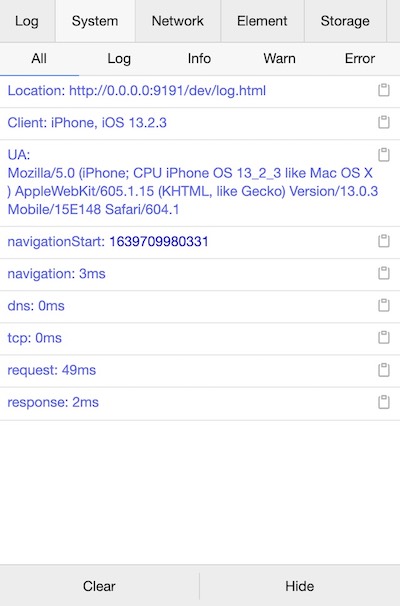
 A lightweight, extendable front-end developer tool for debugging mobile web pages: an on-page console that shows logs, network requests, elements and storage right on the phone.
A lightweight, extendable front-end developer tool for debugging mobile web pages: an on-page console that shows logs, network requests, elements and storage right on the phone.Is this a browser extension or code I add to my page?Code you add to your project, not an extension: it is framework-free, works in Vue, React or any other framework, and renders its console UI directly on the page.
Code you add to your project, not an extension: it is framework-free, works in Vue, React or any other framework, and renders its console UI directly on the page.How do I add it to a project?Two ways: npm install vconsole (recommended) and import it, or include a CDN script tag in your HTML.
Two ways: npm install vconsole (recommended) and import it, or include a CDN script tag in your HTML.Do I need anything special installed to use it?Nothing special: it is a normal npm package with small runtime deps (core-js, @babel/runtime, copy-text-to-clipboard) and no server component to run.
Nothing special: it is a normal npm package with small runtime deps (core-js, @babel/runtime, copy-text-to-clipboard) and no server component to run.Is it only useful on mobile, or on desktop too?It is aimed at mobile web pages, where full devtools are unavailable; being regular script loaded with the page, it runs wherever that page runs.
It is aimed at mobile web pages, where full devtools are unavailable; being regular script loaded with the page, it runs wherever that page runs.Does it work in WeChat Miniprograms or just regular mobile pages?Both: it is now the official debugging tool for WeChat Miniprograms, and the repo ships a dedicated wx build alongside the regular web build.
Both: it is now the official debugging tool for WeChat Miniprograms, and the repo ships a dedicated wx build alongside the regular web build.Is it free to use, even commercially?Yes — it is released under the MIT License, so it is free to use and embed in any project, commercial included.
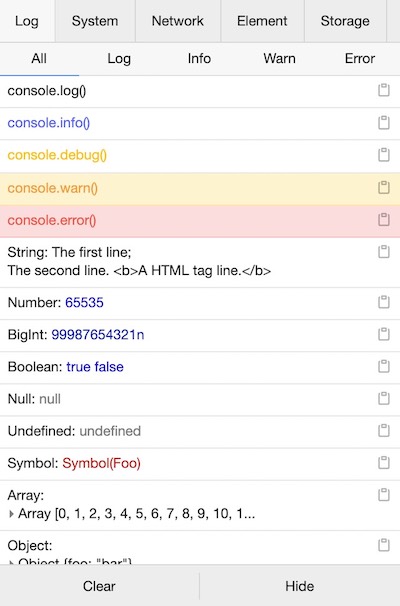
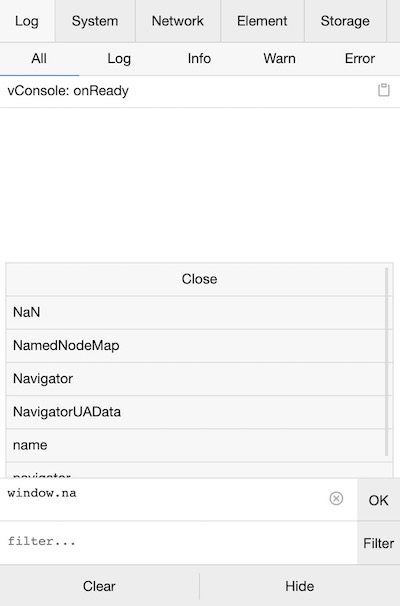
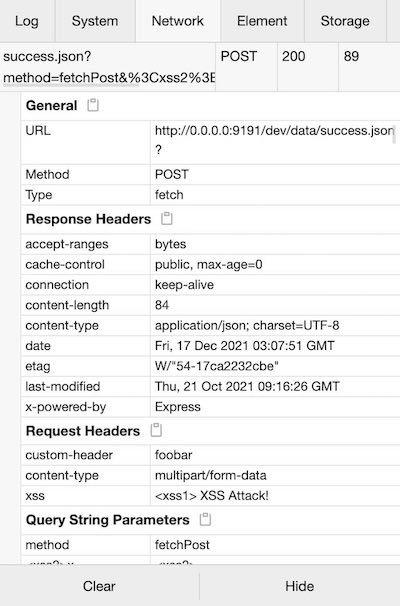
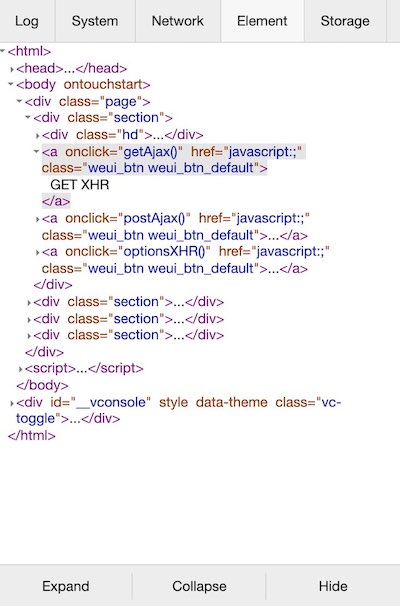
Yes — it is released under the MIT License, so it is free to use and embed in any project, commercial included.What can I actually inspect with it?Console logs (log, info, error and more), network requests from XMLHttpRequest, Fetch and sendBeacon, a realtime HTML element tree, system and performance info, plus a command line to execute JS manually.
Console logs (log, info, error and more), network requests from XMLHttpRequest, Fetch and sendBeacon, a realtime HTML element tree, system and performance info, plus a command line to execute JS manually.Can I edit storage values from the panel?Yes — the Storage panel lets you add, edit, delete or copy Cookies, LocalStorage and SessionStorage entries.
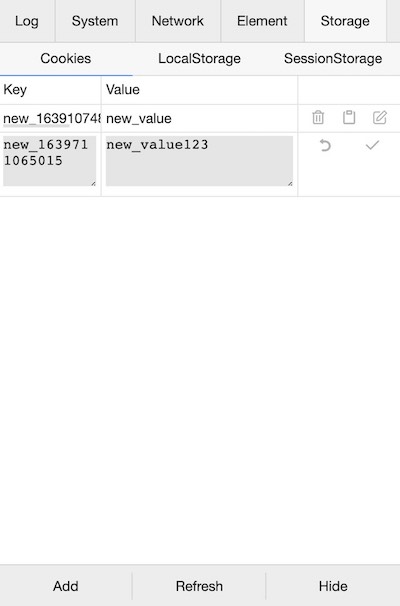
Yes — the Storage panel lets you add, edit, delete or copy Cookies, LocalStorage and SessionStorage entries.Can I add my own panels or features?Yes, it supports custom plugins, with docs covering how to build one; the community maintains extras like vconsole-webpack-plugin, vite-plugin-vconsole and a vue-devtools plugin.
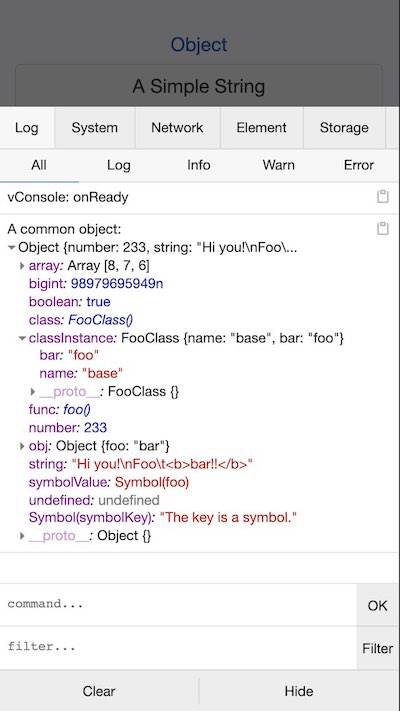
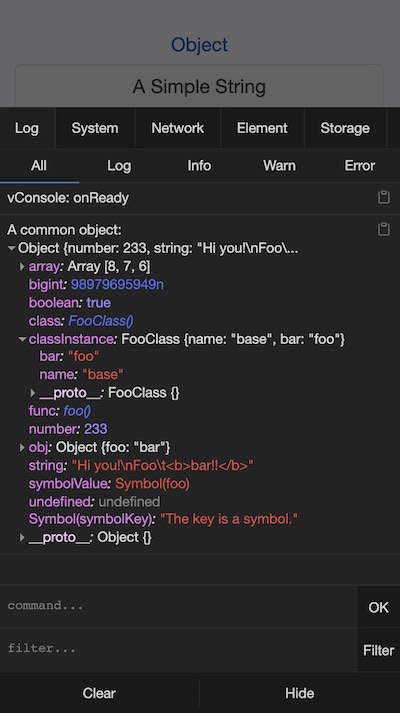
Yes, it supports custom plugins, with docs covering how to build one; the community maintains extras like vconsole-webpack-plugin, vite-plugin-vconsole and a vue-devtools plugin.Does it have a dark mode?Yes — the overview screenshots show both light and dark themes.
Yes — the overview screenshots show both light and dark themes.What are similar projects?eruda, better-scroll, react-grab, devtools-v6, qiankun, debug, react-scan, redux-devtools-extension
eruda, better-scroll, react-grab, devtools-v6, qiankun, debug, react-scan, redux-devtools-extension