[!WARNING]
Official Distribution Only: This GitHub repository (https://github.com/Shrey113/Android-Dex) is the only official and authorized source for Android DEX.
Android DEX
Transform your Android device into a complete desktop experience.
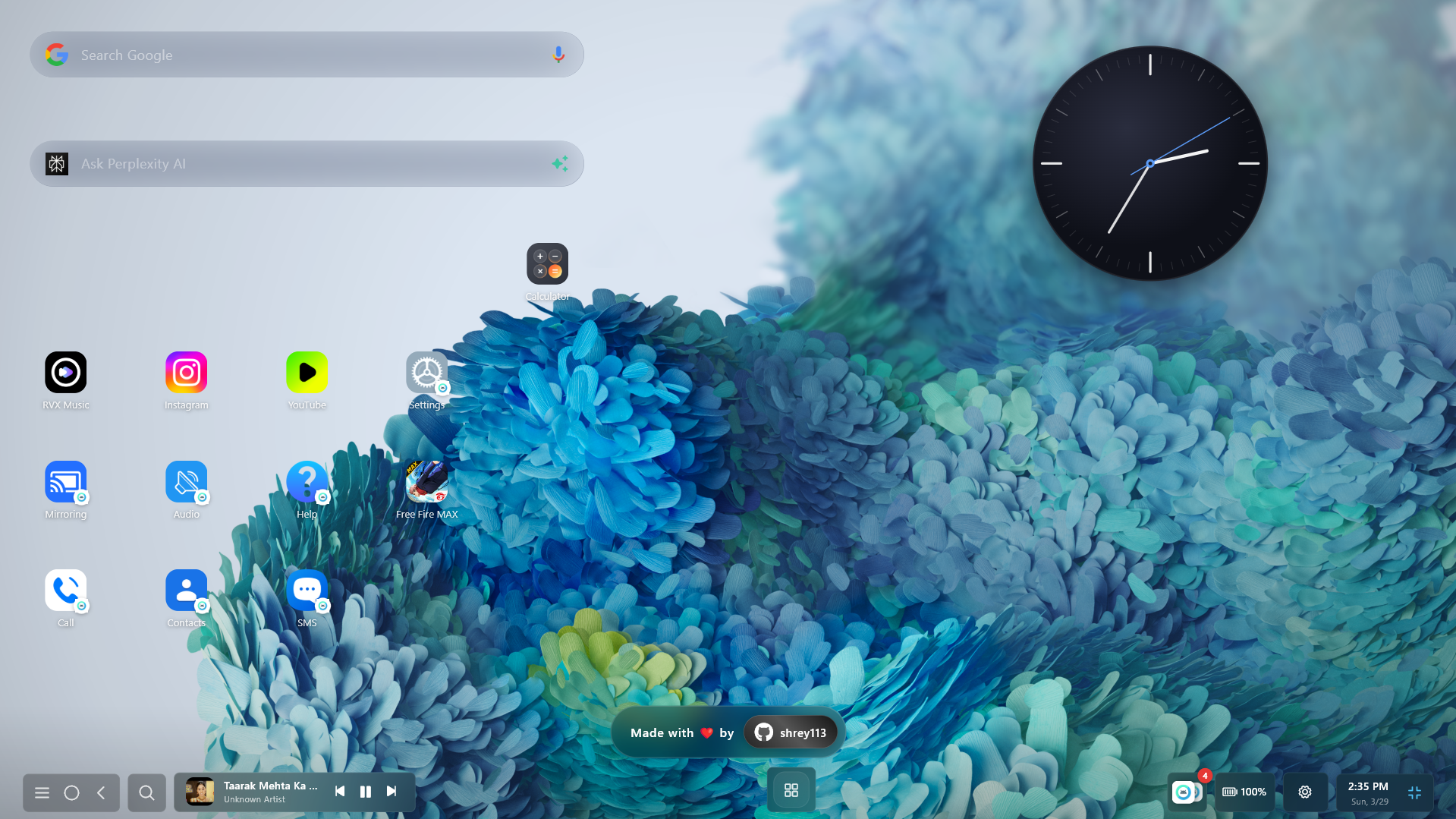
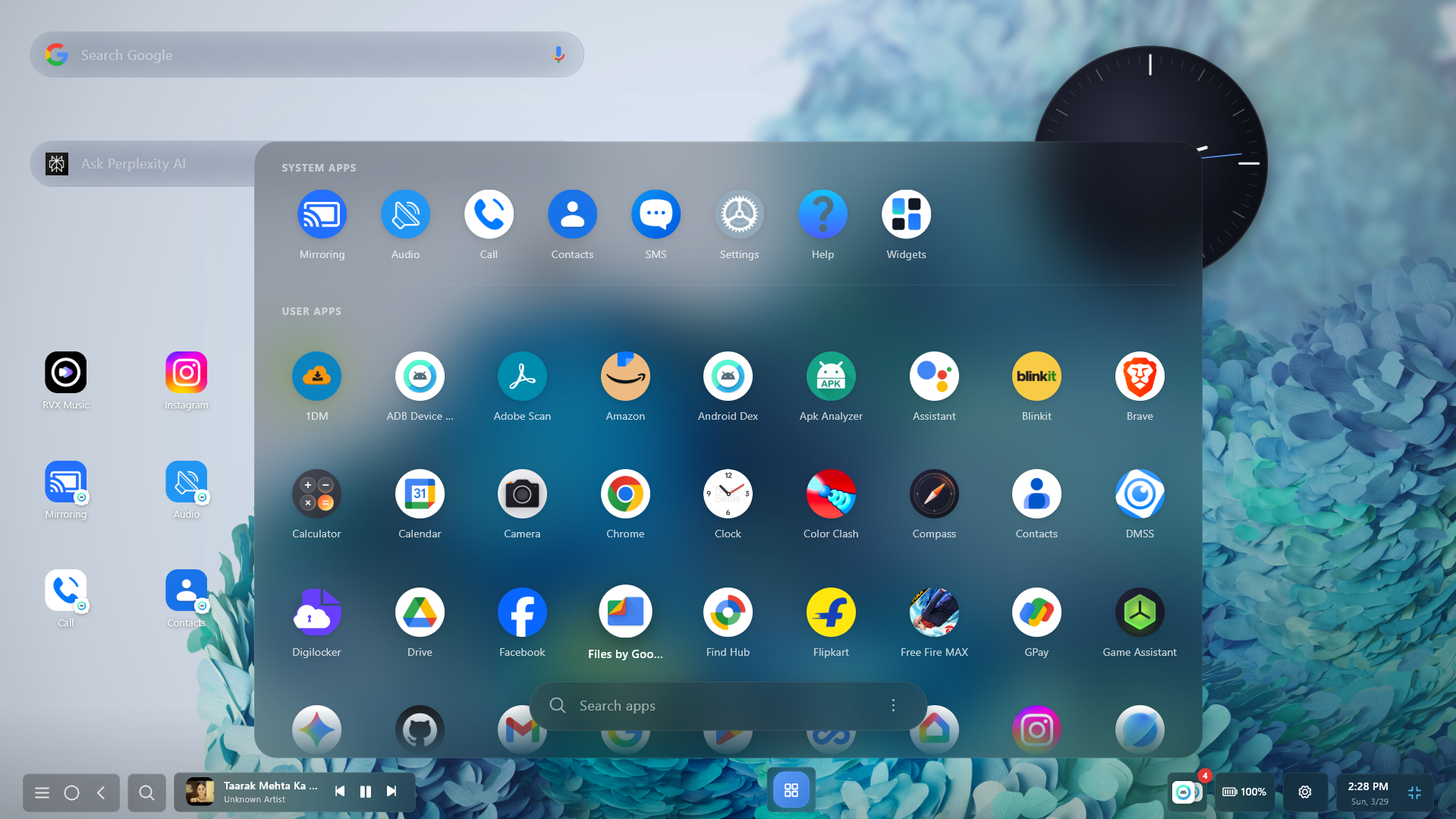
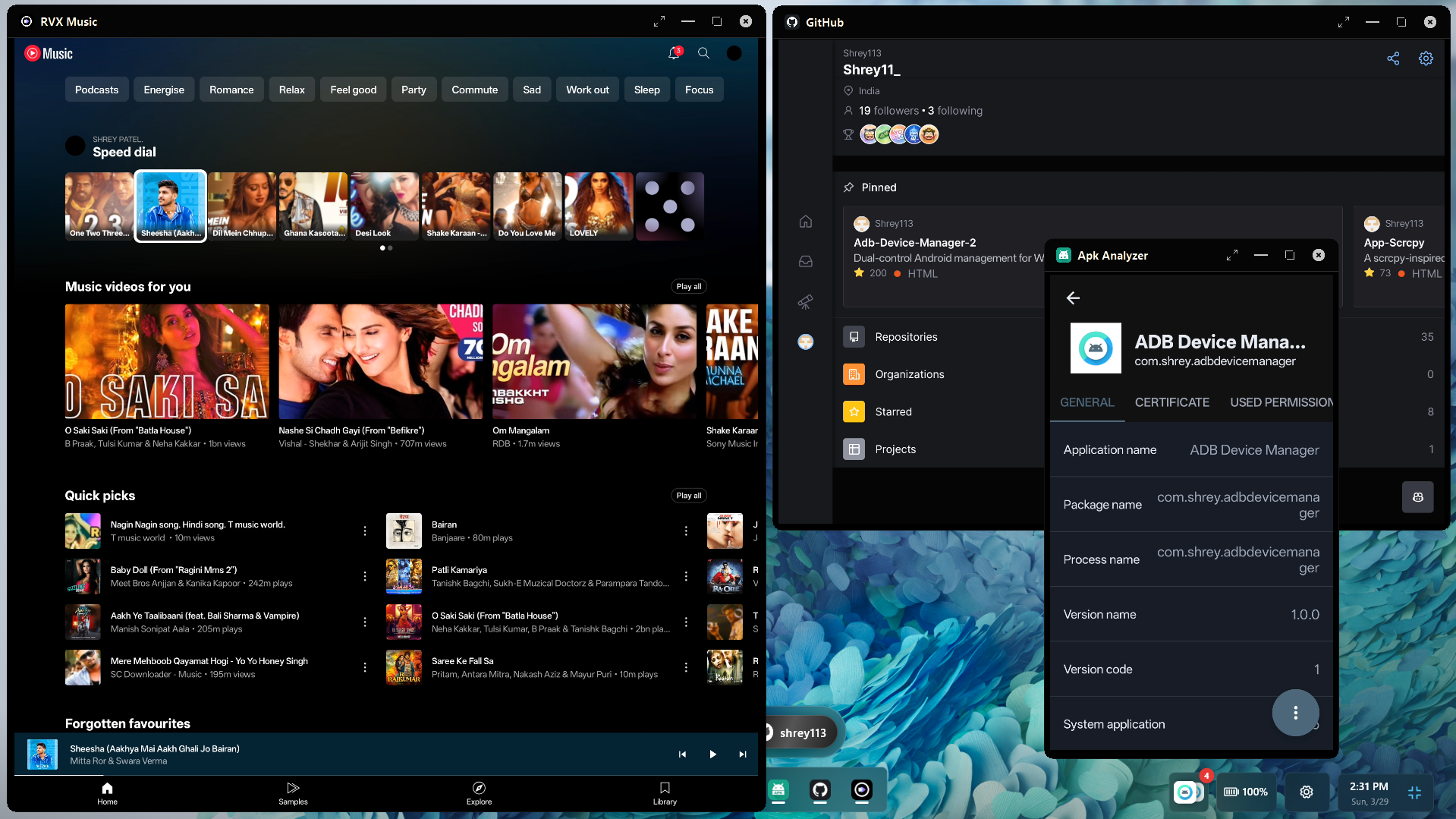
Android DEX is a free, closed-source desktop application for Windows, Linux, and macOS that lets you run Android apps in resizable desktop-style windows, mirror screens, stream per-app audio, manage notifications, control media playback, and game with native keyboard and mouse input — all using high-performance ADB and companion services over USB or Wi-Fi.




Download Android DEX
App Preview
Keyboard Shortcuts
Boost your productivity with built-in keyboard shortcuts for the most common actions:
| Shortcut |
Action |
Ctrl + G |
Toggle Game Controls / Gaming Mode for current app |
Ctrl + F |
Enter / Toggle Fullscreen |
Esc |
Exit Fullscreen |
Ctrl + Alt + Up / Down |
System-level hotkey to Show / Hide Android DEX |
Ctrl + Alt + Left / Right |
Switch active device / Open device switcher panel |
Gaming Mode (No Emulator Detection)
Experience true desktop-grade gaming with zero emulator detection. Because games execute directly on your physical Android hardware and touch events are passed via low-level native protocols, anti-cheat systems recognize your device as a genuine mobile phone—giving you full access to native mobile lobbies without emulator bans or restrictions.
| Control / Button |
Description |
| Tap Spot Button |
Single tap or turbo rapid-fire mapped to any keyboard key or mouse click at exact screen coordinates |
| D-Pad / Joystick |
8-directional movement (WASD) with adjustable radius, deadzone, sprint zone, and analog smoothing |
| FPS Mouse Lock & Gyro Aim |
True 360° FPS camera control with cursor locking and gyroscope sensor emulation for precision aiming |
| Right-Click Aim / ADS |
Dedicated Right-Click trigger for instant Scope / Aim-Down-Sights (ADS) or secondary action toggle |
| Swipe & Skill Trigger |
Directional swipe gestures, skill casting, and flick mechanics bound to single key presses |
| Script & Combo Macro |
Multi-step automated touch sequences (tap combos, delays, and directional swipes) mapped to a single key |
| Game Profile Manager |
Create, save, and auto-load customized control layouts per game with local database storage |
Technologies & Dependencies
Android DEX is a closed-source application built on top of industry-standard open-source libraries and native platform frameworks:
- ADB — Android Debug Bridge – Core protocol for device communication, wireless pairing, and ADB command execution.
- scrcpy – High-performance, low-latency screen mirroring and remote input control for Android devices.
- Flutter – Cross-platform UI framework used to build the desktop client.
- Kotlin – Powers the companion Android service, media listener, and settings UI.
Special thanks to rom1v for their foundational contributions to the open-source ADB and scrcpy ecosystems, which provided critical architectural insights for this project.
Official Documentation & Resources
Security & Privacy
Your privacy and security are foundational:
- 100% Local Processing: All screen mirroring, audio streaming, touch/keyboard input, and notification management occur strictly locally between your desktop and your Android device.
- Zero Data Collection: Android DEX does not collect, track, monitor, or harvest any personal data, keystrokes, device IDs, screen content, or telemetry.
- No Cloud / Completely Offline: Android DEX does not communicate with external servers or cloud endpoints. It functions entirely without an internet connection.
- Direct Local Connection: All device communication is handled directly through standard ADB over your local USB cable or local Wi-Fi network with zero third-party intermediaries.
See SECURITY.md for the full Security & Privacy Policy.
License
Android DEX is proprietary, closed-source software.
Users may use Android DEX for personal, educational, research, and testing purposes.
Users may create, publish, and share non-commercial videos, tutorials, reviews, demonstrations, screenshots, and other content featuring Android DEX. Such content must not be monetized or used to generate advertising revenue, sponsorship income, affiliate commissions, paid promotions, memberships, donations, or other commercial income.
[!CAUTION]
Strict Prohibition on Monetized Websites & Mirrors:
Creating websites, download portals, landing pages, or mirror services to distribute or promote Android DEX for commercial gain (including ad revenue via Google AdSense, banners, popups, paywalls, link shorteners, or paid download gateways) is strictly prohibited. Bundling or wrapping Android DEX with third-party installers, download managers, adware, toolbars, or commercial software suites is strictly forbidden.
Redistribution, modification, repackaging, commercial use, commercial distribution, and unauthorized mirroring of Android DEX are prohibited unless explicitly authorized in writing by the copyright holder.
For commercial licensing inquiries or written monetization permissions, please contact @Shrey113.
Third-party open-source components, including scrcpy, remain subject to their respective licenses.
See LICENSE, NOTICE, and SECURITY.md for complete details.
Thanks for using Android DEX! 🎉
Made by Shrey113
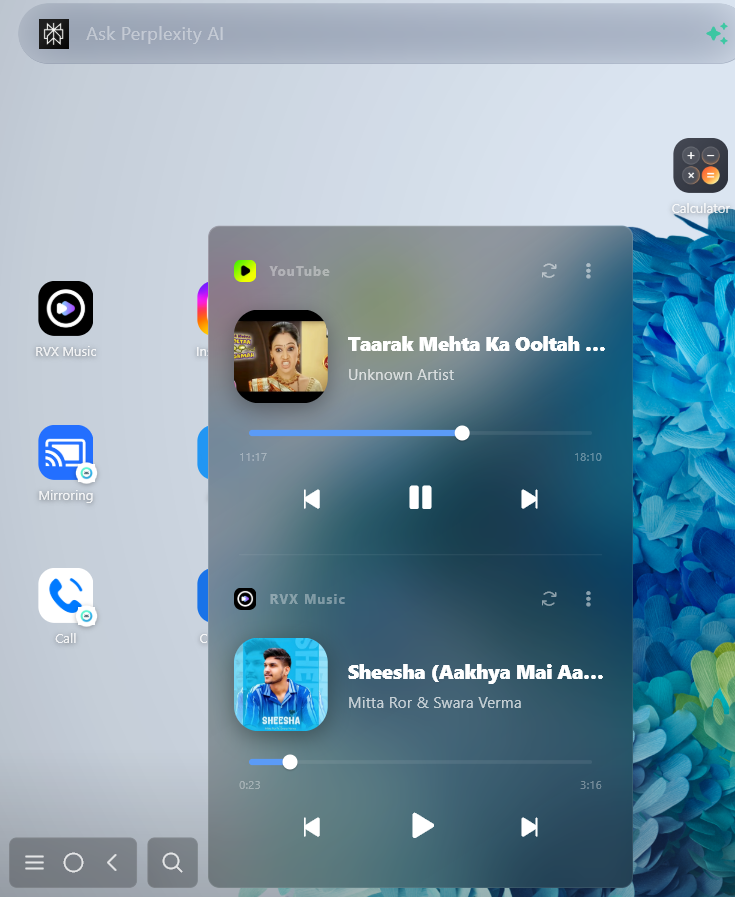
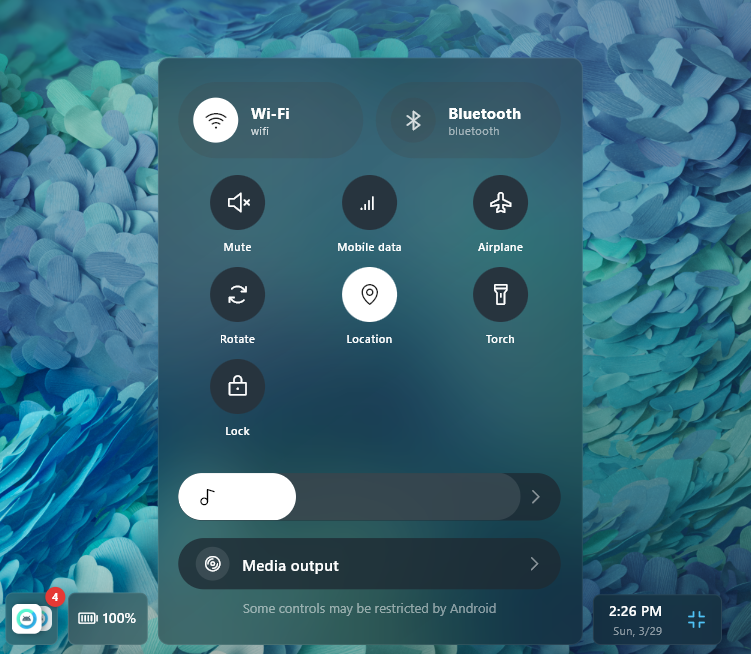
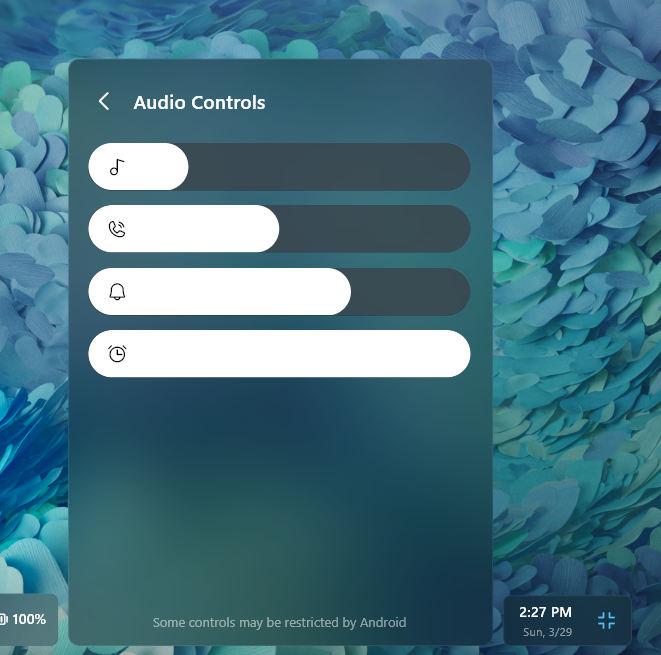
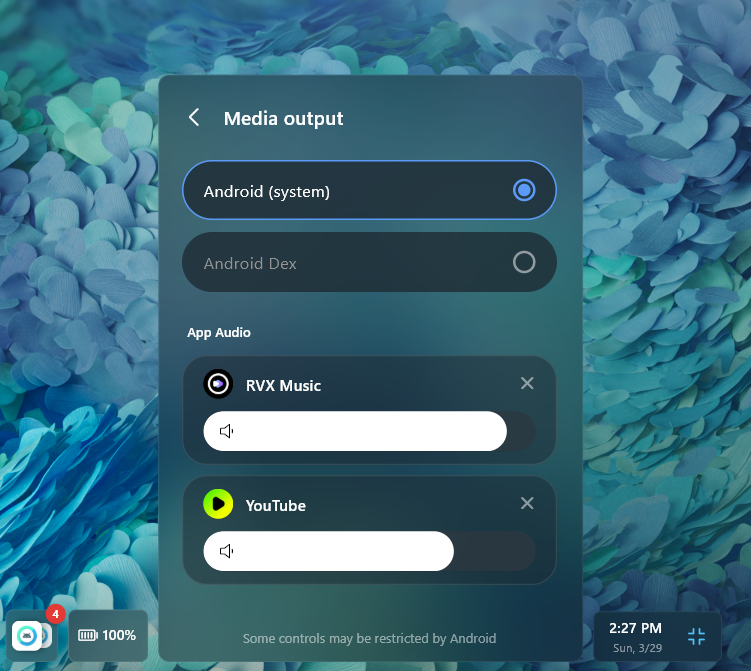

 一款适用于 Windows、Linux 和 macOS 的桌面应用,可以在可调整大小的窗口中运行安卓应用,并通过 USB 或 Wi-Fi(借助 ADB)将手机画面投屏到电脑上。它定位为适用于任何安卓手机的三星 DeX 替代方案。