



3.9K ·GitHub
Что это такое?
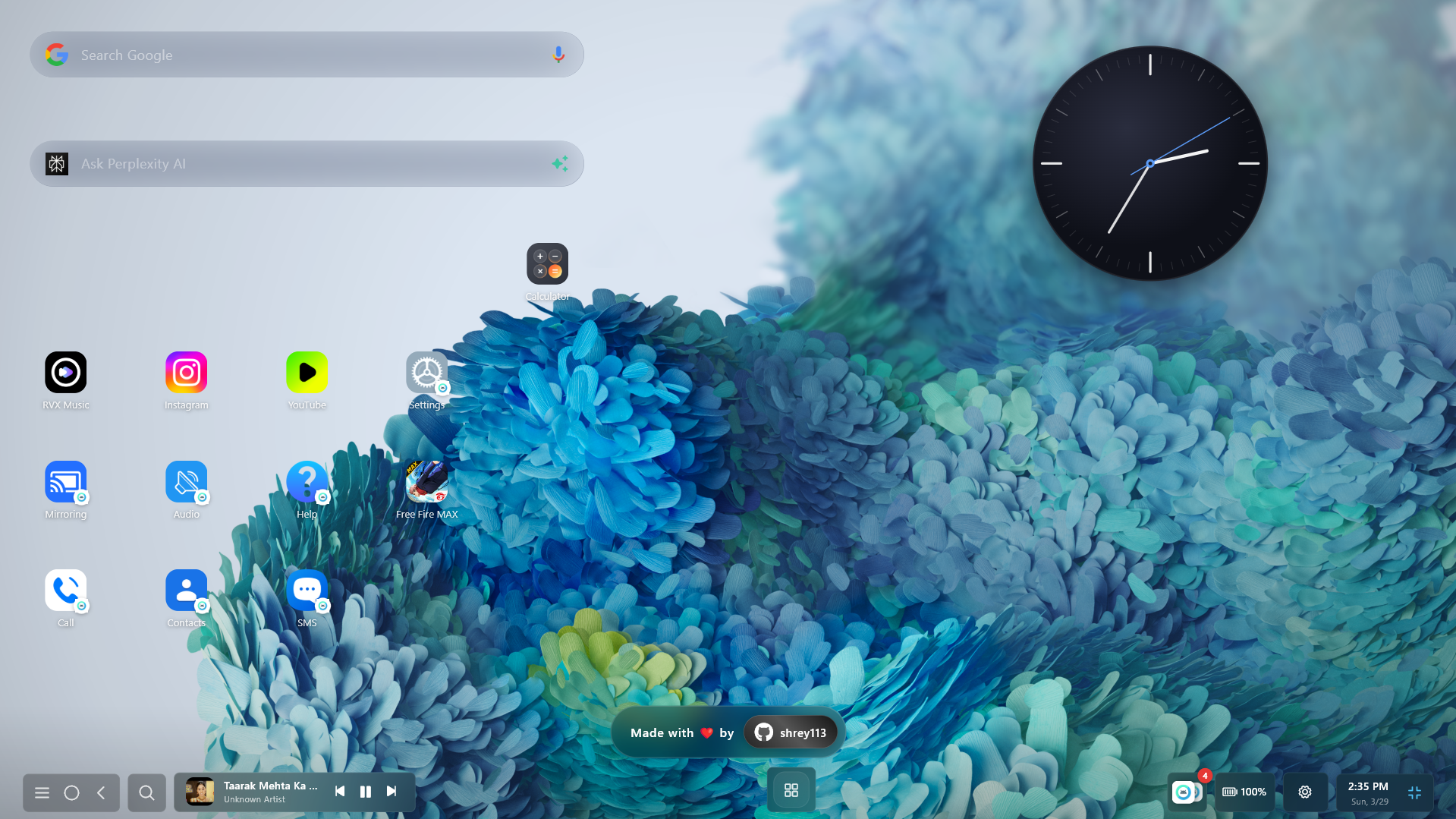
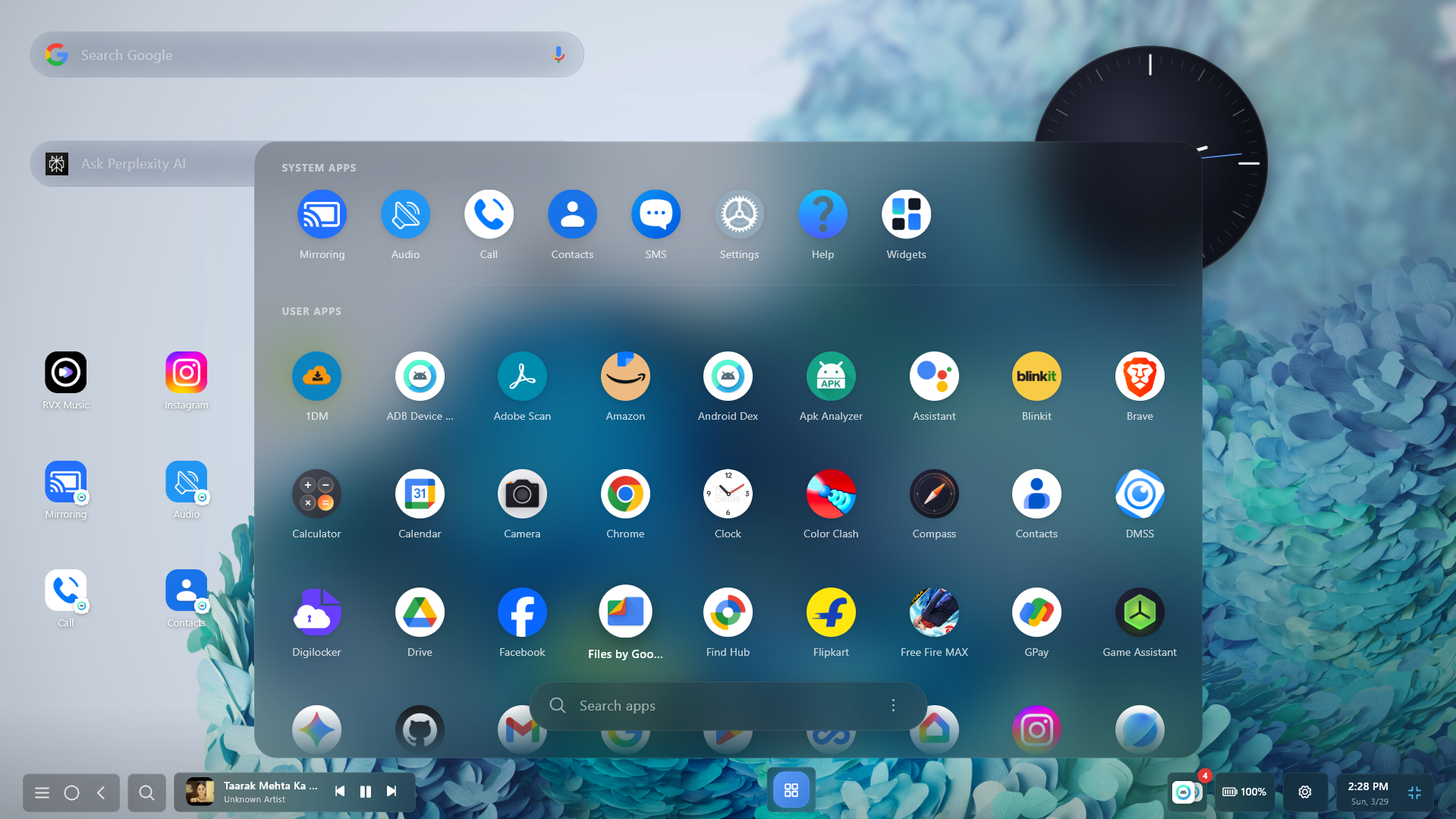
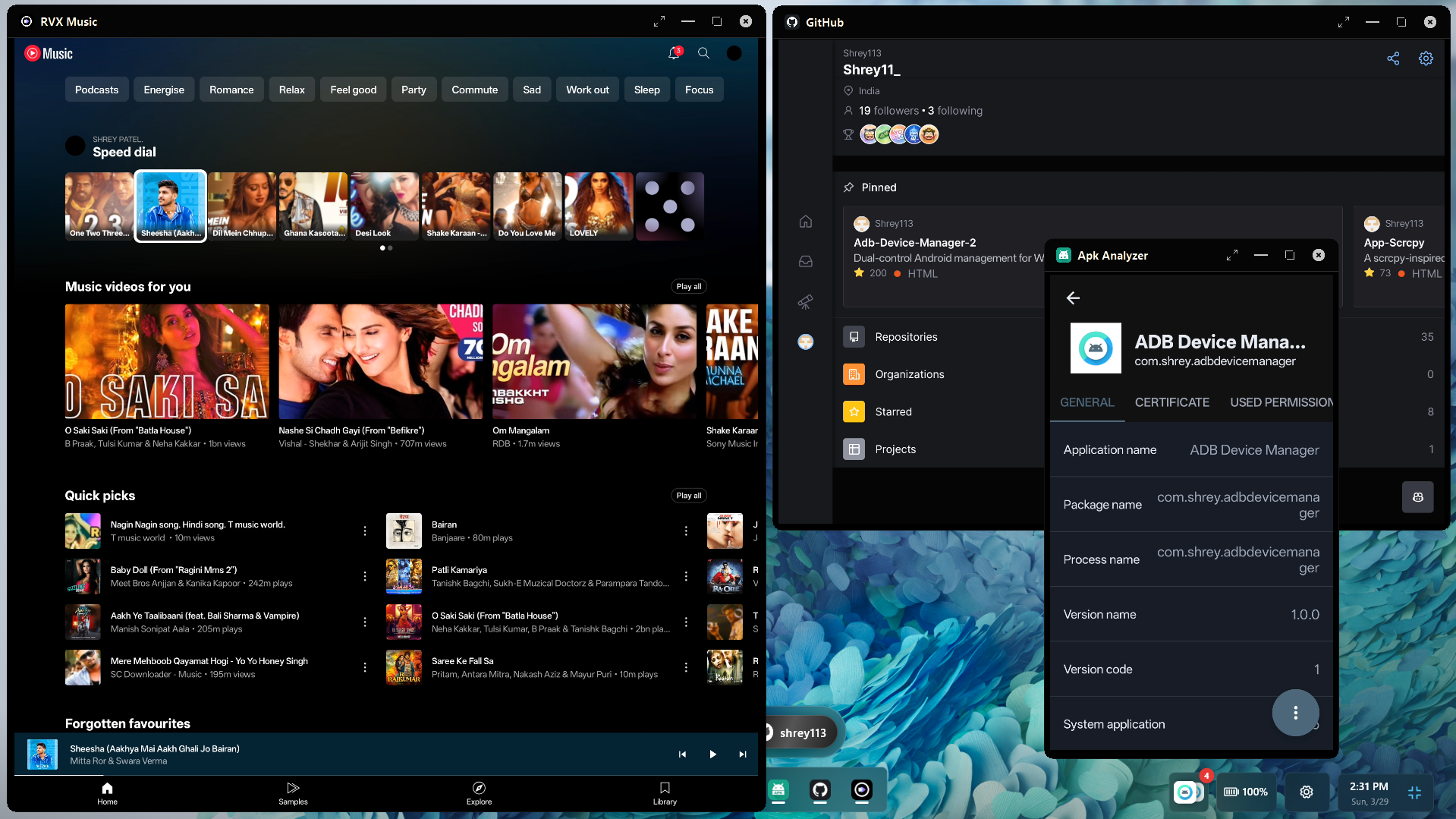
 Настольное приложение для Windows, Linux и macOS, которое запускает приложения Android в окнах с изменяемым размером и выводит экран телефона на компьютер по USB или Wi-Fi через ADB. Позиционируется как альтернатива Samsung DeX для любого Android-телефона.
Это нужно установить или это код, который я добавляю в свой проект?Это устанавливаемое настольное приложение, а не библиотека или фреймворк. Со стороны телефона используется вспомогательный сервис Android, а настольная часть написана на Flutter.
Это устанавливаемое настольное приложение, а не библиотека или фреймворк. Со стороны телефона используется вспомогательный сервис Android, а настольная часть написана на Flutter.Как это запустить?Скачайте сборку для вашей ОС из таблицы Download в README, затем подключите телефон по USB или Wi-Fi. Приложение использует стандартный ADB, включая беспроводное сопряжение.
Скачайте сборку для вашей ОС из таблицы Download в README, затем подключите телефон по USB или Wi-Fi. Приложение использует стандартный ADB, включая беспроводное сопряжение.Нужно ли что-то ещё на телефоне или компьютере?На телефоне должна быть включена отладка ADB (по USB или беспроводная), так как всё работает через ADB. Вывод экрана обеспечивает scrcpy под капотом.
На телефоне должна быть включена отладка ADB (по USB или беспроводная), так как всё работает через ADB. Вывод экрана обеспечивает scrcpy под капотом.Есть ли подвохи, о которых стоит знать?Проверить код нельзя, так как он закрытый. Утверждение о том, что античит видит настоящий телефон, — это собственное заявление автора, которое здесь не проверено. Скачивайте только с официальных ссылок.
Проверить код нельзя, так как он закрытый. Утверждение о том, что античит видит настоящий телефон, — это собственное заявление автора, которое здесь не проверено. Скачивайте только с официальных ссылок.Работает ли это с любым Android-телефоном?В описании сказано, что работает со всеми устройствами Android, подключёнными через ADB. В README не указаны конкретные версии Android или модели телефонов.
В описании сказано, что работает со всеми устройствами Android, подключёнными через ADB. В README не указаны конкретные версии Android или модели телефонов.Отправляет ли оно куда-то мой экран, нажатия клавиш или данные?Автор утверждает, что весь вывод экрана, звук и ввод остаются локально между вашим компьютером и телефоном, без телеметрии, облачных серверов и без необходимости в интернете. Так как код закрытый, проверить это самостоятельно нельзя.
Автор утверждает, что весь вывод экрана, звук и ввод остаются локально между вашим компьютером и телефоном, без телеметрии, облачных серверов и без необходимости в интернете. Так как код закрытый, проверить это самостоятельно нельзя.Можно ли использовать это бесплатно и делиться этим?Оно бесплатно для личного, образовательного, исследовательского и тестового использования. Некоммерческие видео и обзоры допустимы, но монетизировать их нельзя. Коммерческое использование, распространение или переупаковка требуют письменного разрешения автора.
Оно бесплатно для личного, образовательного, исследовательского и тестового использования. Некоммерческие видео и обзоры допустимы, но монетизировать их нельзя. Коммерческое использование, распространение или переупаковка требуют письменного разрешения автора.Что можно делать в игровом режиме?Назначать клавиши и клики мыши на касания, управлять D-pad и джойстиком в стиле WASD, включать блокировку мыши для шутеров с гироприцеливанием и создавать комбо-макросы. Игровые профили сохраняются локально, отдельно для каждой игры.
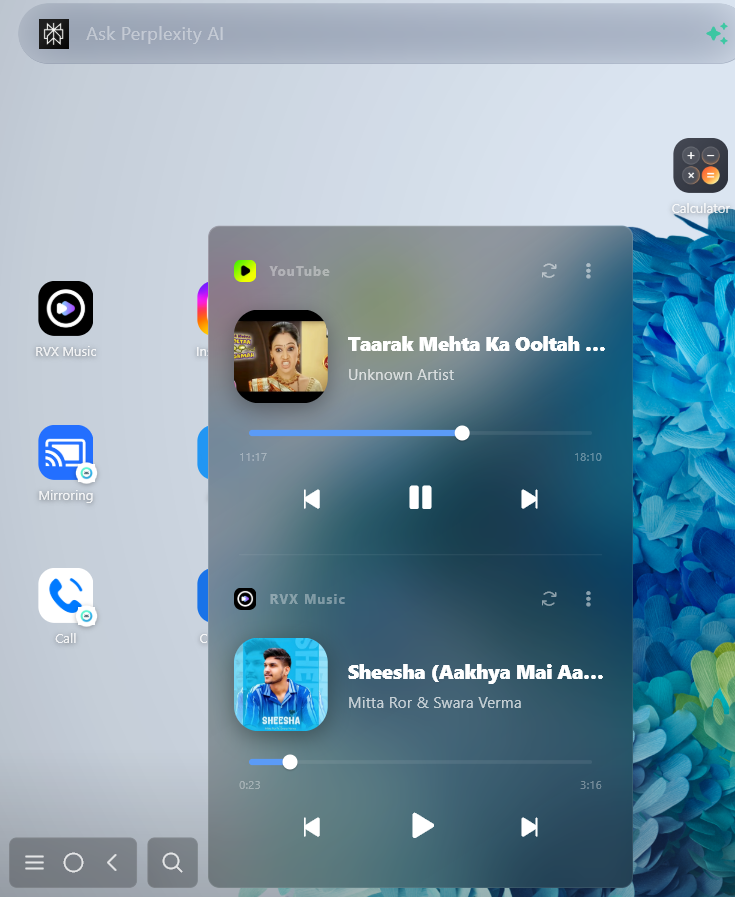
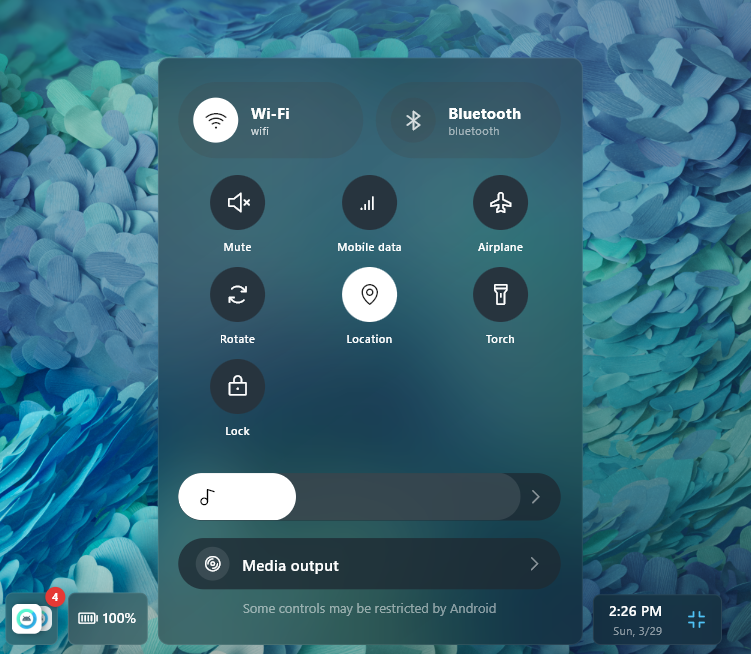
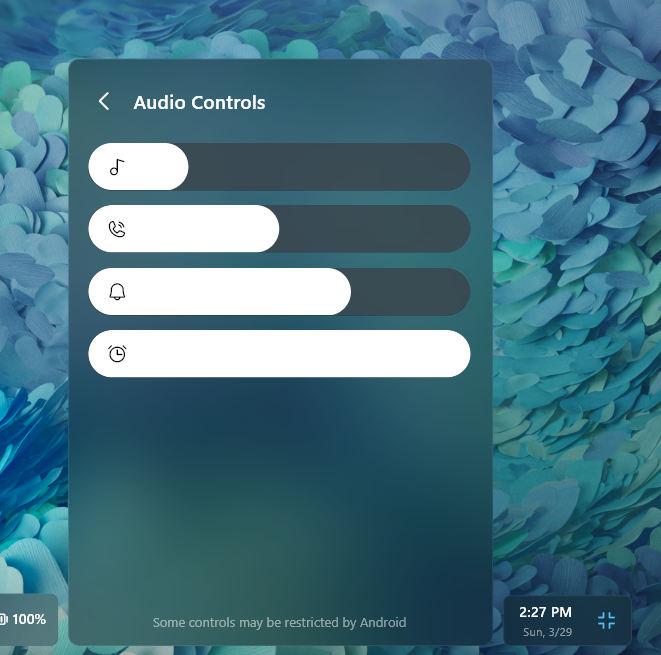
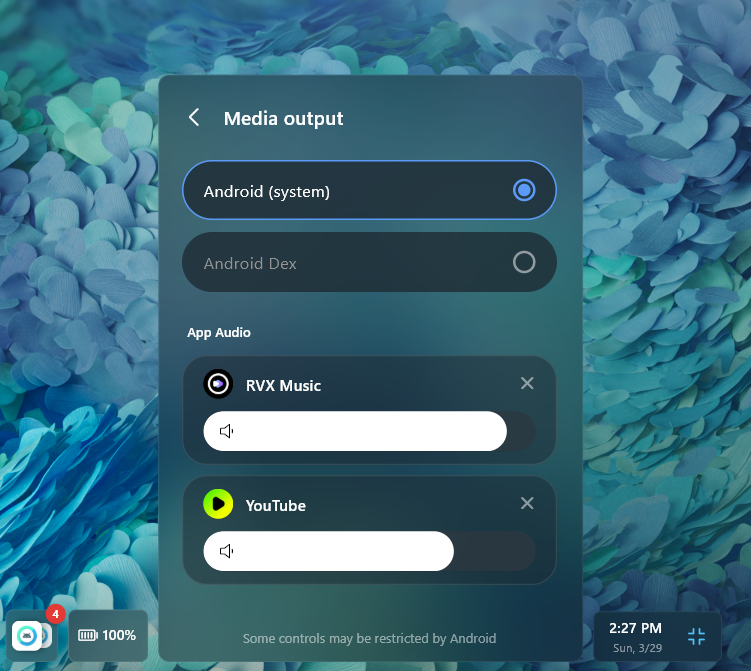
Назначать клавиши и клики мыши на касания, управлять D-pad и джойстиком в стиле WASD, включать блокировку мыши для шутеров с гироприцеливанием и создавать комбо-макросы. Игровые профили сохраняются локально, отдельно для каждой игры.Можно ли управлять уведомлениями и медиа с компьютера?Да. В README сказано, что можно управлять уведомлениями, контролировать воспроизведение медиа и передавать звук отдельных приложений на компьютер.
Да. В README сказано, что можно управлять уведомлениями, контролировать воспроизведение медиа и передавать звук отдельных приложений на компьютер.Какие основные горячие клавиши?Ctrl+G включает и выключает игровые элементы управления, Ctrl+F переводит в полноэкранный режим, Esc выходит из него. Ctrl+Alt+Up/Down показывает или скрывает приложение, а Ctrl+Alt+Left/Right переключает устройства.
Ctrl+G включает и выключает игровые элементы управления, Ctrl+F переводит в полноэкранный режим, Esc выходит из него. Ctrl+Alt+Up/Down показывает или скрывает приложение, а Ctrl+Alt+Left/Right переключает устройства.На каких инструментах с открытым кодом он построен?ADB отвечает за подключение к устройству, scrcpy — за вывод экрана с низкой задержкой, Flutter строит интерфейс для компьютера, а Kotlin работает во вспомогательном сервисе для Android.
ADB отвечает за подключение к устройству, scrcpy — за вывод экрана с низкой задержкой, Flutter строит интерфейс для компьютера, а Kotlin работает во вспомогательном сервисе для Android.Какие есть похожие проекты?escrcpy, phonebox, DuoDesk, spotube, venera, Levyra-deepsound, nectarlink, libreget
escrcpy, phonebox, DuoDesk, spotube, venera, Levyra-deepsound, nectarlink, libregetВ каких он темах?desktop-environment, low-latency, adb, usb, remote-control, flutter, kotlin, app, game, macos-app, audio, windows-app
desktop-environment, low-latency, adb, usb, remote-control, flutter, kotlin, app, game, macos-app, audio, windows-app