



3.6K ·GitHub
What is this?
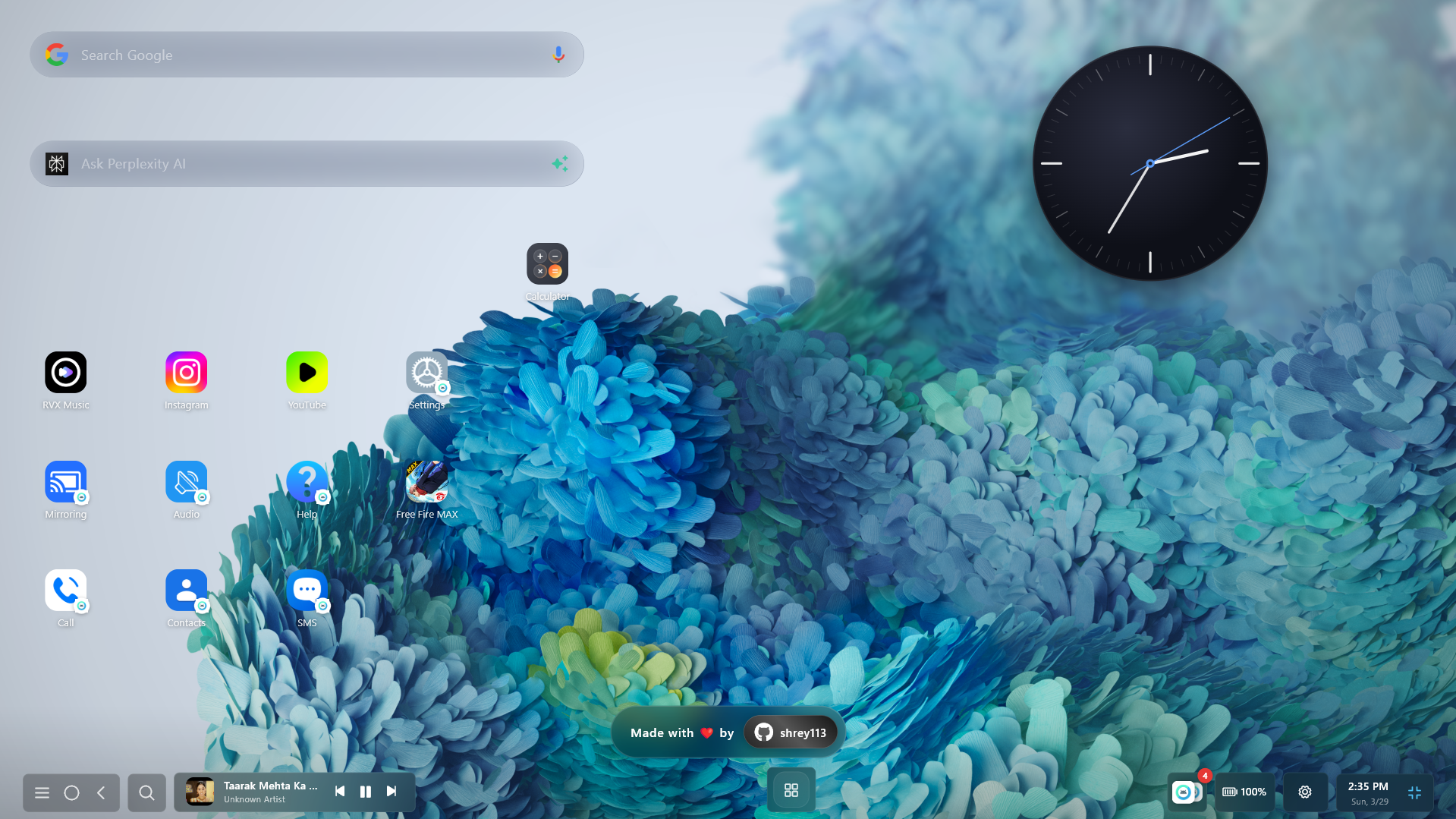
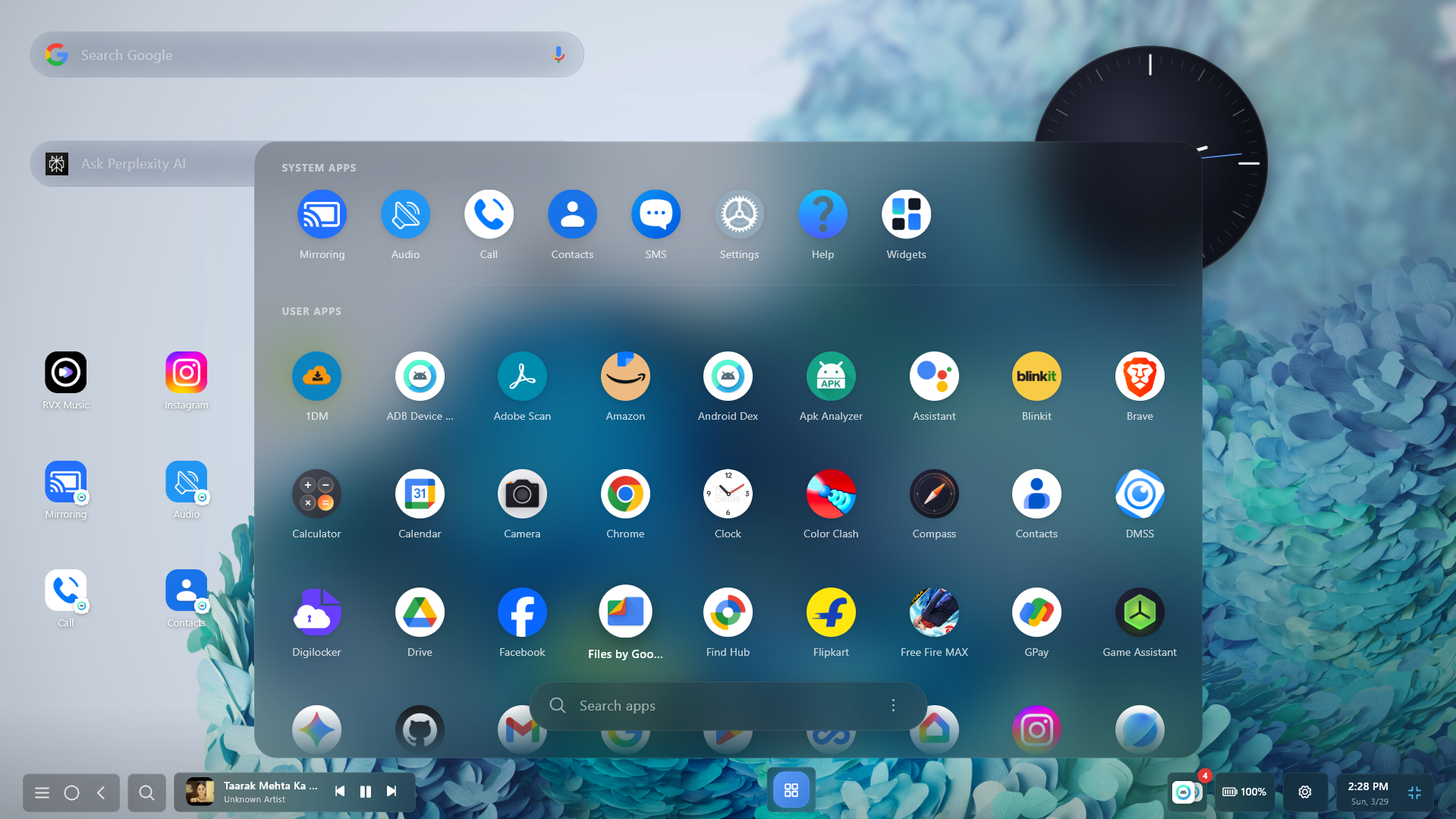
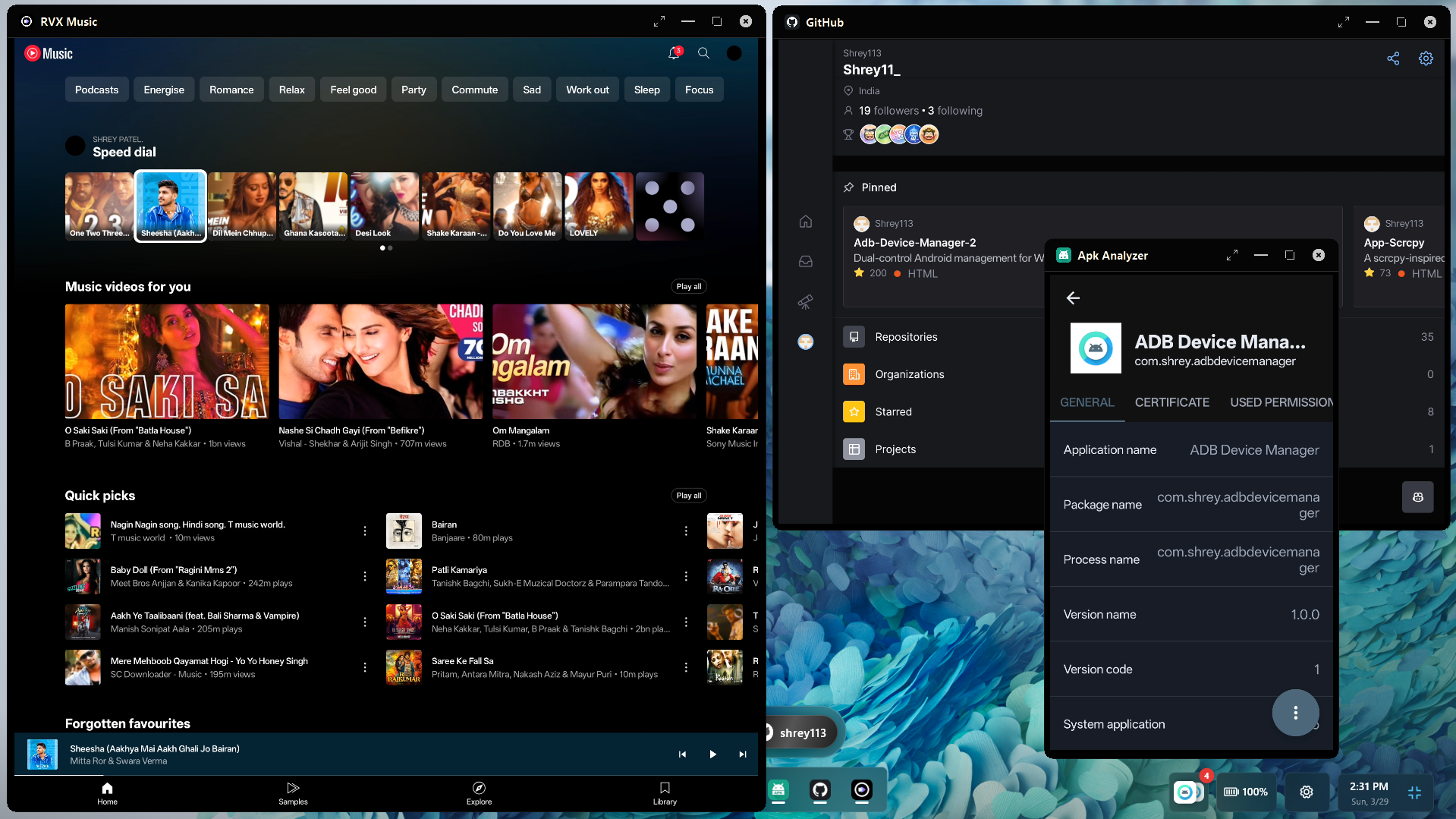
 A desktop app for Windows, Linux and macOS that runs Android apps in resizable windows and mirrors your phone over USB or Wi-Fi via ADB. It is pitched as a Samsung DeX alternative for any Android phone.
Is it something I install, or code I add to my project?It is an installable desktop app, not a library or framework. The phone side uses a companion Android service, and the desktop side is built with Flutter.
It is an installable desktop app, not a library or framework. The phone side uses a companion Android service, and the desktop side is built with Flutter.How do I get it running?Download the build for your OS from the Download table in the README, then connect your phone over USB or Wi-Fi. The app uses standard ADB, including wireless pairing.
Download the build for your OS from the Download table in the README, then connect your phone over USB or Wi-Fi. The app uses standard ADB, including wireless pairing.Do I need anything else on the phone or PC?Your phone needs ADB debugging turned on (USB or wireless debugging), because everything runs over ADB. Screen mirroring is handled by scrcpy under the hood.
Your phone needs ADB debugging turned on (USB or wireless debugging), because everything runs over ADB. Screen mirroring is handled by scrcpy under the hood.Any catches I should know about?You can't audit it, since it is closed-source. The gaming claim that anti-cheat sees a real phone is the author's own statement and is not verified here. Only download from official links.
You can't audit it, since it is closed-source. The gaming claim that anti-cheat sees a real phone is the author's own statement and is not verified here. Only download from official links.Does it work with any Android phone?The description says it works with all Android devices, connected over ADB. The README does not list specific Android versions or phone models.
The description says it works with all Android devices, connected over ADB. The README does not list specific Android versions or phone models.Does it send my screen, keystrokes or data anywhere?The author says all mirroring, audio and input stay local between your PC and phone, with no telemetry, no cloud servers and no internet needed. Because it is closed-source, you can't verify this yourself.
The author says all mirroring, audio and input stay local between your PC and phone, with no telemetry, no cloud servers and no internet needed. Because it is closed-source, you can't verify this yourself.Can I use it for free, and can I share it?It is free for personal, educational, research and testing use. Non-commercial videos and reviews are fine, but you can't monetize them. Commercial use, redistribution or repackaging needs written permission from the author.
It is free for personal, educational, research and testing use. Non-commercial videos and reviews are fine, but you can't monetize them. Commercial use, redistribution or repackaging needs written permission from the author.What can I do in Gaming Mode?Map keys and mouse clicks to taps, WASD-style D-pad and joystick movement, FPS mouse lock with gyro aim, and combo macros. Game profiles are saved locally, per game.
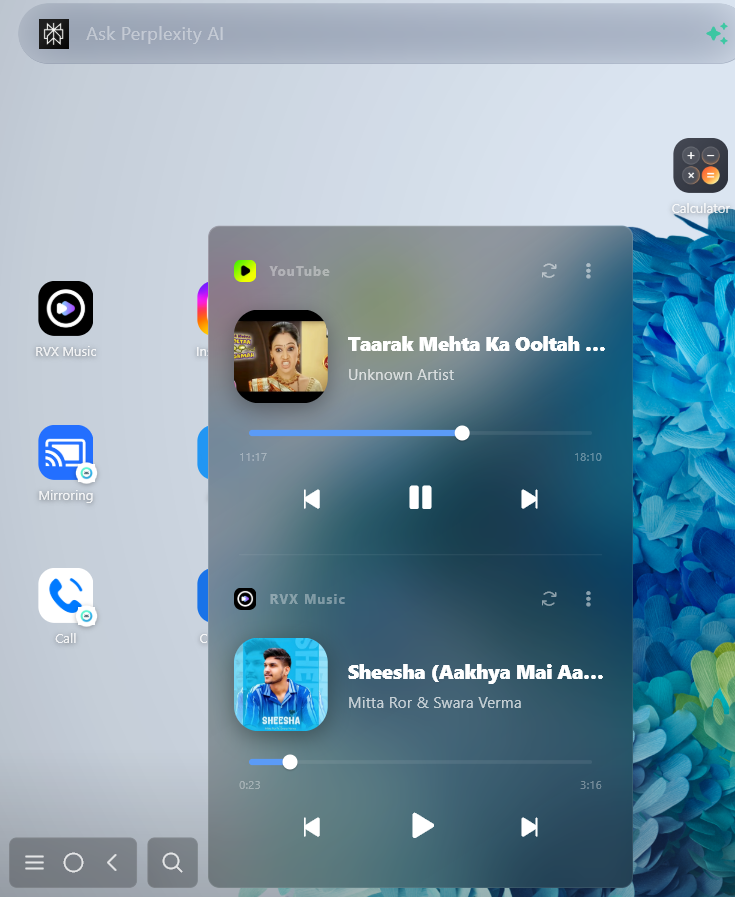
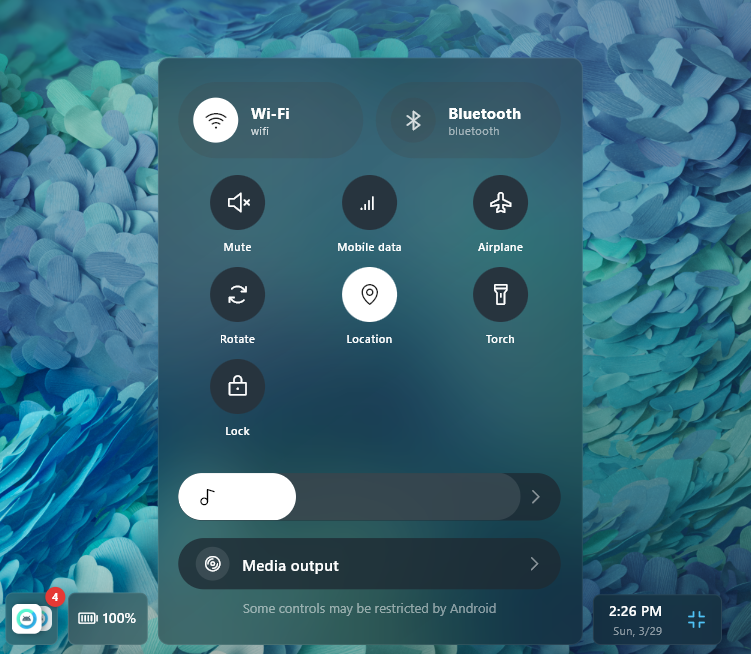
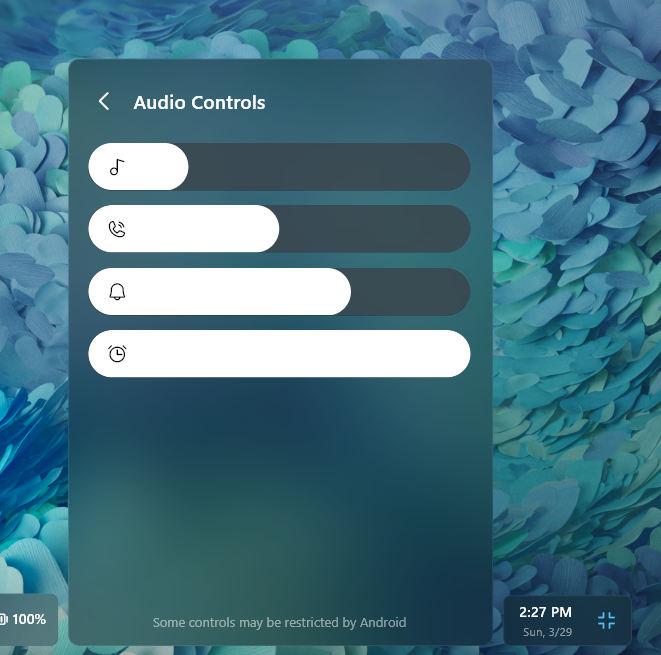
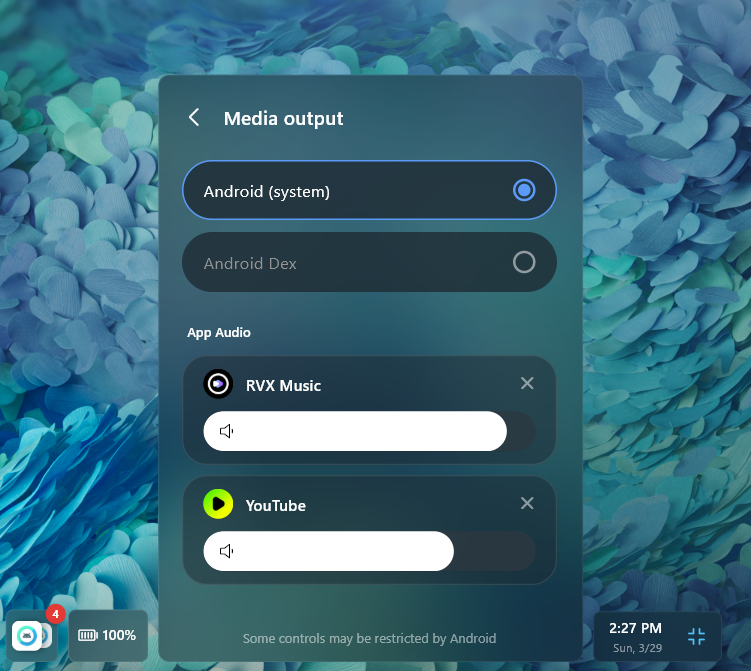
Map keys and mouse clicks to taps, WASD-style D-pad and joystick movement, FPS mouse lock with gyro aim, and combo macros. Game profiles are saved locally, per game.Can I control notifications and media from my PC?Yes. The README says it can manage notifications, control media playback and stream per-app audio to the desktop.
Yes. The README says it can manage notifications, control media playback and stream per-app audio to the desktop.What are the main keyboard shortcuts?Ctrl+G toggles game controls, Ctrl+F enters fullscreen and Esc exits it. Ctrl+Alt+Up/Down shows or hides the app, and Ctrl+Alt+Left/Right switches devices.
Ctrl+G toggles game controls, Ctrl+F enters fullscreen and Esc exits it. Ctrl+Alt+Up/Down shows or hides the app, and Ctrl+Alt+Left/Right switches devices.Which open-source tools does it build on?ADB handles the device connection, scrcpy handles low-latency mirroring, Flutter builds the desktop UI and Kotlin powers the Android companion service.
ADB handles the device connection, scrcpy handles low-latency mirroring, Flutter builds the desktop UI and Kotlin powers the Android companion service.What are similar projects?escrcpy, DuoDesk, spotube, venera, Levyra-deepsound, nectarlink, komi-store, LunaTranslator
escrcpy, DuoDesk, spotube, venera, Levyra-deepsound, nectarlink, komi-store, LunaTranslatorWhich topics is it in?desktop-environment, low-latency, adb, usb, remote-control, flutter, kotlin, app, macos-app, game, windows-app, audio
desktop-environment, low-latency, adb, usb, remote-control, flutter, kotlin, app, macos-app, game, windows-app, audio