🚀 Gmail Creator Pro - The Ultimate Gmail Account Creator




✨ The Ultimate Automated Gmail Account Creation Tool ✨
Advanced Anti-Detection System • Phone Verification Bypass • 5sim Integration • Beautiful Modern Interface
Features • Installation • Usage • Configuration • Support
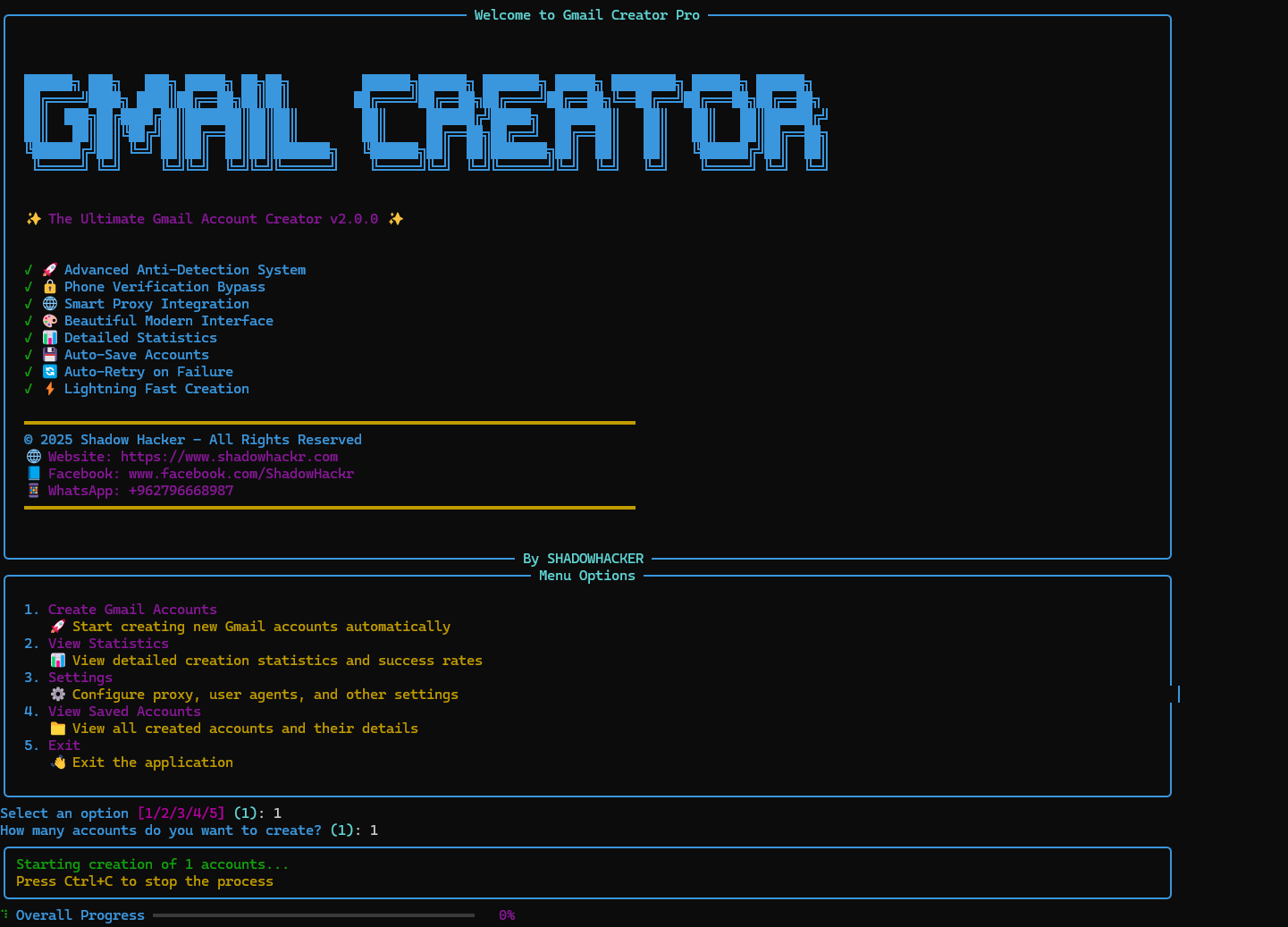
Screenshot of Gmail Creator Pro v2.0.0 in action
📋 Table of Contents
🎯 Overview
Gmail Creator Pro is a powerful, feature-rich Python automation tool designed for automated Gmail account creation. Built with advanced anti-detection systems, intelligent phone verification bypass, and seamless 5sim API integration, this tool provides a professional solution for bulk Gmail account creation with a beautiful modern interface.
- 🛡️ Advanced Anti-Detection - Human-like behavior simulation to avoid detection
- 🔄 Smart Phone Verification - Multiple bypass strategies + 5sim integration
- 🎨 Beautiful UI - Rich console interface with real-time progress tracking
- ⚡ Lightning Fast - Optimized performance for bulk account creation
- 🔒 Secure & Configurable - Separate config files for easy customization
- 📊 Statistics Dashboard - Track success rates and account details
✨ Key Features
🚀 Advanced Anti-Detection System
- Human-like Typing Simulation - Random delays between keystrokes (0.1-0.3s)
- Session Warming - Pre-browsing Google, BBC, Wikipedia, YouTube to appear human
- Random User Agents - Rotates browser fingerprints for each account
- Natural Delays - Random wait times between actions (0.5-1.2s)
- Navigator Property Modification - Hides automation signatures
- Realistic Name Generation - Uses names from external file for authenticity
🔒 Phone Verification Bypass
- Multiple Skip Strategies - Automatically detects and clicks skip buttons
- Alternative Method Detection - Tries "Try another way" options
- 5sim API Integration - Automatic phone number purchase and SMS code retrieval
- Smart Retry Logic - Multiple fallback strategies if one fails
- Multi-language Support - Works with English and Arabic skip buttons
🌐 Smart Proxy Integration
- Built-in Proxy Support - FreeProxy integration for IP rotation
- Automatic Proxy Selection - Random proxy selection for each account
- Proxy Validation - Ensures proxy is working before use
💻 Beautiful Modern Interface
- Rich Console UI - Beautiful terminal interface with colors and animations
- Real-time Progress Bars - Visual progress tracking for account creation
- Detailed Statistics - Success rates, total accounts, active accounts
- Color-coded Messages - Green for success, red for errors, yellow for warnings
- Interactive Menu - Easy-to-use menu system
📊 Detailed Statistics
- Total Accounts Created - Track all created accounts
- Active Accounts Count - Monitor account status
- Success Rate Percentage - Calculate creation success rate
- Last Creation Timestamp - Track recent activity
- Account Details - View all saved account information
💾 Auto-Save Accounts
- JSON Format Storage - Structured account data storage
- Automatic Backup - Accounts saved immediately after creation
- Account Metadata - Includes email, password, creation date, status
- Easy Export - Simple JSON format for easy data export
🔄 Auto-Retry on Failure
- Robust Error Handling - Multiple retry attempts on failure
- Element Detection - Multiple selector strategies for finding elements
- Page Load Retry - Retries page loading if initial attempt fails
- Smart Fallbacks - Alternative methods if primary method fails
⚡ Lightning Fast Creation
- Optimized Performance - Efficient code for fast execution
- Parallel Processing Ready - Architecture supports future parallelization
- Minimal Resource Usage - Lightweight and efficient
- Quick Browser Setup - Fast Chrome driver initialization
🔐 Secure Configuration
- Separate Config Files - Easy to obfuscate main script while keeping configs editable
- Password Protection - Secure password storage in separate file
- API Key Management - Secure API key storage
- No Hardcoded Secrets - All sensitive data in external files
🎯 Additional Features
- Custom User Agents - Support for custom user agent lists
- Custom Names Database - Use your own name lists
- Birthday Configuration - Customizable birthday settings
- Gender Selection - Support for Male, Female, Other
- Multi-language Support - Works with English and Arabic interfaces
- ChromeDriver Auto-Management - Automatic ChromeDriver download and setup
📸 Screenshots
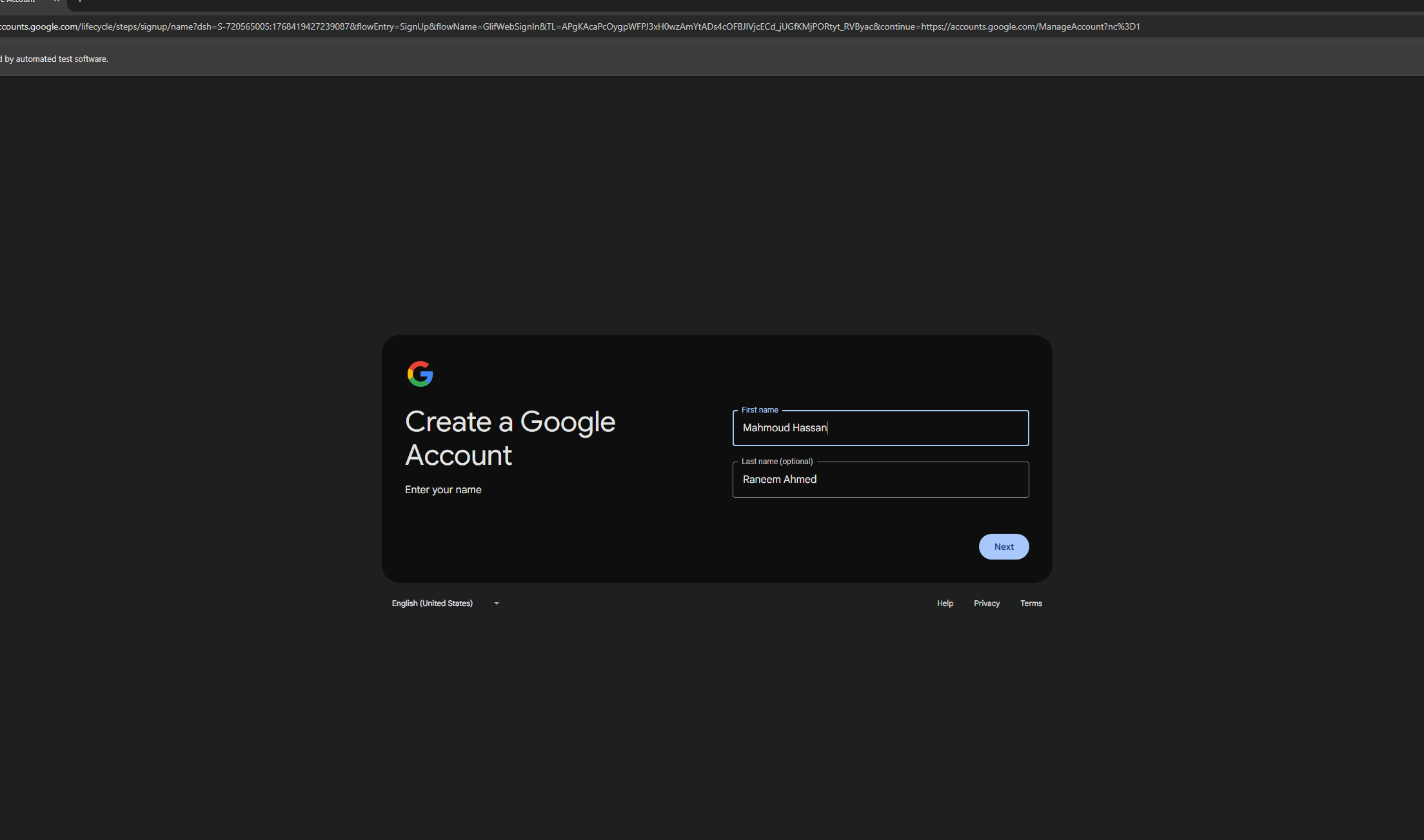
Gmail Creator Pro v2.0.0 - Main Interface
Interface Features:
- Welcome Banner - Beautiful ASCII art banner with version info
- Feature List - Visual checklist of all features
- Menu System - Interactive menu with 5 options
- Progress Tracking - Real-time progress bars
- Statistics Dashboard - Detailed account creation statistics
📚 Full Explanation
🎥 YouTube Video Demo
📝 In-Depth Technical Article
📋 Requirements
System Requirements
- Operating System: Windows 10/11 (recommended)
- Python Version: Python 3.8 or higher (Python 3.12 recommended)
- Chrome Browser: Latest version installed
- Internet Connection: Stable internet connection required
- RAM: Minimum 4GB (8GB recommended)
- Disk Space: 500MB free space
Python Dependencies
All dependencies are listed in requirements.txt. Install them using:
pip install -r requirements.txt
Required Packages:
selenium>=4.15.0 - Web automation frameworkwebdriver-manager>=4.0.0 - Automatic ChromeDriver managementrich>=13.7.0 - Beautiful terminal UI libraryrequests>=2.31.0 - HTTP library for API callsunidecode>=1.3.7 - Text normalizationbeautifulsoup4>=4.12.0 - HTML parsingfp>=0.1.0 - Free proxy integration
Optional Requirements
- 5sim API Key - For automatic phone verification (optional but recommended)
- Microsoft Visual C++ Build Tools - For Nuitka compilation (optional)
🛠️ Installation
Step 1: Clone the Repository
git clone https://github.com/ShadowHackrs/gmail-account-creator.git
cd Gmail2025
Or download the ZIP file and extract it.
Step 2: Install Python Dependencies
pip install -r requirements.txt
Before running the tool, you need to configure the following files:
3.1. Password Configuration
Edit config/password.txt:
YourStrongPassword123!
Password Requirements:
- At least 8 characters
- Mix of uppercase, lowercase, numbers, and special characters
- Must meet Google's password requirements
3.2. Names Configuration
Edit data/names.txt:
Ahmed Mohamed
Mohamed Ali
Omar Ibrahim
Sarah Ahmed
Shadow Hacker
...
Format:
- One name per line
- Format: "First Last" or just "First"
- Can add as many names as needed
3.3. 5sim API Configuration (Optional but Recommended)
- Get your API key from 5sim.net
- Add your API key in
config/5sim_config.txt:
your_api_key_here
- Configure country in
config/config.py:
FIVESIM_COUNTRY = "usa"  # Options: usa, russia, ukraine, kazakhstan, etc.
FIVESIM_OPERATOR = "any"  # Options: any, virtual, etc.
3.4. User Agents Configuration (Optional)
Edit config/user_agents.txt:
Mozilla/5.0 (Windows NT 10.0; Win64; x64) AppleWebKit/537.36 (KHTML, like Gecko) Chrome/120.0.0.0 Safari/537.36
Mozilla/5.0 (Windows NT 10.0; Win64; x64) AppleWebKit/537.36 (KHTML, like Gecko) Chrome/119.0.0.0 Safari/537.36
...
3.5. General Configuration
Edit config/config.py:
# Account Configuration
YOUR_BIRTHDAY = "2 4 1950"  # Format: "month day year"
YOUR_GENDER = "1"  # 1=Male, 2=Female, 3=Other
YOUR_PASSWORD = ""  # Leave empty to read from password.txt

# 5sim API Configuration
FIVESIM_API_KEY = ""  # Leave empty to read from 5sim_config.txt
FIVESIM_COUNTRY = "usa"
FIVESIM_OPERATOR = "any"

# Names Configuration
USE_ARABIC_NAMES = True
NAMES_FILE = "data/names.txt"
Step 4: Verify Installation
Run the script to verify everything is set up correctly:
python auto_gmail_creator.py
You should see the welcome banner and menu. If you see any errors, check the Troubleshooting section.
⚙️ Configuration
Configuration Files Structure
config/
├── config.py          # General settings
├── password.txt       # Account password
├── 5sim_config.txt    # 5sim API key (optional)
└── user_agents.txt   # User agents list (optional)

data/
├── names.txt          # List of names
└── accounts.json      # Created accounts (auto-generated)
Detailed Configuration Guide
Account Settings
Birthday Format: "month day year" (e.g., "2 4 1950")
- Month: 1-12
- Day: 1-31
- Year: 1900-2010 (must be 18+ years old)
Gender Options:
"1" - Male"2" - Female"3" - Other
5sim API Setup
Available Countries:
usa - United Statesrussia - Russiaukraine - Ukrainekazakhstan - Kazakhstan- And many more (check 5sim.net for full list)
Operator Options:
any - Any available operatorvirtual - Virtual numbers only- Specific operator names
Getting 5sim API Key:
- Visit 5sim.net
- Create an account
- Go to API section
- Generate API key
- Add balance to your account
- Copy API key to
config/5sim_config.txt
🚀 Latest Update (v2.1.0)
✨ New Release is Here!
We are excited to announce the latest update of Gmail Creator Pro with major improvements and enhancements.
🔗 Related Project / Update:
https://github.com/ShadowHackrs/Gmail-infinity
🔥 What's New
- ⚡ Improved automation stability and performance
- 🛠️ Fixed multiple bugs in account creation flow
- 🎯 Better handling of UI changes and selectors
- 📊 Enhanced statistics tracking system
- 🔄 Optimized retry and recovery logic
- 💻 Improved overall interface responsiveness
- 🔐 Stronger configuration structure and file handling
📌 Notes
- This update focuses on stability + performance improvements
- Recommended to update dependencies using
requirements.txt
- Ensure Chrome browser is updated for best compatibility
⭐ If you like this update, don’t forget to star the repository!

 Gmail Creator Pro 是一个用 Python 写的自动化工具,用来批量注册 Gmail 账号。它结合了反检测技巧和绕过手机验证的手段,还可以选择接入 5sim。