


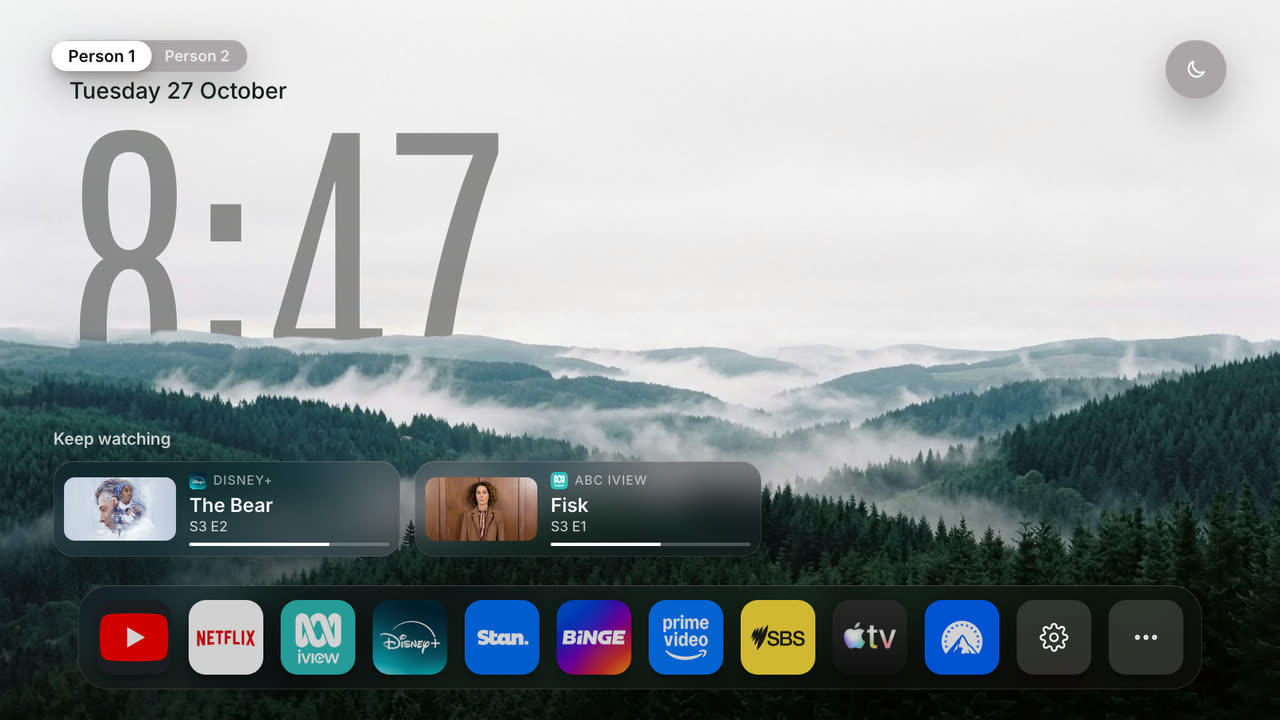
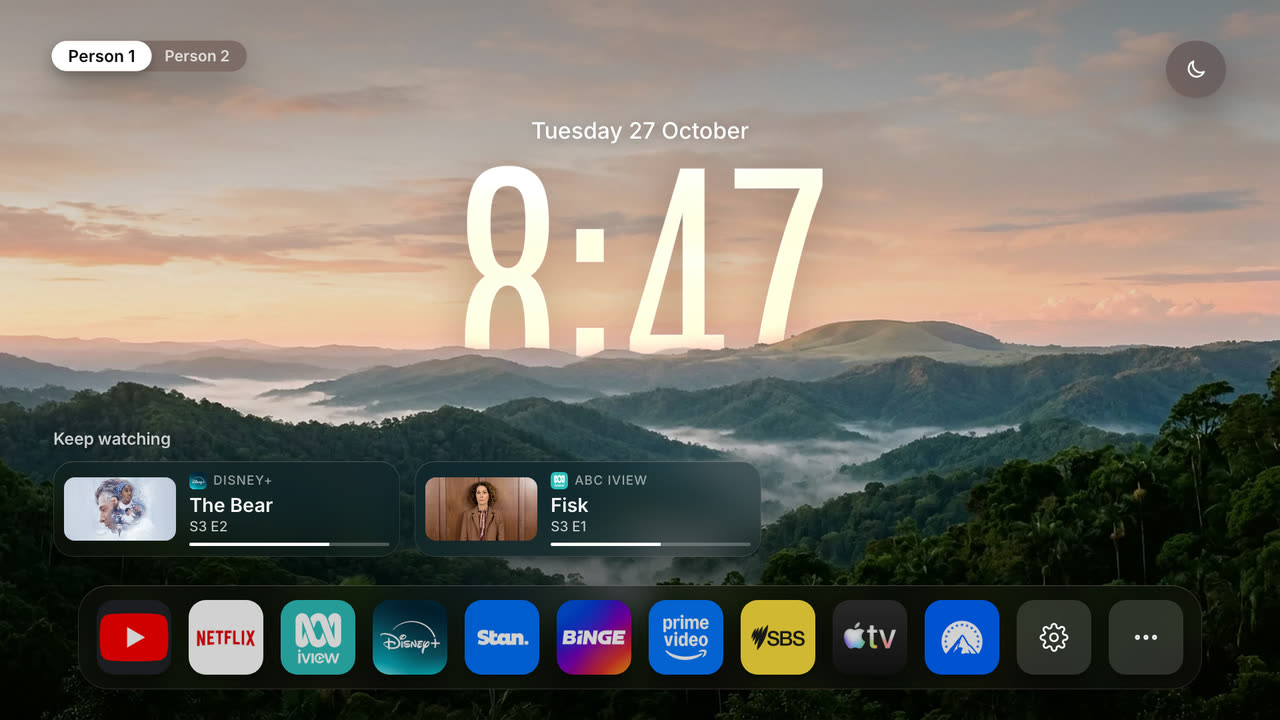
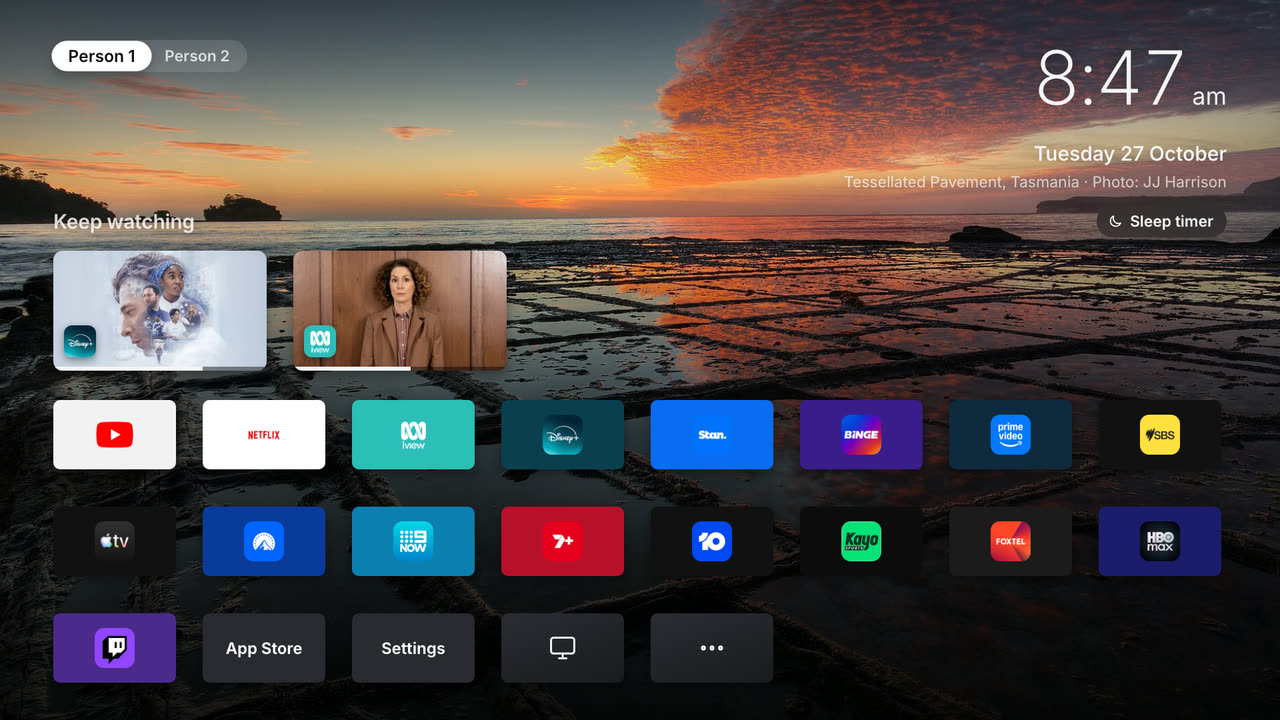
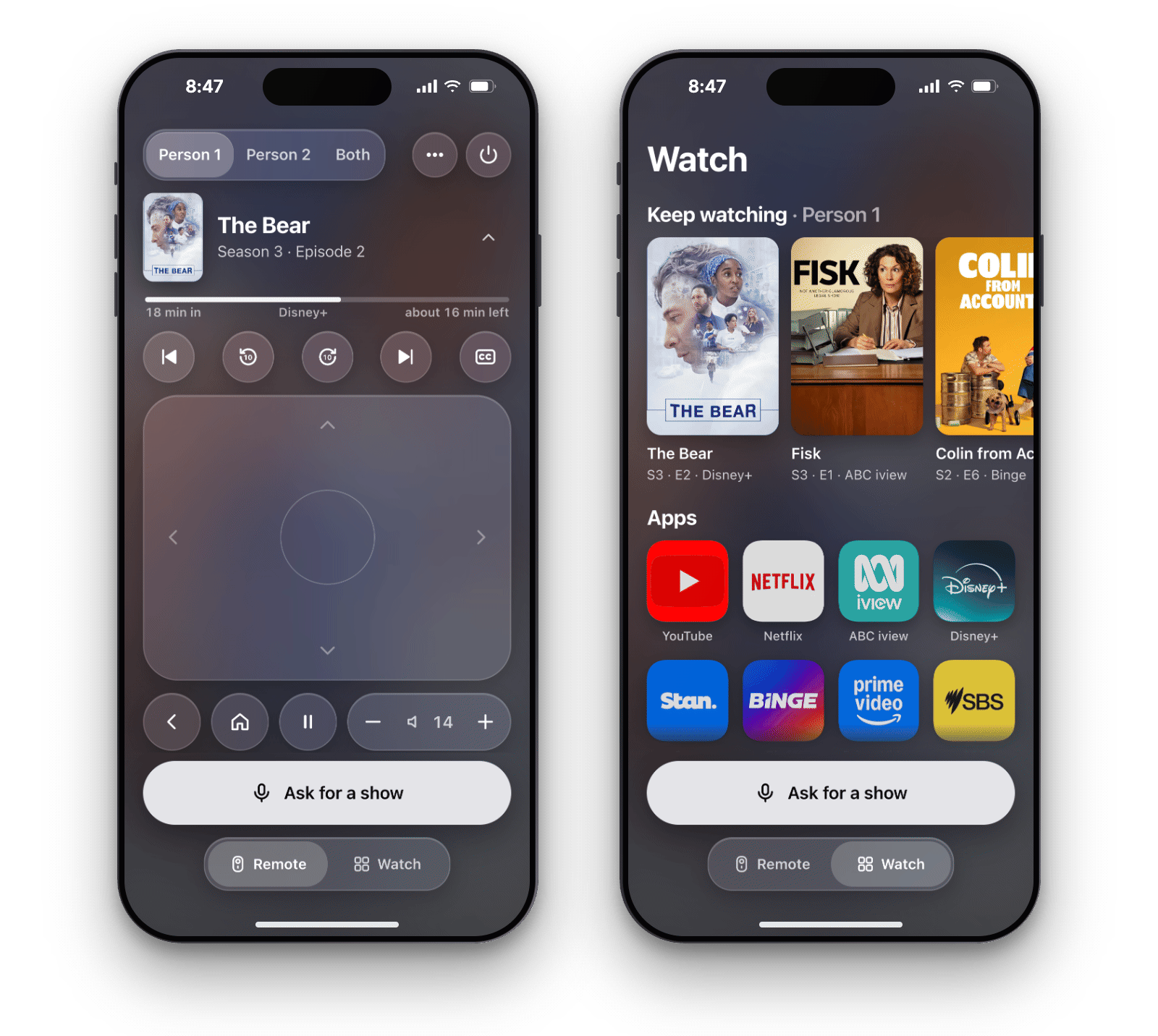
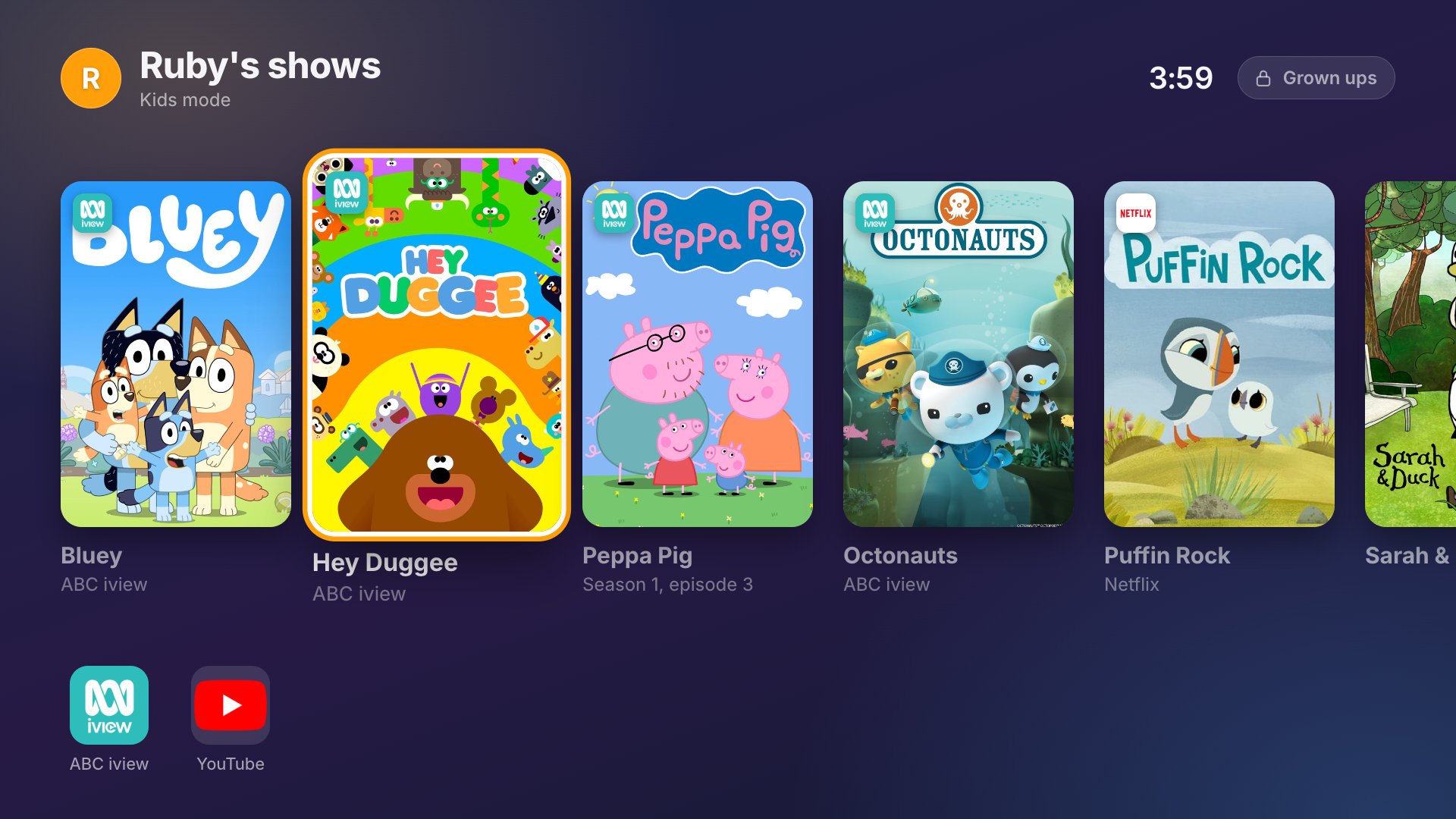
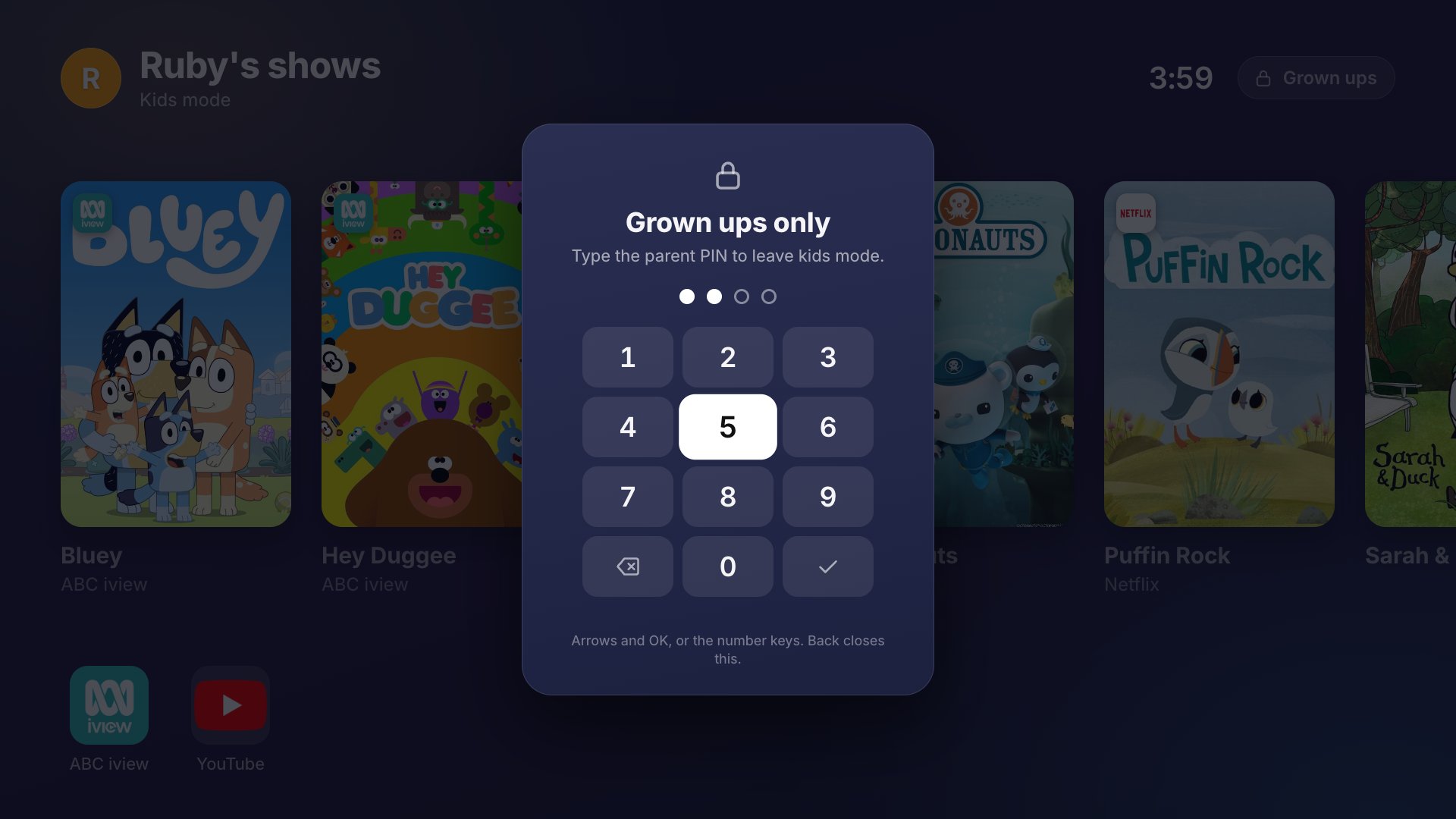
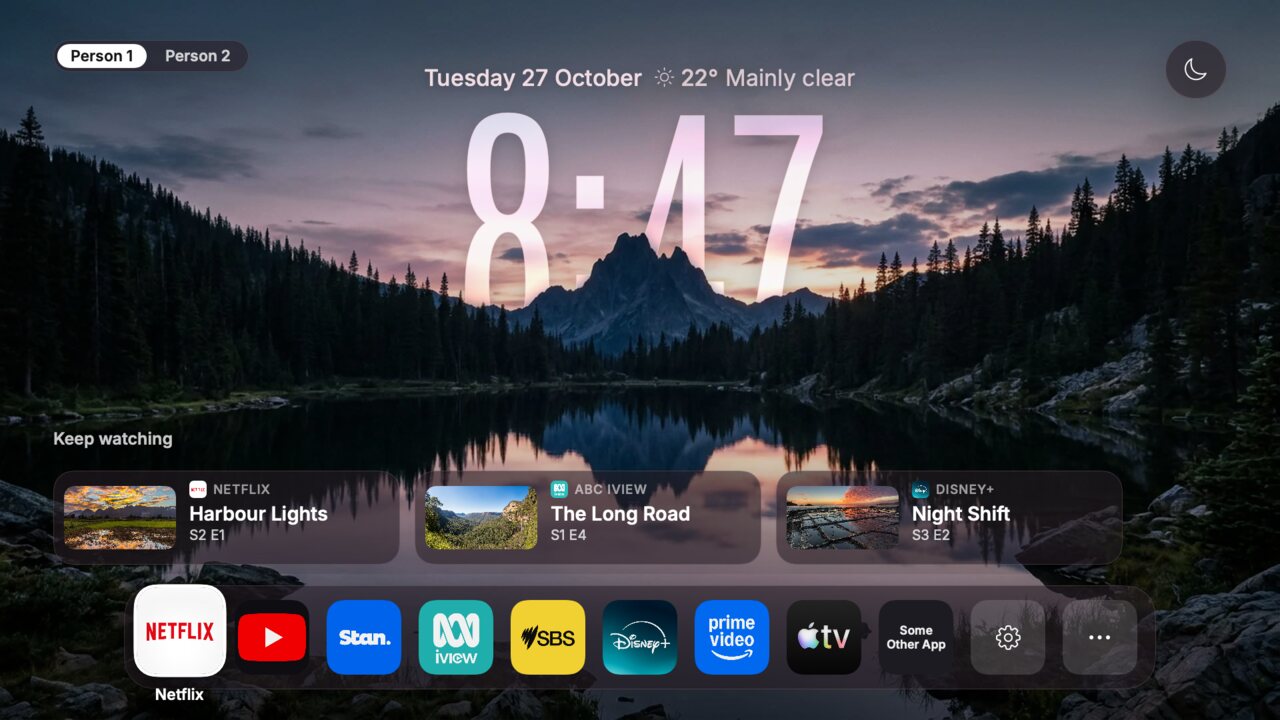
Что это такое?
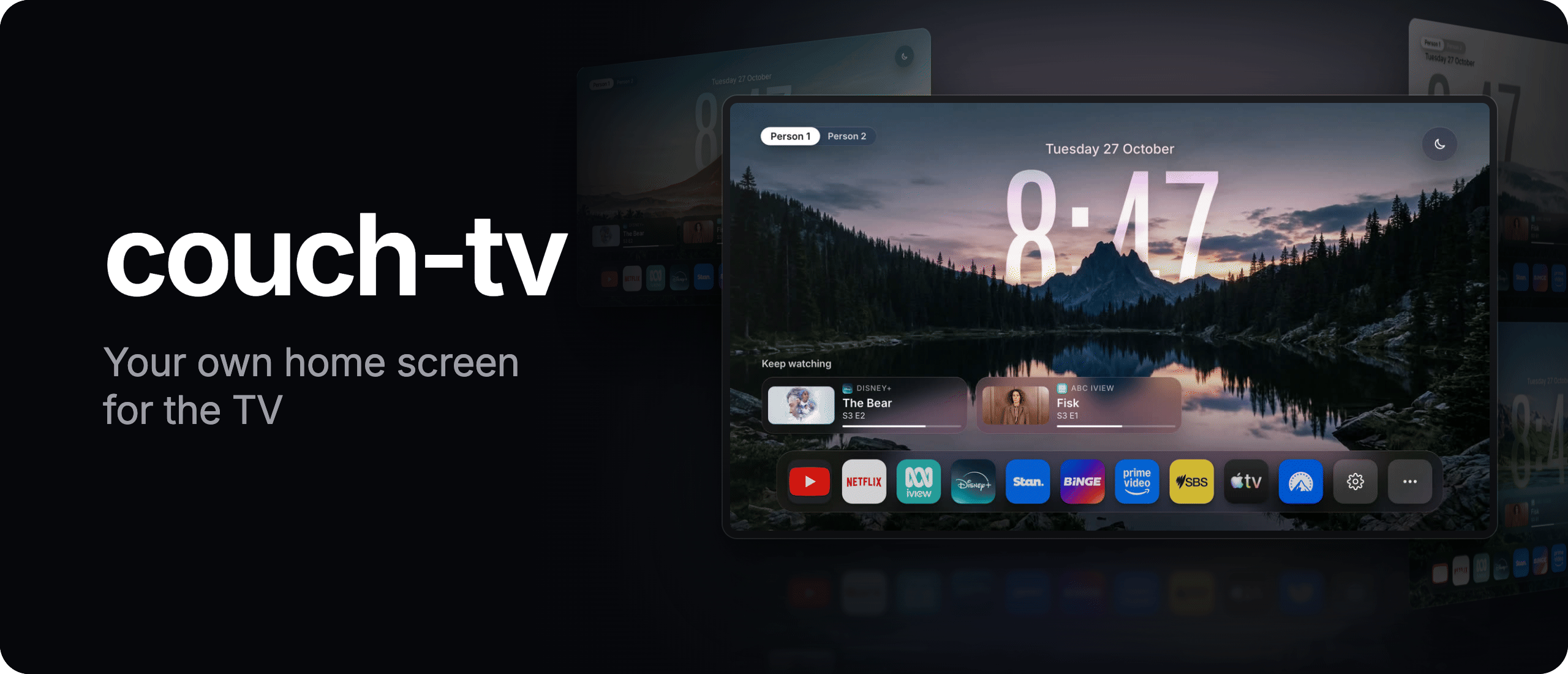
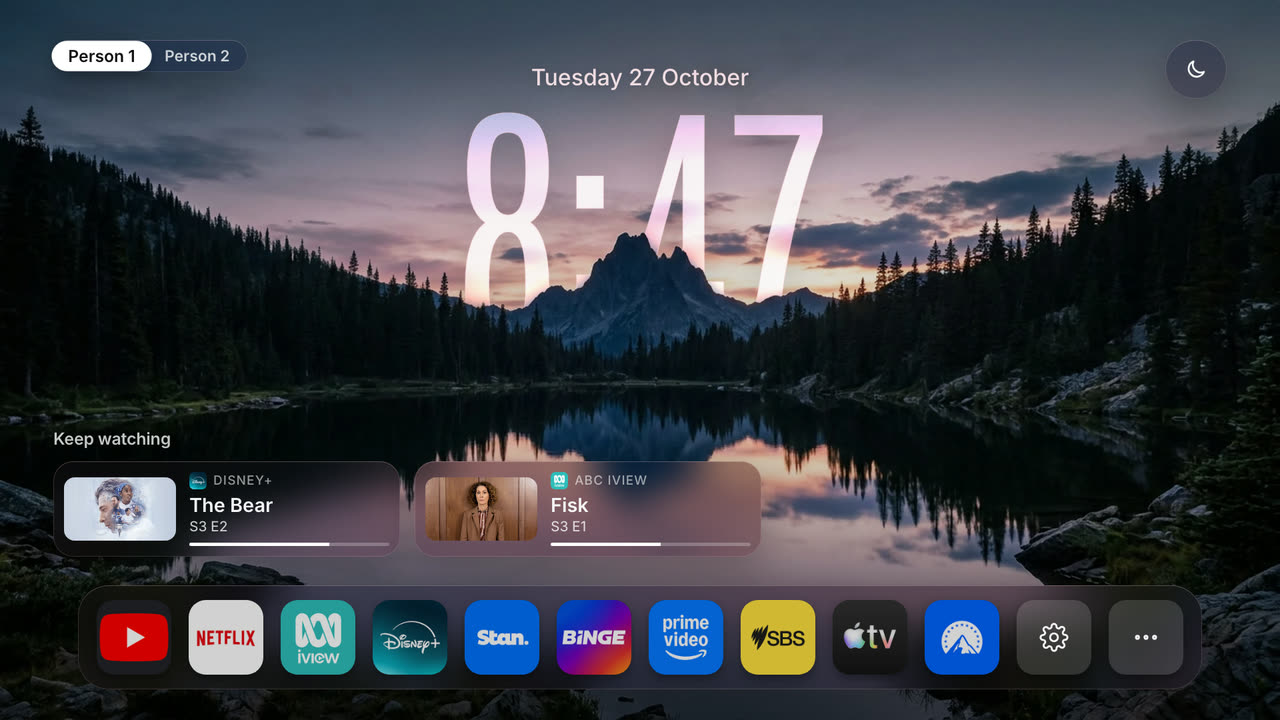
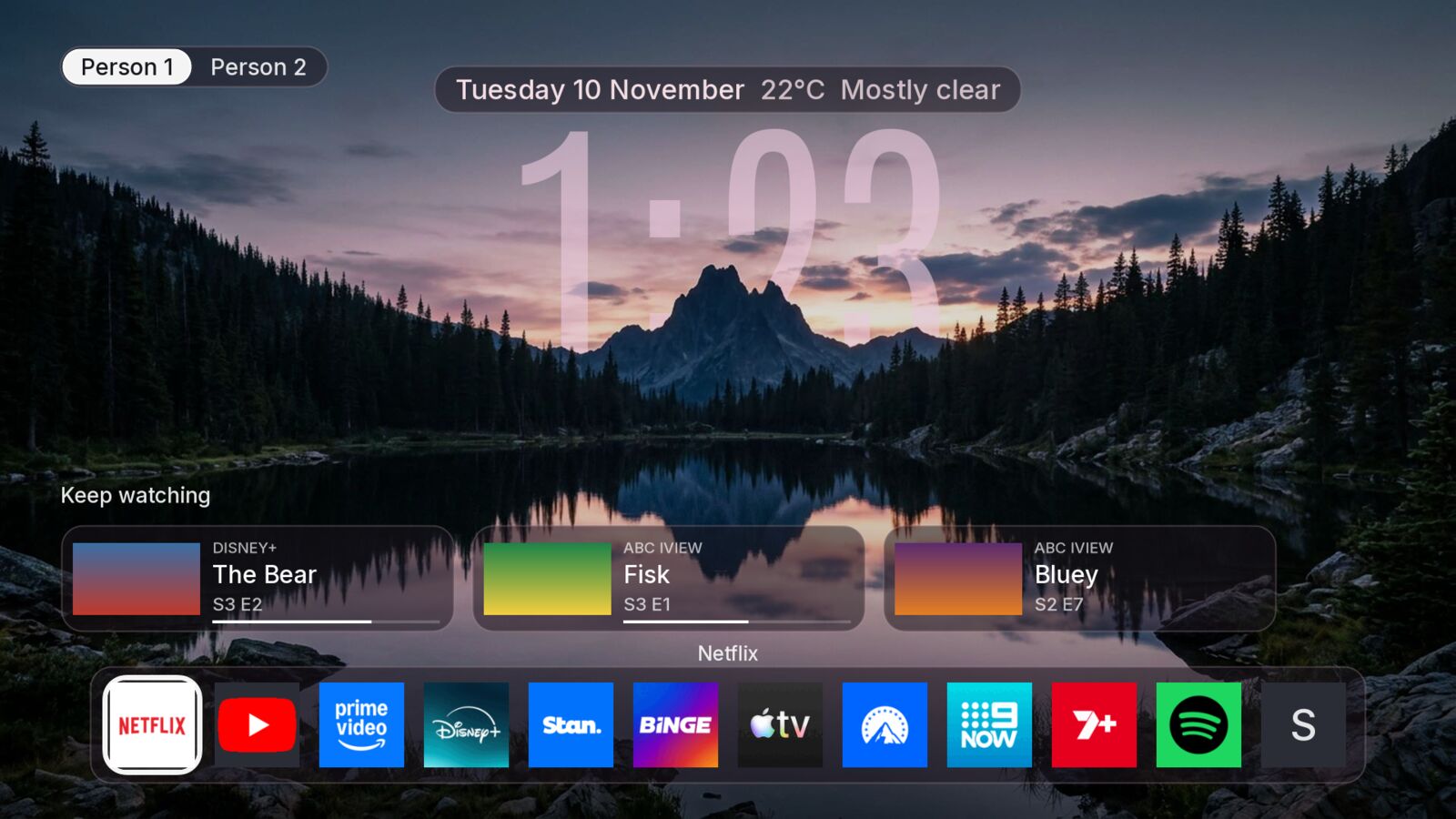
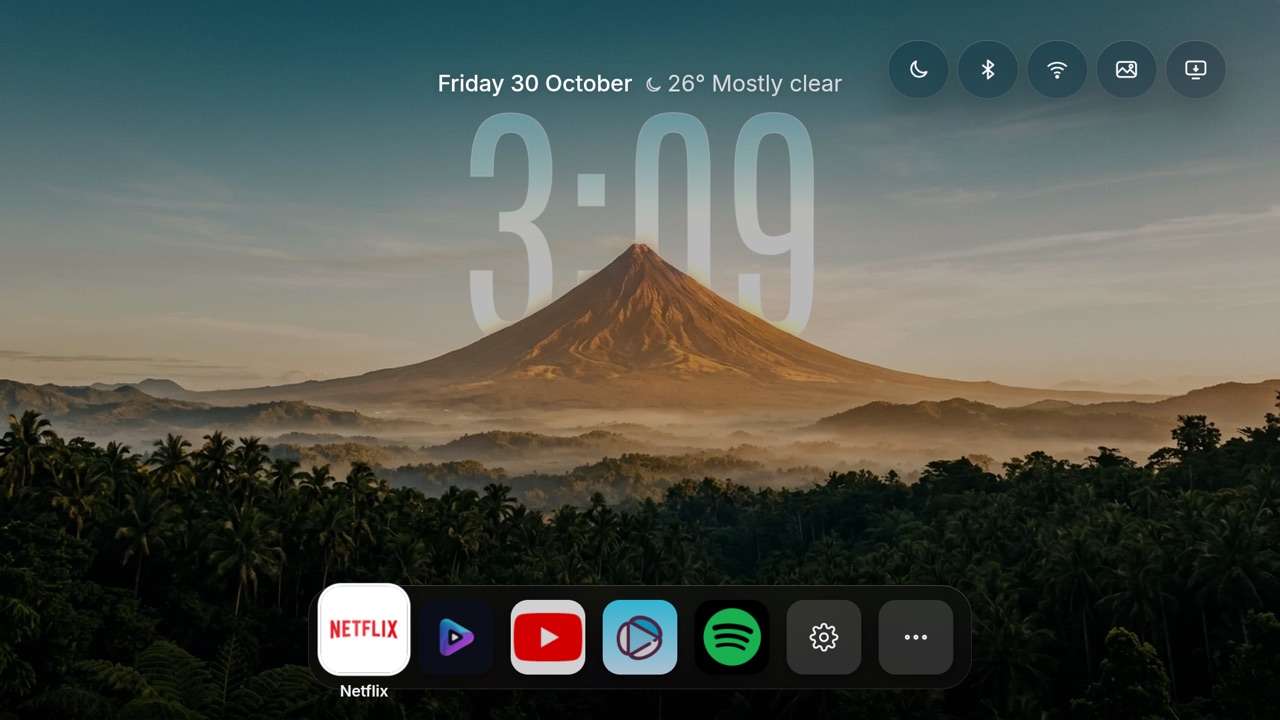
 couch-tv заменяет заваленный рекламой домашний экран Google TV (а теперь и Samsung TV) вашим собственным, без рекламы, добавляет пульт в телефоне и может подключить необязательного помощника Claude, который понимает запросы вроде поиска передачи по описанию.
Это то, что я устанавливаю сам, или настраивает за меня мой ИИ-агент?Вы передаёте репозиторий своему ИИ-агенту для программирования. Он определяет, у вас Google TV или Samsung TV, и проводит по подходящему варианту настройки, вместо того чтобы вы выполняли ручные шаги установки.
Вы передаёте репозиторий своему ИИ-агенту для программирования. Он определяет, у вас Google TV или Samsung TV, и проводит по подходящему варианту настройки, вместо того чтобы вы выполняли ручные шаги установки.Как запустить это на моём телевизоре?Есть три варианта: A) заменить только домашний экран, компьютер не нужен; B) добавить мост через компьютер для пульта в телефоне, поиска и помощника Claude; или C) запустить всё внутри приложения на самом телевизоре без компьютера.
Есть три варианта: A) заменить только домашний экран, компьютер не нужен; B) добавить мост через компьютер для пульта в телефоне, поиска и помощника Claude; или C) запустить всё внутри приложения на самом телевизоре без компьютера.Нужен ли компьютер, который работает постоянно?Только если вам нужны пульт в телефоне, поиск «put on Bluey» или помощник Claude (вариант B). Для этого дома должен постоянно работать Mac, Linux-компьютер или Raspberry Pi. Варианты с одним лишь домашним экраном и с работой на самом телевизоре компьютер не требуют.
Только если вам нужны пульт в телефоне, поиск «put on Bluey» или помощник Claude (вариант B). Для этого дома должен постоянно работать Mac, Linux-компьютер или Raspberry Pi. Варианты с одним лишь домашним экраном и с работой на самом телевизоре компьютер не требуют.Одинаково ли это работает на телевизорах всех марок?Нет. Полноценная замена домашнего экрана работает только на Google TV/Android TV. На Samsung это просто приложение, которое вы открываете сами, так как Samsung не позволяет ничему заменить его настоящий главный экран. А самые новые Fire TV Stick на Vega OS не поддерживаются вообще.
Нет. Полноценная замена домашнего экрана работает только на Google TV/Android TV. На Samsung это просто приложение, которое вы открываете сами, так как Samsung не позволяет ничему заменить его настоящий главный экран. А самые новые Fire TV Stick на Vega OS не поддерживаются вообще.Может ли помощник Claude видеть, что реально идёт на экране Samsung TV?Нет. Samsung не передаёт по сети снимки экрана или состояние воспроизведения, поэтому couch-tv нажимает кнопки с расчётом по времени вместо чтения экрана. На экранах выбора профиля он просто выбирает тот профиль, который подсвечен.
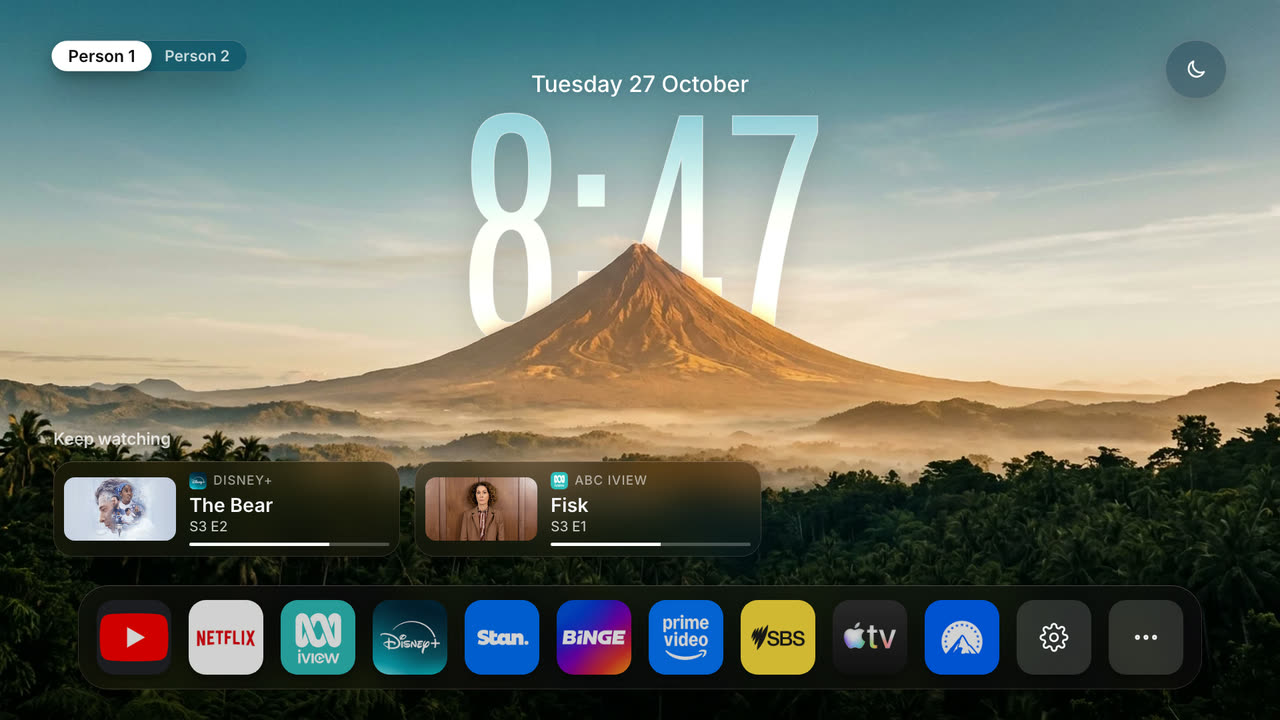
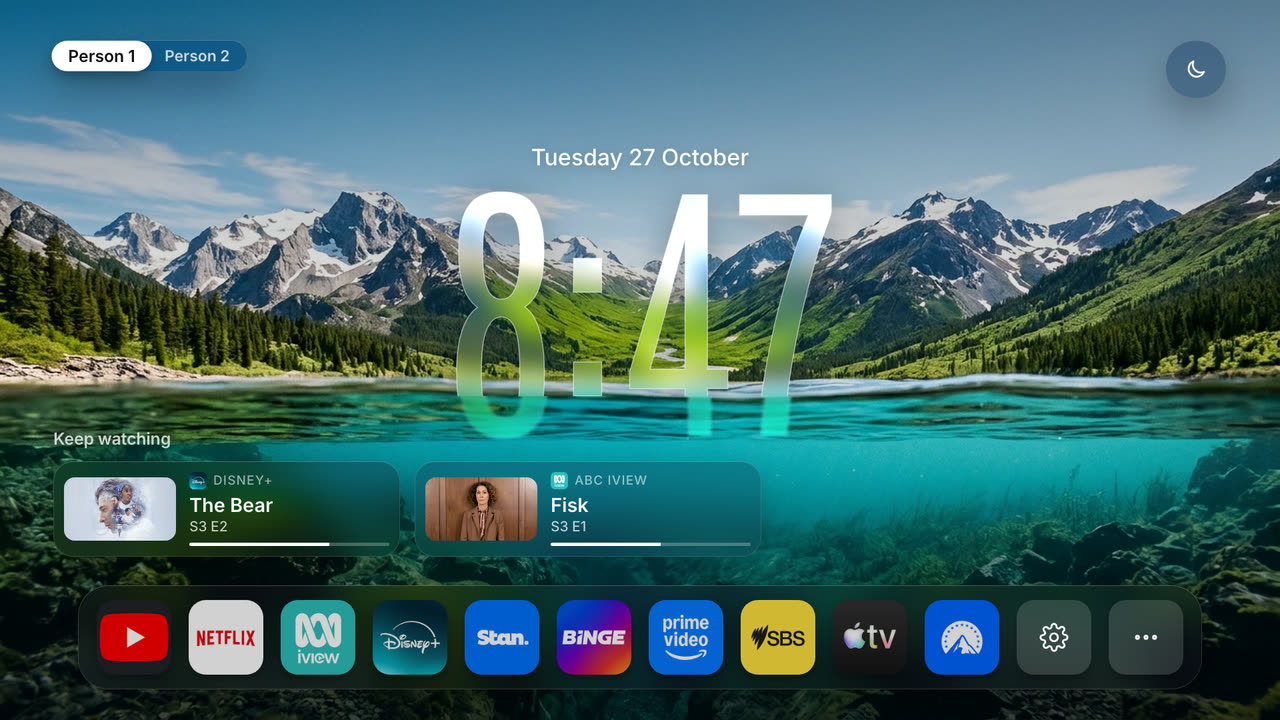
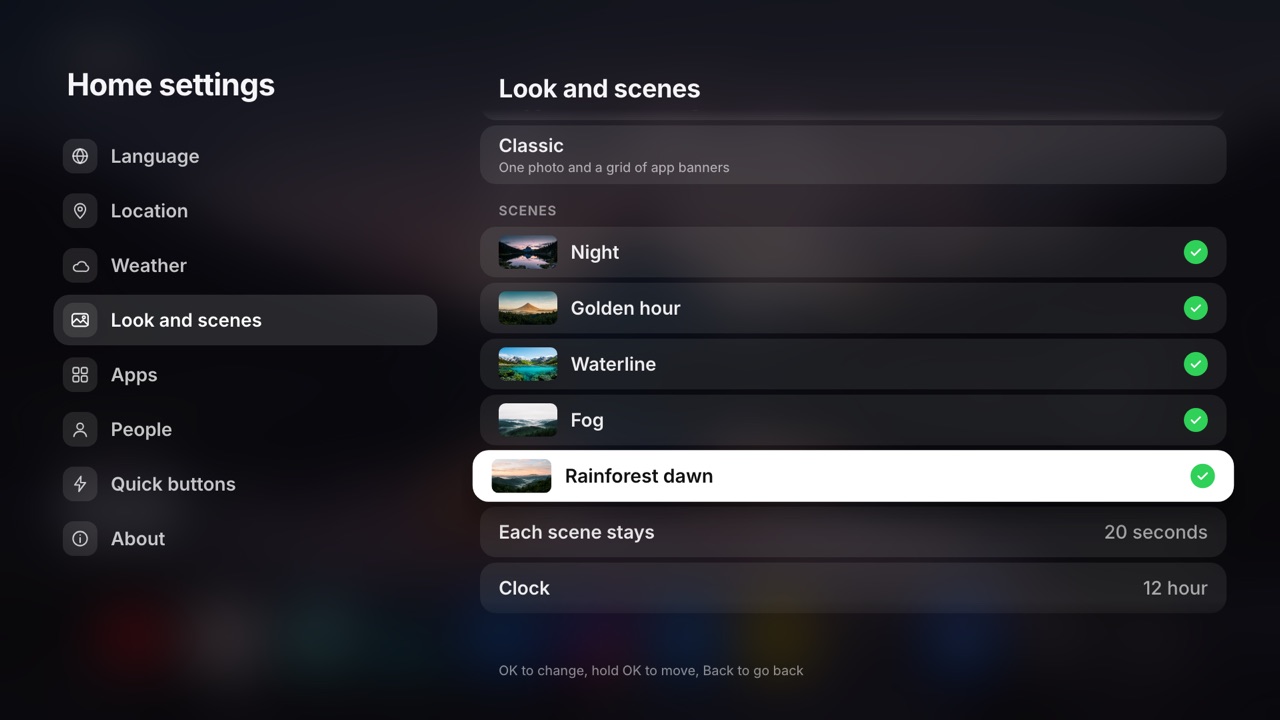
Нет. Samsung не передаёт по сети снимки экрана или состояние воспроизведения, поэтому couch-tv нажимает кнопки с расчётом по времени вместо чтения экрана. На экранах выбора профиля он просто выбирает тот профиль, который подсвечен.Как выглядят анимированные фоны домашнего экрана?Пять сцен (вершины, вулкан, туманные холмы, линия воды, туман) по очереди сменяют друг друга каждые 20 секунд за полупрозрачными стеклянными часами. А вы можете добавить свои фотографии или создать собственную сцену с наложением часов.
Пять сцен (вершины, вулкан, туманные холмы, линия воды, туман) по очереди сменяют друг друга каждые 20 секунд за полупрозрачными стеклянными часами. А вы можете добавить свои фотографии или создать собственную сцену с наложением часов.Можно ли интегрировать это с моим умным домом?Да, но по желанию. Если вы уже используете Home Assistant, можно показывать кондиционеры по комнатам, ваши сцены и скрипты плитками, а также наложение с камерой домофона. Всё это выключено, пока вы не настроите это сами.
Да, но по желанию. Если вы уже используете Home Assistant, можно показывать кондиционеры по комнатам, ваши сцены и скрипты плитками, а также наложение с камерой домофона. Всё это выключено, пока вы не настроите это сами.Будет ли couch-tv надоедать мне уведомлениями об обновлениях?Только если вы сами это разрешите. При первом запуске приложение один раз спросит, проверять ли новые версии, и даже тогда проверяет GitHub лишь примерно раз в неделю. Кнопка «Check for updates now» всегда доступна для ручной проверки.
Только если вы сами это разрешите. При первом запуске приложение один раз спросит, проверять ли новые версии, и даже тогда проверяет GitHub лишь примерно раз в неделю. Кнопка «Check for updates now» всегда доступна для ручной проверки.Можно ли использовать это на Fire TV Stick?Да, с оговорками. На Fire OS это работает через обходные пути: кнопка Home возвращается к вам после того, как на мгновение появляется собственный лаунчер Amazon. А на новой Vega OS у Fire TV это вообще не поддерживается.
Да, с оговорками. На Fire OS это работает через обходные пути: кнопка Home возвращается к вам после того, как на мгновение появляется собственный лаунчер Amazon. А на новой Vega OS у Fire TV это вообще не поддерживается.Какие есть похожие проекты?free-my-tv, cleanmytv, cleanyourtv, CleanFrame, glasshouse, tv-fresh, EchoMuse, BBLL
free-my-tv, cleanmytv, cleanyourtv, CleanFrame, glasshouse, tv-fresh, EchoMuse, BBLLВ каких он темах?google-tv, no-ads, smart-tv, weather, android-tv, tv, smart-home, home-assistant, home-automation, launcher, remote-control, ai-assistant
google-tv, no-ads, smart-tv, weather, android-tv, tv, smart-home, home-assistant, home-automation, launcher, remote-control, ai-assistant