


vue-element-admin README

The project's README from github.com/PanJiaChen/vue-element-admin. As one markdown file: README.md.

vue element-ui Build Status license GitHub release gitter donate

English | 简体中文 | 日本語 | Spanish

Introduction

vue-element-admin is a production-ready front-end solution for admin interfaces. It is based on vue and uses the UI Toolkit element-ui.

vue-element-admin is based on the newest development stack of vue and it has a built-in i18n solution, typical templates for enterprise applications, and lots of awesome features. It helps you build large and complex Single-Page Applications. I believe whatever your needs are, this project will help you.

After the v4.1.0+ version, the default master branch will not support i18n. Please use i18n Branch, it will keep up with the master update

The current version is v4.0+ build on vue-cli. If you find a problem, please put issue. If you want to use the old version , you can switch branch to tag/3.11.0, it does not rely on vue-cli

This project does not support low version browsers (e.g. IE). Please add polyfill by yourself.

Preparation

You need to install node and git locally. The project is based on ES2015+, vue, vuex, vue-router, vue-cli , axios and element-ui, all request data is simulated using Mock.js. Understanding and learning this knowledge in advance will greatly help the use of this project.

Edit on CodeSandbox

Sponsors

Become a sponsor and get your logo on our README on GitHub with a link to your site. [Become a sponsor]

Akveo

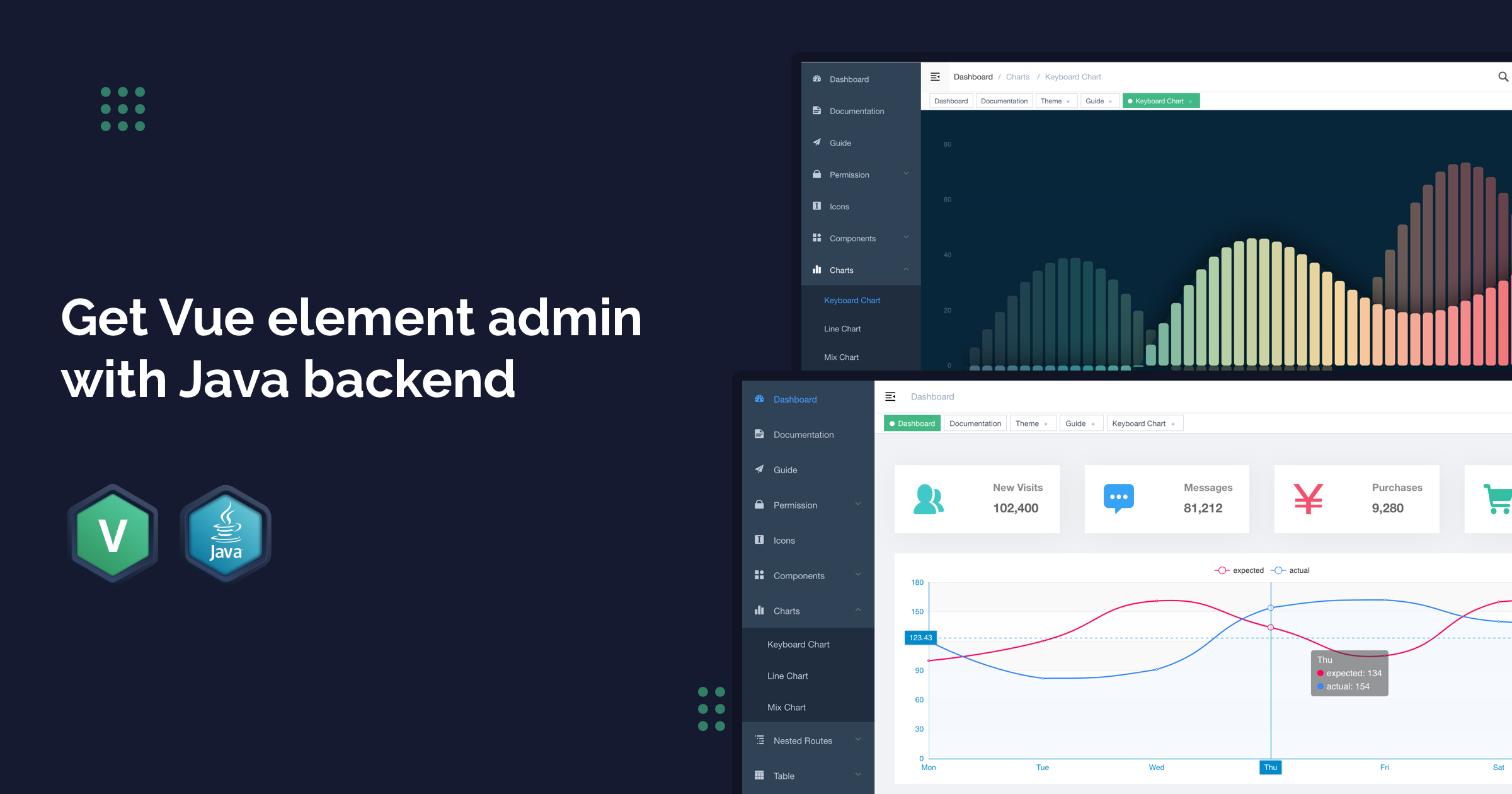
Get Java backend for Vue admin with 20% discount for 39$ use coupon code SWB0RAZPZR1M

Flatlogic

Admin Dashboard Templates made with Vue, React and Angular.

Features

- Login / Logout

- Permission Authentication
  - Page permission
  - Directive permission
  - Permission configuration page
  - Two-step login

- Multi-environment build
  - Develop (dev)
  - sit
  - Stage Test (stage)
  - Production (prod)

- Global Features
  - I18n
  - Multiple dynamic themes
  - Dynamic sidebar (supports multi-level routing)
  - Dynamic breadcrumb
  - Tags-view (Tab page Support right-click operation)
  - Svg Sprite
  - Mock data
  - Screenfull
  - Responsive Sidebar

- Editor
  - Rich Text Editor
  - Markdown Editor
  - JSON Editor

- Excel
  - Export Excel
  - Upload Excel
  - Visualization Excel
  - Export zip

- Table
  - Dynamic Table
  - Drag And Drop Table
  - Inline Edit Table

- Error Page
  - 401
  - 404

- Components
  - Avatar Upload
  - Back To Top
  - Drag Dialog
  - Drag Select
  - Drag Kanban
  - Drag List
  - SplitPane
  - Dropzone
  - Sticky
  - CountTo

- Advanced Example
- Error Log
- Dashboard
- Guide Page
- ECharts
- Clipboard
- Markdown to html

Getting started

# clone the project
git clone https://github.com/PanJiaChen/vue-element-admin.git

# enter the project directory
cd vue-element-admin

# install dependency
npm install

# develop
npm run dev

This will automatically open http://localhost:9527

Build

# build for test environment
npm run build:stage

# build for production environment
npm run build:prod

Advanced

# preview the release environment effect
npm run preview

# preview the release environment effect + static resource analysis
npm run preview -- --report

# code format check
npm run lint

# code format check and auto fix
npm run lint -- --fix

Refer to Documentation for more information

Changelog

Detailed changes for each release are documented in the release notes.

Online Demo

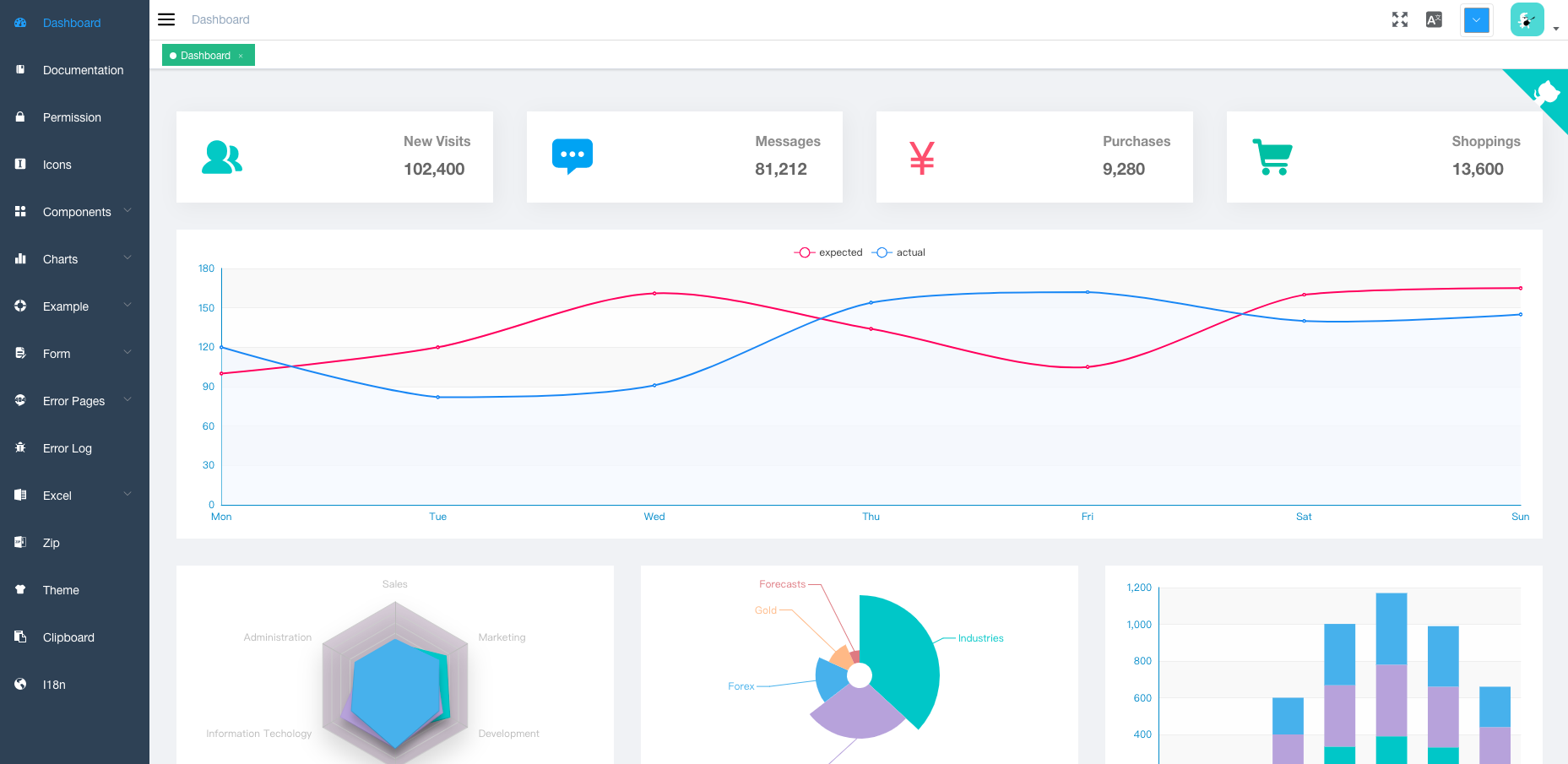
Preview

Donate

If you find this project useful, you can buy author a glass of juice :tropical_drink:

donate

Paypal Me

Buy me a coffee

Browsers support

Modern browsers and Internet Explorer 10+.

IE / Edge
IE / Edge
Firefox
Firefox
Chrome
Chrome
Safari
Safari
IE10, IE11, Edge last 2 versions last 2 versions last 2 versions

License

MIT

Copyright (c) 2017-present PanJiaChen

vue-element-admin (PanJiaChen/vue-element-admin)

Searching Database…

这是什么?vue-element-admin 是一个可直接用于生产环境的前端解决方案,用于构建后台管理界面,基于 Vue 和 element-ui 组件库开发。
这是我可以用来搭建应用的完整模板,还是某个其他项目的插件?这是一个完整的后台管理面板模板/脚手架,内置 i18n、vuex、vue-router 以及常见的企业级功能,可作为你自己单页应用的起点。
我该如何让它运行起来?克隆仓库,在本地安装 Node 和 git,然后运行 npm 脚本:本地开发用 'npm run dev'(即 vue-cli-service serve),生产构建用 'npm run build:prod'。
除了 Node,试用前还需要准备什么?该项目基于 vue-cli 生态构建(vue、vuex、vue-router、axios、element-ui),所有后端数据都通过 Mock.js 模拟,因此试用时无需真实的后端。
它能在 IE 这样的旧版浏览器里运行吗?默认不支持 IE 低版本(需要自行添加 polyfill),不过根据项目的浏览器支持表,IE10/IE11/Edge 是支持的。
如果我不需要这些功能,有没有更简单的起点?有。作者推荐较轻量的 'vue-admin-template' 作为基础模板,另外还有 'electron-vue-admin'(桌面端)和 'vue-typescript-admin-template'(TypeScript)两个变体。
它自带国际化支持吗?是的,内置 i18n,不过从 v4.1.0+ 起 master 分支已取消默认的 i18n 支持,需要改用专门的 i18n 分支。
Mock.js 在这里起什么作用?演示和示例中的所有 API 请求数据都由 Mock.js 模拟,因此你无需真实后端即可探索并基于此模板进行开发。
我还能使用 vue-cli 之前的旧版本吗?可以。如果需要不依赖 vue-cli 的版本,可以切换到 'tag/3.11.0' 分支。
我能先试用在线演示吗?可以,有一个在线 Preview 演示,另外还有一个面向中国大陆用户的 Gitee 镜像链接。
Creator
PanJiaChen
Size
15.1 MB
Stars
90.1K
Age
9y
Commits · 90 Days