Epic Infographics
Infographics that don't look AI-made.
An open-source skill that teaches AI agents to design infographics the way a studio would.
It skips the stock templates, the rounded card grids, the Tailwind blue, and the emoji icons.
Every image below came straight out of the skill, brief to PNG, with nothing touched up by hand.


Why this exists
Ask an AI for an infographic and you usually get the same thing: rounded
cards in a symmetric grid, Tailwind blue, an emoji where an icon should be,
and a bar chart floating on a flat background. It works, and it is instantly
recognizable as machine-made.
This skill writes down what a good studio actually does, as steps an agent
can follow without needing taste of its own:
- The canvas is a place, not a page. Every piece builds a scene (a drafting
sheet, a dark theatre, a naturalist's folio, a miniature world) and the
data lives inside that scene. Flat graphic minimalism counts as a failure
here, even when it's tidy.
- The drawn object carries the data: a cup filled to two thirds because 2 in
3 adults drink coffee, a rocket whose hatched section is exactly the 90%
propellant fraction, a funnel of stage light drawn at 1px per 140 users.
- Charts are computed rather than eyeballed. Bar ratios, donut arcs and areas
come from arithmetic written into the file, and every palette goes through
a color-blindness checker before it ships.
- The agent reviews its own render. Every graphic gets screenshotted, read
back, and checked against a hard anti-slop list (the no-text squint test,
the template test, the flat-ground test) before you ever see it.
The gallery
Thirteen briefs, twelve design languages, six canvas formats, and every
piece animated. Click any image for its brief, its HTML source, and the
MP4 and GIF versions.
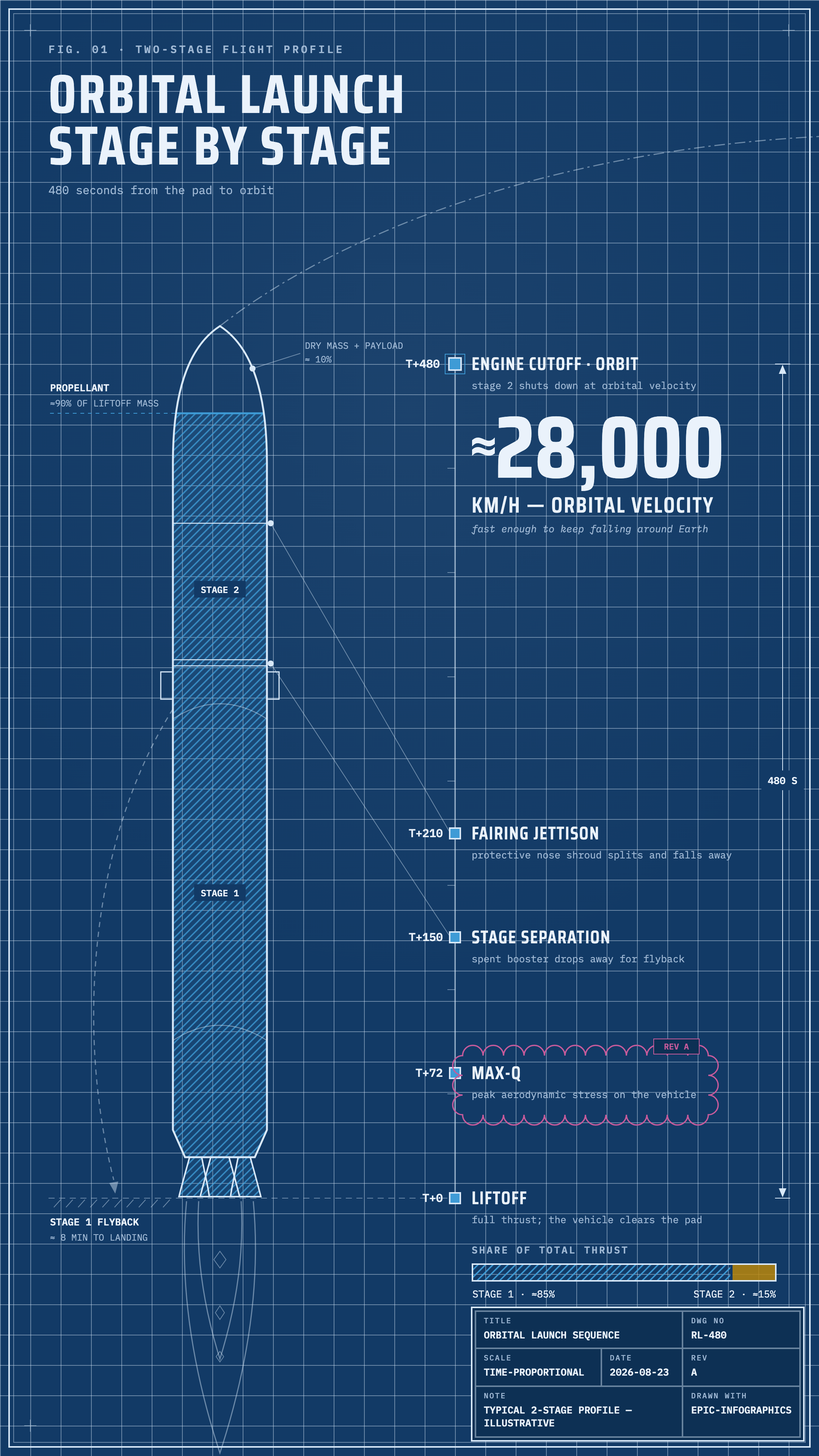
Orbital launch
blueprint · story |
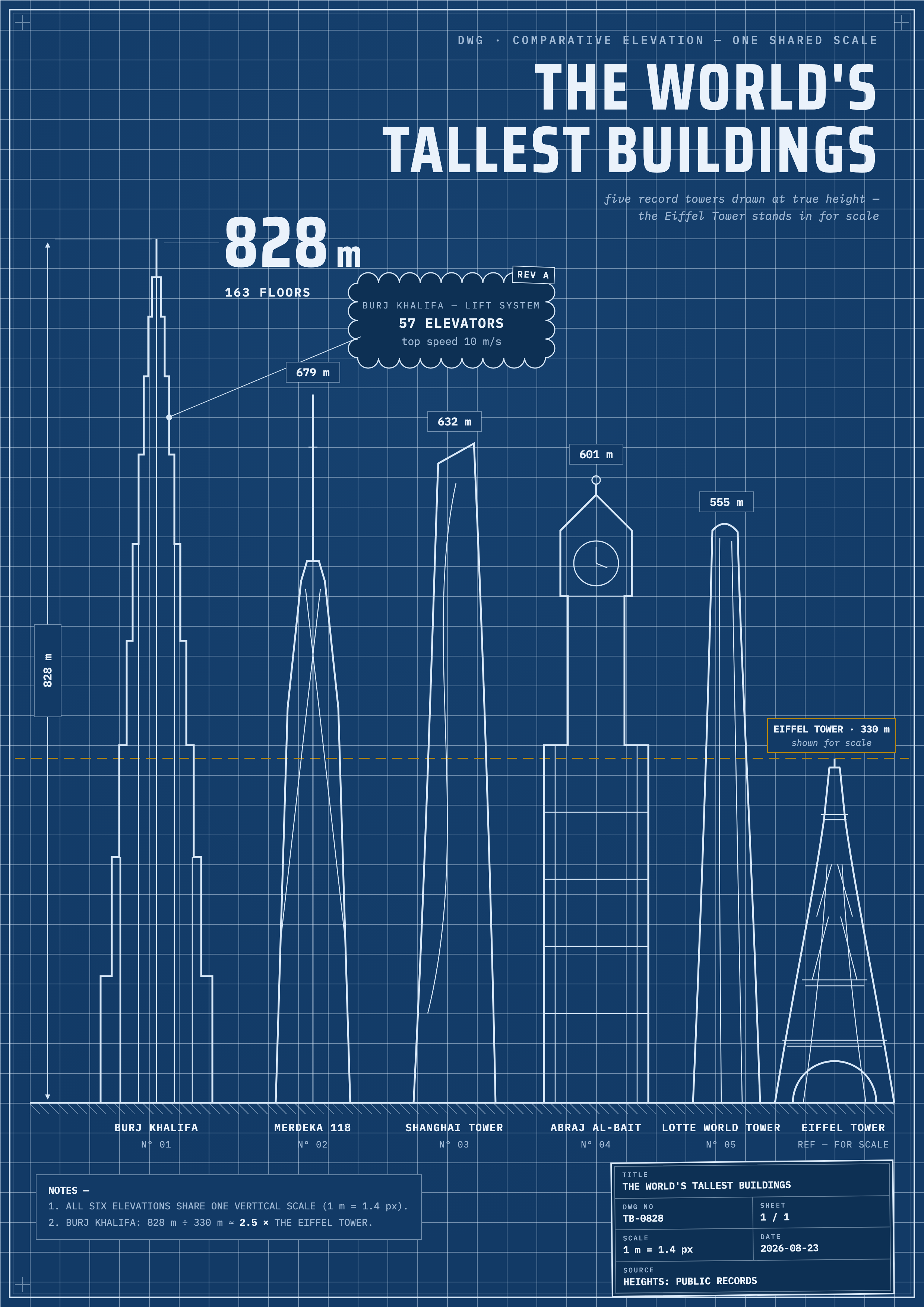
Tallest buildings
blueprint · a4 |
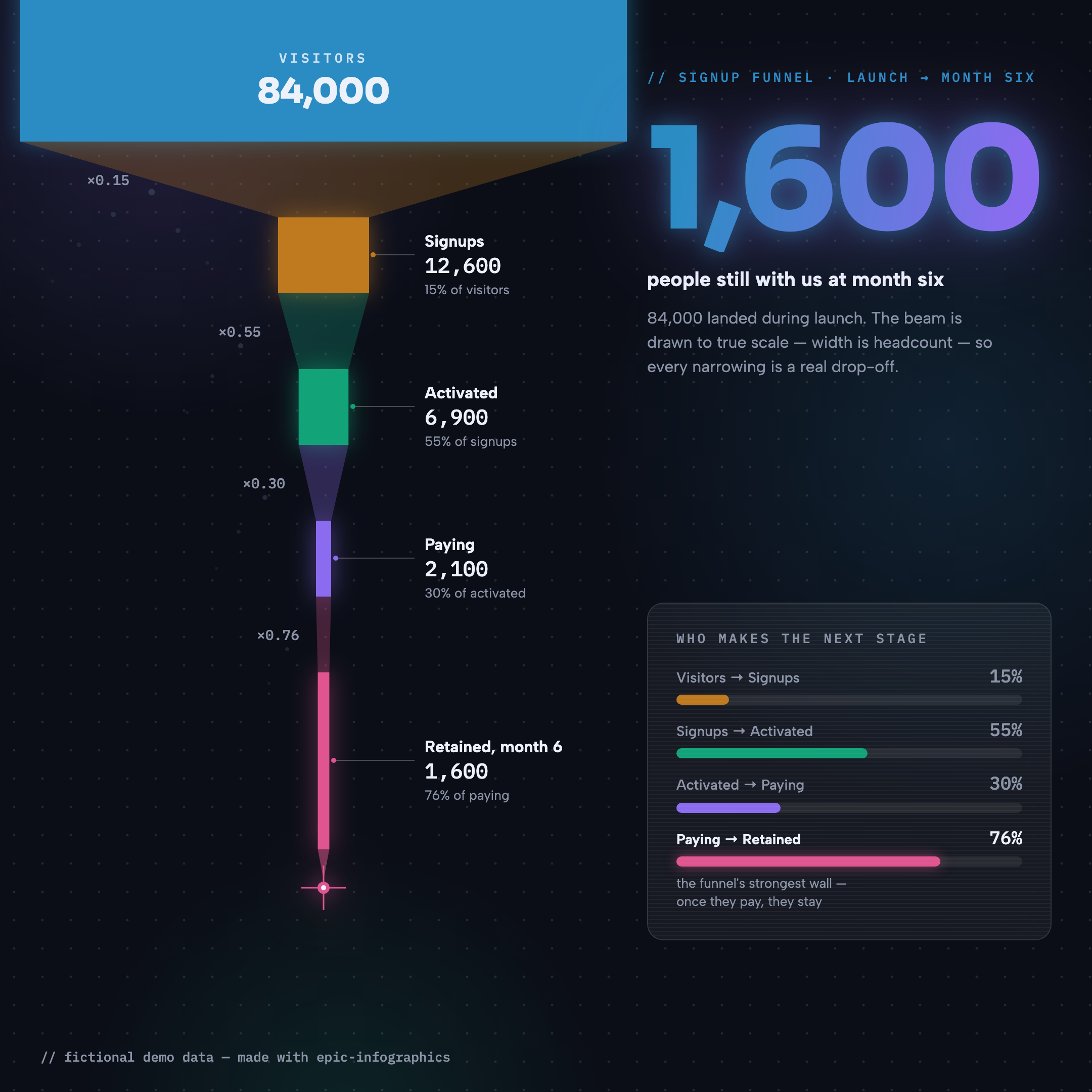
Signup funnel
dark-glass · square |
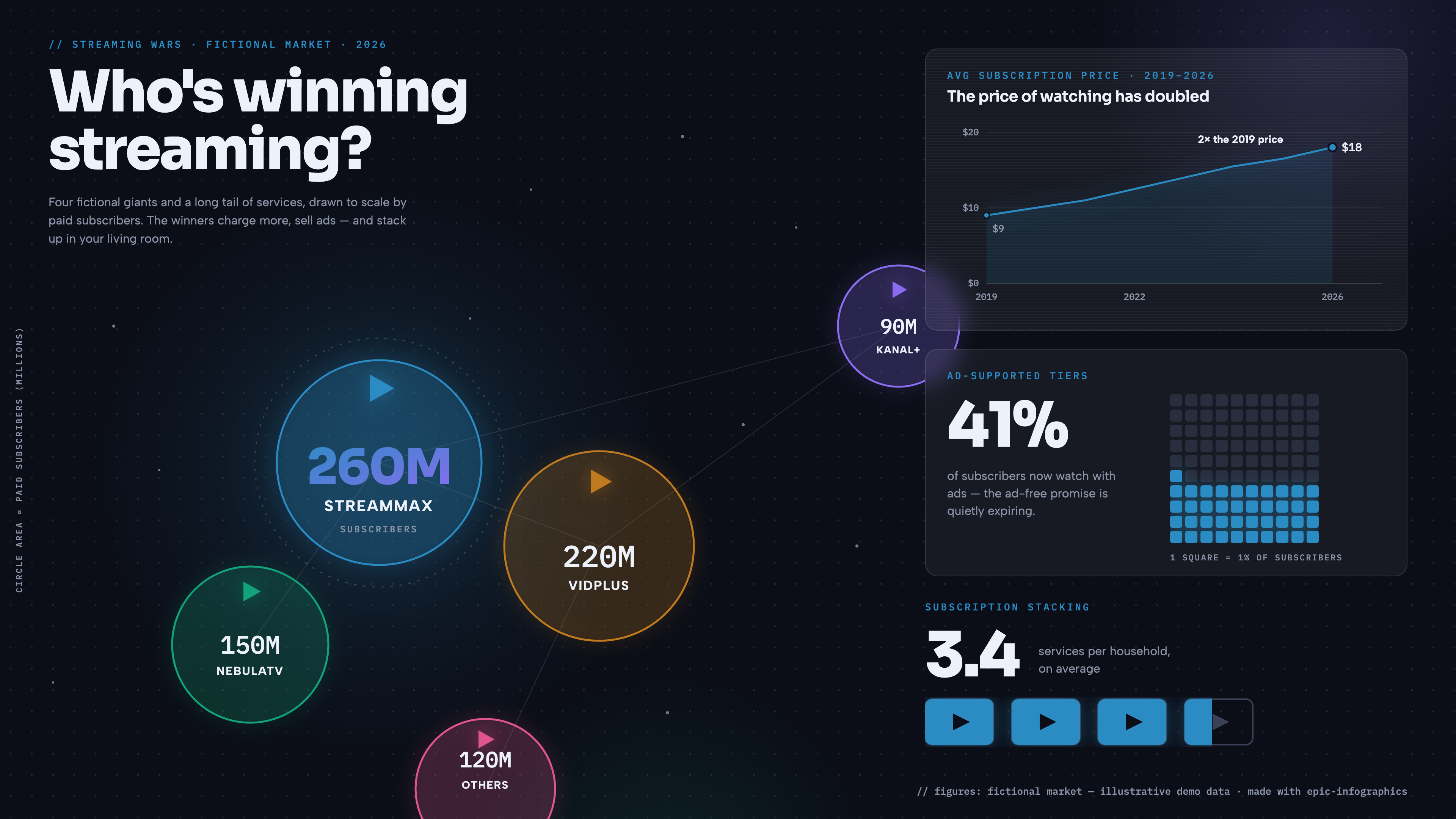
The streaming wars
dark-glass · wide |
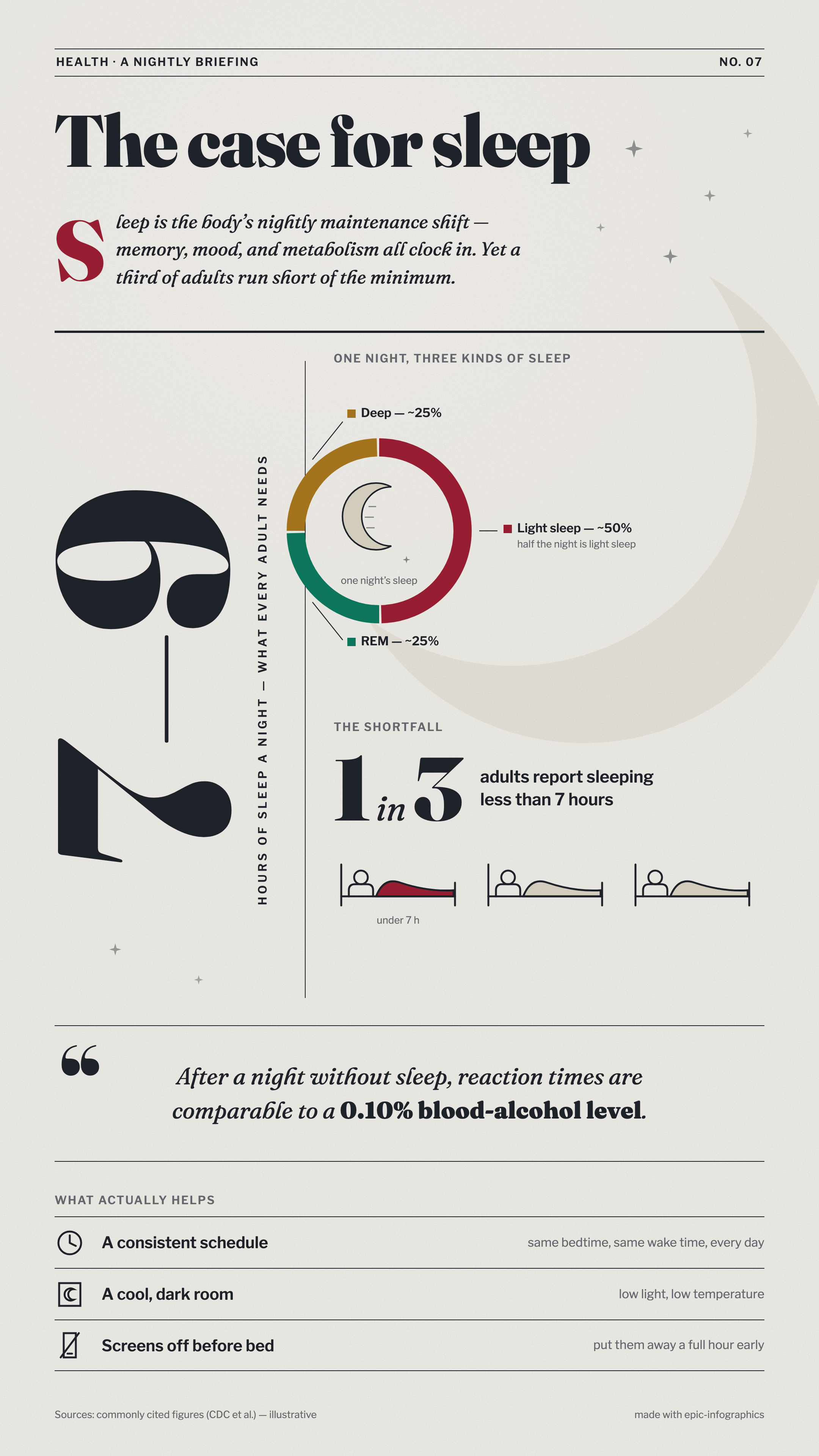
The case for sleep
editorial · story |
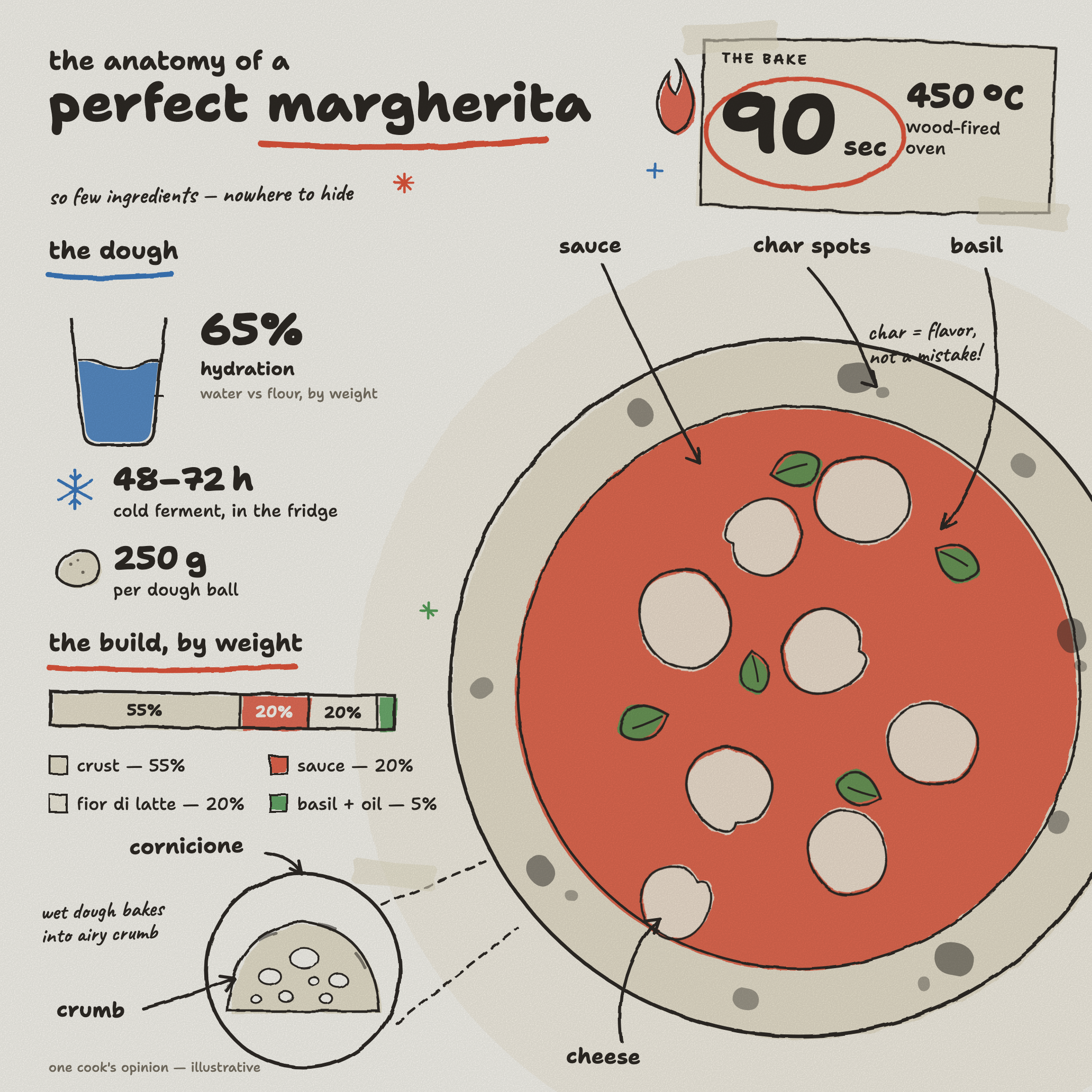
Anatomy of a margherita
hand-drawn · square |
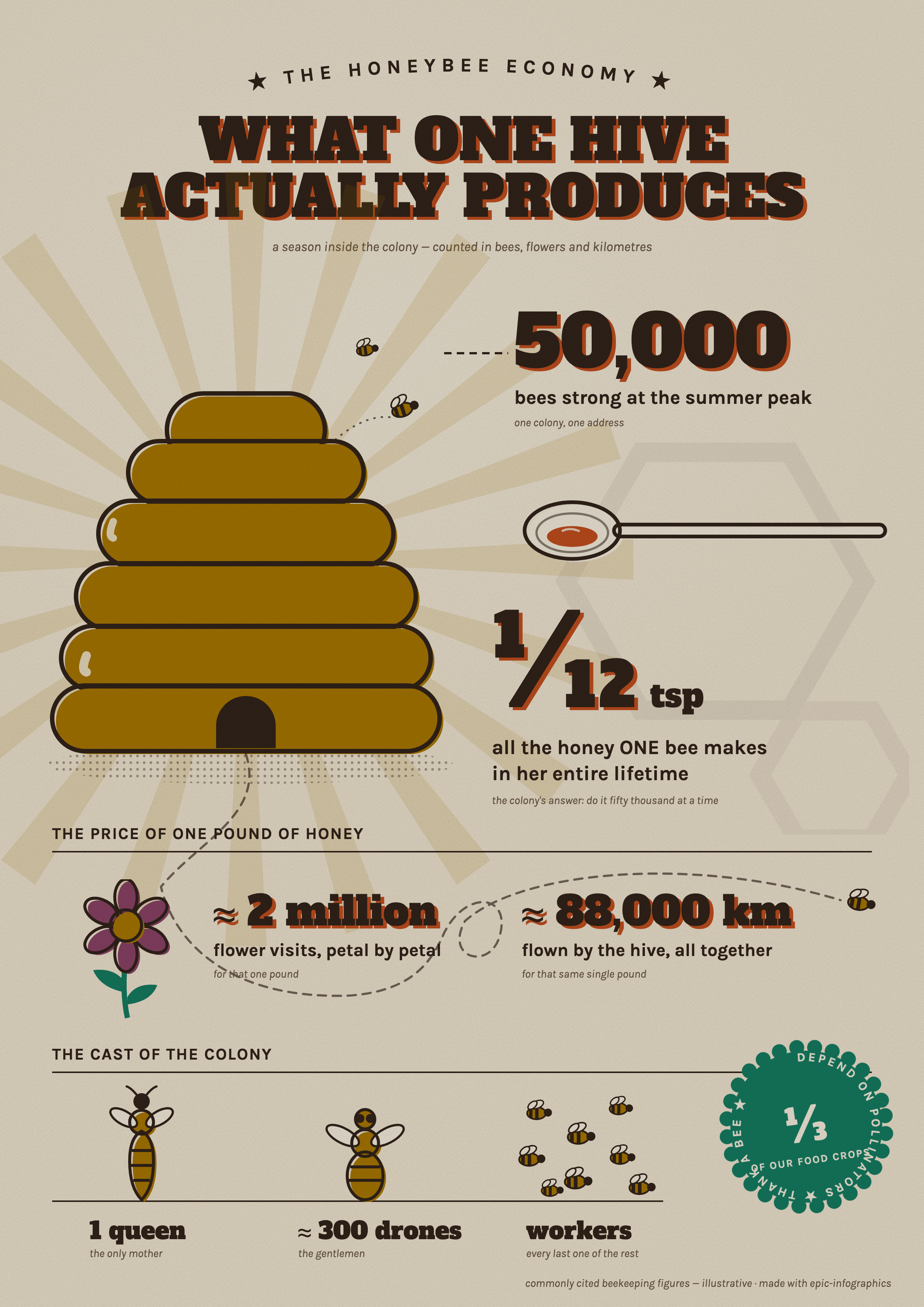
The honeybee economy
retro-print · a4 |
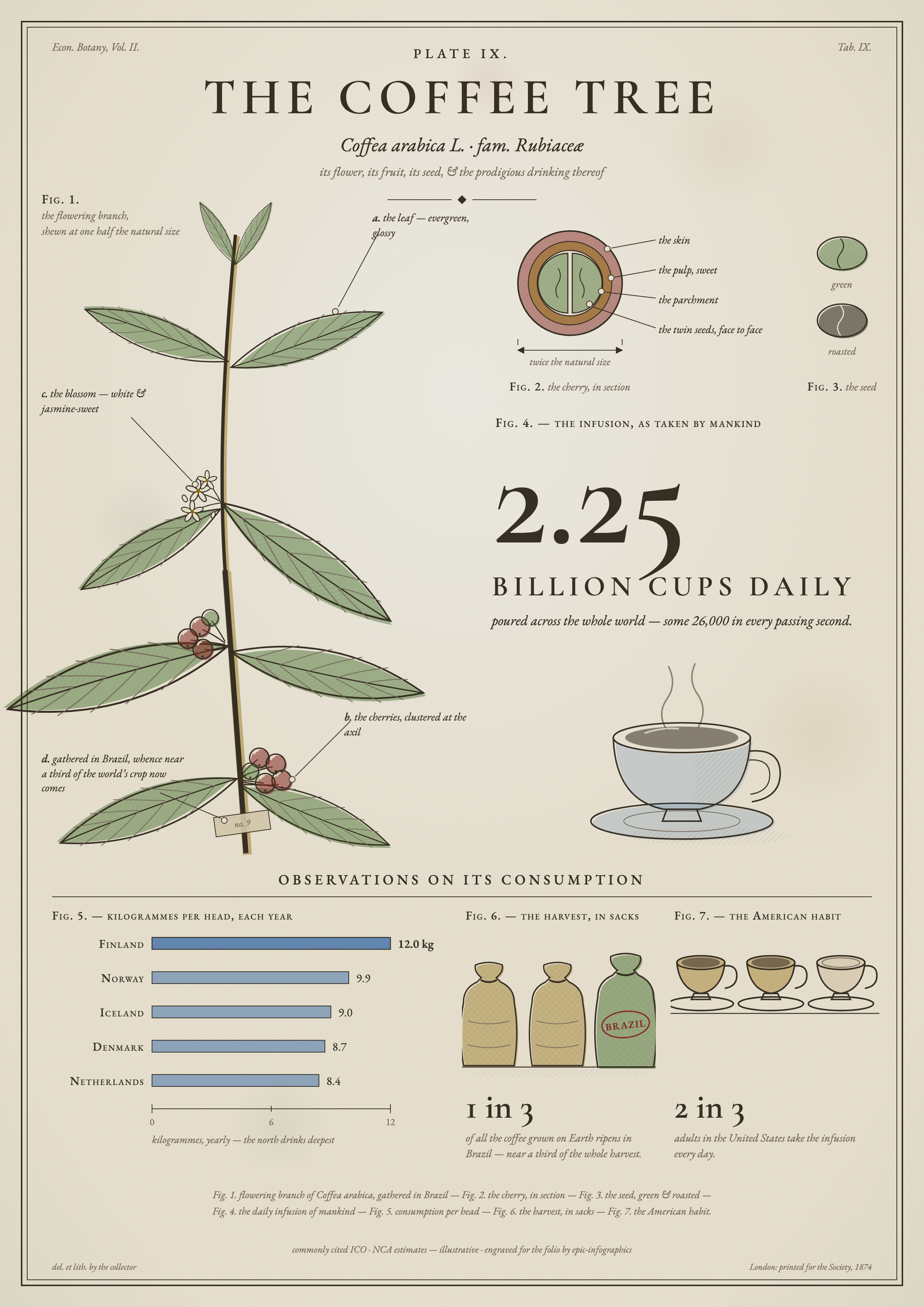
The coffee tree
naturalist-plate · a4 |
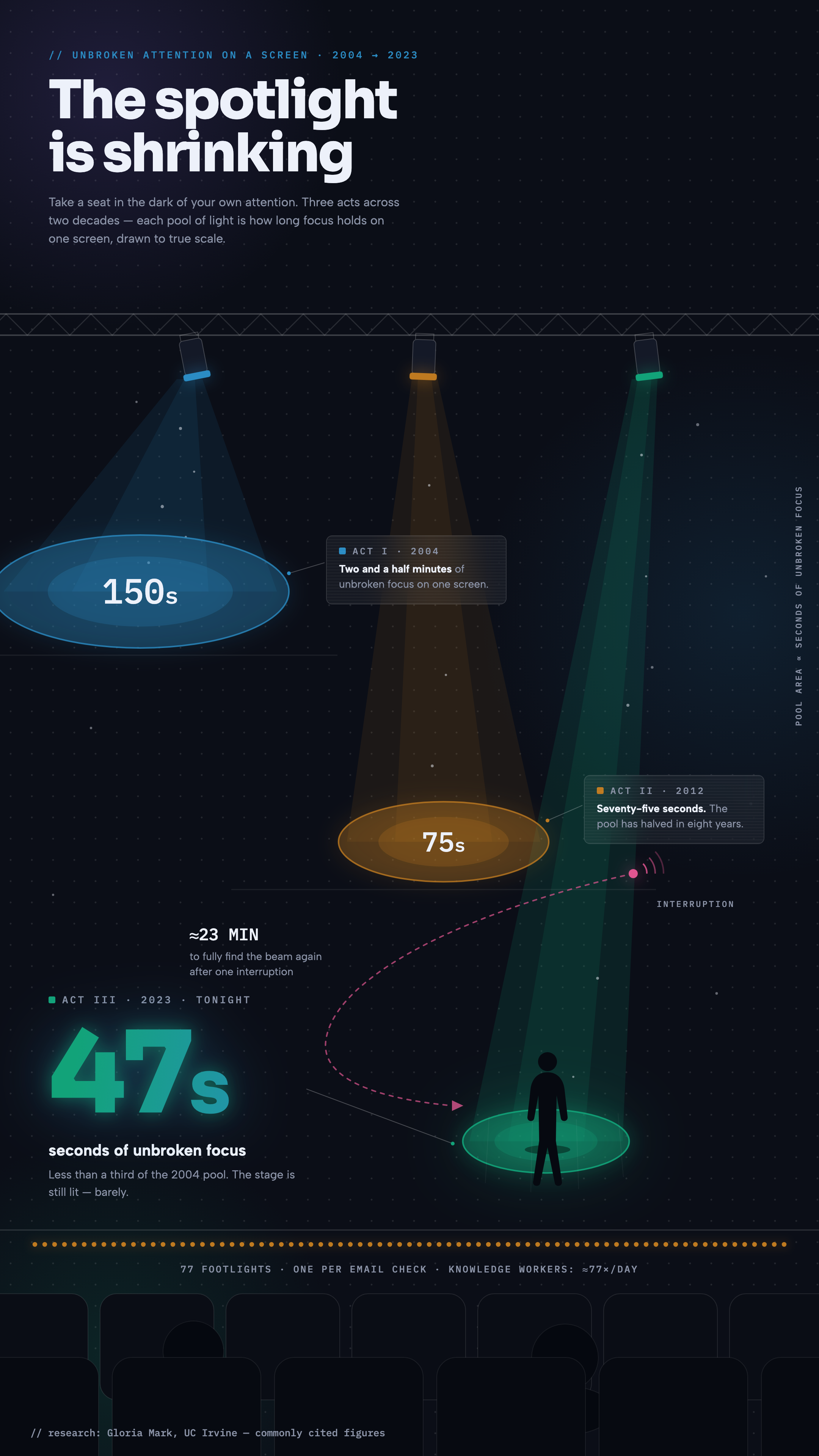
The spotlight is shrinking
dark-glass · story |
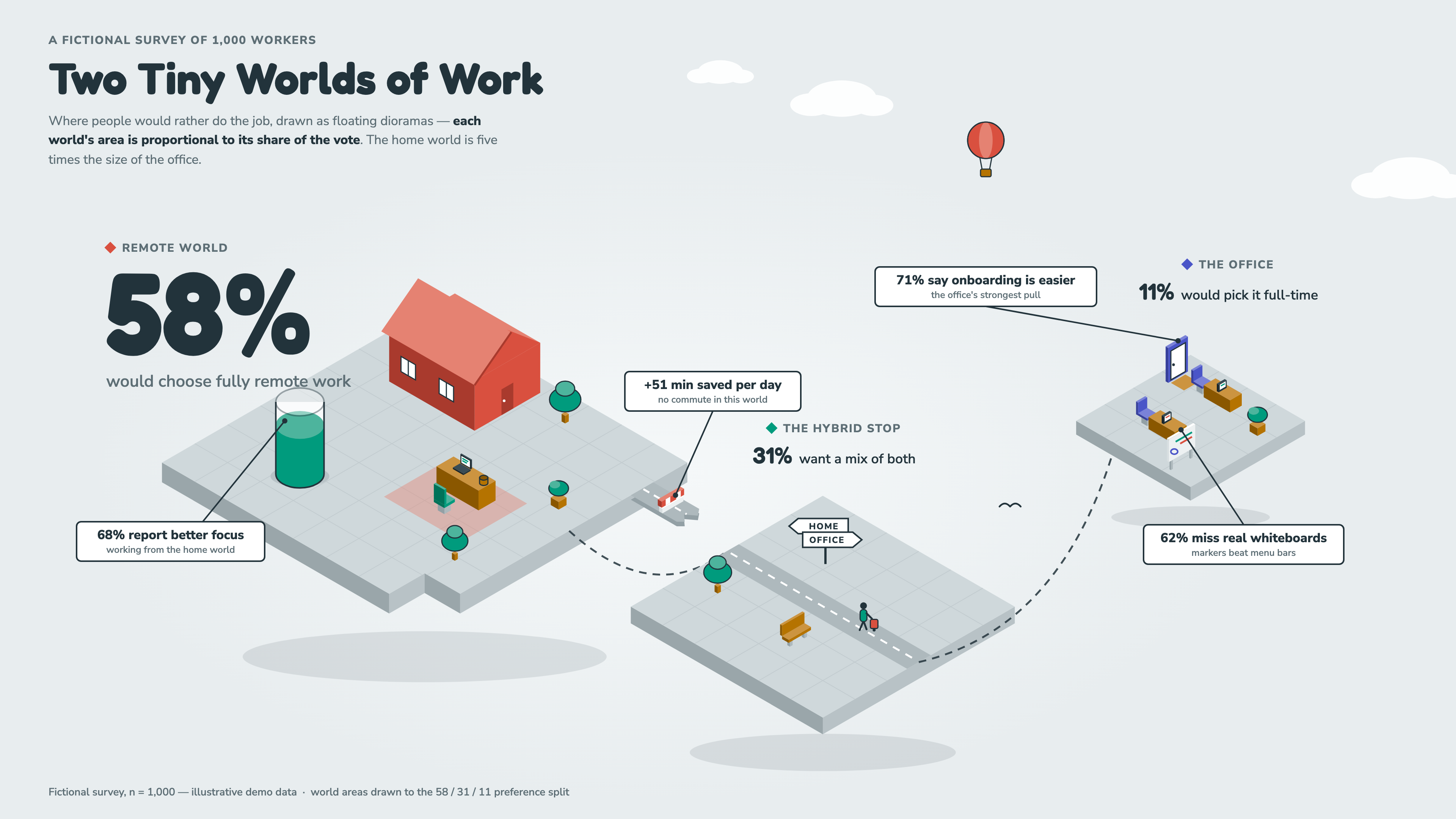
Two tiny worlds of work
isometric-world · wide |
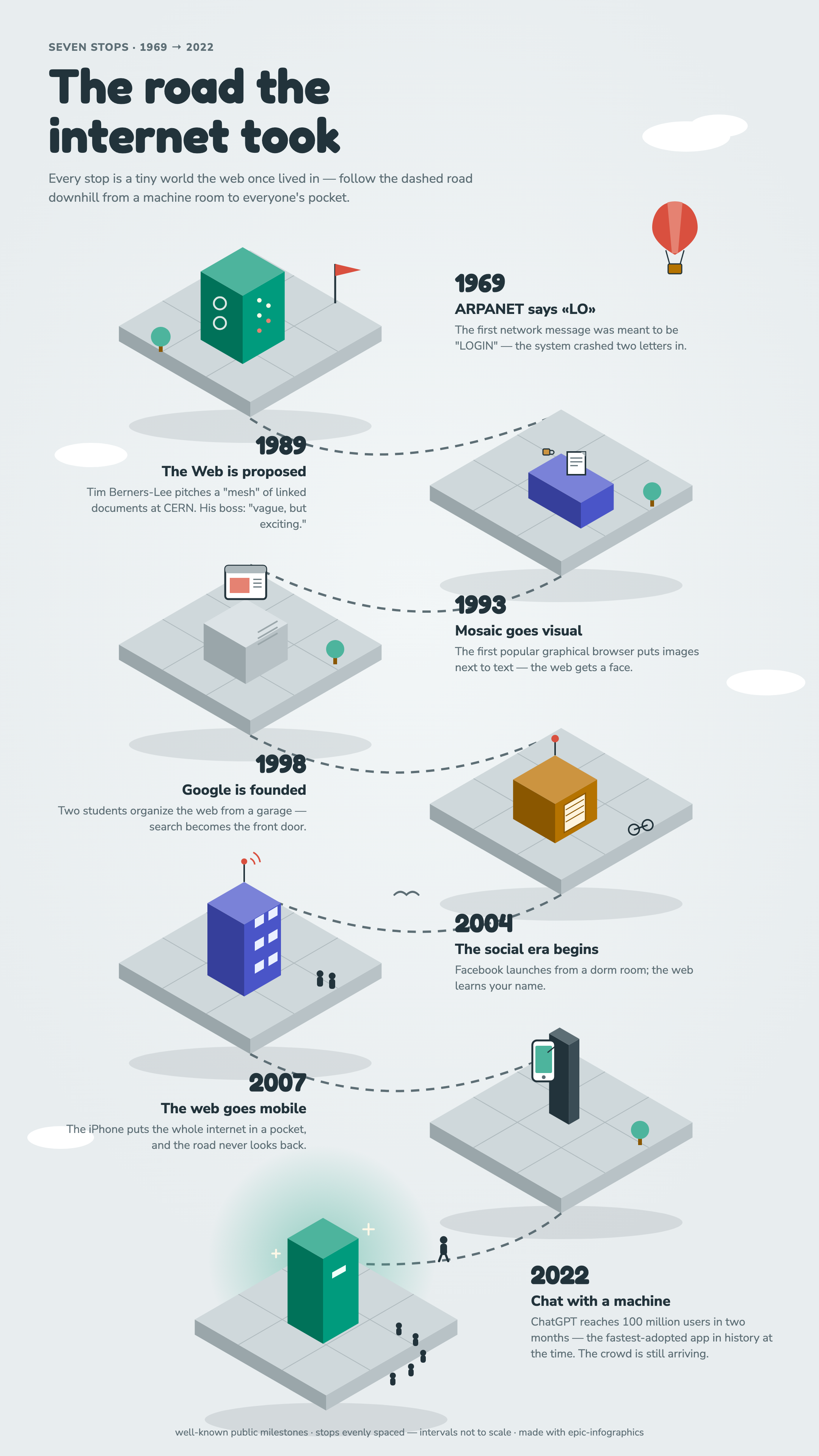
The road the internet took
isometric-world · story |
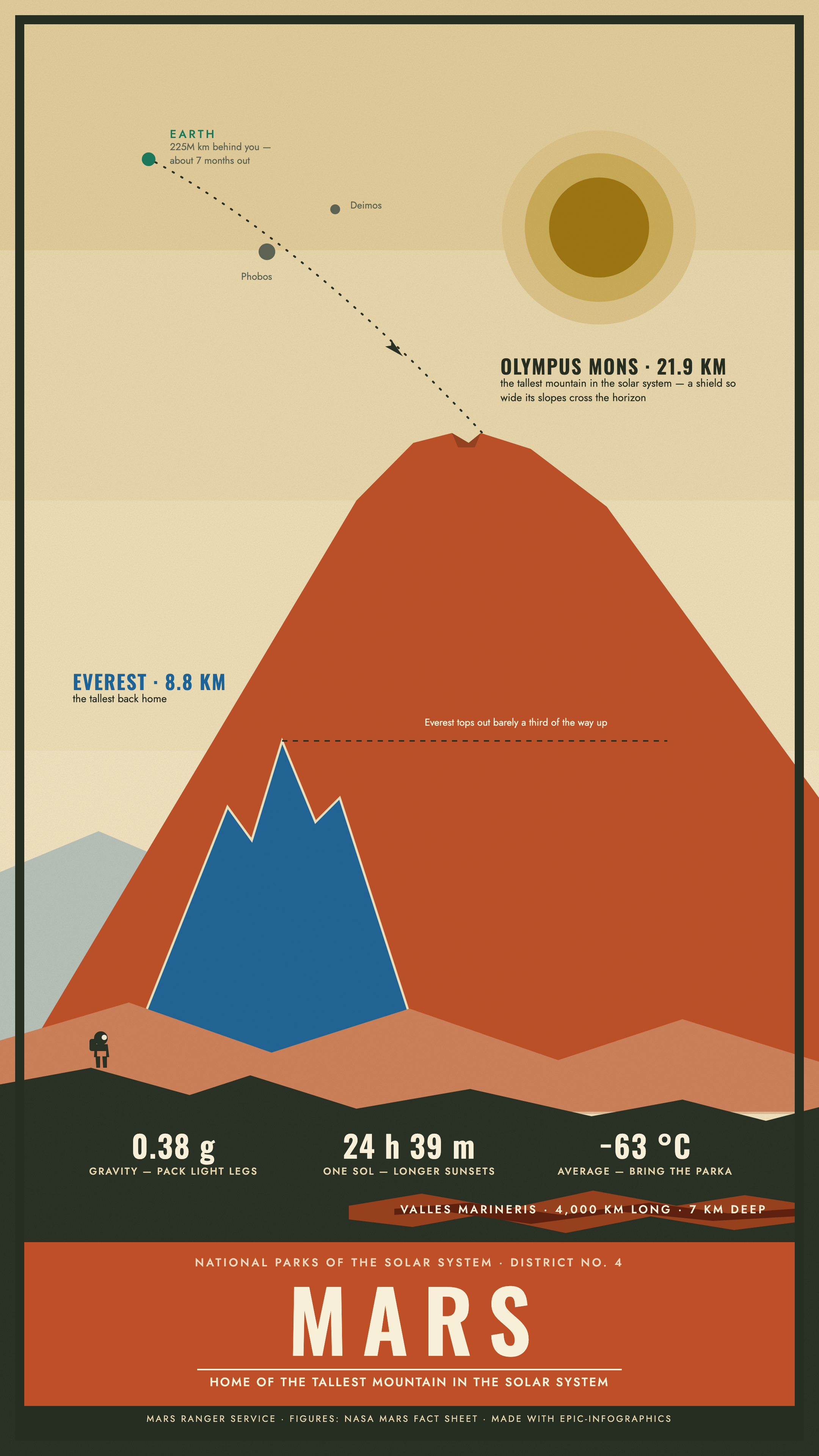
Visit Mars
park-poster · story |
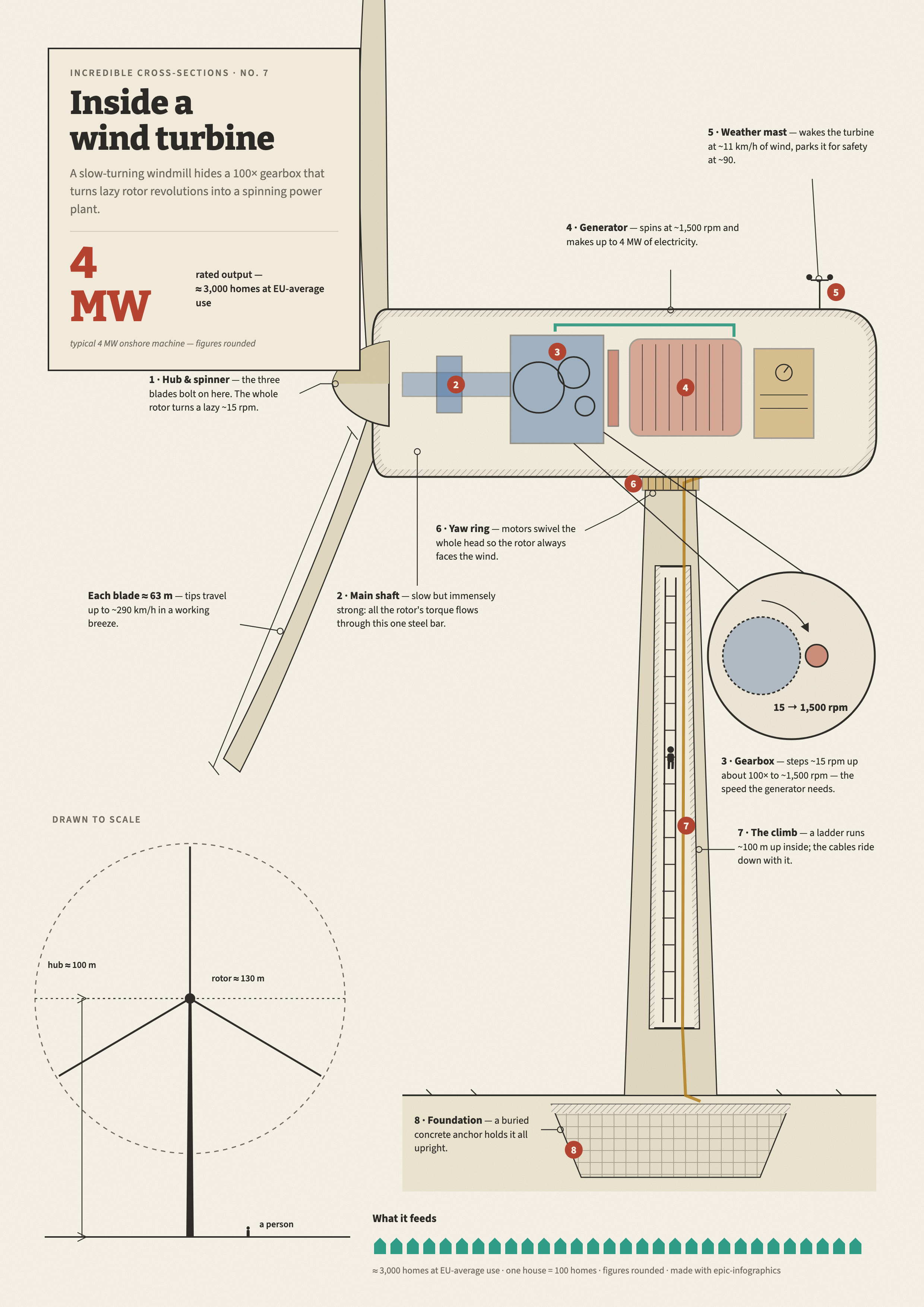
Inside a wind turbine
cutaway · a4 |
Your brief here
the skill made all of these;
test briefs in examples/briefs.md |
|
It also moves
Every gallery piece is also a short animation, rendered from the same
HTML file as its still. The skill asks up front whether the graphic
should move, storyboards the build (the scene is already on stage, the
data arrives in order, the hero lands last), and choreographs it in the
design language's own motion character: the blueprint rocket is drafted
line by line, the honeybee poster arrives as screen-print ink passes,
the theatre runs its lighting cues, and the Mars vista pulls layer by
layer off the screen. A bundled script scrubs the page's CSS animations frame
by frame in headless Chromium and assembles the MP4 and GIF with ffmpeg,
so every render is deterministic and the layout checks still hold on the
finished frame.

The design languages
Each style file is a complete spec the agent can execute as written: exact
hexes, font pairings, geometry, signature devices, do's and don'ts. Every
chart palette passes a six-check color-blind-safety validation, including
the dark ones.
| Scene-native (the defaults) |
|
| blueprint |
cyanotype drafting sheet: dimension arrows, hatch fills, stamped title block |
| dark-glass |
luminous data on deep space: aurora fields, glass panels, disciplined glow |
| naturalist-plate |
19th-century field-guide engraving: figure systems, watercolor tints, foxing |
| isometric-world |
miniature floating dioramas: data as architecture, exact 2:1 projection |
| retro-print |
mid-century poster: four inks, misregistration, film grain, arc text |
| editorial |
magazine feature: Fraunces at huge sizes, drop caps, charticles |
| hand-drawn |
marker sketchbook: wobble-filtered linework, washi tape, doodle arrows |
| park-poster |
WPA screen-print vista: layered flat planes, title band, a tiny figure for scale |
| cutaway |
DK-style cross-section: sliced machines, numbered callouts, detail lenses, tiny people |
| High slop-risk (explicit request only) |
|
| swiss · corporate-clean · neo-brutalist |
flat by construction; the skill only uses them when asked, and forces scene-craft into them |
Install
Claude Code
/plugin marketplace add OrRon/EpicInfographics
/plugin install epic-infographics@epic-infographics
Updates: /plugin → Marketplaces → epic-infographics → Enable auto-update.
Codex
codex plugin marketplace add OrRon/EpicInfographics
codex plugin add epic-infographics@epic-infographics
Factory Droid
droid plugin marketplace add https://github.com/OrRon/EpicInfographics
droid plugin install epic-infographics@epic-infographics --scope user
Pi
pi install https://github.com/OrRon/EpicInfographics
Manual install (any agent that reads skill directories)
git clone https://github.com/OrRon/EpicInfographics.git
# user-level:
cp -r EpicInfographics/skills/epic-infographics ~/.claude/skills/
# or project-level:
cp -r EpicInfographics/skills/epic-infographics your-project/.claude/skills/
One-time render setup, run inside the installed skill directory. If you
skip it, the agent runs it itself on the first render:
npm install && npx playwright install chromium
The renderer needs a real browser engine because the graphics are
HTML/CSS; that's what buys real text wrapping, web fonts, backdrop blur
and blend modes. Playwright drives headless Chromium, waits for fonts
before screenshotting, and renders at 2x for retina-crisp PNGs. This is
render-side only, the HTML sources open in any browser.
Quickstart
Then just talk to your agent:
make me an infographic about our Q3 numbers, dark and dramatic, 16:9
turn this data into a poster for the office printer [paste a table]
a fun square social graphic about how sourdough works, hand-drawn style
The agent first pins down who the graphic is for, what it needs to do,
and whether it should also move, gathers the data, then pitches you two
or three story angles as a multiple-choice question. Once you pick one, it selects a visual metaphor
that can carry real data, chooses a canvas and a design language, composes
the scene, builds it, renders it, and reviews its own PNG against the
checklist before handing it over. There are usually one or two self-correction loops you
never see.
How it holds quality
- Rule zero: where is the reader standing? If the answer is "looking at a
well-designed page", the agent starts over.
- Geometry is truthful: bars start at zero, area scales with value, and
there are no eyeballed proportions or dual axes.
- The skill does not invent data. Figures are supplied or researched, and
illustrative values are labeled as such in the footer of every example.
- Color is validated: every palette, light and dark, passes lightness,
chroma, contrast and colorblind-separation checks before it ships.
- Layout is verified by machine before any render. A preflight script loads
the page headless, measures the real glyph geometry, and refuses to
continue while text collides with other text, gets clipped, leaves the
canvas, or falls below readable size.
- The render-review-fix loop is mandatory: at least one pass, with a
checklist that treats "could be a dashboard template" as a hard fail.
- Motion is a layer on the approved still, never a substitute for one. The
animation's final frame is the infographic itself, the same layout gates
apply to it, and the agent reviews an eight-frame contact sheet of its
own video before delivering.
Architecture
skills/epic-infographics/
  SKILL.md                      entry point: workflow + hard rules (kept short)
  references/
    composition.md              rule zero + six named composition patterns
    illustration-and-texture.md metaphor-first method, grain/halftone/misregistration
    data-vocabulary.md          ~25 data forms, chosen by the question the data answers
    charts.md                   inline-SVG recipes with the math written out
    motion.md                   animation as staging: build order, easing, recipes
    design-languages/           one complete spec per style (+ _template.md)
  templates/skeleton.html       canvas boilerplate
  scripts/check.mjs             preflight gate: collisions, clipping, sizes, hero
  scripts/render.mjs            HTML -> PNG · 6 presets · font-safe · retina
  scripts/animate.mjs           HTML -> MP4/GIF · scrubbed CSS keyframes · ffmpeg
examples/                       brief + HTML + PNG for every gallery image
.claude-plugin/ .codex-plugin/  plugin + marketplace manifests
.factory-plugin/ .agents/         (Claude Code · Codex · Factory Droid · Pi)
scripts/validate.mjs            CI gate: manifests in sync, examples complete
.github/workflows/ci.yml        validator + headless render smoke test per PR
The skill is built around progressive disclosure: for any one graphic the
agent reads SKILL.md, one style file, and only the references the task
needs.
Contributing
The most valuable thing you can add is a new design language. Copy
_template.md,
fill in every section, validate your chart palette for color-blind safety
(don't eyeball it), and include one rendered example produced through the
skill. PRs that add a style without a rendered example won't be merged,
because the gallery is the test suite. The full checklist and the local
validation commands are in CONTRIBUTING.md.
License
MIT. Do what you like with it.

 一个开源技能,教 AI 编程代理设计出工作室水准的信息图,而不是千篇一律的 AI 味观感,把一份简报从数据运算一路做到渲染好的 PNG 和可选动画。