630 ·GitHub
What is this?
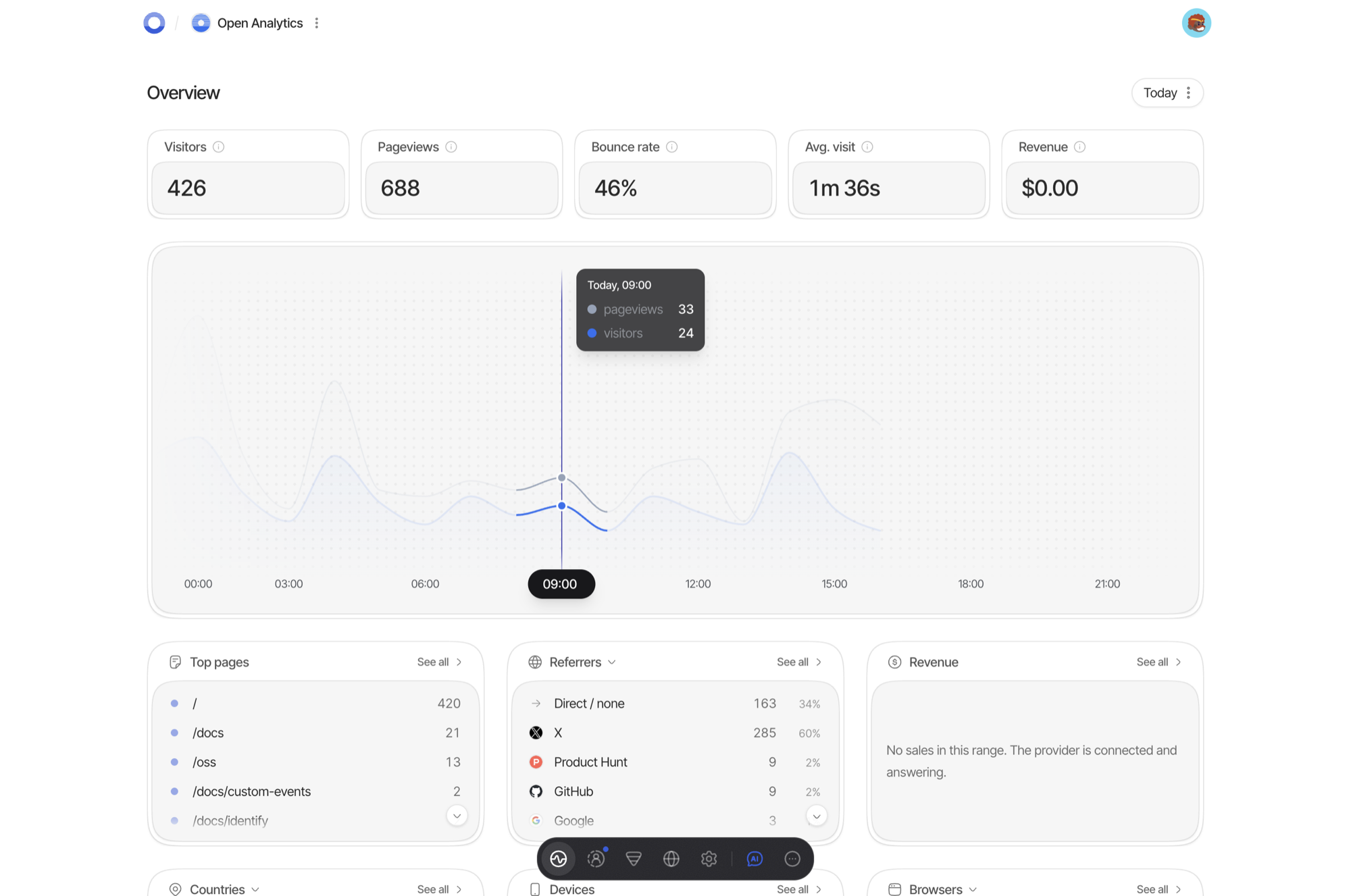
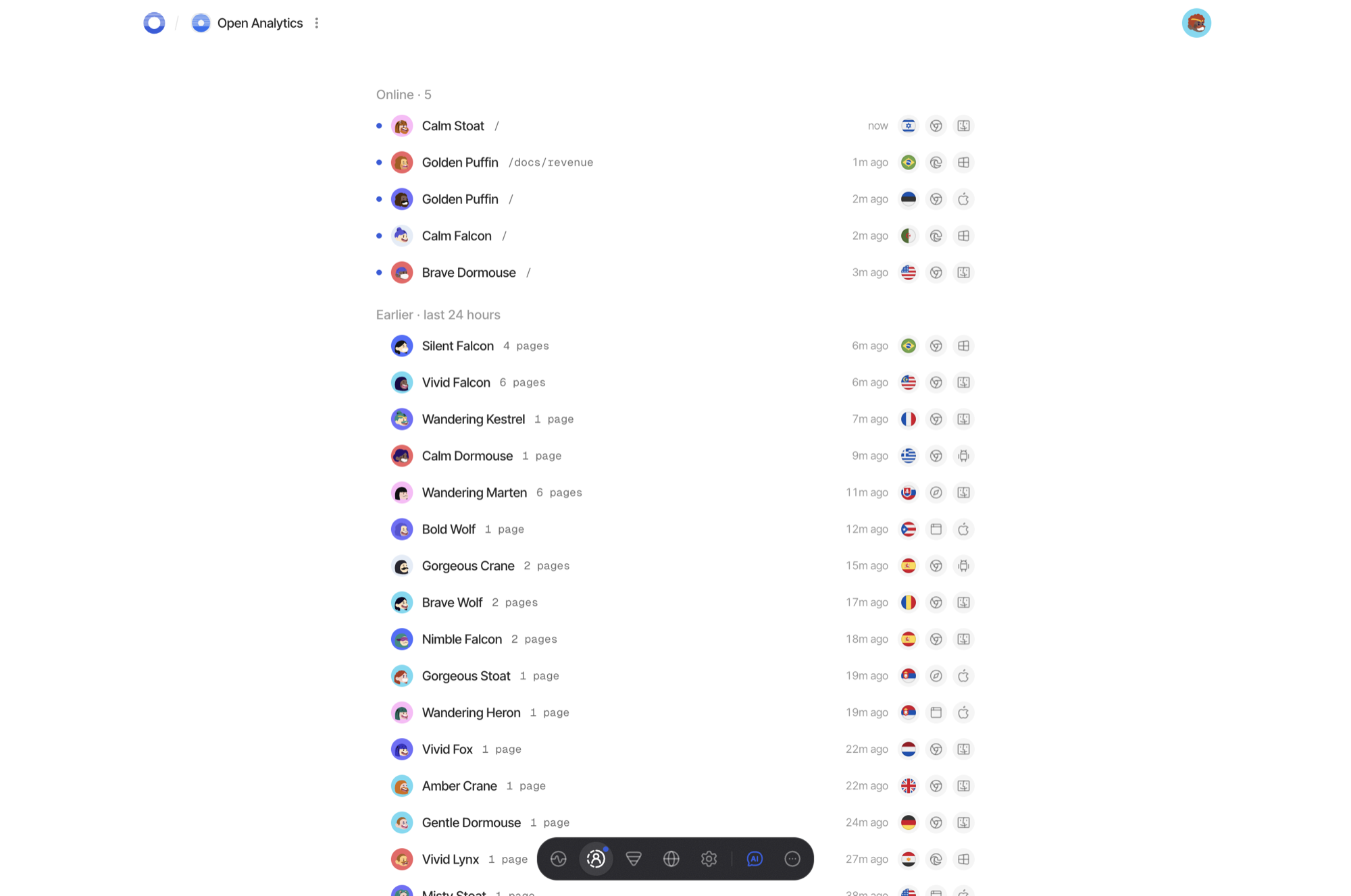
 OpenAnalytics is an open-source, privacy-first, cookieless web analytics platform with revenue attribution and a built-in MCP server. You can self-host it under AGPL-3.0 or use the hosted instance the authors run at getopen.so.
OpenAnalytics is an open-source, privacy-first, cookieless web analytics platform with revenue attribution and a built-in MCP server. You can self-host it under AGPL-3.0 or use the hosted instance the authors run at getopen.so.Is this one app or a bunch of services?It's a pnpm monorepo of several services: a tracker script, collector, worker, api, query-gateway, a realtime SSE stream, a Next.js dashboard, and a CLI called 'oa', backed by Postgres, ClickHouse, and two Valkey instances.
It's a pnpm monorepo of several services: a tracker script, collector, worker, api, query-gateway, a realtime SSE stream, a Next.js dashboard, and a CLI called 'oa', backed by Postgres, ClickHouse, and two Valkey instances.How do I get it running?Follow SELF-HOSTING.md: run the generator script, then 'docker compose up -d'. A release publishes ten prebuilt images to ghcr.io so you don't need a build toolchain, and TLS certificates are issued automatically on first boot.
Follow SELF-HOSTING.md: run the generator script, then 'docker compose up -d'. A release publishes ten prebuilt images to ghcr.io so you don't need a build toolchain, and TLS certificates are issued automatically on first boot.What do I need before self-hosting it?A Linux host with Docker, four DNS records pointed at that host before you start, roughly 4 GB of RAM, and 25 GB of free disk.
A Linux host with Docker, four DNS records pointed at that host before you start, roughly 4 GB of RAM, and 25 GB of free disk.Does the prebuilt install work on any machine?The published release images are amd64 only. On arm64, or if you want to run a branch instead of a tagged release, you have to build the ten images yourself from the same compose file, which takes about ten minutes.
The published release images are amd64 only. On arm64, or if you want to run a branch instead of a tagged release, you have to build the ten images yourself from the same compose file, which takes about ten minutes.Where can I run this?It's designed for self-hosting on a Linux host via Docker, with a Next.js web dashboard; the authors also run a hosted version so you don't have to run anything yourself.
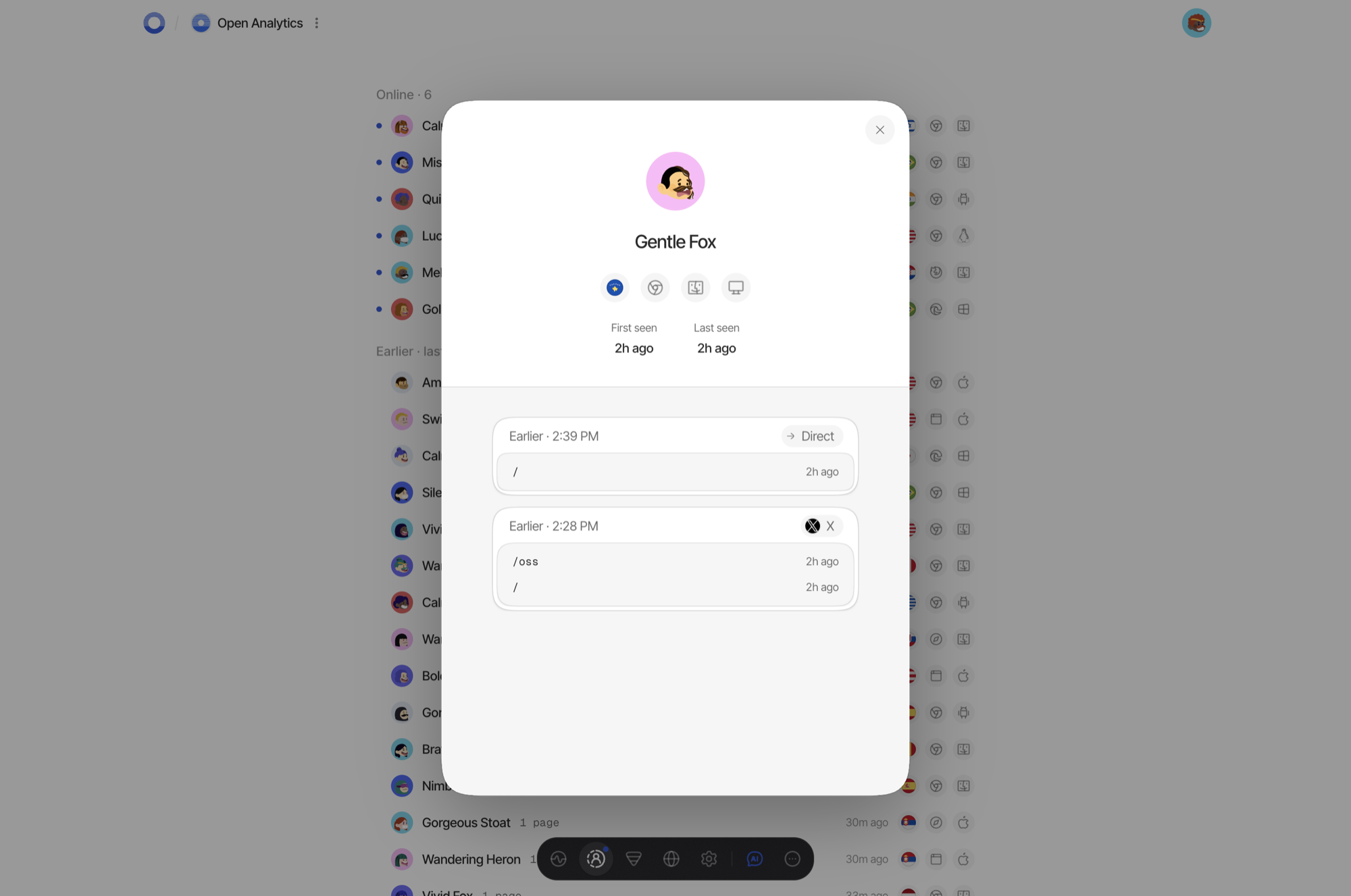
It's designed for self-hosting on a Linux host via Docker, with a Next.js web dashboard; the authors also run a hosted version so you don't have to run anything yourself.How does it avoid tracking visitors the way Google Analytics does?There are no cookies or fingerprinting. Visitor identity is a salted hash that rotates every night, raw IP addresses are never stored, and Do Not Track / Global Privacy Control signals are honored at the collector before anything is written.
There are no cookies or fingerprinting. Visitor identity is a salted hash that rotates every night, raw IP addresses are never stored, and Do Not Track / Global Privacy Control signals are honored at the collector before anything is written.What happens if I modify it and run it as a hosted service?The code is AGPL-3.0, so running a modified version as a network service requires offering your modified source to its users. The 'OpenAnalytics' name and the getopen.so domain are trademarks of the authors, not part of the license grant.
The code is AGPL-3.0, so running a modified version as a network service requires offering your modified source to its users. The 'OpenAnalytics' name and the getopen.so domain are trademarks of the authors, not part of the license grant.What can the MCP server do?It lets AI assistants and agents query your analytics data directly through the Model Context Protocol, alongside a built-in AI assistant surface in the dashboard.
It lets AI assistants and agents query your analytics data directly through the Model Context Protocol, alongside a built-in AI assistant surface in the dashboard.How does the revenue attribution feature work?It pulls revenue analytics straight from your connected Stripe account, so you can see which traffic sources actually drove paying customers.
It pulls revenue analytics straight from your connected Stripe account, so you can see which traffic sources actually drove paying customers.Can I try it without hosting it myself?Yes — the authors run a hosted instance at getopen.so, the same code running on their own servers.
Yes — the authors run a hosted instance at getopen.so, the same code running on their own servers.Is there a command-line way to manage sites?The included 'oa' CLI handles site setup, viewing stats, and device-flow login, without needing the web dashboard.
The included 'oa' CLI handles site setup, viewing stats, and device-flow login, without needing the web dashboard.What are similar projects?analytics, umami, documenso, lago, rybbit, mission-control, rankme.fast, bisibility
analytics, umami, documenso, lago, rybbit, mission-control, rankme.fast, bisibilityWhich topics is it in?valkey, web-analytics, stripe, sse, clickhouse, openapi, privacy-first, analytics, nextjs, agpl, postgresql, docker-compose
valkey, web-analytics, stripe, sse, clickhouse, openapi, privacy-first, analytics, nextjs, agpl, postgresql, docker-compose