



 Binance
 Bybit
Bybit OKX
OKX Hyperliquid
 Bitget
 KuCoin
 Gate
Gate Aster
Aster Lighter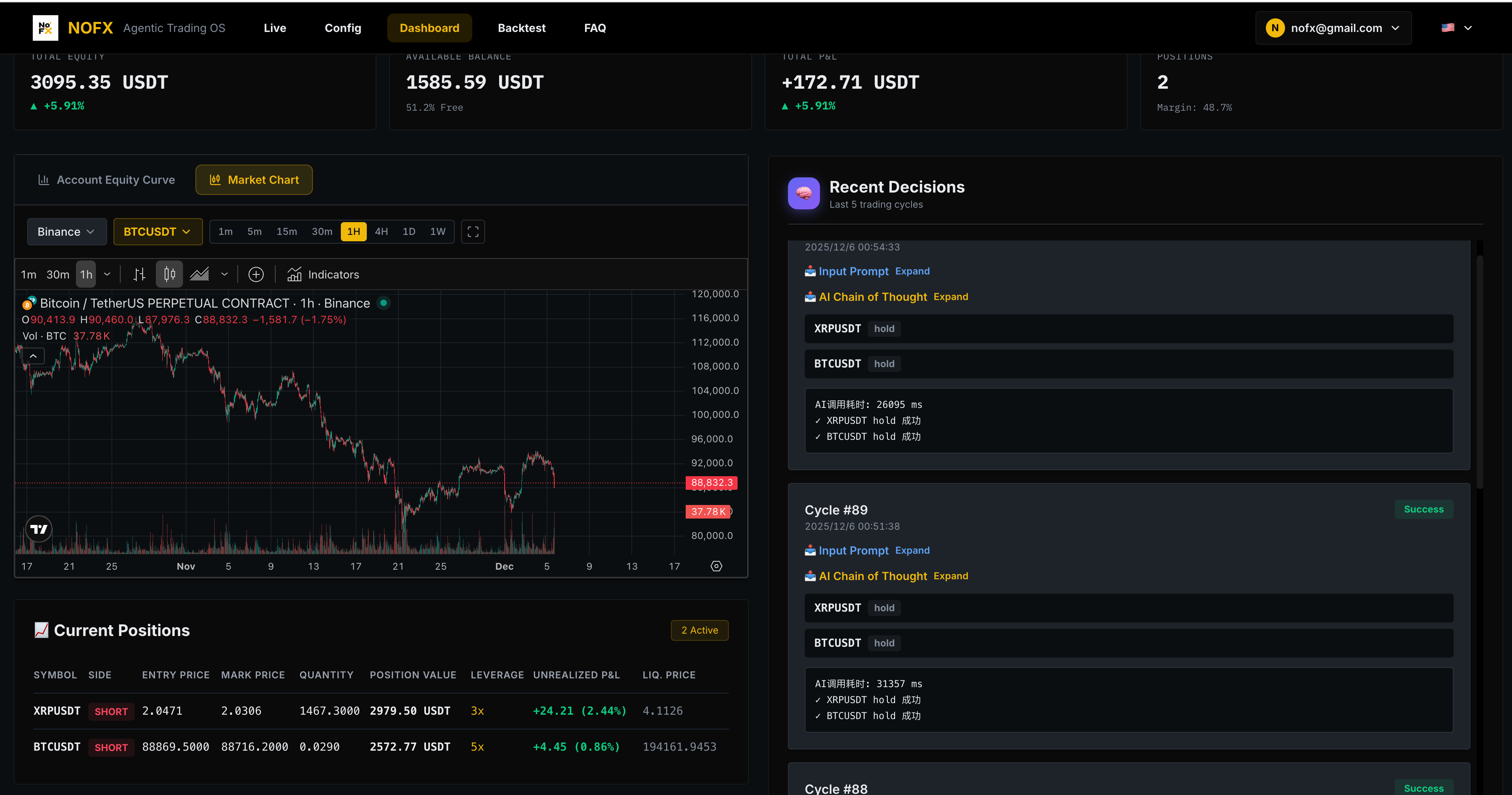
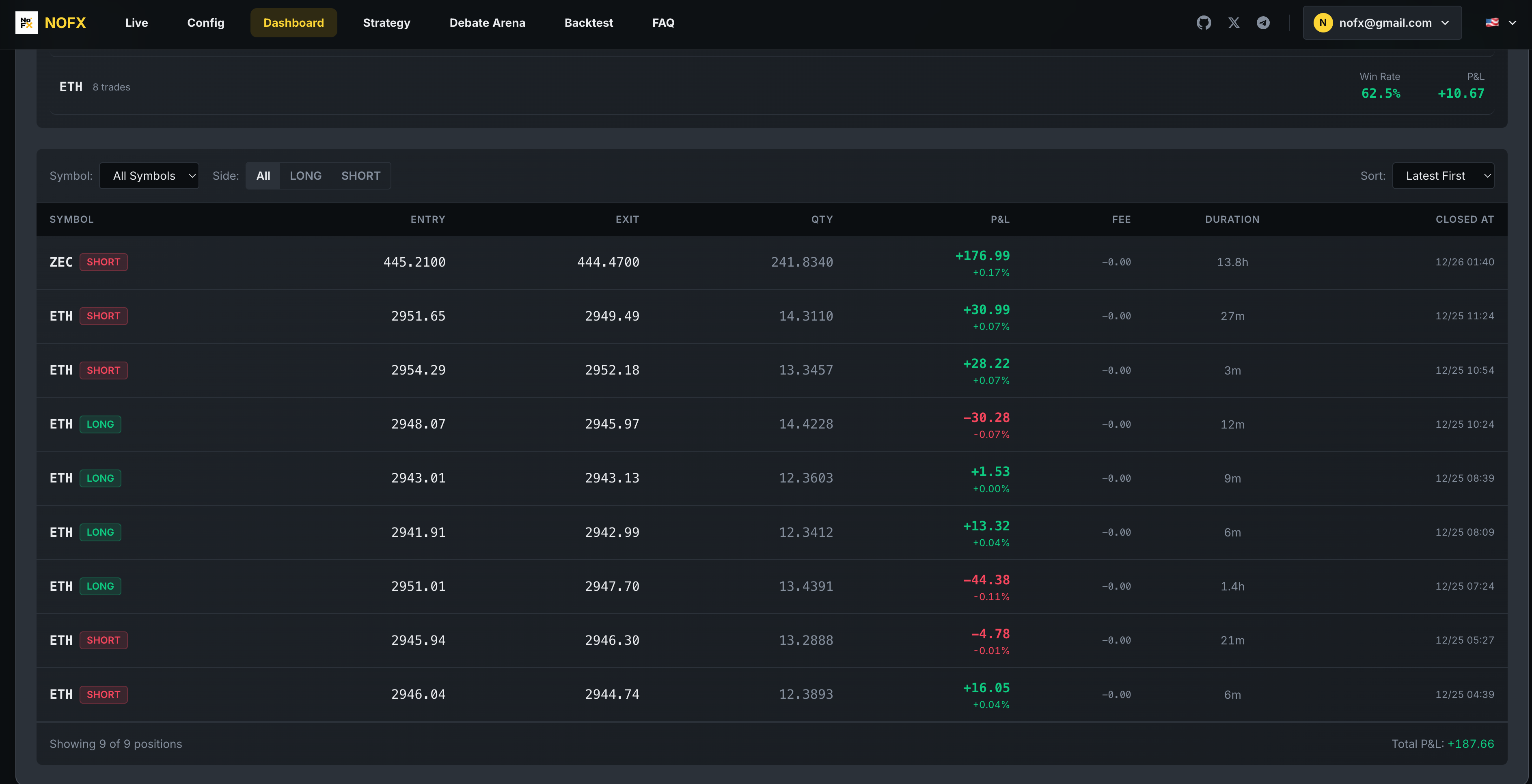
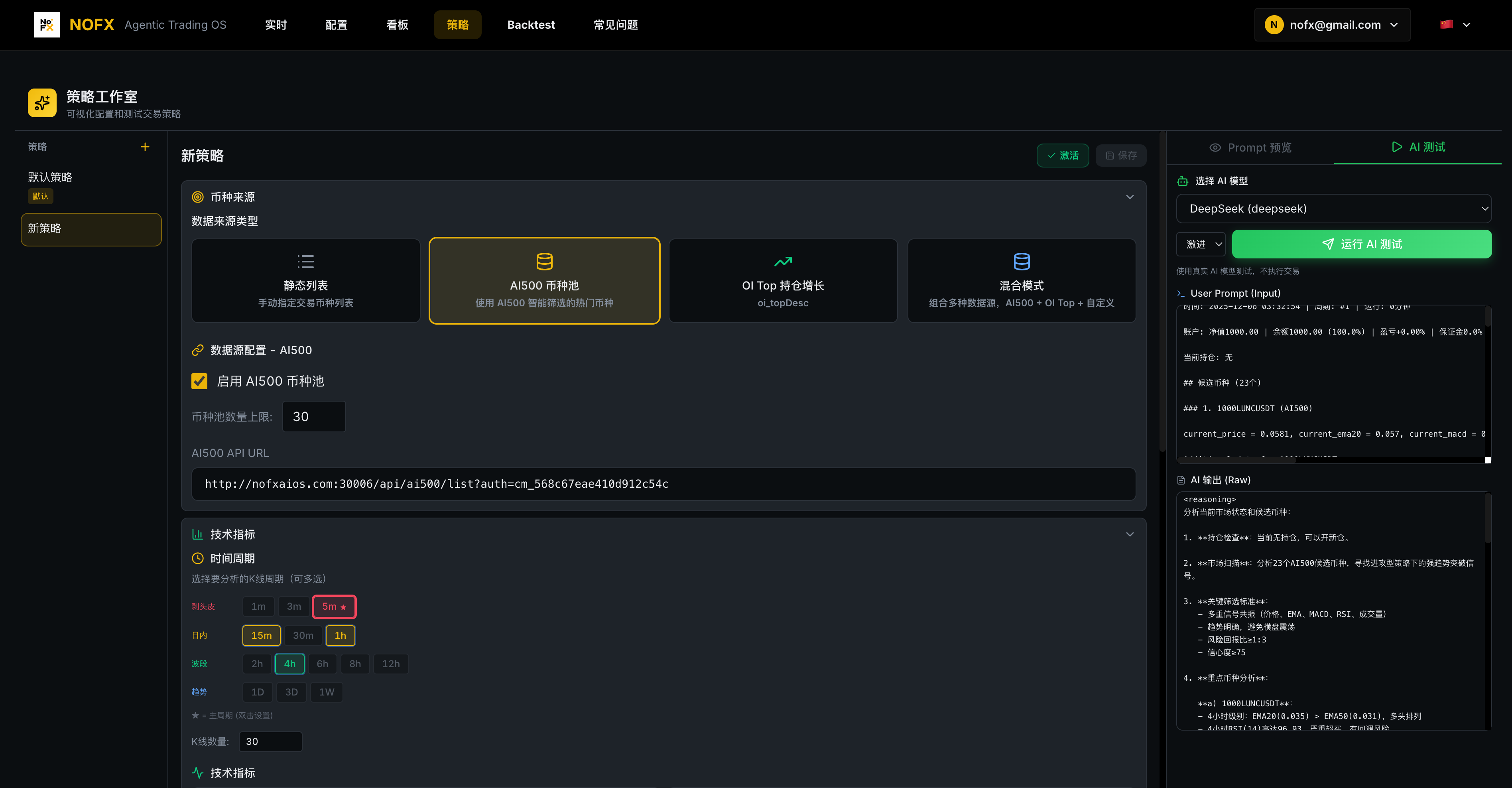
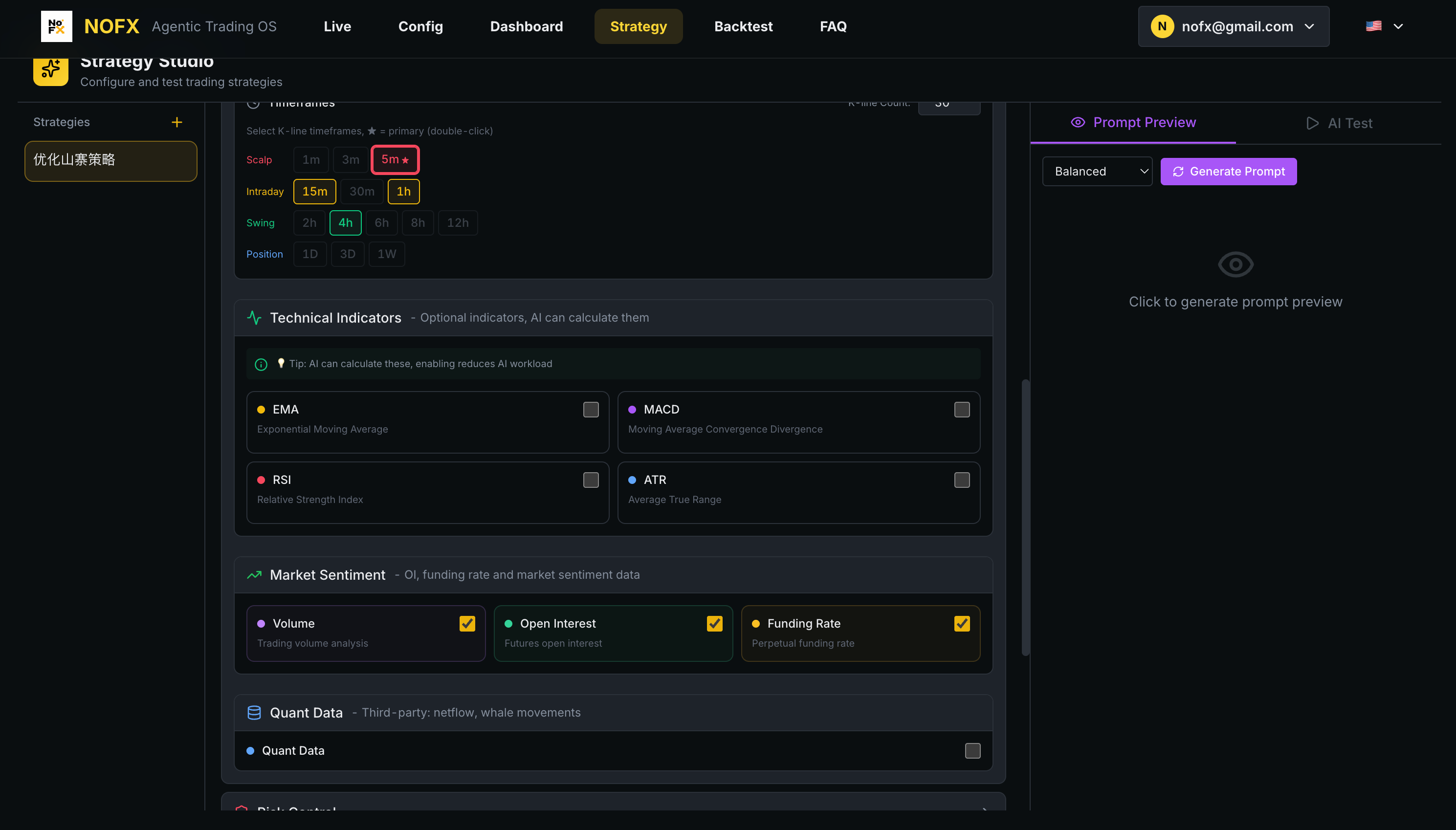
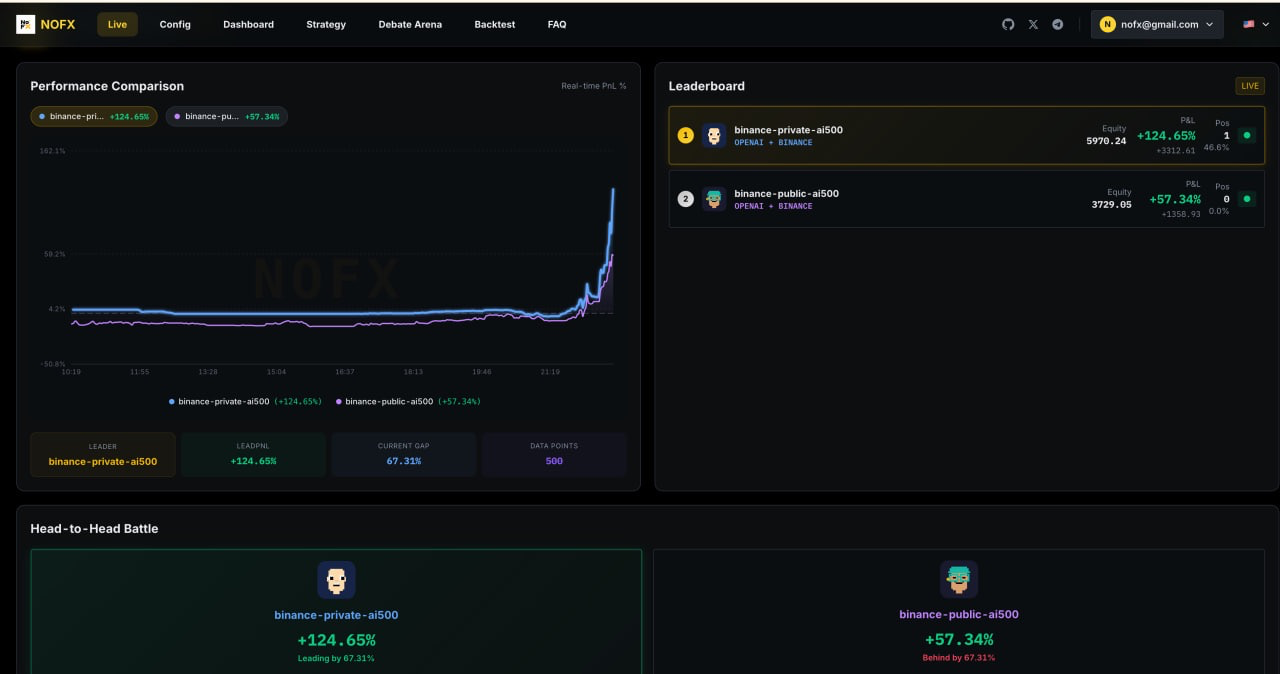
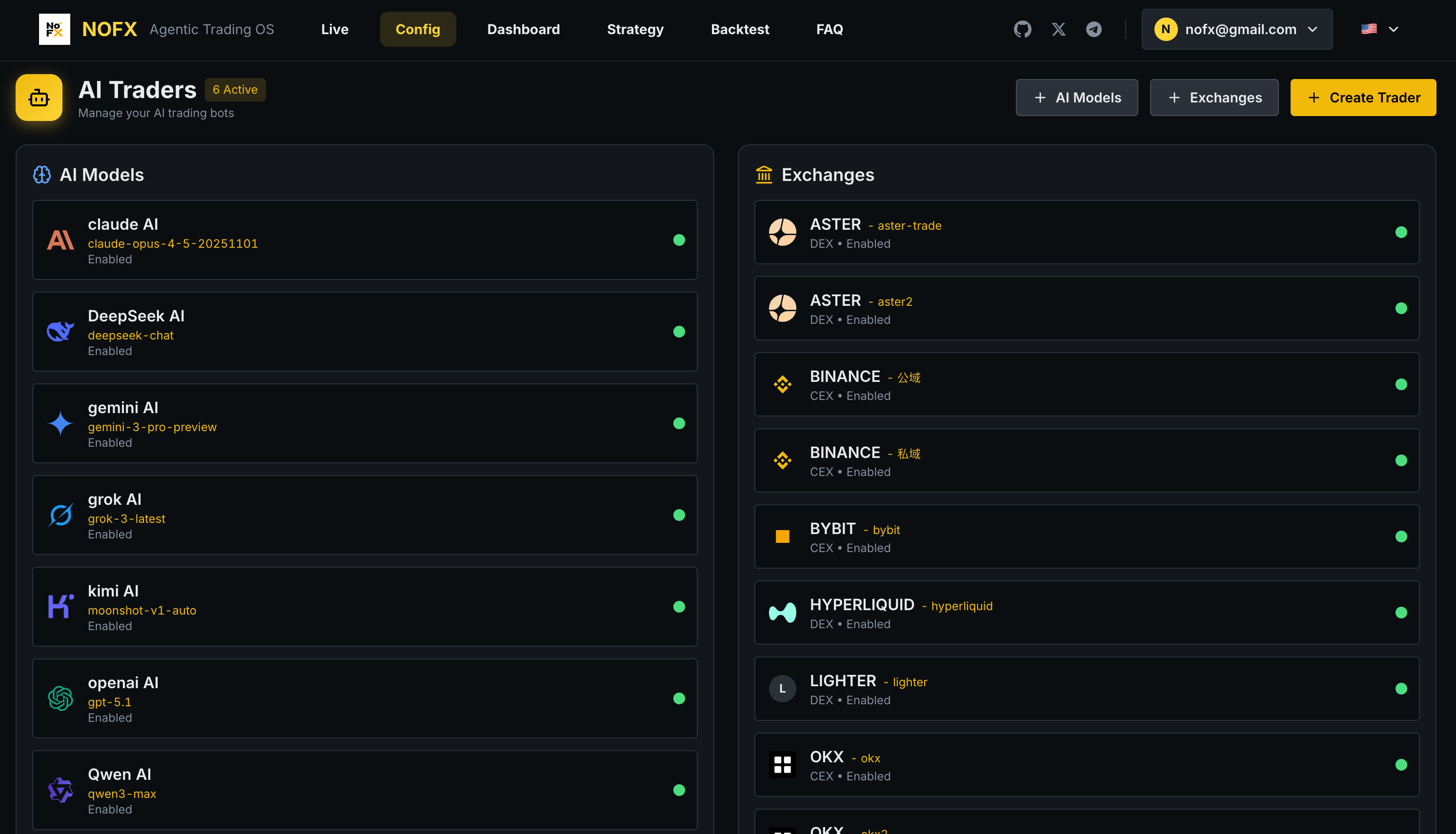



What is this?
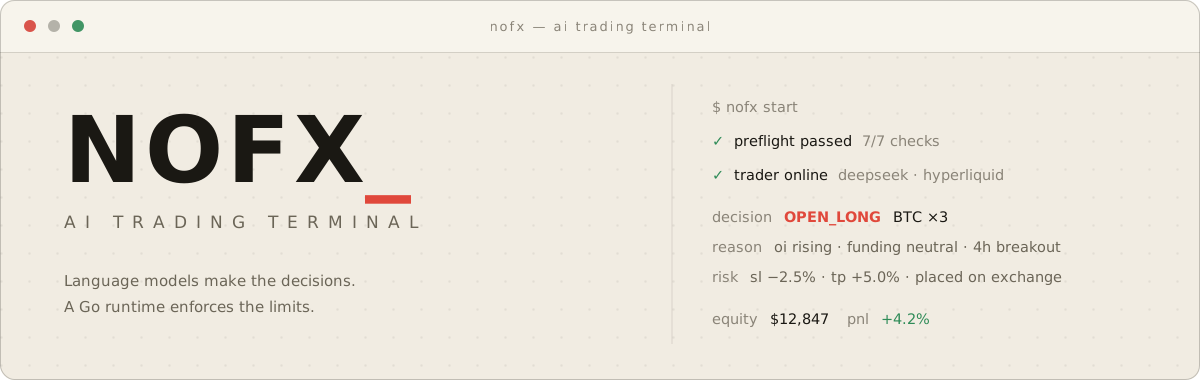
 NOFX is an open-source, self-hosted AI trading terminal where a language model acts as the trading strategy, automatically trading crypto, US stocks, commodities and forex while a Go runtime enforces hard risk limits the model cannot override.
NOFX is an open-source, self-hosted AI trading terminal where a language model acts as the trading strategy, automatically trading crypto, US stocks, commodities and forex while a Go runtime enforces hard risk limits the model cannot override.Is this a cloud service, or something I run on my own machine?It is self-hosted software that you run on your own computer or server; everything, including your exchange credentials, stays local to that machine.
It is self-hosted software that you run on your own computer or server; everything, including your exchange credentials, stays local to that machine.How do I get it running?Install it on Linux/macOS with the provided install script (or deploy via Railway or Docker, Docker Desktop on Windows), register the first account as owner, then follow the guided launch: fund the AI fee wallet with $1+ USDC on Base, connect an exchange like Hyperliquid, deposit $12+ USDC, and start Autopilot.
Install it on Linux/macOS with the provided install script (or deploy via Railway or Docker, Docker Desktop on Windows), register the first account as owner, then follow the guided launch: fund the AI fee wallet with $1+ USDC on Base, connect an exchange like Hyperliquid, deposit $12+ USDC, and start Autopilot.Do I need my own AI model API keys to run it?You can bring your own keys for DeepSeek, OpenAI, Claude, Qwen, Gemini, Grok, Kimi or MiniMax, or skip keys entirely and pay per call through Claw402, which meters usage in USDC over the x402 protocol using only a wallet on Base.
You can bring your own keys for DeepSeek, OpenAI, Claude, Qwen, Gemini, Grok, Kimi or MiniMax, or skip keys entirely and pay per call through Claw402, which meters usage in USDC over the x402 protocol using only a wallet on Base.Does the AI trade with no safety net?No — every order passes through code-enforced limits the model cannot override, including position and leverage caps, automatic stop-loss/take-profit, drawdown auto-close, trade throttling, and a safe mode that blocks new entries after repeated model failures.
No — every order passes through code-enforced limits the model cannot override, including position and leverage caps, automatic stop-loss/take-profit, drawdown auto-close, trade throttling, and a safe mode that blocks new entries after repeated model failures.Where do my exchange credentials go?They are encrypted at rest and never leave your machine, since the whole system runs locally.
They are encrypted at rest and never leave your machine, since the whole system runs locally.What does the AGPL-3.0 license mean for me?NOFX is free and open source under AGPL-3.0, but the project is explicit that automated trading carries real financial risk and AI-driven strategies can lose money.
NOFX is free and open source under AGPL-3.0, but the project is explicit that automated trading carries real financial risk and AI-driven strategies can lose money.What markets can NOFX actually trade?Crypto perpetuals across all nine supported exchanges (Binance, Bybit, OKX, Hyperliquid, Bitget, KuCoin, Gate, Aster, Lighter), plus on Hyperliquid it also trades tokenized US stocks, commodities, indices, FX and pre-IPO perps like TSLA, NVDA, GOLD and SPX.
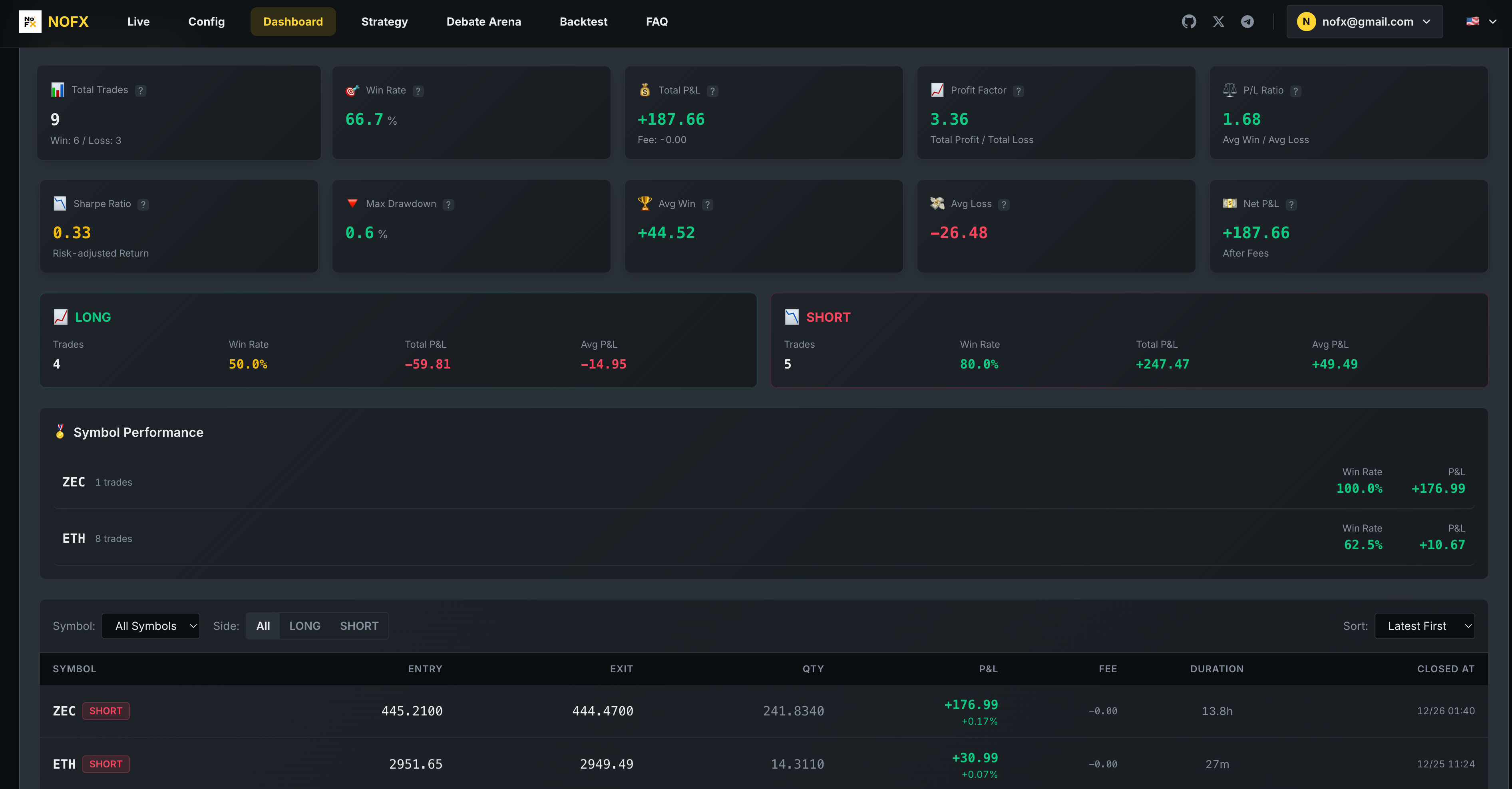
Crypto perpetuals across all nine supported exchanges (Binance, Bybit, OKX, Hyperliquid, Bitget, KuCoin, Gate, Aster, Lighter), plus on Hyperliquid it also trades tokenized US stocks, commodities, indices, FX and pre-IPO perps like TSLA, NVDA, GOLD and SPX.Can I run multiple trading strategies at once?Yes, you can run several traders side by side with different models or strategies and compare their performance on a public leaderboard ranked by realized return.
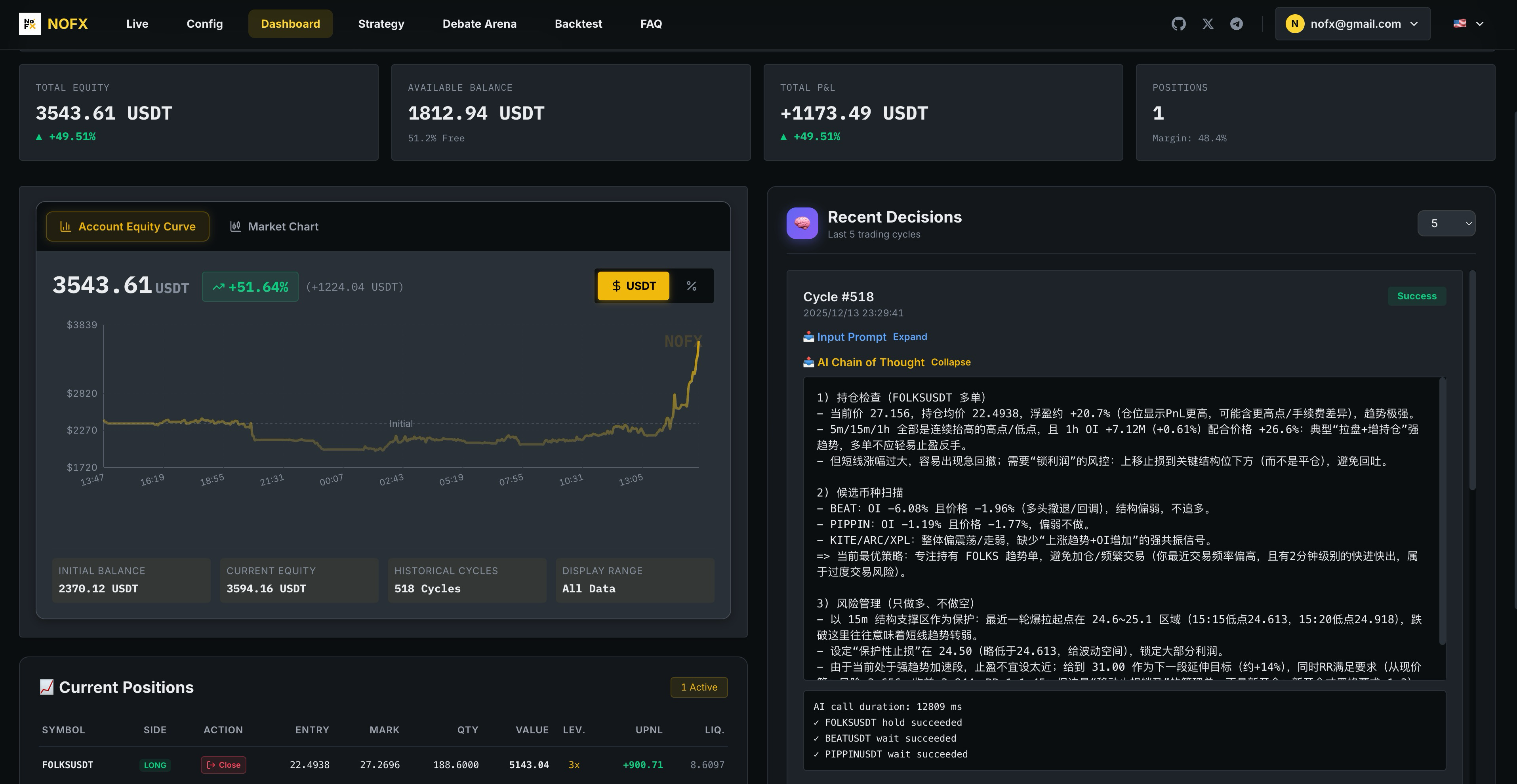
Yes, you can run several traders side by side with different models or strategies and compare their performance on a public leaderboard ranked by realized return.Is there an audit trail for the AI's decisions?Every decision is stored with the model's full reasoning, so no position is taken without a recorded rationale.
Every decision is stored with the model's full reasoning, so no position is taken without a recorded rationale.Can I customize how a trader behaves?The Strategy Studio lets you set style presets, coin universes, indicators, leverage, entry confidence and custom prompts for each trader.
The Strategy Studio lets you set style presets, coin universes, indicators, leverage, entry confidence and custom prompts for each trader.What are similar projects?QuantDinger, hummingbot, astra-quant-agent, XChange, openclaw-zero-token, StockSharp, Trpjan-solana-trading-toolkit, TradingAgents-CN
QuantDinger, hummingbot, astra-quant-agent, XChange, openclaw-zero-token, StockSharp, Trpjan-solana-trading-toolkit, TradingAgents-CN