









What is this?
 A free, open-source desktop image uploader: drag, paste or hotkey an image, PicGo uploads it to your image host (GitHub, Imgur, Aliyun OSS and 60+ others) and automatically copies the link — built for people writing blogs, notes and docs.
A free, open-source desktop image uploader: drag, paste or hotkey an image, PicGo uploads it to your image host (GitHub, Imgur, Aliyun OSS and 60+ others) and automatically copies the link — built for people writing blogs, notes and docs.Is it a desktop app, or do I install it inside my editor?It's a standalone cross-platform desktop app built on Electron that lives in the tray on macOS, Windows and Linux; editors like Obsidian, Typora, VS Code and Neovim hook into it via native support or community plugins.
It's a standalone cross-platform desktop app built on Electron that lives in the tray on macOS, Windows and Linux; editors like Obsidian, Typora, VS Code and Neovim hook into it via native support or community plugins.Do I need my own image host account to use it?Yes — you configure an account or token for whichever host you use (GitHub, SM.MS, Qiniu and others work out of the box, more via plugins). Node.js is only needed if you build PicGo from source.
Yes — you configure an account or token for whichever host you use (GitHub, SM.MS, Qiniu and others work out of the box, more via plugins). Node.js is only needed if you build PicGo from source.Anything I should watch out for?Linux is the least-tested platform — the project is only fully tested on macOS and Windows. PicGo also no longer adds new third-party image hosts by default; new hosts arrive as community plugins built on PicGo-Core.
Linux is the least-tested platform — the project is only fully tested on macOS and Windows. PicGo also no longer adds new third-party image hosts by default; new hosts arrive as community plugins built on PicGo-Core.Which image hosts does it support out of the box?Built in: Qiniu, Tencent Cloud COS, UPYUN and Alibaba Cloud OSS (China vendors), plus GitHub, SM.MS and Imgur. Plugins add AWS S3, Cloudflare R2, MinIO and many more — the project bills itself as supporting 60+ hosting services. PicGo itself no longer adds new hosts by default; you can write host plugins via PicGo-Core.
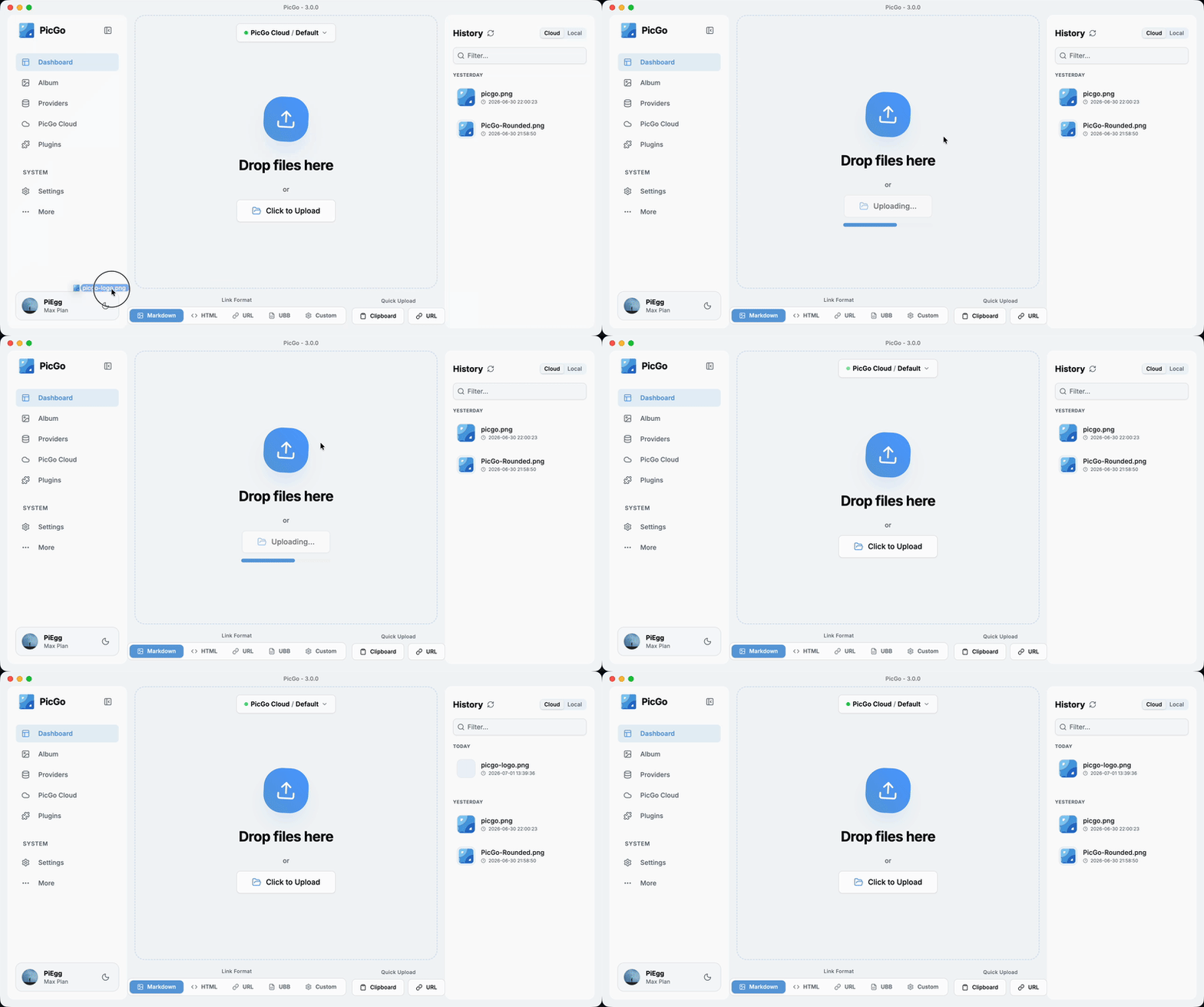
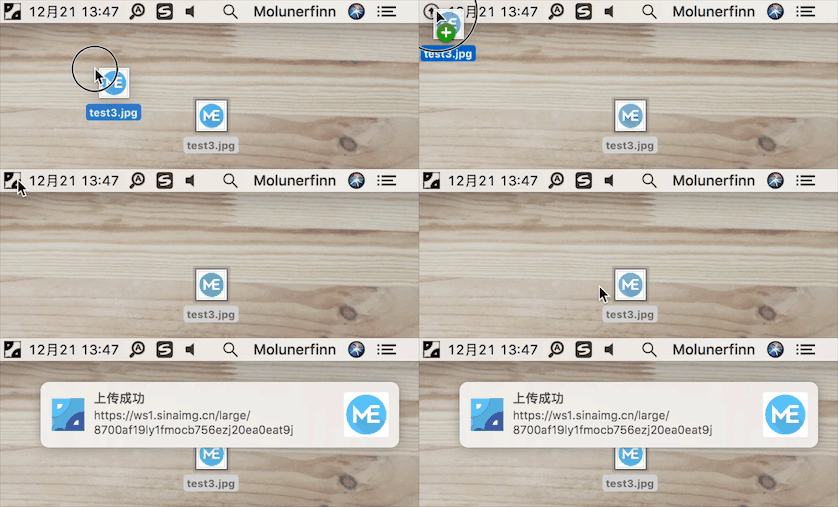
Built in: Qiniu, Tencent Cloud COS, UPYUN and Alibaba Cloud OSS (China vendors), plus GitHub, SM.MS and Imgur. Plugins add AWS S3, Cloudflare R2, MinIO and many more — the project bills itself as supporting 60+ hosting services. PicGo itself no longer adds new hosts by default; you can write host plugins via PicGo-Core.What does the everyday upload flow look like?You never leave your editor: upload by drag & drop, clipboard paste, hotkey, or right-click context menu (macOS/Windows). A customizable global hotkey (Command+Shift+U on macOS, Ctrl+Shift+U on Windows/Linux) opens the upload window from anywhere, and the link is auto-copied as Markdown, HTML, a plain URL or a custom template.
You never leave your editor: upload by drag & drop, clipboard paste, hotkey, or right-click context menu (macOS/Windows). A customizable global hotkey (Command+Shift+U on macOS, Ctrl+Shift+U on Windows/Linux) opens the upload window from anywhere, and the link is auto-copied as Markdown, HTML, a plain URL or a custom template.What can plugins do besides adding image hosts?The plugin ecosystem also covers image compression, watermarking, renaming and Markdown image migration; a curated collection lives in Awesome-PicGo.
The plugin ecosystem also covers image compression, watermarking, renaming and Markdown image migration; a curated collection lives in Awesome-PicGo.Can AI coding agents upload images through PicGo too?Yes. PicGo ships official Agent Skills that teach any skills-compatible AI tool when and how to upload, plus a DeepSeek Harness plugin — both reuse the image hosts and plugins you already configured. There is also an HTTP API (v2.2.0+) so any tool can trigger uploads with plain requests.
Yes. PicGo ships official Agent Skills that teach any skills-compatible AI tool when and how to upload, plus a DeepSeek Harness plugin — both reuse the image hosts and plugins you already configured. There is also an HTTP API (v2.2.0+) so any tool can trigger uploads with plain requests.What are similar projects?ZTools, magnetW, rubick, edgeever, dsh_desktop, deepseek-harness-desktop, Bigfish, WhaleIsle
ZTools, magnetW, rubick, edgeever, dsh_desktop, deepseek-harness-desktop, Bigfish, WhaleIsleWhich topics is it in?weibo, cloudflare-r2, file-upload, clipboard, obsidian, neovim, electron-app, screenshot, s3, image, vscode, cloudflare
weibo, cloudflare-r2, file-upload, clipboard, obsidian, neovim, electron-app, screenshot, s3, image, vscode, cloudflare