









What is this?
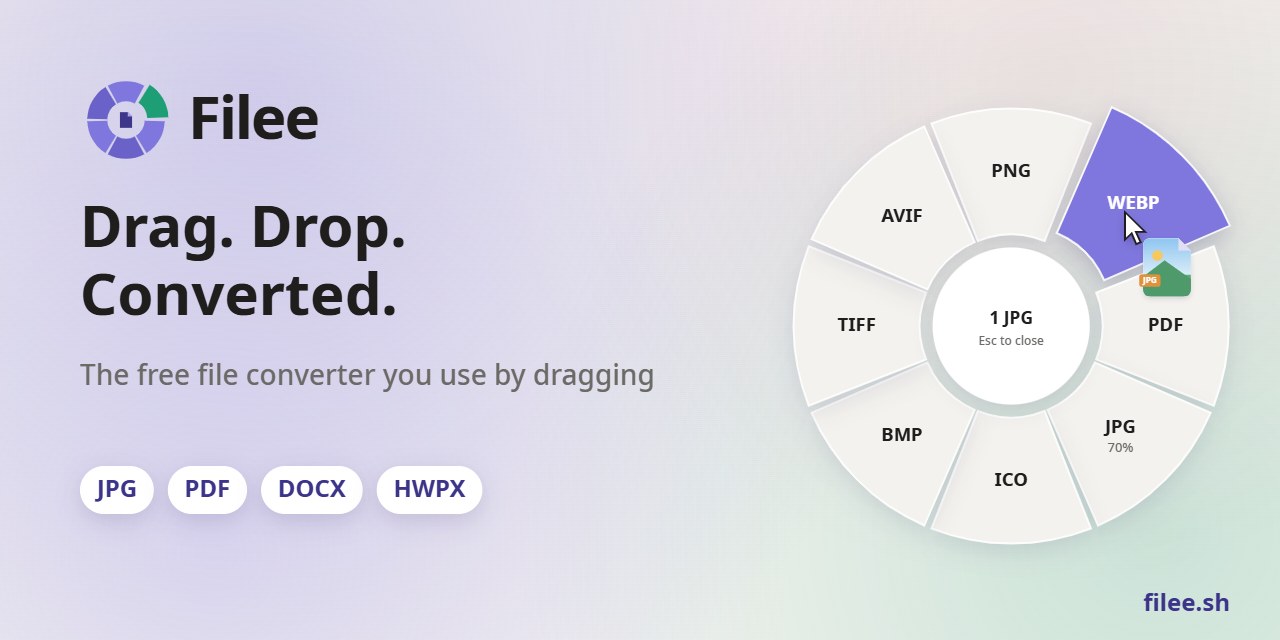
 Filee is a free, open-source file converter for Windows, macOS and Linux that handles 180+ formats — images, PDF, Word, Excel, PowerPoint, HWP/HWPX, video, audio, e-books, CAD and archives — by letting you drag files onto a floating format menu, all processed locally with no upload.
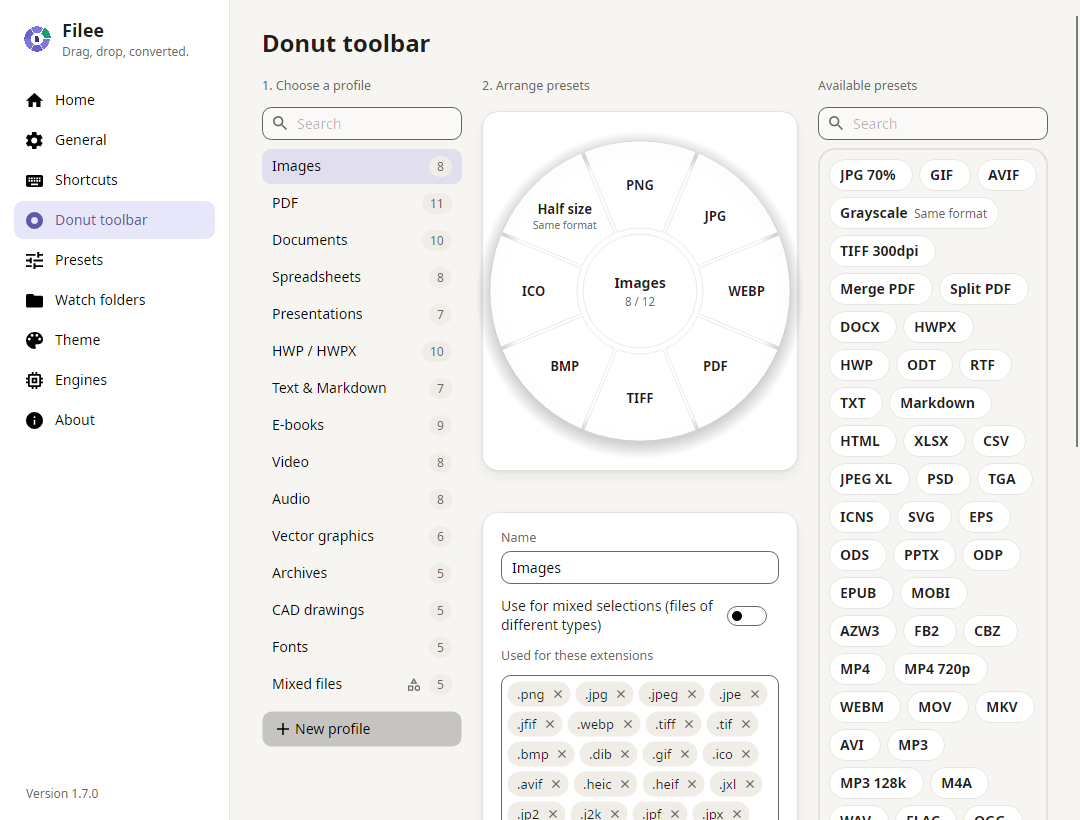
Filee is a free, open-source file converter for Windows, macOS and Linux that handles 180+ formats — images, PDF, Word, Excel, PowerPoint, HWP/HWPX, video, audio, e-books, CAD and archives — by letting you drag files onto a floating format menu, all processed locally with no upload.Do I open an app window to convert files, or is it something else?Mostly not — hold a modifier key (Ctrl, or Option on macOS), drag your files, and a 'donut' toolbar of relevant formats pops up right at your cursor; the app window, right-click menu, keyboard shortcut, watch folders and a CLI are alternative ways in.

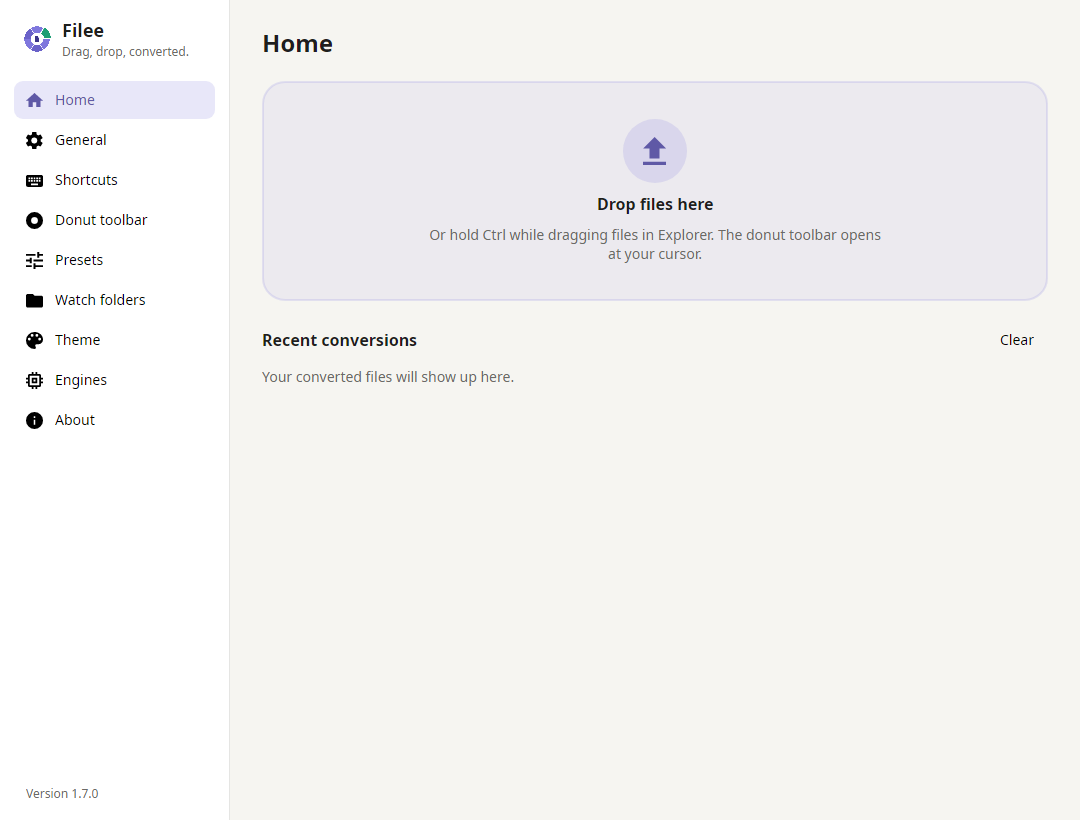
Mostly not — hold a modifier key (Ctrl, or Option on macOS), drag your files, and a 'donut' toolbar of relevant formats pops up right at your cursor; the app window, right-click menu, keyboard shortcut, watch folders and a CLI are alternative ways in.Do I need Microsoft Office, Hancom Office or LibreOffice installed?No — most of the 180+ formats convert without any of them. Some less common formats need optional free engines (LibreOffice, Pandoc, calibre, Ghostscript or FFmpeg) that Filee downloads automatically only if your machine doesn't already have them.
No — most of the 180+ formats convert without any of them. Some less common formats need optional free engines (LibreOffice, Pandoc, calibre, Ghostscript or FFmpeg) that Filee downloads automatically only if your machine doesn't already have them.Any catches with the macOS or Linux builds?Both are marked preview. macOS builds aren't notarized yet, so macOS blocks the first launch and you must allow it manually in Security settings. On Linux the drag gesture needs an X11 session — it doesn't work under Wayland, where you're limited to the drop zone and file-manager right-click actions.
Both are marked preview. macOS builds aren't notarized yet, so macOS blocks the first launch and you must allow it manually in Security settings. On Linux the drag gesture needs an X11 session — it doesn't work under Wayland, where you're limited to the drop zone and file-manager right-click actions.Does Filee send my files or any usage data anywhere?No — everything converts on your own computer and files are never uploaded. It collects no usage data and sends no telemetry; its only network calls are checking GitHub for new releases and downloading optional engines you choose to install.
No — everything converts on your own computer and files are never uploaded. It collects no usage data and sends no telemetry; its only network calls are checking GitHub for new releases and downloading optional engines you choose to install.What does the command-line tool add beyond dragging files?The 'filee' command converts files, expands wildcards, and watches folders without opening the app, using the same engines and presets. It supports --json output for scripts, and exit codes that distinguish full success, partial failures and bad input.
The 'filee' command converts files, expands wildcards, and watches folders without opening the app, using the same engines and presets. It supports --json output for scripts, and exit codes that distinguish full success, partial failures and bad input.What are watch folders for?You point Filee at a folder, and any file that lands there (e.g. after a download) gets converted automatically once the copy finishes, optionally filtered by extension or a regex, so the folder acts like an inbox.
You point Filee at a folder, and any file that lands there (e.g. after a download) gets converted automatically once the copy finishes, optionally filtered by extension or a regex, so the folder acts like an inbox.Can it chain several conversion steps automatically?Yes — Filee plans multi-step routes when no single engine can do a conversion directly, for example HWP to HWPX to DOCX, or EPUB to HWPX to PDF to PNG, picking the best engine for each step.
Yes — Filee plans multi-step routes when no single engine can do a conversion directly, for example HWP to HWPX to DOCX, or EPUB to HWPX to PDF to PNG, picking the best engine for each step.Why does it specifically support HWP/HWPX?HWP and HWPX are Korean Hancom Office word-processor formats that most converters ignore; Filee converts them to PDF, DOCX, Markdown and more without needing Hancom Office installed.
HWP and HWPX are Korean Hancom Office word-processor formats that most converters ignore; Filee converts them to PDF, DOCX, Markdown and more without needing Hancom Office installed.What are similar projects?flyingmouse-format, revpdf-release, KillerPDF, rhwp, imewlconverter, MiniPdf, PDFPatcher, AssetStudio
flyingmouse-format, revpdf-release, KillerPDF, rhwp, imewlconverter, MiniPdf, PDFPatcher, AssetStudioWhich topics is it in?file-converter, avalonia, pdf-converter, batch-processing, korean, archive, converter, drag-and-drop, audio-processing, video-processing, document-processing, dotnet
file-converter, avalonia, pdf-converter, batch-processing, korean, archive, converter, drag-and-drop, audio-processing, video-processing, document-processing, dotnet