





10.1K ·GitHub
What is this?
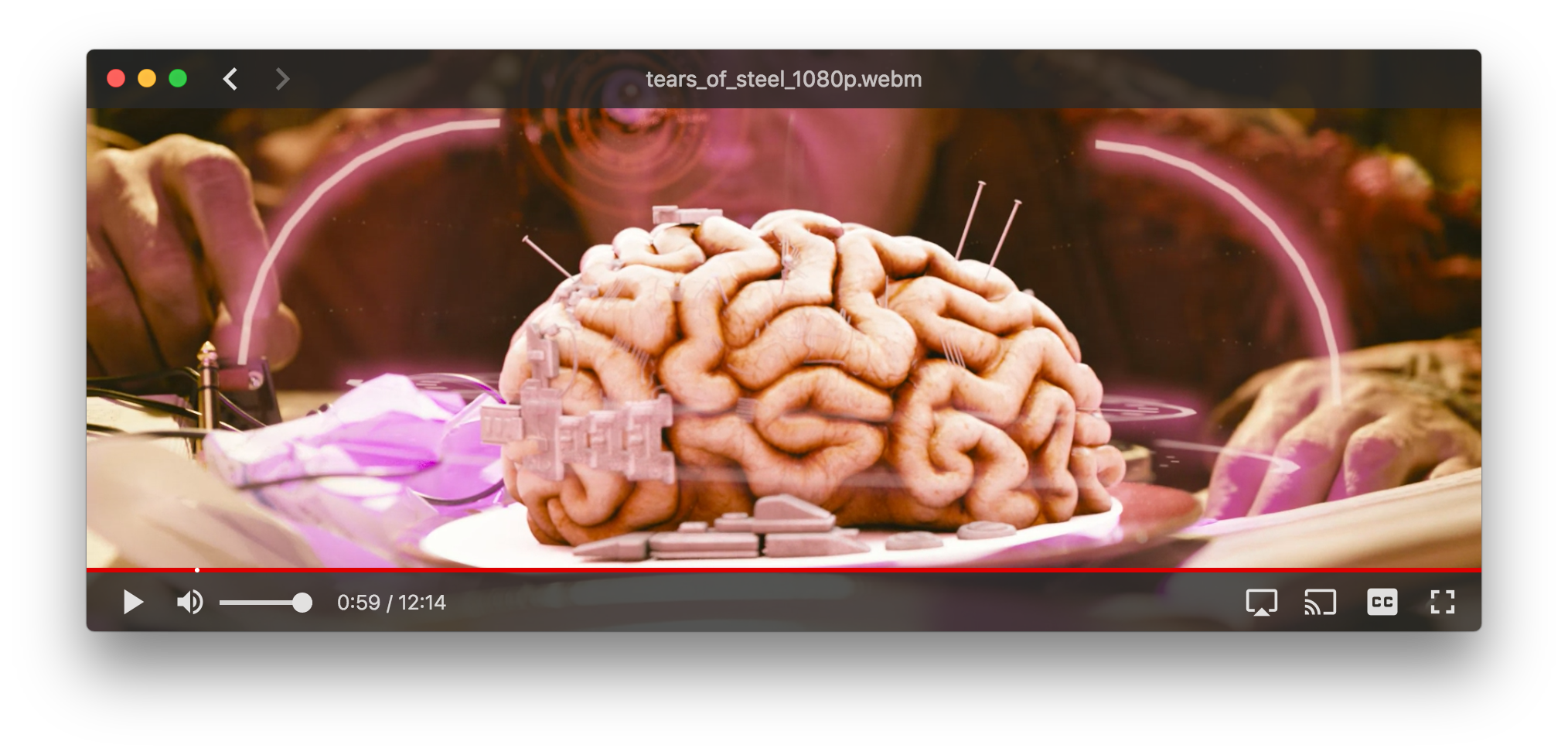
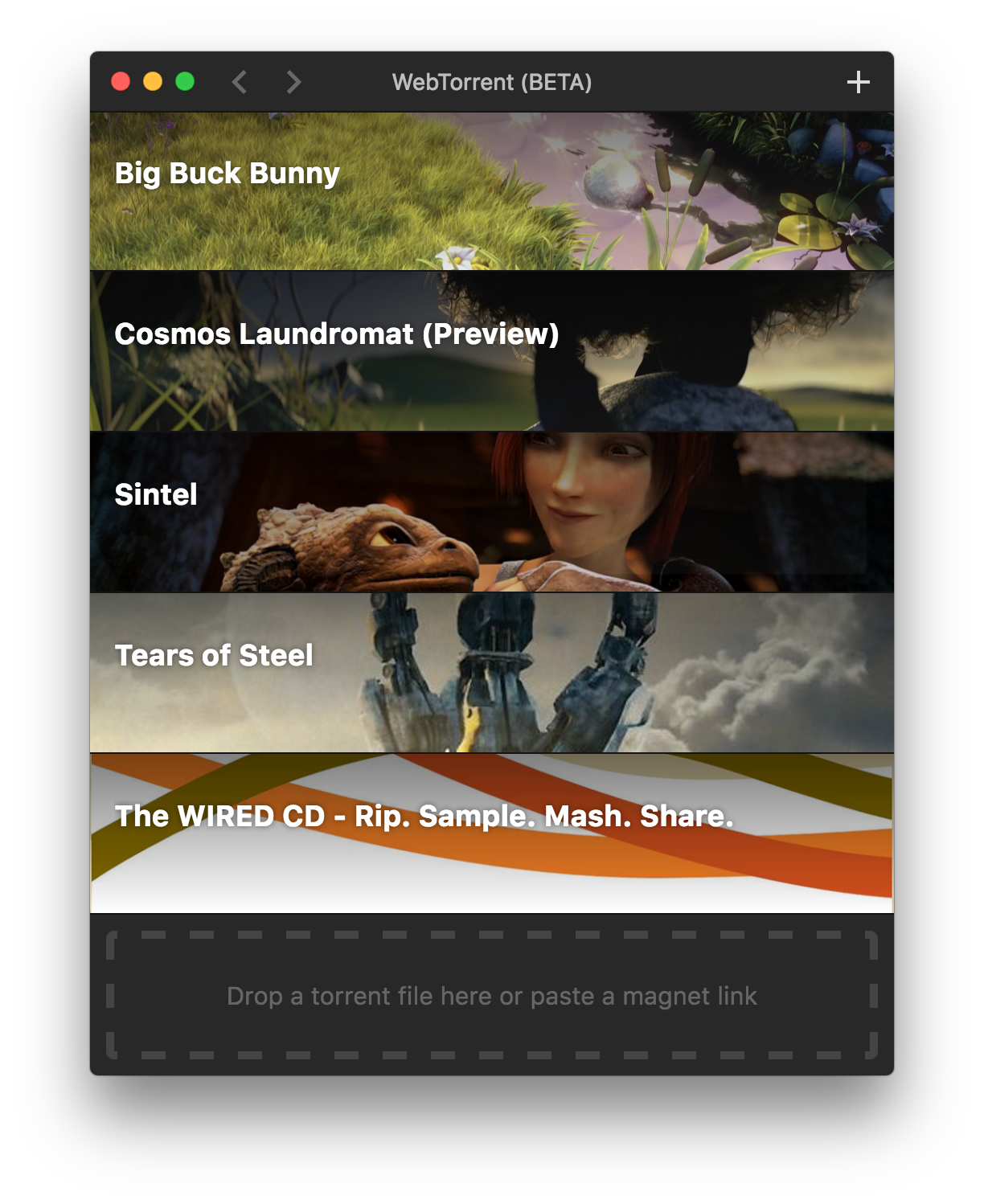
 WebTorrent Desktop is a free, open-source streaming torrent client for Mac, Windows and Linux — it starts playing video while the download is still in progress.
WebTorrent Desktop is a free, open-source streaming torrent client for Mac, Windows and Linux — it starts playing video while the download is still in progress.Is this a desktop app or something that runs in the browser?It is a native desktop app, not a browser app — built on Electron with a React and Material UI frontend, shipped as per-platform installers.
It is a native desktop app, not a browser app — built on Electron with a React and Material UI frontend, shipped as per-platform installers.Do I need Node.js or anything else installed first?Regular users need nothing but the installer. Only contributors building from source need Node.js ^16 or ^18 with npm 7-10.
Regular users need nothing but the installer. Only contributors building from source need Node.js ^16 or ^18 with npm 7-10.Will it spy on what I download?It collects basic anonymous usage stats (for example, how often pressing play succeeds versus times out), but it never sends personally identifying information and never tracks which torrents you add.
It collects basic anonymous usage stats (for example, how often pressing play succeeds versus times out), but it never sends personally identifying information and never tracks which torrents you add.Is it free to use?Yes — the app is completely free and MIT-licensed, with copyright held by WebTorrent, LLC.
Yes — the app is completely free and MIT-licensed, with copyright held by WebTorrent, LLC.Can I cast the video to a TV or another device?Yes — the app bundles support for streaming to Chromecast, DLNA and AirPlay receivers (the chromecasts, dlnacasts and airplayer modules are part of its dependencies).
Yes — the app bundles support for streaming to Chromecast, DLNA and AirPlay receivers (the chromecasts, dlnacasts and airplayer modules are part of its dependencies).What installer formats can I pick from?Mac gets a .dmg, Windows an .exe installer or a portable build, and Linux .deb, .rpm or .zip packages. The packaging script also always produces the auto-update files (.nupkg for Windows, -darwin.zip for Mac).
Mac gets a .dmg, Windows an .exe installer or a portable build, and Linux .deb, .rpm or .zip packages. The packaging script also always produces the auto-update files (.nupkg for Windows, -darwin.zip for Mac).What are similar projects?webtorrent, ivideo, deskreen, qBittorrent, trystero, WebRTC-Experiment, awesome-zhuiju-free, streambert
webtorrent, ivideo, deskreen, qBittorrent, trystero, WebRTC-Experiment, awesome-zhuiju-free, streambertWhich topics is it in?webtorrent, material-ui, bittorrent, media-player, file-sharing, video-player, video-streaming, webrtc, p2p, downloader, electron, streaming
webtorrent, material-ui, bittorrent, media-player, file-sharing, video-player, video-streaming, webrtc, p2p, downloader, electron, streaming