


What is this?
 ViMax is an agentic AI framework that acts as an all-in-one director, screenwriter, producer, and video generator: give it a concept, script, or novel, and it autonomously handles scriptwriting, storyboarding, character creation, and final video assembly.
ViMax is an agentic AI framework that acts as an all-in-one director, screenwriter, producer, and video generator: give it a concept, script, or novel, and it autonomously handles scriptwriting, storyboarding, character creation, and final video assembly.Is this a Python library I import, or something I run as an app?It's a self-hosted agentic pipeline you run from the cloned repo: either through main scripts like idea2video.py and script2video.py, an interactive terminal TUI, or a browser-based Web UI, not something you pip-install into another project.
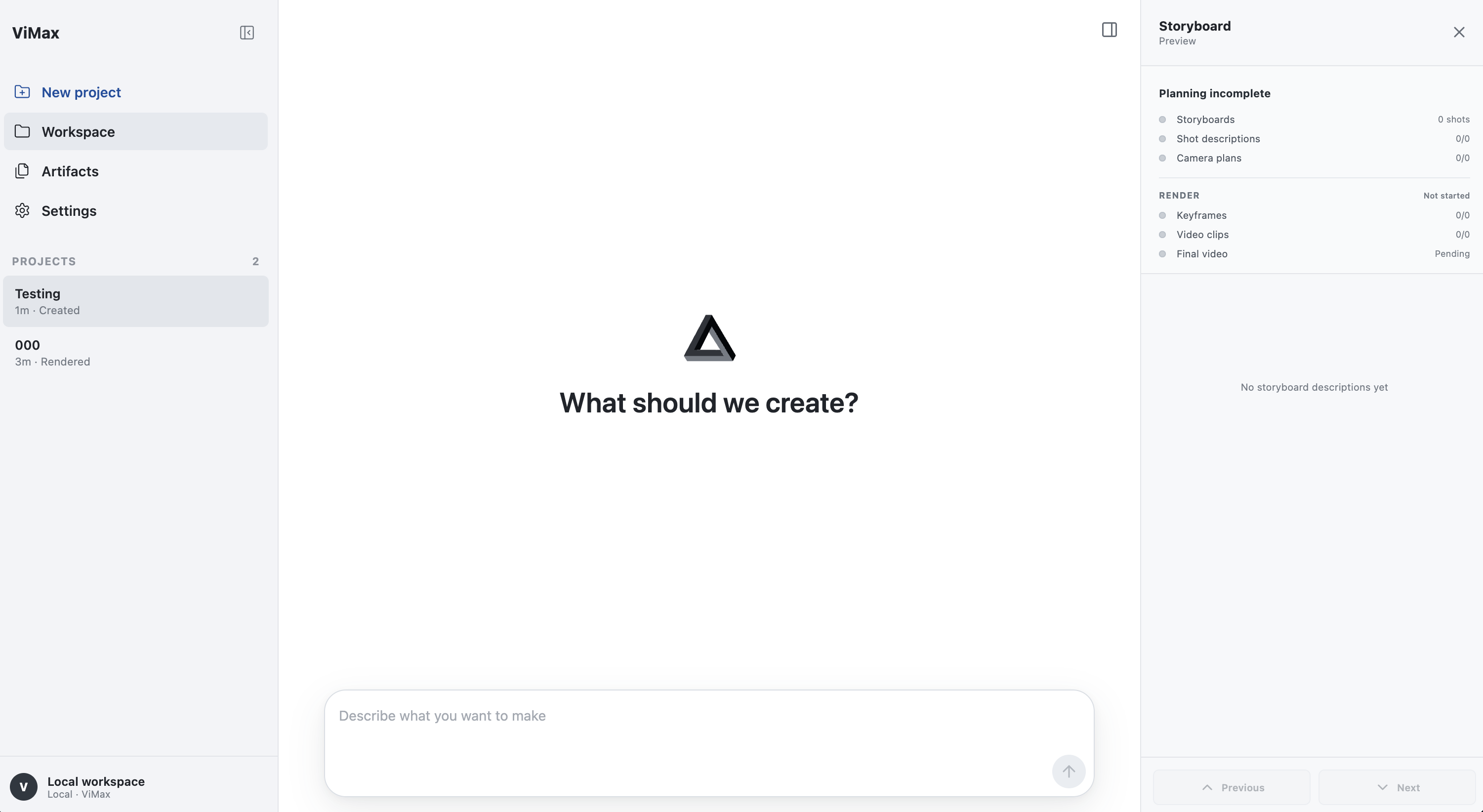
It's a self-hosted agentic pipeline you run from the cloned repo: either through main scripts like idea2video.py and script2video.py, an interactive terminal TUI, or a browser-based Web UI, not something you pip-install into another project.How do I get it running?Install dependencies with uv, copy configs/agent.local.yaml from the tracked example and fill in your LLM, image generator, and video generator settings, then launch the TUI from the repo root; for the Web UI, install Node.js 18+ frontend dependencies and start the local server, which binds to 127.0.0.1 by default.
Install dependencies with uv, copy configs/agent.local.yaml from the tracked example and fill in your LLM, image generator, and video generator settings, then launch the TUI from the repo root; for the Web UI, install Node.js 18+ frontend dependencies and start the local server, which binds to 127.0.0.1 by default.What API keys or tools do I need before I can generate a video?You need credentials for a chat/LLM provider, an image generator, and a video generator, which can be set via environment variables like VIMAX_LLM_API_KEY, VIMAX_IMAGE_API_KEY, and VIMAX_VIDEO_API_KEY, plus uv for the Python environment and Node.js 18+ if you want the Web UI.
You need credentials for a chat/LLM provider, an image generator, and a video generator, which can be set via environment variables like VIMAX_LLM_API_KEY, VIMAX_IMAGE_API_KEY, and VIMAX_VIDEO_API_KEY, plus uv for the Python environment and Node.js 18+ if you want the Web UI.Does it actually solve the usual AI video problems like short clips and inconsistent characters?ViMax targets those exact pain points with reference management and consistency checks, but the README itself admits the image generator can still produce unusable results even when given correct character, position, and environment references.
ViMax targets those exact pain points with reference management and consistency checks, but the README itself admits the image generator can still produce unusable results even when given correct character, position, and environment references.What's the difference between Idea2Video, Script2Video, and Novel2Video?Idea2Video expands a short concept into full stories, characters, and shots; Script2Video renders an explicit screenplay while preserving its intent; Novel2Video adapts long-form fiction into episodic videos with narrative compression and character tracking.
Idea2Video expands a short concept into full stories, characters, and shots; Script2Video renders an explicit screenplay while preserving its intent; Novel2Video adapts long-form fiction into episodic videos with narrative compression and character tracking.What is AutoCameo?AutoCameo lets you upload a photo of a person or pet so ViMax inserts them as a consistent character inside the generated story.
AutoCameo lets you upload a photo of a person or pet so ViMax inserts them as a consistent character inside the generated story.Which image and video generation models does it support?ViMax integrates providers such as OpenRouter's GPT Image 2 for images and Seedance 2.0 Fast or Google Omni for video generation, alongside MiniMax as a chat model provider.
ViMax integrates providers such as OpenRouter's GPT Image 2 for images and Seedance 2.0 Fast or Google Omni for video generation, alongside MiniMax as a chat model provider.Does ViMax handle audio too?Yes, its Audio and Video Binding feature syncs character voice and sound effects with the visuals for immersive, synchronized storytelling.
Yes, its Audio and Video Binding feature syncs character voice and sound effects with the visuals for immersive, synchronized storytelling.What are similar projects?AdCraft, shuohao-skills, reelmimic, storycast, artcraft, dramaclaw, Pixelle-Video, OpenMontage
AdCraft, shuohao-skills, reelmimic, storycast, artcraft, dramaclaw, Pixelle-Video, OpenMontageWhich topics is it in?gpt-image, ai-video, openrouter, text-to-video, content-creation, workflow, video-generation, tui, orchestration, image-generation, agentic-ai, generative-ai
gpt-image, ai-video, openrouter, text-to-video, content-creation, workflow, video-generation, tui, orchestration, image-generation, agentic-ai, generative-ai