







这是什么东西?
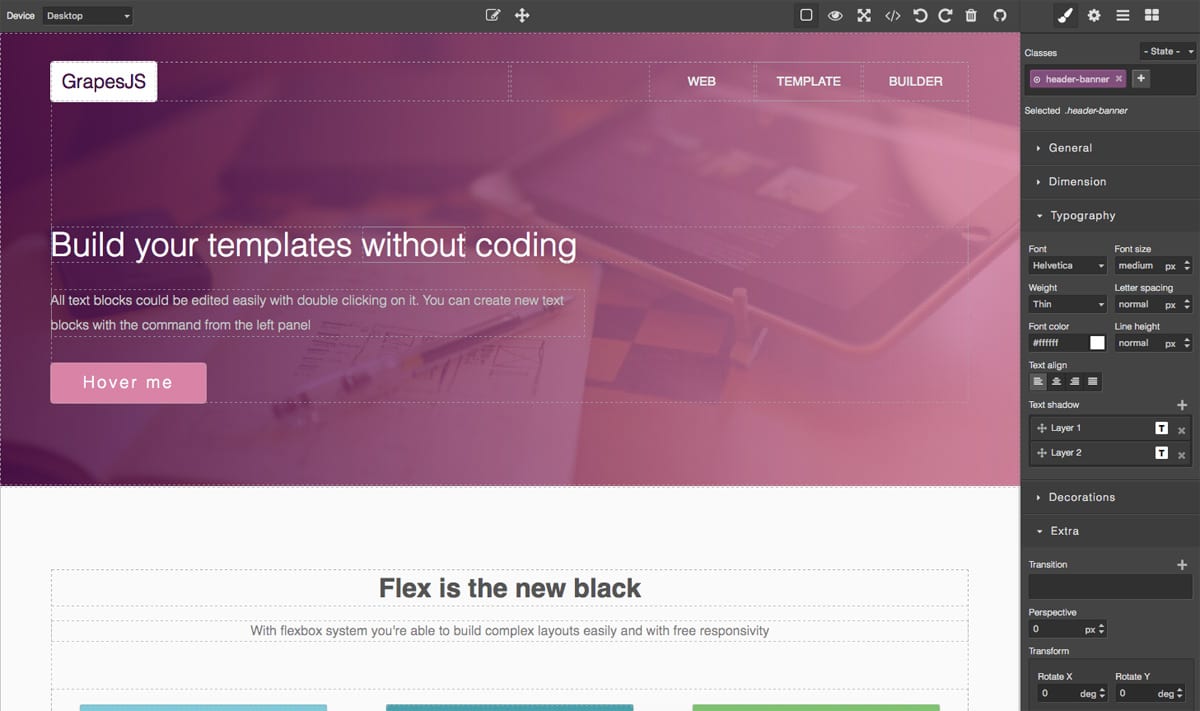
 GrapesJS 是一个免费开源的网页搭建框架,不用写代码就能制作 HTML 模板——做好的模板可以用在网站、新闻邮件或移动应用里。
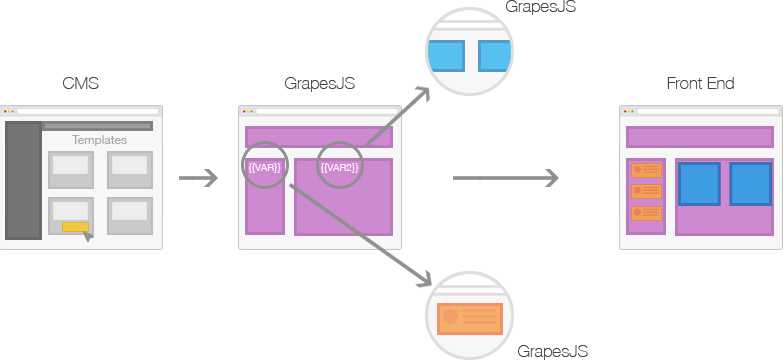
GrapesJS 是一个免费开源的网页搭建框架,不用写代码就能制作 HTML 模板——做好的模板可以用在网站、新闻邮件或移动应用里。它是需要注册使用的在线建站服务,还是嵌入到代码里的库?它是一个框架,不是在线服务:你要把可视化编辑器嵌入到自己的 JavaScript 应用里——最常见的是 CMS——来加快动态模板的制作。
它是一个框架,不是在线服务:你要把可视化编辑器嵌入到自己的 JavaScript 应用里——最常见的是 CMS——来加快动态模板的制作。怎么把它加到项目里?可以通过 npm 安装(npm i grapesjs),也可以从 UNPKG 或 CDNJS 这类 CDN 引入,或者克隆它的 git 仓库;文档里有入门指南。
可以通过 npm 安装(npm i grapesjs),也可以从 UNPKG 或 CDNJS 这类 CDN 引入,或者克隆它的 git 仓库;文档里有入门指南。运行它需要装什么吗?不需要什么特别的东西:它是一个通过 npm 或 CDN 加载的前端 TypeScript 库。不过如果要参与仓库本身的开发,需要 Node 20+ 和 pnpm 9+。
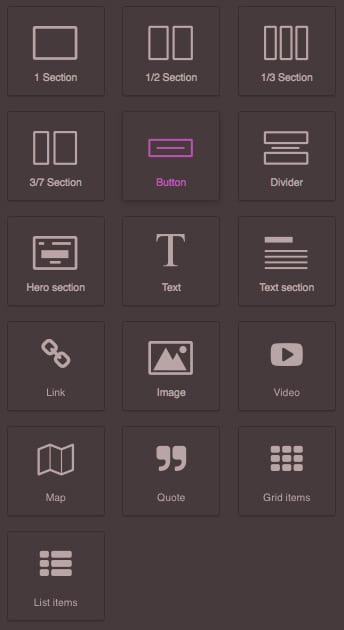
不需要什么特别的东西:它是一个通过 npm 或 CDN 加载的前端 TypeScript 库。不过如果要参与仓库本身的开发,需要 Node 20+ 和 pnpm 9+。不会编程的人能用它做模板吗?可以——使用者直接把区块拖到画布上就能拼出页面,完全不用写代码;只有把编辑器嵌入应用并做配置的时候才需要你写代码。
可以——使用者直接把区块拖到画布上就能拼出页面,完全不用写代码;只有把编辑器嵌入应用并做配置的时候才需要你写代码。它是真的免费吗?我能用在商业项目里吗?可以——它基于 BSD 3-clause 许可证,免费且开源。
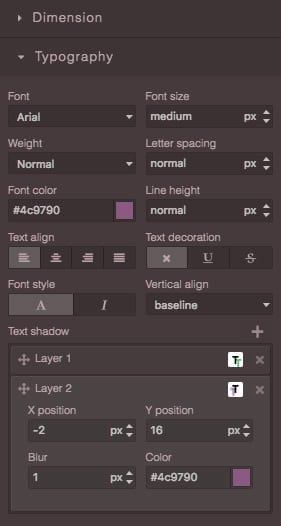
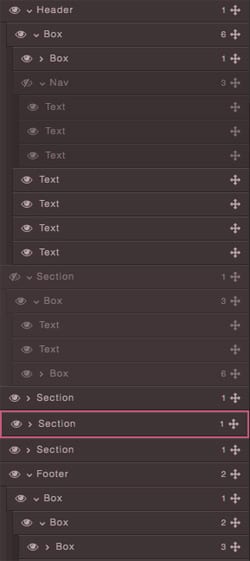
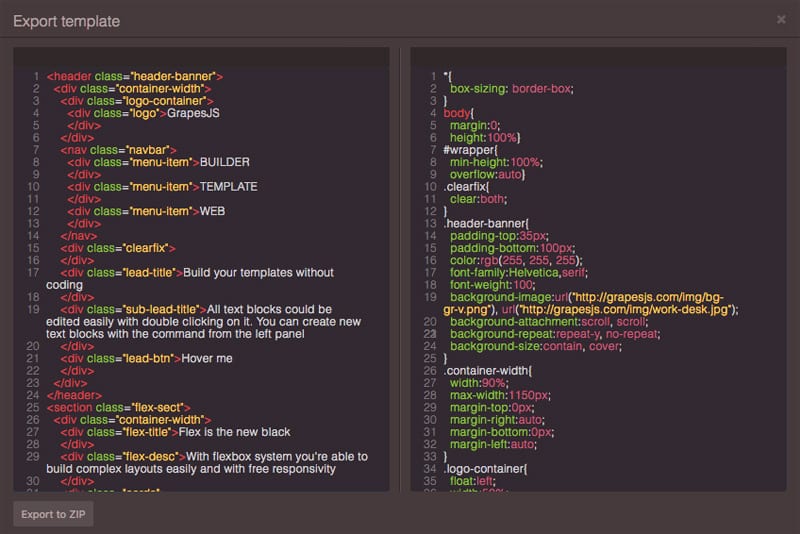
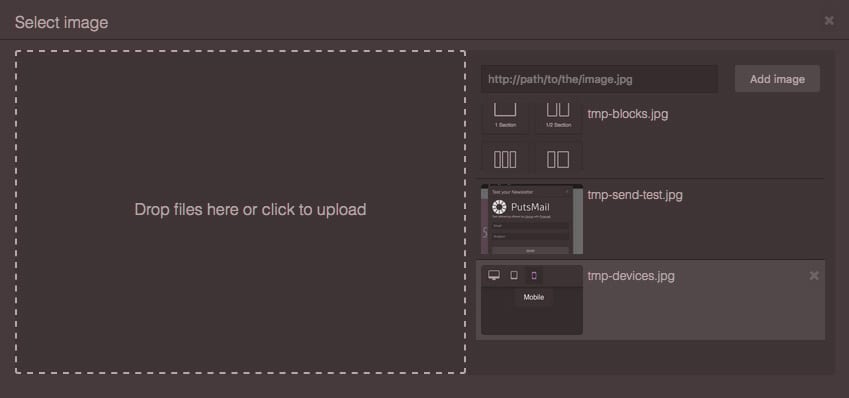
可以——它基于 BSD 3-clause 许可证,免费且开源。编辑器自带哪些功能?自带拖拽排版用的区块、样式管理器(Style Manager)、图层管理器(Layer Manager)、代码查看器(Code Viewer)和资源管理器(Asset Manager),还有内置命令以及本地和远程存储,可以保存你的工作。
自带拖拽排版用的区块、样式管理器(Style Manager)、图层管理器(Layer Manager)、代码查看器(Code Viewer)和资源管理器(Asset Manager),还有内置命令以及本地和远程存储,可以保存你的工作。编辑器界面得自己从零开始搭吗?不用——官方预设提供了现成的构建方案(grapesjs-preset-webpage、grapesjs-preset-newsletter,以及制作 MJML 邮件的 grapesjs-mjml),@grapesjs/react 封装还能让你为编辑器做一套自定义的声明式界面。
不用——官方预设提供了现成的构建方案(grapesjs-preset-webpage、grapesjs-preset-newsletter,以及制作 MJML 邮件的 grapesjs-mjml),@grapesjs/react 封装还能让你为编辑器做一套自定义的声明式界面。能用插件扩展它吗?可以——官方和社区提供了不少插件,比如 zip 导出、基于 CKEditor 的富文本编辑器、表单、导航栏、倒计时、自定义字体、标签页和触屏支持,你也可以自己写插件。
可以——官方和社区提供了不少插件,比如 zip 导出、基于 CKEditor 的富文本编辑器、表单、导航栏、倒计时、自定义字体、标签页和触屏支持,你也可以自己写插件。README 里提到的 Studio SDK 是什么?它是 GrapesJS 团队推出的开箱即用的可视化搭建工具,可以直接嵌入外部应用,作为在框架上自己拼编辑器之外的另一种选择,并且自带团队协作支持。
它是 GrapesJS 团队推出的开箱即用的可视化搭建工具,可以直接嵌入外部应用,作为在框架上自己拼编辑器之外的另一种选择,并且自带团队协作支持。Which topics is it in?website-builder, nocode, content-management-system, rich-text-editor, wysiwyg, templates, drag-and-drop, low-code, no-code, web-framework, editor, bsd
website-builder, nocode, content-management-system, rich-text-editor, wysiwyg, templates, drag-and-drop, low-code, no-code, web-framework, editor, bsd