
GitBook
Docs - Community - Developer Docs - Changelog - Bug reports - Feature requests





Welcome to GitBook, the platform for managing technical knowledge for teams.
This repository contains the open source code used to render GitBook's published content.
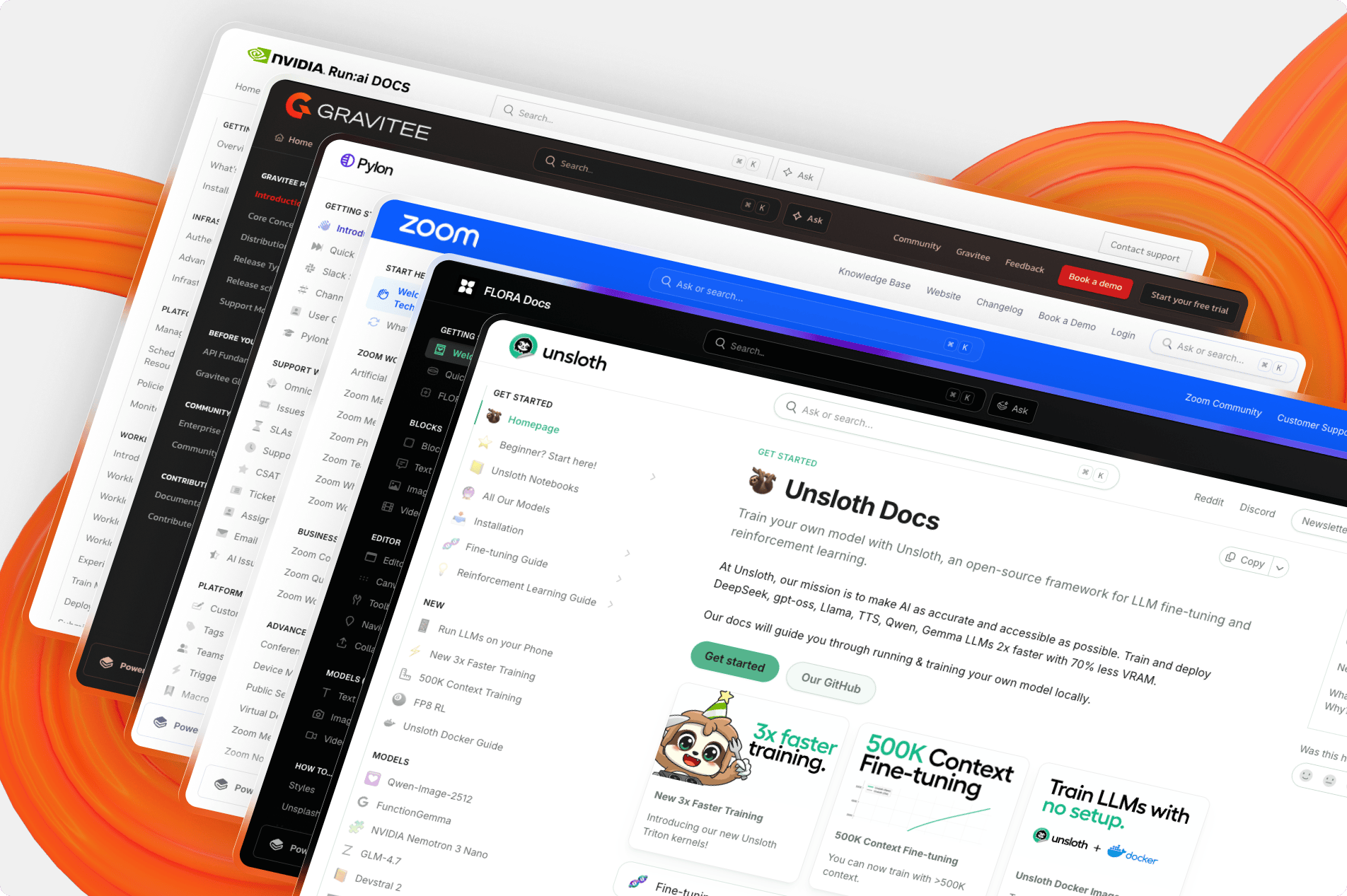
Table of Contents
Getting Started
To run a local version of this project, please follow these simple steps.
Prerequisites
- Node.js (Version: >= 22.3)
- Use nvm for easy Node management
- Bun (Version: >=1.2.15)
- We use a text-based lockfile which isn't supported below 1.2.15
Set up
- Clone the repo into a public GitHub repository. If you plan to distribute the code, keep the source code public to comply with GNU GPLv3. To clone in a private repository, acquire a commercial license.
git clone https://github.com/gitbookIO/gitbook.git
Ensure you are using the project's version of node. Running nvm use will change your local version to the correct one.
Install the project's dependencies through Bun.
bun install
- Start your local development server.
bun dev
- Open a published GitBook space in your web browser, prefixing it with
http://localhost:3000/url.
examples:
Any published GitBook site can be accessed through your local development instance, and any updates you make to the codebase will be reflected in your browser.
CI and testing
All pull-requests will be tested against both visual and performances testing to prevent regressions.
Fonts and Icons
GitBook Open uses fontawesome. For self-hosting and local development, for licensing reasons, only the icons from the free version should be used.
Contributing
GitBook's rendering engine is fully open source and built on top of Next.js. Head to our contributing guide to learn more about the workflow on adding your first Pull Request.
Types of contributions
We encourage you to contribute to GitBook to help us build the best tool for documenting technical knowledge. If you're looking for some quick ways to contribute, continue reading to learn more about popular contributions.
Translations
The GitBook UI is rendered using a set of translation files found in packages/gitbook/src/intl/translations. We welcome all additional translations for the UI.
Bugs
Encounter a bug or find an issue you'd like to fix? Helping us fix issues related to GitBook greatly improves the experience for everyone. Head to the issues section of this repository to learn more about the types of bugs you can already help out with.
Deployment
[!WARNING]
While it is possible to self-host this project, we do not recommend this unless you are certain this option fits your need.
Looking to add a specific feature in GitBook? Head to our contributing guide to get started.
Self-hosting this project puts the responsibility of maintaining and merging future updates on you. We cannot guarantee support, maintenance, or updates to forked and self-hosted instances of this project.
We want to make it as easy as possible for our community to collaborate and push the future of GitBook, which is why we encourage you to contribute to our product directly instead of creating your own version.
This project allows you to self-host the rendering portion of your GitBook published content. Self-hosting has pros and cons.
On the pro side, you can customize the look and feel of your content, and better embed your documentation in your application.
On the con side, you become responsible for the reliability of your published site, and keeping the renderer up-to-date with the changes made to the GitBook platform.
License
Distributed under the GNU GPLv3 License.
If you plan to distribute the code, you must make the source code public to comply with the GNU GPLv3. To clone in a private repository, acquire a commercial license.
See LICENSE for more information.
Badges


[](https://www.gitbook.com/preview?utm_source=gitbook_readme_badge&utm_medium=organic&utm_campaign=preview_documentation&utm_content=link)
<a href="https://www.gitbook.com/preview?utm_source=gitbook_readme_badge&utm_medium=organic&utm_campaign=preview_documentation&utm_content=link">
    <img
        src="https://img.shields.io/static/v1?message=Documented%20on%20GitBook&logo=gitbook&logoColor=ffffff&label=%20&labelColor=5c5c5c&color=3F89A1"
    />
</a>
Acknowledgements
GitBook wouldn't be possible without these projects:
Contributors

Legacy GitBook (Deprecated)
Our previous version of GitBook and it's CLI tool are now deprecated. You can still view the old repository and it's commits on this branch.

 这是一个开源前端,用来渲染 GitBook 文档网站:这个仓库包含 GitBook 用于渲染已发布内容的代码,而内容的编写仍然在 GitBook 平台上完成。