








What is this?
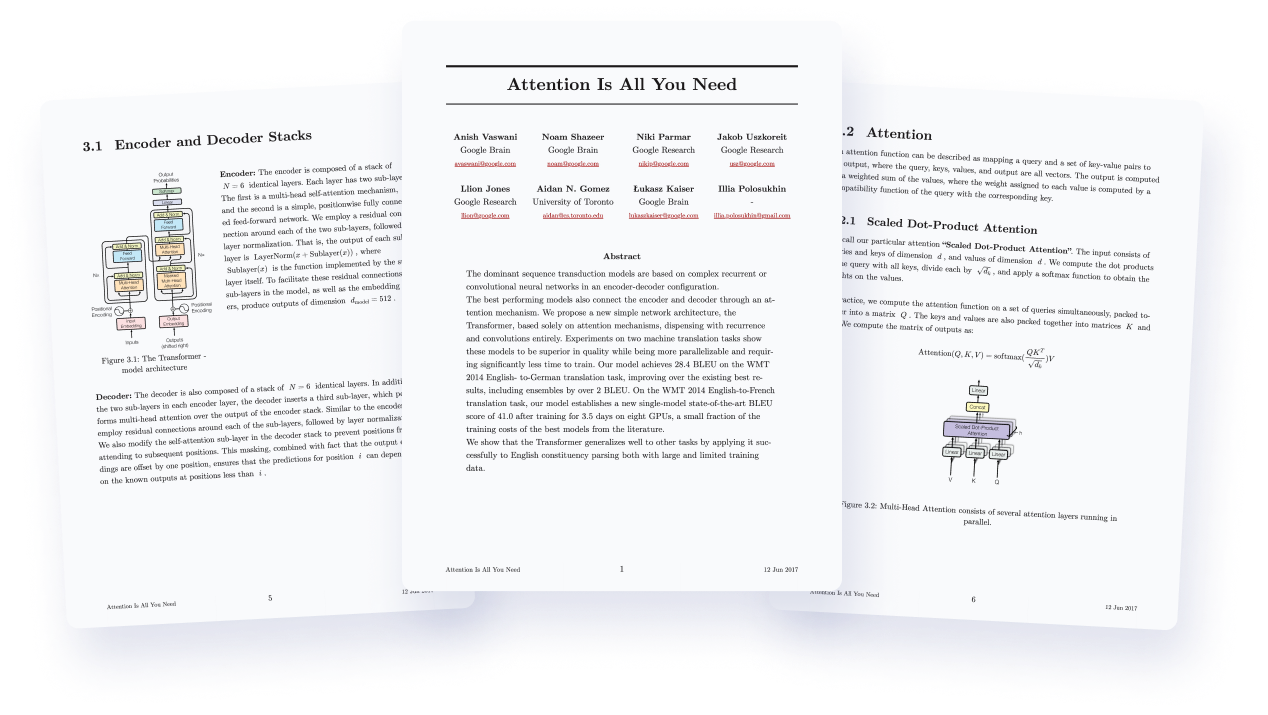
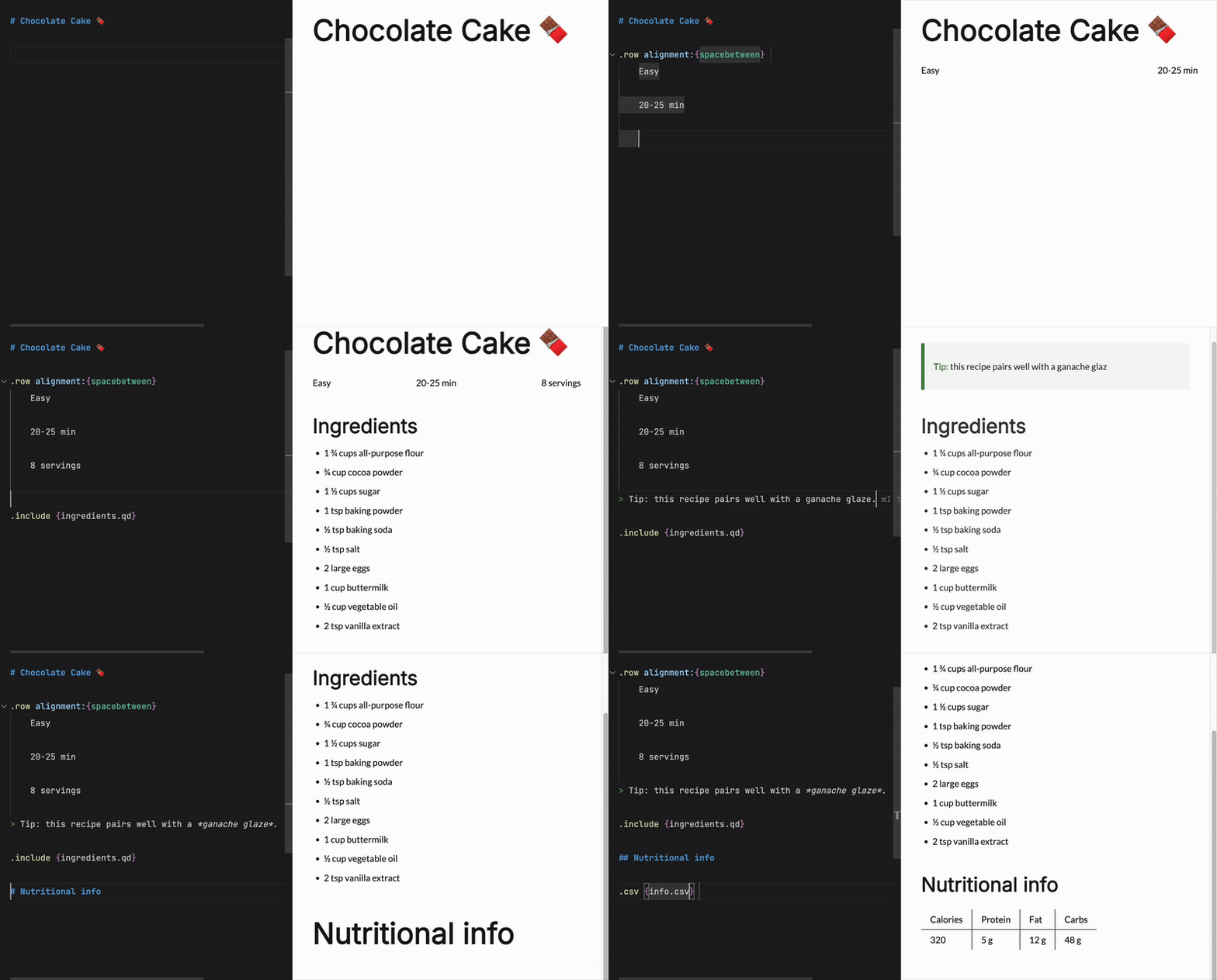
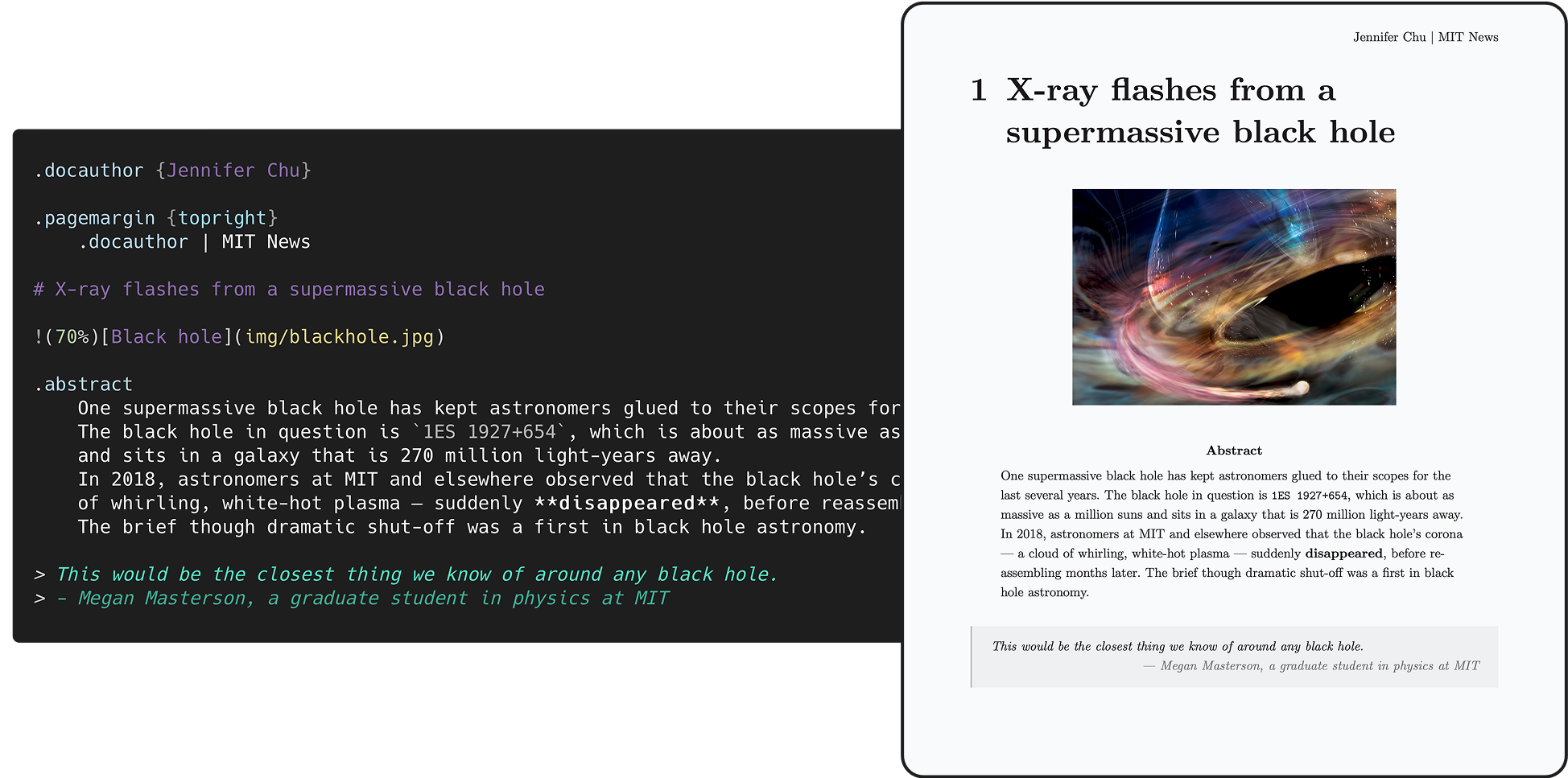
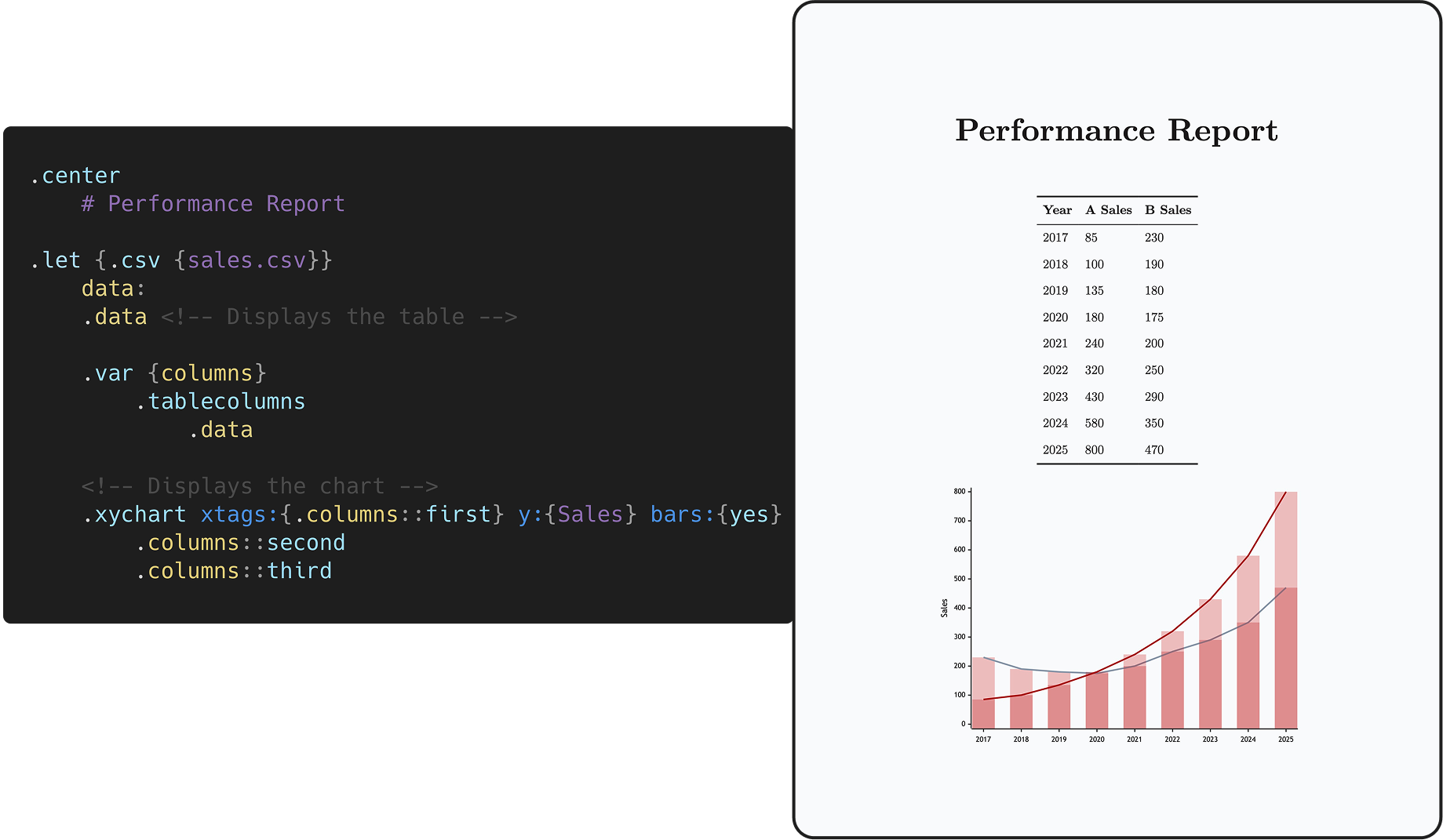
 Quarkdown is a Markdown-based typesetting system: you write a single Markdown source and it compiles into a print-ready book, academic paper, knowledge base, website, or interactive presentation.
Quarkdown is a Markdown-based typesetting system: you write a single Markdown source and it compiles into a print-ready book, academic paper, knowledge base, website, or interactive presentation.So is it plain Markdown, or do I have to learn a new syntax?It is Markdown: the Quarkdown Flavor starts from CommonMark and GFM and extends them with function calls, variables, conditionals and loops, turning Markdown into a Turing-complete language.
It is Markdown: the Quarkdown Flavor starts from CommonMark and GFM and extends them with function calls, variables, conditionals and loops, turning Markdown into a Turing-complete language.How do I get it and compile my first document?Install via the script or Homebrew on Linux/macOS, the script or Scoop on Windows, or the setup-quarkdown GitHub Action. Then 'quarkdown create' scaffolds a project through a wizard, and 'quarkdown c file.qd' compiles it.
Install via the script or Homebrew on Linux/macOS, the script or Scoop on Windows, or the setup-quarkdown GitHub Action. Then 'quarkdown create' scaffolds a project through a wizard, and 'quarkdown c file.qd' compiles it.Do I need anything extra on my machine for PDF export?Only a Chromium-family browser such as chrome-headless-shell. The Linux/macOS install script sets the browser up automatically; with a manual install you need to provide it yourself.
Only a Chromium-family browser such as chrome-headless-shell. The Linux/macOS install script sets the browser up automatically; with a manual install you need to provide it yourself.Does it work on Windows as well as Mac and Linux?Yes — it is a cross-platform CLI with dedicated install options for Linux and macOS (script, Homebrew) and for Windows (script, Scoop), plus a GitHub Actions integration for CI builds.
Yes — it is a cross-platform CLI with dedicated install options for Linux and macOS (script, Homebrew) and for Windows (script, Scoop), plus a GitHub Actions integration for CI builds.Quarkdown documents can contain code — can a .qd file I downloaded touch my system?Not freely: a permission system restricts what documents can do with system resources, and it is enabled by default.
Not freely: a permission system restricts what documents can do with system resources, and it is enabled by default.Is it really free to use, or is there a licensing catch?It is free and open source under GPLv3 by default; the CLI and Language Server modules and their binaries are AGPLv3 instead. No paid tiers anywhere.
It is free and open source under GPLv3 by default; the CLI and Language Server modules and their binaries are AGPLv3 instead. No paid tiers anywhere.What exactly can a single document compile into?HTML in four modes — plain continuous flow in Notion/Obsidian style, paged (via paged.js) for papers, articles and books, slides via reveal.js, and docs for wikis — selected with .doctype {plain|paged|slides|docs}. Everything HTML supports also exports to PDF, and GFM Markdown or plain text export is available too.
HTML in four modes — plain continuous flow in Notion/Obsidian style, paged (via paged.js) for papers, articles and books, slides via reveal.js, and docs for wikis — selected with .doctype {plain|paged|slides|docs}. Everything HTML supports also exports to PDF, and GFM Markdown or plain text export is available too.Is there live preview while I write?Yes: compile with -p (automatic reload) and -w (recompile on file change) together for live preview, and it is fast — the official wiki of 100+ subdocuments compiles in about 2 seconds. An interactive REPL is available via 'quarkdown repl'.
Yes: compile with -p (automatic reload) and -w (recompile on file change) together for live preview, and it is fast — the official wiki of 100+ subdocuments compiles in about 2 seconds. An interactive REPL is available via 'quarkdown repl'.How does it compare to LaTeX and Typst?Per the README's comparison table, Quarkdown is the only tool in the group combining concise Markdown-style syntax with full scripting and export to all of HTML, PDF, Markdown and plain text — including the presentation and docs/wiki targets that LaTeX lacks. Its learning curve sits between AsciiDoc and Typst.
Per the README's comparison table, Quarkdown is the only tool in the group combining concise Markdown-style syntax with full scripting and export to all of HTML, PDF, Markdown and plain text — including the presentation and docs/wiki targets that LaTeX lacks. Its learning curve sits between AsciiDoc and Typst.Does it come with tooling for editors and AI coding agents?Yes — there is a VS Code extension, an unofficial IntelliJ IDEA plugin, and a built-in skill that makes coding agents write idiomatic Quarkdown, which the README even links an evaluation for.
Yes — there is a VS Code extension, an unofficial IntelliJ IDEA plugin, and a built-in skill that makes coding agents write idiomatic Quarkdown, which the README even links an evaluation for.What are similar projects?openwiki, pandoc, typst, craftinginterpreters, gollum, mkdocs, mdBook, gzh-design-skill
openwiki, pandoc, typst, craftinginterpreters, gollum, mkdocs, mdBook, gzh-design-skillWhich topics is it in?presentations, markup, scripting-language, typesetting, pdf-generation, academic-writing, documentation-tool, jetbrains, slides, wiki, books, static-site-generator
presentations, markup, scripting-language, typesetting, pdf-generation, academic-writing, documentation-tool, jetbrains, slides, wiki, books, static-site-generator