







Что это такое?
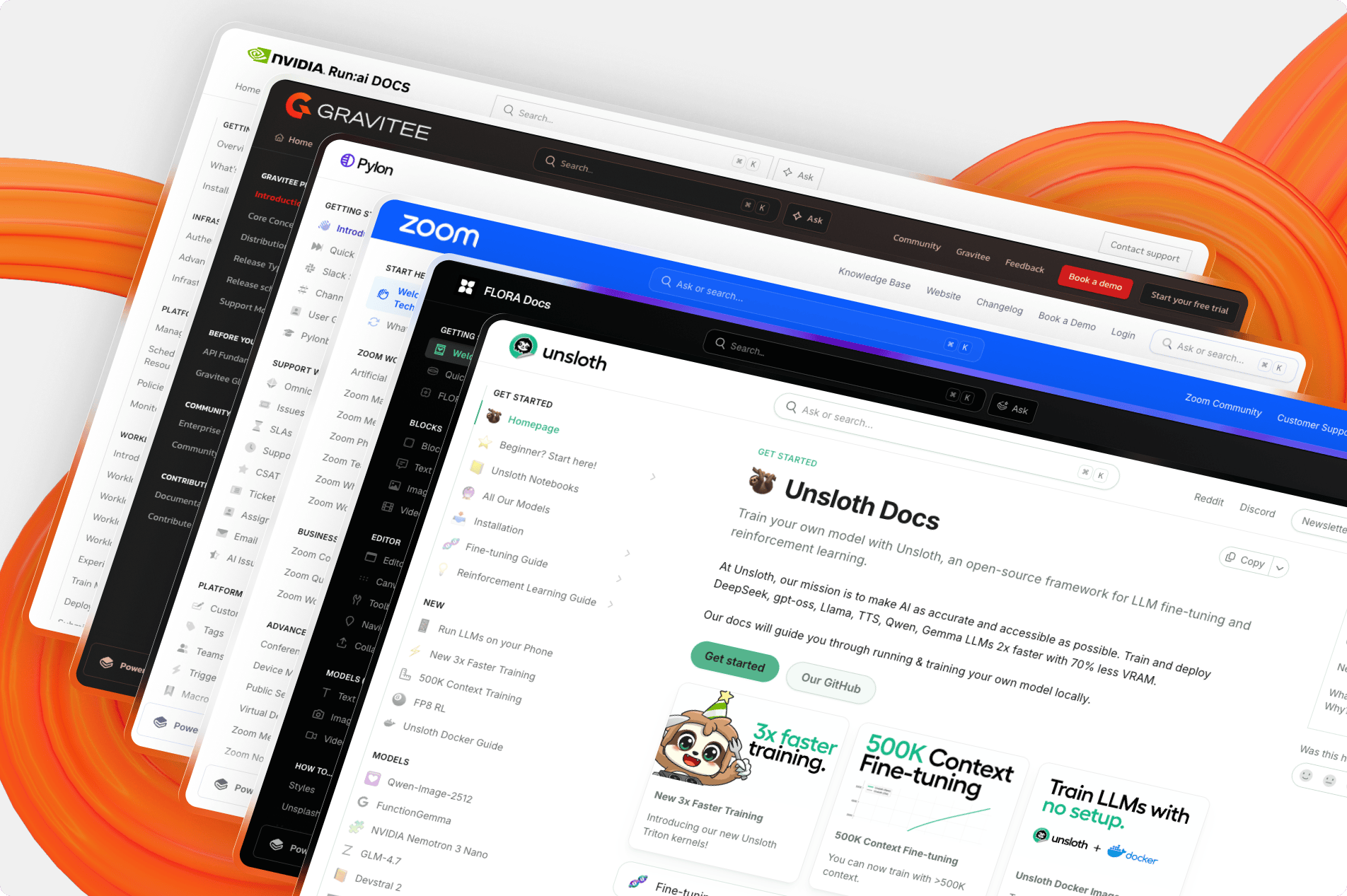
 Открытый фронтенд, с помощью которого отображаются сайты документации GitBook: в этом репозитории лежит код, который GitBook использует для показа опубликованного контента, а создание документации остаётся на платформе GitBook.
Открытый фронтенд, с помощью которого отображаются сайты документации GitBook: в этом репозитории лежит код, который GitBook использует для показа опубликованного контента, а создание документации остаётся на платформе GitBook.Так это весь GitBook или только та часть, которую видят читатели?Только часть, отвечающая за отображение, — веб-фронтенд на Next.js, который показывает опубликованный контент GitBook. Самостоятельно можно развернуть именно этот рендерящий компонент, а не весь продукт целиком.
Только часть, отвечающая за отображение, — веб-фронтенд на Next.js, который показывает опубликованный контент GitBook. Самостоятельно можно развернуть именно этот рендерящий компонент, а не весь продукт целиком.Как запустить это у себя локально?Склонируйте репозиторий, выполните nvm use, чтобы получить нужную версию Node, установите зависимости через Bun, запустите dev-сервер, а затем откройте любой опубликованный сайт GitBook с префиксом examples: — ваши изменения в коде сразу появятся в браузере.
Склонируйте репозиторий, выполните nvm use, чтобы получить нужную версию Node, установите зависимости через Bun, запустите dev-сервер, а затем откройте любой опубликованный сайт GitBook с префиксом examples: — ваши изменения в коде сразу появятся в браузере.Что нужно установить заранее?Node.js >= 22.3 (для управления версиями рекомендуется nvm) и Bun >= 1.2.15, потому что проект использует текстовый lockfile, который старые версии Bun прочитать не могут.
Node.js >= 22.3 (для управления версиями рекомендуется nvm) и Bun >= 1.2.15, потому что проект использует текстовый lockfile, который старые версии Bun прочитать не могут.Могу ли я просто захостить свою документацию с помощью этого и обойтись без хостинга GitBook?Технически да, но GitBook прямо не рекомендует так делать: ответственность за надёжность, поддержку и слияние будущих обновлений ляжет на вас, а для самостоятельно развёрнутых экземпляров гарантированной поддержки нет.
Технически да, но GitBook прямо не рекомендует так делать: ответственность за надёжность, поддержку и слияние будущих обновлений ляжет на вас, а для самостоятельно развёрнутых экземпляров гарантированной поддержки нет.Есть ли подводные камни в лицензии?Это GNU GPLv3: если вы распространяете код, то обязаны открывать исходники, а клонирование его в приватный репозиторий требует покупки коммерческой лицензии.
Это GNU GPLv3: если вы распространяете код, то обязаны открывать исходники, а клонирование его в приватный репозиторий требует покупки коммерческой лицензии.Почему GitBook открыл код рендерера, но не приветствует форки?Чтобы сообщество улучшало продукт напрямую: форк или самостоятельный хостинг перекладывает на вас бремя слияния будущих обновлений, и GitBook не может гарантировать поддержку и обслуживание таких экземпляров.
Чтобы сообщество улучшало продукт напрямую: форк или самостоятельный хостинг перекладывает на вас бремя слияния будущих обновлений, и GitBook не может гарантировать поддержку и обслуживание таких экземпляров.Есть ли ограничения по шрифтам и иконкам при самостоятельном хостинге?Да: в GitBook Open используется Font Awesome, и из лицензионных соображений в локальных и самостоятельно развёрнутых конфигурациях следует использовать только иконки из бесплатной версии.
Да: в GitBook Open используется Font Awesome, и из лицензионных соображений в локальных и самостоятельно развёрнутых конфигурациях следует использовать только иконки из бесплатной версии.Как они следят, чтобы рендерер не деградировал?Каждый pull request перед попаданием в основную ветку автоматически проходит и визуальное, и нагрузочное тестирование, чтобы заранее ловить регрессии в отрисовке и скорости.
Каждый pull request перед попаданием в основную ветку автоматически проходит и визуальное, и нагрузочное тестирование, чтобы заранее ловить регрессии в отрисовке и скорости.Which topics is it in?gitbook, documentation-tool, bun, tailwindcss, monorepo, knowledge-base, nextjs, git, documentation, gplv3, markdown, react
gitbook, documentation-tool, bun, tailwindcss, monorepo, knowledge-base, nextjs, git, documentation, gplv3, markdown, react